

Leaderboard
-
blessingx
High Rollers12Points17838Posts -
Voltron
High Rollers11Points34626Posts -
skullguise
High Rollers6Points8927Posts -
justin
Manufacturer/MoT3Points6669Posts




Popular Content
Showing content with the highest reputation on 06/10/26 in all areas
-
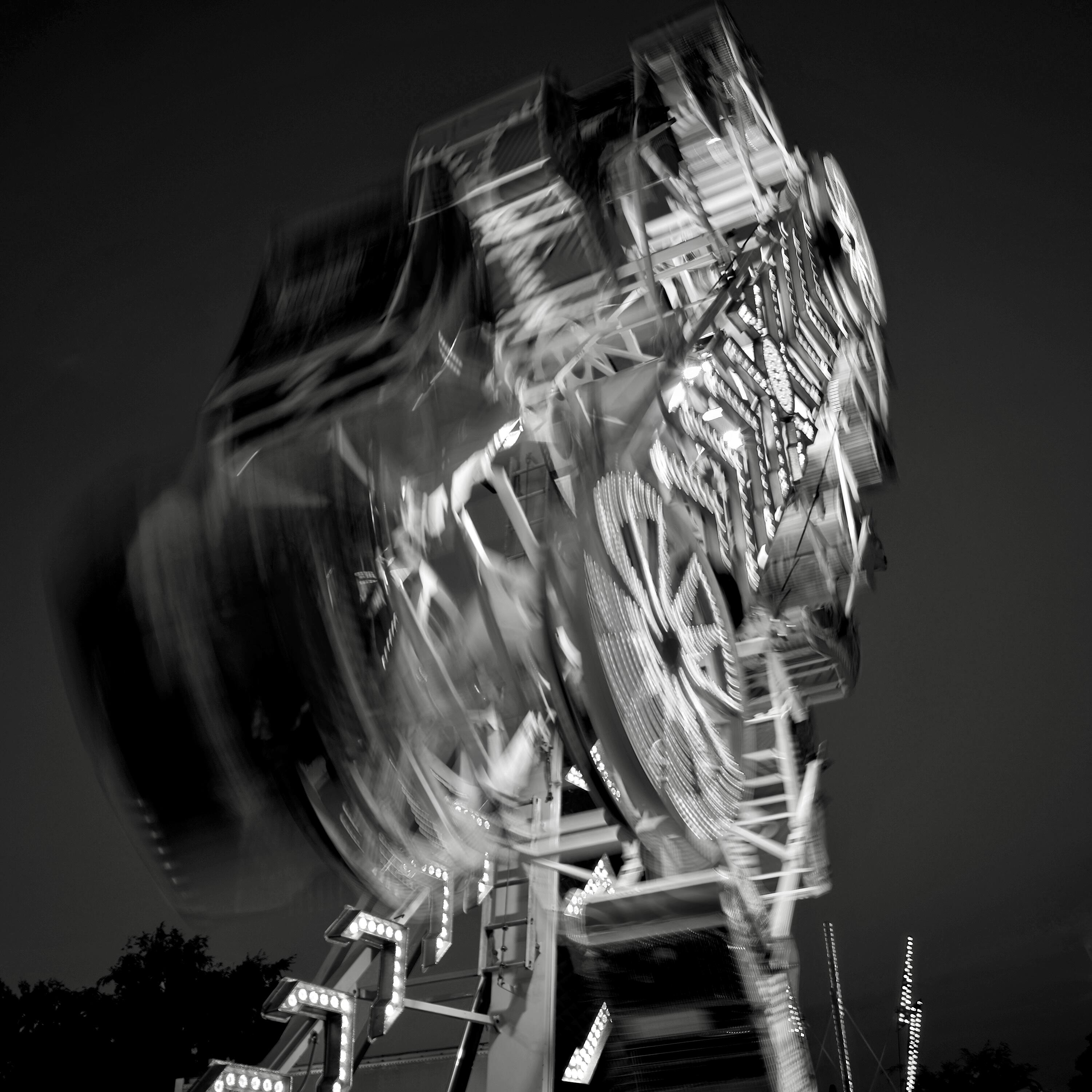
Kicked off the summer this weekend with the San Mateo County Fair. A few not terribly inspiring shots below. Leica SL2-S during the day with the softer Light Lens Lab 35mm f/1.4 Double Aspherical "11873" and during night the more modern Voigtlander 28mm f/2 Ultron.

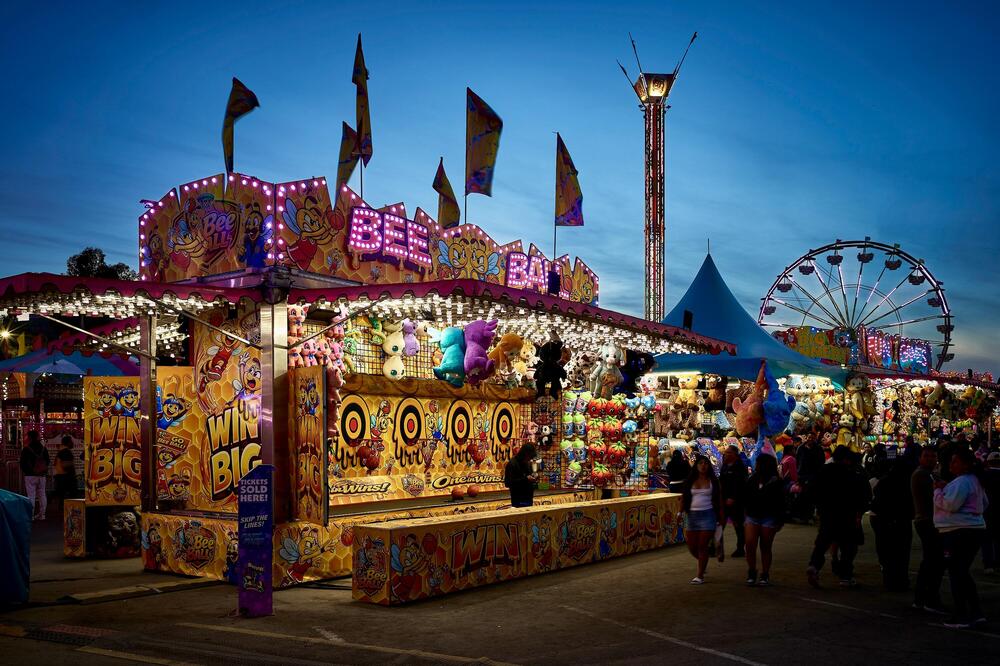



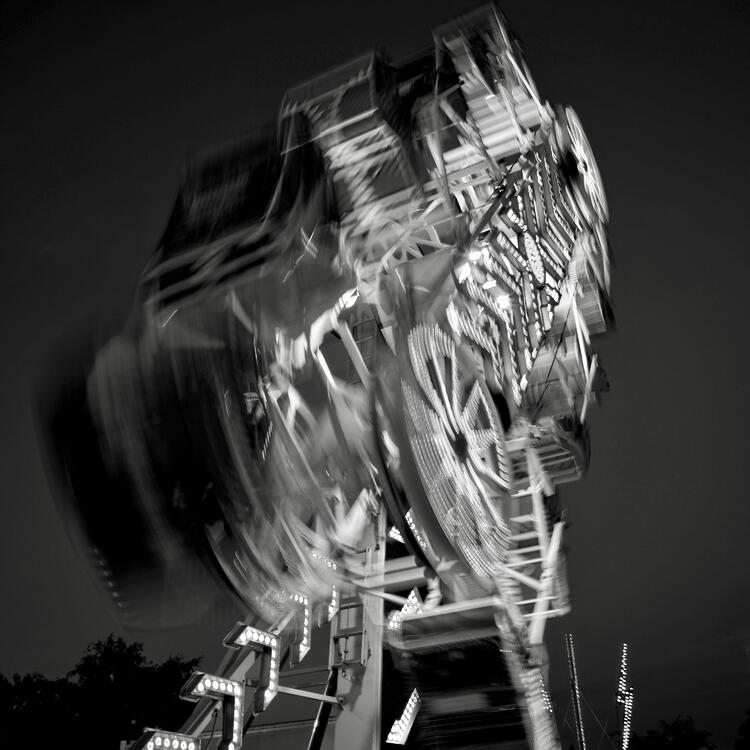 3 points
 -
2 points1 pointPars Thanks for the link to RM. I’ve been registered there for a long time, but I didn’t know they were selling the 216. I bought the 216 and 79 on eBay in 2020. I was building a T2 in 2024. But the board didn’t work. Most likely, the 216 and 79 weren’t original. Replacing them with TA004 didn’t help. When RM sends me the old 216 and 79, I’ll try to get this model running again. Right now, I’m happy with the modified version. The boards are from KGSSHV Carbon, but I replaced the C2M1001700 with EL34 tubes.1 point1 point

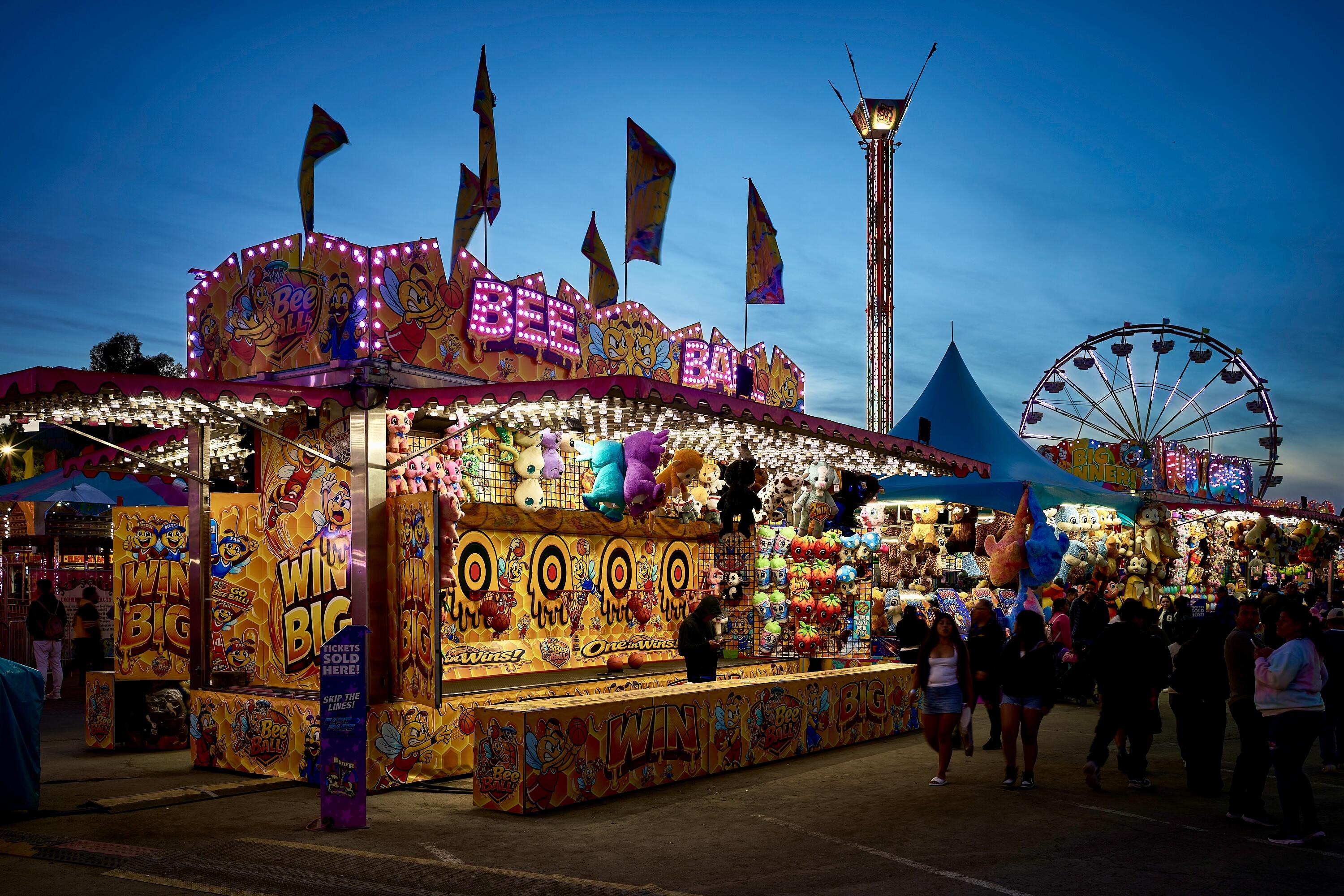


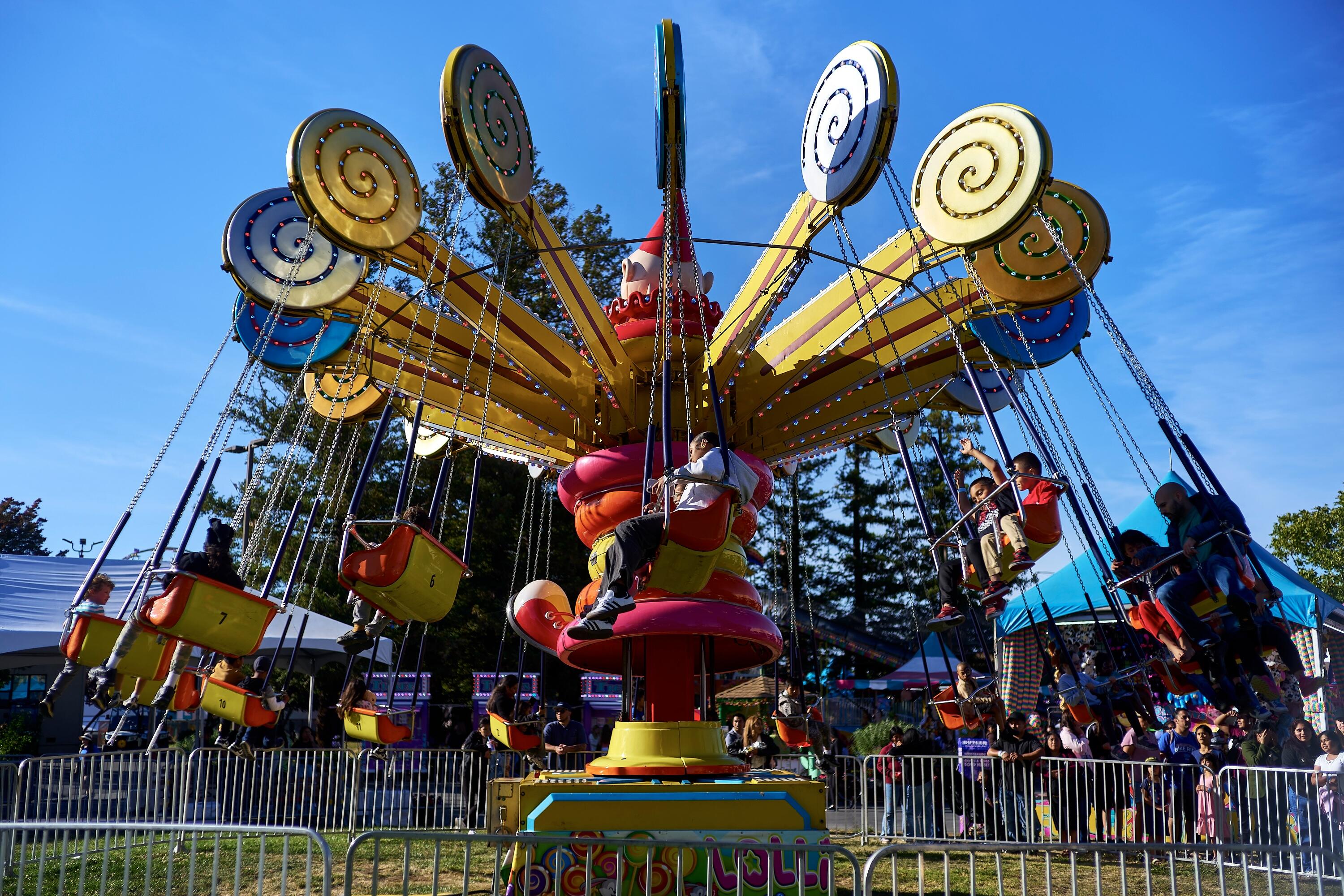




.thumb.jpg.e56950ebbdfabfb46c42ffd725ee1ba0.jpg)
Important Information
By using this site, you agree to our Terms of Use.
Account
Navigation
Search
Configure browser push notifications
Chrome (Android)
- Tap the lock icon next to the address bar.
- Tap Permissions → Notifications.
- Adjust your preference.
Chrome (Desktop)
- Click the padlock icon in the address bar.
- Select Site settings.
- Find Notifications and adjust your preference.
Safari (iOS 16.4+)
- Ensure the site is installed via Add to Home Screen.
- Open Settings App → Notifications.
- Find your app name and adjust your preference.
Safari (macOS)
- Go to Safari → Preferences.
- Click the Websites tab.
- Select Notifications in the sidebar.
- Find this website and adjust your preference.
Edge (Android)
- Tap the lock icon next to the address bar.
- Tap Permissions.
- Find Notifications and adjust your preference.
Edge (Desktop)
- Click the padlock icon in the address bar.
- Click Permissions for this site.
- Find Notifications and adjust your preference.
Firefox (Android)
- Go to Settings → Site permissions.
- Tap Notifications.
- Find this site in the list and adjust your preference.
Firefox (Desktop)
- Open Firefox Settings.
- Search for Notifications.
- Find this site in the list and adjust your preference.