


dsavitsk
High Rollers
-
Joined
Everything posted by dsavitsk
-
@swt61 @TMoney If you are interesting in AK life, Northern Exposure is available to stream on Amazon. I have vague memories of liking it from when it was on, and it turns out to be pretty good.
-
Happy birthday!
-
Happy Birthday!
-
Maybe, but it is what we collectively seem to believe we deserve https://en.wikipedia.org/wiki/Flood_myth
-
Reminded me of this from when I was young - count the legs
-
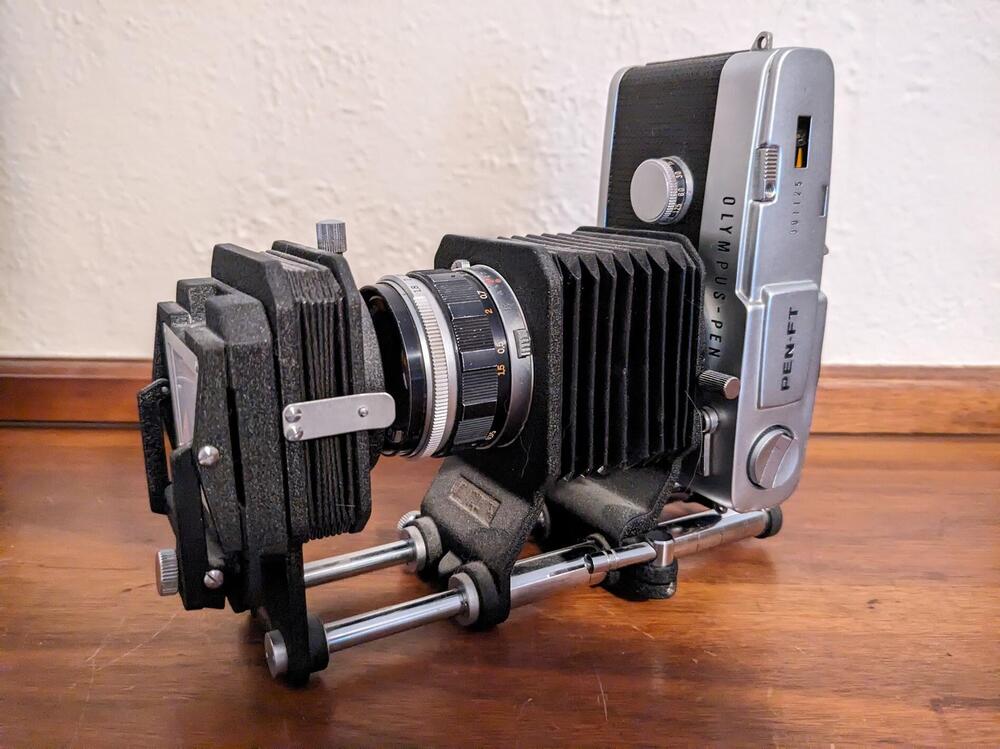
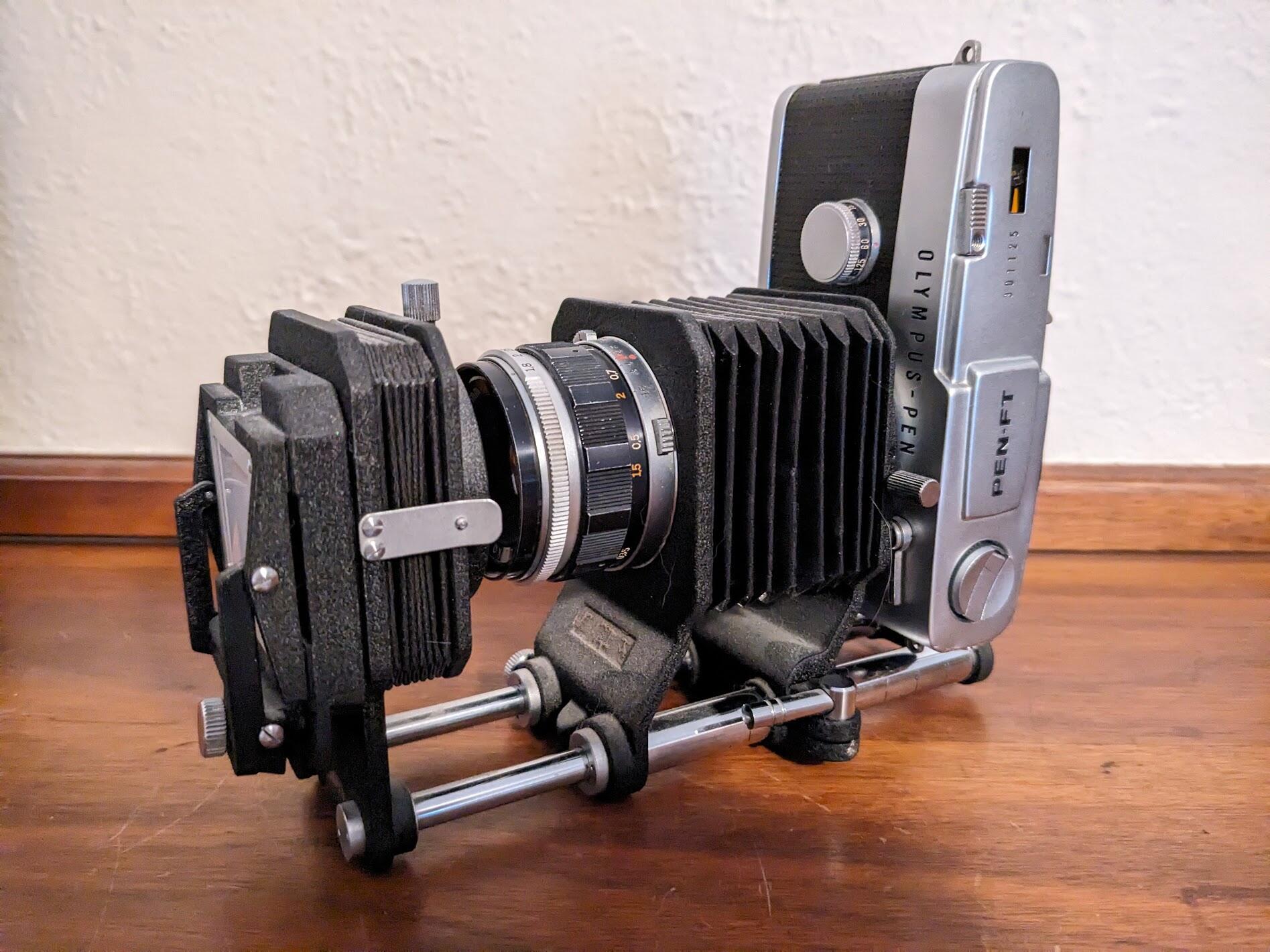
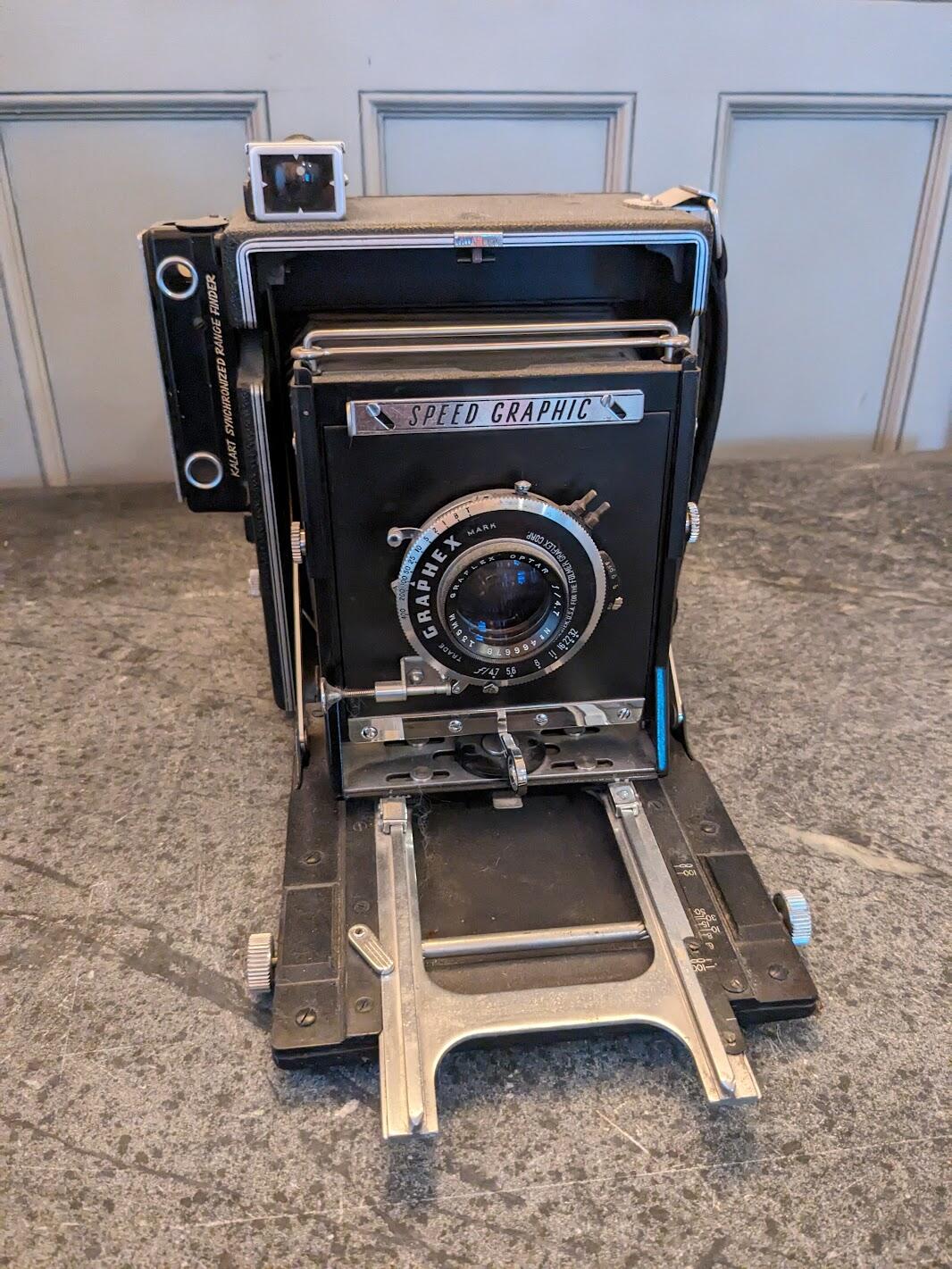
And security guards trailed us to a record shop We asked for Mojo Nixon They said, "He don't work here" We said, "If you don't got Mojo Nixon then your store could use some fixin'"While we are on the subject of useless camera formats - I long ago got rid of nearly all of my collectable camera gear (the Graflex was a gift, received subsequent to that purge). The one piece I kept was my Pen FT half frame with bellows and slide copier. Because who doesn't need to convert all of their slides into even smaller slides?
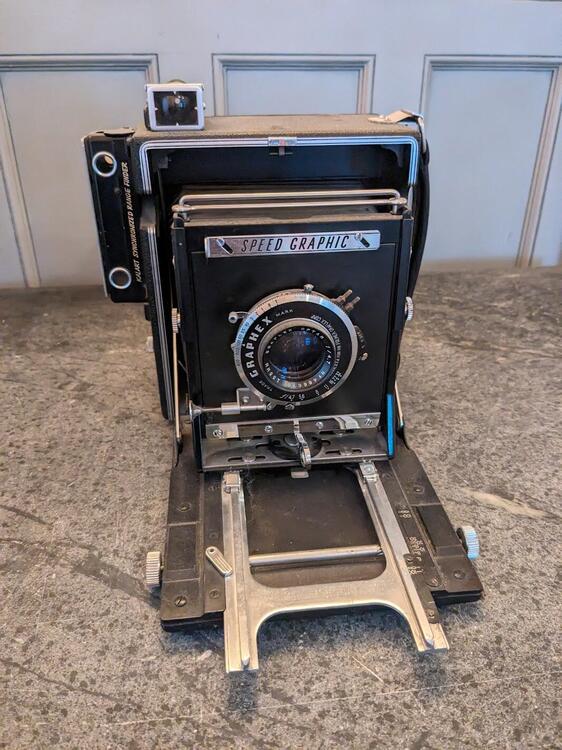
 I have one of those. It is indeed nothing but a dust collector. Back when I was selling used cameras, we probably had two dozen of them siting around - we couldn't give them away and instead we used them as decoration. I am 100% certain we never sold one. We also had piles of other 4x5 and 8x10 stuff around - the store had been open since 1907 or something - and we never sold any of those, either. FWIW, if I wanted to shoot large format again, this would be about my last choice of camera. Basically all of the headache and cost of large format, but almost none of the benefits.
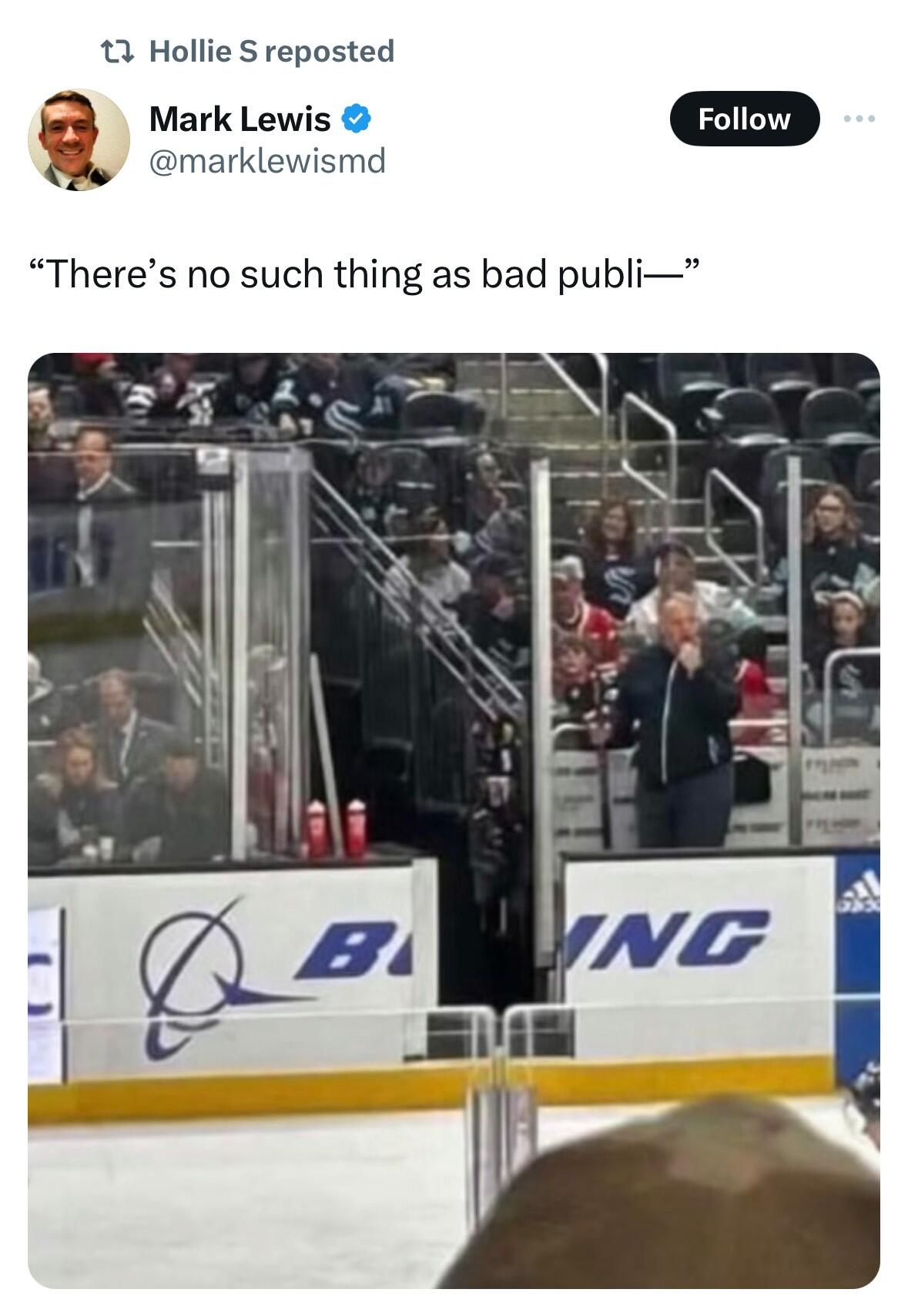
 @robm321 Hadn't been in this thread in awhile, came to post this, and saw the similar post above.Norman Jewison, director of Fiddler on the Roof, dies aged 97 https://www.theguardian.com/film/2024/jan/22/norman-jewison-dead-director-moonstruckI haven't tried it, but there's a tool for moving from Tidal to qobuz https://soundiiz.com/tutorial/tidal-to-qobuzIs there any other place to watch it? ESPN used to have some (I watched the Scotties there a couple years ago) but in their attempt to not show sports anymore that has disappeared.I didn't. I thought it would be necessary, but so far I have not needed it. I've been comfortable without it working on lengths up to around 60"Cinnamon bread
 Happy birthday!






Important Information
By using this site, you agree to our Terms of Use.
Account
Navigation
Search
Configure browser push notifications
Chrome (Android)
- Tap the lock icon next to the address bar.
- Tap Permissions → Notifications.
- Adjust your preference.
Chrome (Desktop)
- Click the padlock icon in the address bar.
- Select Site settings.
- Find Notifications and adjust your preference.
Safari (iOS 16.4+)
- Ensure the site is installed via Add to Home Screen.
- Open Settings App → Notifications.
- Find your app name and adjust your preference.
Safari (macOS)
- Go to Safari → Preferences.
- Click the Websites tab.
- Select Notifications in the sidebar.
- Find this website and adjust your preference.
Edge (Android)
- Tap the lock icon next to the address bar.
- Tap Permissions.
- Find Notifications and adjust your preference.
Edge (Desktop)
- Click the padlock icon in the address bar.
- Click Permissions for this site.
- Find Notifications and adjust your preference.
Firefox (Android)
- Go to Settings → Site permissions.
- Tap Notifications.
- Find this site in the list and adjust your preference.
Firefox (Desktop)
- Open Firefox Settings.
- Search for Notifications.
- Find this site in the list and adjust your preference.