


blessingx
High Rollers
-
Joined
-
Last visited
Everything posted by blessingx
-
Also why is the seniors discounted menu at Denny's basically the children's menu? Mmm jr. grilled cheese.
-
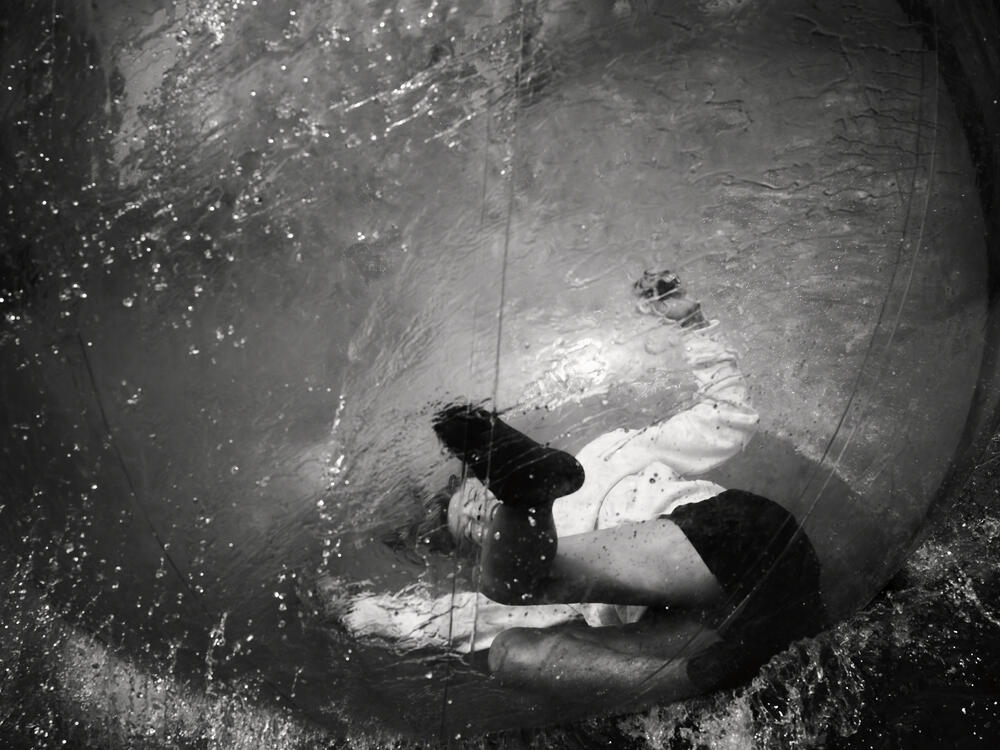
Been playing with Cobalt digital emulations as they’re currently on sale. They’re model based, so in these cases specifically Leica SL2 to match specifically first Leica M Monochrom (M9M). Still have to tweak, but leaning heavily, too heavily, into blacks, they’re promising.




-
Hope it was a great one.Jean-Luc Godard: New Wave director dies at 91 https://www.instagram.com/p/CicX-yjjKi5/?igshid=YmMyMTA2M2Y= https://www.lemonde.fr/en/obituaries/article/2022/09/13/jean-luc-godard-legendary-french-film-director-dies-aged-91_5996746_15.html https://www.bbc.co.uk/news/entertainment-arts-62886470
 More than 40 local elected officials across Russia signed a two-sentence petition on Monday that ended with: “We demand the resignation of Vladimir Putin from the post of president of the Russian Federation!” https://www.nytimes.com/2022/09/12/world/europe/russia-putin-ukraine-war.html?unlocked_article_code=e2Fzh3jCSEmePnp7JKmTYDU_V_tNsxOc2kQBOr0DUSbWqFjBh8mpSy7vaPXirOmnC-eI2LvS-JkVF-5IspgvT1atNoYsiaOcyusOOzs_0HKQaSDoF5zvgkYjeLTysuMAxFMfIVkZ6VAWxGIkOgeXoFtDr66Ju9lDizCPsG9e9oTg622feUUFPL2yLPR19o4OsHT8YlUwyTmzeYiDpaGOt0KtTEc9XNwPa5CVesLZT2ATlSgX1YAQz-pN2GNjFQdwzBu565LIj0gNxiJcQq7Rim8J6ooQUenjRRBqpVI2R2_pkBG7aoH3iFp6W4i8SBwE-t-w2uCAl5i2i2Ddc_ogf5IUitBaWg&smid=em-sharePretty, pretty good.Ouch
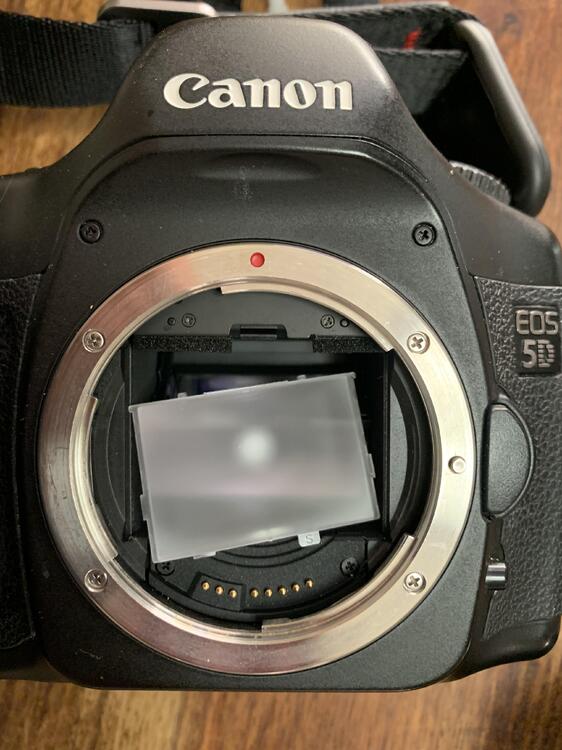
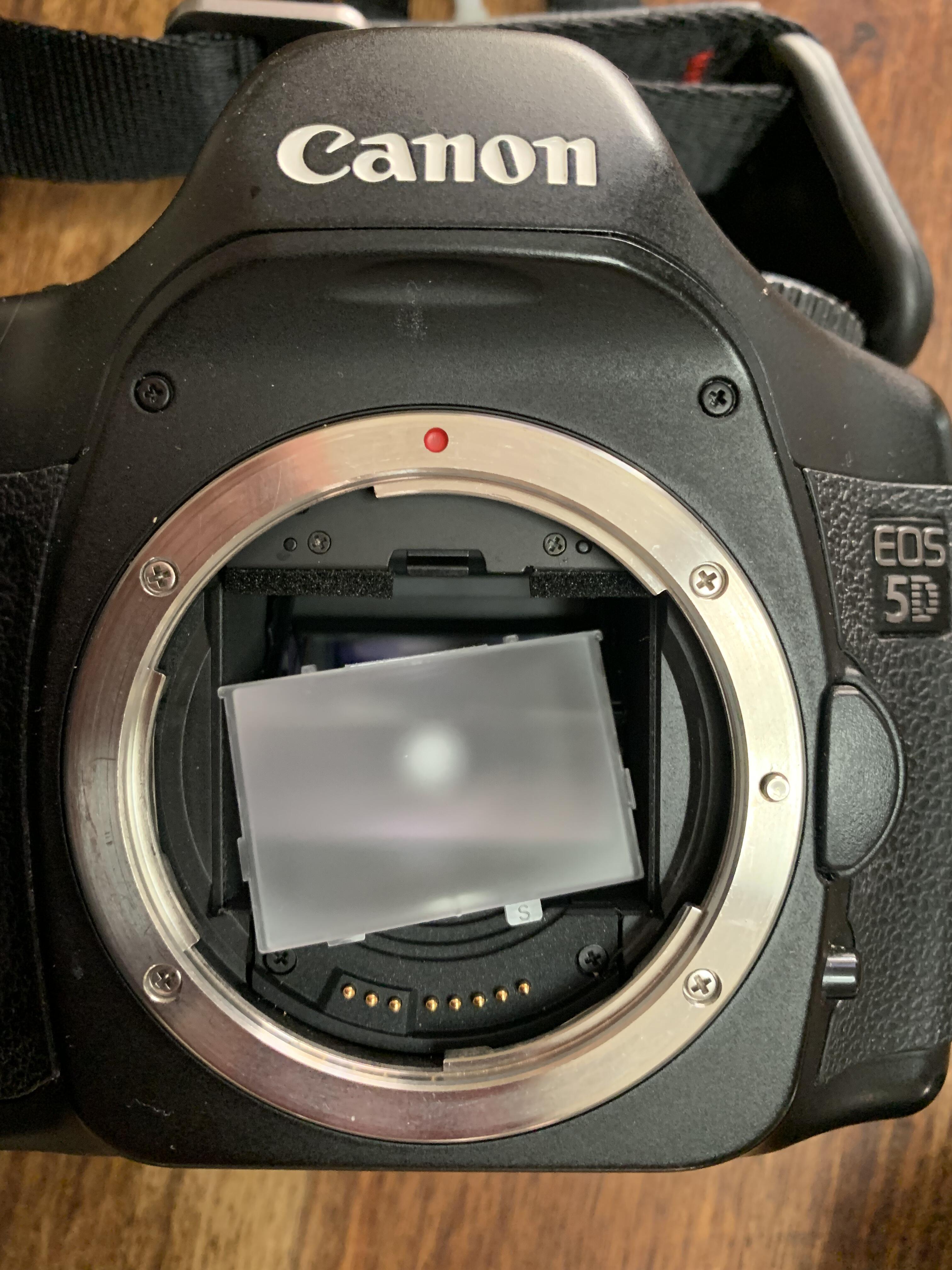
 Don't romanticize that 5D Classic too much. 😜I bought one recently and headed out this morning for the second time to find the OVF looked like I was looking through a periscope. I guess there are disadvantages to having a 12lb mirror slapping around in there as the focusing screen was trying to escape. Don't take the advantages of mirrorless for granted folks! And as you mentioned the M240, you know when I was most satisfied with its default colors? The last test shots in a parking lot as I was showing it was working properly to its new buyer. I took some of my favorite early pandemic shots with it, all monochrome, but was preoccupied with digital medium format at the time. 🤦♂️ That sale led to the SL though, whose default colors I loved immediately. It has a look, that was unfortunately eliminated in the SL2 (the SL2-S is rumored to be in between, but I have my doubts). I'm sure it could be integrated into other systems more easily and better edited from a more neutral starting point, but it does seem that something special was eliminated. I certainly can understand if you also struggle with it. A lot of complaints online. Still there are options (I'm looking into Cobalt) and besides the IBIS and video functionality you mentioned, the Monochrome High Contrast profile and highlight weighted metering are pluses of the recent Leicas including the SL2. EDIT: Anyway fixed the 5DC before a little art & wine fest this weekend...

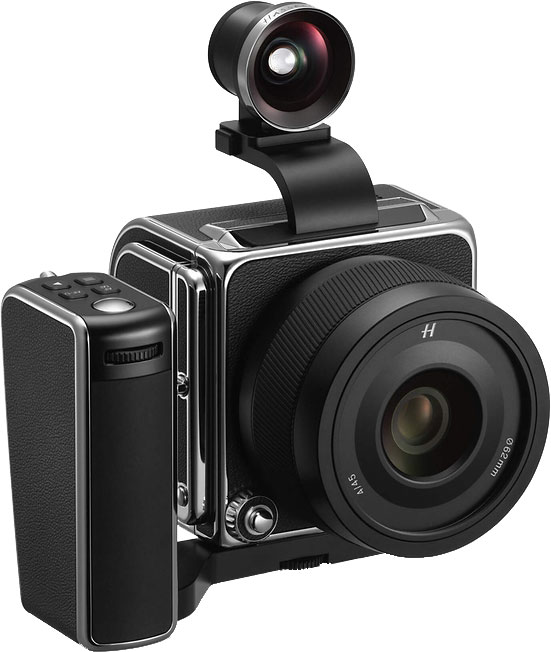
 I haven’t seen the third episode yet (though like a Guardian review title of it “Less slow-motion horse riding please!”), but reasonably enjoyed the first two. It’s fun to be in a time where weekly you can jump back and forth between two shows tackling a similar fake English history, through very different lenses (though I worry fake white history is exactly what we don’t want to be feeding supremacists in the time of Trump). My non-fan status of the books and movies* may bar me from being a targeted audience (or as I’m enjoying this series so far more than the books and movies a clue to your question), but I’m also confused about that audience target. I know there’s always been a man-child component here, but is this thing a kids or adult show? I don’t mean to pigeonhole it, but to understand motivations, besides simply plot advancement (my biggest problem with films). For what it’s worth, I tend to watch the two shows late, and at the end of the House of the Dragon episodes I’ve been wide awake guessing what’s next and at the end of the first two Rings of Power the eyes are pretty tired, though that could be all the slo-mo. Like you I’ll probably give it another episode or two. And, c’mon, everyone watch The Bear! *But keep in mind I’m likely visiting the Northern California Renaissance Faire next weekend, so not immune to some charms of the genre.Charles is going to go for the record and rule for 75 years.Stop tempting me! I'd love to give it a try, but already in the equivalent Fujifilm MF camp, besides if I went Hassy I'd probably be pulled to the more hipster version.
 So for the new AirPods Pros, you can take a photo of your ears and make a personal Spacial Audio profile?
 ┏┓━┏┓┏━━┓━┏━━┓┏━━┓┏┓━┏┓ ┃┃━┃┃┗━┓┃━┃┏┓┃┃┏┓┃┃┃━┃┃ ٩(*❛⊰❛)~❤ ┃┗━┛┃┃┗┛┗┓┃┗┛┃┃┗┛┃┃┗━┛┃ 🅑🅘🅡🅣🅗🅓🅐🅨 ┃┏━┓┃┗━━━┛┃┏━┛┃┏━┛┗━┓┏┛★ 🆃🅾 🆈🅾🆄 ★ ┃┃━┃┃━━━━━┃┃━━┃┃━━┏━┛┃ ♥♥♥♥♥♥♥♥♥♥♥♥ ┗┛━┗┛━━━━━┗┛━━┗┛━━┗━━┛Back to Jaws.
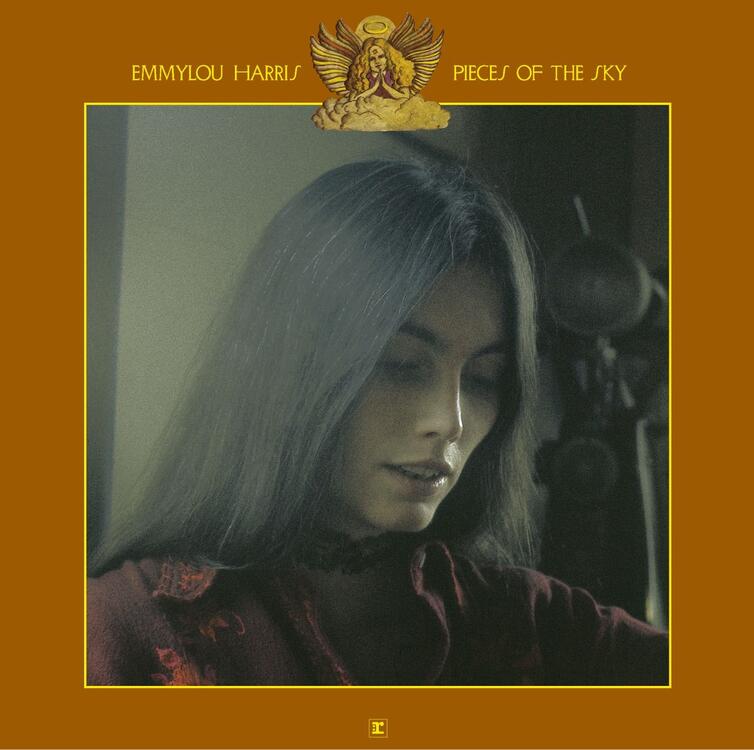
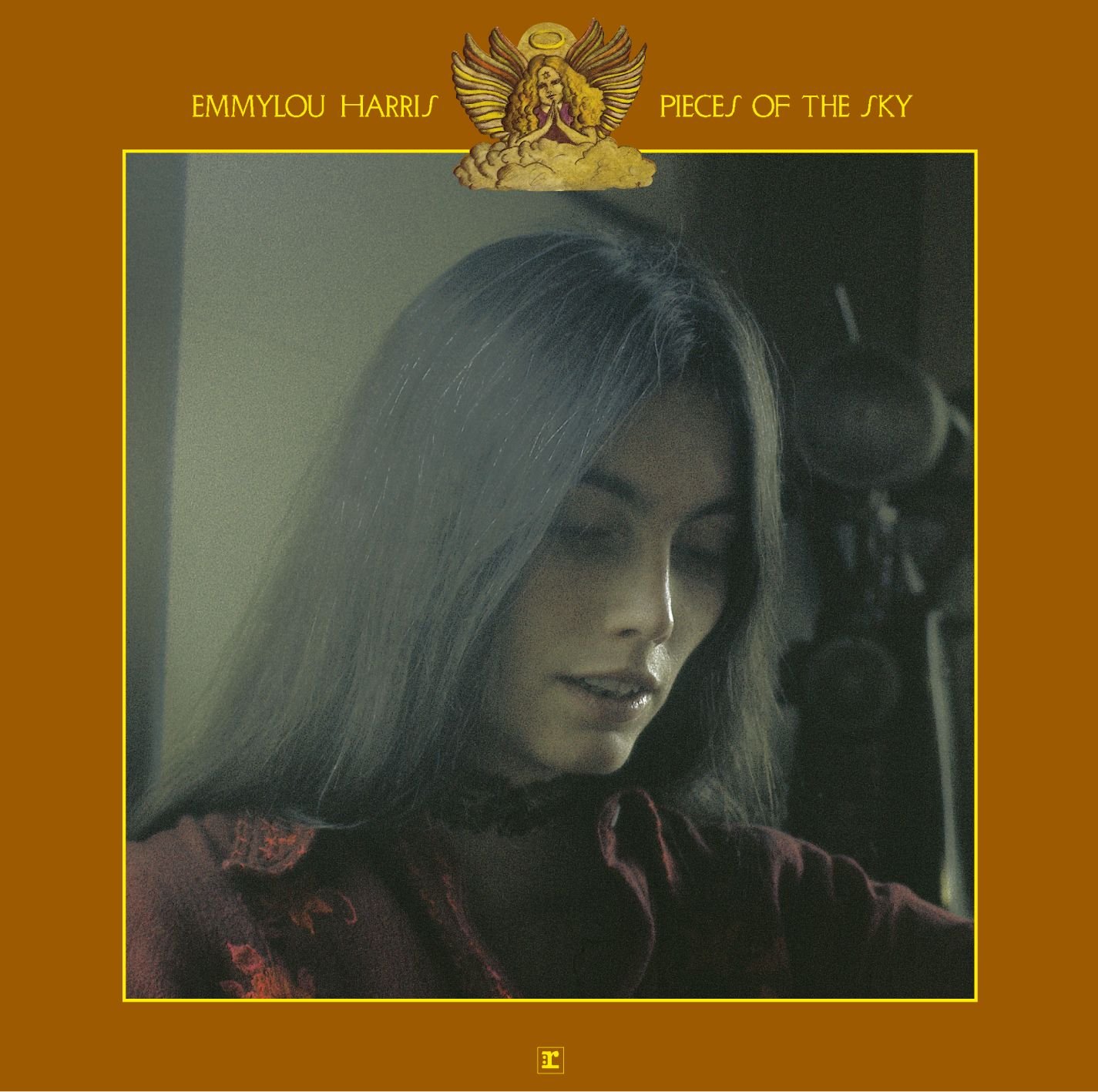
 This ends my unexpected Labor Day weekend Country immersion. Will come back to the list in the near future, but ending with #33, Emmylou Harris' Pieces Of The Sky. So consistently a thing, it's probably someone else's [Joni Mitchell's] Blue. ex. 'Pieces of the Sky was her proper launch as an artist truly in her own right and stands as one of her defining statements. The careful, note-perfect production may have smoothed over some of the rough edges of the honky-tonk she clearly loved, as heard in her version of Merle Haggard’s “Bottle Let Me Down.” But she more than compensated with fantastic taste in songs (by Dolly Parton, the Louvin Brothers, and Rodney Crowell, among others). And that beautiful but slightly downcast voice — perhaps still mourning the loss of her duet partner Gram Parsons two years earlier — lent the album a mournful elegance. —D.B.'
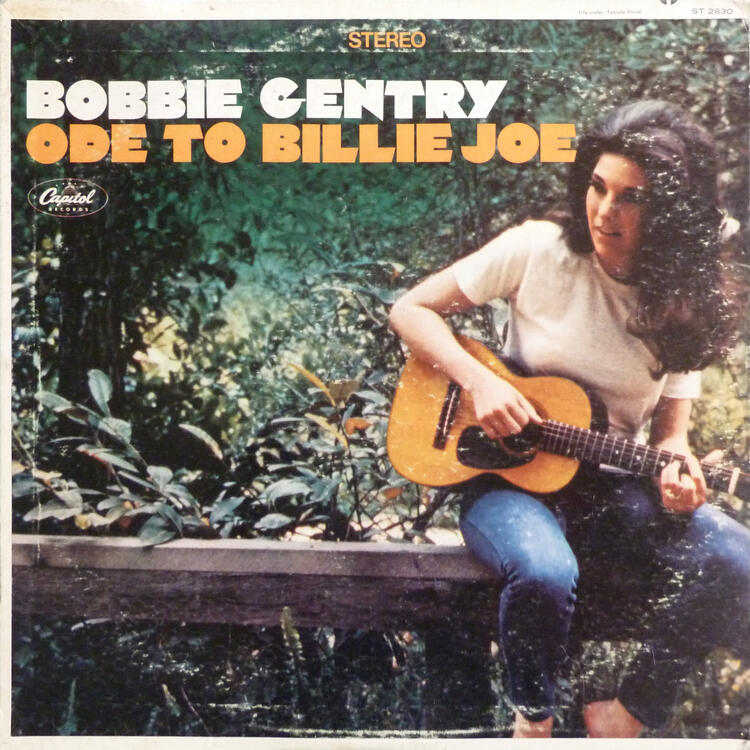
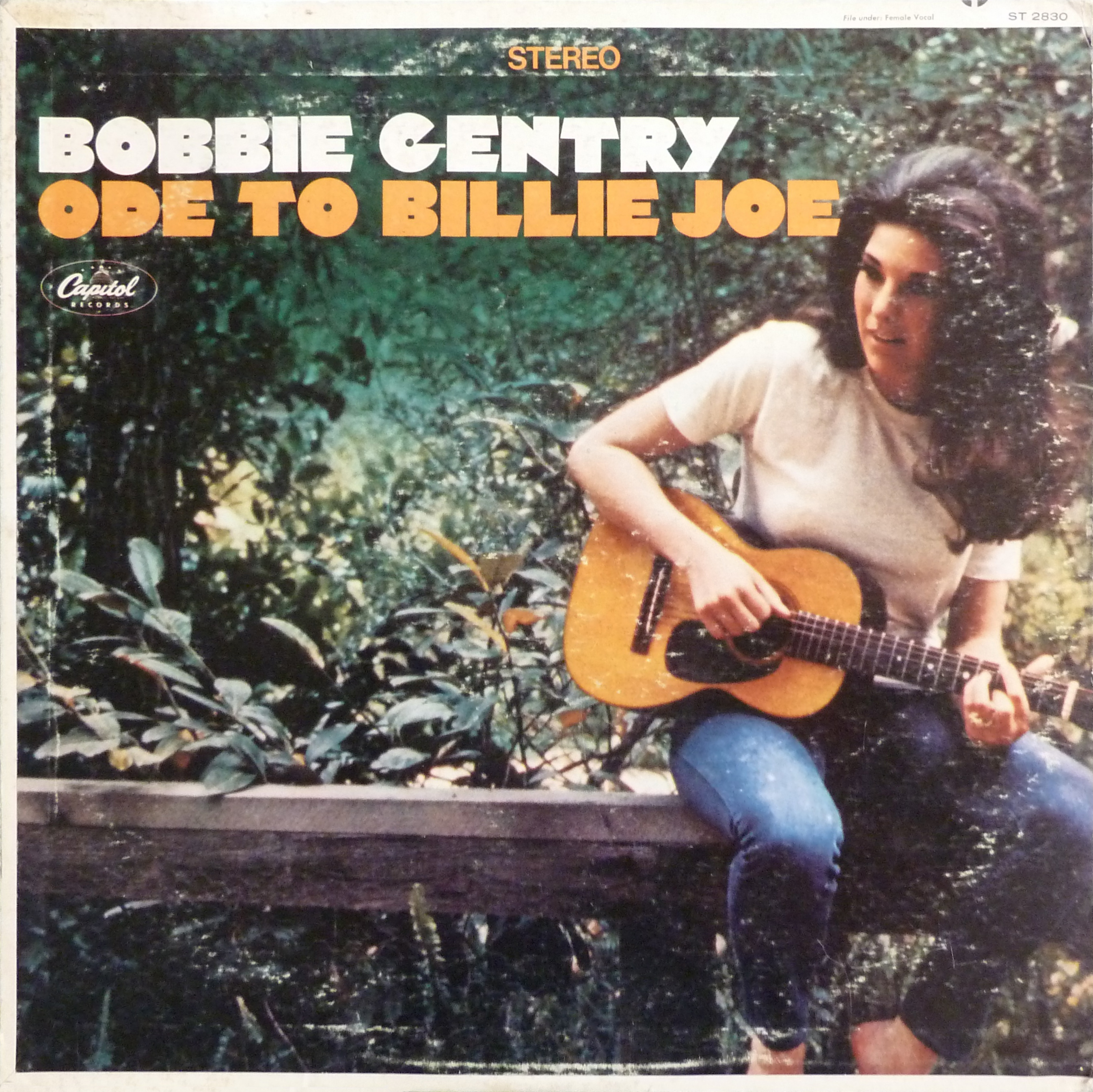
 So as the disclaimer states*, this is pretty much a greatest Nashville list, which is a little strange to call a definitive Country list. Still use it for what it is. Occasionally, you even glimpse in more modern lines. Okay, Steve Earle and Jason Isbell are in. Whiskeytown/Adams and Tupelo/Wilco are out (Not a direct response to Nashville?). Anyway, geographic lines leads to inclusions like the big, beautiful Bobbie Gentry's Ode to Billie Joe. Ex. What a great A/B 45 release... * "What you won’t find much of is alt-country, country rock, and Americana, as we tried to keep this list focused on music produced by the Nashville system (or in direct response to it) and marketed to the country audience. That means no Uncle Tupelo or Eagles, though Lucinda Williams and Gillian Welch make appearances for sterling work that exists comfortably in both worlds. Maybe we’ll get to that country-rock list another time."
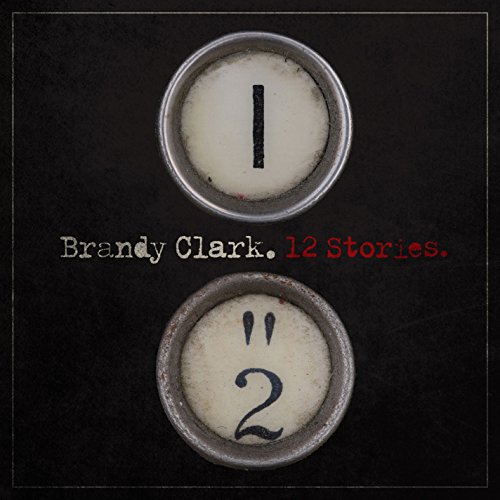
 Brandy Clark’s 12 Stories ex. ‘Her stories are about women who cheat, who are cheated upon, and who divorce husbands they’ve outgrown, and her songs are full of punchlines that delight and devastate. One working-class narrator makes certain to “pray to Jesus” for help but also makes sure to “play the lotto.” And seemingly “crazy women,” she explains, “are made by crazy men” — it’s the sharpest misogyny explainer since Kitty Wells schooled men on who made honky-tonk angels. Throughout, Clark’s secret weapon is her singing, which comes off easy and game for fun then soars heartbreakingly high and lonesome like a blue-collar Emmylou Harris. —D.C.’
 Perhaps if we translated to wood it would jog the memory?
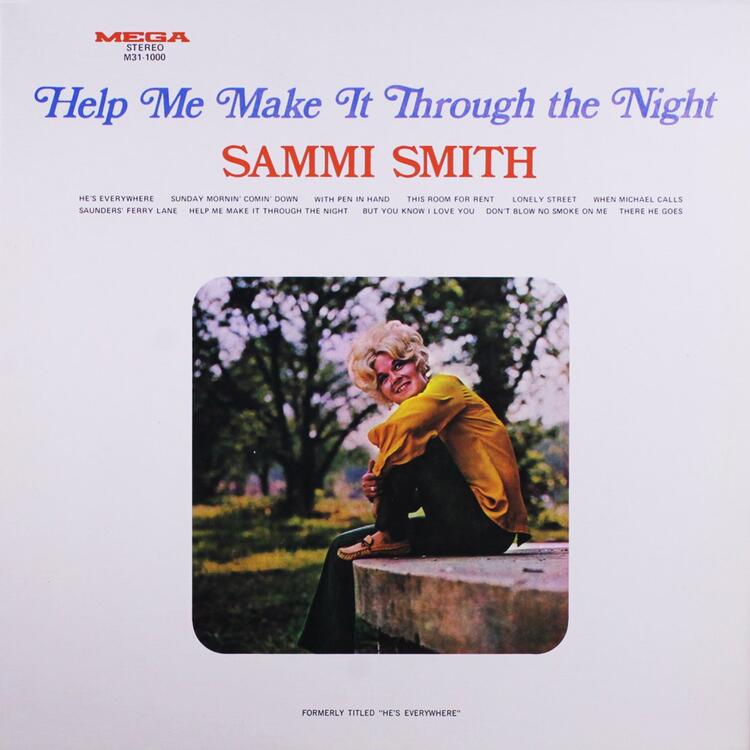
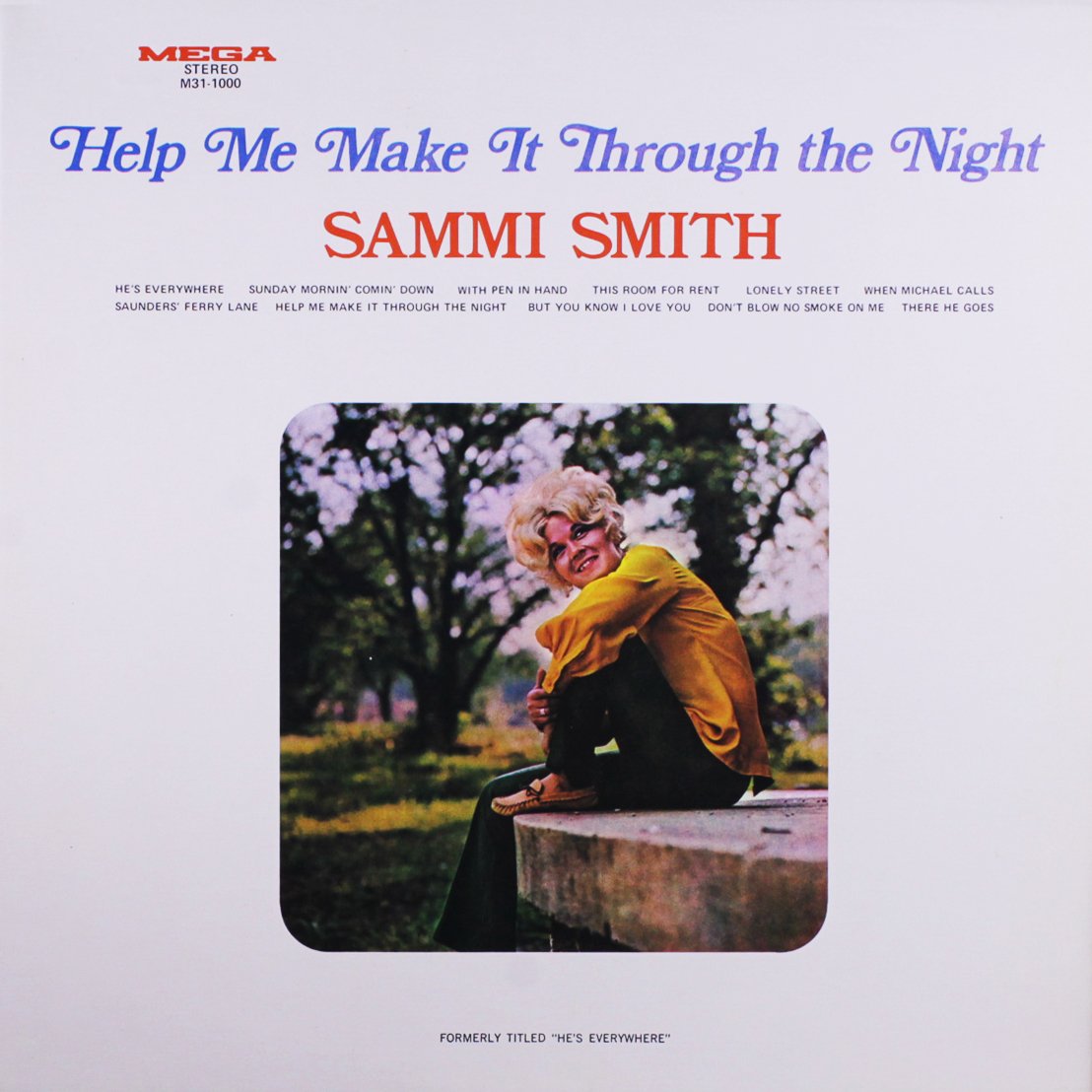
 Continuing the list and following Kris above - Sammi Smith's Help Me Make It Through The Night. 'Help Me Make It Through the Night is a masterpiece of country soul that perfectly bridges outlaw sensibility with lush Nashville studio sounds. It has ballads like “There He Goes” and “Lonely Street” that match the intimacy of Dusty in Memphis and wounded delivery of Tammy Wynette, thanks to Smith’s powerful, husky alto. There are even bright flashes of popular music from the era, like the sitar effect in “With Pen in Hand” or the supremely funky drums in “This Room for Rent” and “But You Know I Love You.” But its defining moment will always be Smith’s recording of the Kris Kristofferson-penned title cut, which won Smith a Grammy. Hundreds of cover versions exist now, but no one has ever been able to match the smoldering desire in her performance. —J.F.' Ex.
 Running through Rolling Stone’s surprisingly modern-leaning 100 Greatest Country Albums list, so this morning Sturgill Simpson’s Metamodern Sounds In Country Music. ‘The irascible Simpson joked to Rolling Stone in 2014 that Metamodern Sounds in Country Music was his “hippie love record.” Maybe so, but it was undeniably a Nashville game changer. After the sonically adventurous album’s release, numerous artists either cited it or tried to duplicate it. They needn’t have tried: Only Simpson, well-read on cosmic theories and tired of outlaw-country comparisons, could have pulled off an album this one-of-a-kind. “Turtles All the Way Down” is a psilocybin-fueled trip through the religions of the world; “It Ain’t All Flowers” is a cacophony of shrieks, howls, and dub; and “Living the Dream” is the ultimate slacker’s lament. “I don’t have to do a goddamn thing ’cept sit around and wait to die,” he sings. Not even Townes Van Zandt sounded as dejected.’ —J.H.Let’s spice up the Apple Event!Coincidentally large format… https://petapixel.com/2022/08/26/100-year-old-360-degree-film-camera-that-uses-98-feet-long-film/















Important Information
By using this site, you agree to our Terms of Use.