


jose
Returning Member
-
Joined
-
Last visited
Everything posted by jose
-
I'm in a pet shop boys concert
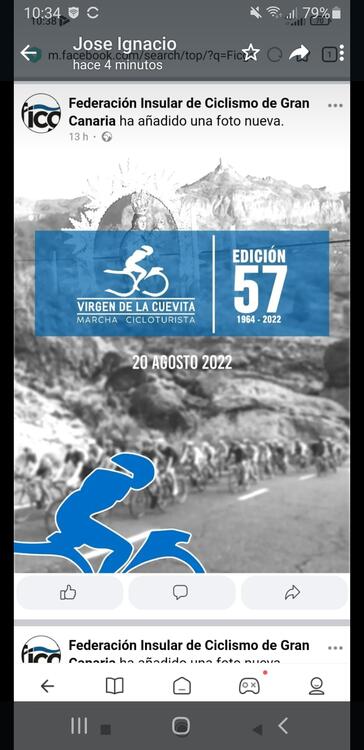
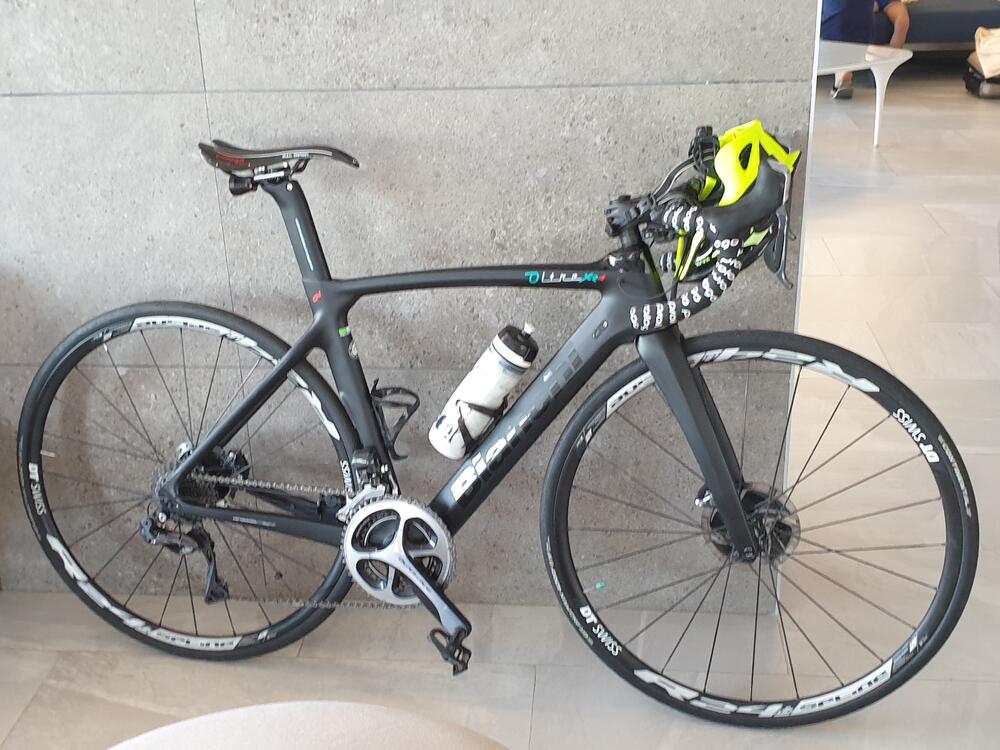
 Warning: possible boring content 😉 Revolver is without a doubt my favorite Beatles album for as long as I can remember. My mom bought me this vinyl when I was barely 12 years old and for many years I have been buying reissues, remasters, rare copies... Forget all songs and go to "Tomorrow never Knows", turn up the volume on your Blue Hawaii and accommodate your 007... Ringo's drums sound brutal!!!!! Phil Collins also has a very good version on his Face Value album from 1981.OffspingJulian Lennon "Valotte" While I was listeing this my wife send me this nice video.Last year I get a good time. This year is not my best time but I have my inscription Its my 16th edition
 Thank you guys!!!!Ready for enjoy my holidays 😁
 R.I.P Andrew FletcherI´m playing this with my HP G1... Since I got a 3080 at a "reasonable" price (700€) I´m enjoying all my simulators in VR.Pasquale GrassoHappy Birthday!Pat Metheny Group Live Motreal 1982King HarvestVega Trails: Milo Fitzpatrick (Portico Quartet) and Jordan Smart (Mammal Hands) These people from Gondwana Records have exquisite musicians.I'm always hesitant between 100th Window and Mezzanine. I think both are great works very correlated. However Blue Lines is still very special.Something very different: Oliver Malcolm






Important Information
By using this site, you agree to our Terms of Use.
Account
Navigation
Search
Configure browser push notifications
Chrome (Android)
- Tap the lock icon next to the address bar.
- Tap Permissions → Notifications.
- Adjust your preference.
Chrome (Desktop)
- Click the padlock icon in the address bar.
- Select Site settings.
- Find Notifications and adjust your preference.
Safari (iOS 16.4+)
- Ensure the site is installed via Add to Home Screen.
- Open Settings App → Notifications.
- Find your app name and adjust your preference.
Safari (macOS)
- Go to Safari → Preferences.
- Click the Websites tab.
- Select Notifications in the sidebar.
- Find this website and adjust your preference.
Edge (Android)
- Tap the lock icon next to the address bar.
- Tap Permissions.
- Find Notifications and adjust your preference.
Edge (Desktop)
- Click the padlock icon in the address bar.
- Click Permissions for this site.
- Find Notifications and adjust your preference.
Firefox (Android)
- Go to Settings → Site permissions.
- Tap Notifications.
- Find this site in the list and adjust your preference.
Firefox (Desktop)
- Open Firefox Settings.
- Search for Notifications.
- Find this site in the list and adjust your preference.