


Grahame
High Rollers
-
Joined
-
Last visited
Everything posted by Grahame
-
When your audiophile OCD has OCD?
-
Mobland The same leads as The Thursday Murder Club, But an entirely different , (Guy Ritchie) vibe. Plenty of dodgy and diamond geezers in an underworld setting. Great pacing, visuals, intrigue, banter and twists. And Tom Hardy. Satisfying. MobLand review – Tom Hardy can pull off miracles! And this show needs a few | Television & radio | The Guardian https://www.theguardian.com/tv-and-radio/2025/mar/30/mobland-review-tom-hardy-guy-ritchie
-
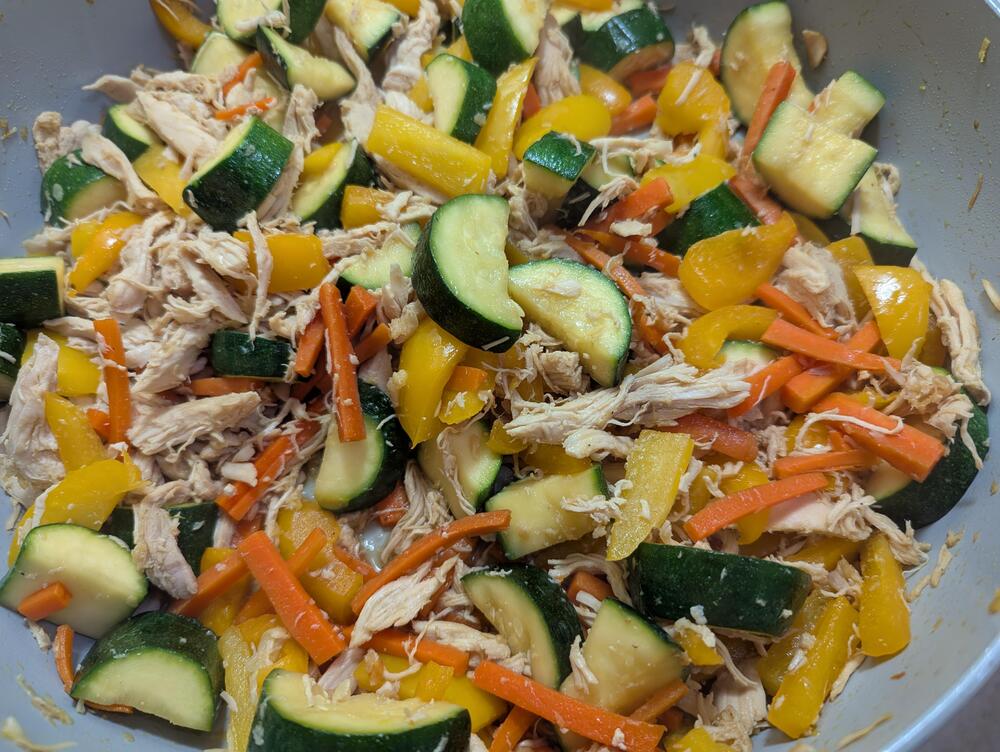
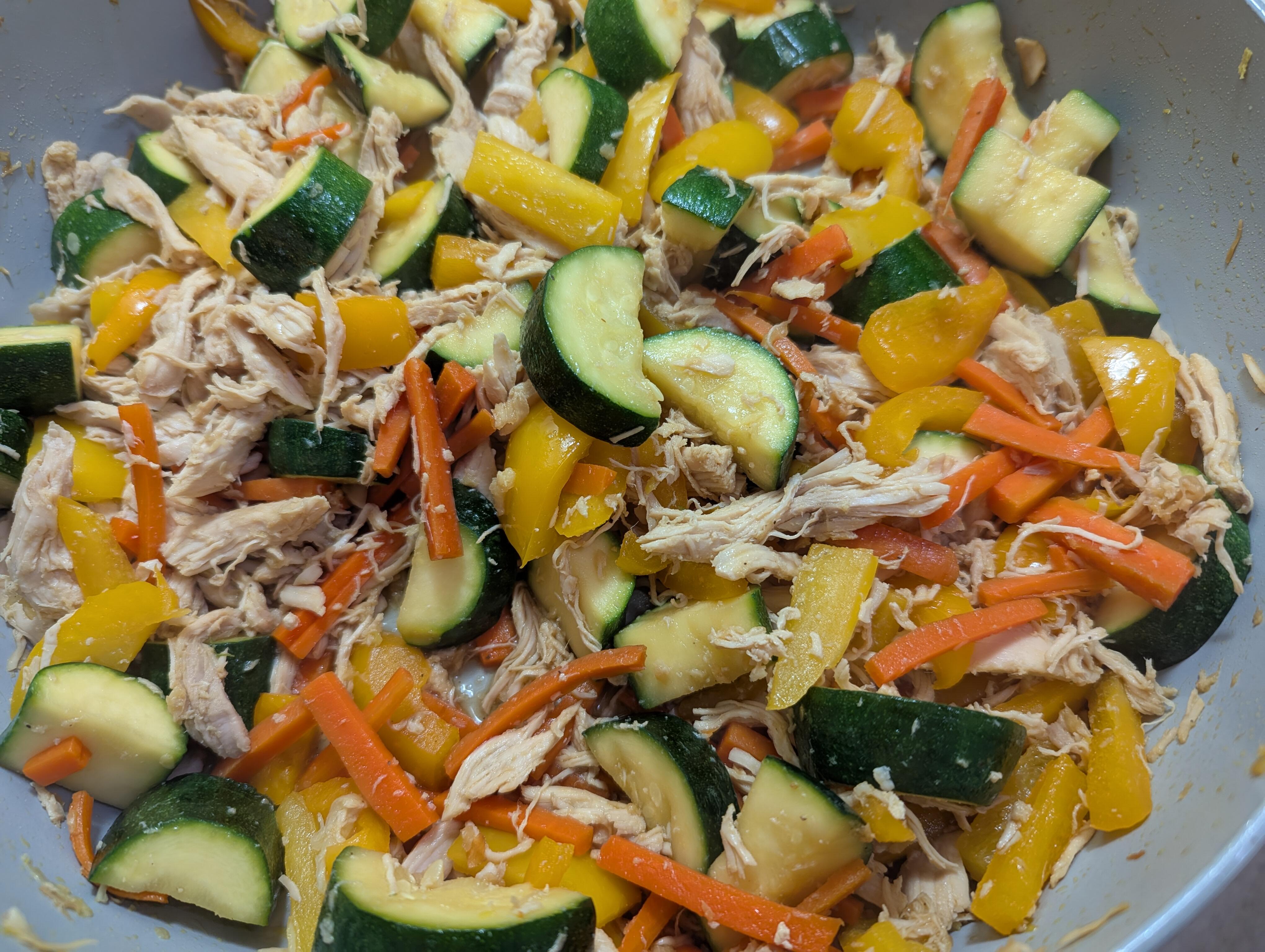
A colourful Chicken and veggie stir fry.
-
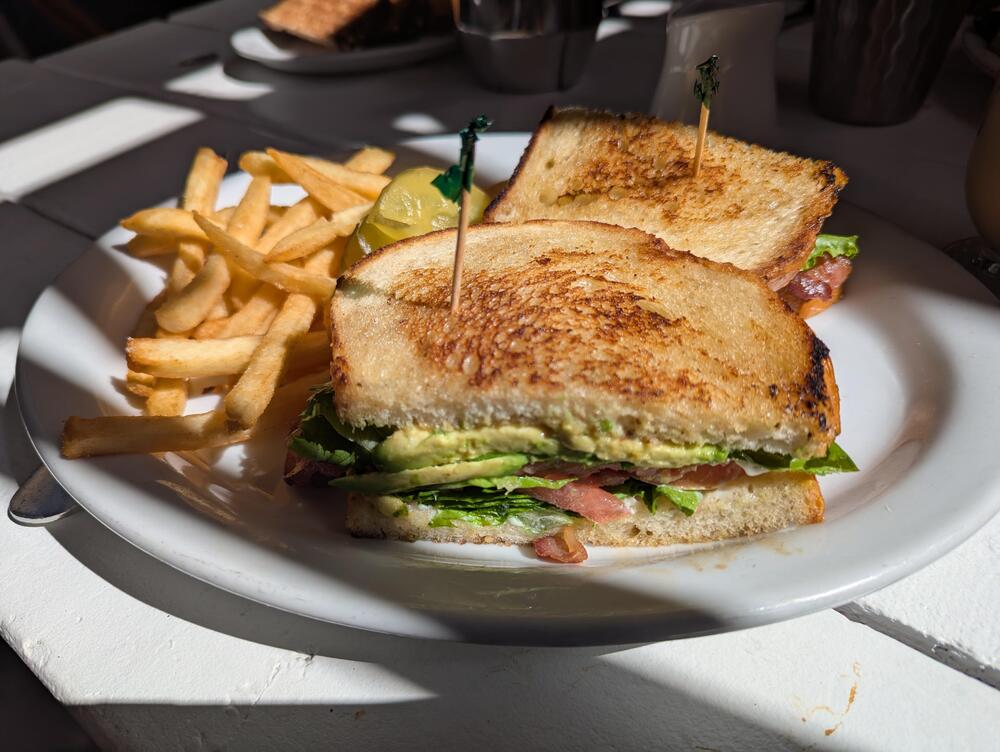
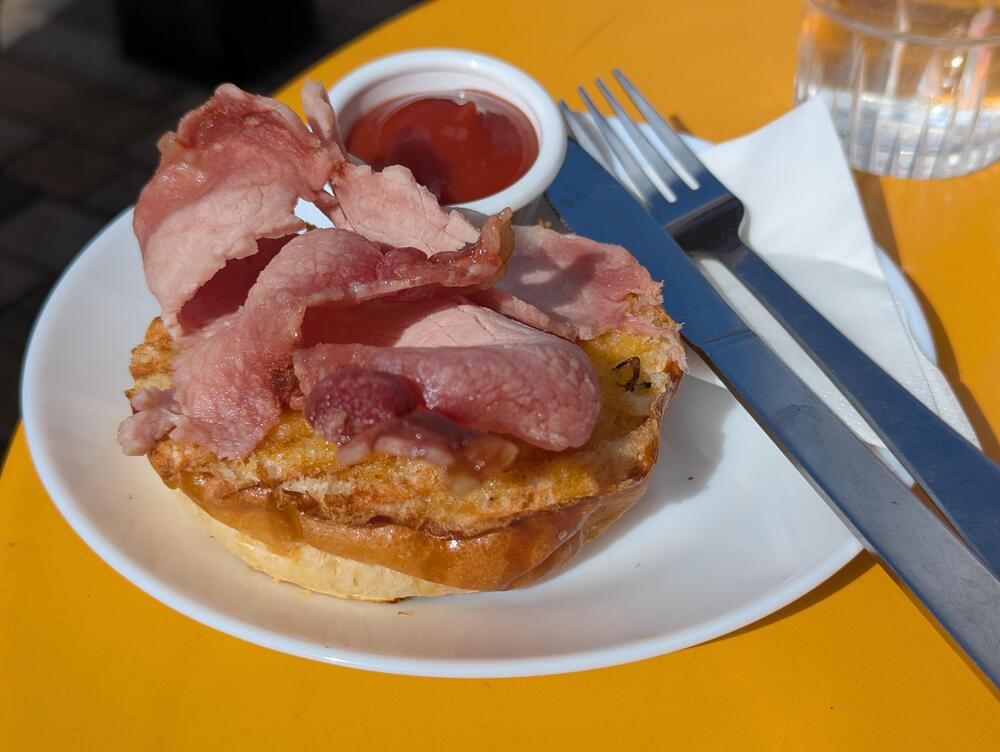
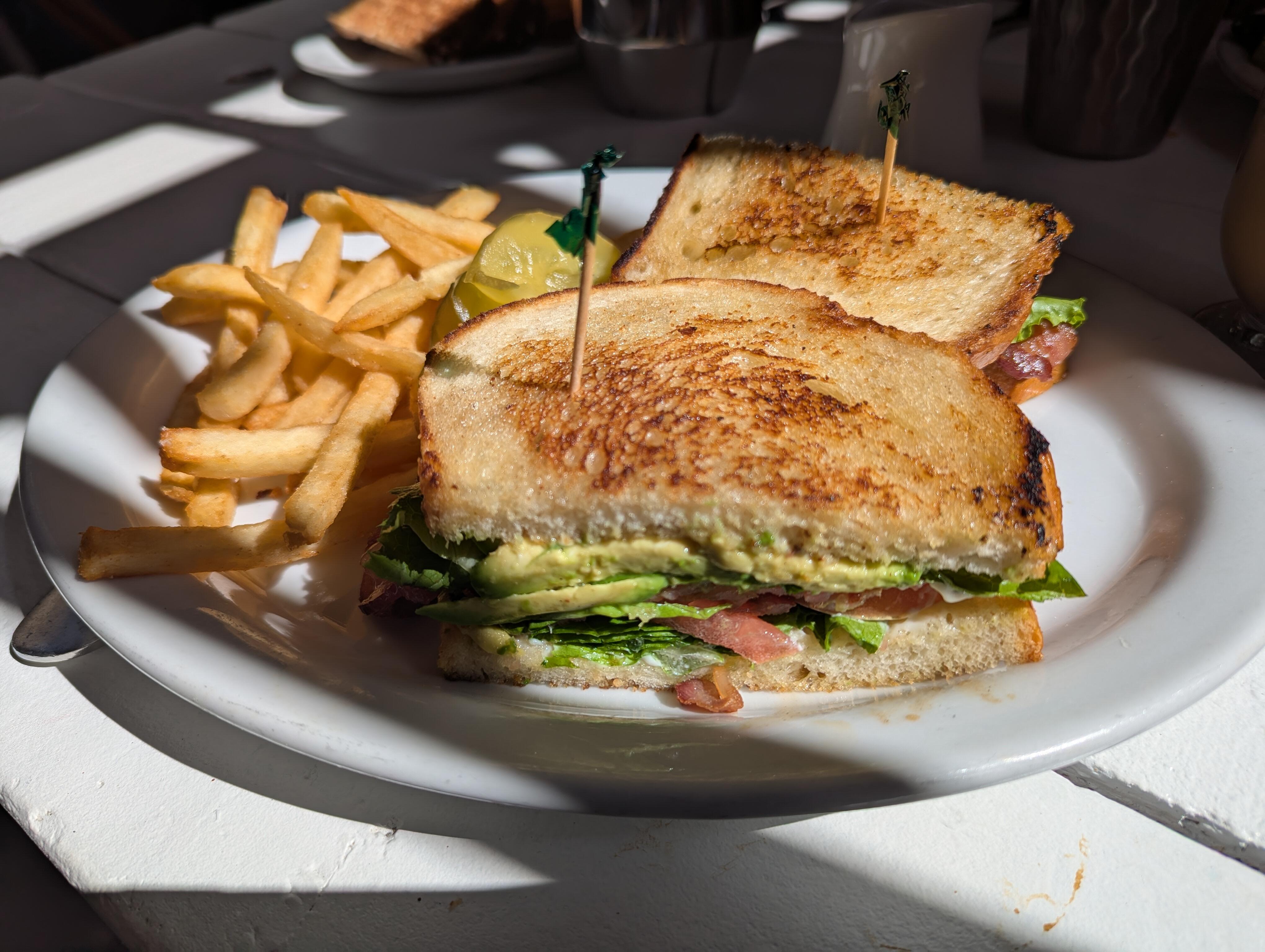
A tasty BLAT And (non HF mug) Latte

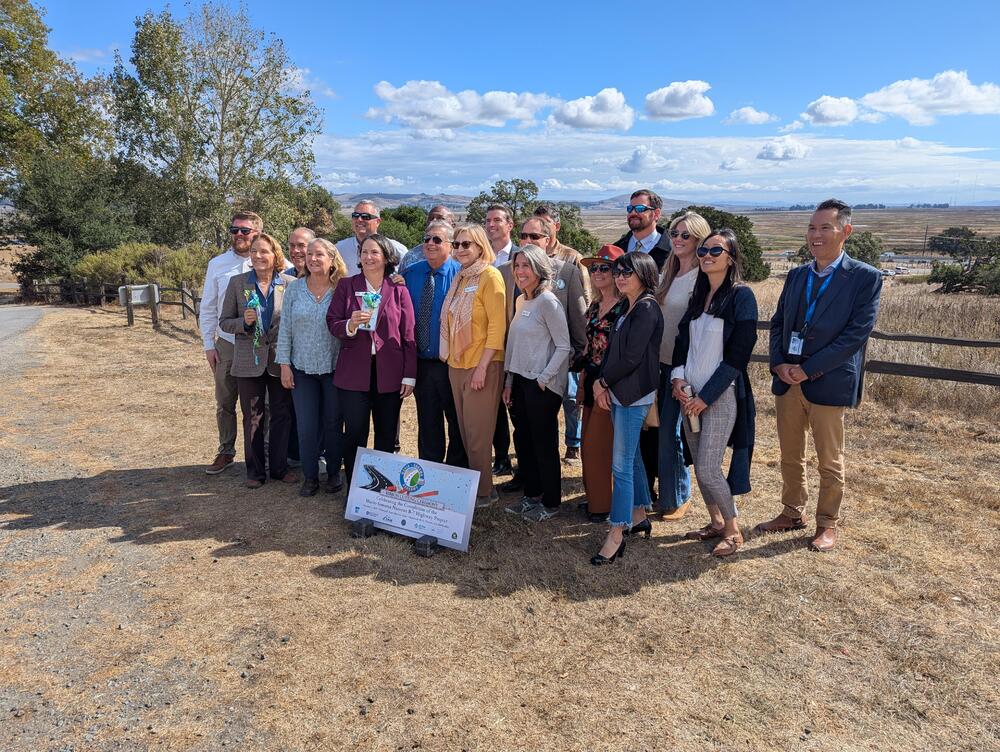
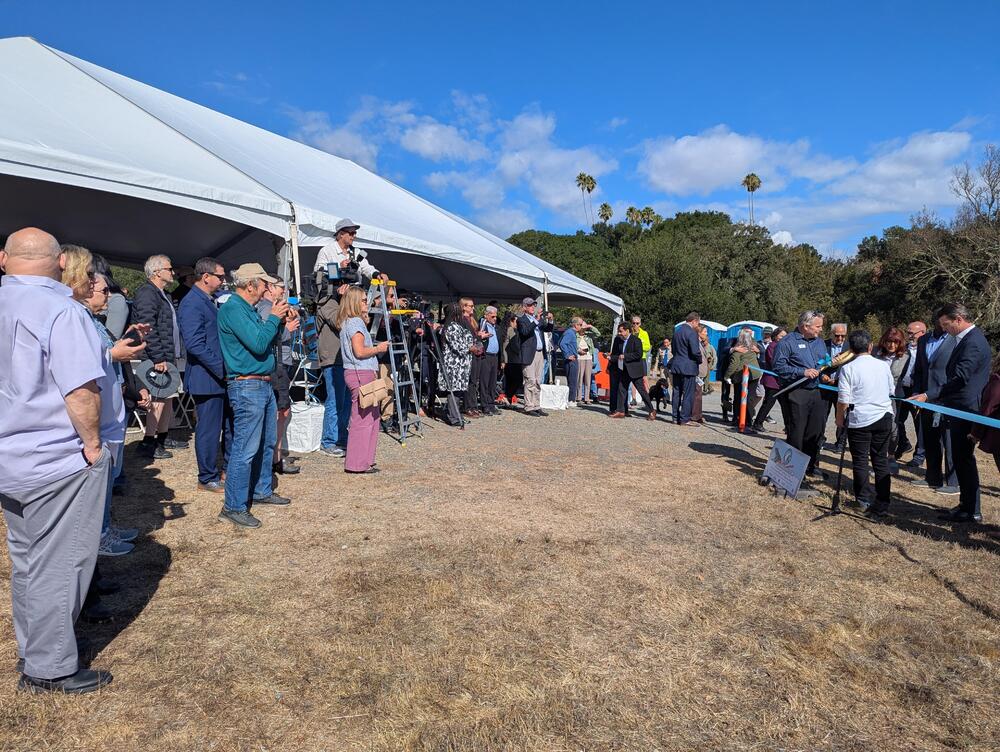
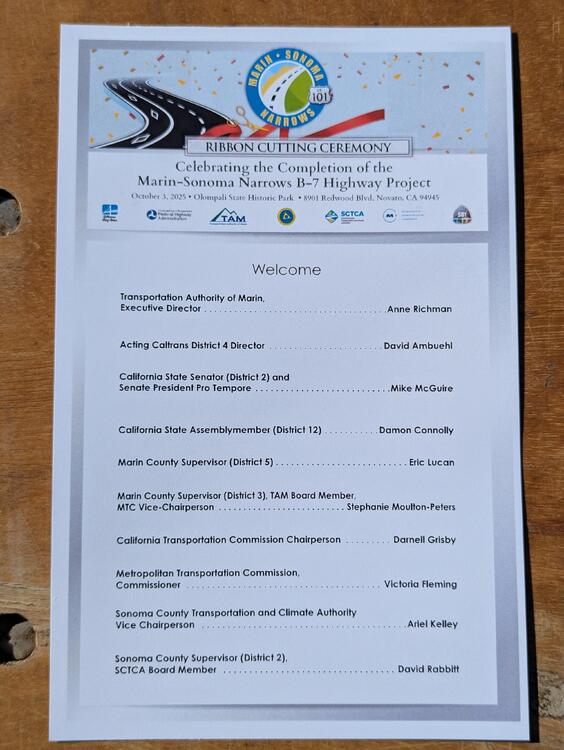
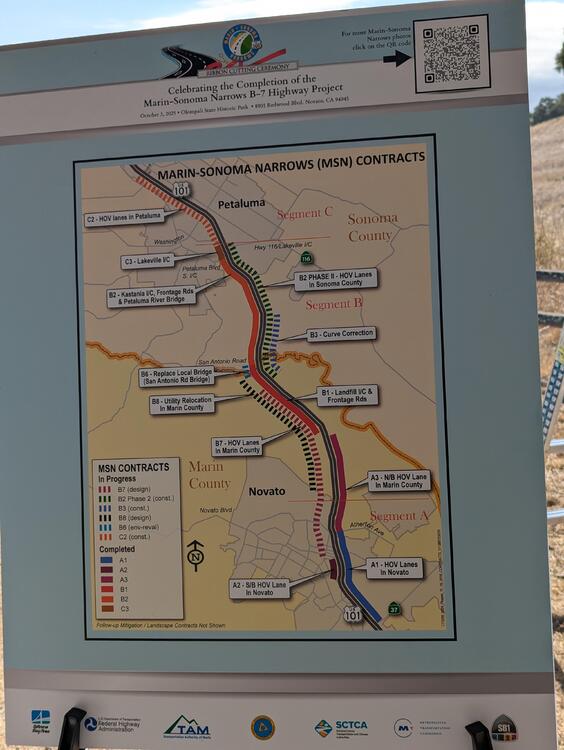
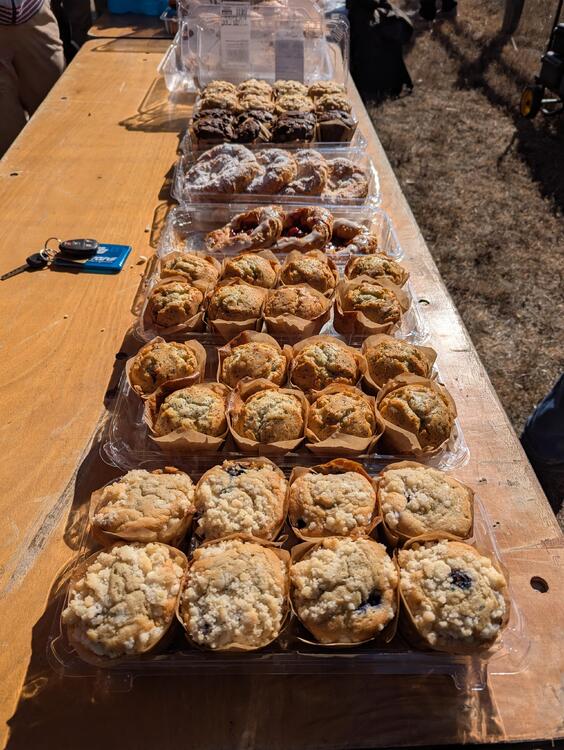
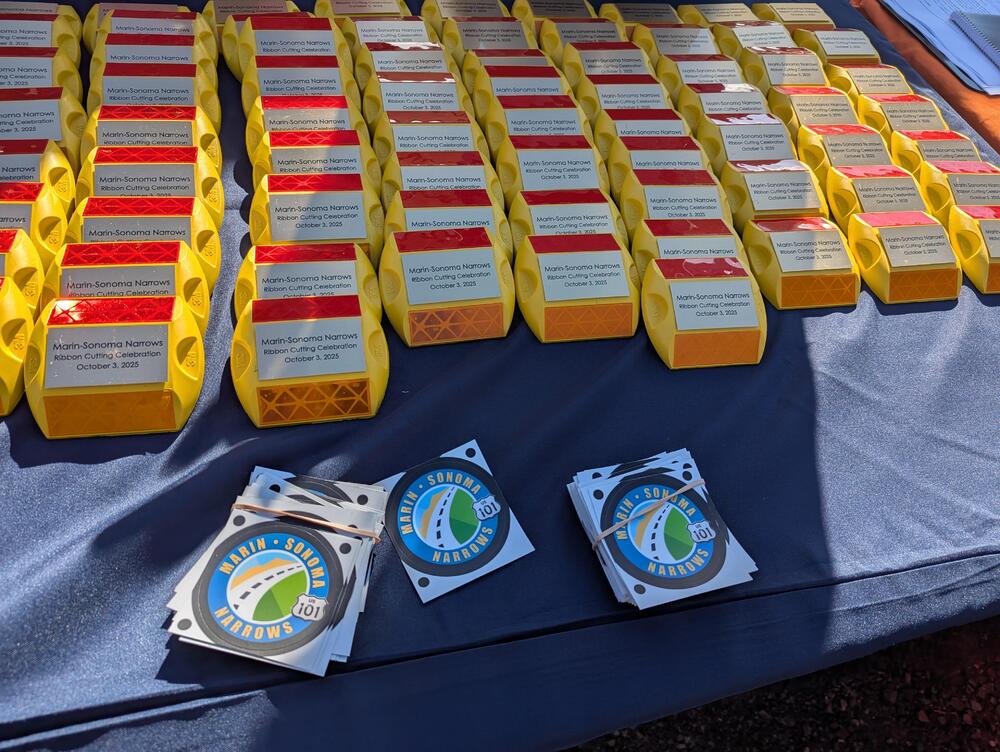
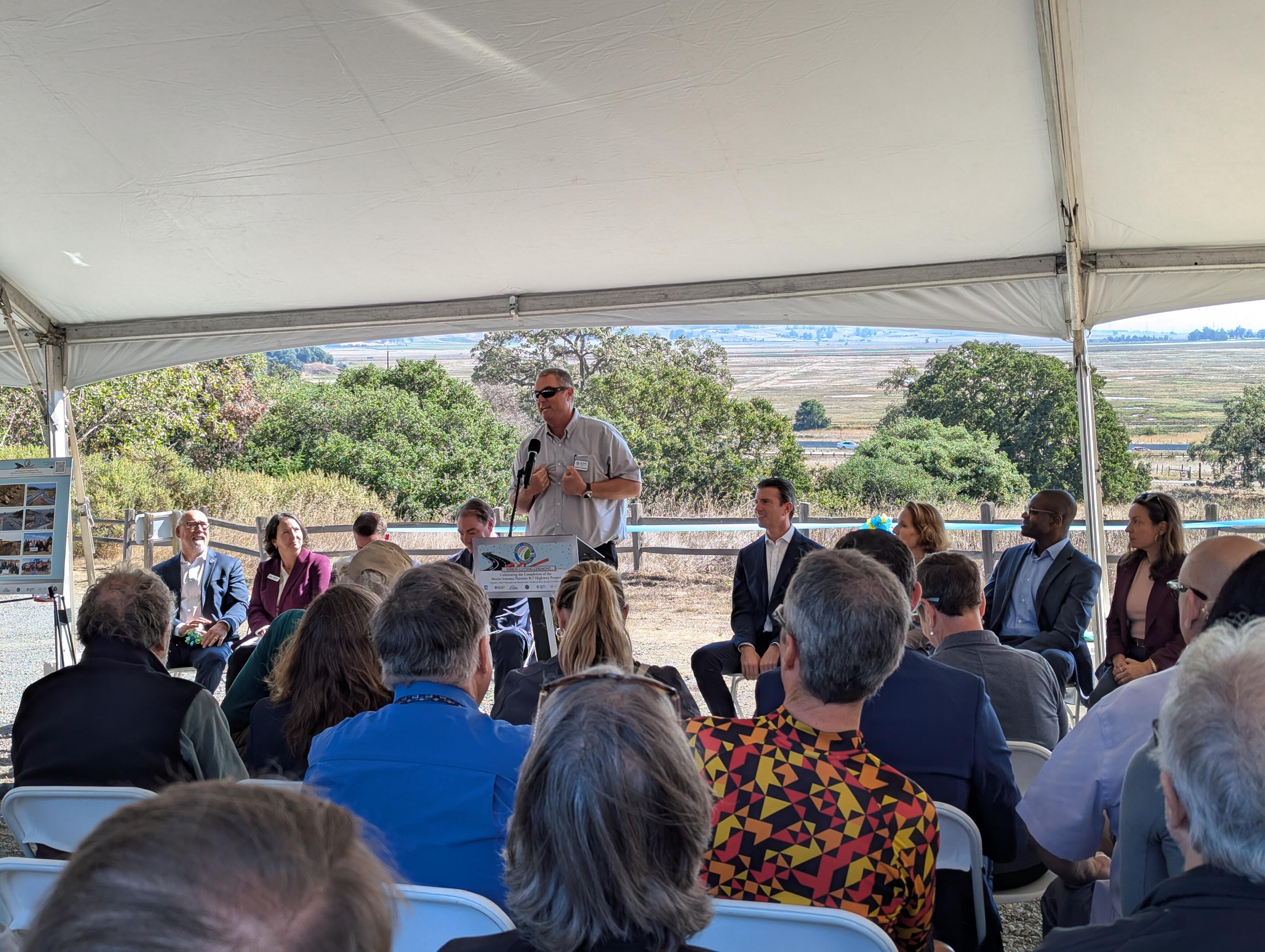
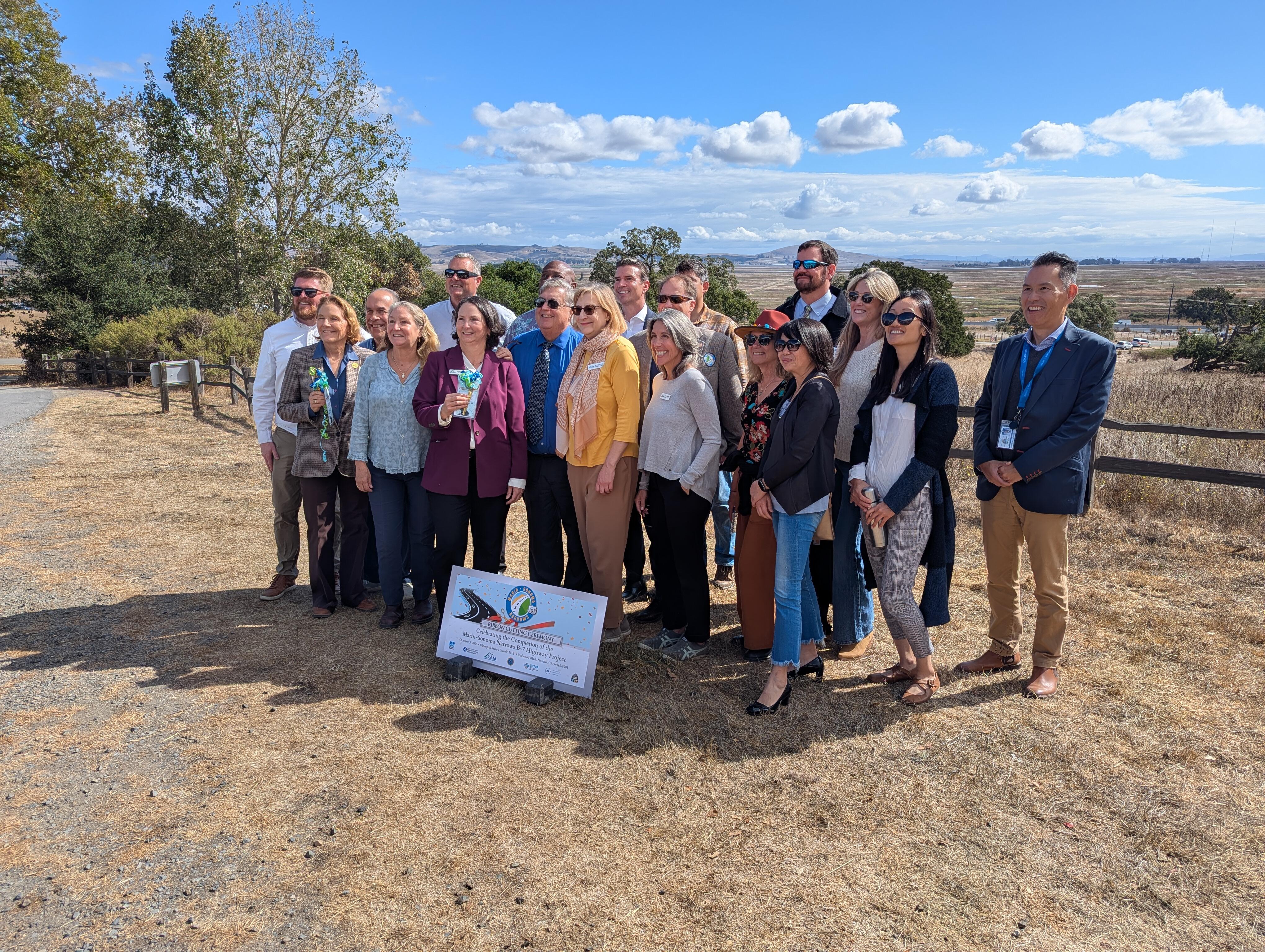
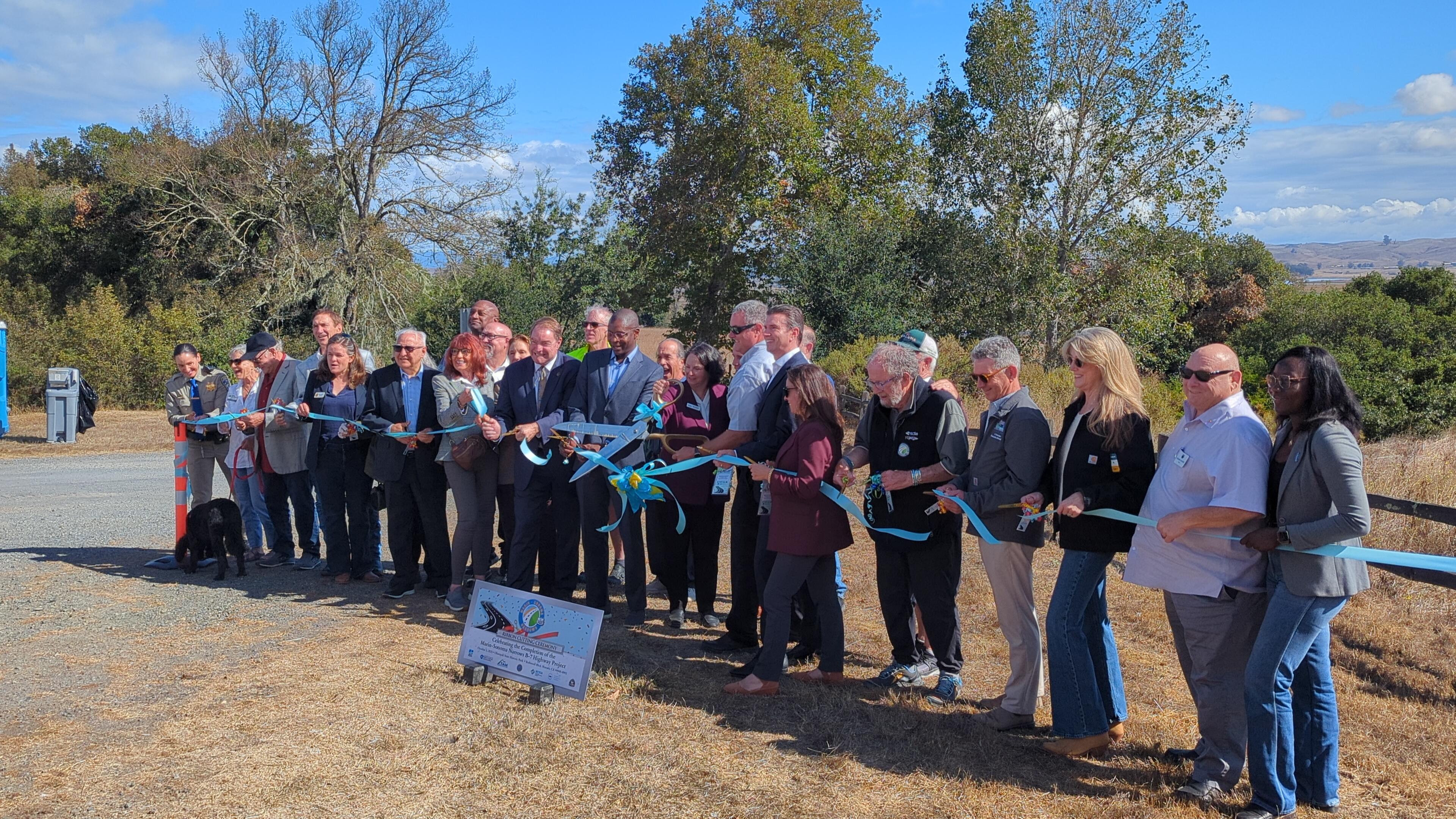
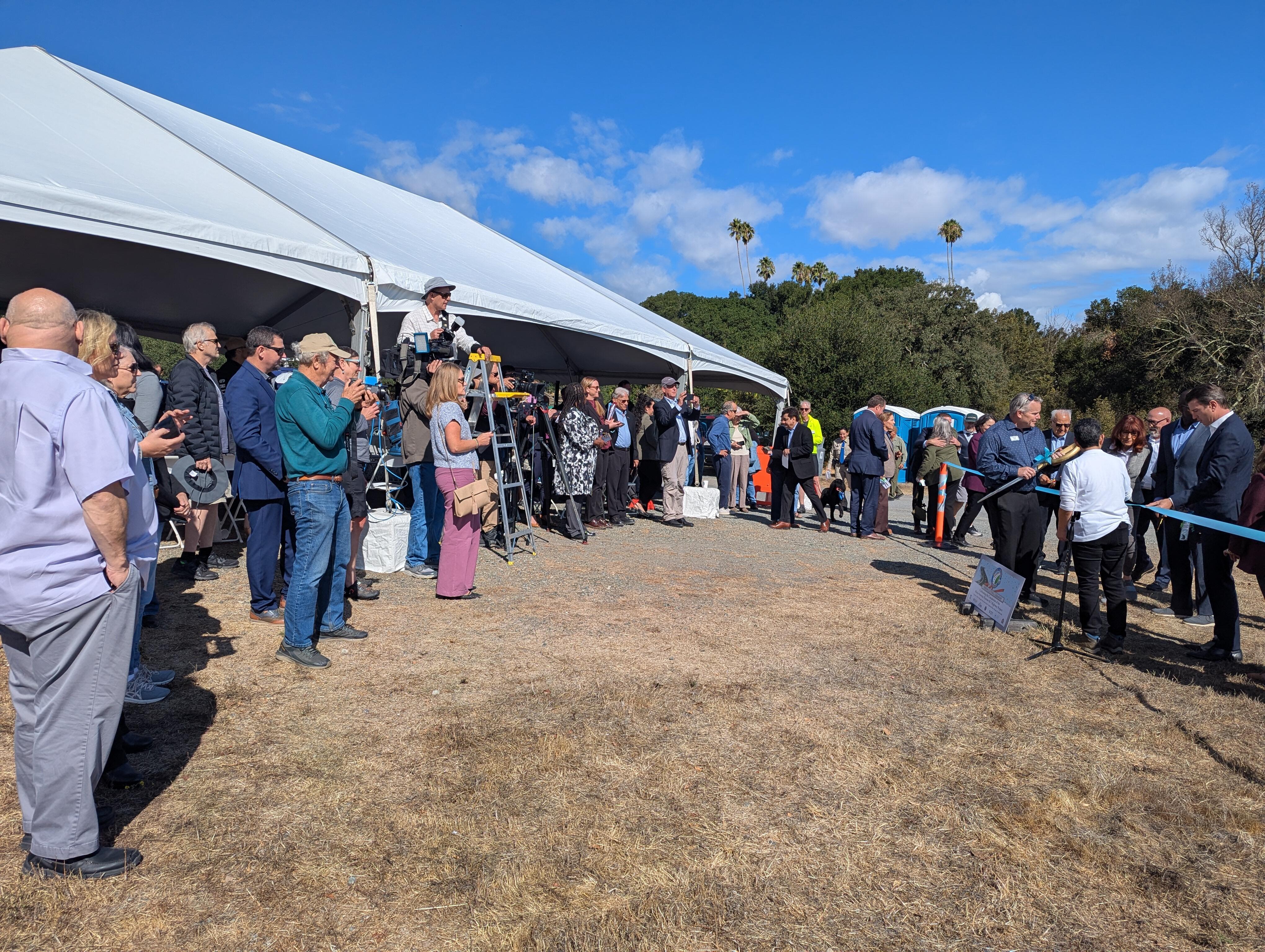
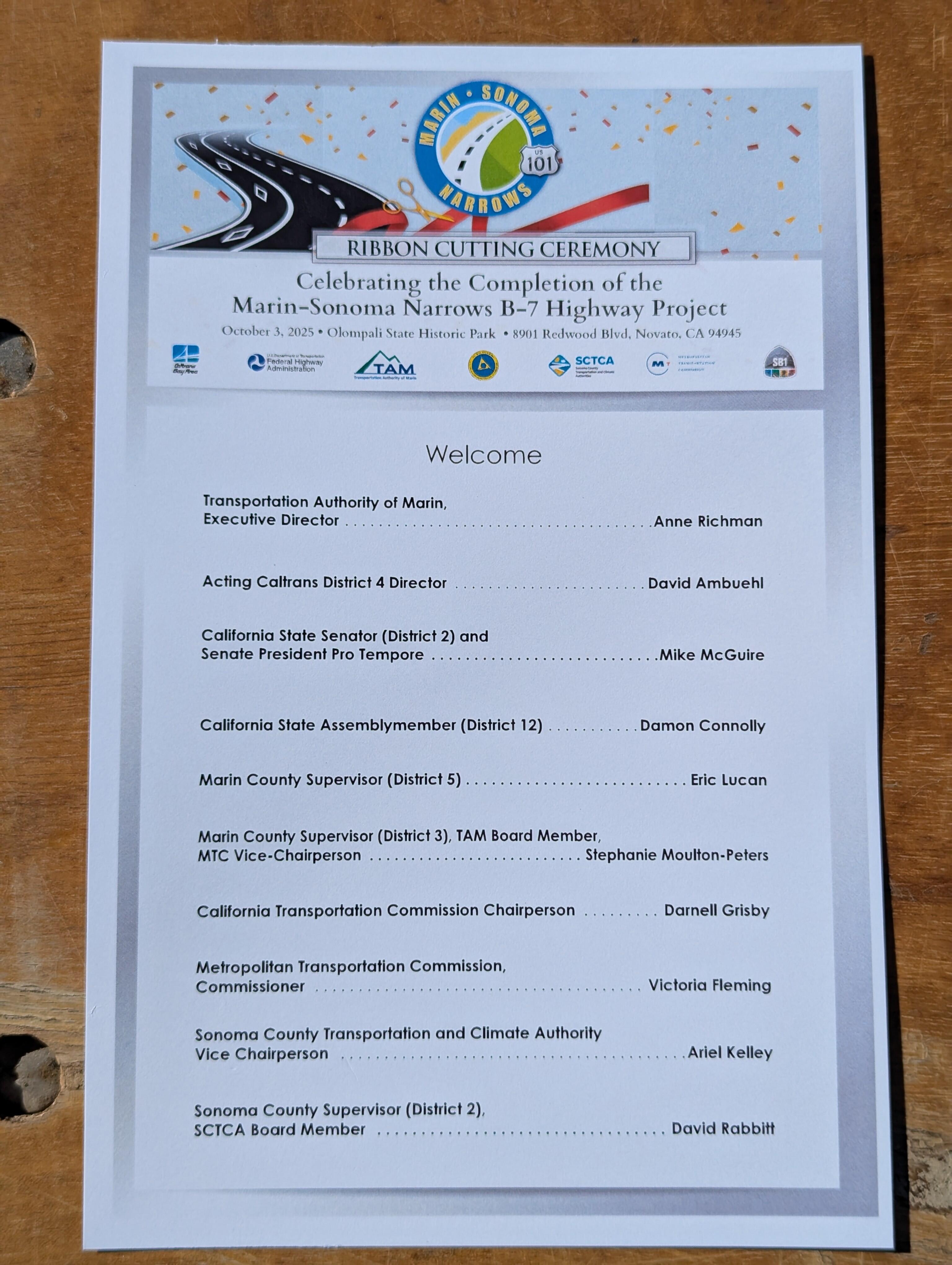
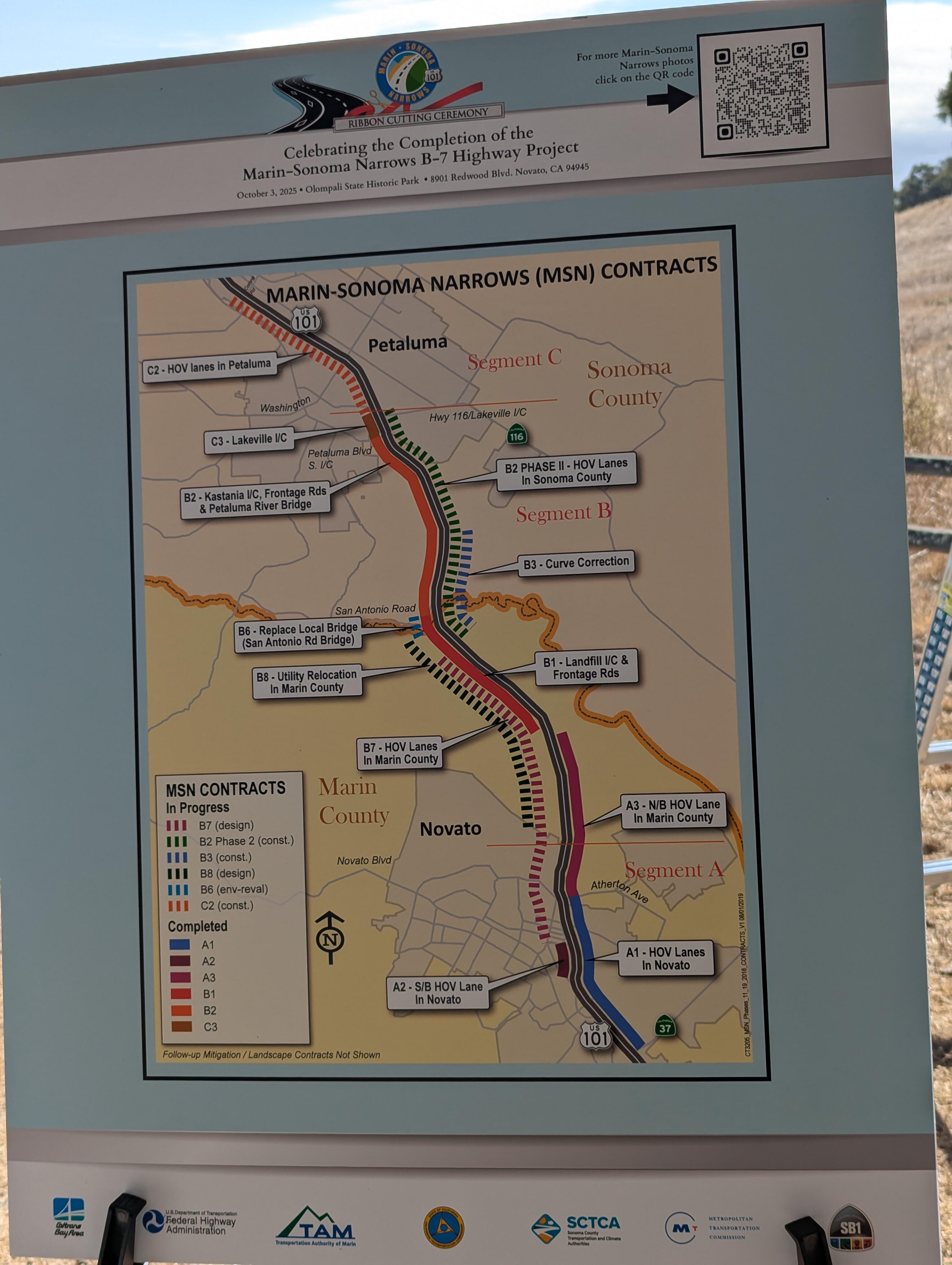
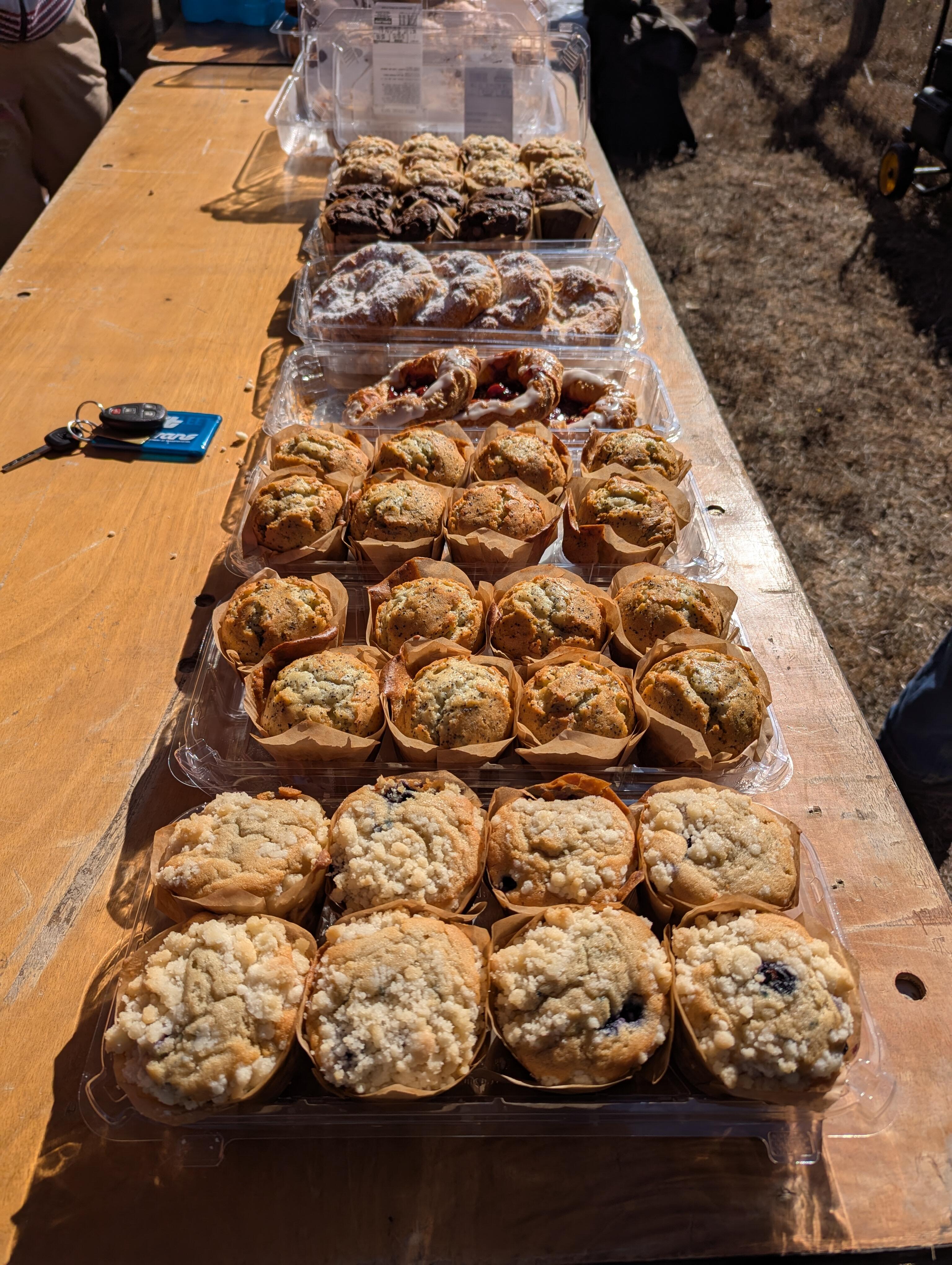
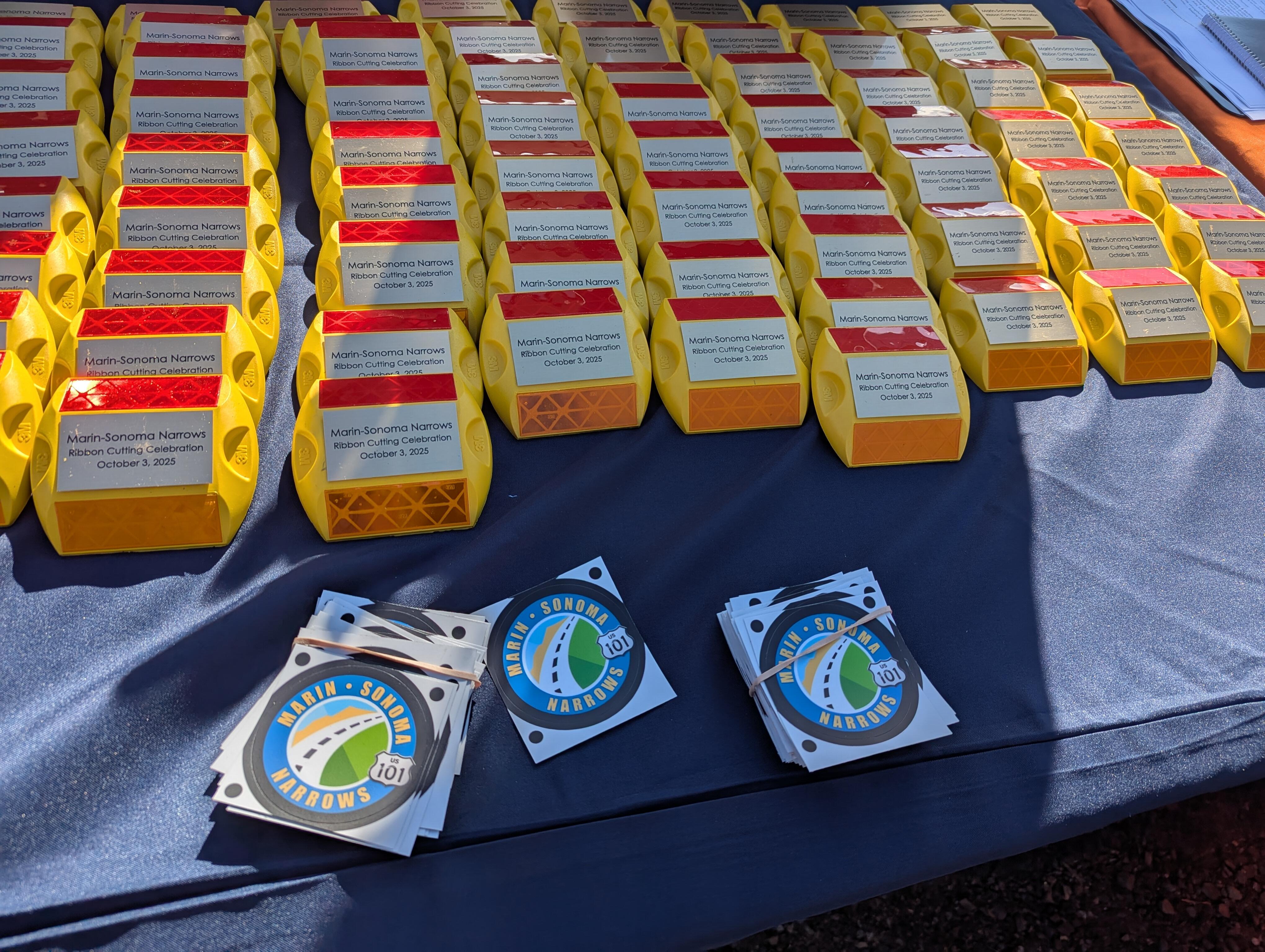
 Yesterday, Joanne invited me to a work event to celebrate the completion of a project that has been almost three decades from initial conception to completion . Marin-Sonoma Narrows widening project hits 'huge milestone' https://www.marinij.com/2025/09/29/marin-sonoma-narrows-widening-project-hits-huge-milestone/ Major Bay Area highway project started 13 years ago to reach milestone https://www.sfgate.com/bayarea/article/major-bay-area-highway-project-milestone-19392283.php There was themed schwag And carbs A roster of relevant speakers Who mentioned all those "without whom this would not have been possible" plus federal, state and local funding sources. Then onto the photo ops And the ribbon cutting Note the last minute CHP entry. It's not often you get to see CHP in their dress uniform ties (or bow ties and boots in the case of the Motor Cycle riders) And yet some people are never happy Bay Area drivers still furious after Highway 101 widening https://www.sfgate.com/travel/article/bay-area-drivers-still-furious-highway-101-21074054.php

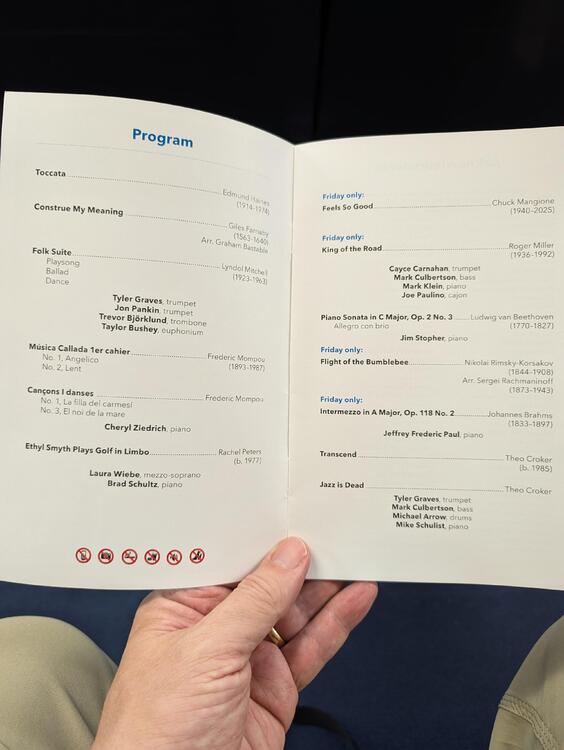
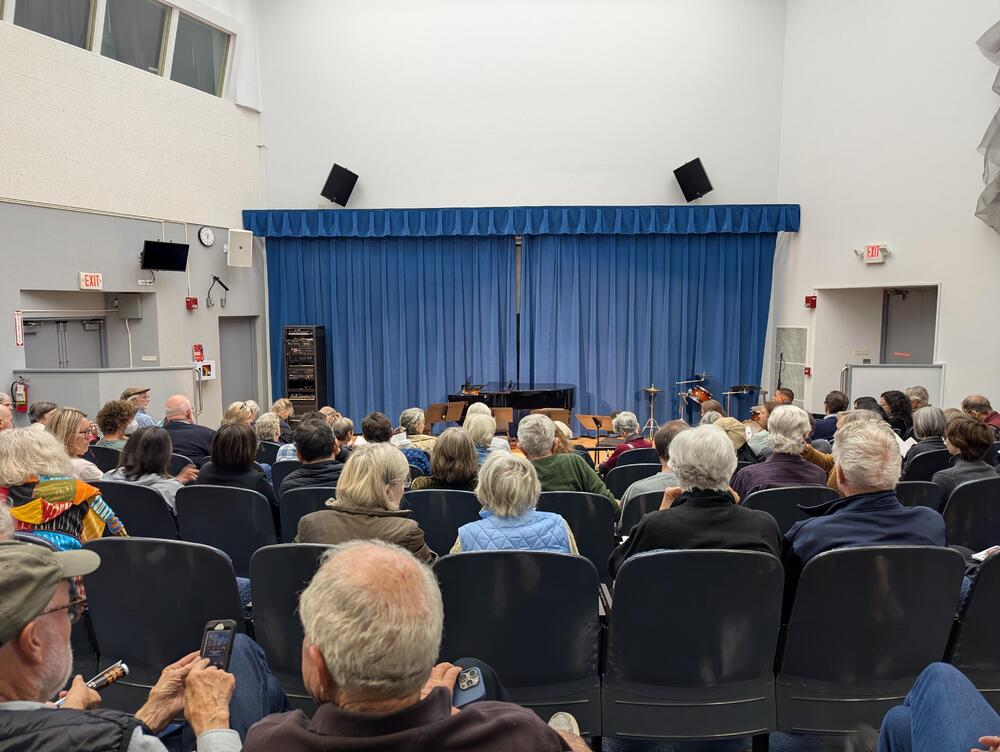
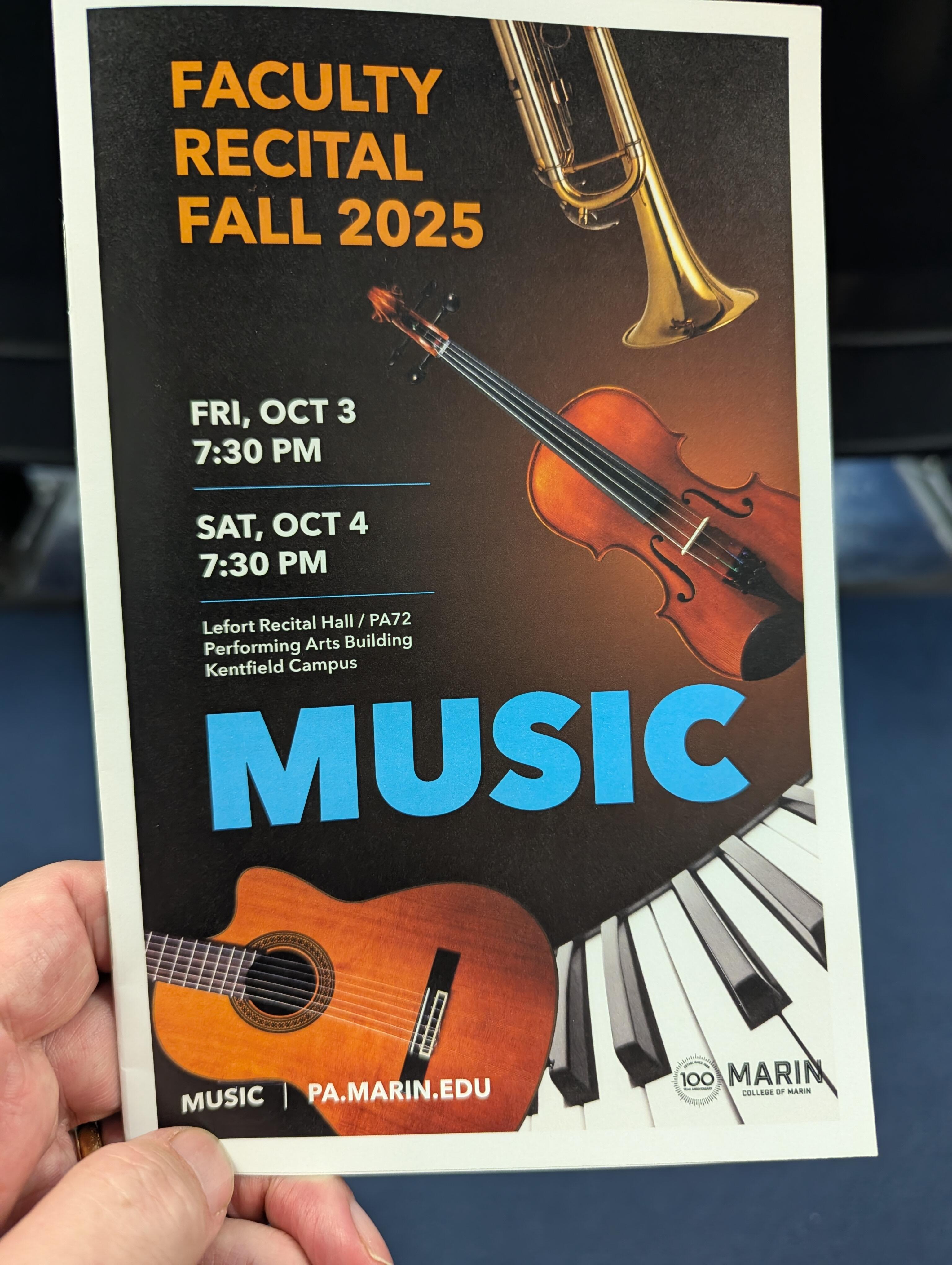
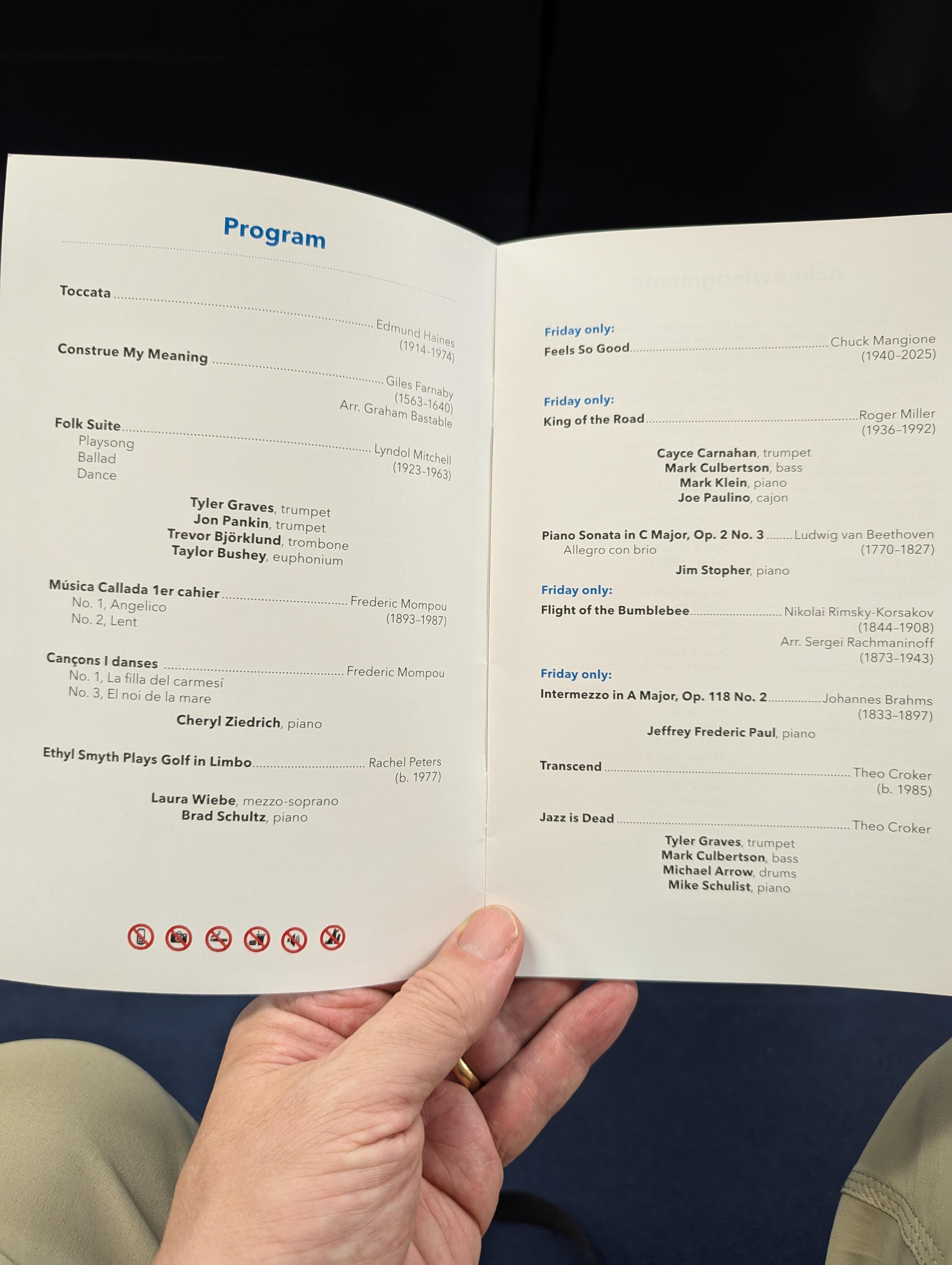
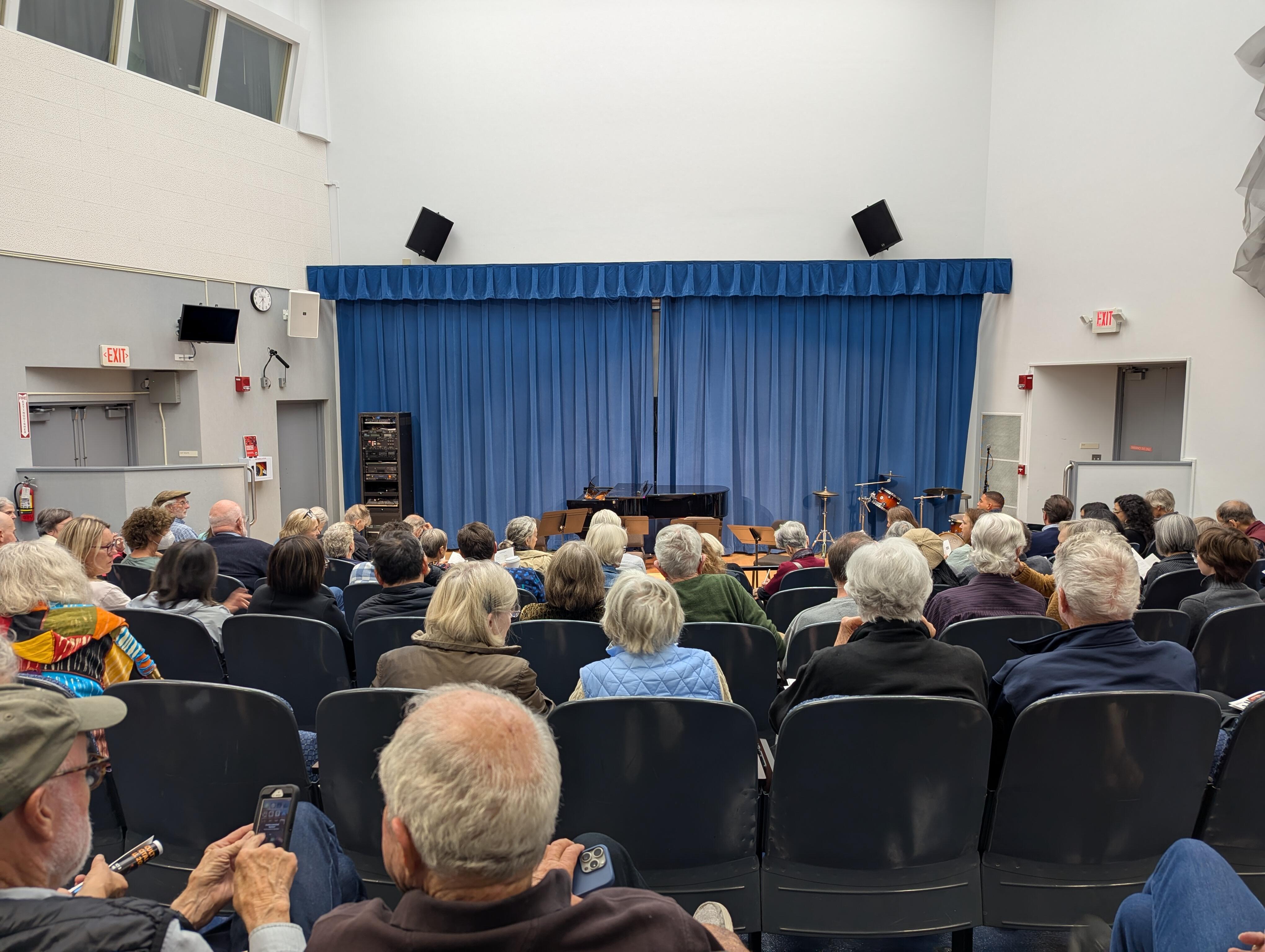
 Joanne spotted this in the local paper, at the last minute, so ... A full, if "mature" audience. Our e-tickets were "General Admission 2" rather than the earlier sold out "General Admission". But they let us in and we had seats at the back. And we had the question "what is a cajon" answered.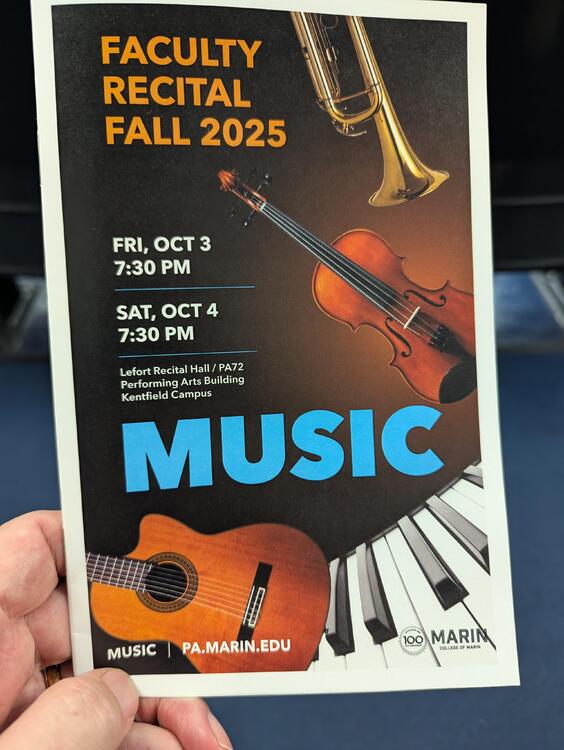
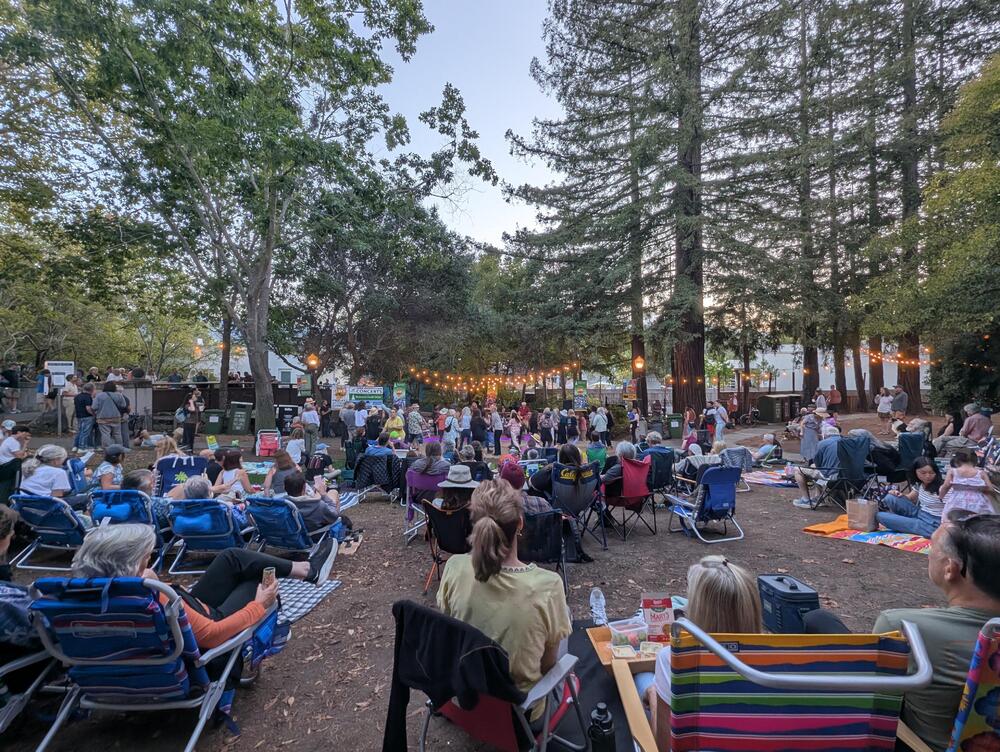
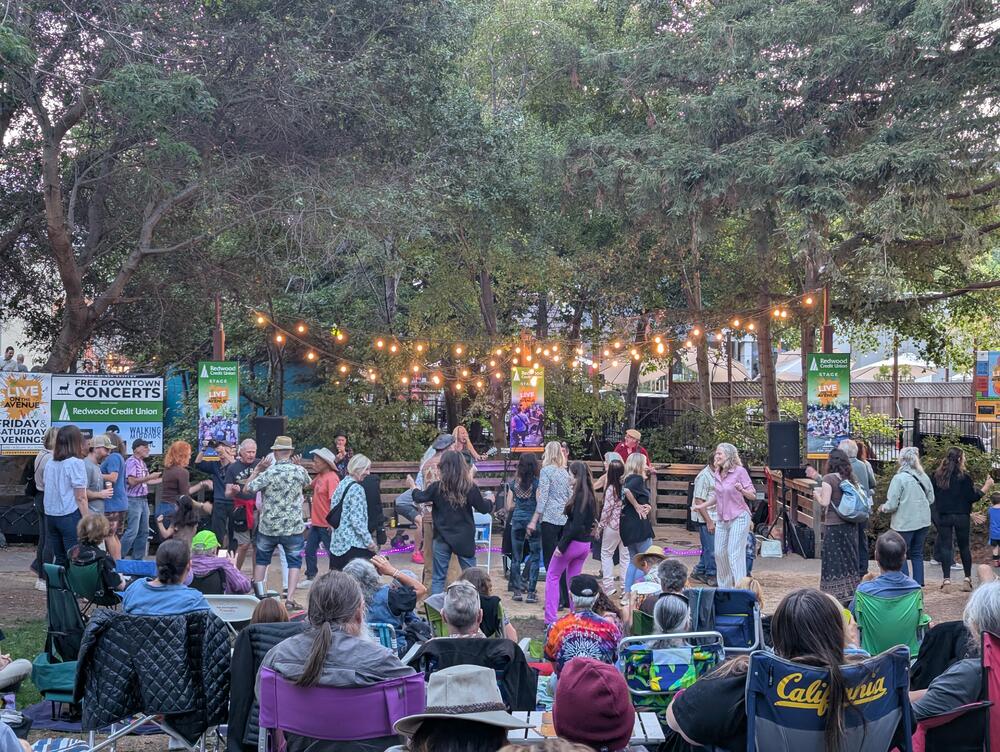
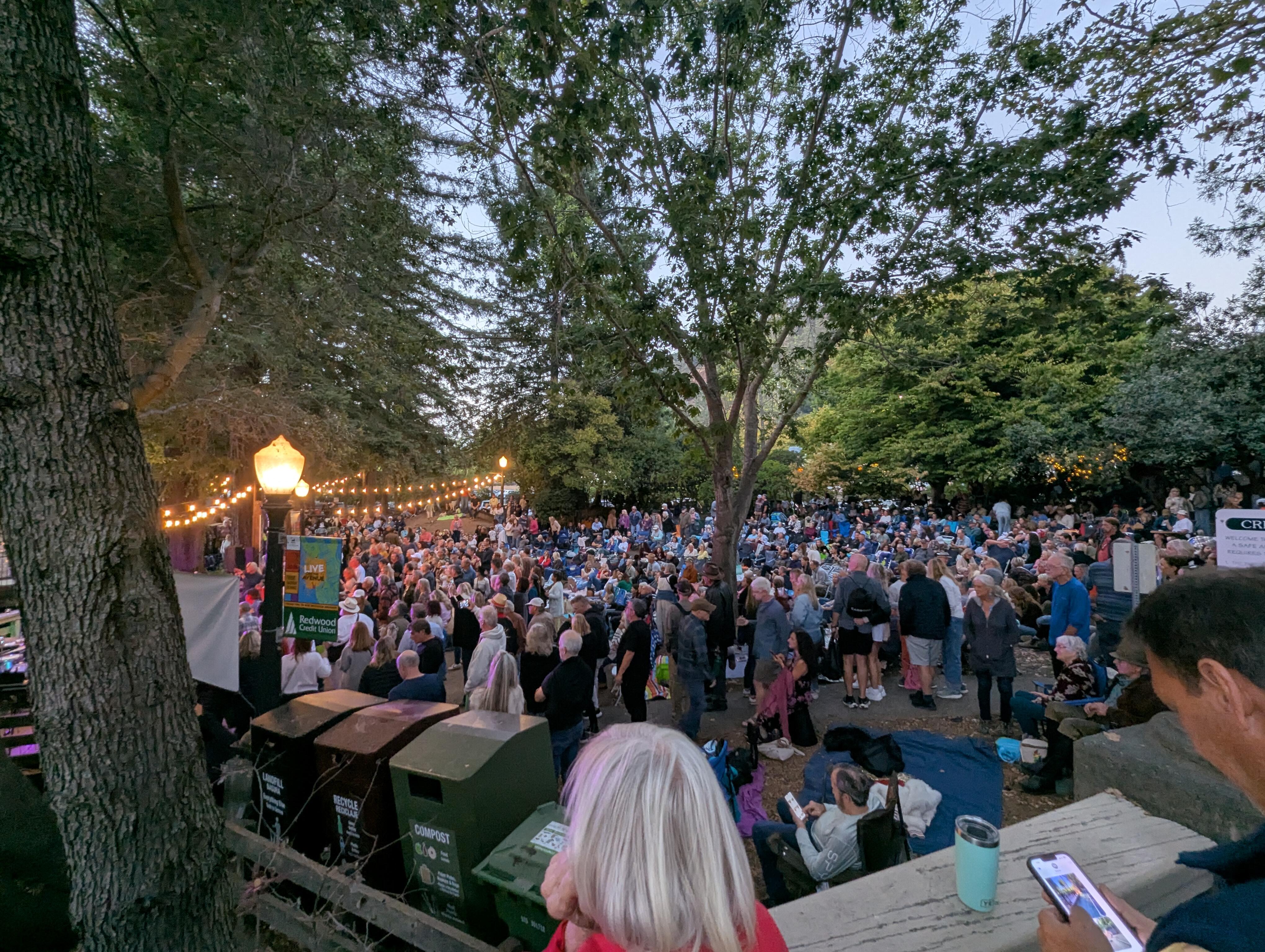
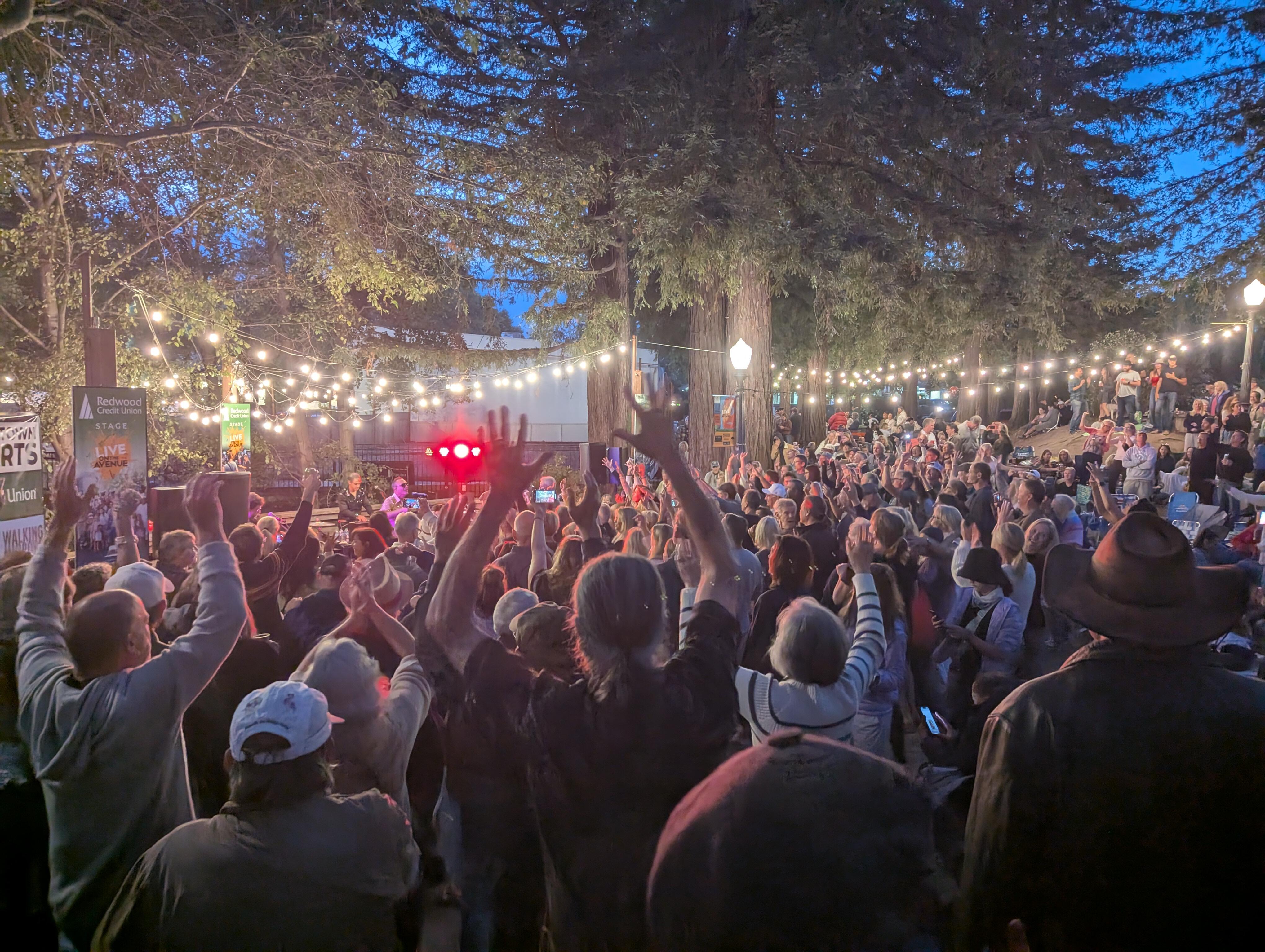
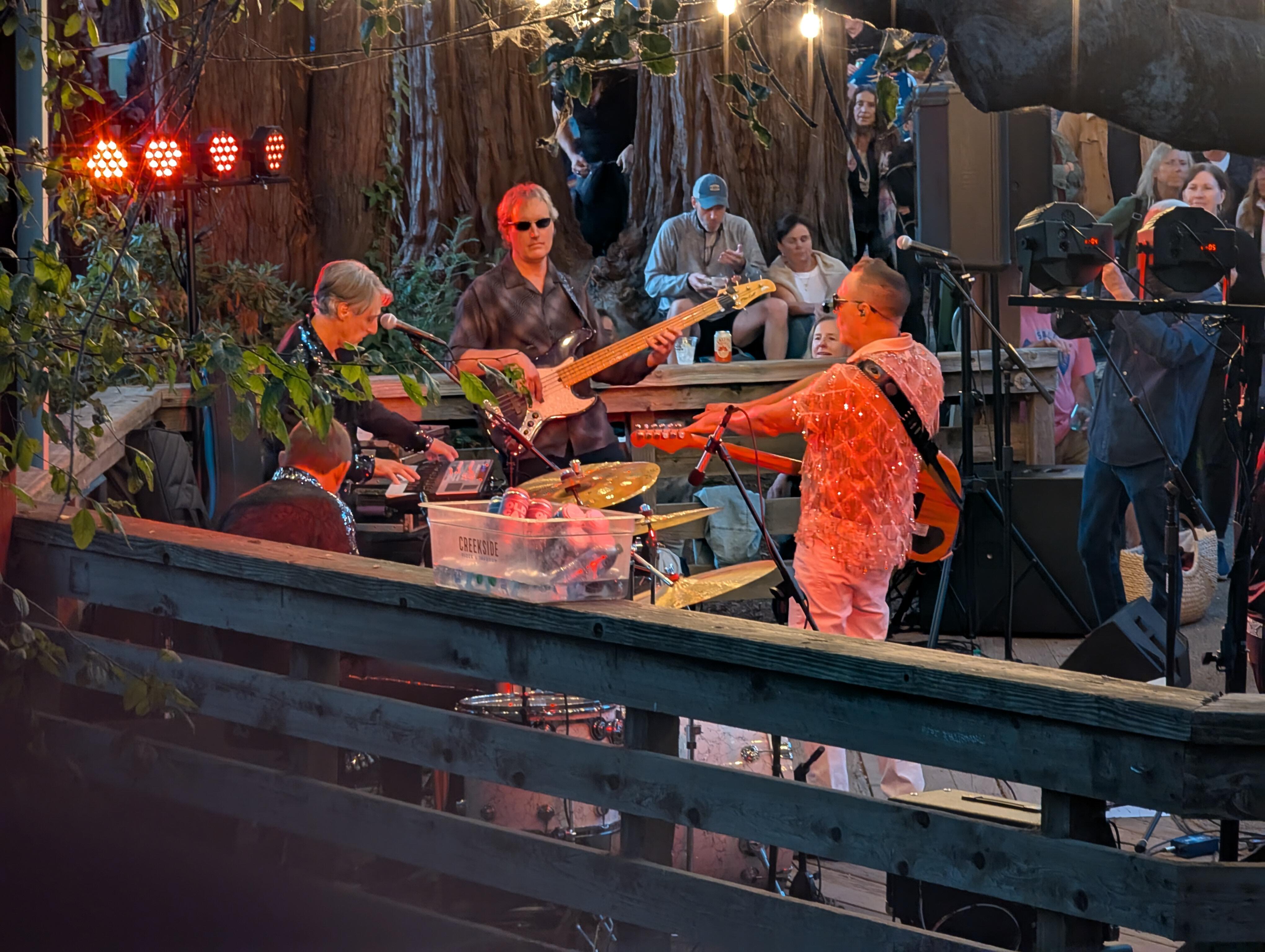
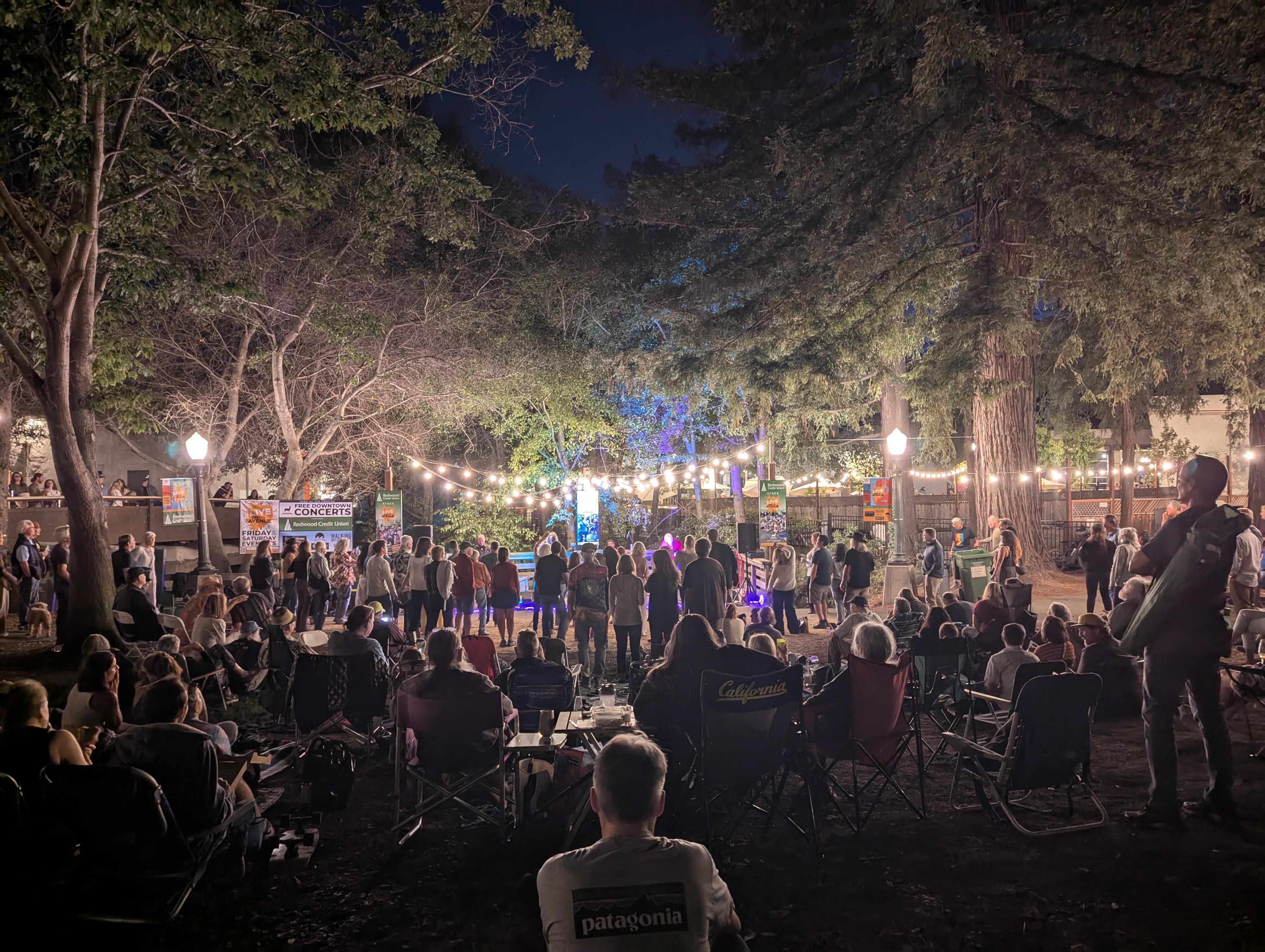
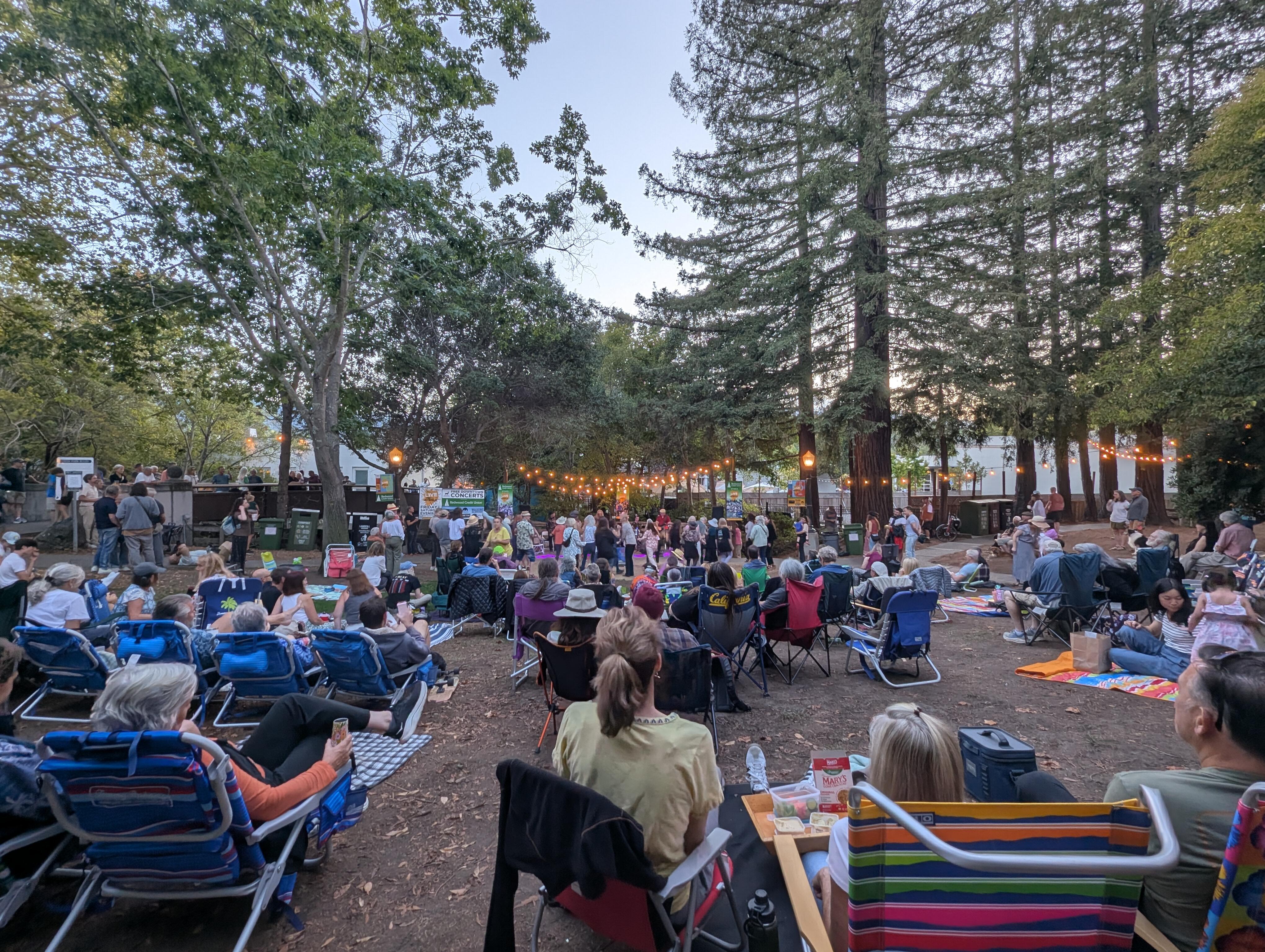
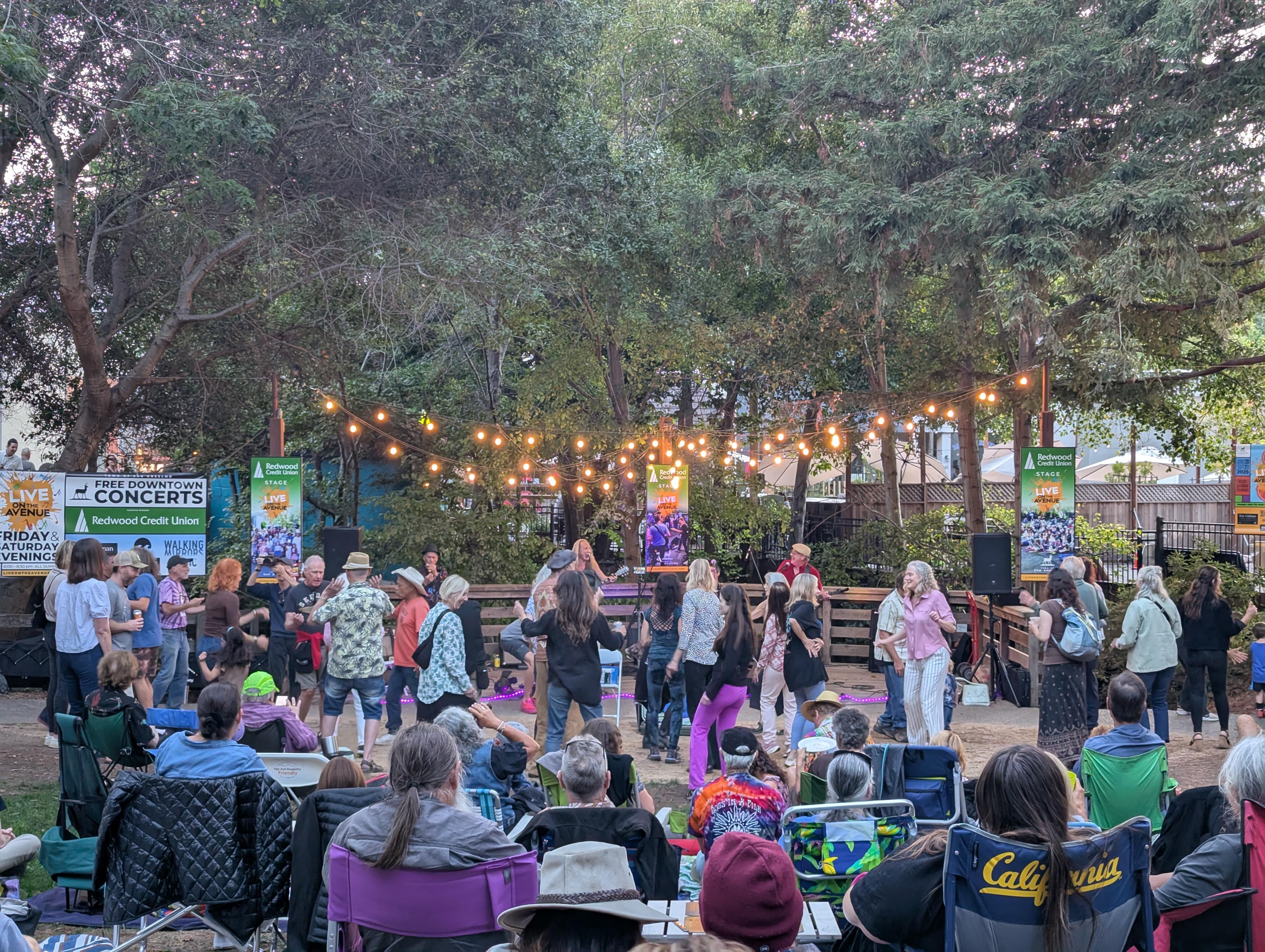
 I won't be able to make it in person this year, because: reasons, but Hardly Strictly Bluegrass 2025 https://hardlystrictlybluegrass.com/ Is about to go live with streaming on the website and the dedicated App (HSB TV) Quite the lineup, as always. https://hardlystrictlybluegrass.com/wp-content/uploads/2025/09/HSB25-Print-at-Home-Schedule.pdfAnother Happy Belated, Wayne. Wishing you a speedy recovery, And avoidance of repeats!Background The resultSan Anselmo ended their 2025 Live on The Avenue Season with a very well attended Performance by Super Diamond As the band Said Don't let anyone tell you, that Niel Diamond doesn't ROCK! In addition, there was a DJ In Imagination Park (thanks Mr Lucas) (Check out the states of Indiana Jones, and Yoda in the background)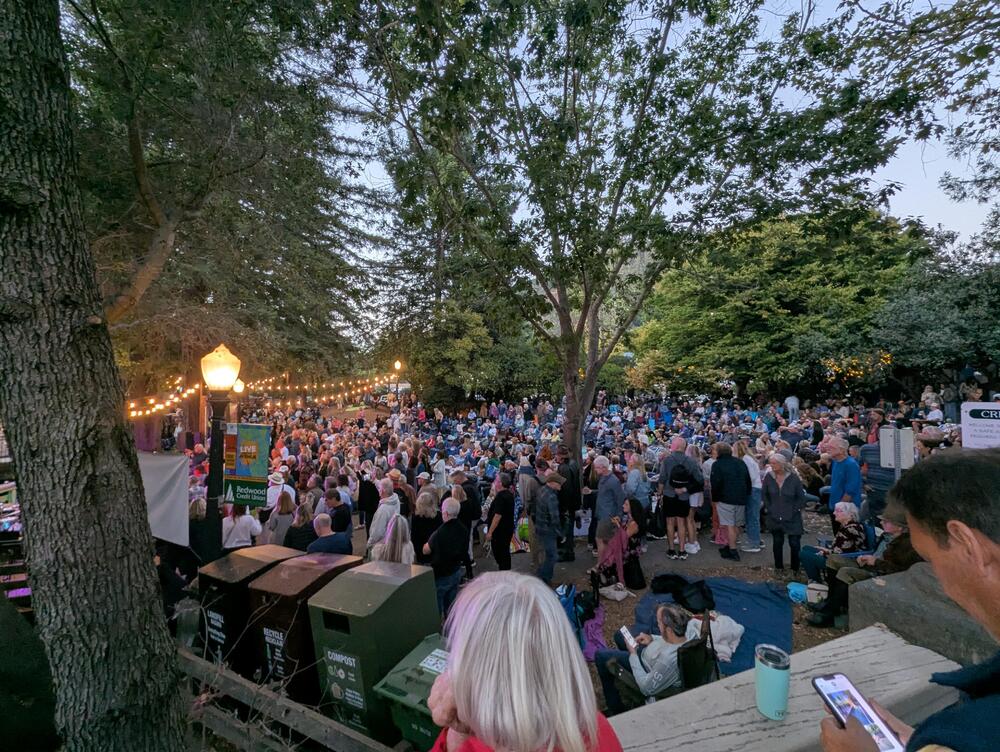
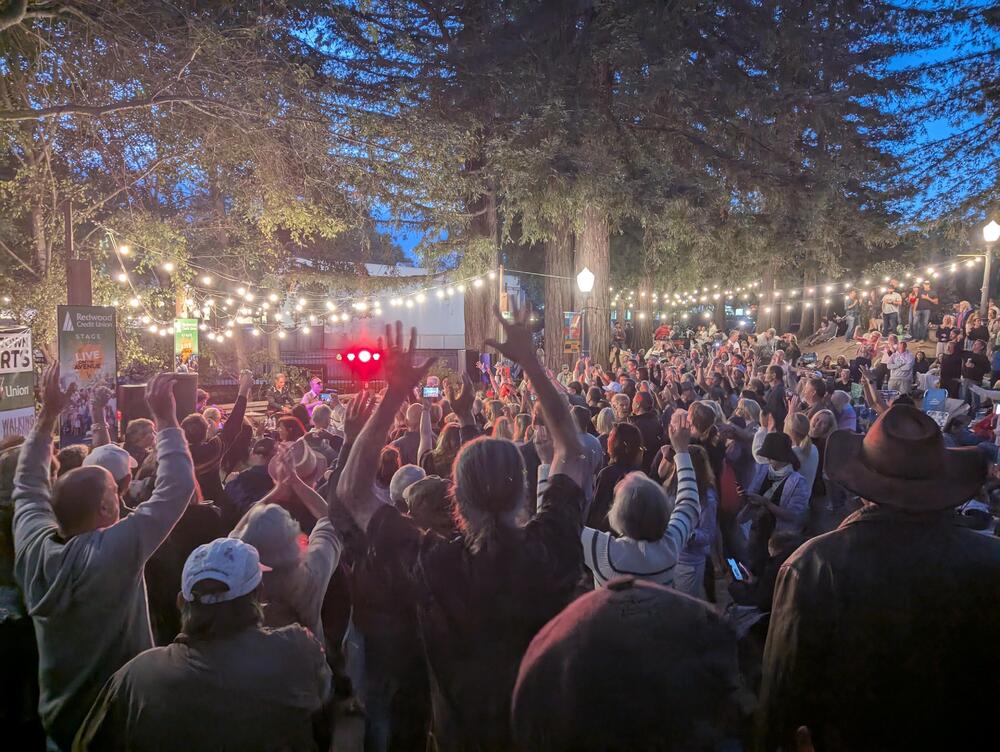
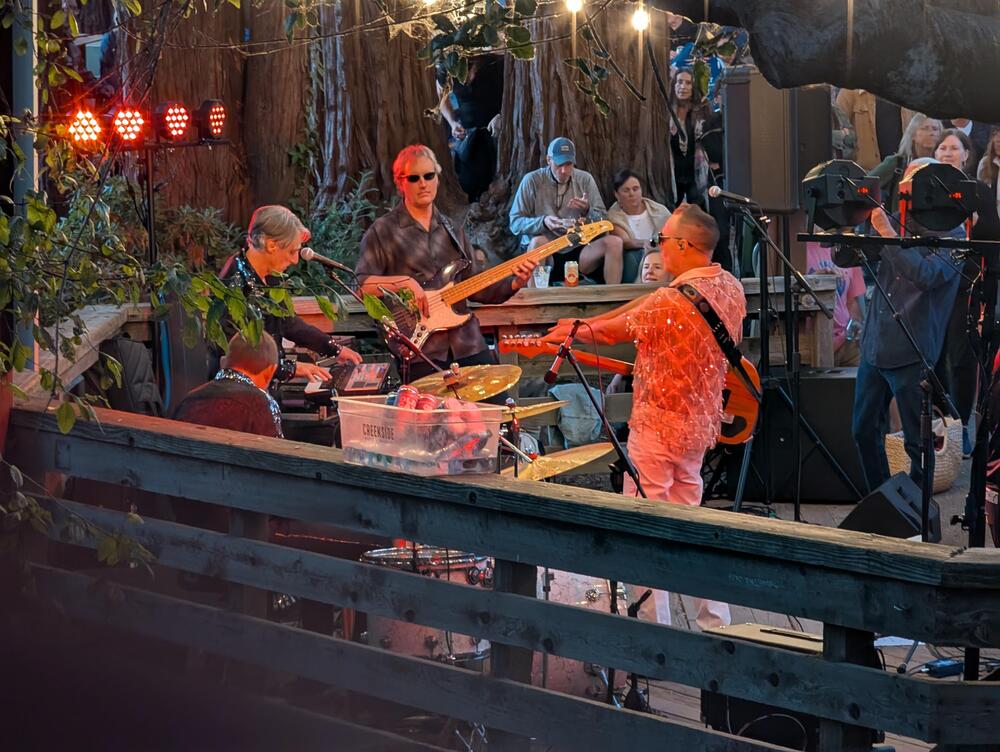
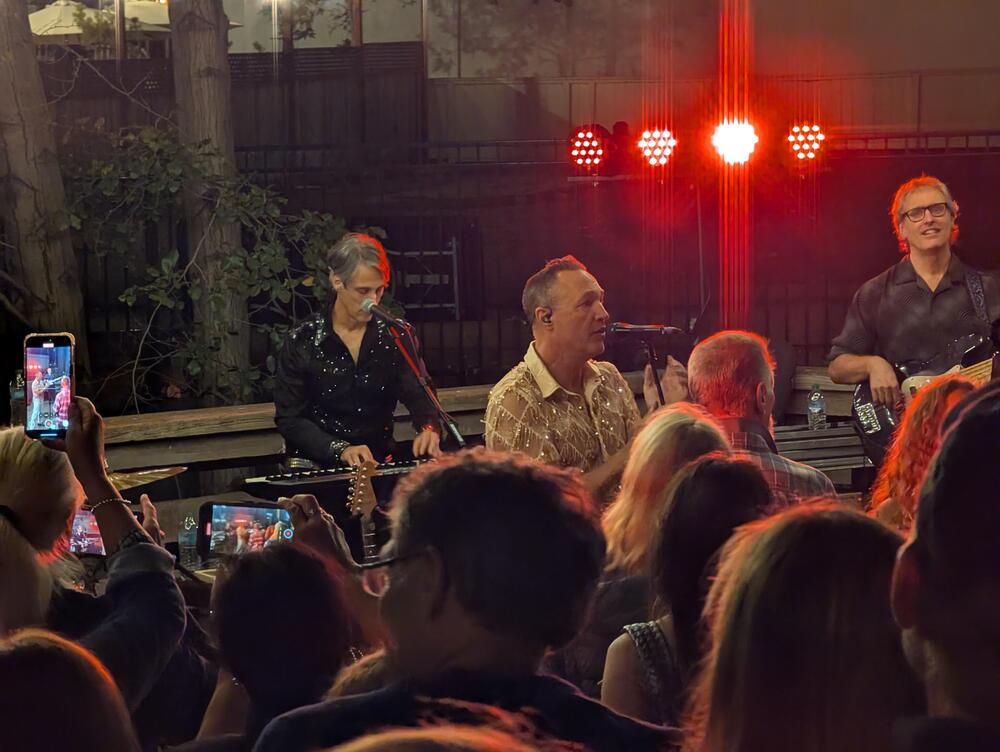


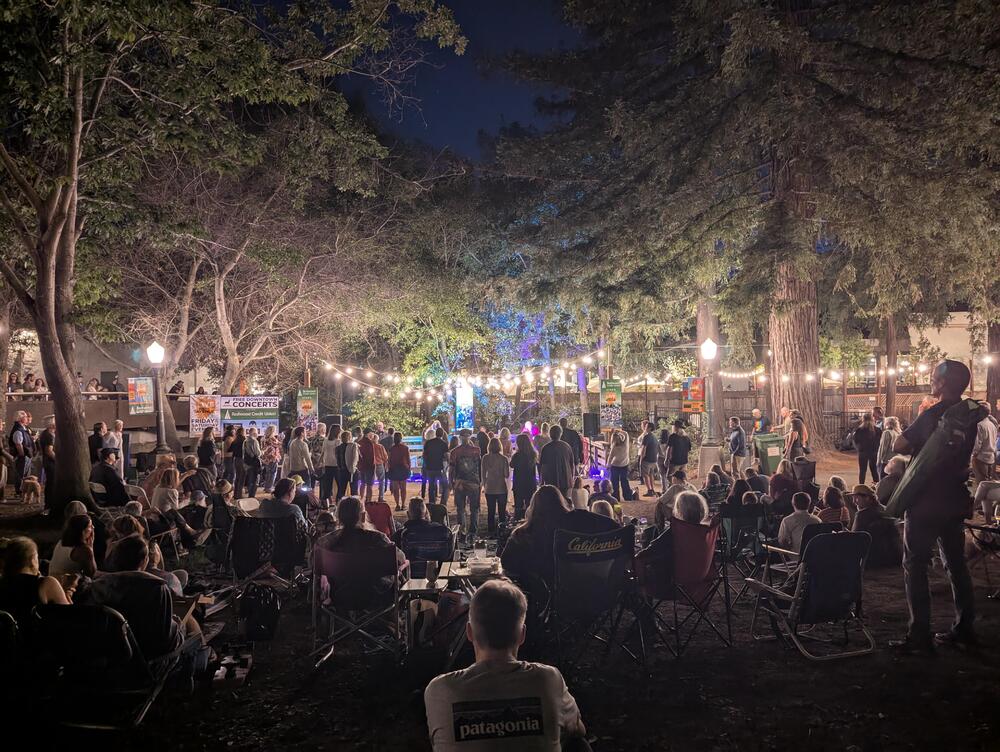
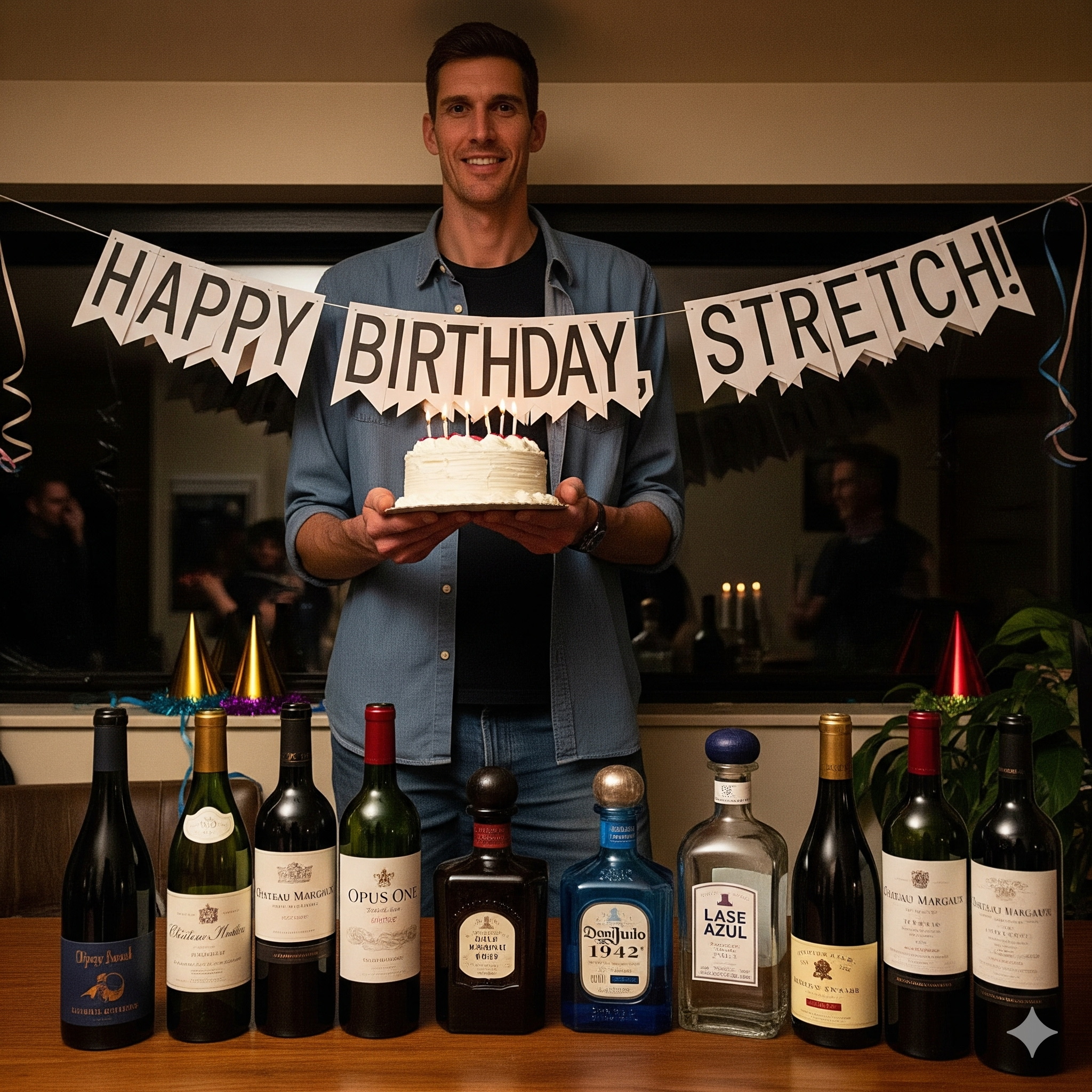
 Happy (AI Slop Free) Birthday!I was debating where to post this, but when you see the interiors, I think it makes sense.Hostage A kinetic UK based political thriller. Accept the premise, and don't think/look too hard for plot implausibilities and you'll be treated to an enjoyable ride, with episode ending twists / reveals / cliffhangers to keep you involved. Good Fun. But don't take my word for it. https://www.theguardian.com/tv-and-radio/2025/aug/21/hostage-review-suranne-jones-prime-minister-netflix-dramaHey, San Anselmo The Tom Finch Band and a Good Boy Is Rockin' under the redwoods into the night
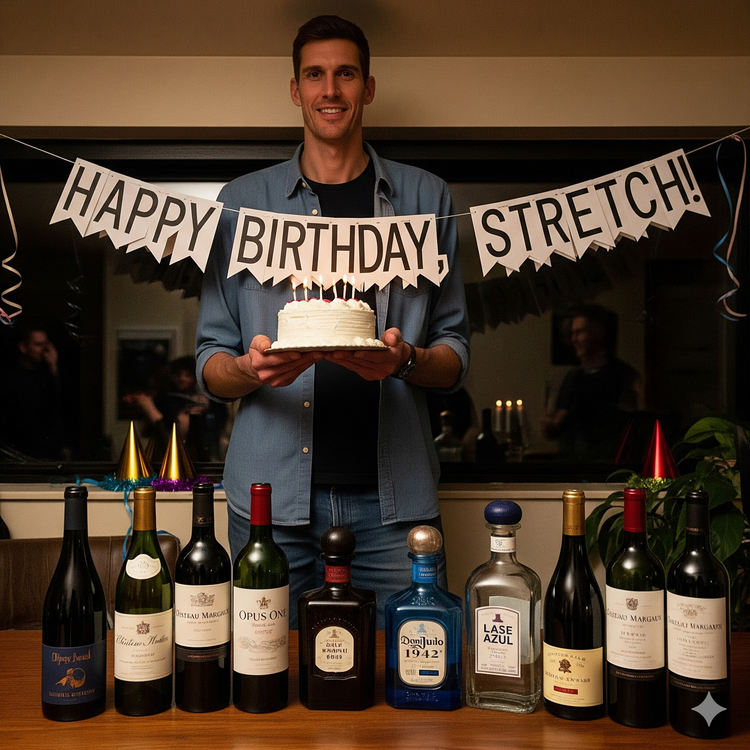
 Happy Birthday, Andrew/Stretch! How was my prompting?
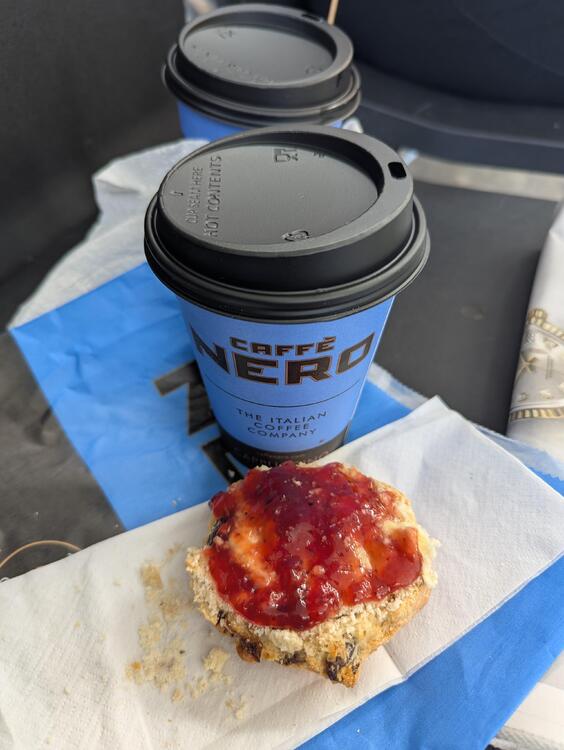
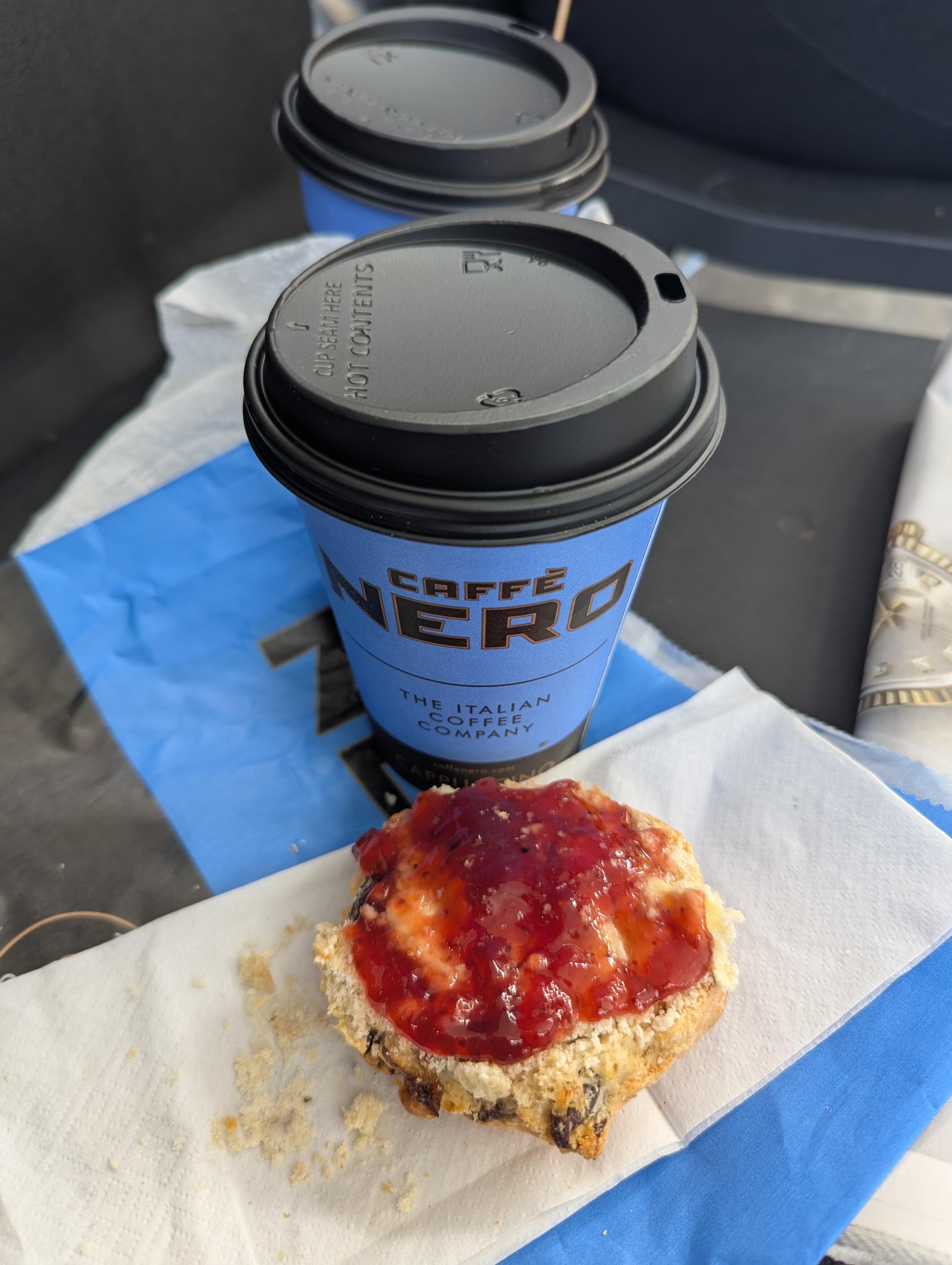
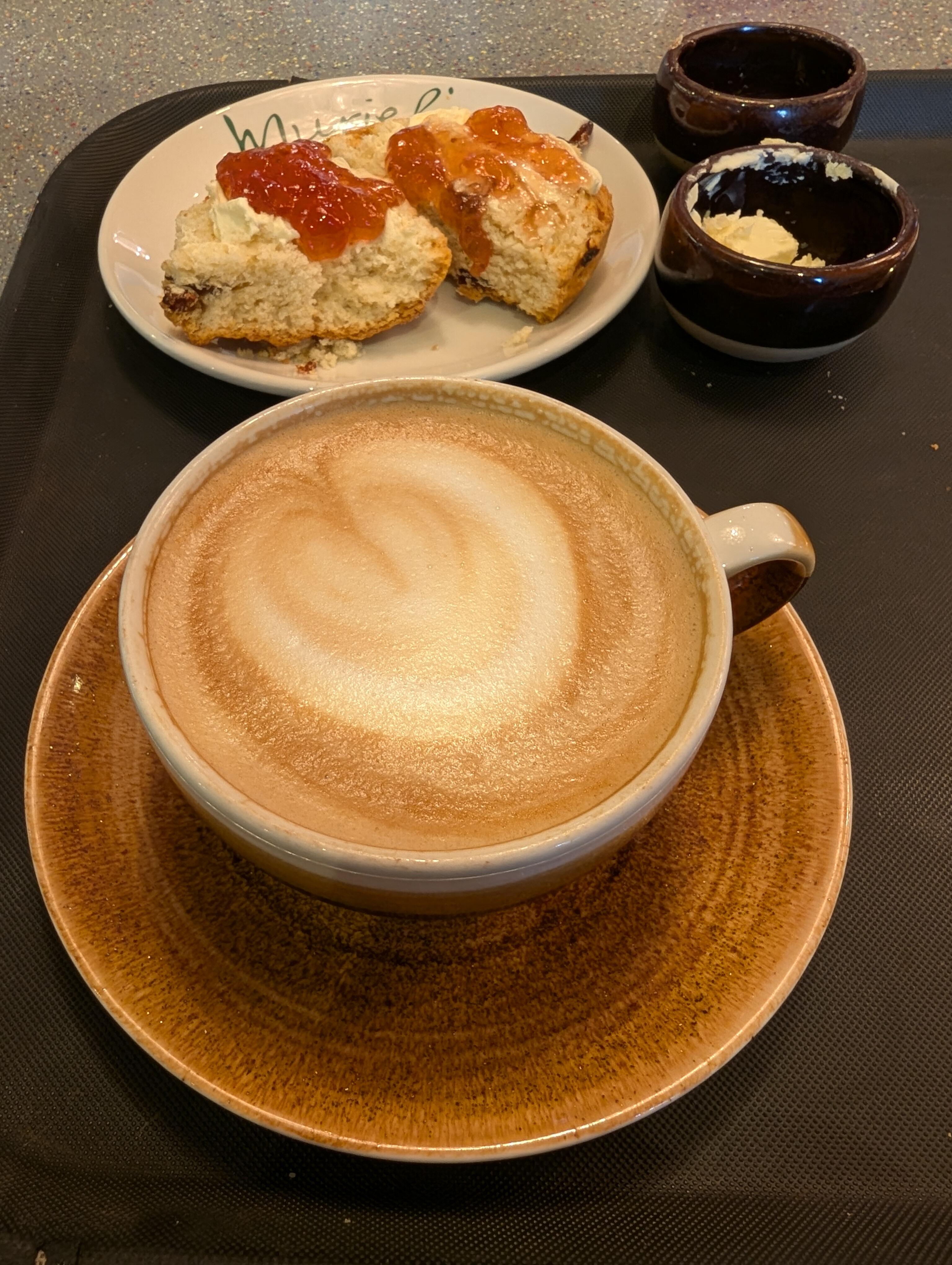
 https://www.dolby.com/about/support/guide/dolby-atmos-speaker-setup/A last taste of England. "I'm sorry we're out of clotted cream" England, eh.
 Earlier: @ https://www.murielskitchen.co.uk/ Later: @ https://www.4fratellicaprini.co.uk/
 Mission Accomplished
 Fish N Chips Mini triple chocolate brownie Because what's better than being in a cozy pub, When it's raining outside.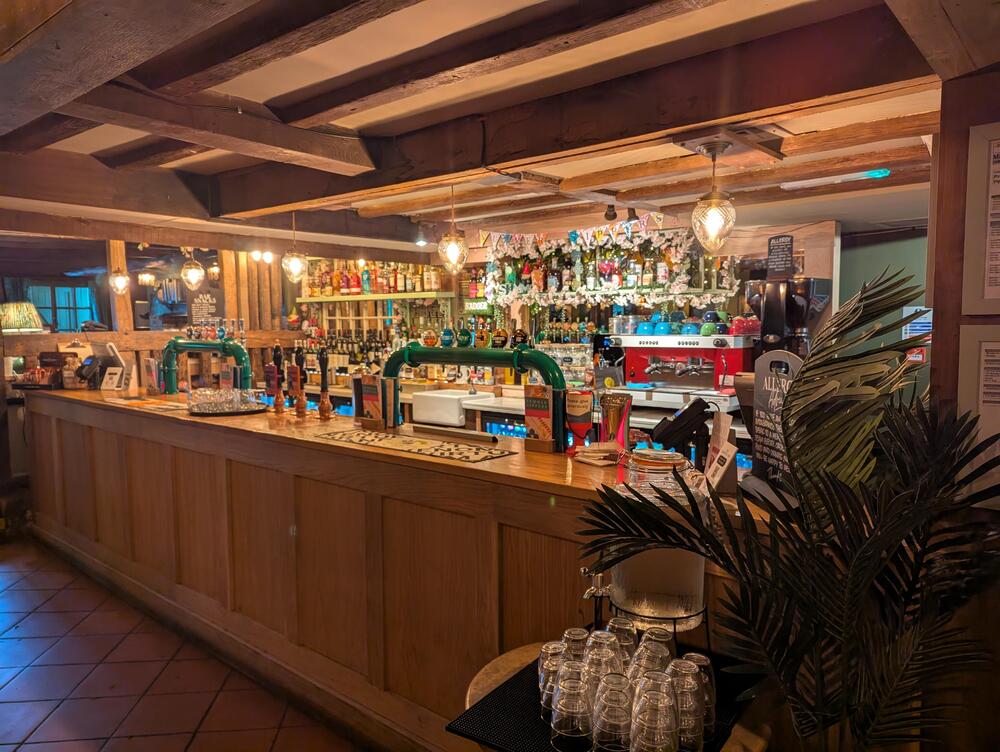


 Happy Birthday, Jimmy Another, Best Birth Year Birthday 😉
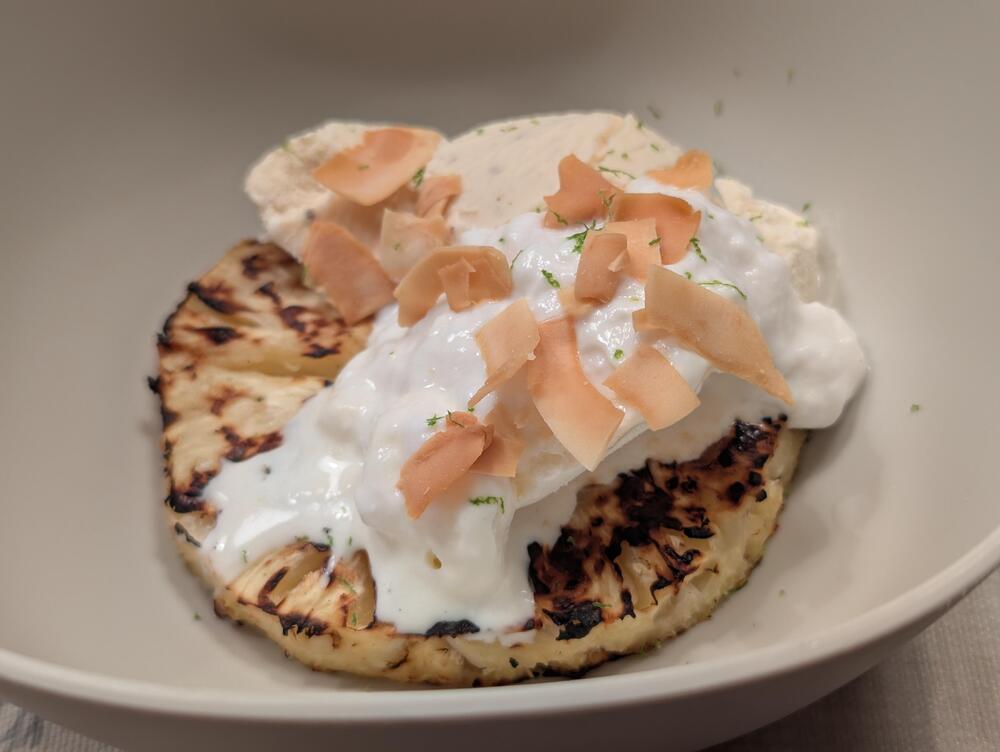
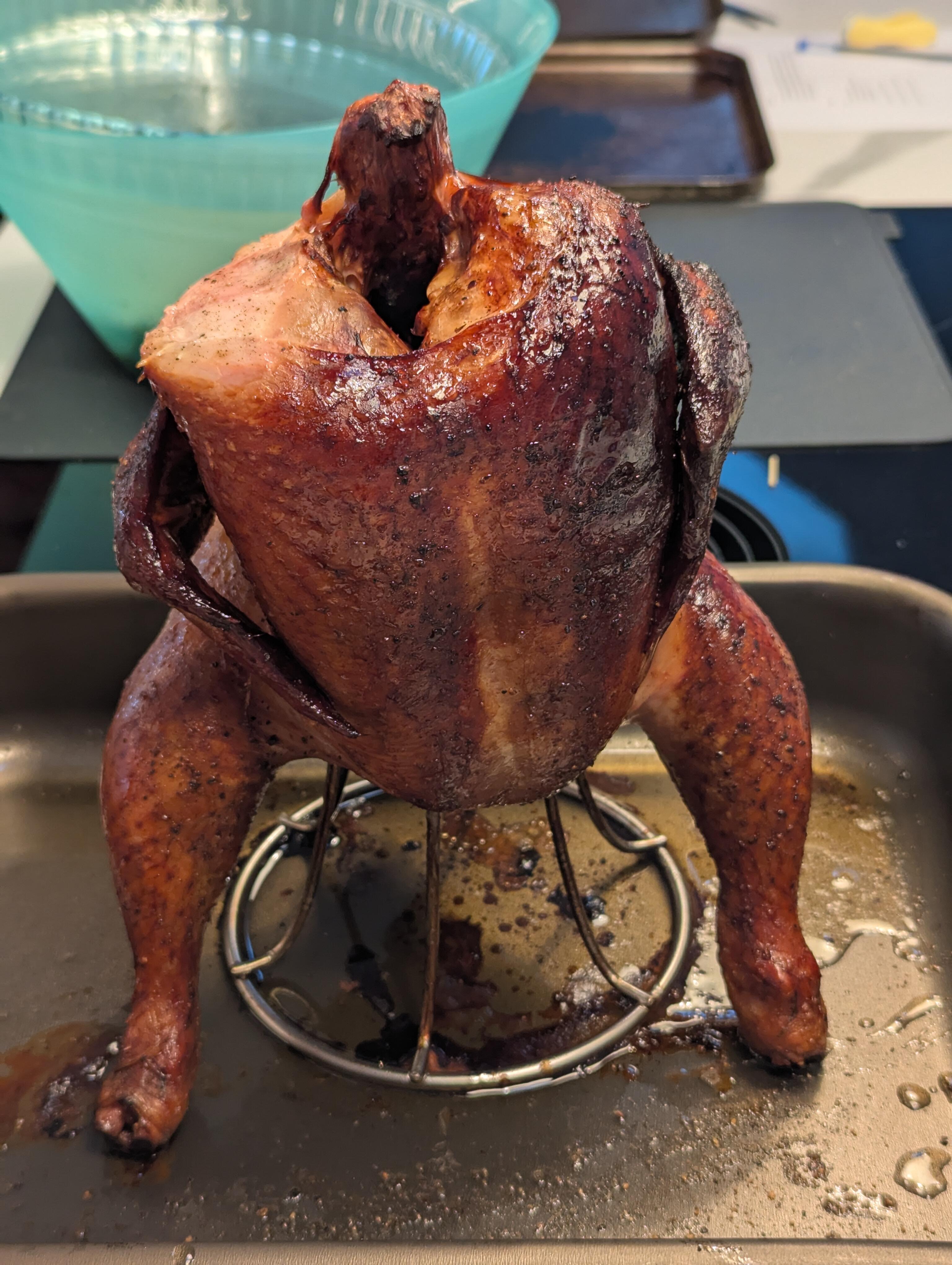
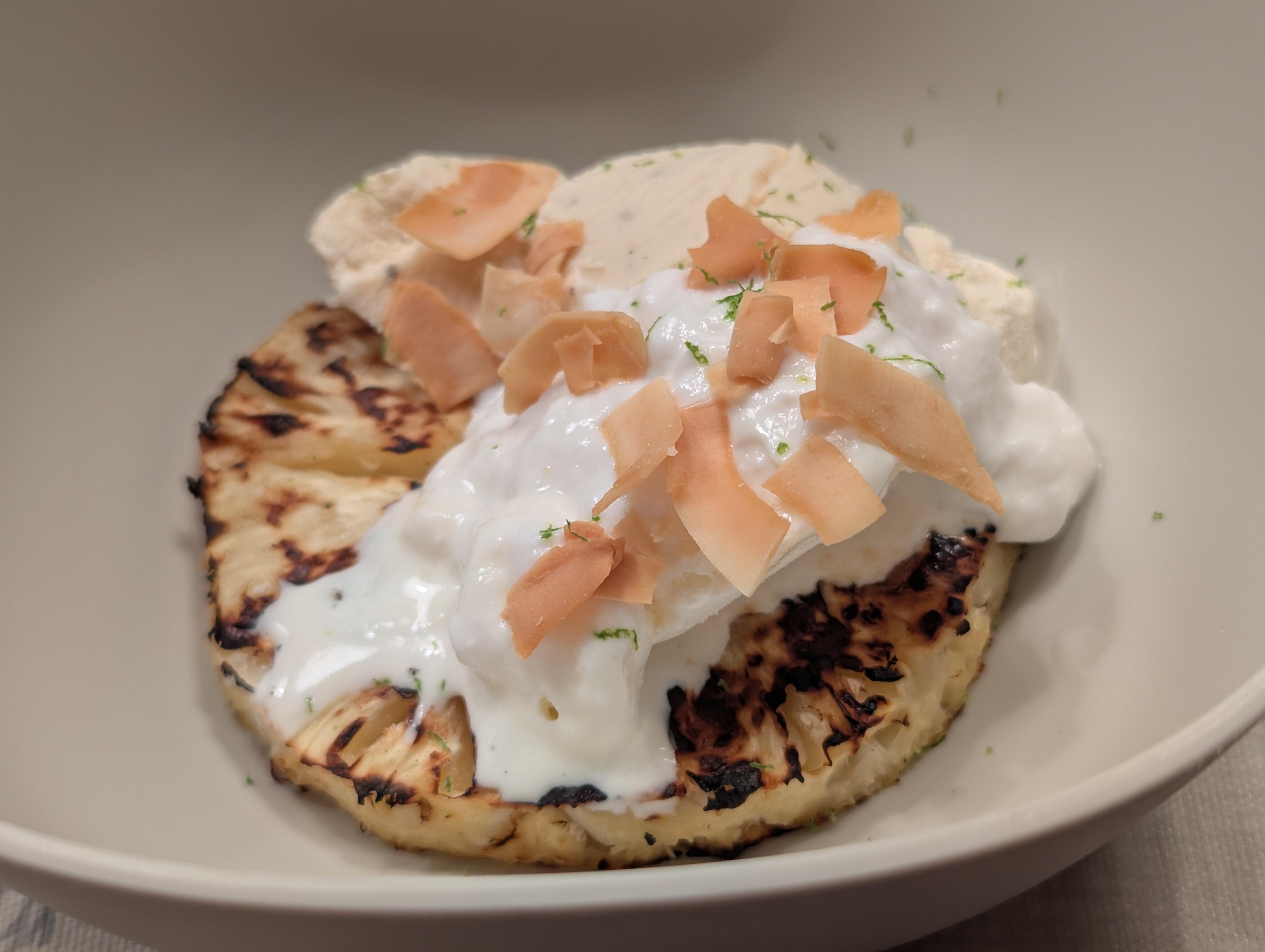
 There was a roast chicken Followed by grilled pineapple, coconut yogurt, coconut and lime ice cream, with toasted coconut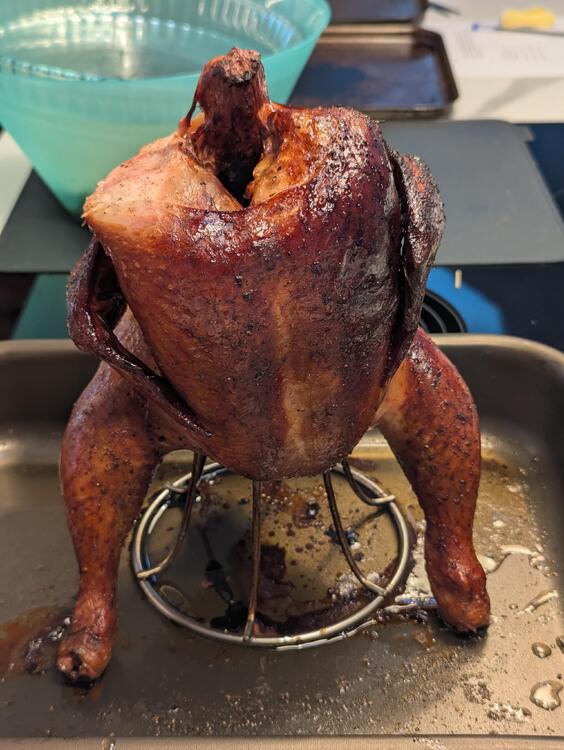
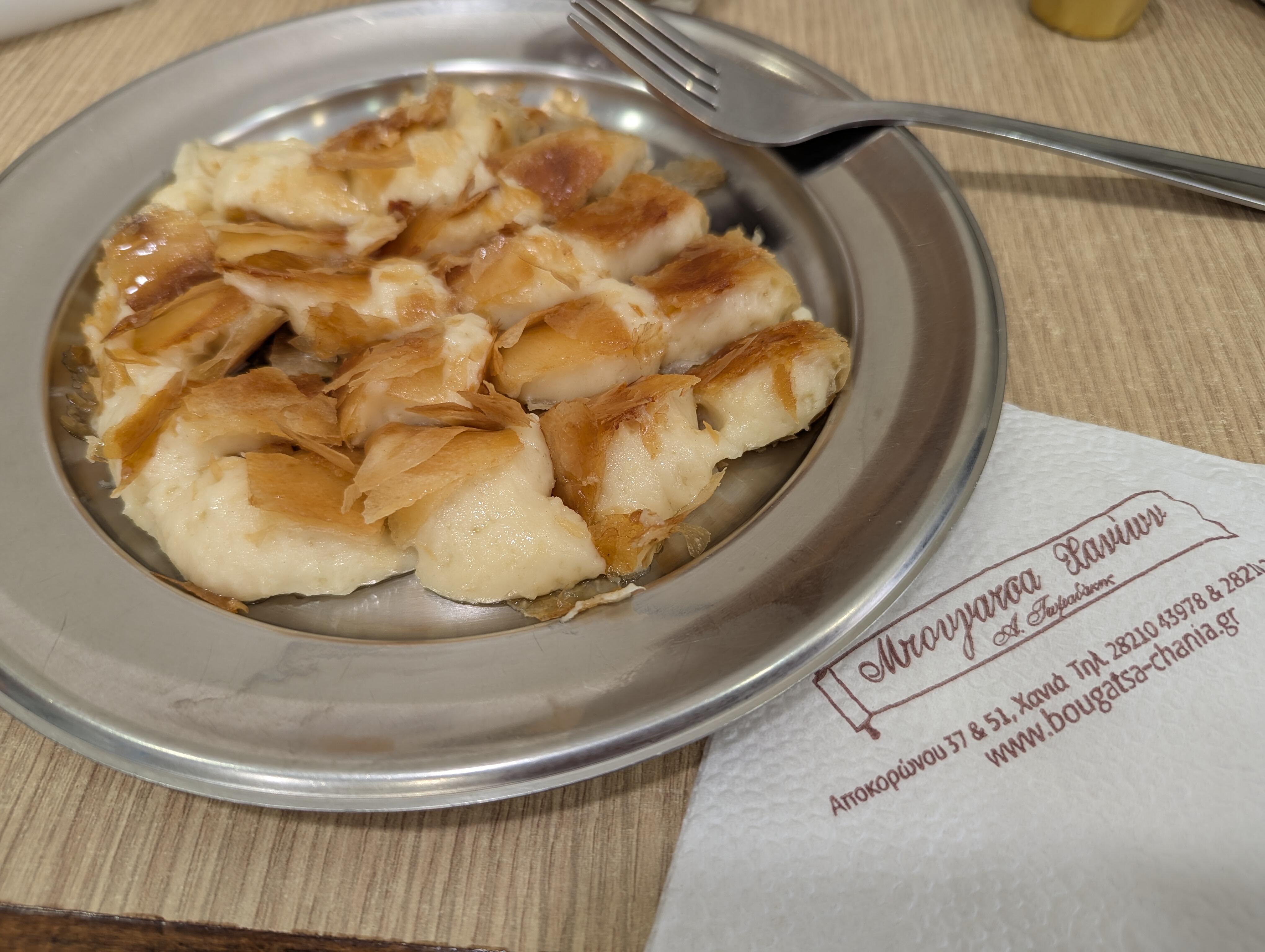
 Nipple, or otherwise?Bougatsa

















Important Information
By using this site, you agree to our Terms of Use.