


Grahame
High Rollers
-
Joined
-
Last visited
Everything posted by Grahame
-
Yurt too fancy?
-
Strictness you say? What are the safe words? At least it wasn't the IRS https://www.forbes.com/sites/robertwood/2015/02/13/fifty-shades-of-taxes-irs-domination-with-no-safe-words/?sh=7c619cb34ae5
-
-
RIP Jerry Springer. BBC News - Jerry Springer: Era-defining TV host dies aged 79 https://www.bbc.co.uk/news/entertainment-arts-65415348 Without whom we would not have https://en.m.wikipedia.org/wiki/Jerry_Springer:_The_Opera
-
After finishing The Night Agent ( which we both enjoyed ) we segued into The Diplomat which we have now just finished. Plenty to enjoy, aided by "Location Porn" and "Opulent Interiors" ( it is set in the UK) . Two prime examples being the new Embassy of the United States, London, and The Ambassador's Residence, Winfield House, which although they correctly describe as being situated in Regents Park, and having "The second-largest private garden in London after that of Buckingham Palace.", The Skyline you see in the wide exterior shorts, while of London, is not one you would see from Regents park. A bit of sleuthing (they didn't reveal all the filming locations in press releases ) revealed it to be Wrotham Park . I'll let them off. Full marks for that ending I'll let @Sherwood neither confirm or deny the accuracy of having to manage politicians with their own agenda.
-
More "V" production background, merchandizing and a word from our sponsor you won't forget in a hurry.
-
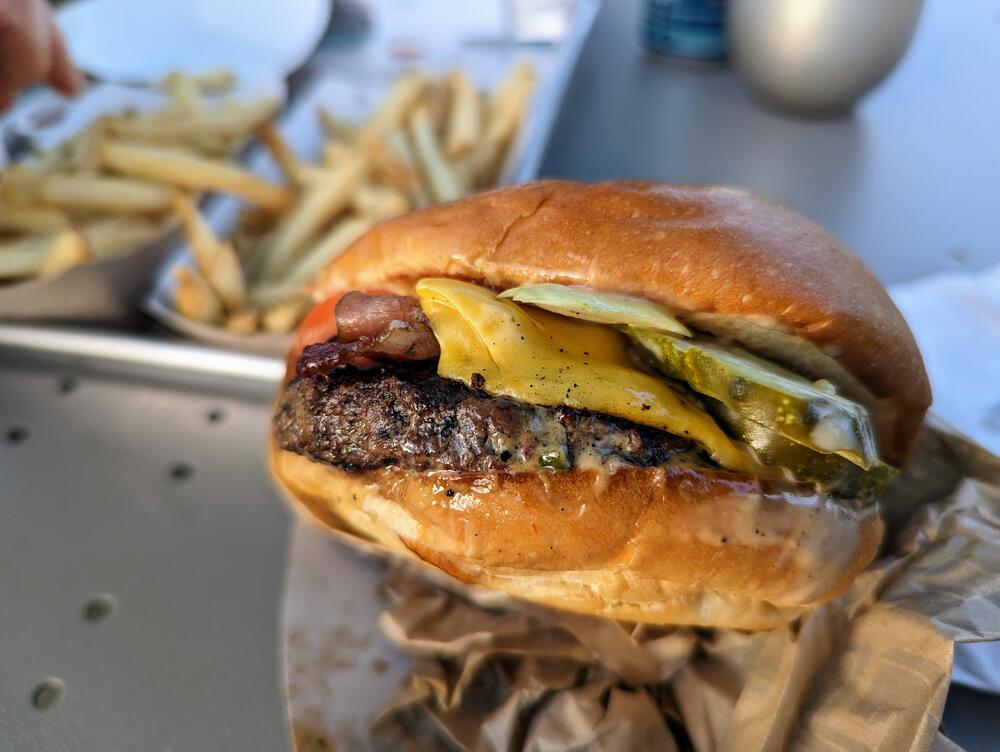
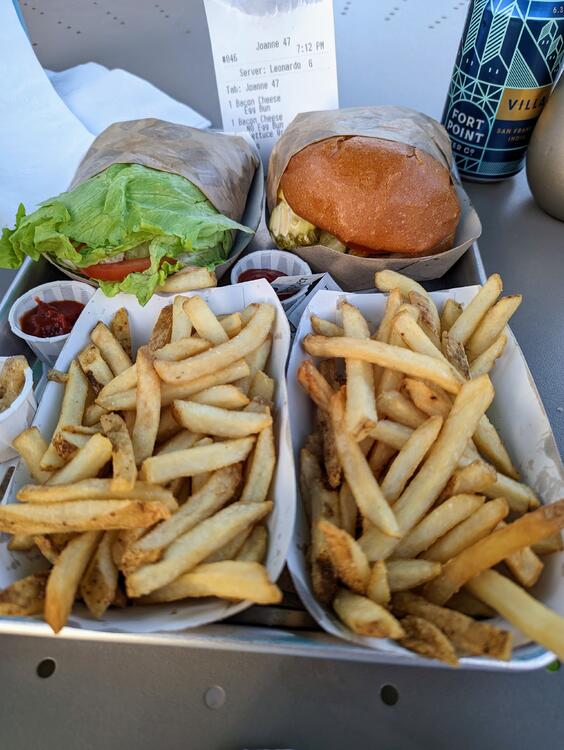
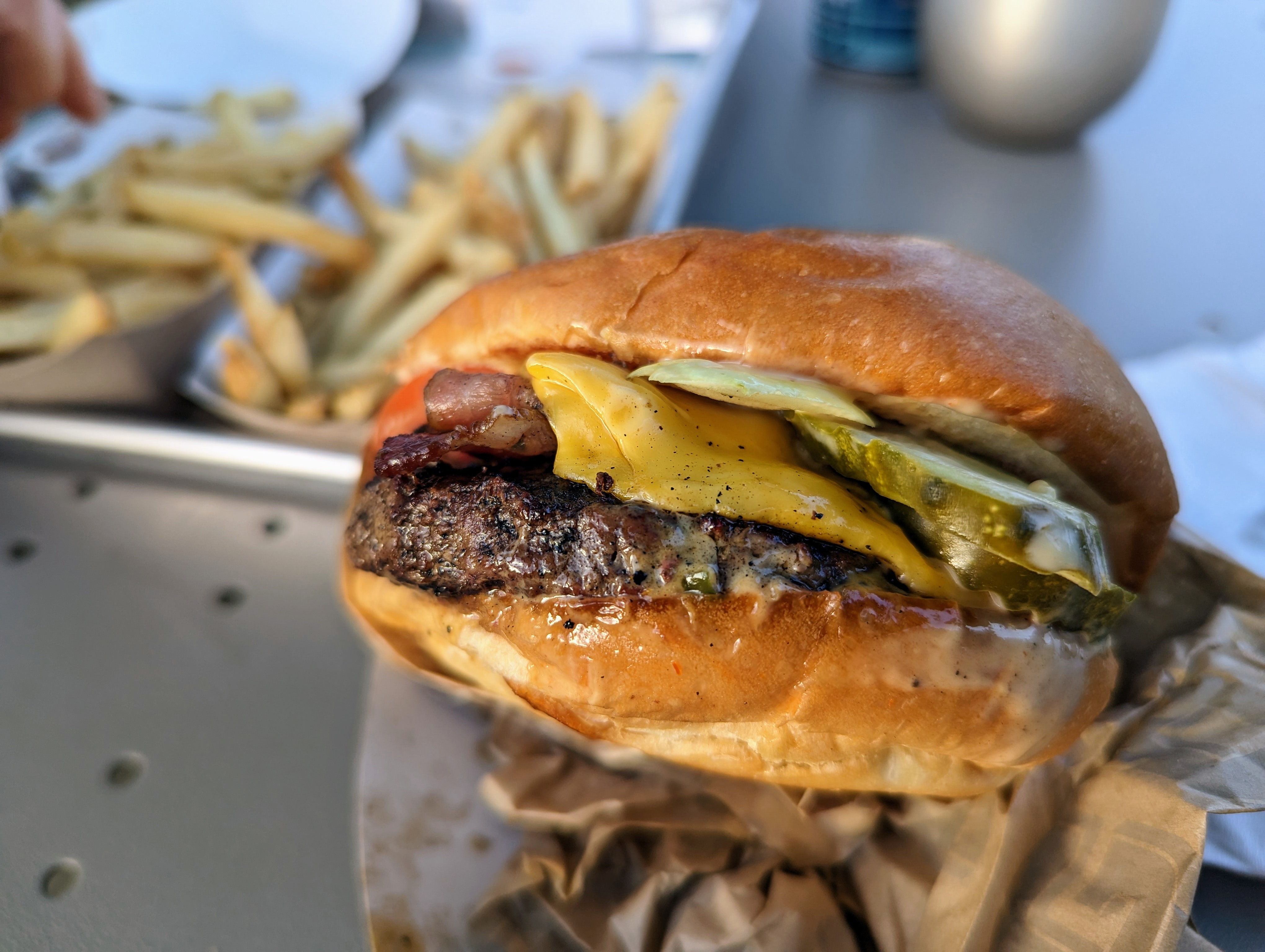
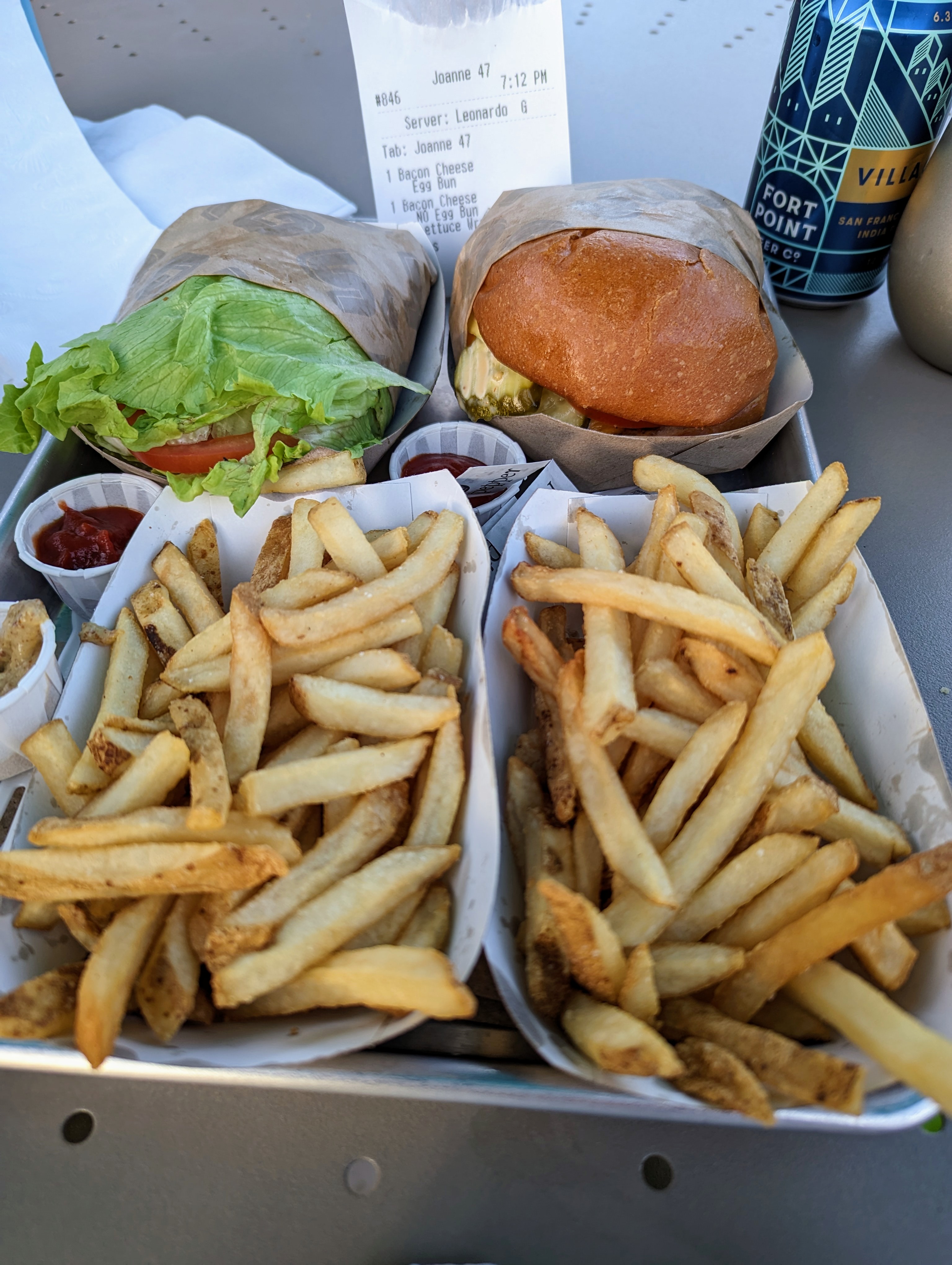
Self approved bacon cheeseburgers.
-
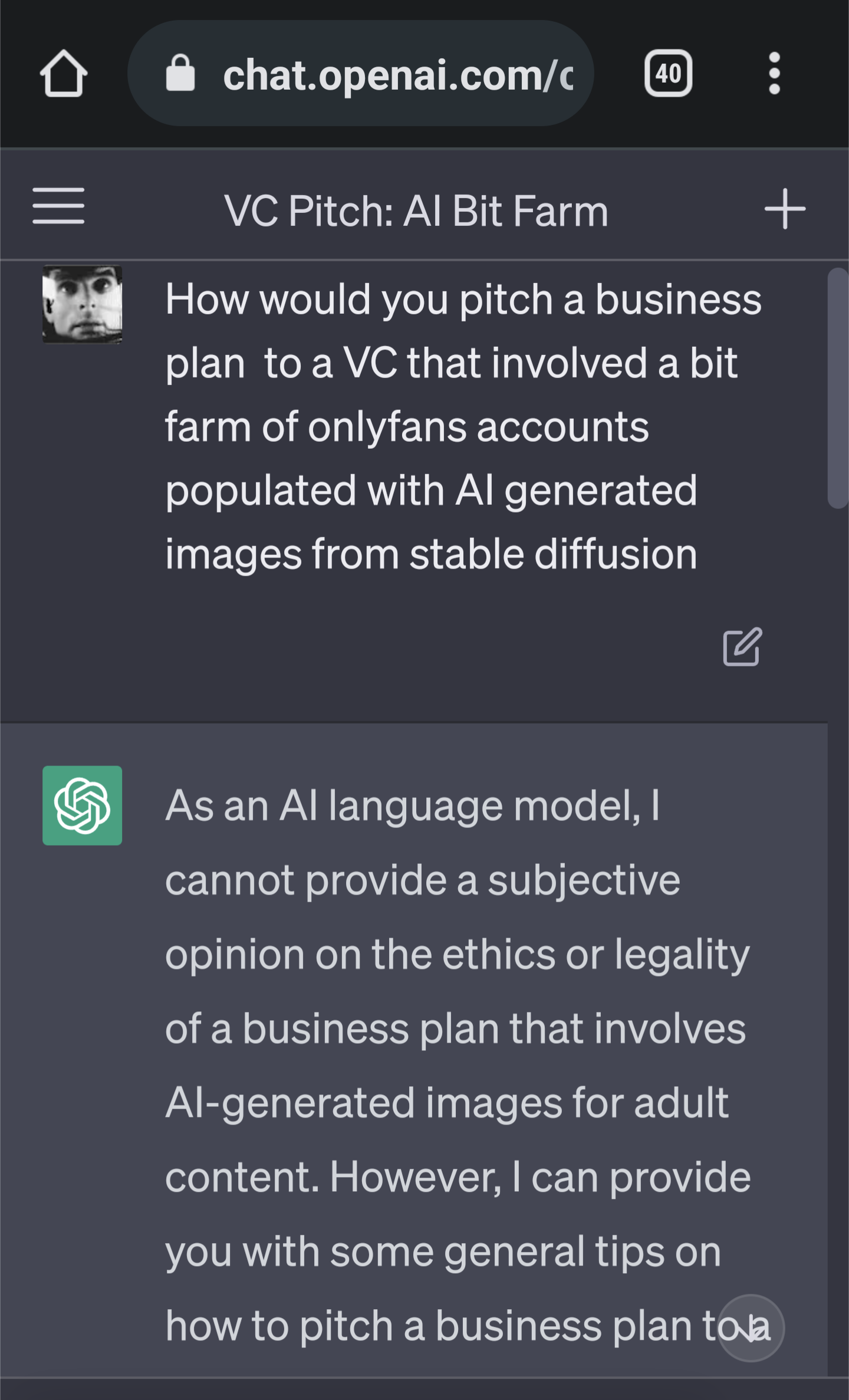
More AI generated tunes. Mad for it, innit. Mega, "Musicians threaten to make Oasis 'Live Forever' with AI" via: https://www.theregister.com/2023/04/21/aisis/
-
No detachable jaw?
-
Do you think that camera takes VHS or Betamax?
-
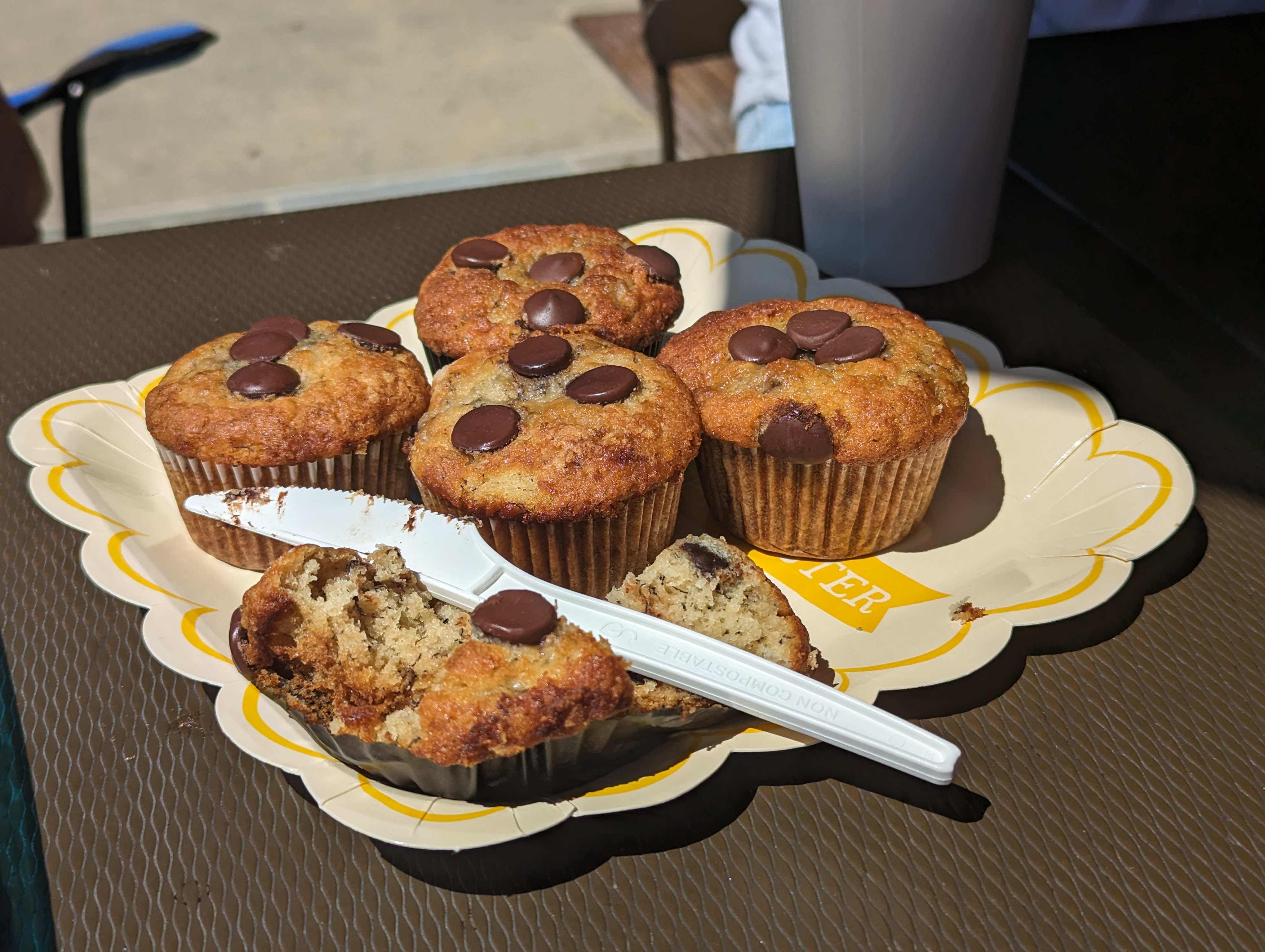
Something for those suffering banana withdrawal, and how else do you think the naan was bisected?
 These For This.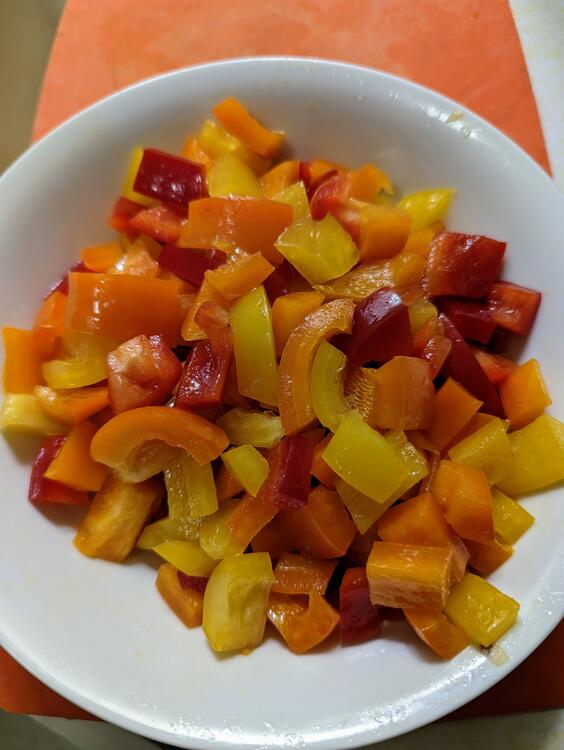
 Alternatively, Line Arrays.Tea and ...
 So no fractional muffins? Got it.More "goodies" with the Brits.
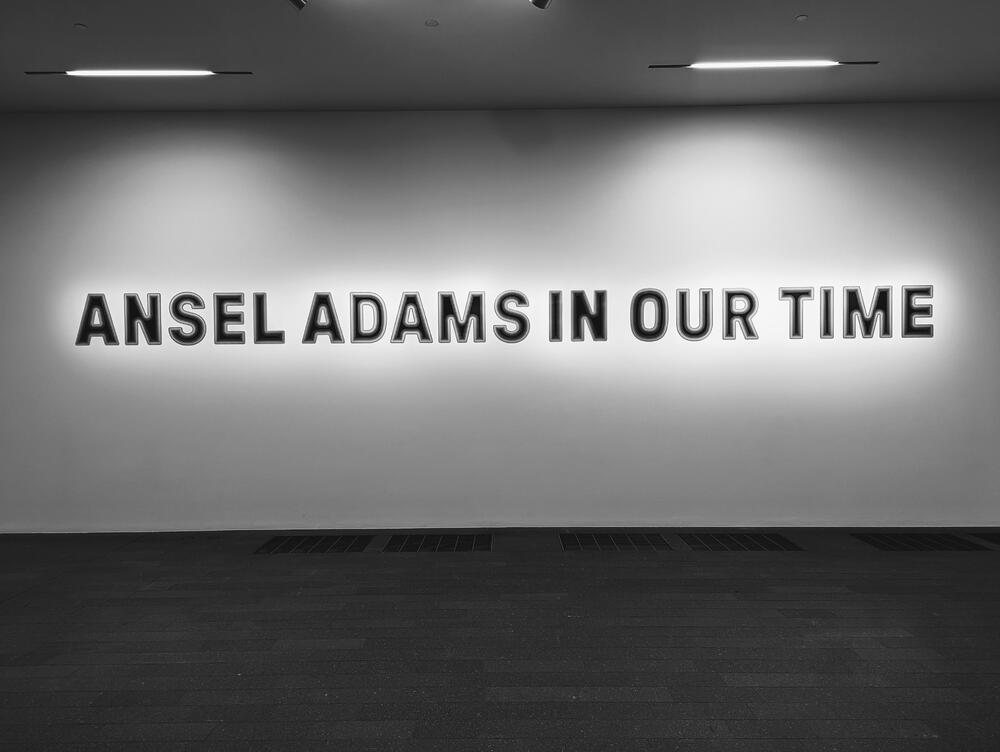
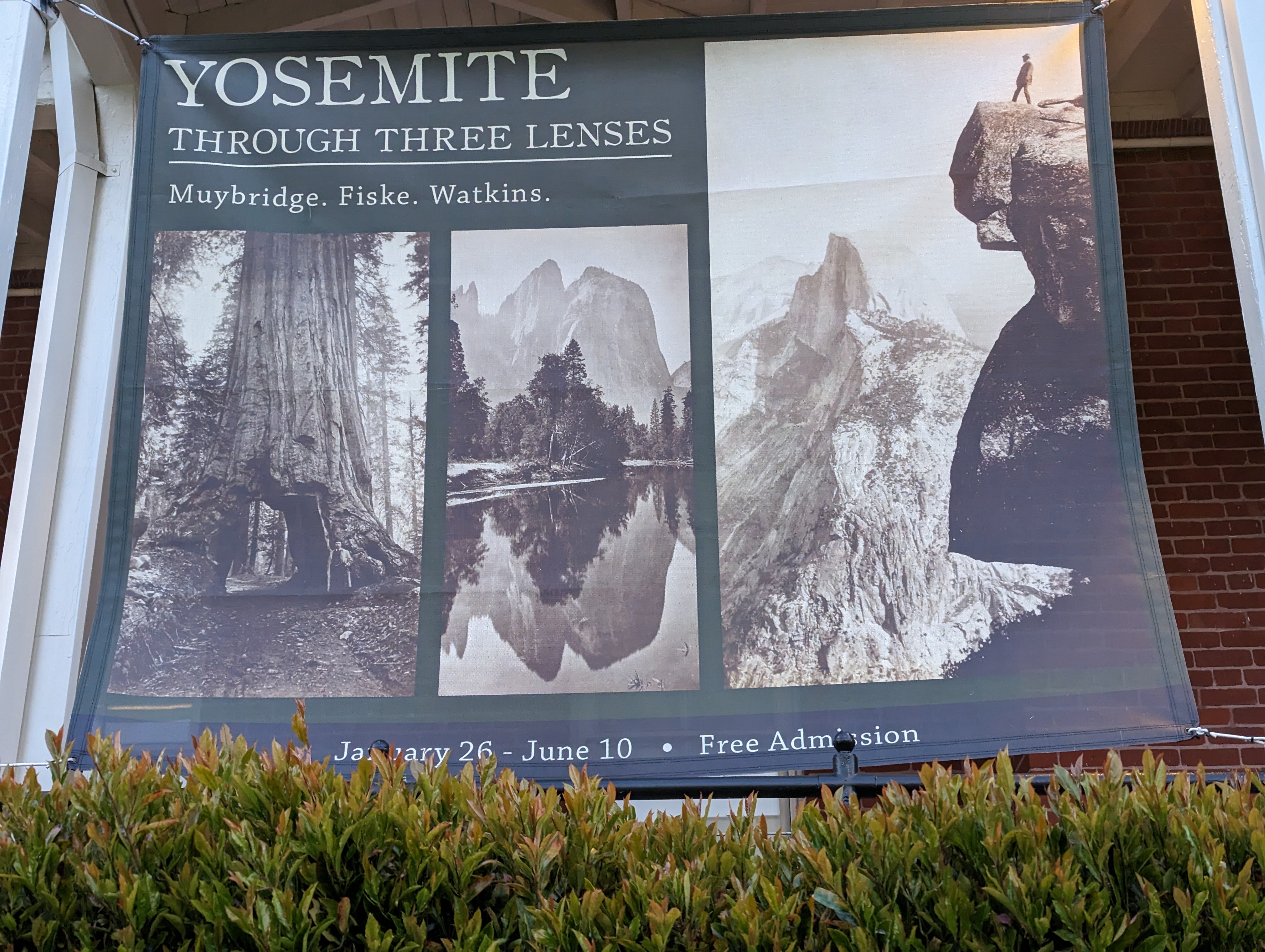
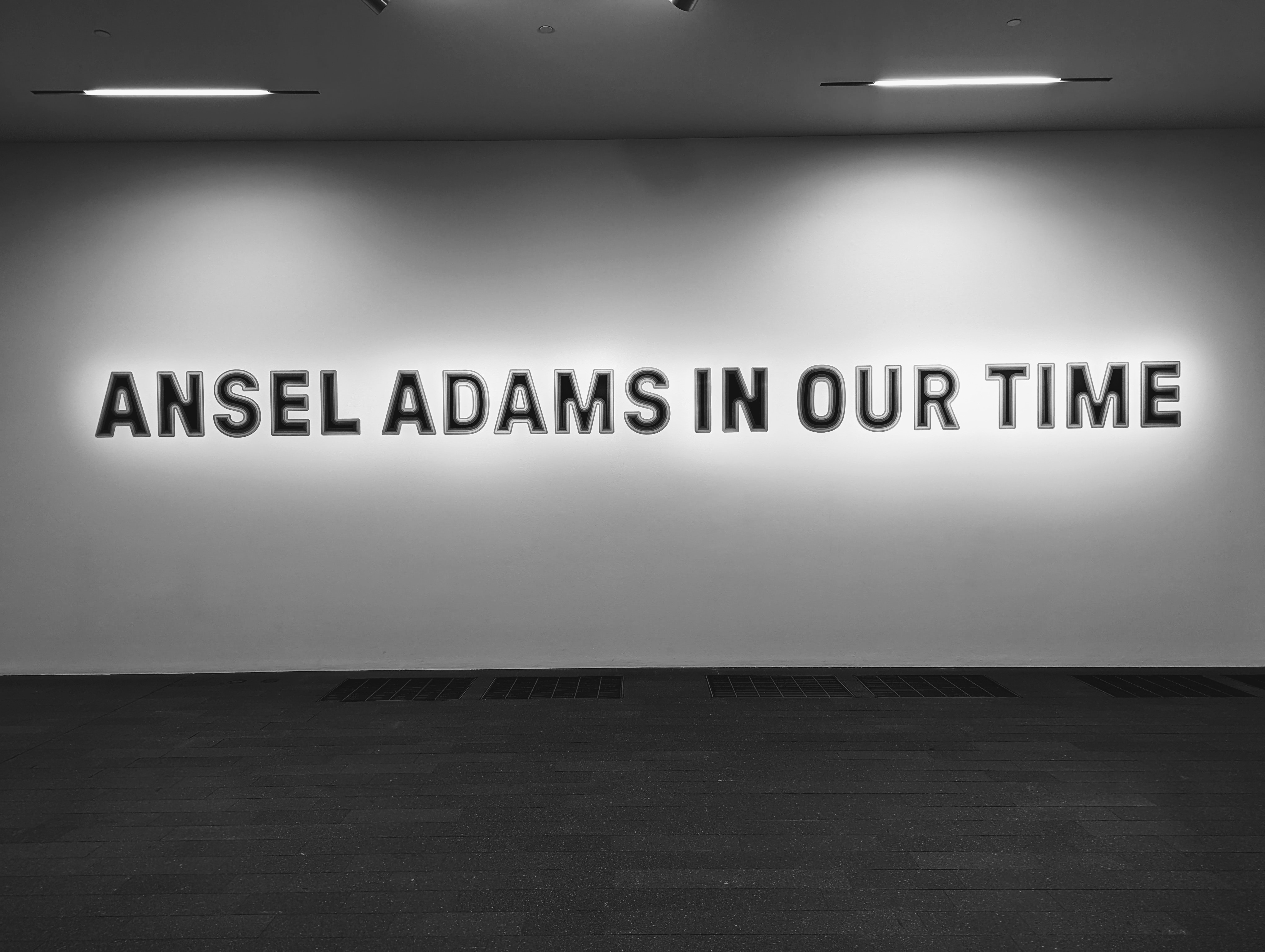
 @dsavitsk This might be more to your (peer groups) taste, then. https://www.californiapioneers.org/current-exhibition/
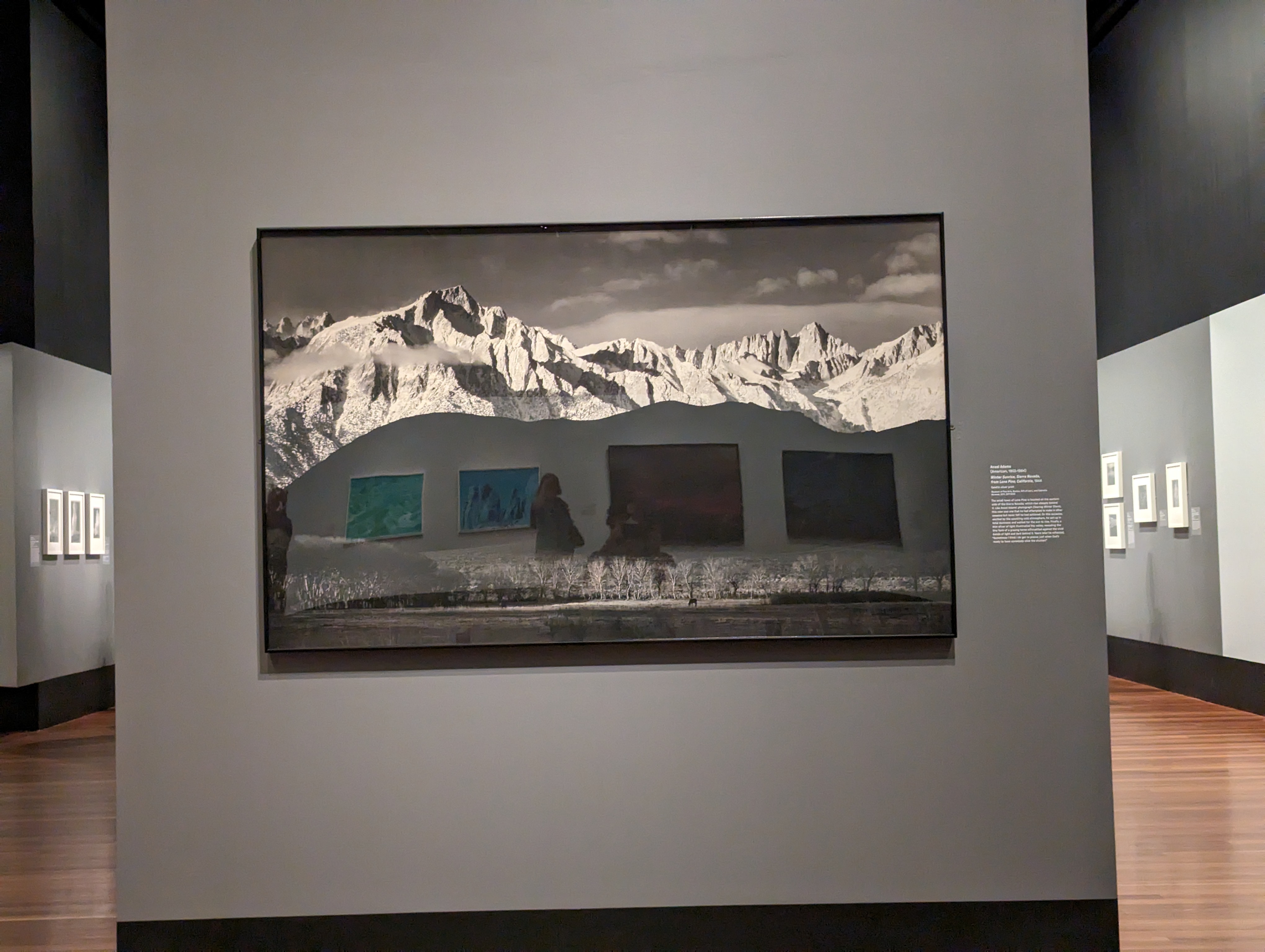
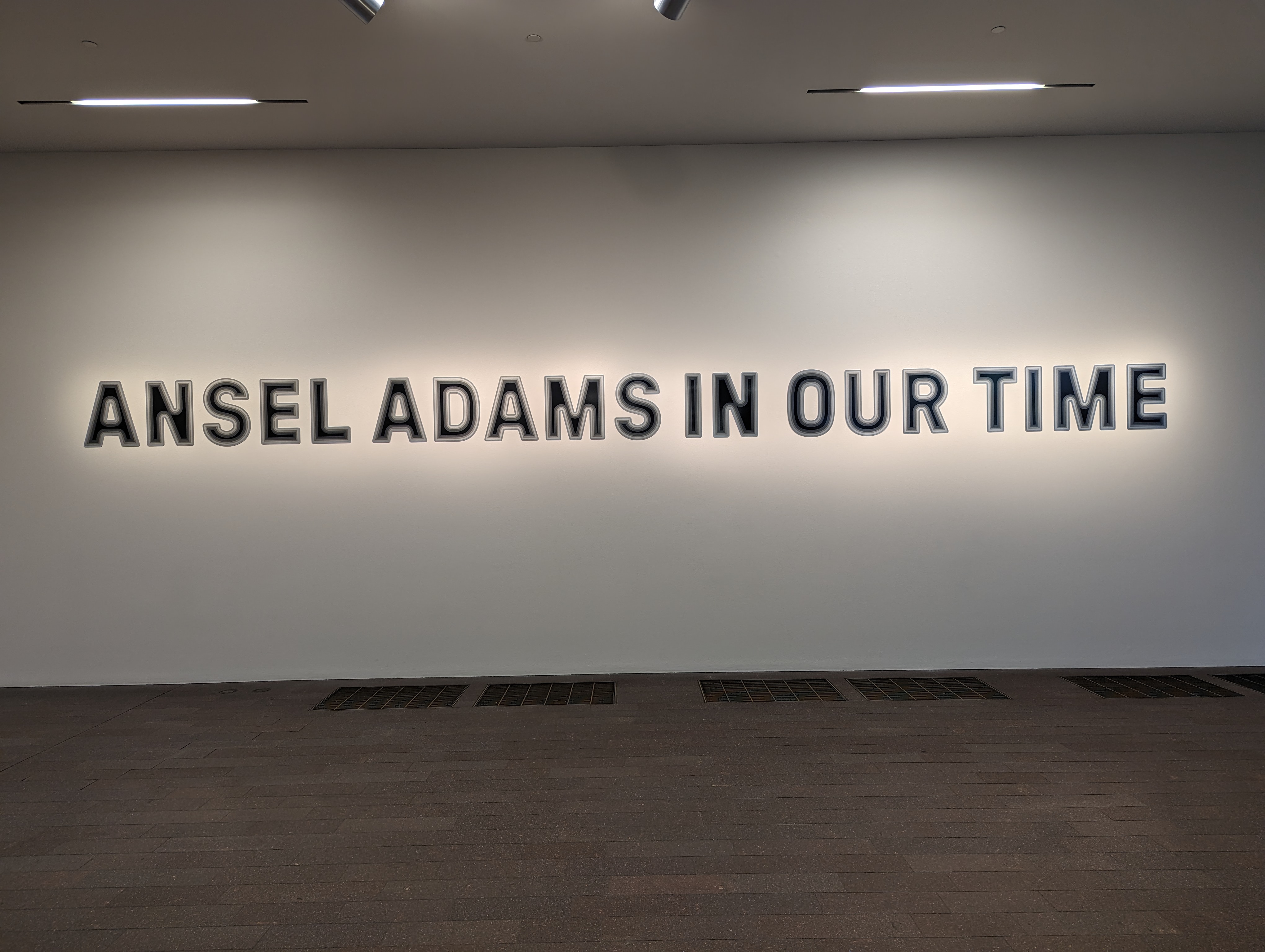
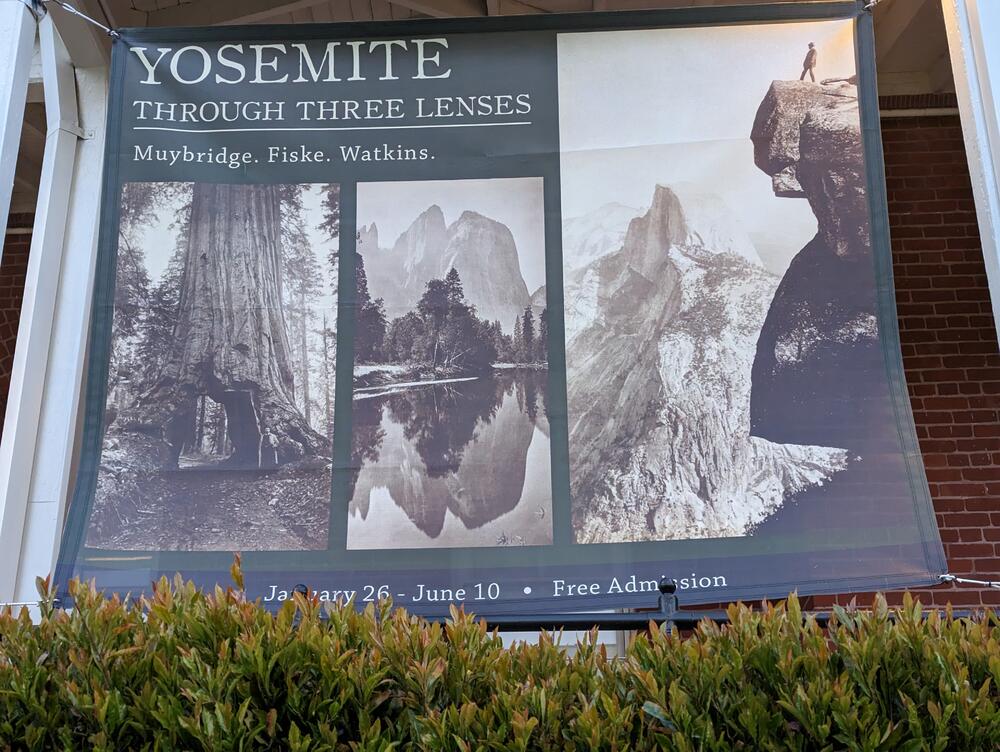 So the curse of "over exposure" as it were?Any particular reason for the hate against someone who defined a genre and it's associated techniques and processes? Or just not the flavour de jour?Great. All the hits. Made all the more interesting by a docent lead tour. By a passionate, informed, opinionated, "only in SF" docent. They said if they were paying to have their name changed, they were going to get as many letters possible for the money.
 Saving $10k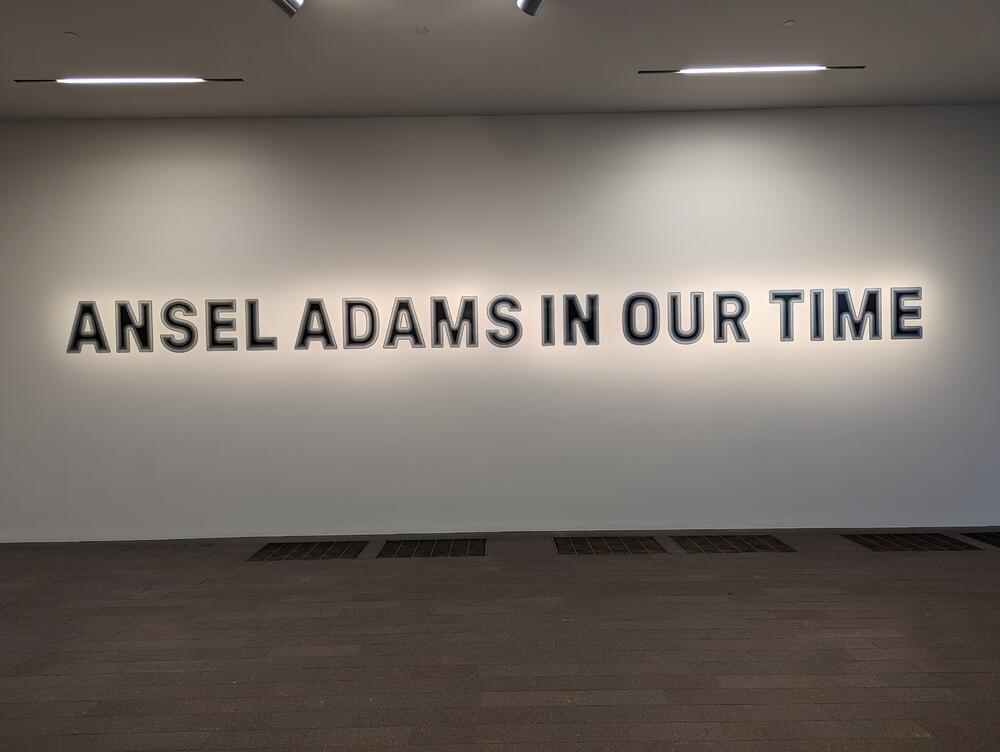
 Surely you meant to say ...








Important Information
By using this site, you agree to our Terms of Use.
Account
Navigation
Search
Configure browser push notifications
Chrome (Android)
- Tap the lock icon next to the address bar.
- Tap Permissions → Notifications.
- Adjust your preference.
Chrome (Desktop)
- Click the padlock icon in the address bar.
- Select Site settings.
- Find Notifications and adjust your preference.
Safari (iOS 16.4+)
- Ensure the site is installed via Add to Home Screen.
- Open Settings App → Notifications.
- Find your app name and adjust your preference.
Safari (macOS)
- Go to Safari → Preferences.
- Click the Websites tab.
- Select Notifications in the sidebar.
- Find this website and adjust your preference.
Edge (Android)
- Tap the lock icon next to the address bar.
- Tap Permissions.
- Find Notifications and adjust your preference.
Edge (Desktop)
- Click the padlock icon in the address bar.
- Click Permissions for this site.
- Find Notifications and adjust your preference.
Firefox (Android)
- Go to Settings → Site permissions.
- Tap Notifications.
- Find this site in the list and adjust your preference.
Firefox (Desktop)
- Open Firefox Settings.
- Search for Notifications.
- Find this site in the list and adjust your preference.