


Grahame
High Rollers
-
Joined
-
Last visited
Everything posted by Grahame
-
So Canada in 2024?
-
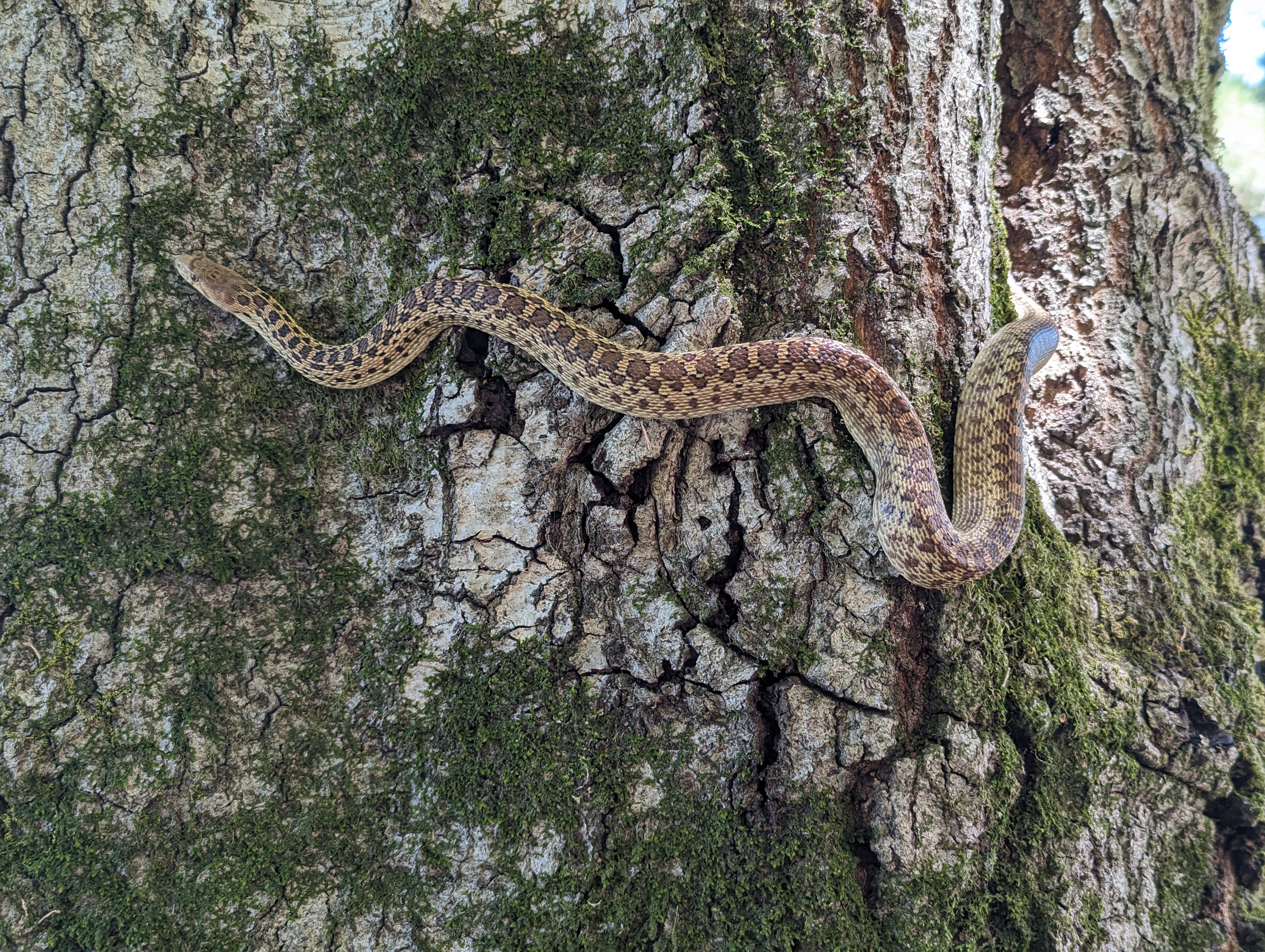
In today's snake related news, a pacific gopher snake. https://en.m.wikipedia.org/wiki/Pituophis

-
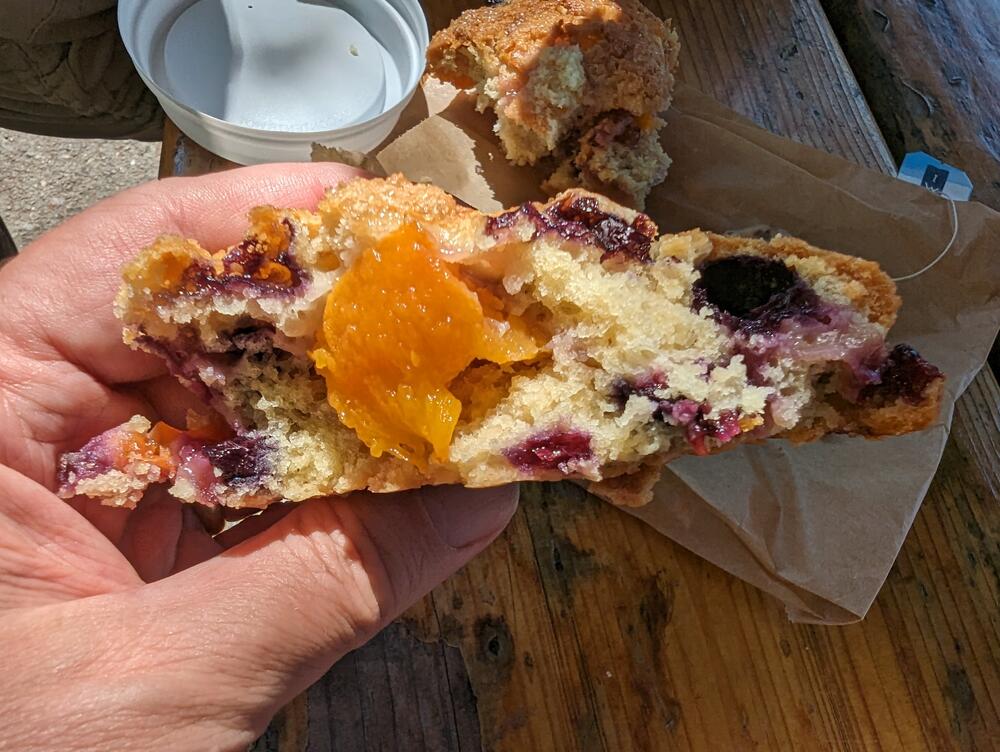
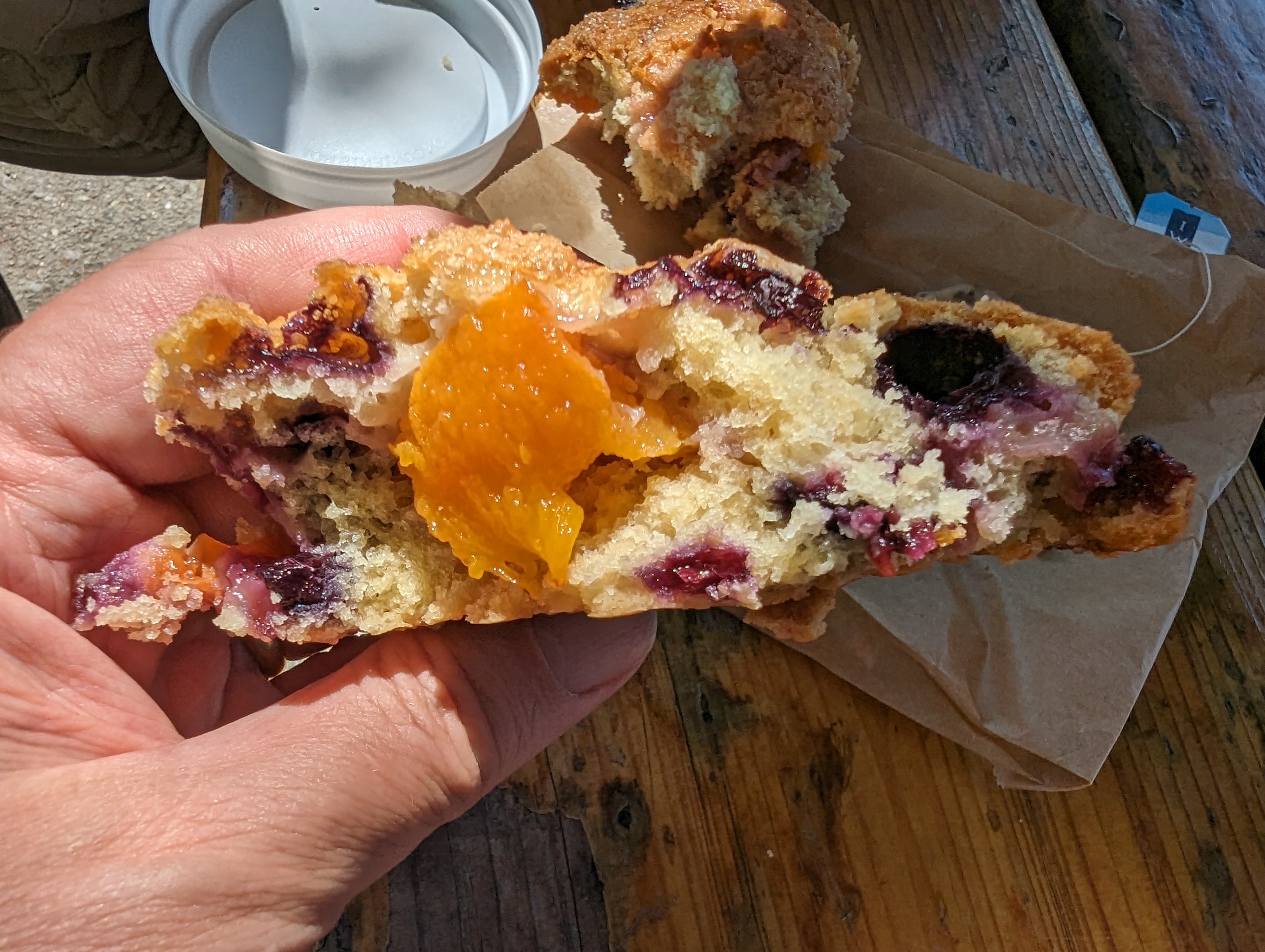
@ https://wildflourbread.com/
-
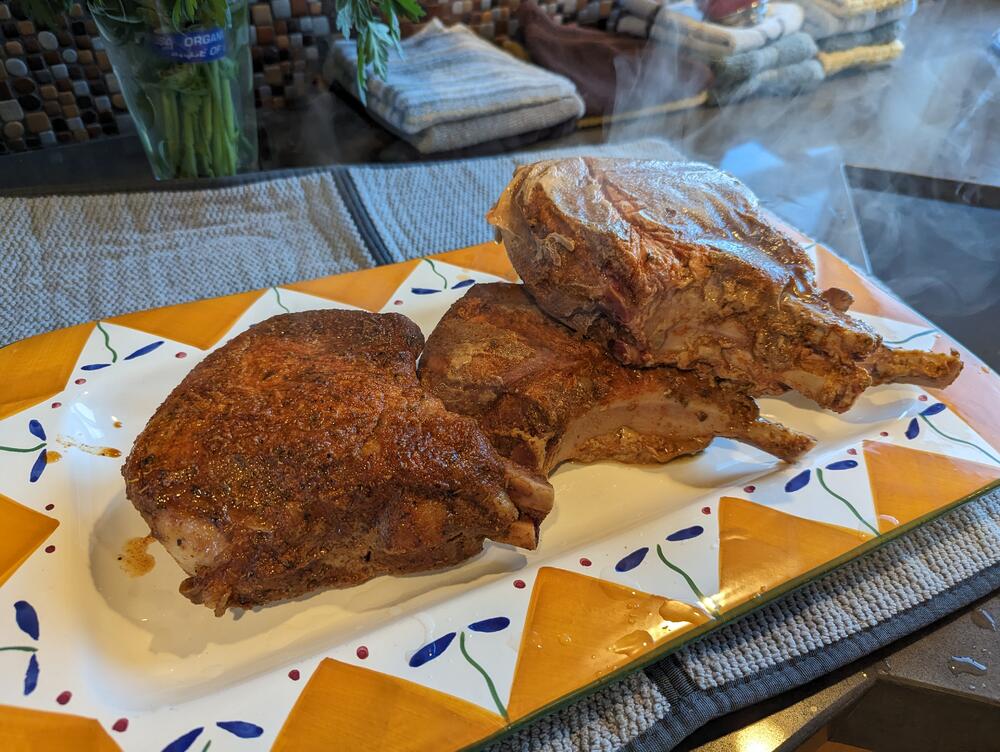
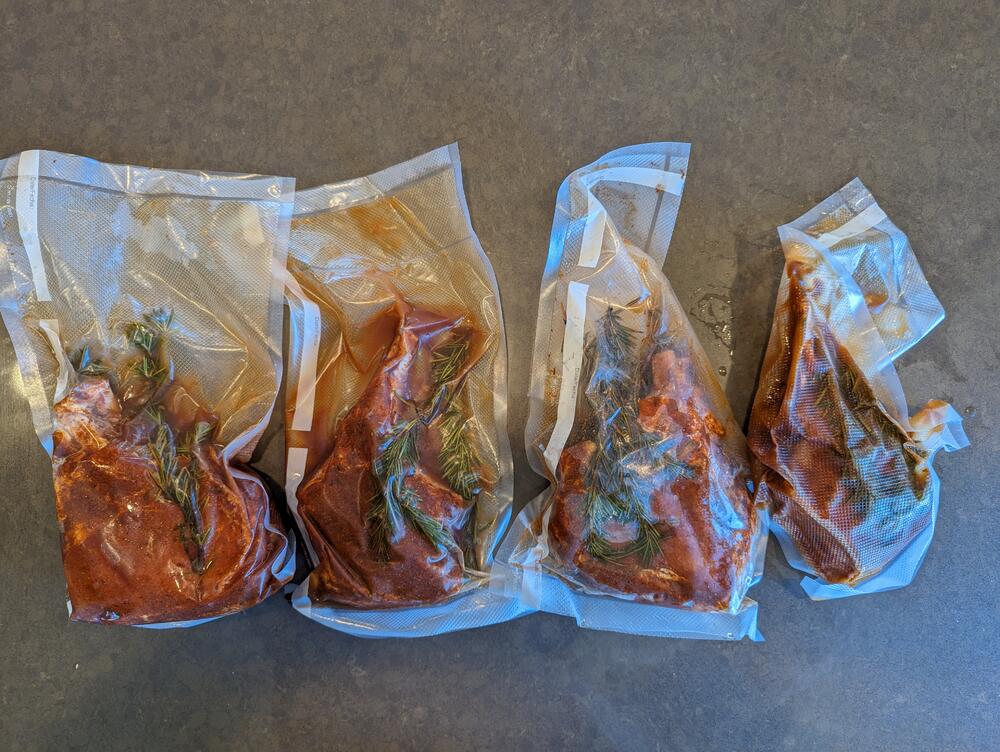
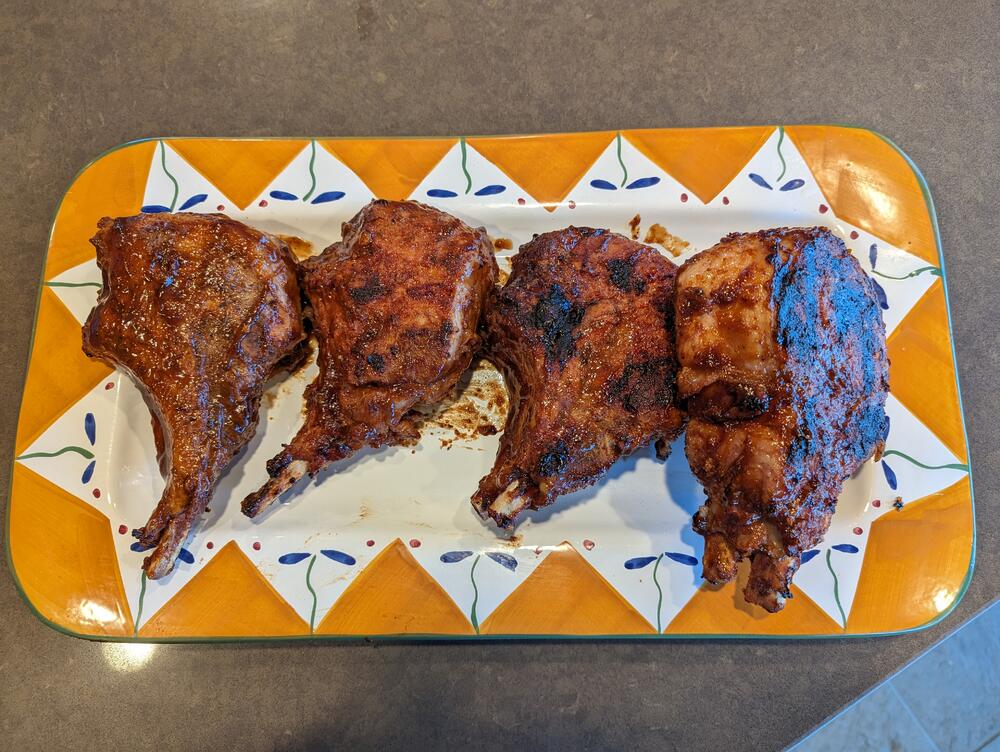
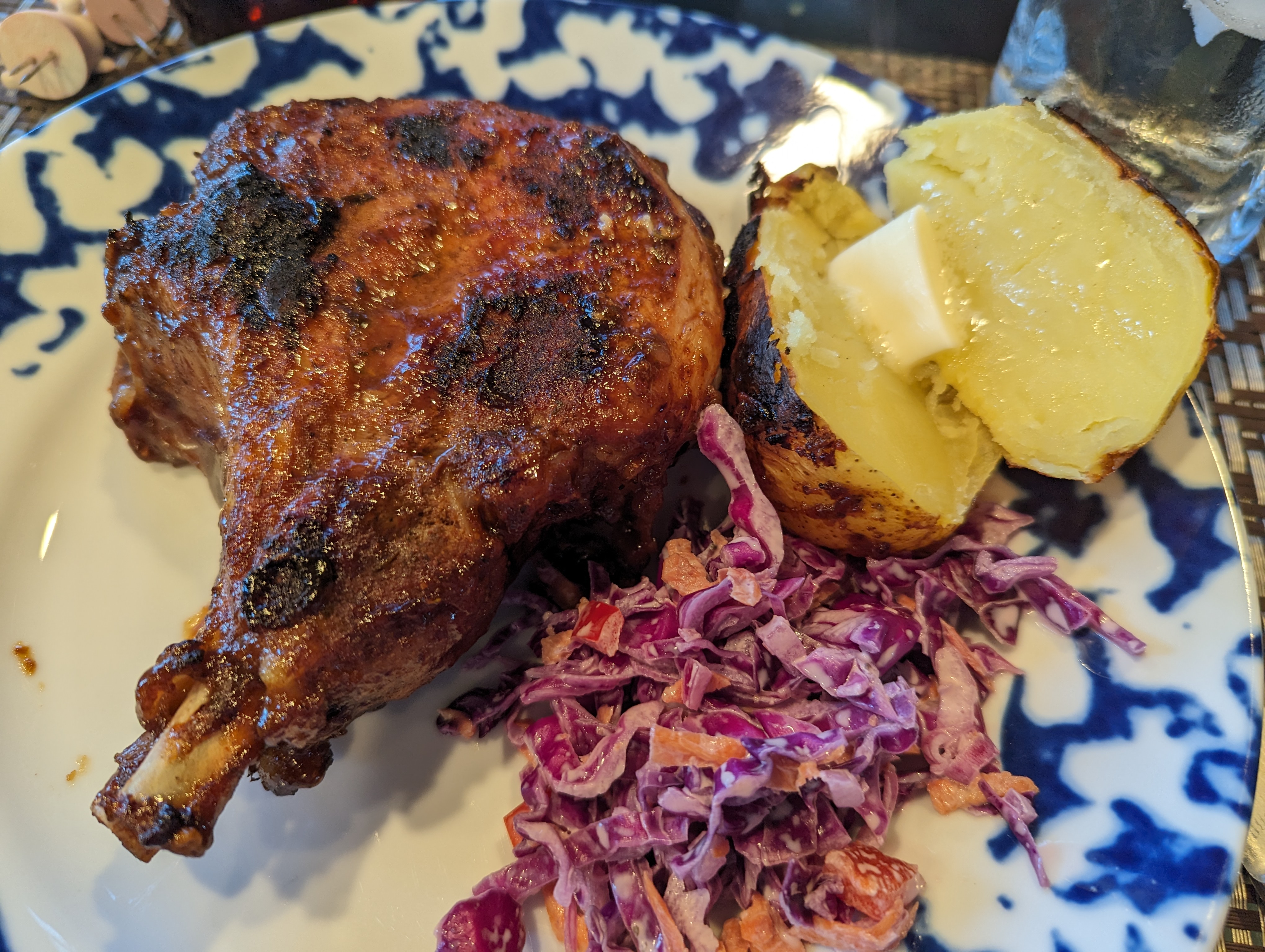
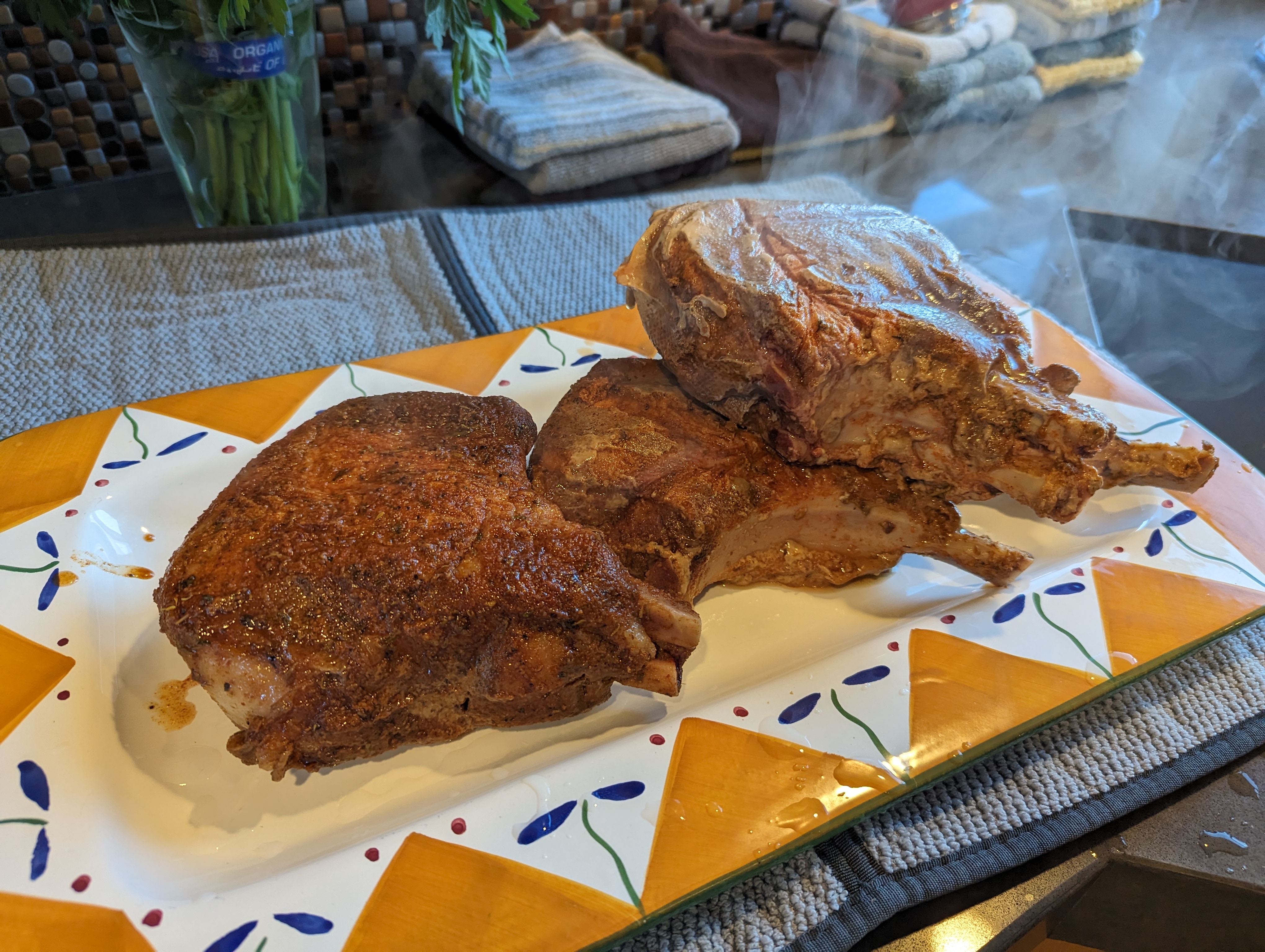
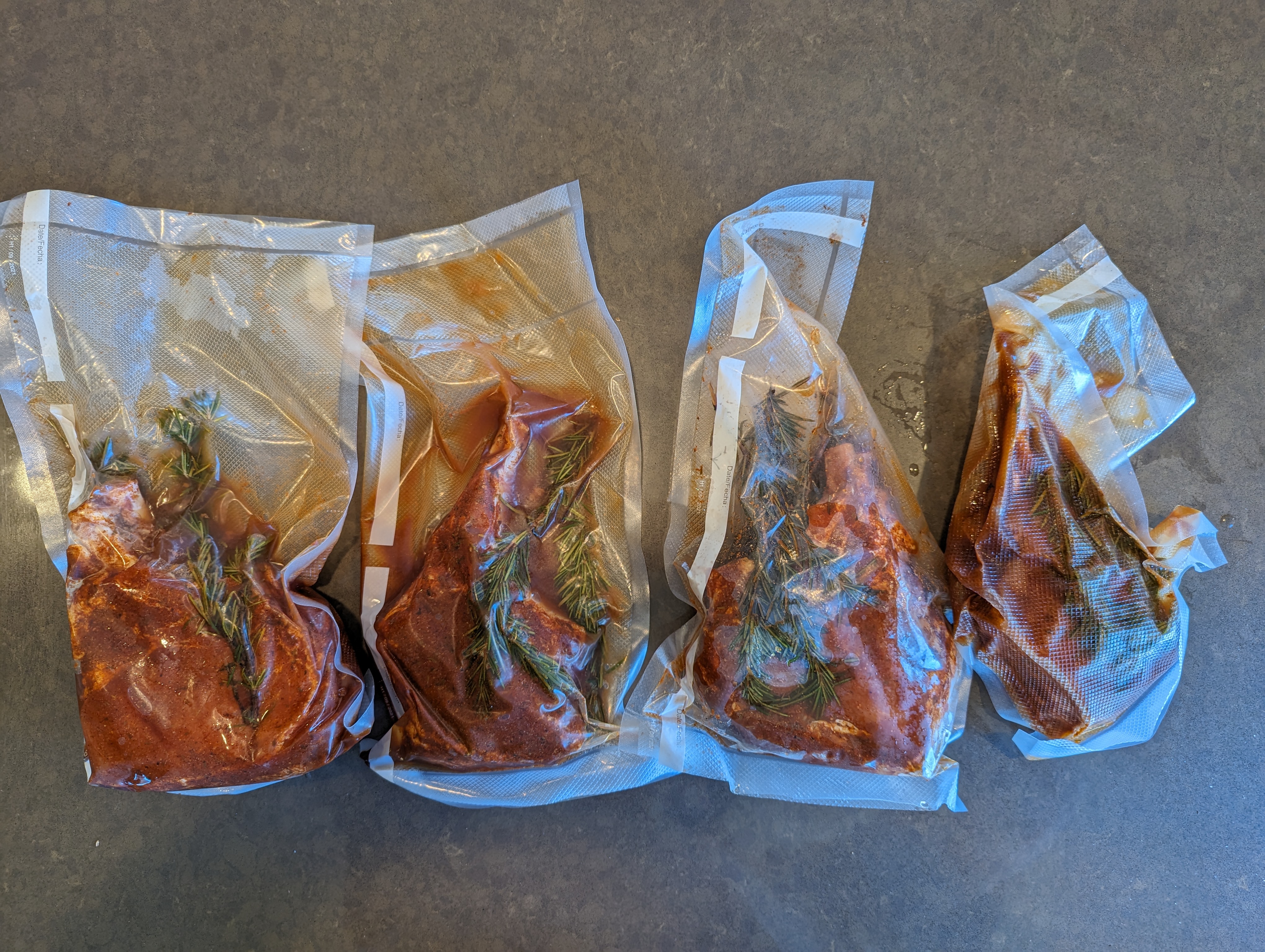
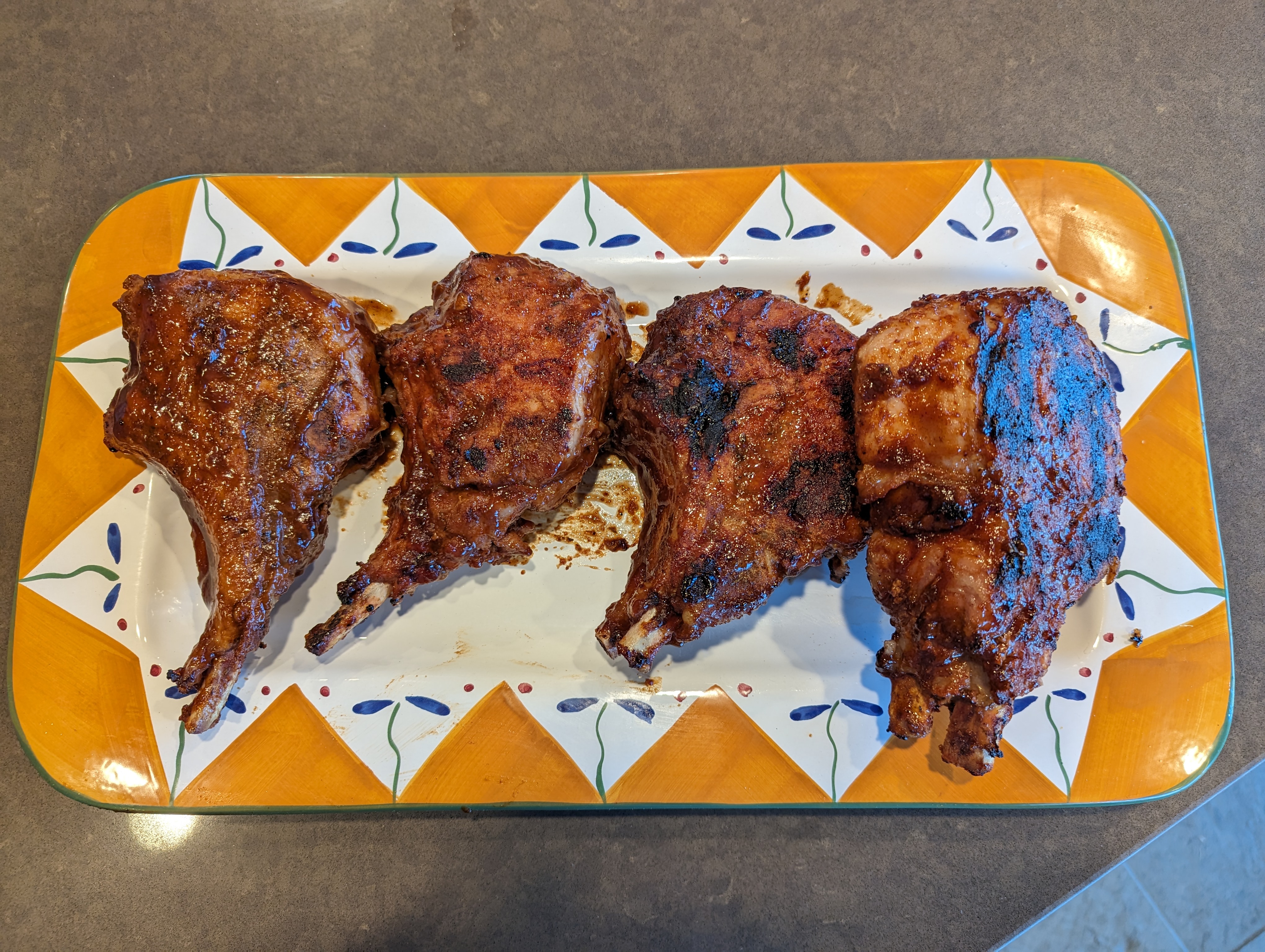
Sous Vide / BBQ pork chops
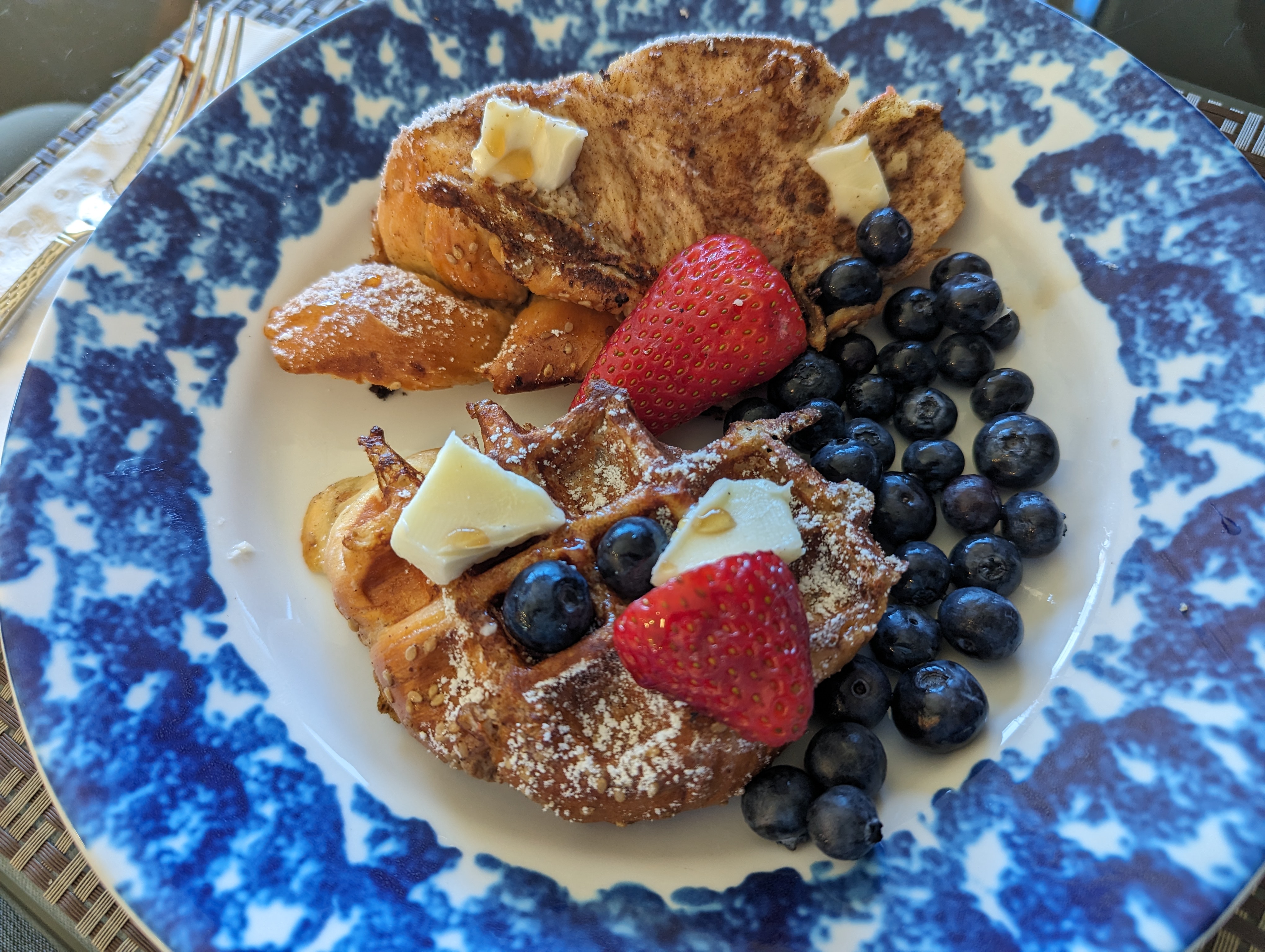
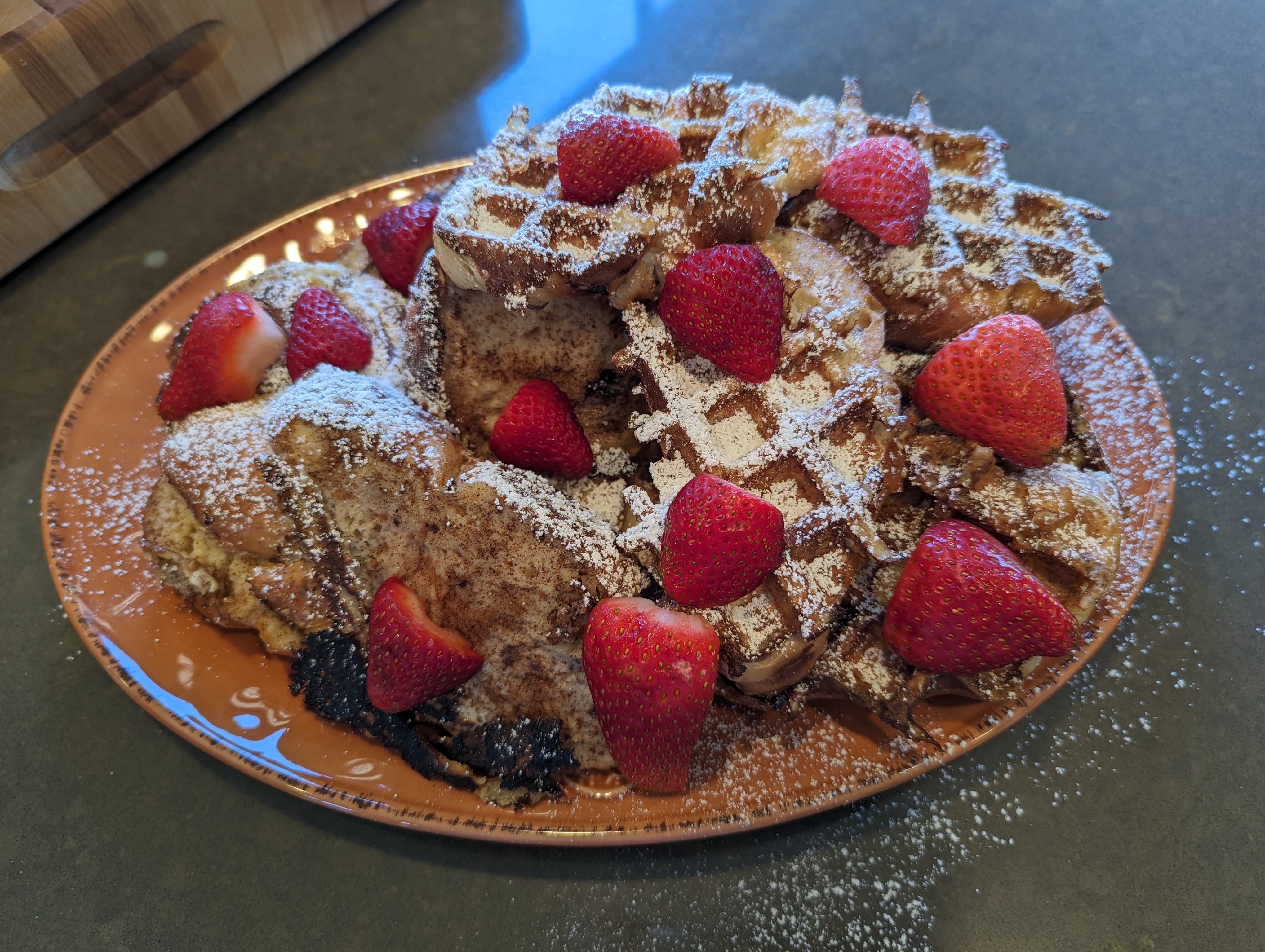
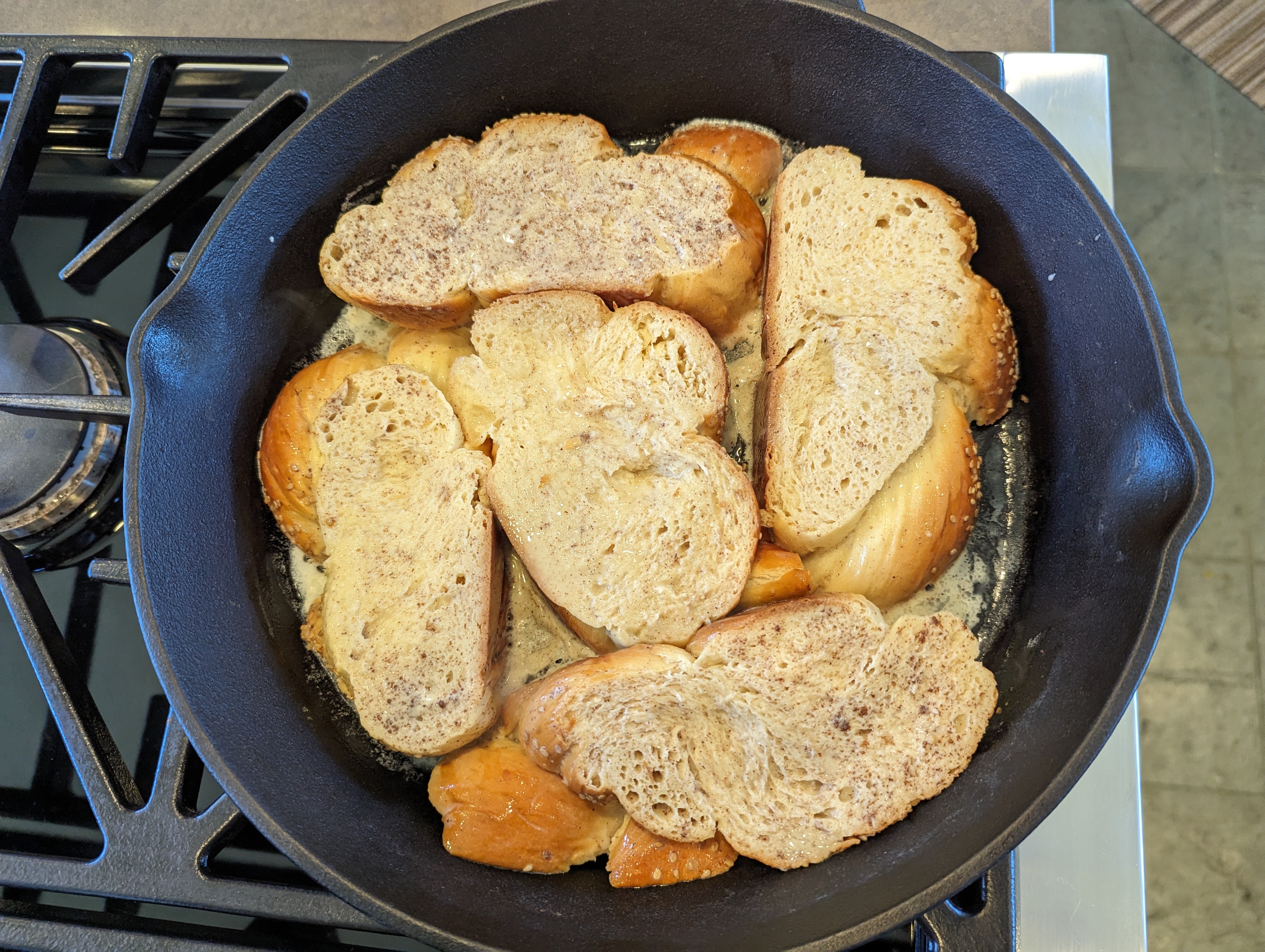
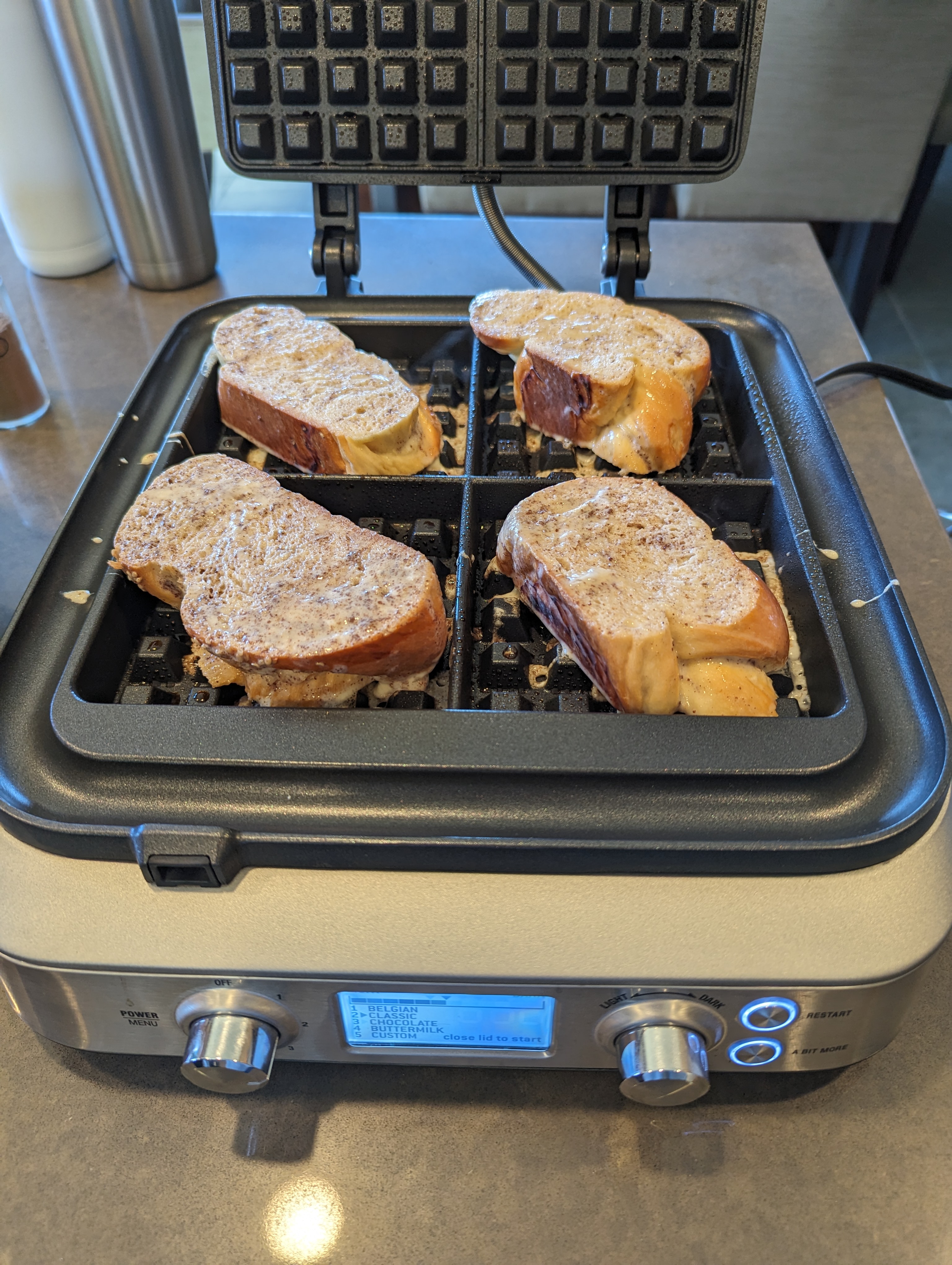
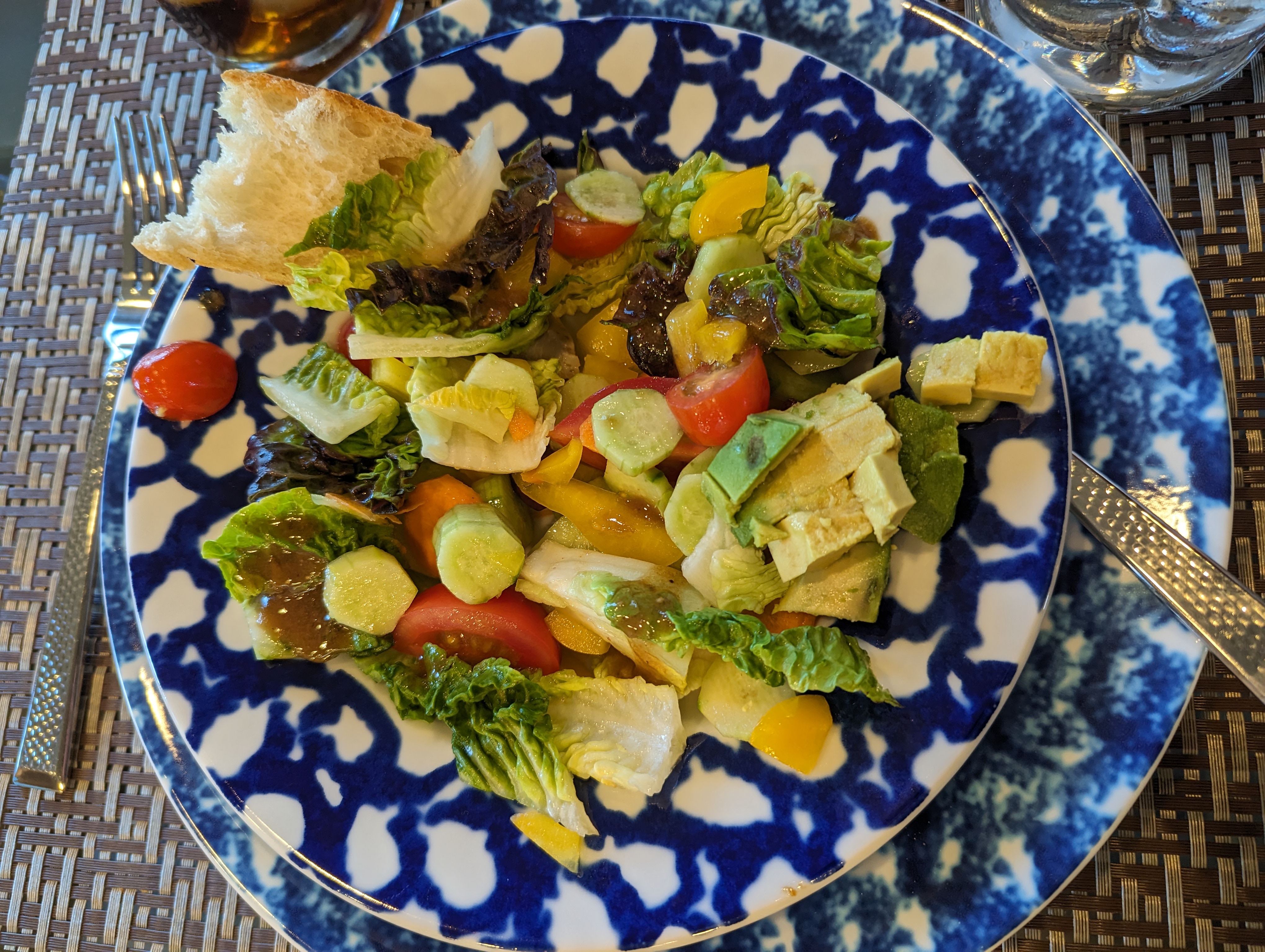
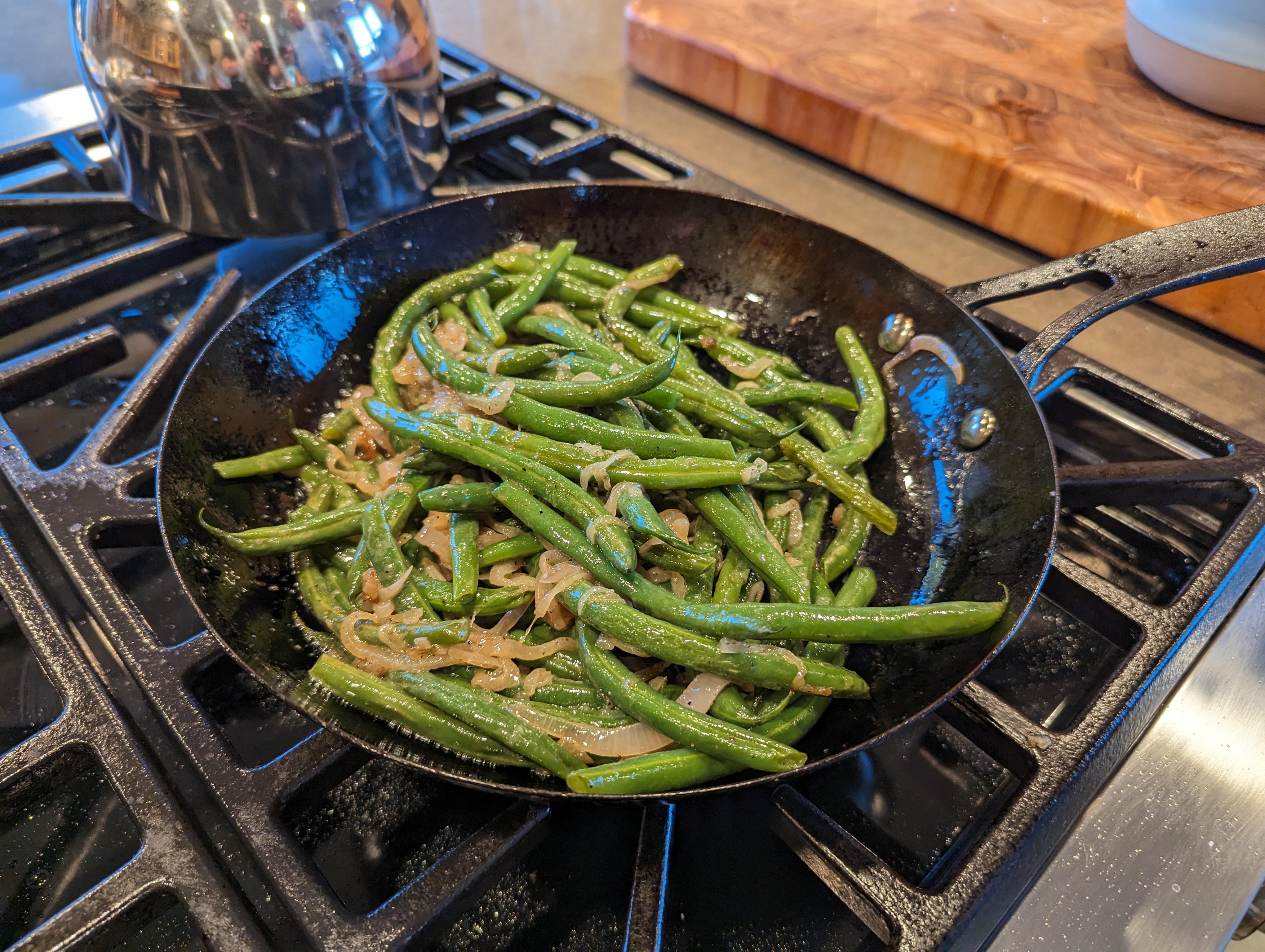
 Linn Sondek Ultra ? https://www.linn.co.uk/us/turntables/lp12-50 https://www.designboom.com/technology/jony-ives-special-edition-turntable-50-years-linn-07-07-2023/ https://www.ft.com/content/9f1402af-d5db-486c-b748-f378543961ea https://www.theverge.com/2023/7/7/23786821/jony-ive-apple-designer-lovefrom-linn-sondek-lp12-50-turntable-limited-editionSea Ranch Brunch
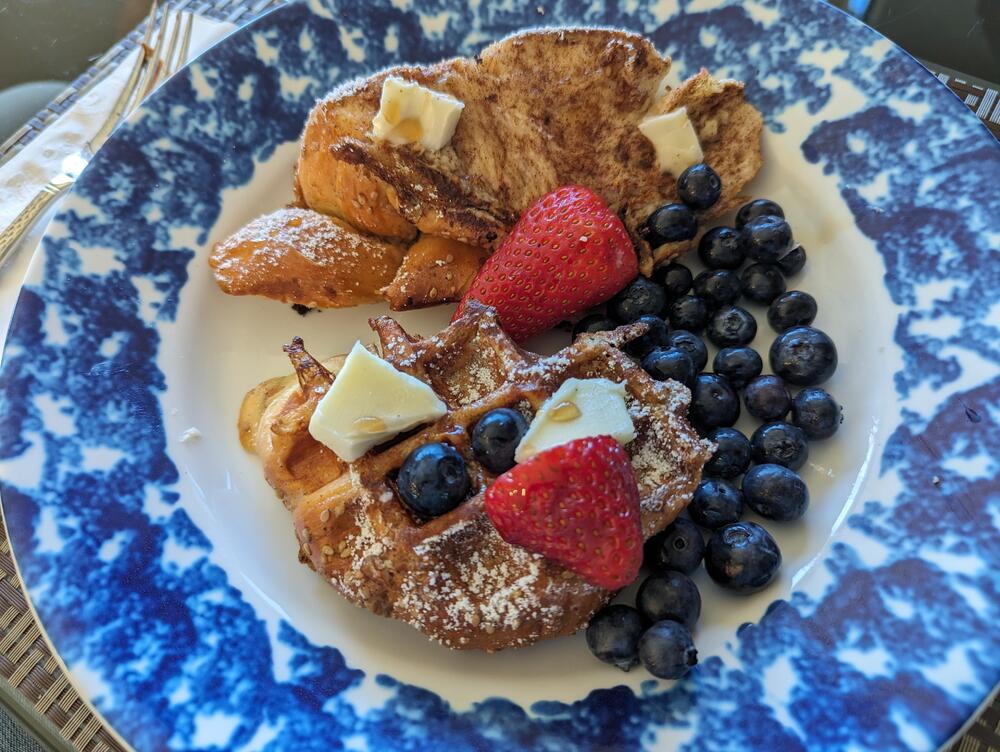
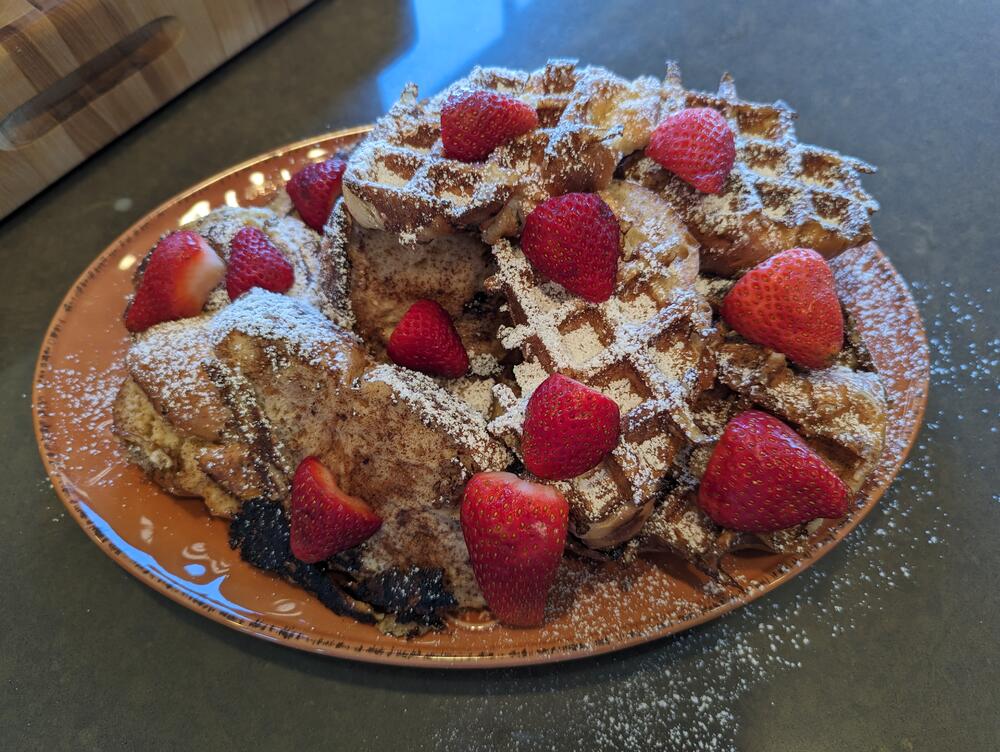 French toast: "Classic" & "Waffled"
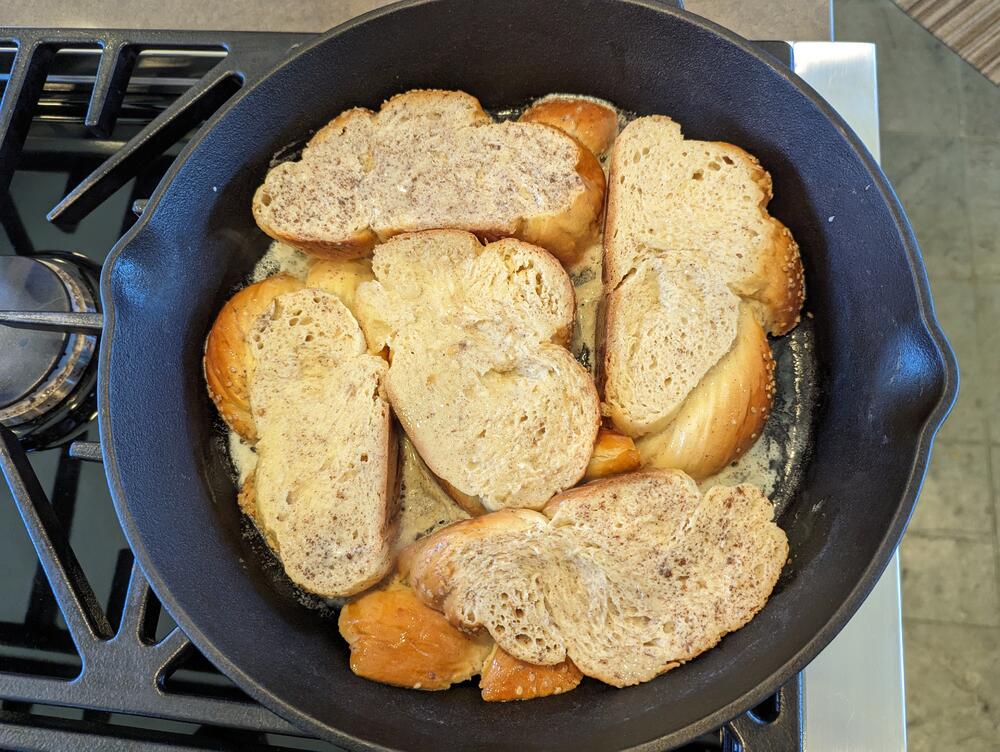
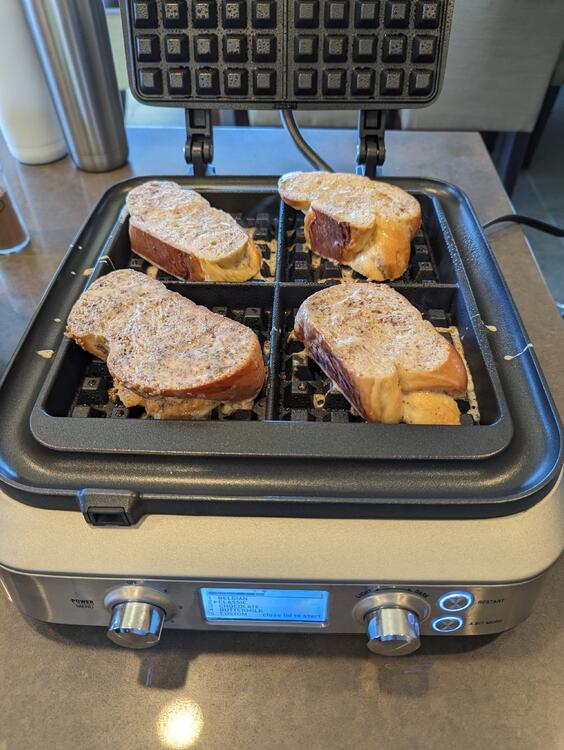 Sea Ranch "Entertainment"
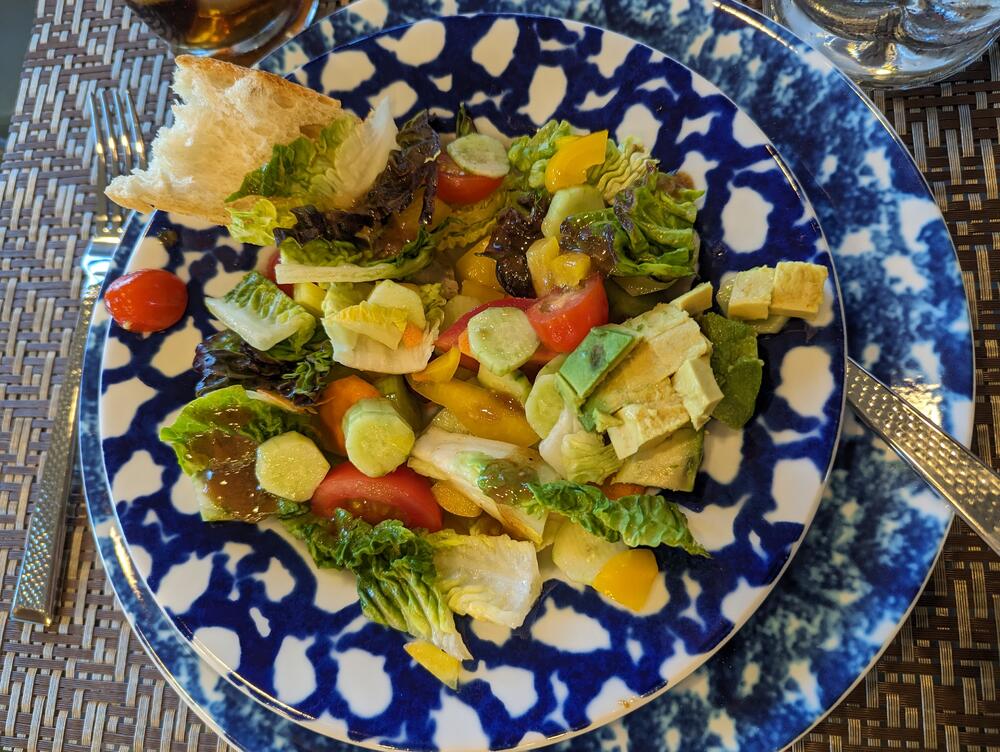

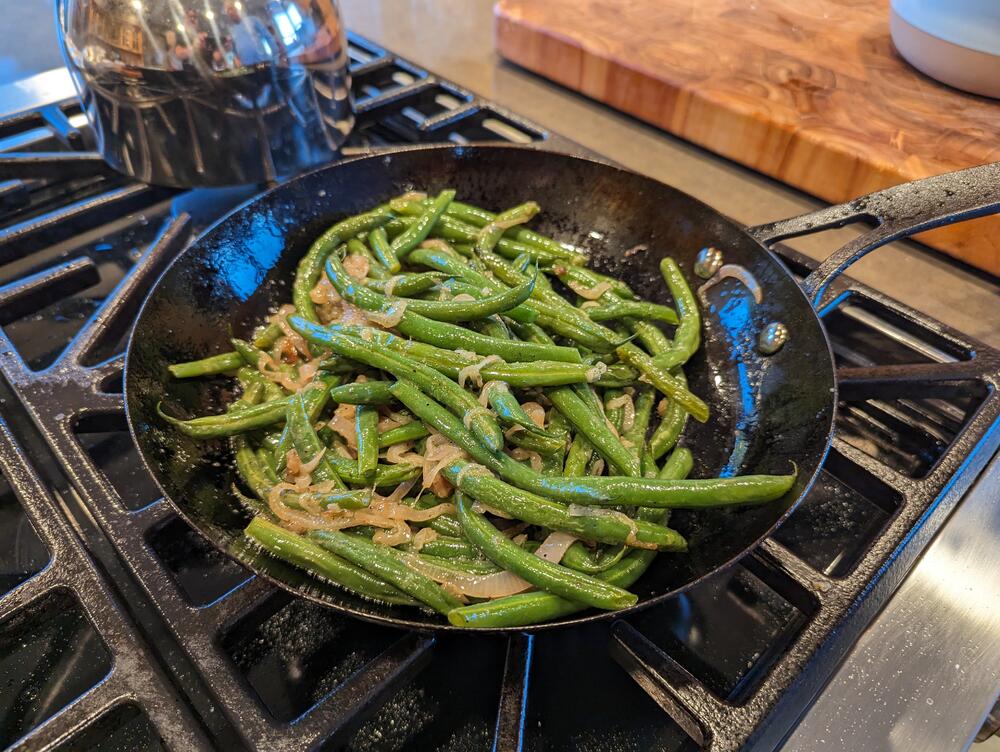

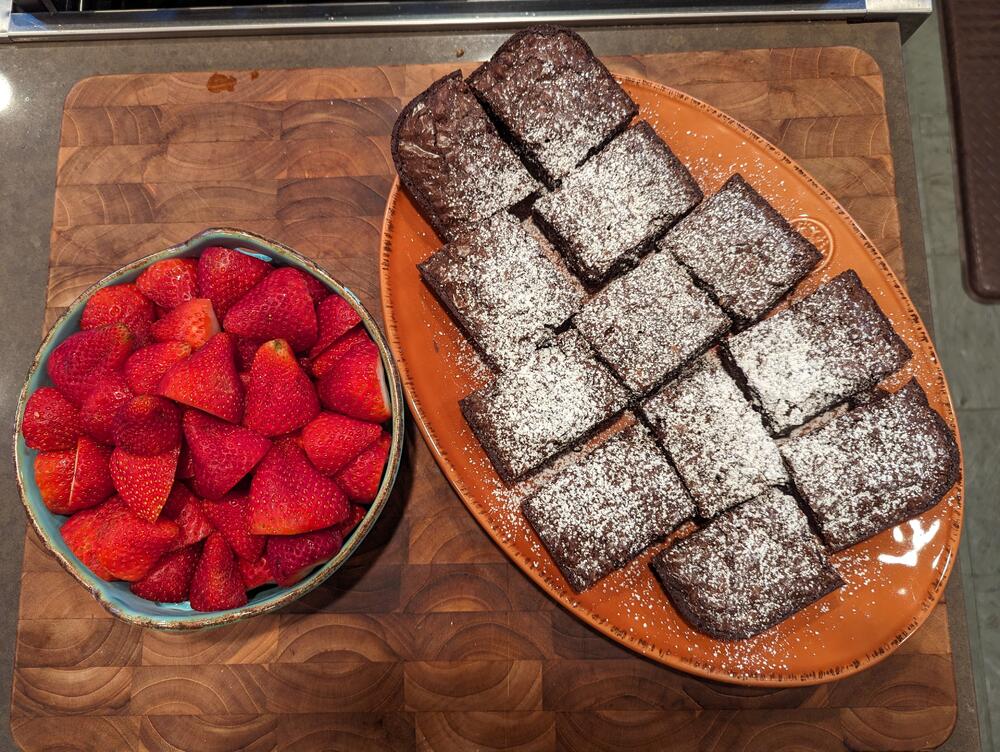
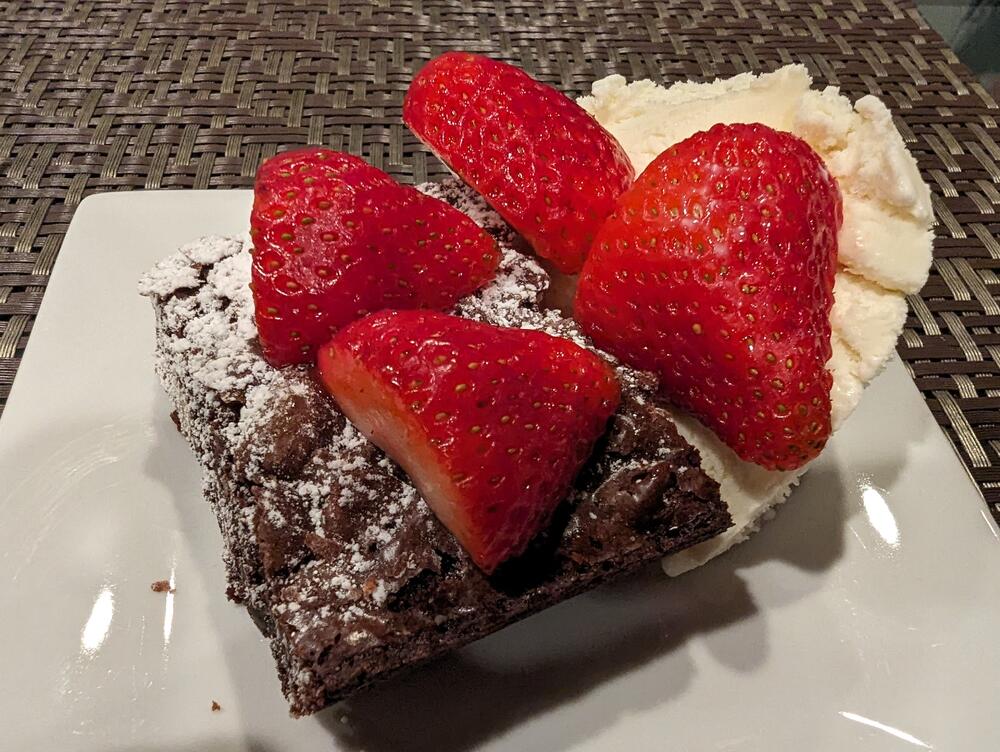 Happy birthday, BirgirToo Soon?
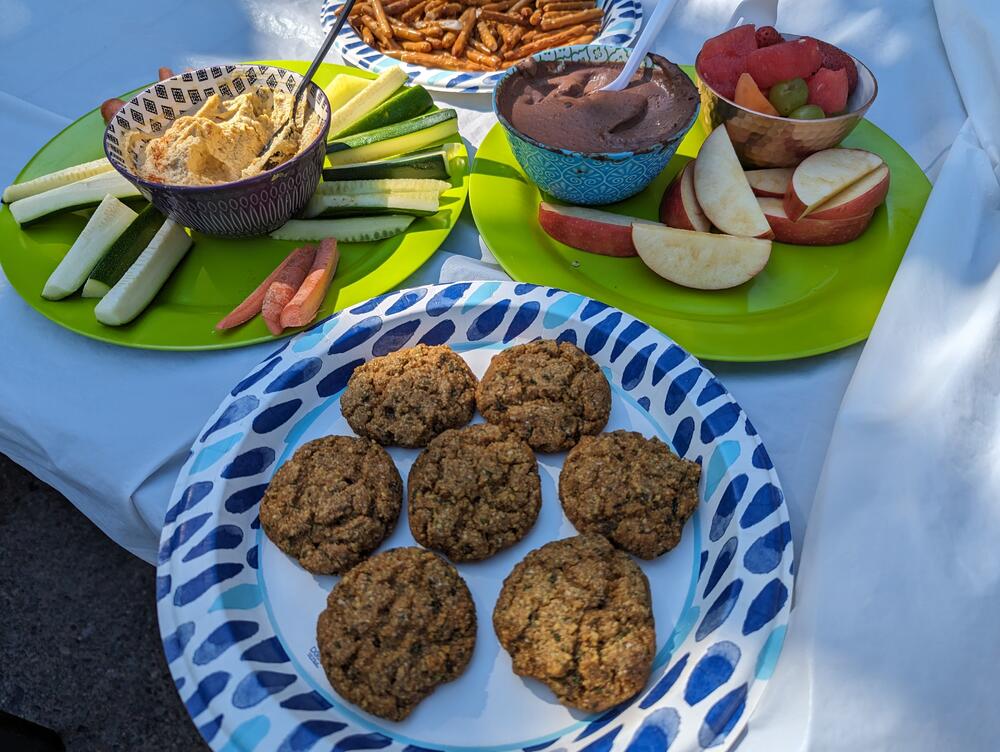
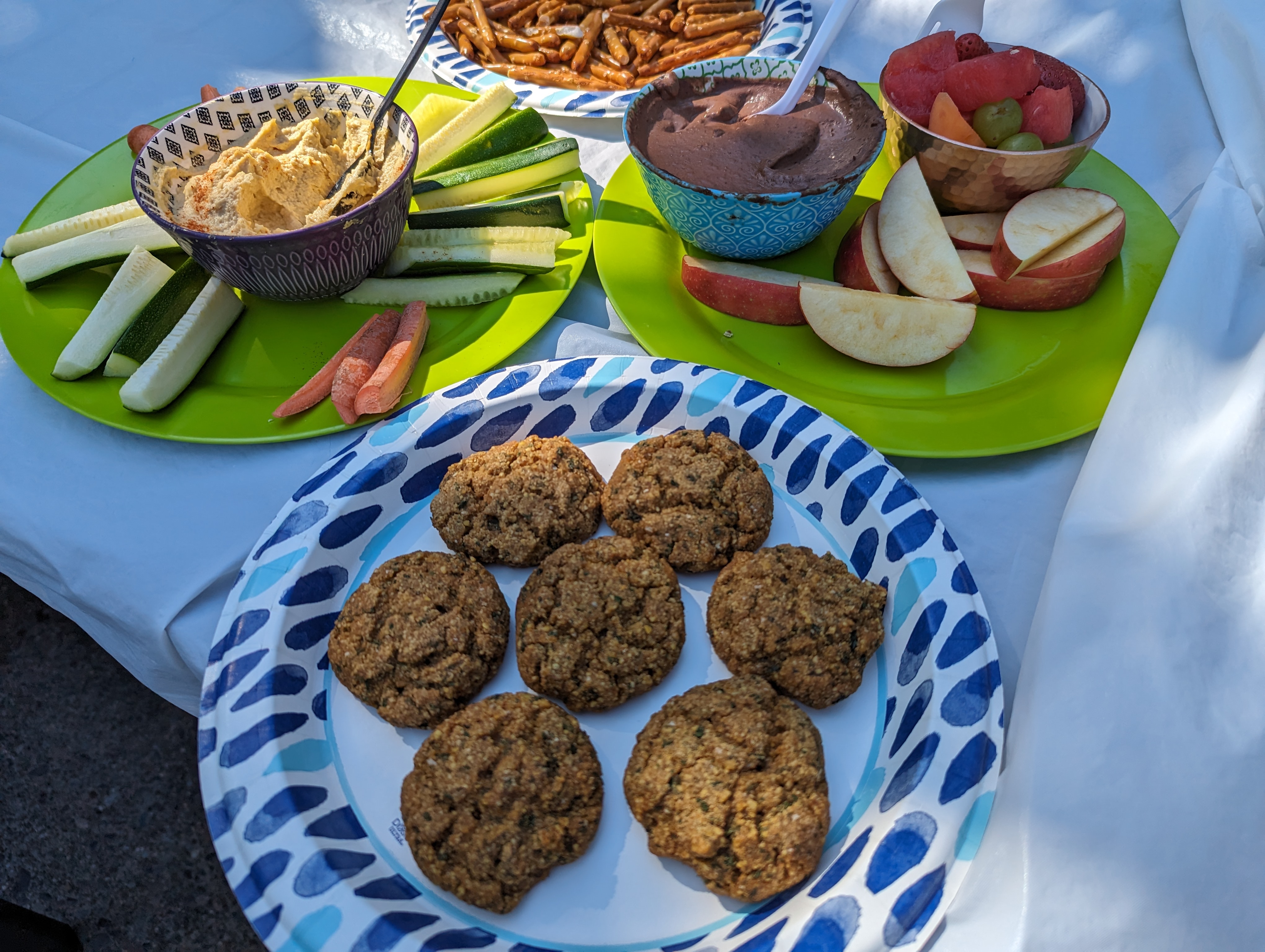
 Poolside nibbles including homemade falafels, hummus, and chocolate hummus.
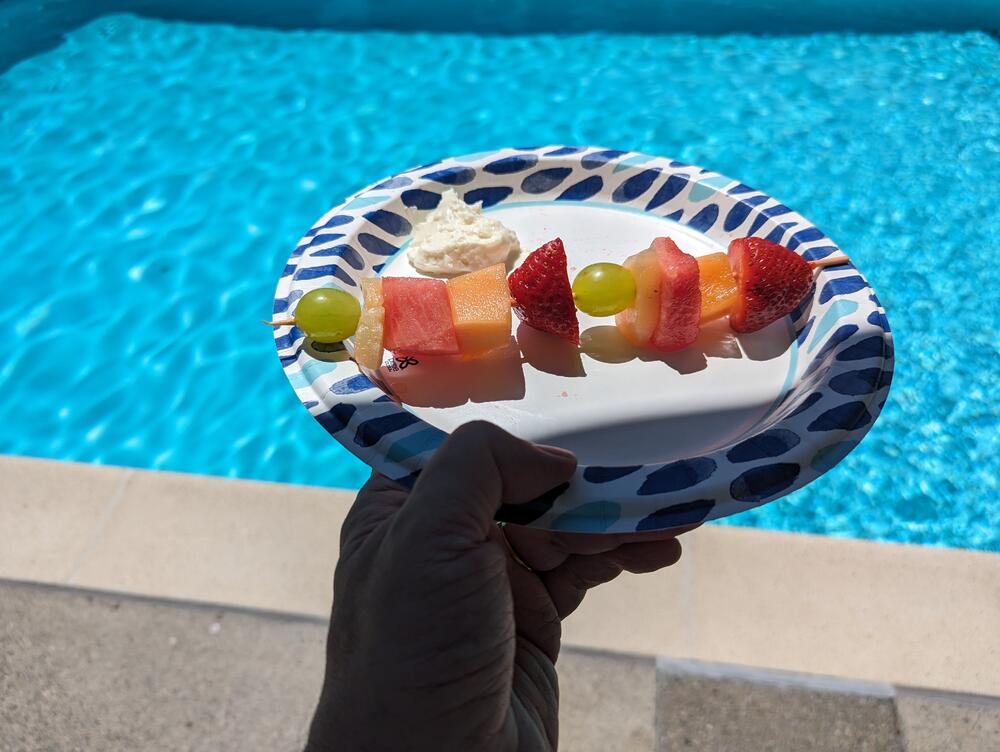
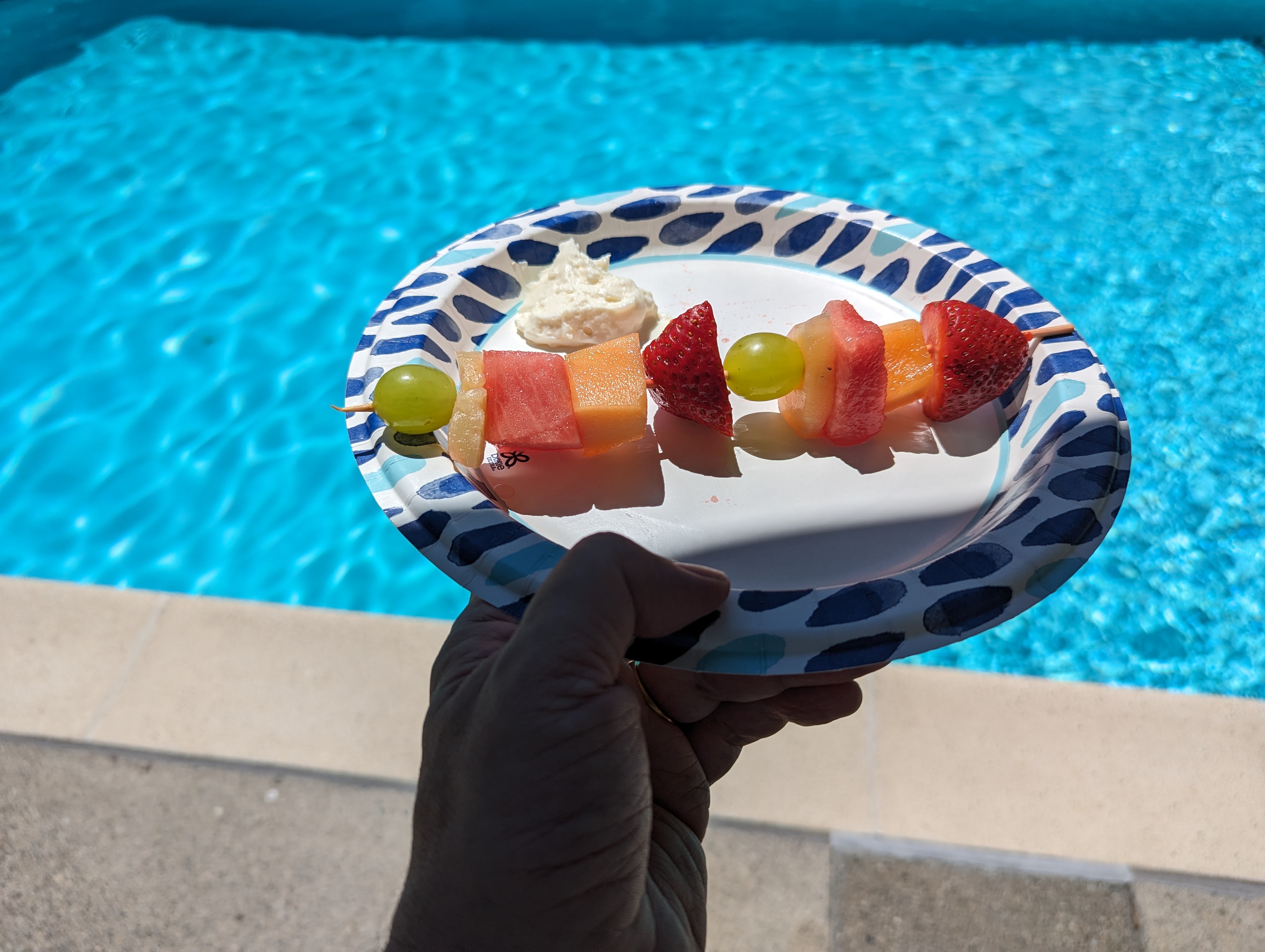
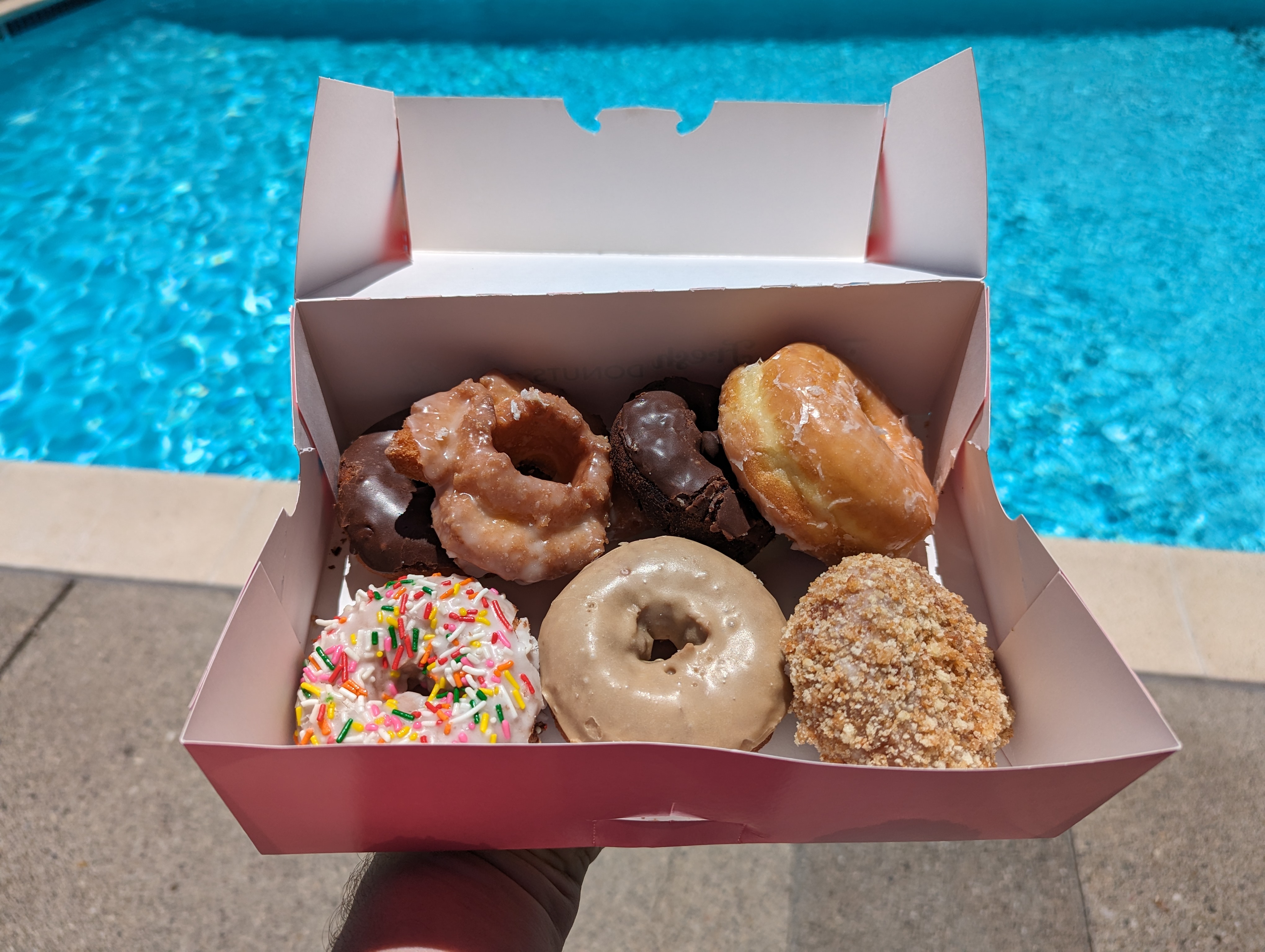
 Maybe have a series of "Detroit 'Za, Global nomad reporting in" to collect the set. Black olives / cheese with squid ink for the black accents?Would you like some earbuds to pair with your pen? https://www.digitaltrends.com/home-theater/montblanc-mtb-03-noise-canceling-wireless-earbuds/Happy Birthday, Greg!Poolside fruity kebab And donuts With the Brits.
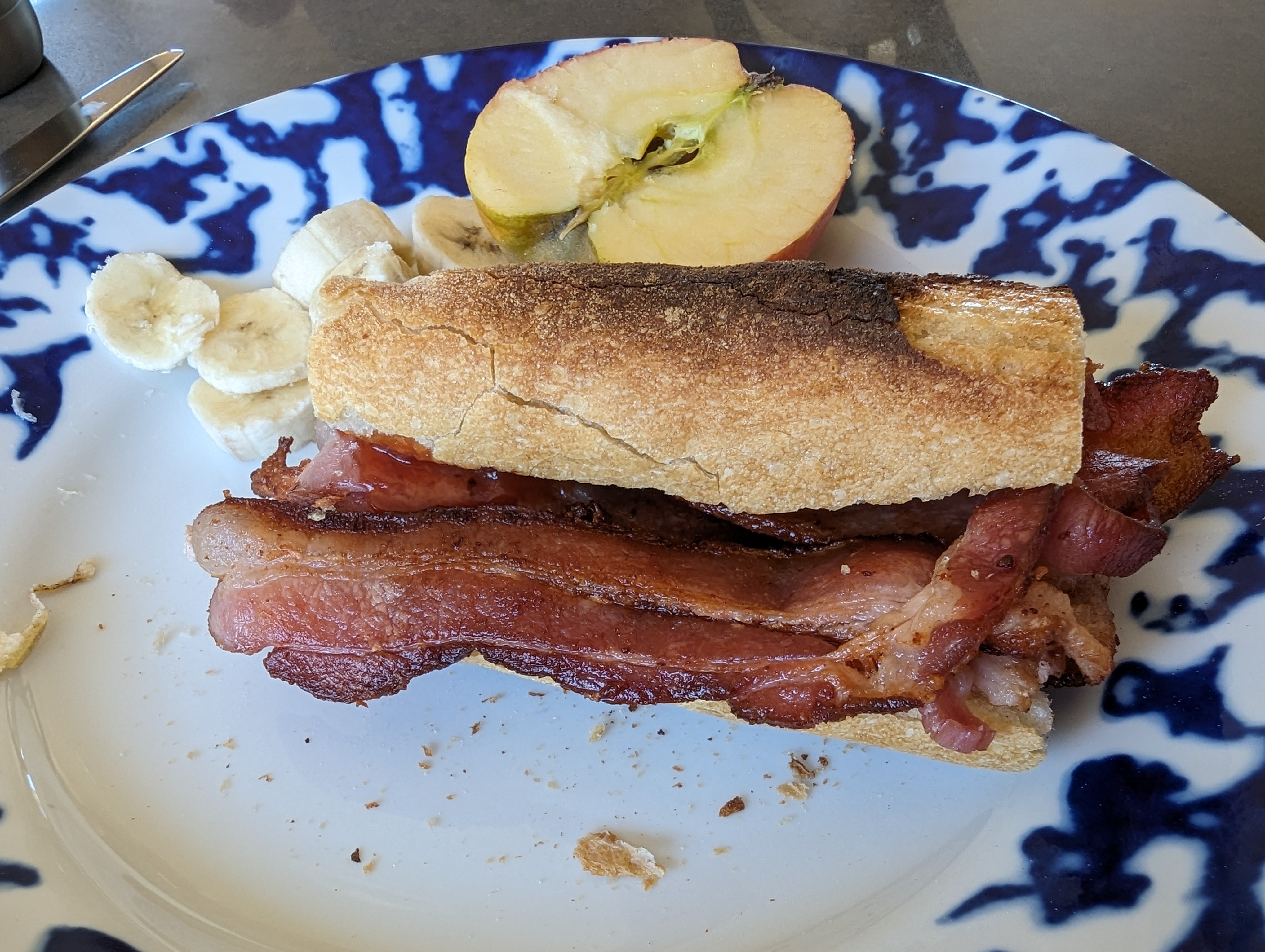
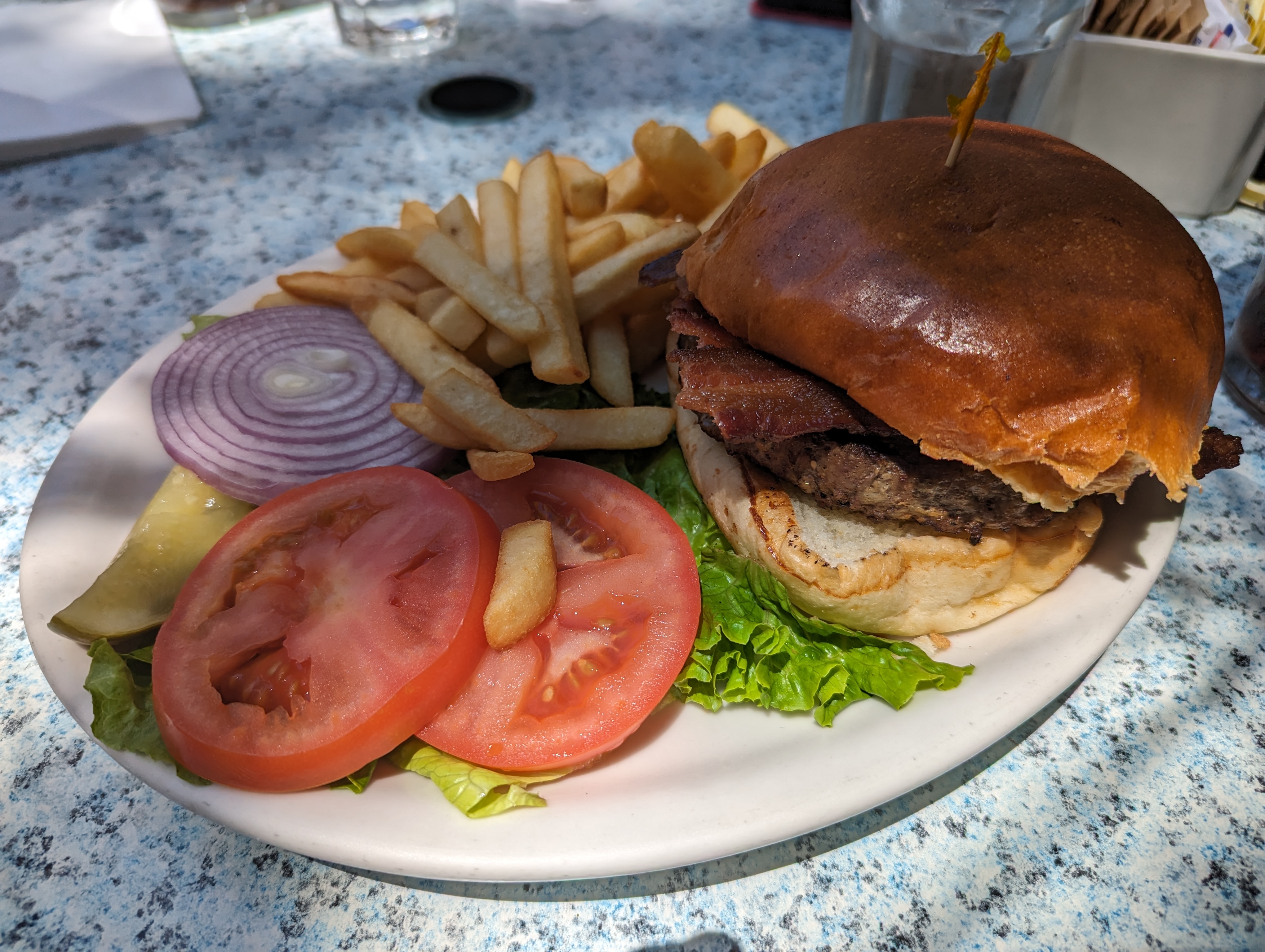
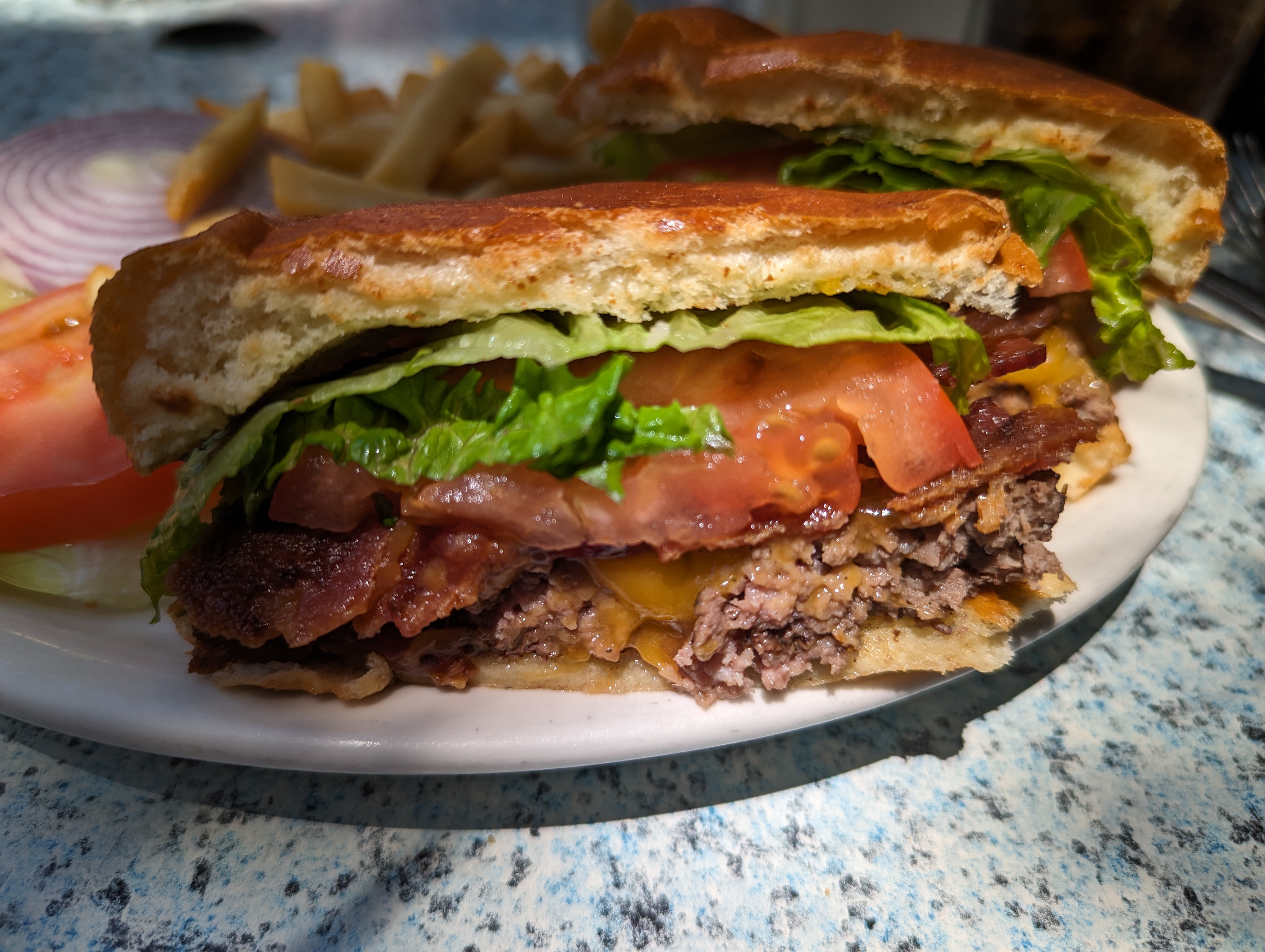
 There may not have been enough Bacon for Mikey, But there was a Ferris Wheel. Superannuated rockers (BöC) playing all the hits. And fireworks. And a train to take us home avoiding all the crowds.



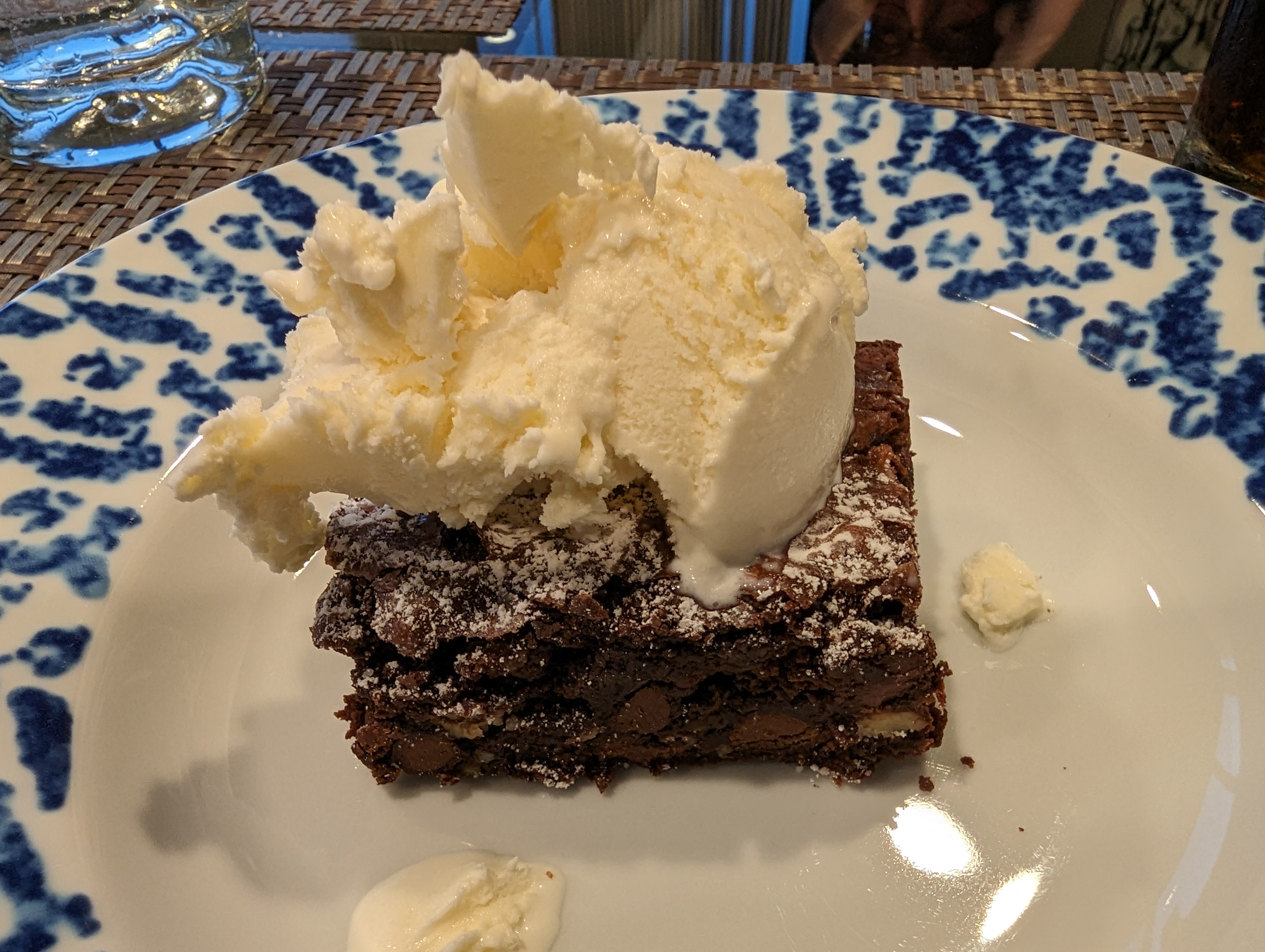
 County Fair ice cream
 @swt61? Meanwhile, at the Marin County Fair Also, don't be like someone else and unironically ask a police officer where the pig racing is. Technically it's not all bad

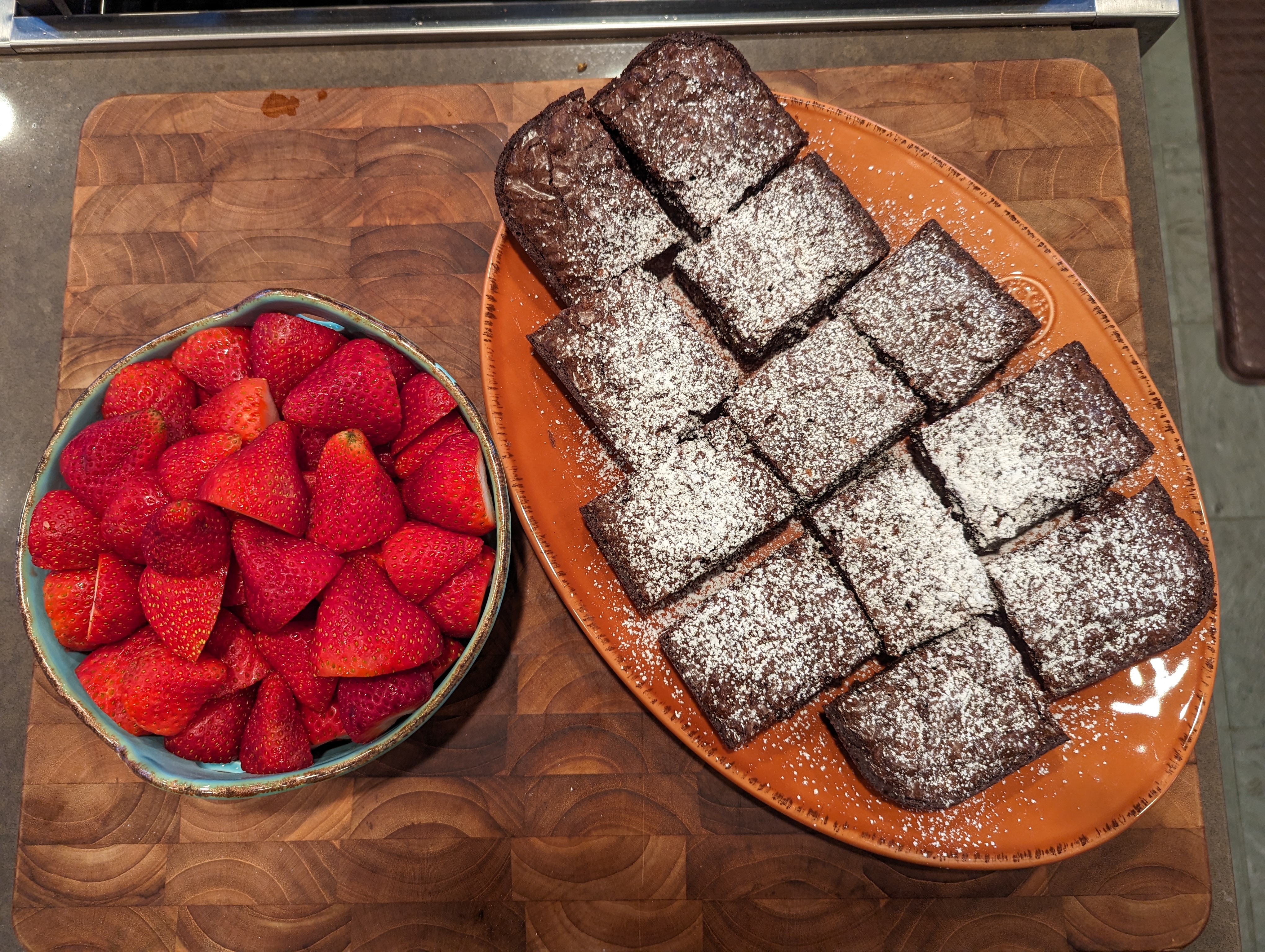
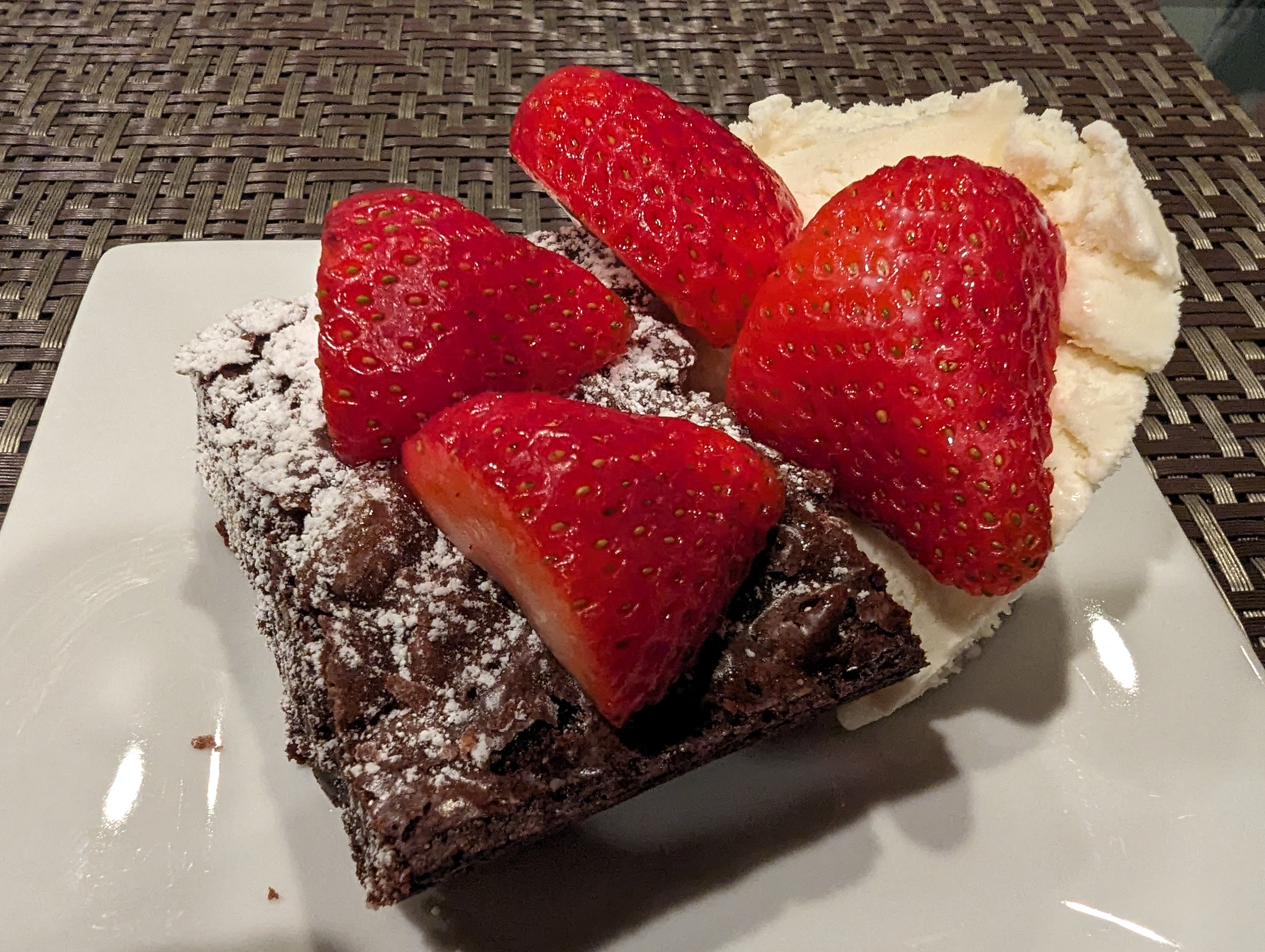
 Happy Birthday, Justin!
















Important Information
By using this site, you agree to our Terms of Use.
Account
Navigation
Search
Configure browser push notifications
Chrome (Android)
- Tap the lock icon next to the address bar.
- Tap Permissions → Notifications.
- Adjust your preference.
Chrome (Desktop)
- Click the padlock icon in the address bar.
- Select Site settings.
- Find Notifications and adjust your preference.
Safari (iOS 16.4+)
- Ensure the site is installed via Add to Home Screen.
- Open Settings App → Notifications.
- Find your app name and adjust your preference.
Safari (macOS)
- Go to Safari → Preferences.
- Click the Websites tab.
- Select Notifications in the sidebar.
- Find this website and adjust your preference.
Edge (Android)
- Tap the lock icon next to the address bar.
- Tap Permissions.
- Find Notifications and adjust your preference.
Edge (Desktop)
- Click the padlock icon in the address bar.
- Click Permissions for this site.
- Find Notifications and adjust your preference.
Firefox (Android)
- Go to Settings → Site permissions.
- Tap Notifications.
- Find this site in the list and adjust your preference.
Firefox (Desktop)
- Open Firefox Settings.
- Search for Notifications.
- Find this site in the list and adjust your preference.