


Hopstretch
High Rollers
-
Joined
-
Last visited
Everything posted by Hopstretch
-
Alison Moyet -- Other
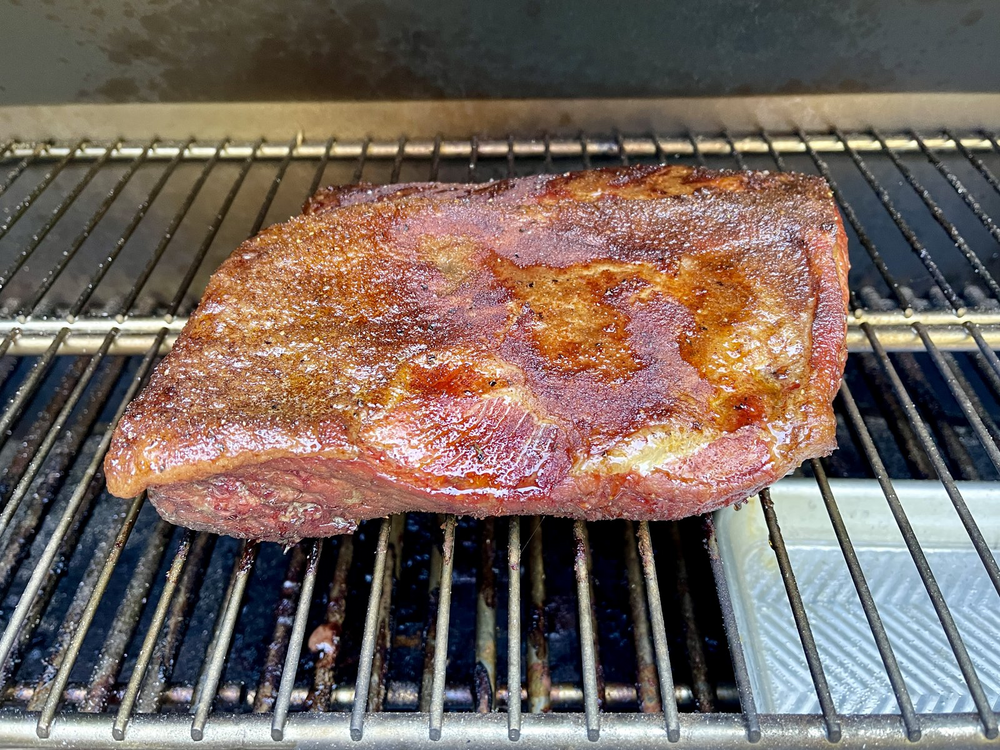
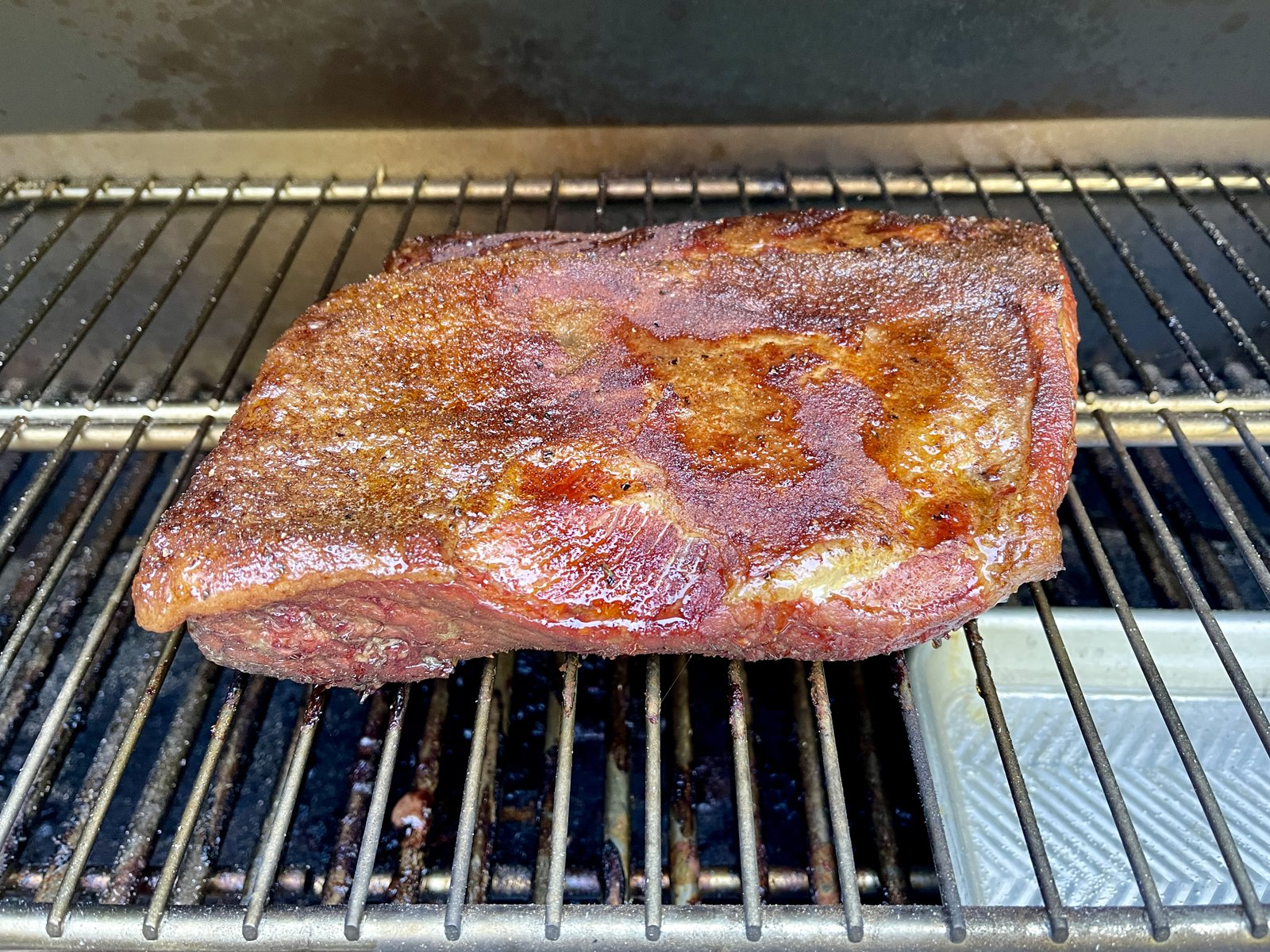
 I have ... a lot of appreciation ... for Sharon Van Etten.https://www.macstories.net/news/eddy-cue-on-why-spatial-audio-is-a-game-changer/ The view from Apple HQ.RIP Roz. All the best to your wife and her family, Todd.I'm sorry did someone say Chvrches and Robert Smith? I might well be up for that!This is a dead dead thread but I cannot resist.Happy Birthday mothersfucker!A lot of good news in here. Particularly a new kickass M2 Mac Mini! https://www.bloomberg.com/news/articles/2021-05-18/apple-readies-macbook-pro-macbook-air-revamps-with-faster-chips?Good guy Tim Apple.Meg Myers absolutely killing it. Echos of Sinead and Florence in the best way.Small brisket, pre-wrap.
 Mint Julep -- "In a Deep and Dreamless Sleep" It's either shoegaze with electronic elements or electronic with shoegaze elements. Either way, I like it.
 Heyyyy we're back bitches! Twin Shadow is one of those Prince types who plays every instrument on his own tunes. Usually a little more electro but this has a good energy?The Weather Station -- Ignorance. Great album.
Important Information
By using this site, you agree to our Terms of Use.








Account
Navigation
Search
Configure browser push notifications
Chrome (Android)
- Tap the lock icon next to the address bar.
- Tap Permissions → Notifications.
- Adjust your preference.
Chrome (Desktop)
- Click the padlock icon in the address bar.
- Select Site settings.
- Find Notifications and adjust your preference.
Safari (iOS 16.4+)
- Ensure the site is installed via Add to Home Screen.
- Open Settings App → Notifications.
- Find your app name and adjust your preference.
Safari (macOS)
- Go to Safari → Preferences.
- Click the Websites tab.
- Select Notifications in the sidebar.
- Find this website and adjust your preference.
Edge (Android)
- Tap the lock icon next to the address bar.
- Tap Permissions.
- Find Notifications and adjust your preference.
Edge (Desktop)
- Click the padlock icon in the address bar.
- Click Permissions for this site.
- Find Notifications and adjust your preference.
Firefox (Android)
- Go to Settings → Site permissions.
- Tap Notifications.
- Find this site in the list and adjust your preference.
Firefox (Desktop)
- Open Firefox Settings.
- Search for Notifications.
- Find this site in the list and adjust your preference.