


Hopstretch
High Rollers
-
Joined
-
Last visited
Everything posted by Hopstretch
-
I heartily recommend this to any other New Wave refugees.
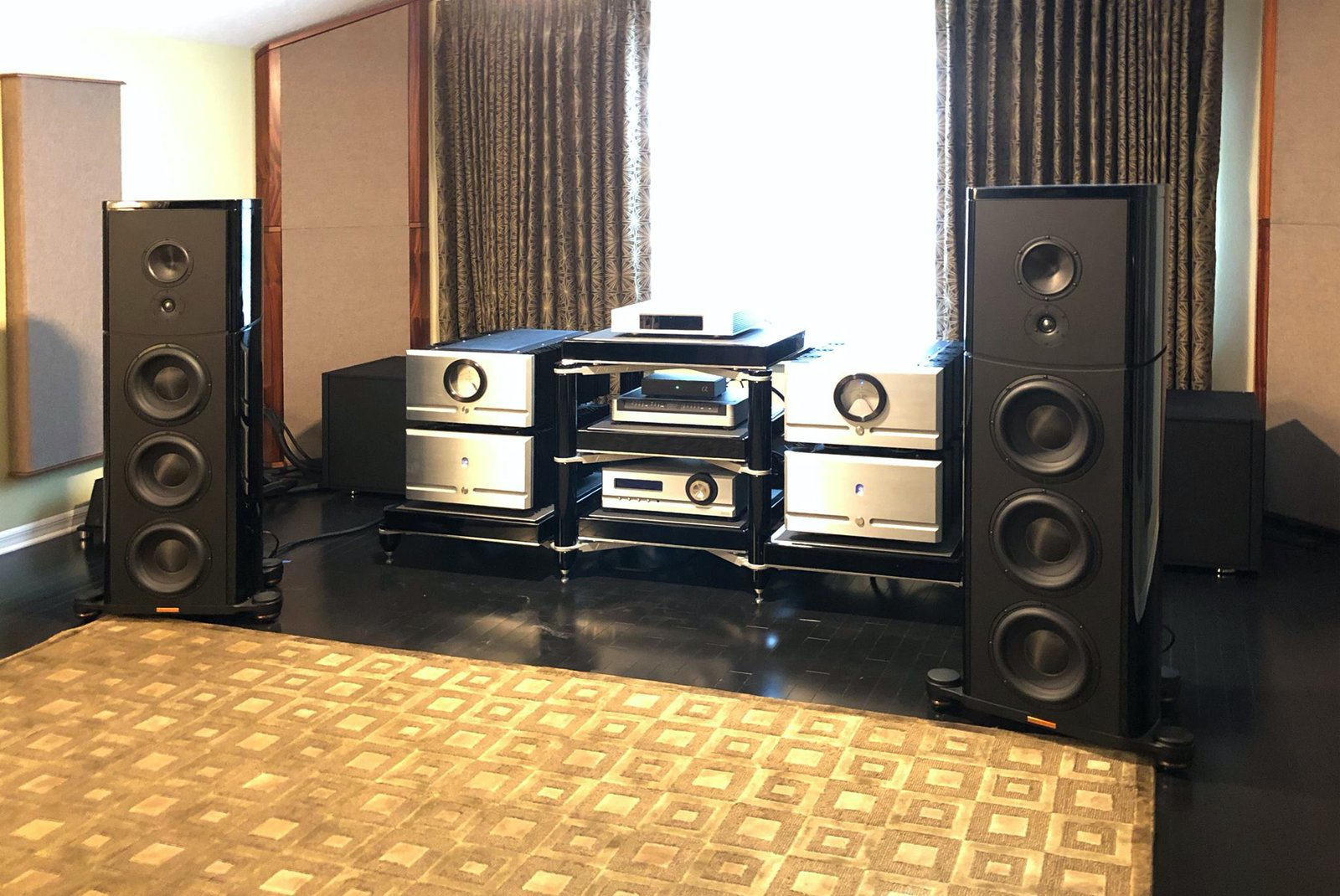
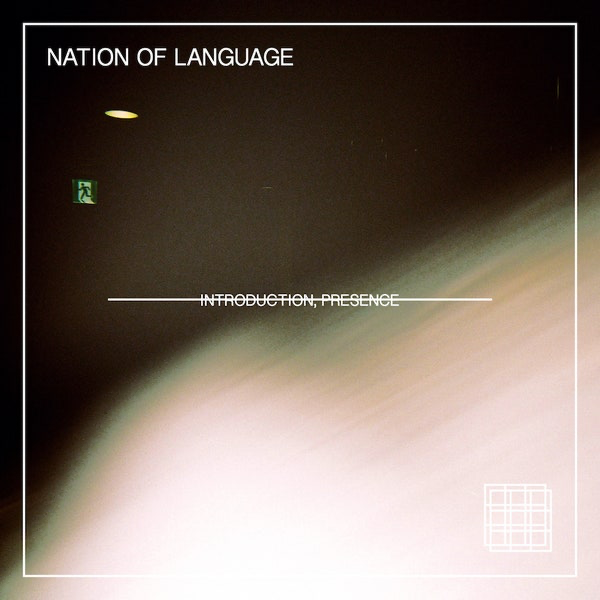 I've never understood the obsessive McLove among US audiophiles.Happy birthday!Happy Birthday Cristal Creg!Holy shit, new Doves! Only been 10 years.Who looks that good at 76, for fuck's sake?There was a lot of good stuff in there on the usability front. Sounds like we'll get a last x86 iMac this year, going to be a bit of a dilemma whether to buy.^^^ I love her a lot. New Built To Spill cover album is also worth a listen.Occasionally have to listen to this just to clear the pipes in my head.FOTM! FOTM! FOTM!Down the rabbit hole I go.So good.Reznor plus Bowie with sadly contemporary resonance.Recommendations for a gas grill please? Going to keep the Memphis Elite just for smoking and add something else that sears better and has a rotisserie. Don't say Kalamazoo as that's out of budget. Lynx or Hestan might be doable, also heard good things about Solaire -- any other suggestions?Unrelated, Japanese ska.





Important Information
By using this site, you agree to our Terms of Use.
Account
Navigation
Search
Configure browser push notifications
Chrome (Android)
- Tap the lock icon next to the address bar.
- Tap Permissions → Notifications.
- Adjust your preference.
Chrome (Desktop)
- Click the padlock icon in the address bar.
- Select Site settings.
- Find Notifications and adjust your preference.
Safari (iOS 16.4+)
- Ensure the site is installed via Add to Home Screen.
- Open Settings App → Notifications.
- Find your app name and adjust your preference.
Safari (macOS)
- Go to Safari → Preferences.
- Click the Websites tab.
- Select Notifications in the sidebar.
- Find this website and adjust your preference.
Edge (Android)
- Tap the lock icon next to the address bar.
- Tap Permissions.
- Find Notifications and adjust your preference.
Edge (Desktop)
- Click the padlock icon in the address bar.
- Click Permissions for this site.
- Find Notifications and adjust your preference.
Firefox (Android)
- Go to Settings → Site permissions.
- Tap Notifications.
- Find this site in the list and adjust your preference.
Firefox (Desktop)
- Open Firefox Settings.
- Search for Notifications.
- Find this site in the list and adjust your preference.