


Hopstretch
High Rollers
-
Joined
-
Last visited
Everything posted by Hopstretch
-
You don't get to say this every day, but I bought (most of) a goat from a guy right around there in Leigh. We made curry out of it. Goat curry is the tits.
-
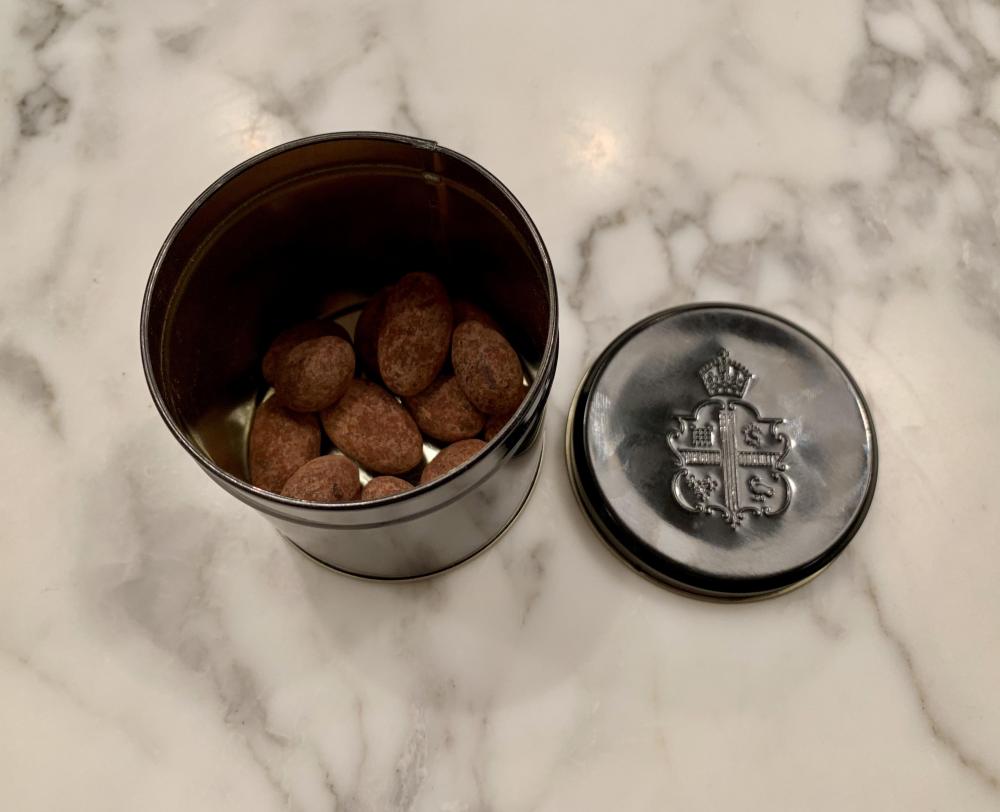
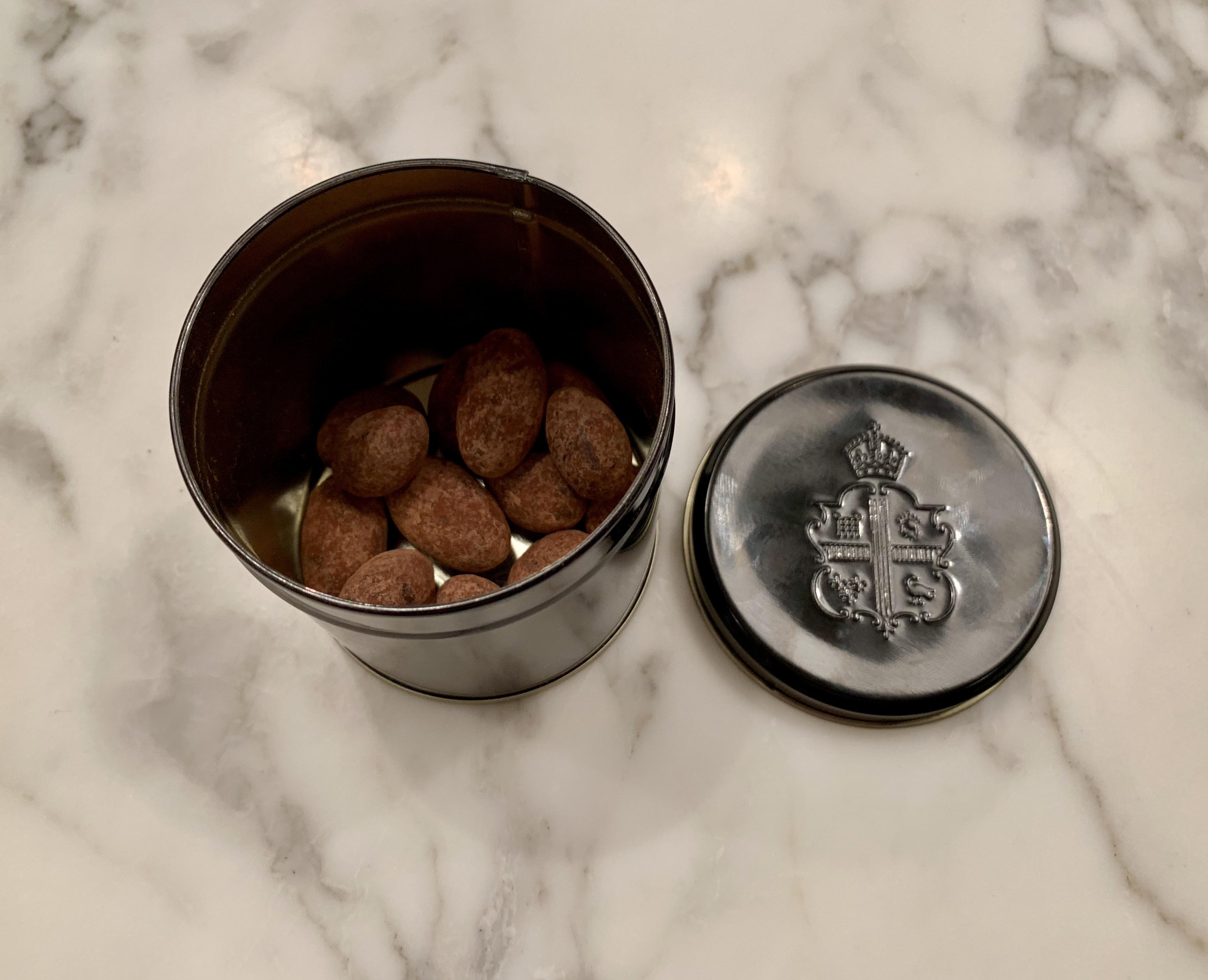
Travel loot. Claridge's dark chocolate almonds. I was just going to have the one ...
-
That looks like the North Downs?
-
Happy Birthday, Carl!
-
Happy Birthday Iain!
-
Happy Birthday Peter!
-
Congrat! Good news. ?A teenager beat you to it.One at a time, or all together?I enhanced my X to a Xs Max. Noice.Highland Park.Bad enough to go at all, but so early and leaving behind so many cool toys. I came across the smaller of his two mega yachts berthed in Cape Town years ago. It was quite a sight, complete with Eurocopter and a private submarine.She's pretty terrific.Every time I visit this thread I gain a pound.Was always kind of an odd pairing. Owning any Devialet product is fucking exhausting, just keeping up with the continual "enhancements" is like a full time job.Just a pity that creepy little frat boy has to be in it too.I think it was probably originally a bastardization of "piece of cake" and "piss easy". But yeah, "piece of piss" in Brit slang would be the equivalent of "no sweat" etc. in the US.OK that's enough Internet for today.Alec took the SSAT high school entrance exam today. Asked him how it went and the sum total feedback was: "Piece of piss! Let's go to Subway, I'm starving." Let's hope this optimistic assessment is in fact borne out once the scores come back.Sorry. Something weird happened.Wot ze fukk?Posh loo is well posh!




Important Information
By using this site, you agree to our Terms of Use.