

Leaderboard
-
grawk
Administrators3Points29546Posts -
crappyjones123
Returning Member2Points3776Posts -
n_maher
Administrators2Points27507Posts -
bozebuttons
High Rollers2Points1268Posts




Popular Content
Showing content with the highest reputation on 01/12/14 in all areas
-
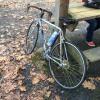
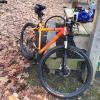
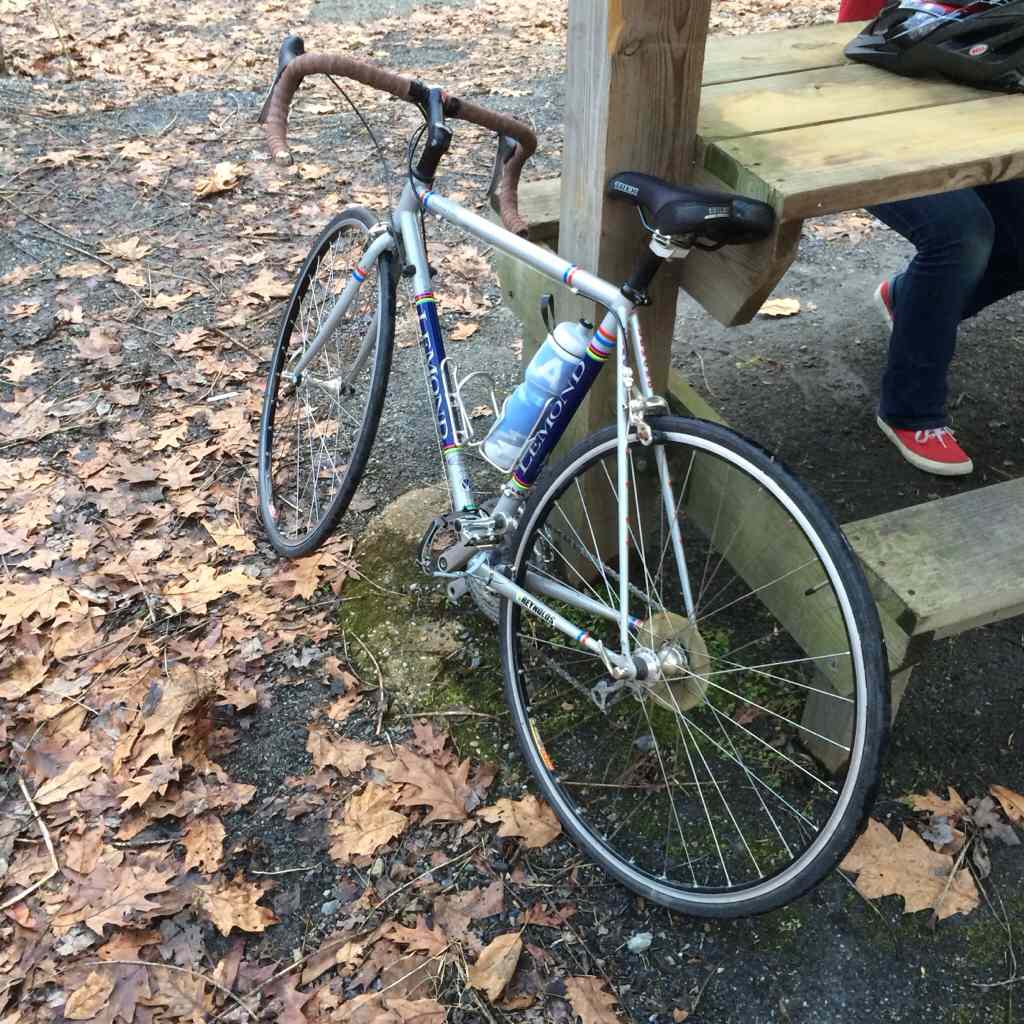
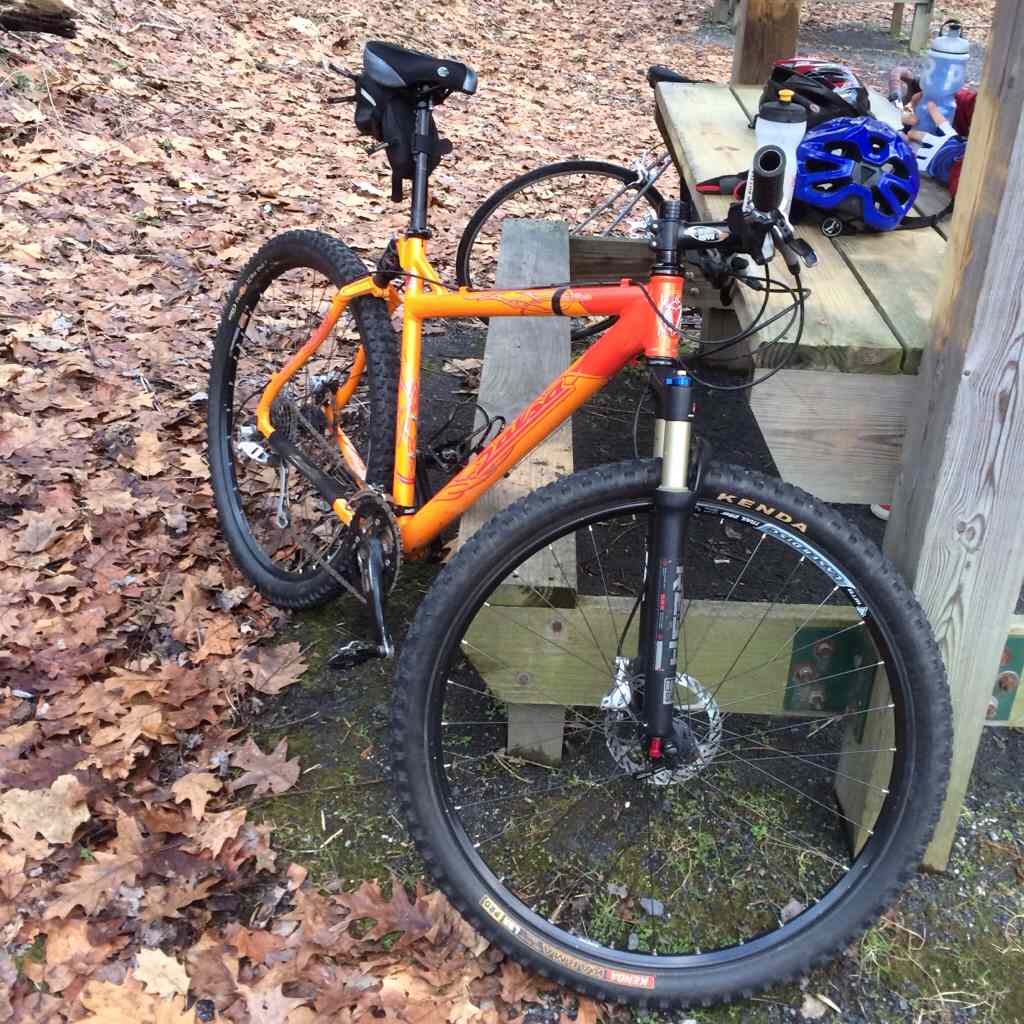
3 pointsJust got back from a short ride with my daughter. First ride on our new bikes.
 3 points
 -
2 points
-
1 pointWent for a short ride earlier. It was rather cold but at least there was no ice or snow on the path.1 point
-
1 point1 pointOriginal pressing (1977) on vinyl. Condition good, music still sounds great. I'll have to invest in one of the newer (vinyl) remasters and compare.1 point1 pointWent out shopping for stands and ended up with these Hercules stands. Seem to work really well. I also got a humidifier for the room as my house was reading around 23% humidity and it seems I need between 40-50%. Now trying to choose a stool for the guitar room. I can almost play the intro to Sweet Home Alabama without fucking up at this point.1 pointI'll get South Africa over 1.00 if it kills me. Which it probably would. Never mind.1 point





Important Information
By using this site, you agree to our Terms of Use.