Skip to content
View in the app

A better way to browse. Learn more.

www.Head-Case.org

A full-screen app on your home screen with push notifications, badges and more.

To install this app on iOS and iPadOS
  1. Tap the Share icon in Safari
  2. Scroll the menu and tap Add to Home Screen.
  3. Tap Add in the top-right corner.
To install this app on Android
  1. Tap the 3-dot menu (⋮) in the top-right corner of the browser.
  2. Tap Add to Home screen or Install app.
  3. Confirm by tapping Install.

Leaderboard

Popular Content

Showing content with the highest reputation on 06/29/15 in all areas

  1. 4 points
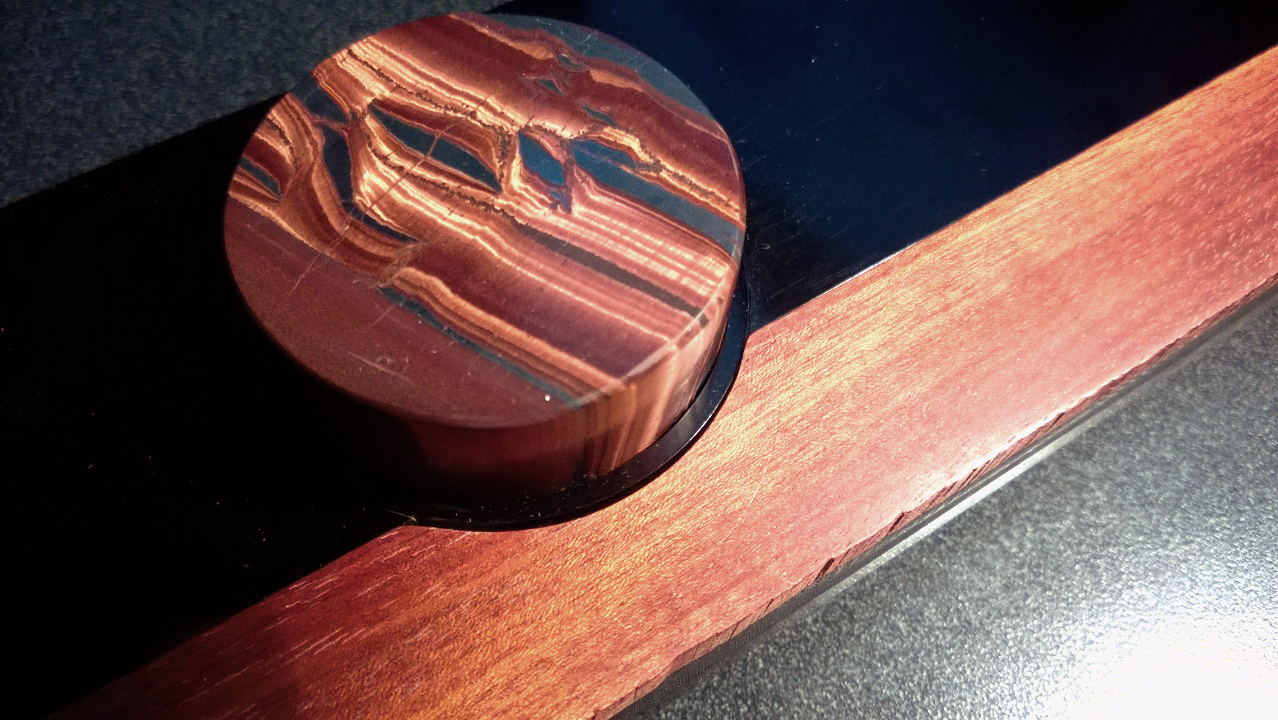
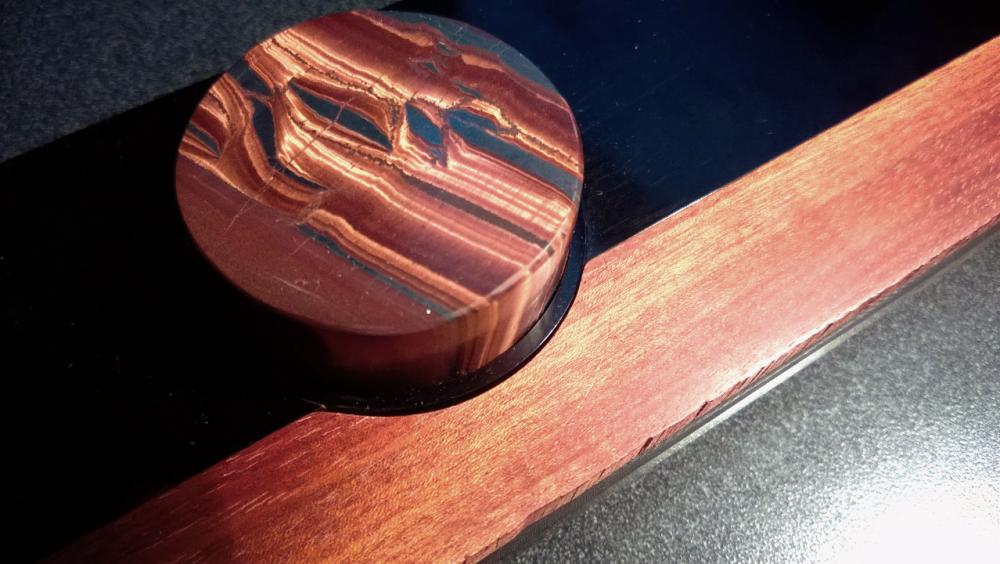
    Red tiger eye knob (FYI not for T2) ...and a chunk of some nice blue tigers eye stone I just got, for to make more knobs....
  2. 2 points
    To gain or not to gain, that is the question Whether 'tis nobler in the system to attenuate the signal and then to greatly amplify Or, to take gain against a sea of signals, and and by attenuating, reduce them
  3. you would be surprised how little time these boards take to make. but but but ray samuels says that gerber files are tens of thousands of dollars each
  4. 1 point
    Rolling Stone put out a Yacht Rock retrospective: http://www.rollingstone.com/music/news/sail-away-the-oral-history-of-yacht-rock-20150626?page=2
  5. 1 point
    I'll buy ten of those thanks who do I make the check out to
  6. Plan B: Hope it stops raining. Still, mustn't grumble.
  7. 1 point
    ball bearing from the back make sure no one pours water over the thing

Important Information

By using this site, you agree to our Terms of Use.

Account

Navigation

Search

Search

Configure browser push notifications

Chrome (Android)
  1. Tap the lock icon next to the address bar.
  2. Tap Permissions → Notifications.
  3. Adjust your preference.
Chrome (Desktop)
  1. Click the padlock icon in the address bar.
  2. Select Site settings.
  3. Find Notifications and adjust your preference.