

Leaderboard



Popular Content
Showing content with the highest reputation on 01/13/16 in all areas
-
3 points
-
2 pointsThe first great headphones I ever owned were a pair of Stax Lambda NB. I got them accidentally, almost, by winning an eBay auction for a normal bias energizer for like $6, then realizing it could only drive normal bias 'stats. That drove me here, as I recall, to ask about a good amp for them. HC's recommendation? KGBH. Fuck you guys, I love you all.2 points
-
1 pointGotta be a part of the groupthink, perish the thought of having ones own ideas. Seriously though, Purrin is no better than Jude with his clan mentality and favoritism. As for the Stax, haven't tried the L700 yet (waiting for Stax to release the inevitable fixed version) but many of the older Lambdas are excellent. I've recently bought the SR-SC1, 404LE, 404 (why not) and Lambda Nova Signature. All of these are good to excellent and if you can find a set in good nic then it will last for a long time.1 point
-
It's a front end. BJT cascoded JFETs with MOSFET voltage gain. The relay is for switchable feedback loop.1 point
-
1 point
-
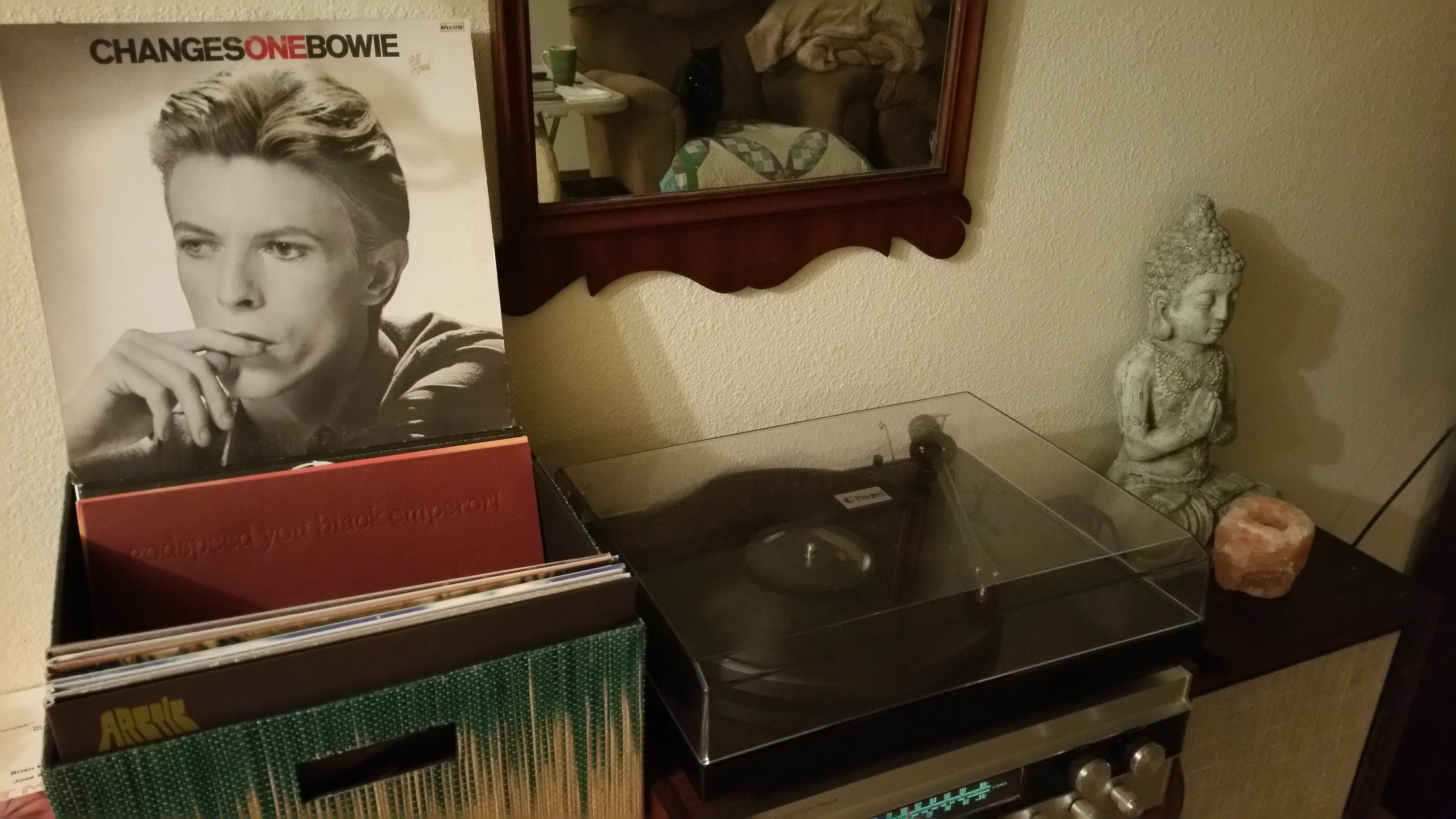
Apparently, this was all according to plan. He was a fucking artist to the end. He recorded it in the early months of 2015 and saved releasing it until his death was imminent. http://www.telegraph.co.uk/news/celebritynews/12092542/Bowies-last-album-was-parting-gift-for-fans-in-carefully-planned-finale.html1 point
-






Important Information
By using this site, you agree to our Terms of Use.