

Leaderboard
-
Hopstretch
High Rollers13Points16809Posts -
shellylh
High Rollers12Points18863Posts -
Absorbine_Sr
High Rollers9Points8097Posts -
Fitz
High Rollers9Points5813Posts




Popular Content
Showing content with the highest reputation on 06/25/16 in all areas
-
5 pointsso yesterday this showed up quoting alex... "In a nutshell, the Liquid Carbon is a fully-discrete, fully-balanced, transportable solid-state headphone amplifier that is capable of driving all but the most demanding of headphones - delivering satisfying levels and offering superb driver control for exceptional detail and linearity." lets run that thru fact check for a second. yep... "Liar Liar Pants on Fire" fully balanced? nope, not in the way that any truly differential amplifier would be. (like any of the super symmetry variants) and absolutely no common mode rejection. fully-discrete? nope not really, see the single ended to balanced converter in the schematic below http://gilmore.chem.northwestern.edu/lc.pdf so much fail in one package... can the stax mafia do better, you betcha. board in progress now, will run up to +/-24V and bolt to a heatsink. So say a liquid gold clone for about $300 in parts. people, why do you buy poorly built crap like this. Buy Schiit, or Audio-GD or many other high quality brands for a lot less money.5 points
-
2 points
-
2 points
-
2 pointsI got bored being too far ahead on Azure Coast in Project Cars and decided to turn around and ram Grahame, which got me DQed. But it did let me catch this shot of Brent stealing a road sign:2 points
-
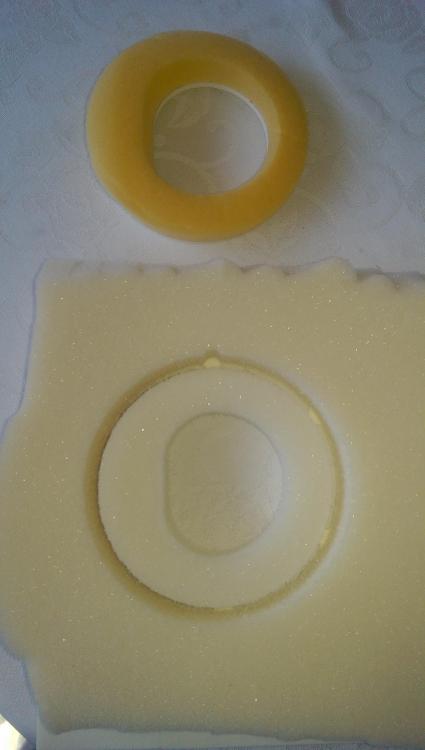
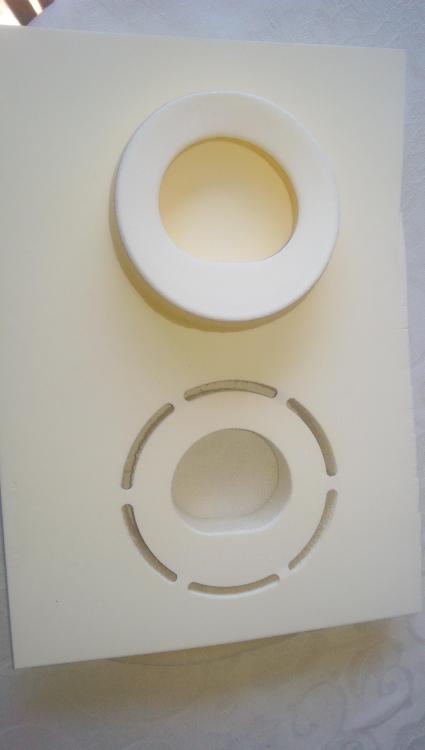
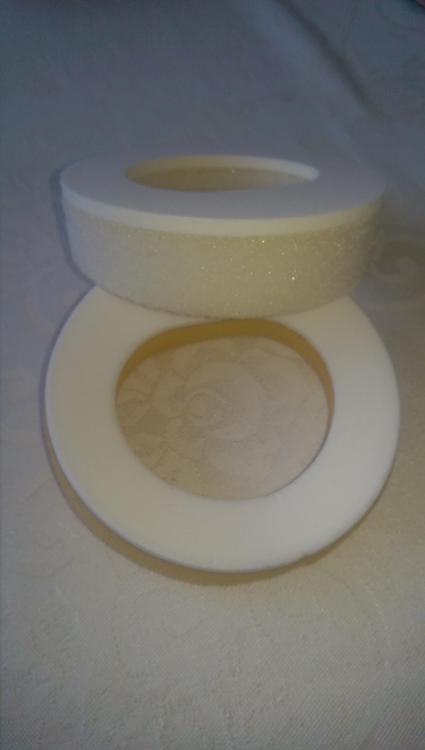
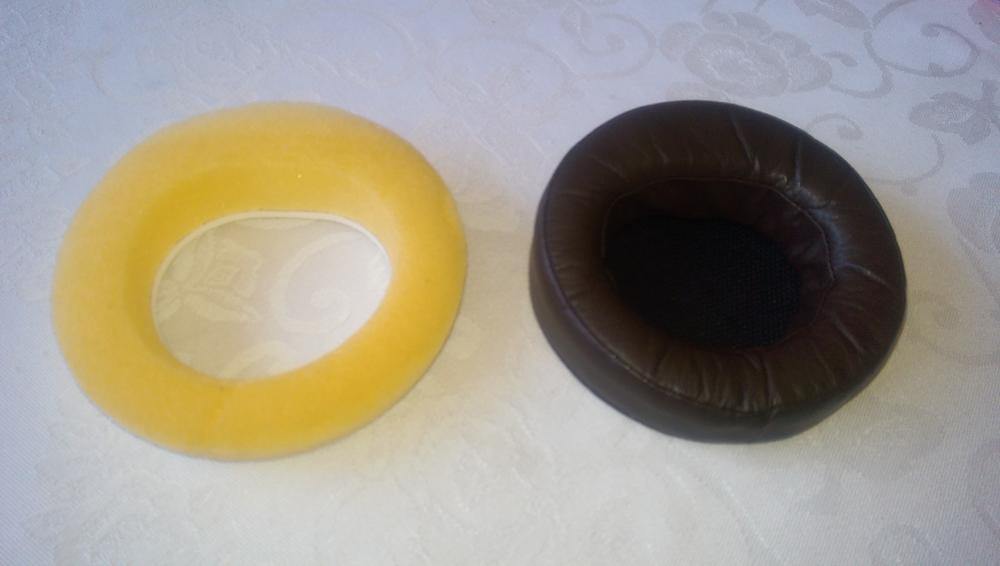
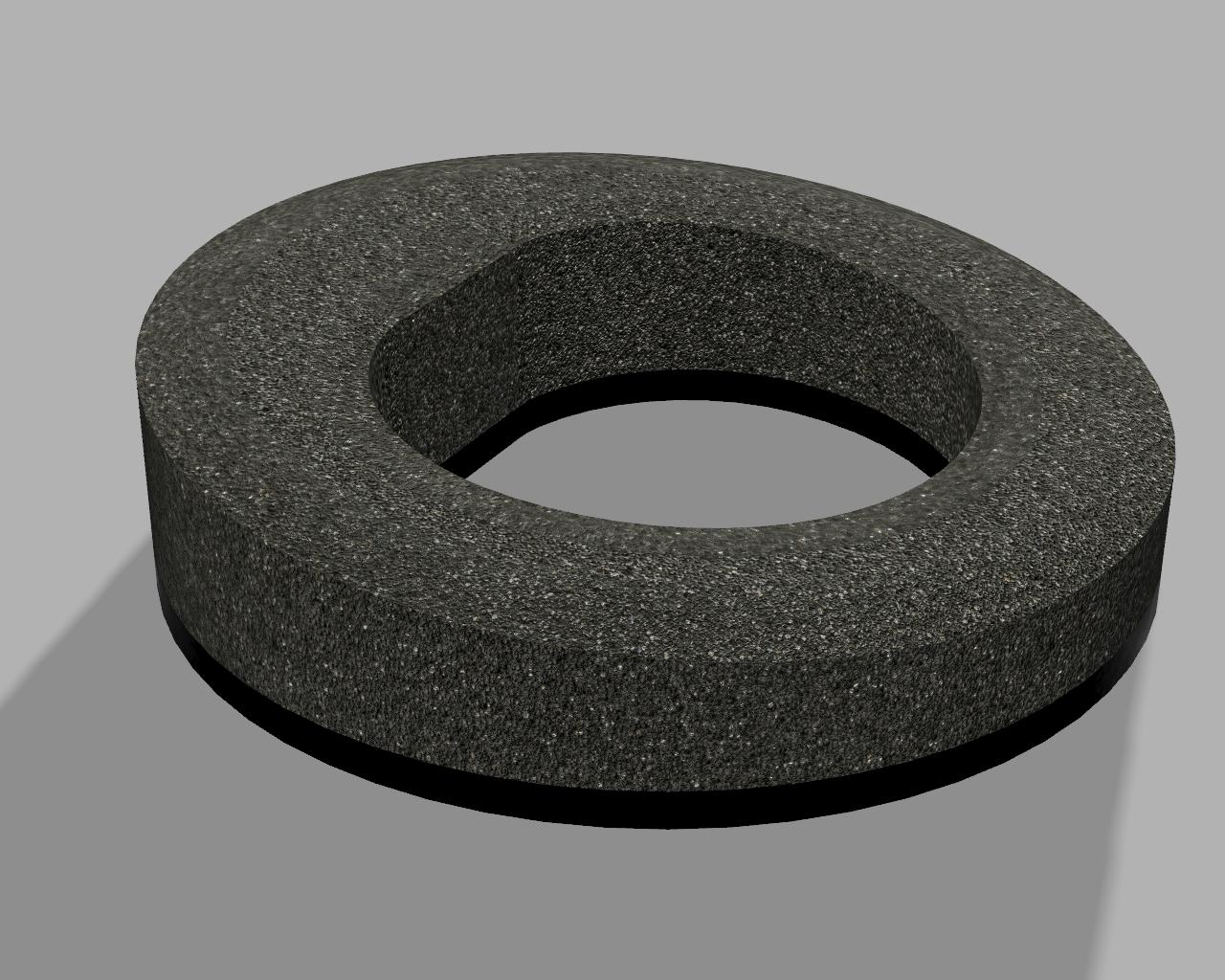
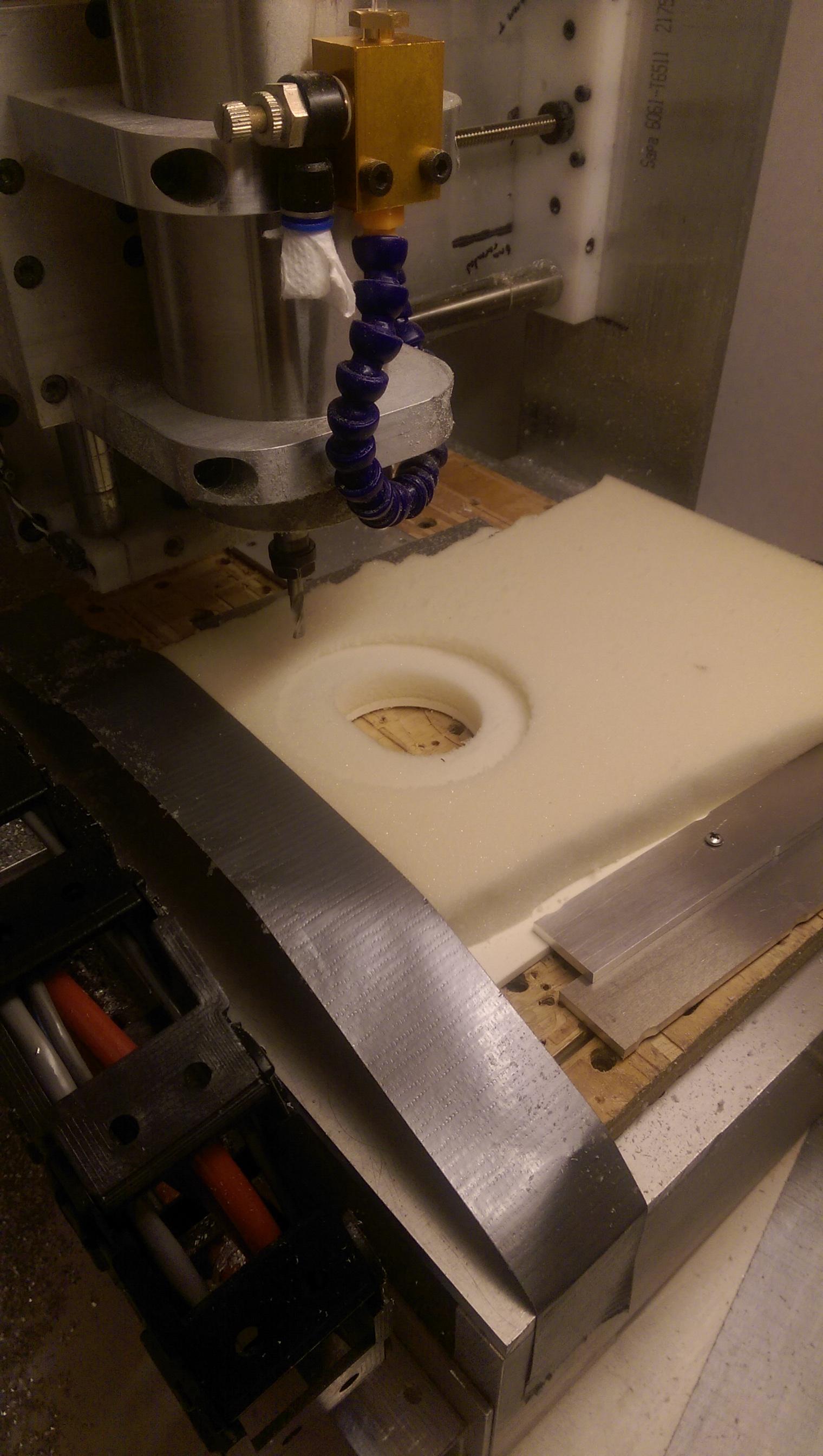
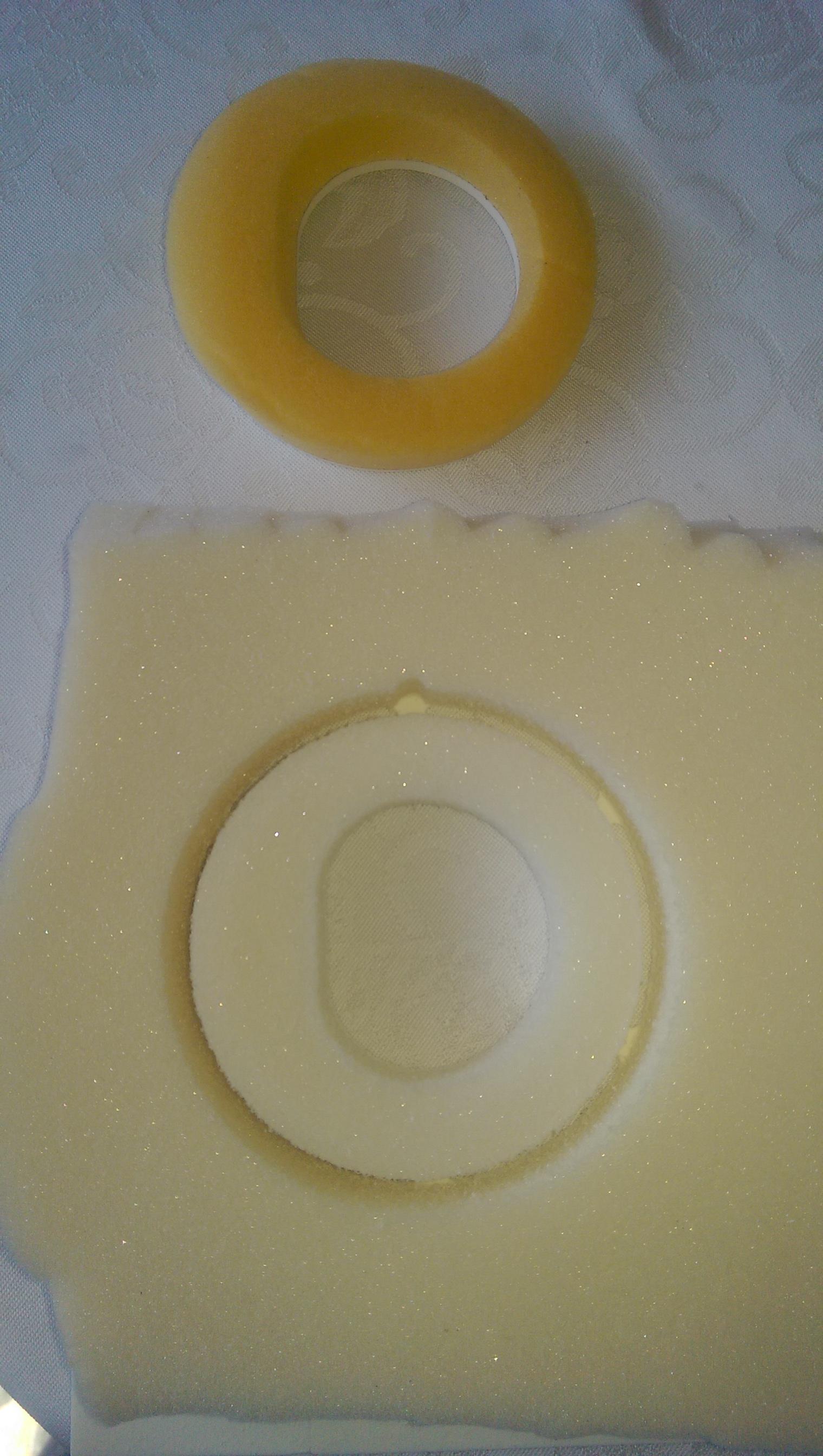
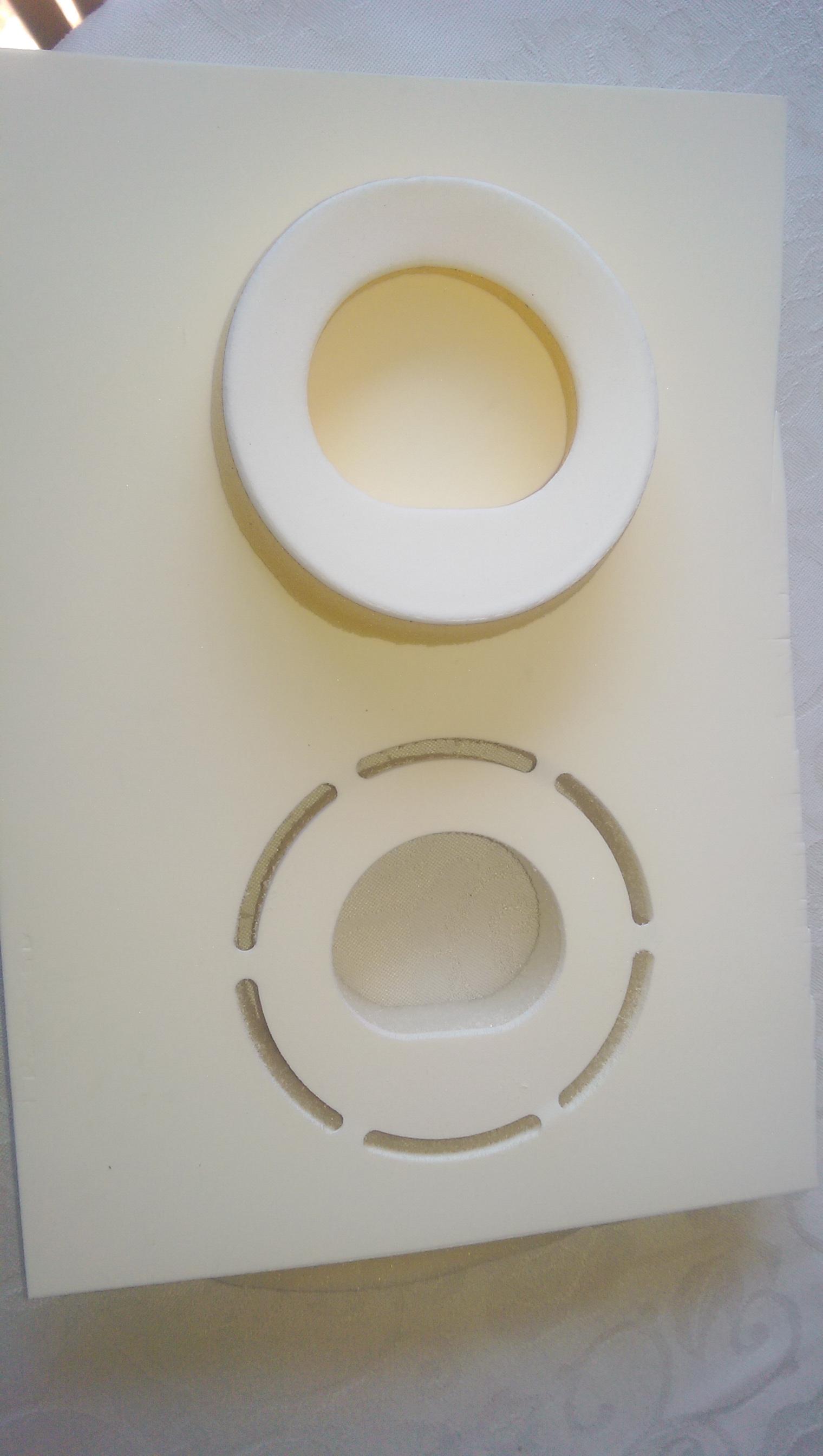
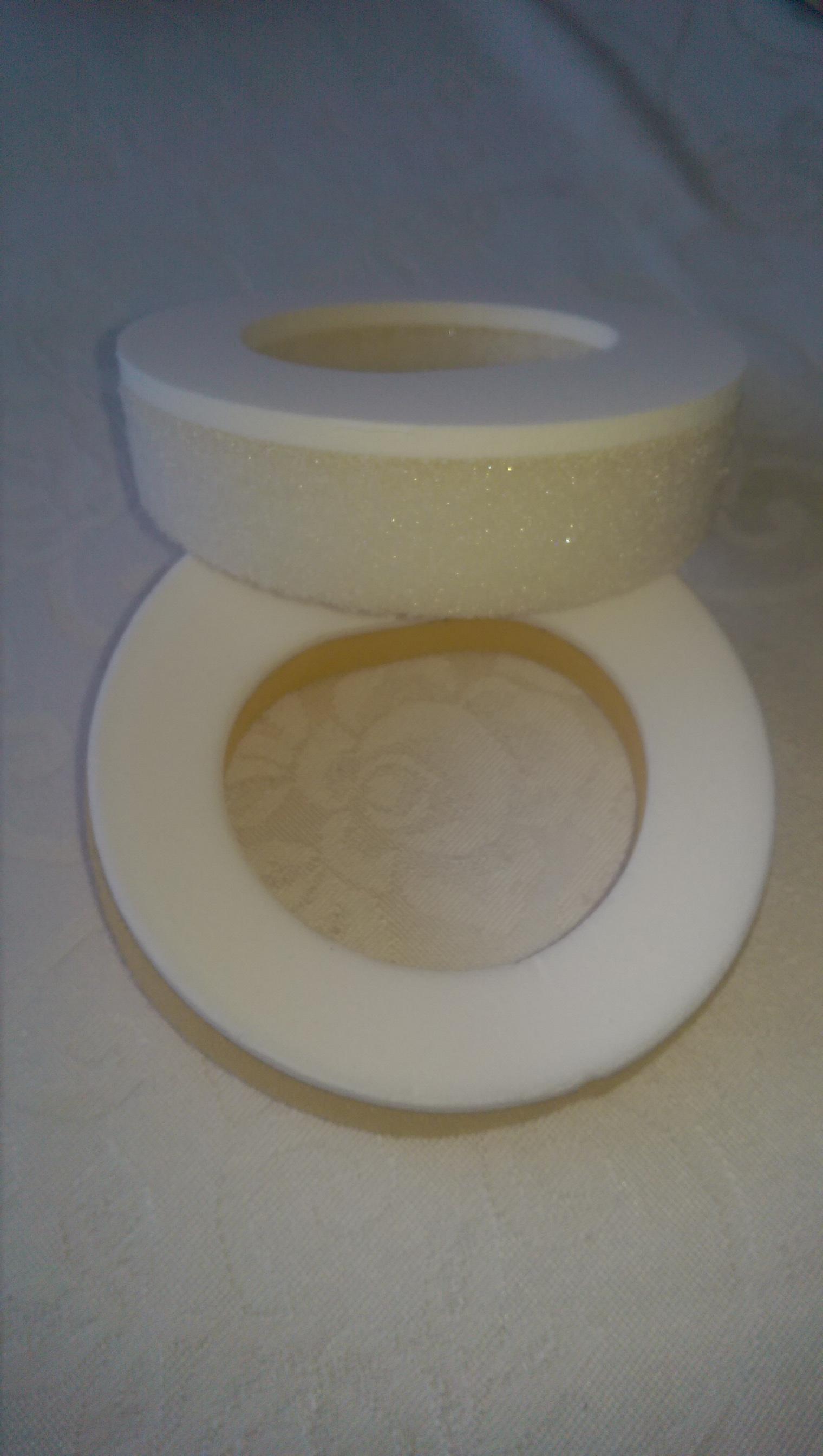
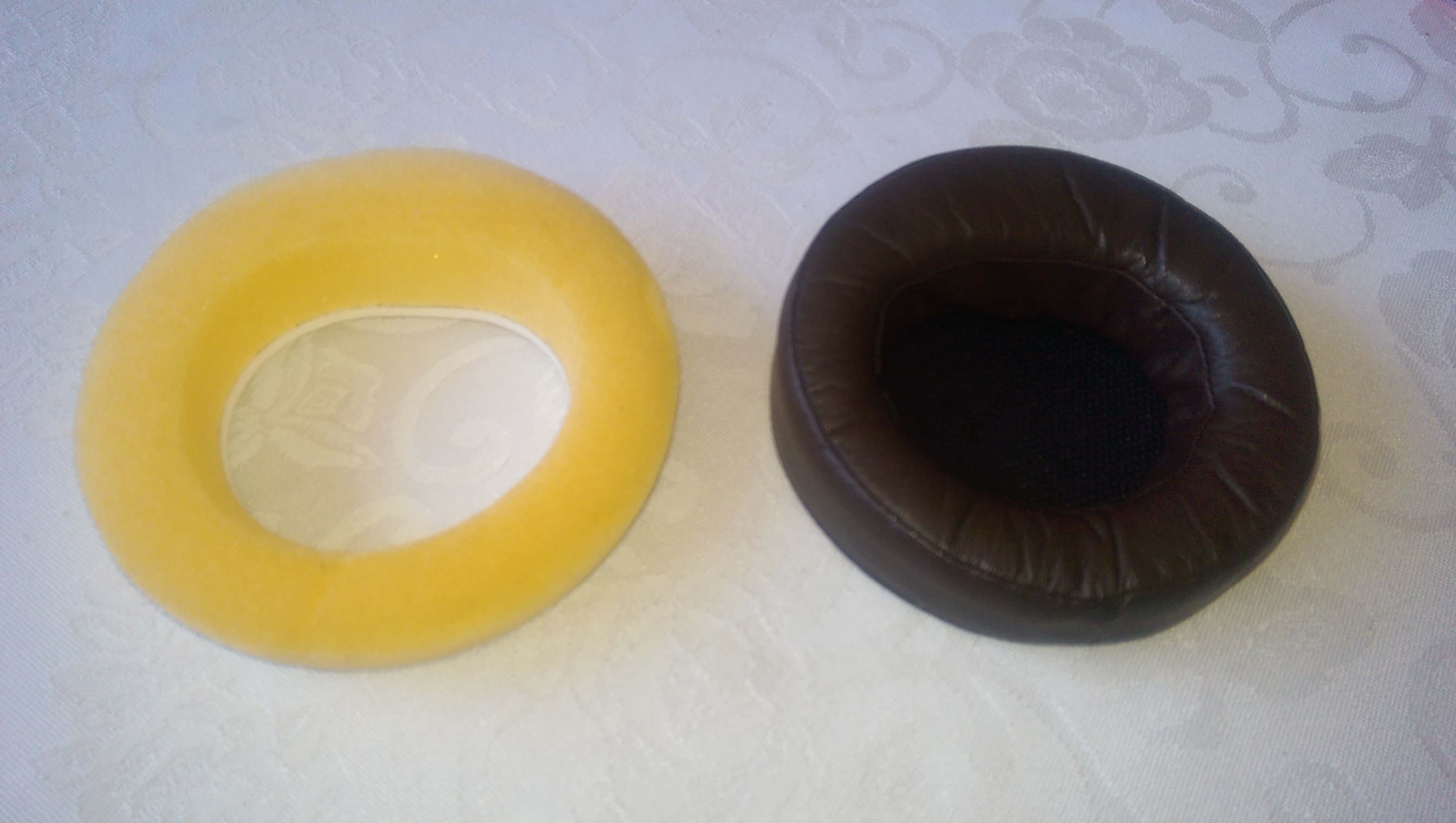
1 point1 pointI have both the LC and GS-1 on loan from another member here. This is my reply to him when comparing the two amp... "The GS-1 is the better sounding amp. Tone and staging are both appreciably better than the LC. GS-1 is "smoother" and more refined across the spectrum. Mids, on the GS-1 are exceptionally good. The LC is slightly U shaped in presentation. While this is fine with a headphone like the hd650 it's not fine with the hd800. I don't see myself using the LC much with the hd800. I really like how the GS-1 is voiced."1 point1 pointDamn... As I'm sure you can tell from my Avatar, I am a huge talking heads fan. I love P-Funk too. RIP Bernie.1 point1 pointGood "flying spaghetti monster" , that's weird! I've got to up my game .1 point1 pointTest Tone @ Home live right now: http://mixlr.com/illuminator/chat1 point1 pointhttp://www.elusivedisc.com/Esoteric/products/1967/&utm_source=email&utm_medium=special 50% or more off Esoteric SACDs and box sets. **BRENT**1 point1 point1 pointThanks Dan, I could try that. Also, I guess I should say that I am not interested in getting any money for these but don't want to do too much work to get rid of them. Certainly Goodwill is easy but there may be something that is more worthwhile. I guess I could also try MD Anderson Cancer Center and a bunch of the other hospitals across the street.1 point1 point1 point1 pointThere is an ability to do community projects in Fusion 360, which I think is really cool. For anyone wanting to mill foam, there are some precautions. I had an issue with my initial tests when milling to close to the edge. It grabbed a piece of foam and pulled it onto the bit. Not good. I used the duct tape on the one side to give it some stability near that edge. Like everything in milling, make sure your work piece is secured well. Also, for clean final cuts you need to use conventional milling vs. climb milling. This is opposite for aluminum.1 point1 pointThanks. You need to get Fusion 360 and learn how to use it It's from Autodesk and is free to individuals and small businesses. It took me about 3 hours to model these.
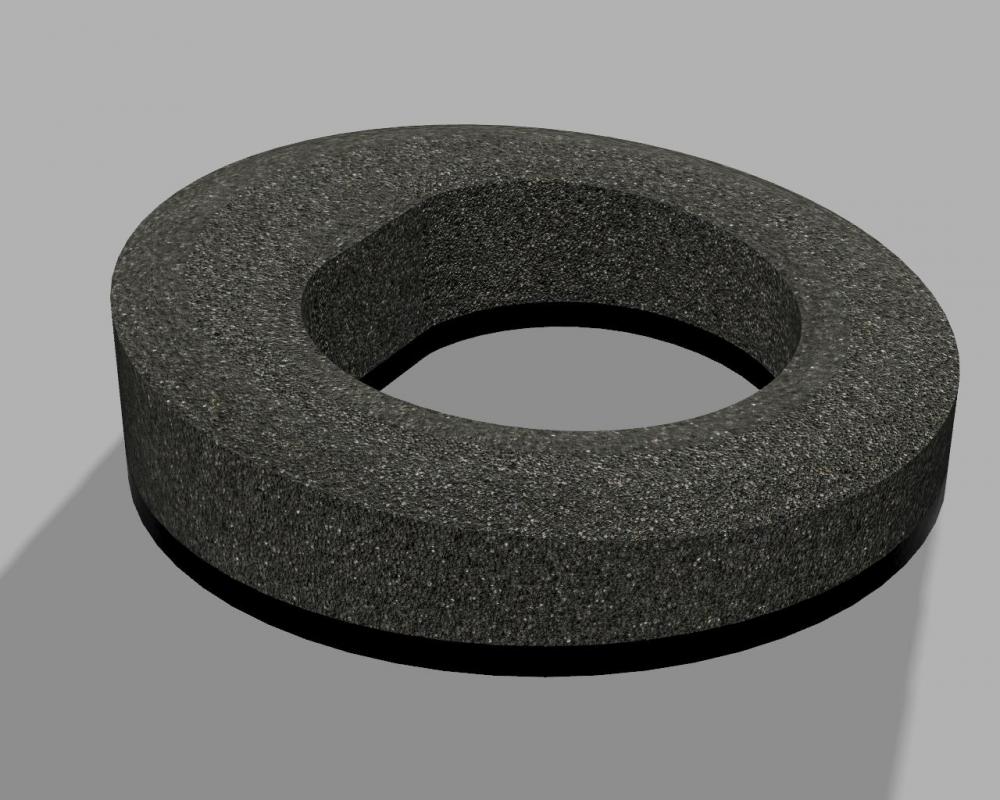 1 point1 pointSo I wanted to replace the foam in my 007 Mk1 headphones. I modeled them in up (I love having a mill ) and here's what I got...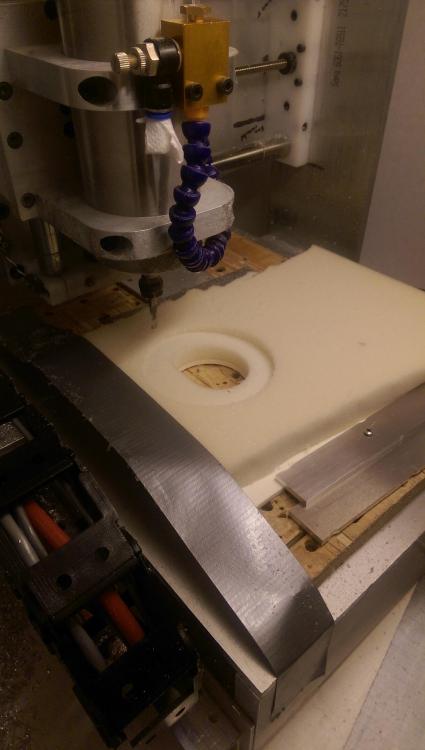
 1 point1 point











Important Information
By using this site, you agree to our Terms of Use.
Account
Navigation
Search
Configure browser push notifications
Chrome (Android)
- Tap the lock icon next to the address bar.
- Tap Permissions → Notifications.
- Adjust your preference.
Chrome (Desktop)
- Click the padlock icon in the address bar.
- Select Site settings.
- Find Notifications and adjust your preference.
Safari (iOS 16.4+)
- Ensure the site is installed via Add to Home Screen.
- Open Settings App → Notifications.
- Find your app name and adjust your preference.
Safari (macOS)
- Go to Safari → Preferences.
- Click the Websites tab.
- Select Notifications in the sidebar.
- Find this website and adjust your preference.
Edge (Android)
- Tap the lock icon next to the address bar.
- Tap Permissions.
- Find Notifications and adjust your preference.
Edge (Desktop)
- Click the padlock icon in the address bar.
- Click Permissions for this site.
- Find Notifications and adjust your preference.
Firefox (Android)
- Go to Settings → Site permissions.
- Tap Notifications.
- Find this site in the list and adjust your preference.
Firefox (Desktop)
- Open Firefox Settings.
- Search for Notifications.
- Find this site in the list and adjust your preference.