Leaderboard
-
Hopstretch
High Rollers25Points16809Posts -
jose
Returning Member6Points1936Posts -
Voltron
High Rollers5Points34607Posts -
VPI
High Rollers4Points9103Posts




Popular Content
Showing content with the highest reputation on 09/17/18 in all areas
-
6 points
-
4 points
-
2 pointsI would be glad to help you buy yourself something fancy for your birthday Stretch. Maybe a nice sport tourer or something in a bespoke allrounder maybe a gentleman's sidearm for the upcoming Zombie Apocalypse/Civil War Of course you will need a Man Safe to secure the gentleman's sidearm or with your proximity to a great race track, maybe a track car would make more sense? Happy Birthday, I am sure it will be a great one.2 points
-
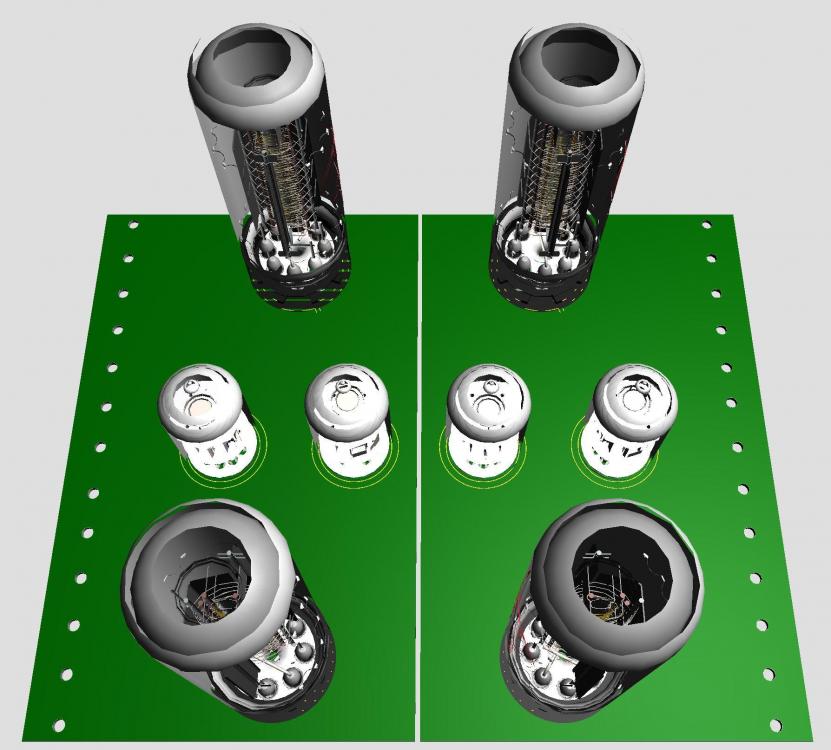
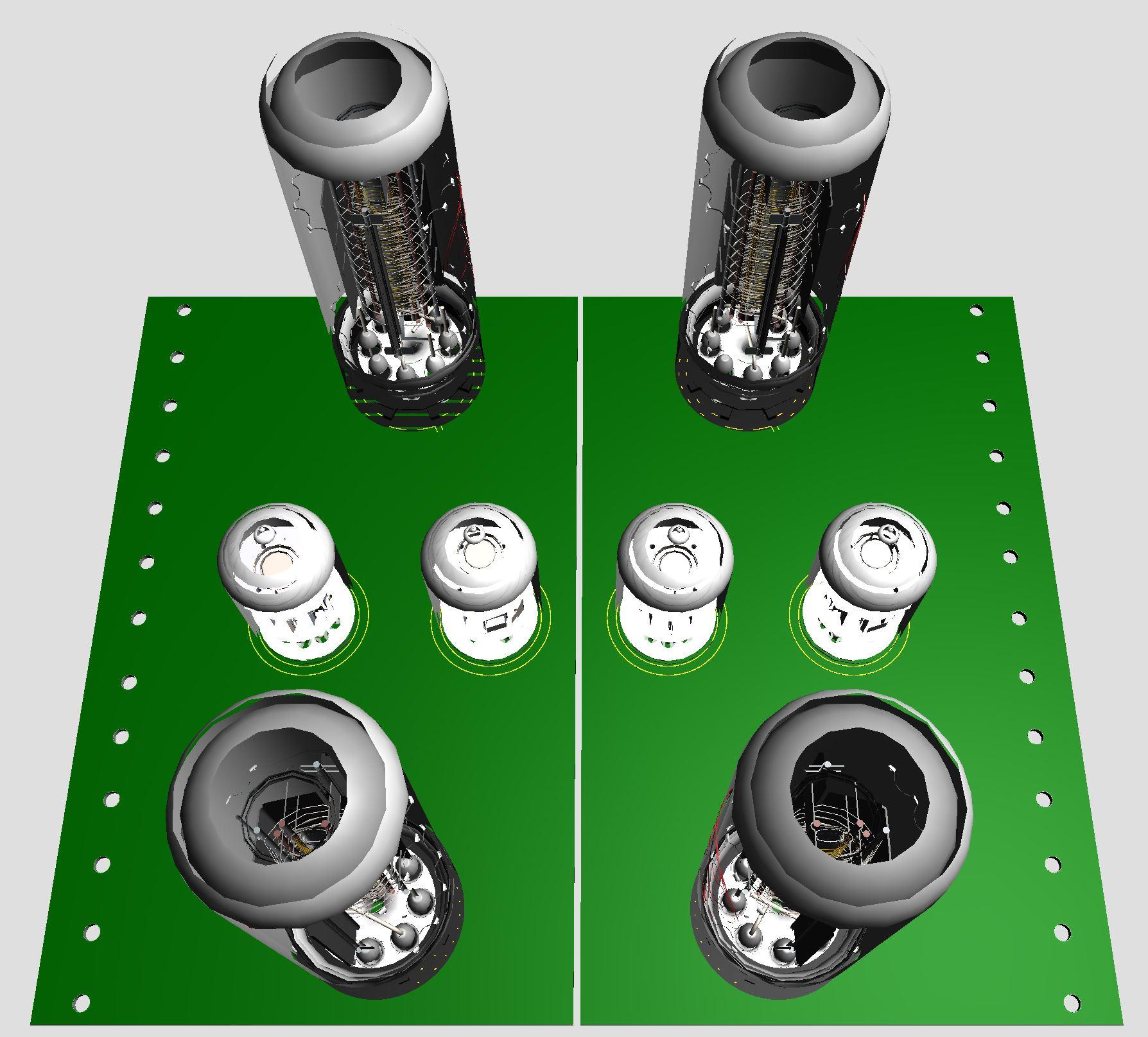
2 pointsSomething like this?? Board size 3.95in x 6.9in, same as I use. Probably a lot easier if bigger boards.
 2 points
 -
1 pointDo something unexpected today. Maybe open a nice bottle of wine... oh wait, uhm, maybe a great meal. Oh wait, that's not unusual either... maybe go out and buy something really nice? Oh fuck it! Just do everything the same! Have a fantastic Birthday buddy!
 1 point
 -
1 point
-
1 point
-
1 point
-
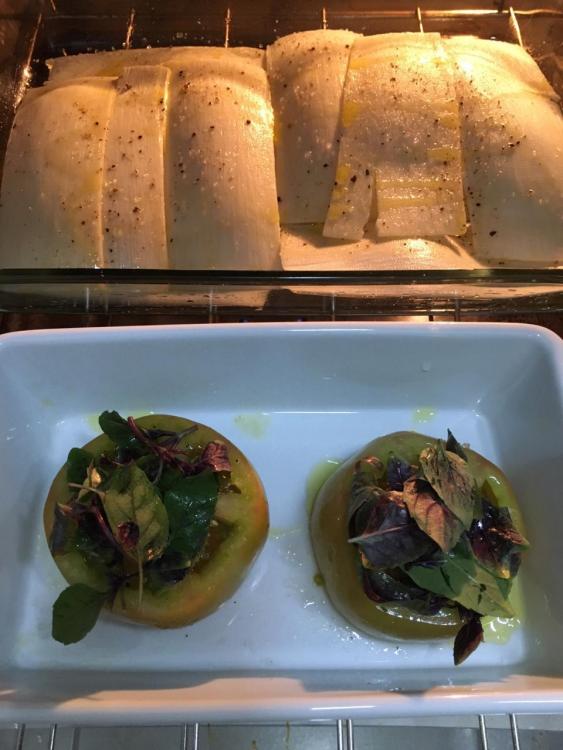
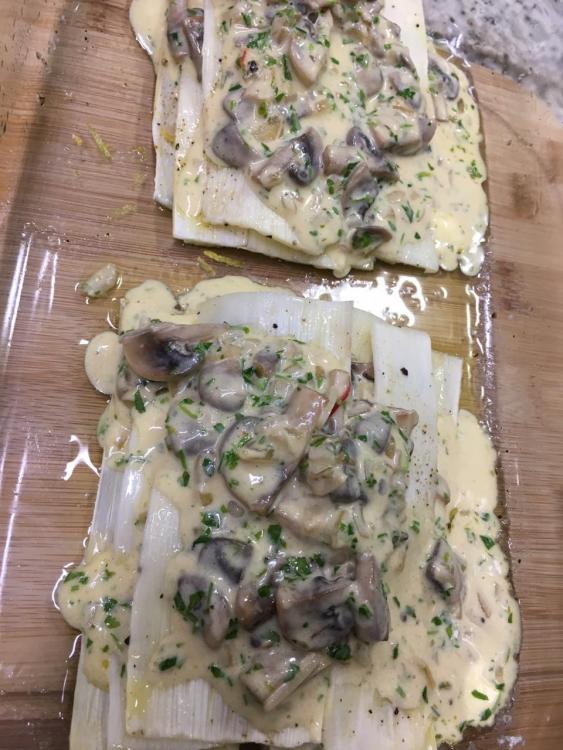
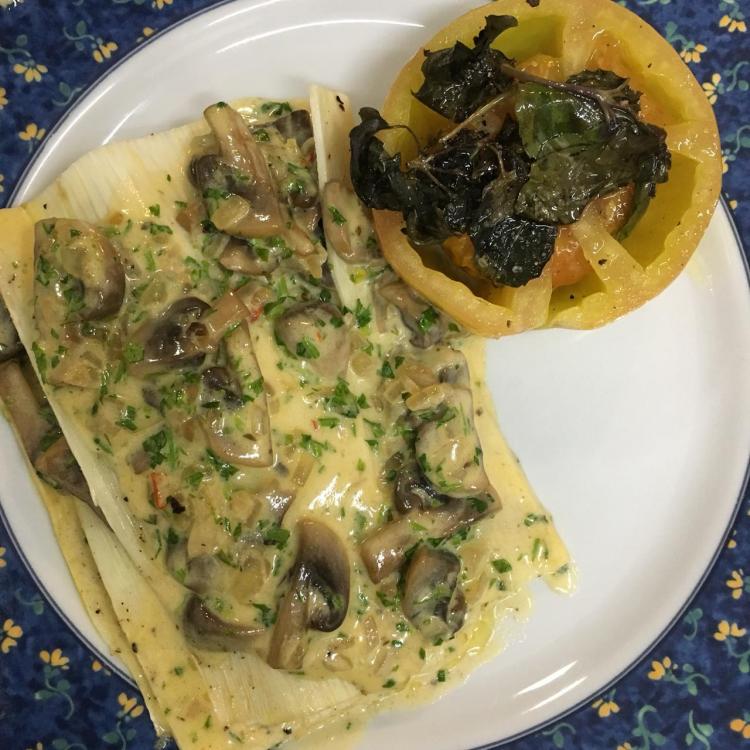
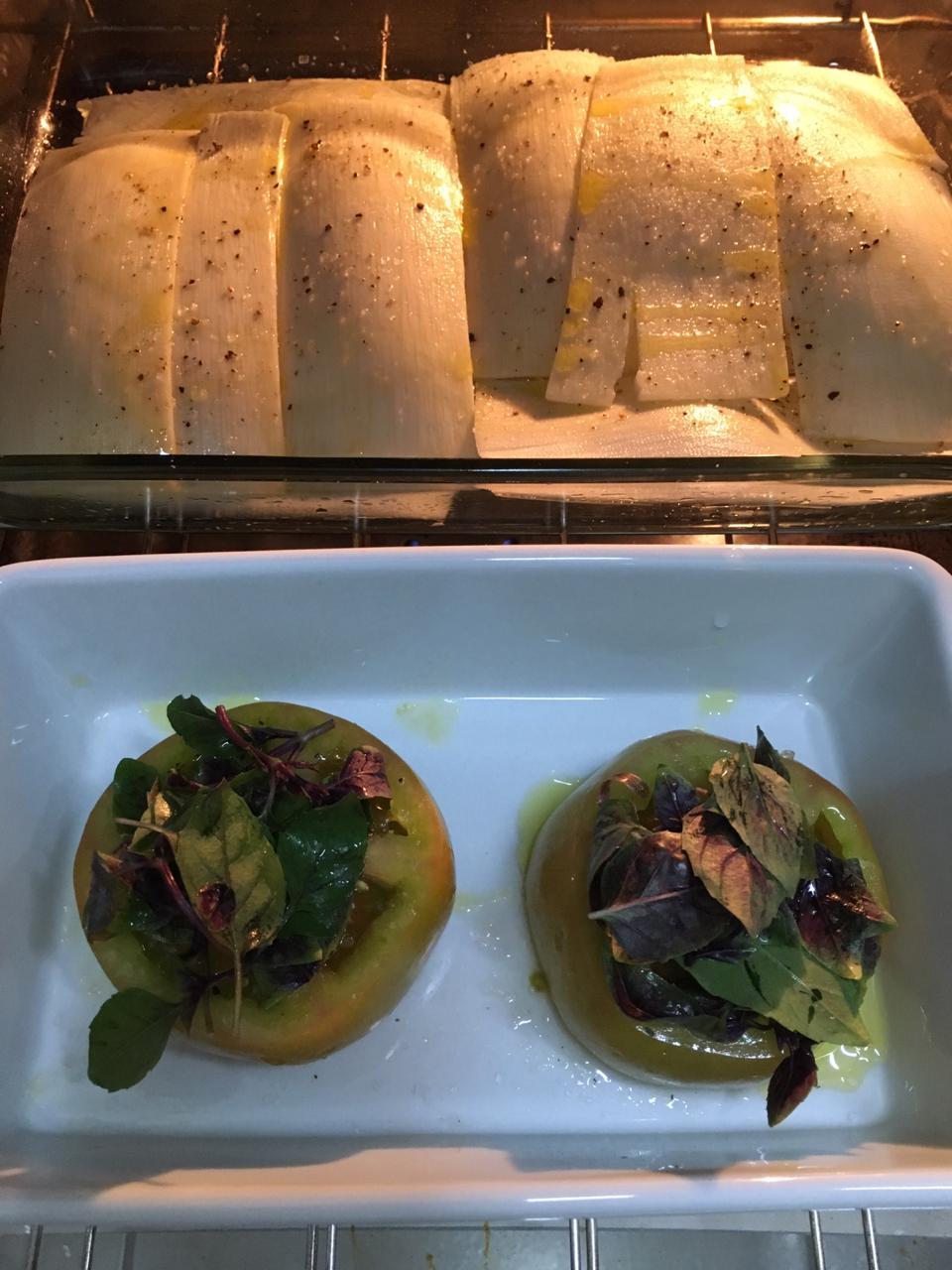
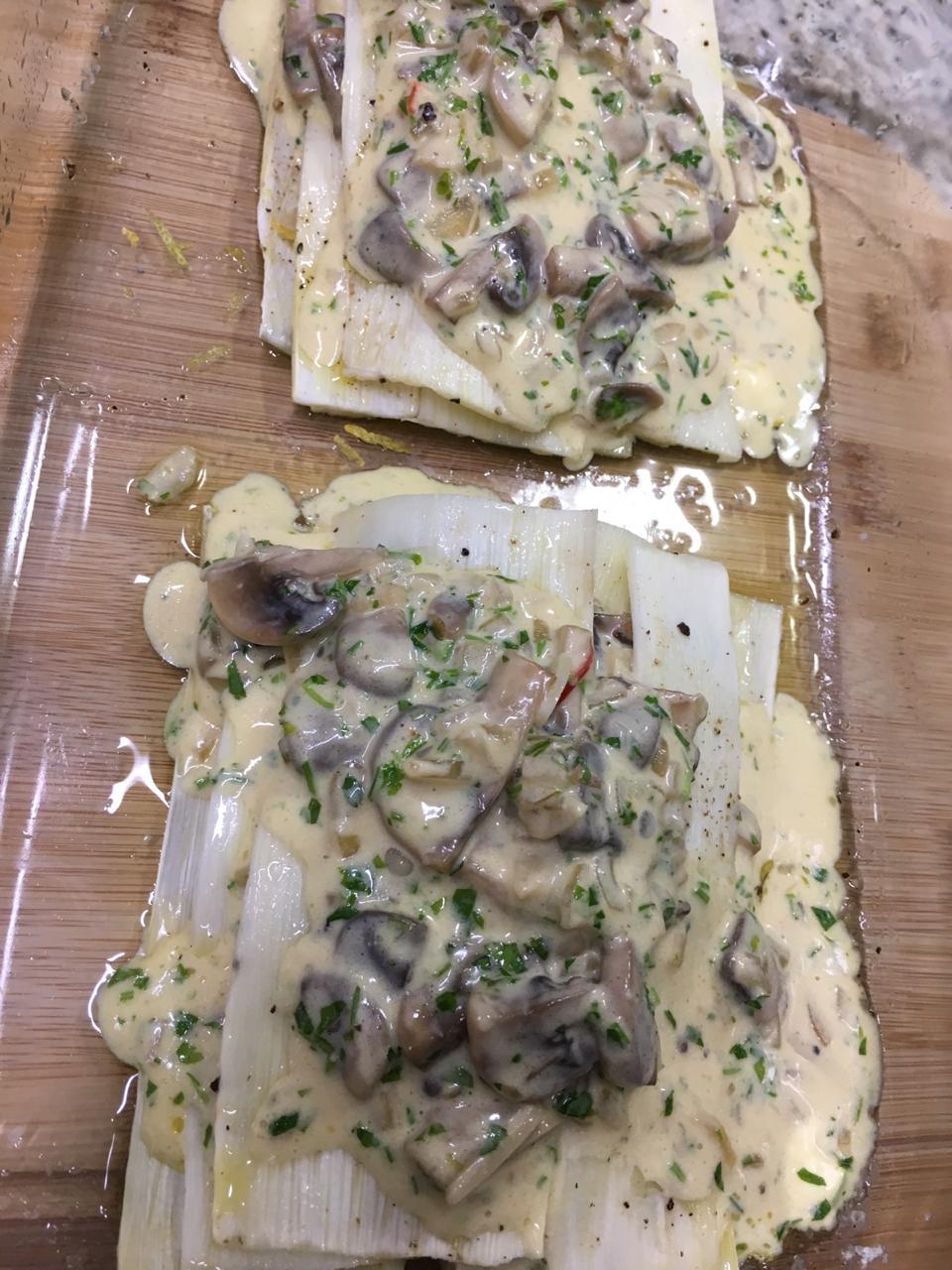
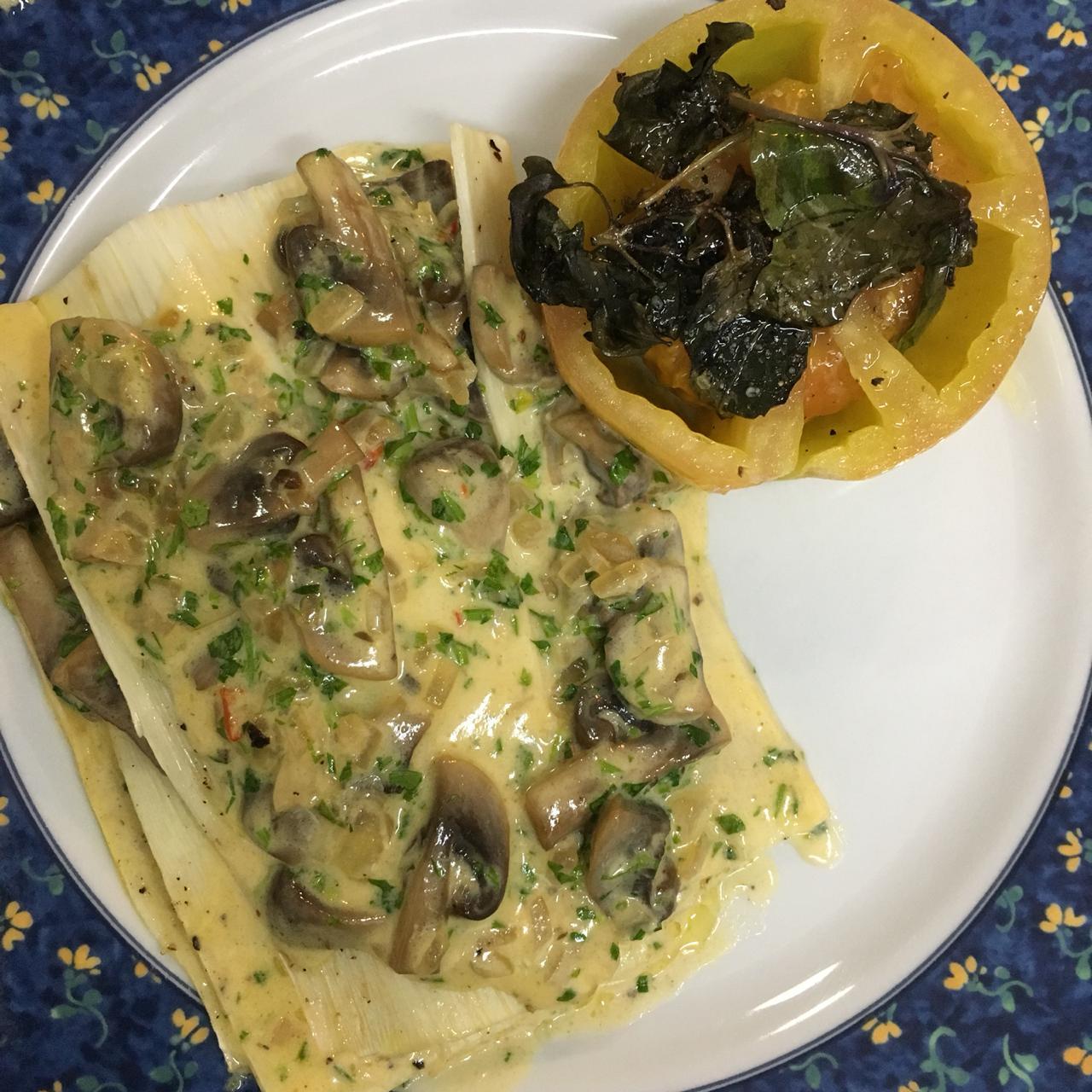
1 pointPalemtto/Palm Heart. Pupunha is the smoothest, tastier one of Brazilian Palm Heart. The other one is Juçara, more fibrous. Expectation Reality
.thumb.jpeg.78a5999fea55781fb6f3bf8c8d832a43.jpeg) 1 point
1 point -
1 point
-
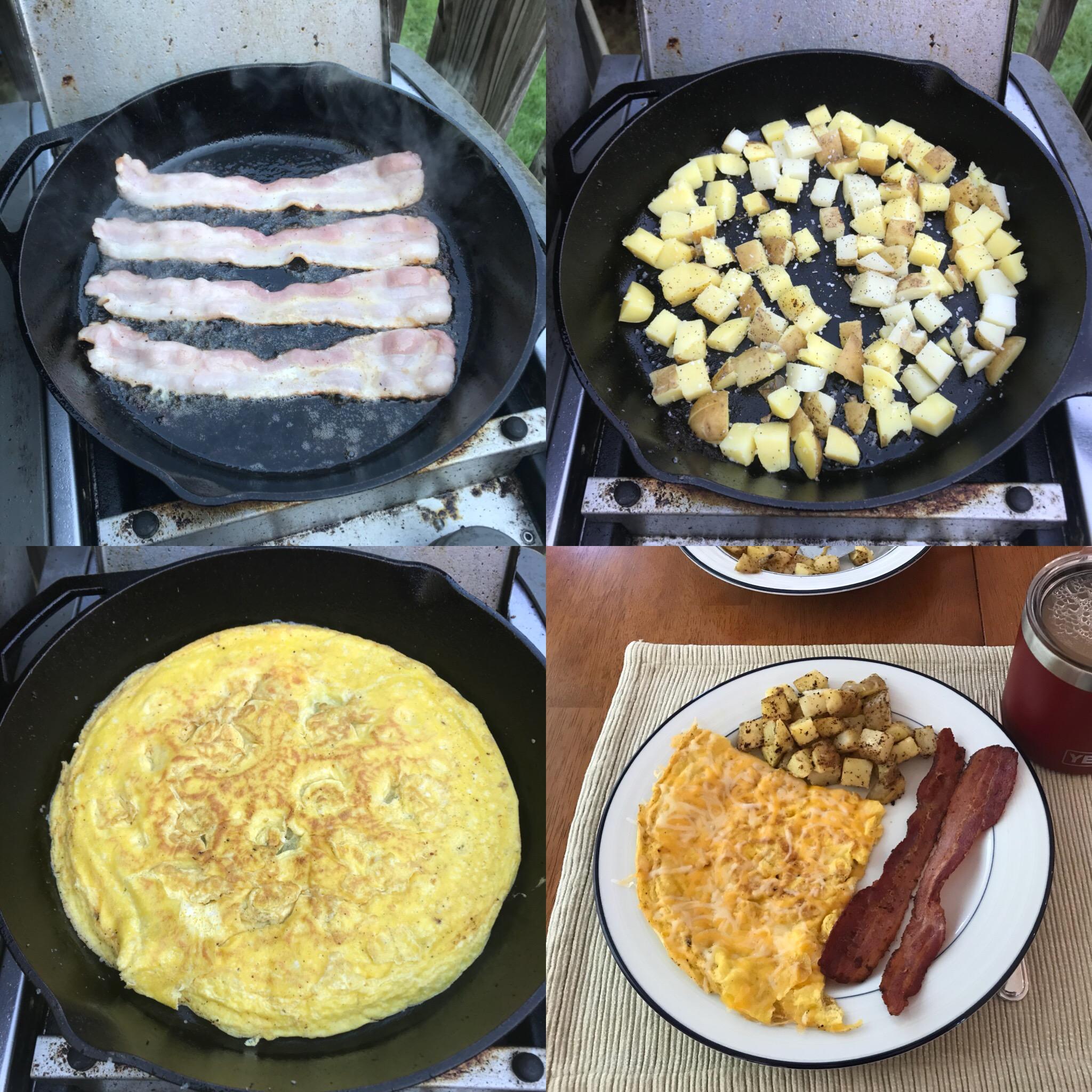
1 pointCooking up some leftover smoked pork belly with a bit of brown sugar to make some ultra thick smoked bacon for my eggs. Sent from my iPhone using Tapatalk1 point
-
1 point
-
1 pointWent out to an Audi Cars and Coffee this morning up north where we are looking to move. Decent turnout. Sent from my iPhone using Tapatalk1 point




.jpeg.30e9a83be19f210f7af1eb05205b7c7c.jpeg)