

Leaderboard




Popular Content
Showing content with the highest reputation on 10/28/18 in Posts
-
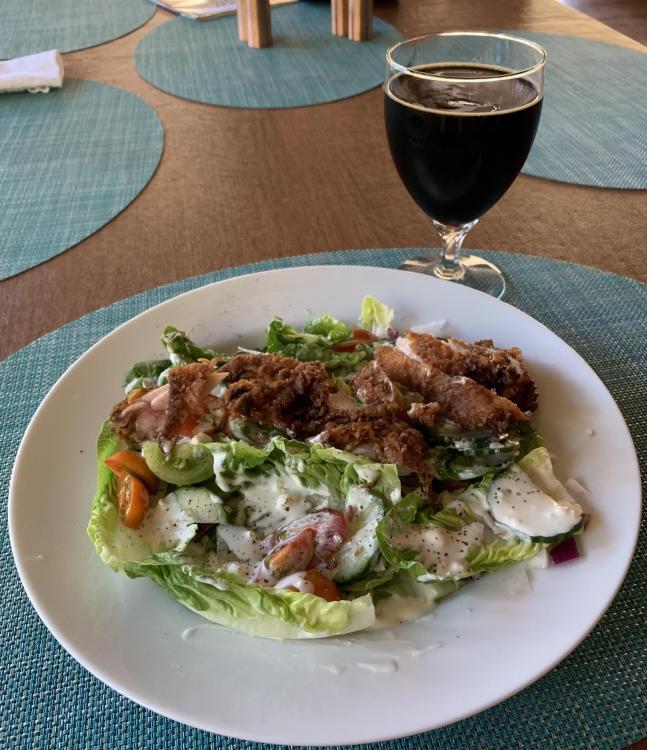
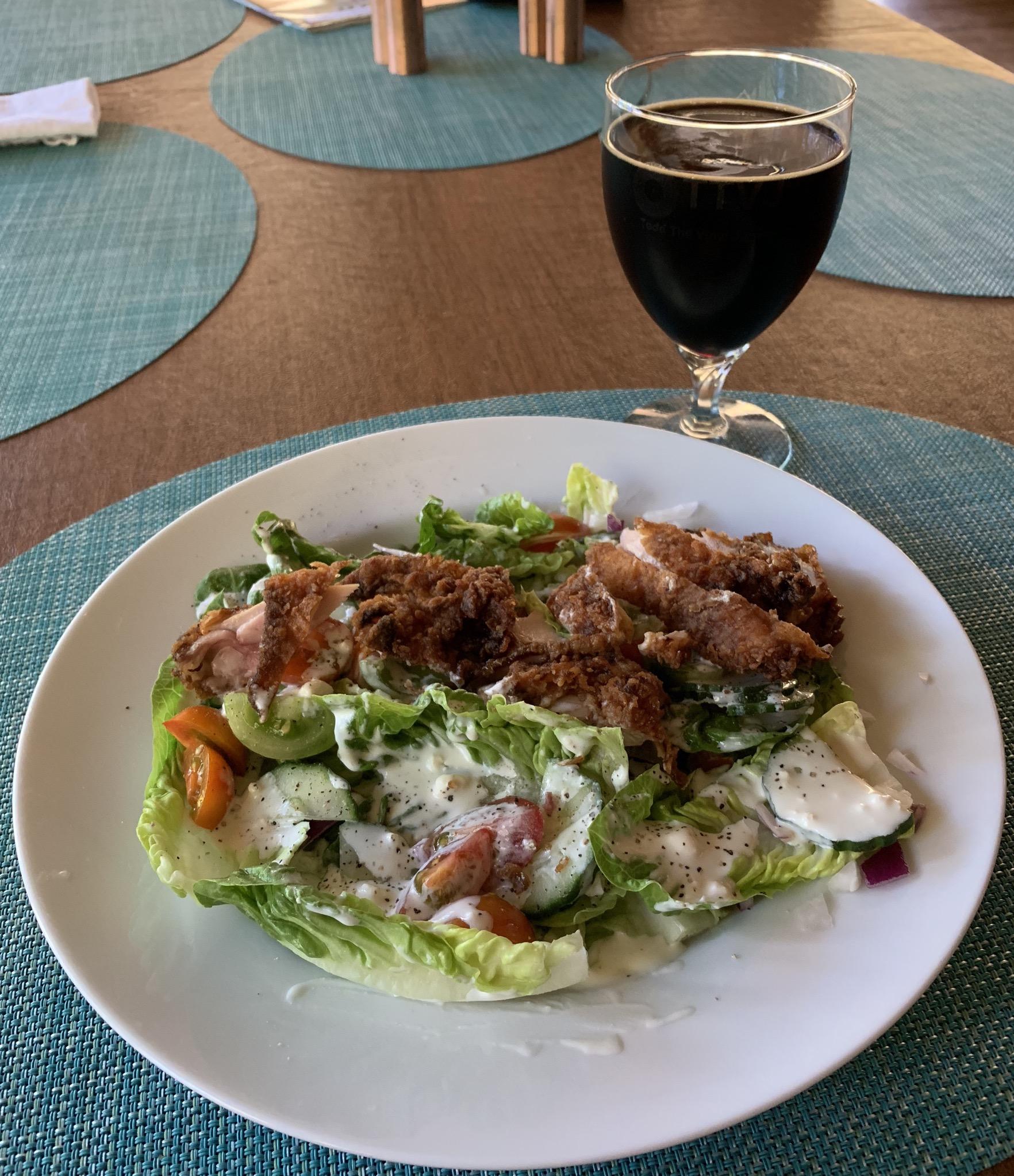
4 pointsLittle gems salad with end of season cherry tomatoes and leftover buttermilk fried chicken (made by my sister in law's girlfriend who will likely also be my sister in law one of these days).
 4 points
 -
4 points
-
Cat wanders on to the runway at a fashion show in Istanbul. Proceeds to clean its butt.4 points
-
2 points
-
2 points
-
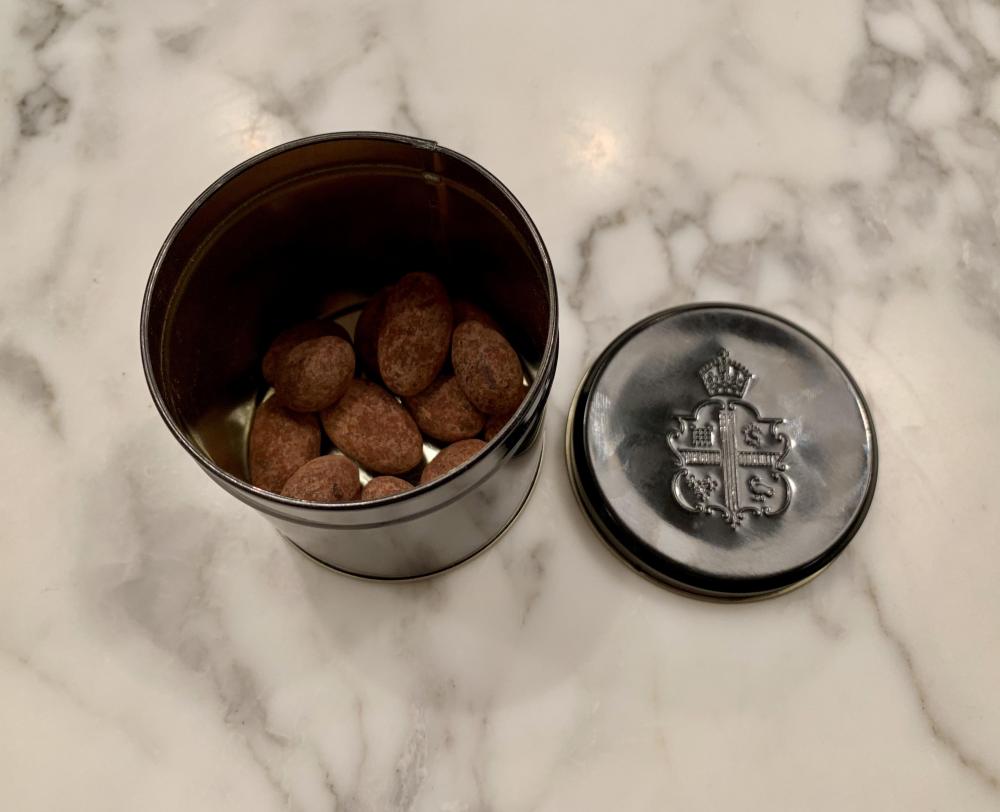
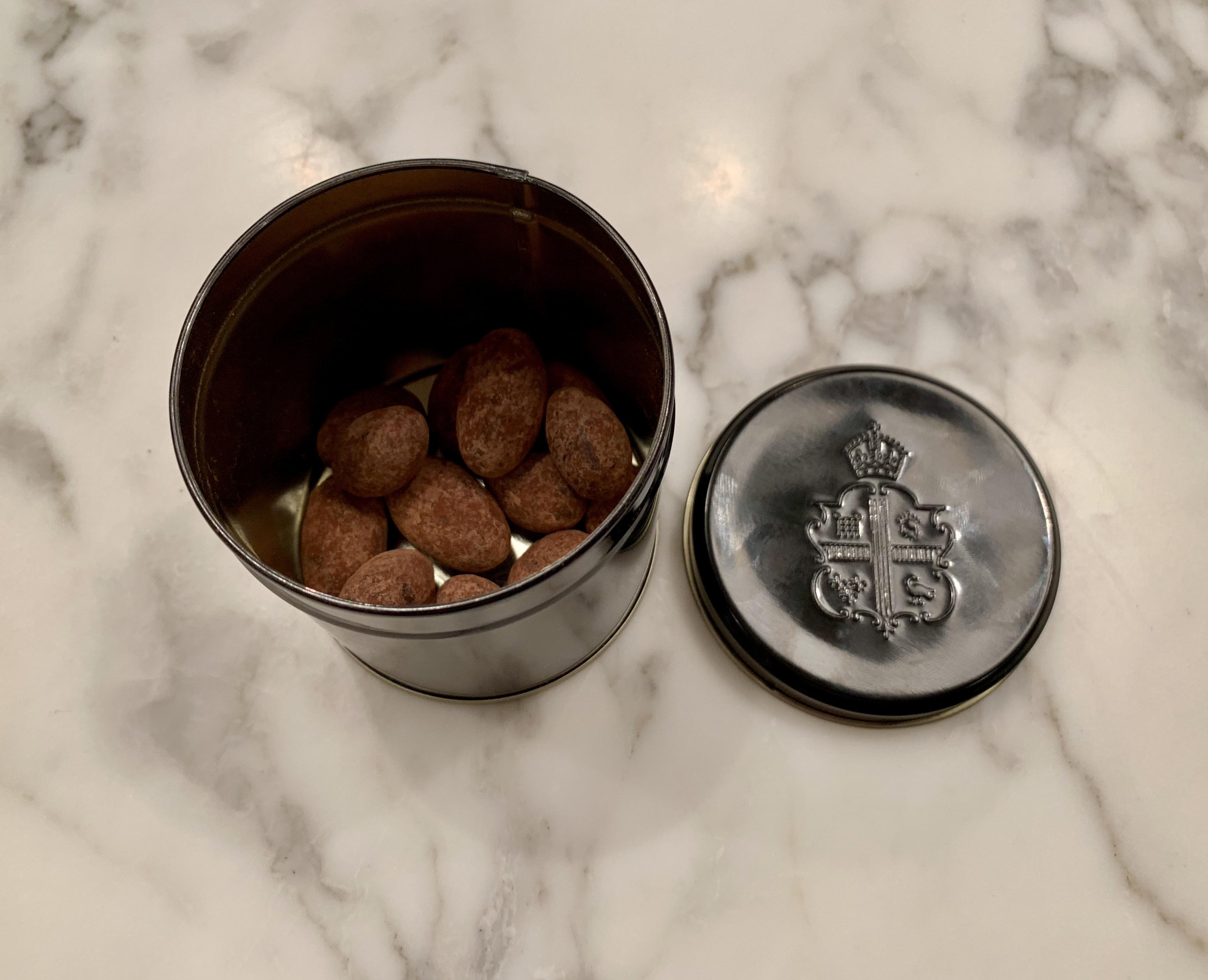
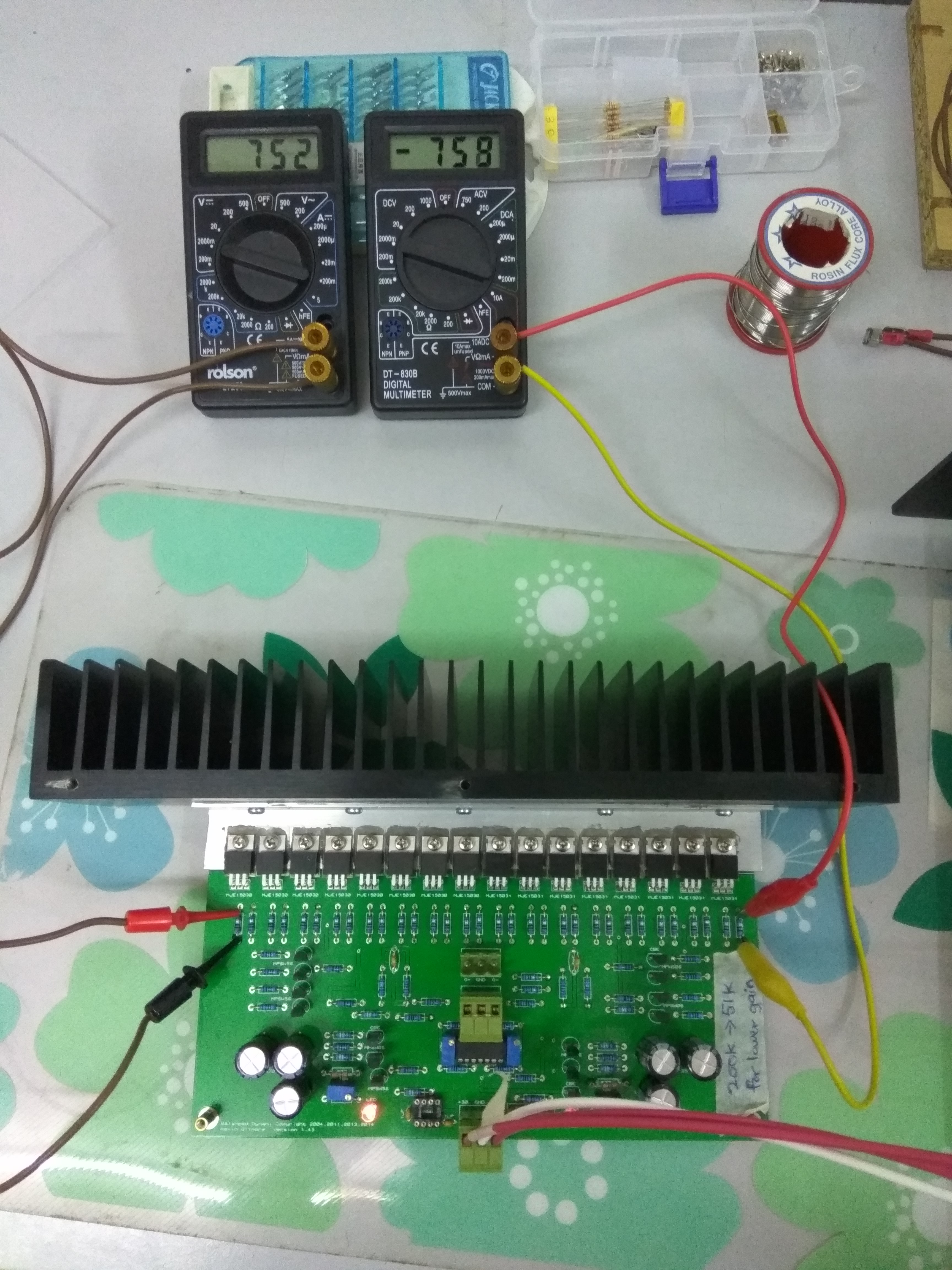
2 points2 points1 point1 pointThe jumpers don't transmit any significant current, they just are used to set the voltage. So silver solder is definitely overkill.1 pointThelonious Monk - Mønk It's on Tidal, from a live performance in 1963 in Denmark. Pretty swinging1 point1 point1 point1 pointSteak, done Thai style. It's ackshully quite medium rare, emphasis on the rare.1 point1 point1 pointTravel loot. Claridge's dark chocolate almonds. I was just going to have the one ...
 1 pointWe'll have a prototype of the new GS-X mini at Rocky Mountain Audio Fest next month!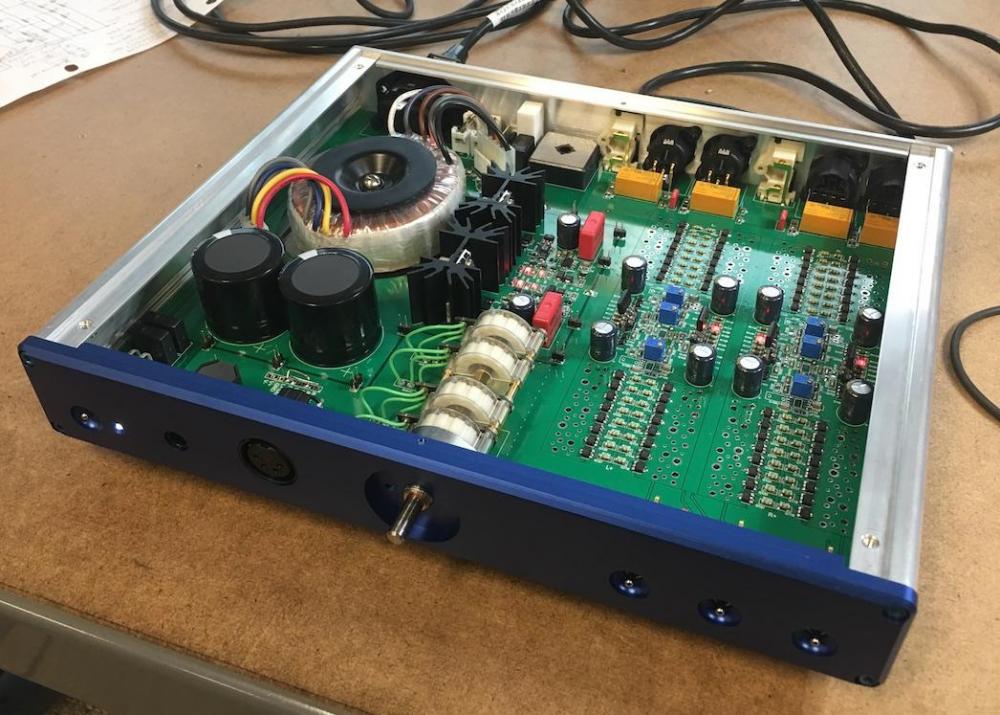
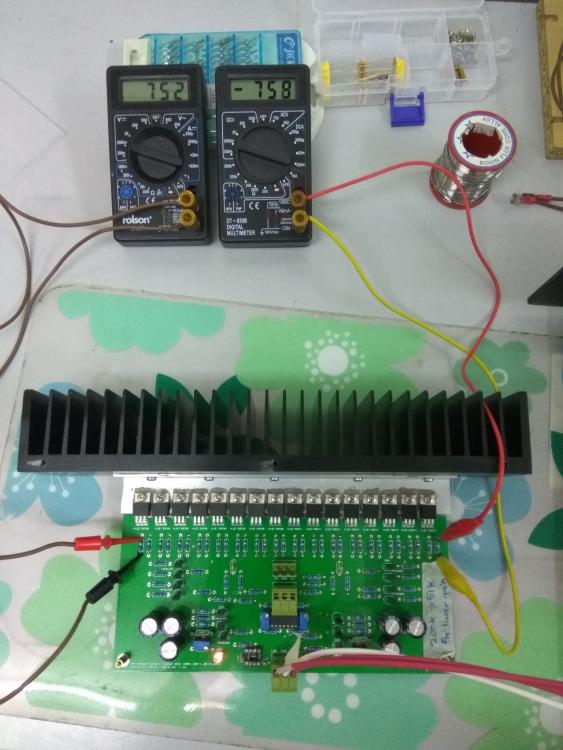
 1 pointCorrect, they're red and rated at 1.7V. Replaced them with 360Ω and now can go to 750mV
 1 point













Important Information
By using this site, you agree to our Terms of Use.