Leaderboard
-
VPI
High Rollers7Points9103Posts -
Voltron
High Rollers4Points34607Posts -
Hopstretch
High Rollers3Points16809Posts -
Craig Sawyers
High Rollers2Points5520Posts




Popular Content
Showing content with the highest reputation on 12/29/18 in all areas
-
1 pointMore Gaming Rig / Computer / Surround Sound / Headphone / RBG pr0n to be honest ... But Still ... Full Gallery Here: https://imgur.com/gallery/qKUkj5U via: Full component listing in the links. And of course someone did a breakdown / total cost estimate in the comments. Impressive.1 point
-
Test Tone @ Home live right now: http://mixlr.com/illuminator/chat1 point
-
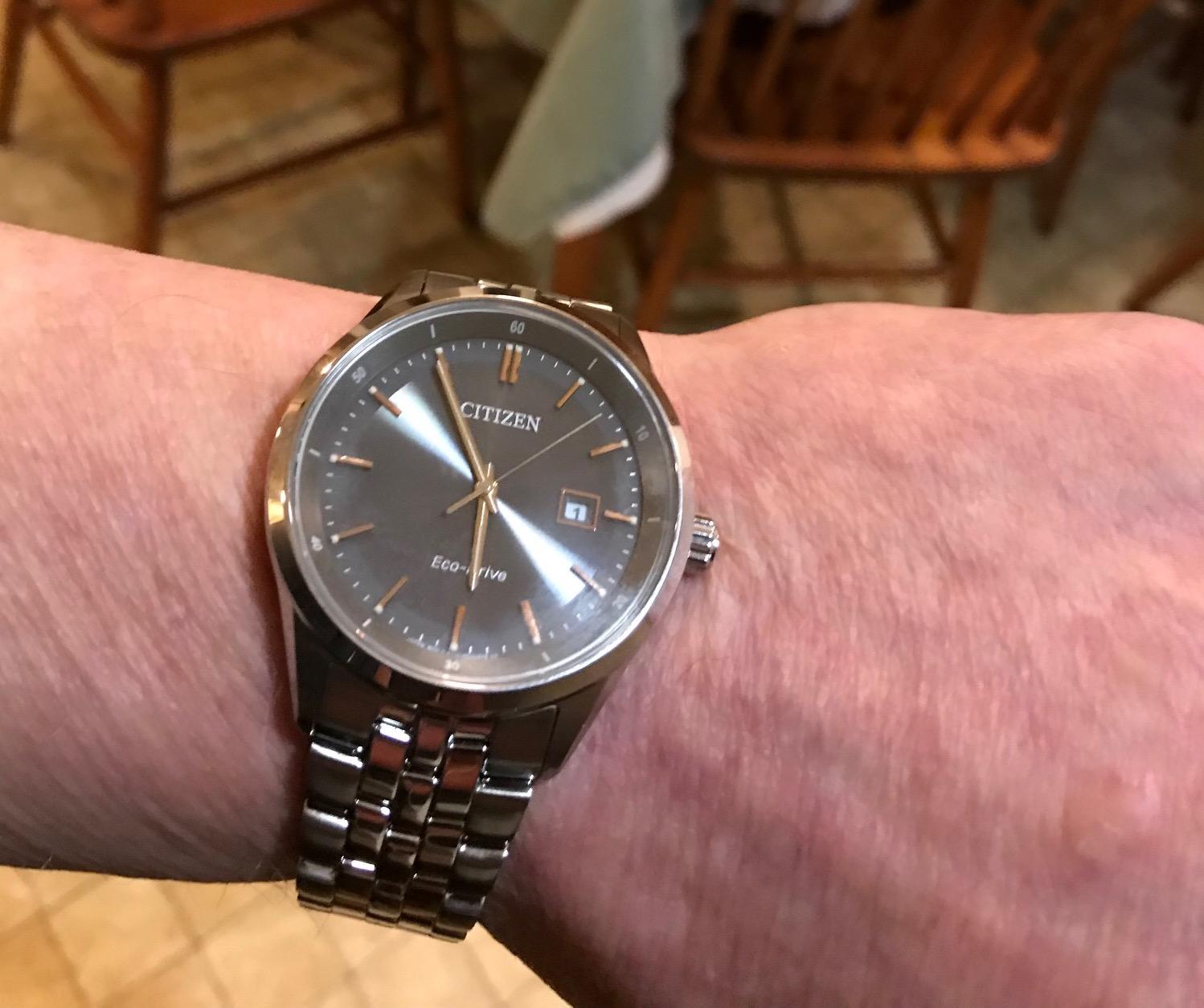
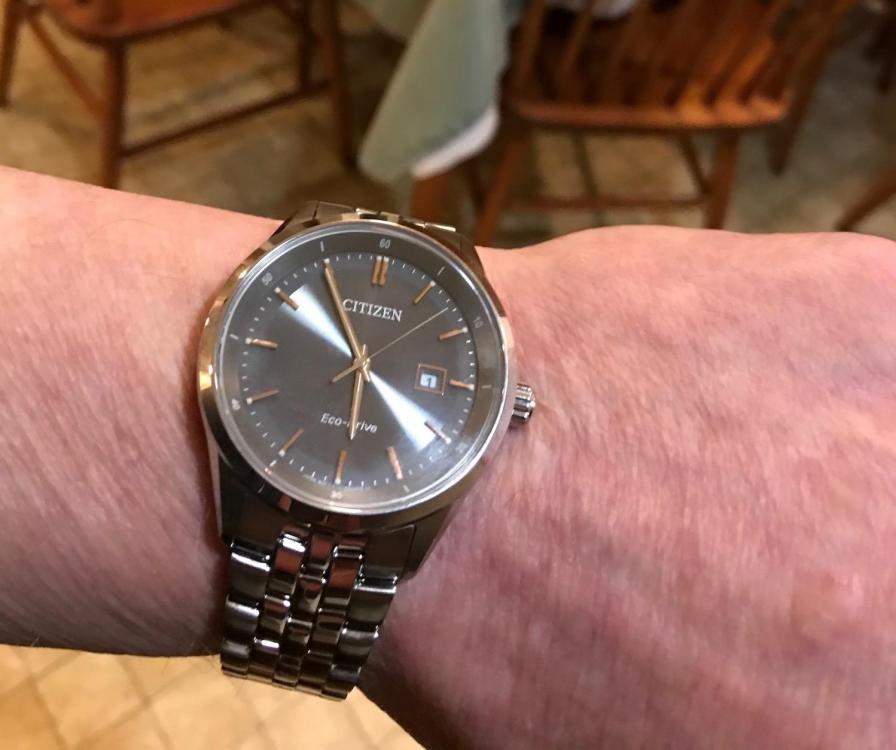
1 pointYeah, I also like that one a lot. Not quite up to your guys levels, but my wife got me this for Christmas...
 1 point
 -
But still sombre...has a vaguely Kurt Weill feel to it. Please also check out Young Gods play Kurt Weill. https://www.discogs.com/The-Young-Gods-The-Young-Gods-Play-Kurt-Weill/release/71430 Oooh, ooh, ooh, I just figured out why the title track sounded so familiar -- I heard him sing it ~7 years ago:1 point
-
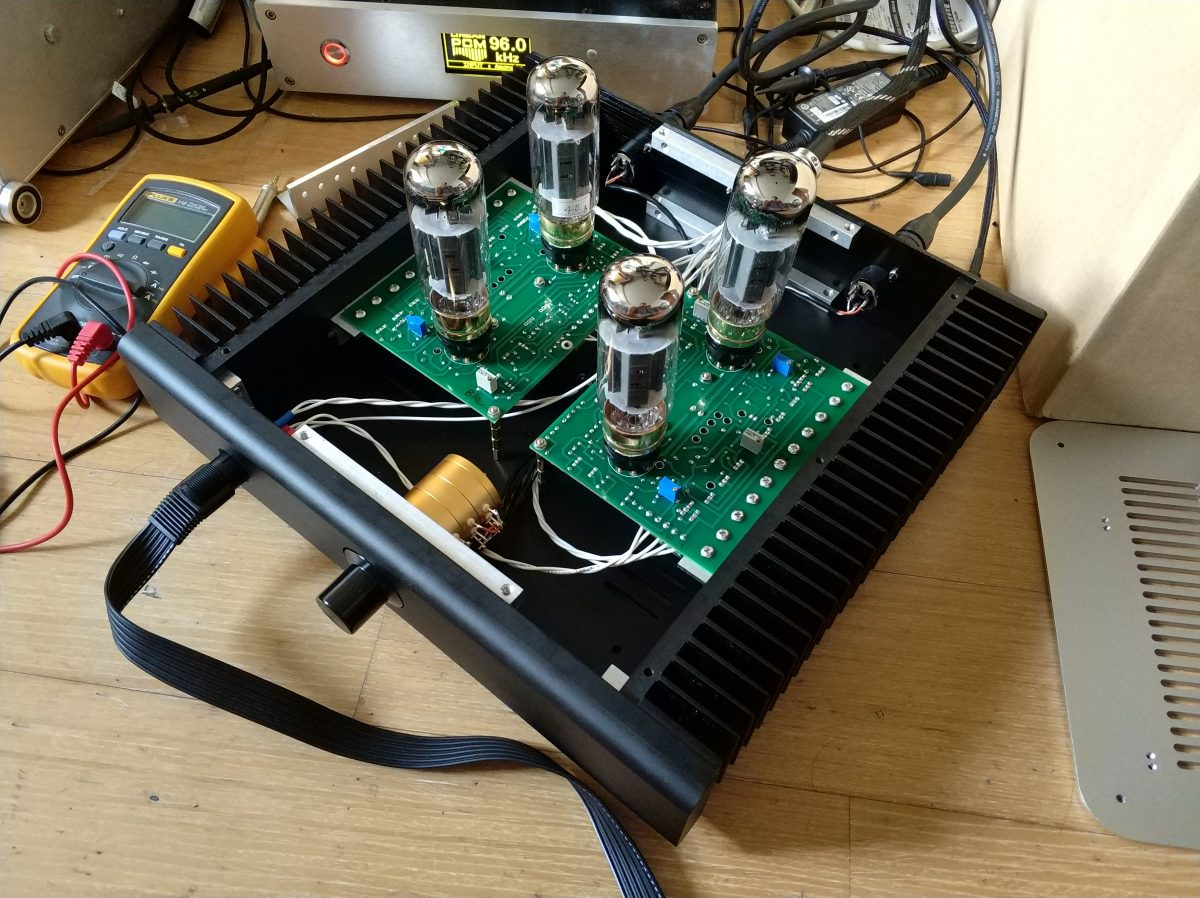
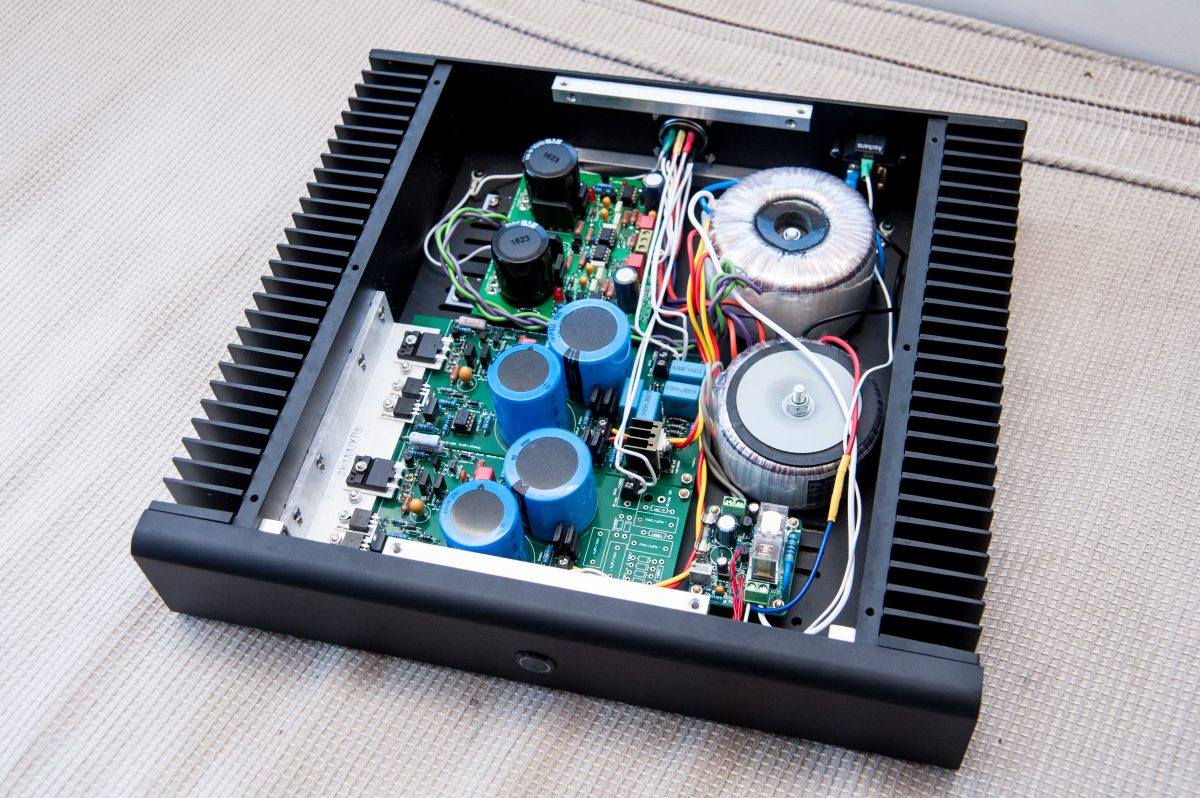
1 pointIt's finally done. Negative GRHV output resistor changed to 3.3R. 170D was substituted with ROHM in GRHV. As for sound. In Brief, the BH sits between Carbon and GG.
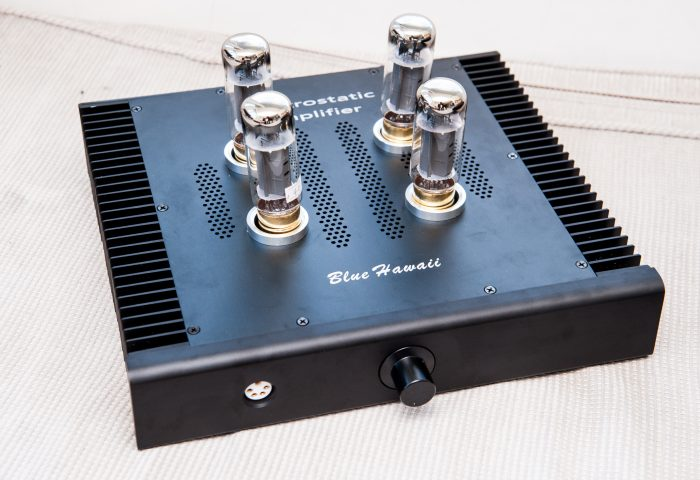
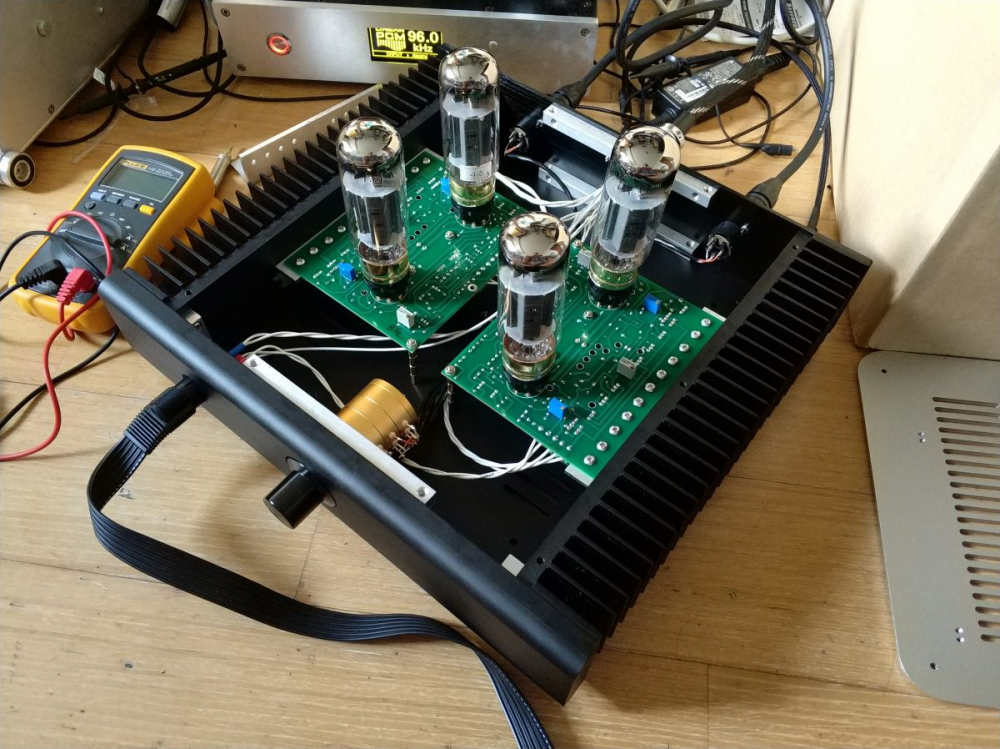
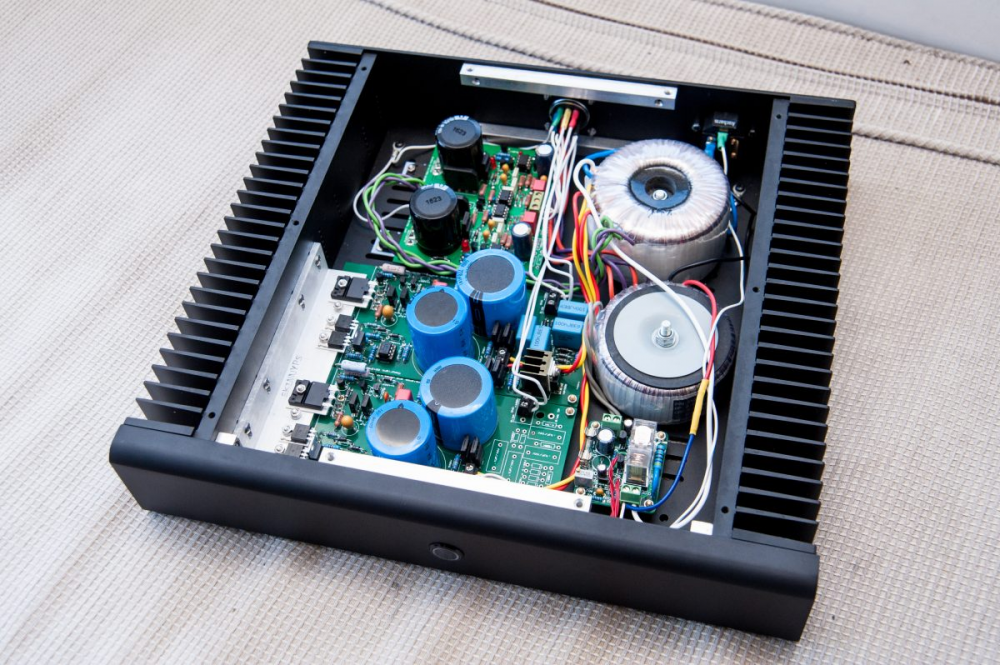 1 point