

Leaderboard




Popular Content
Showing content with the highest reputation on 01/09/19 in Posts
-
6 points
-
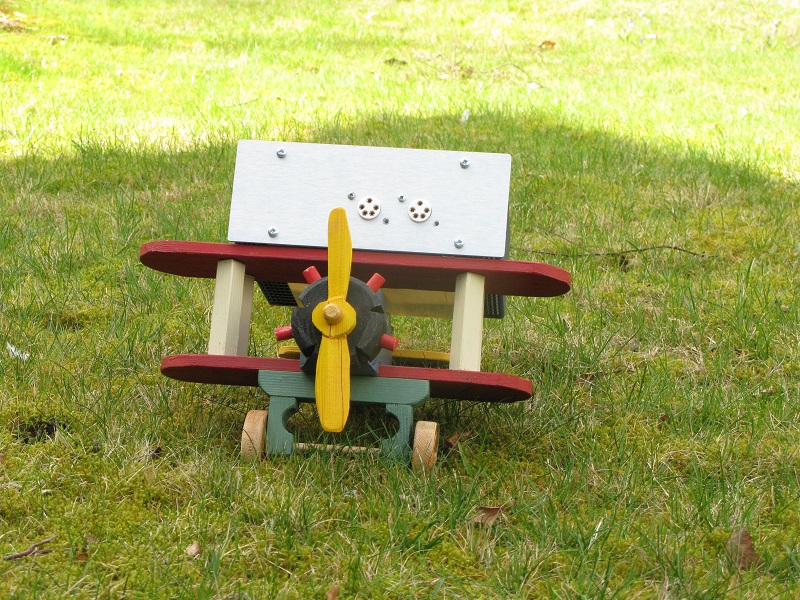
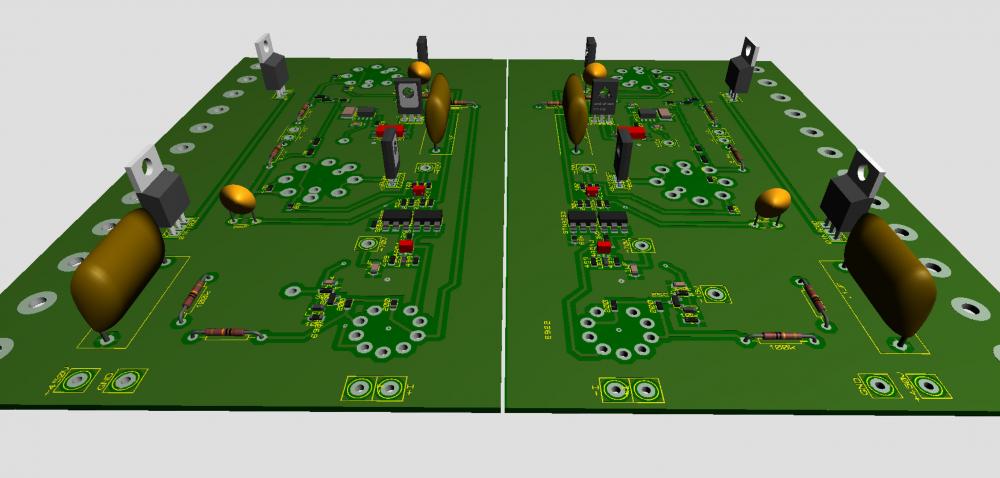
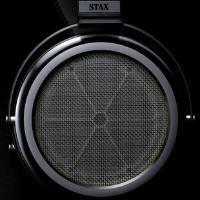
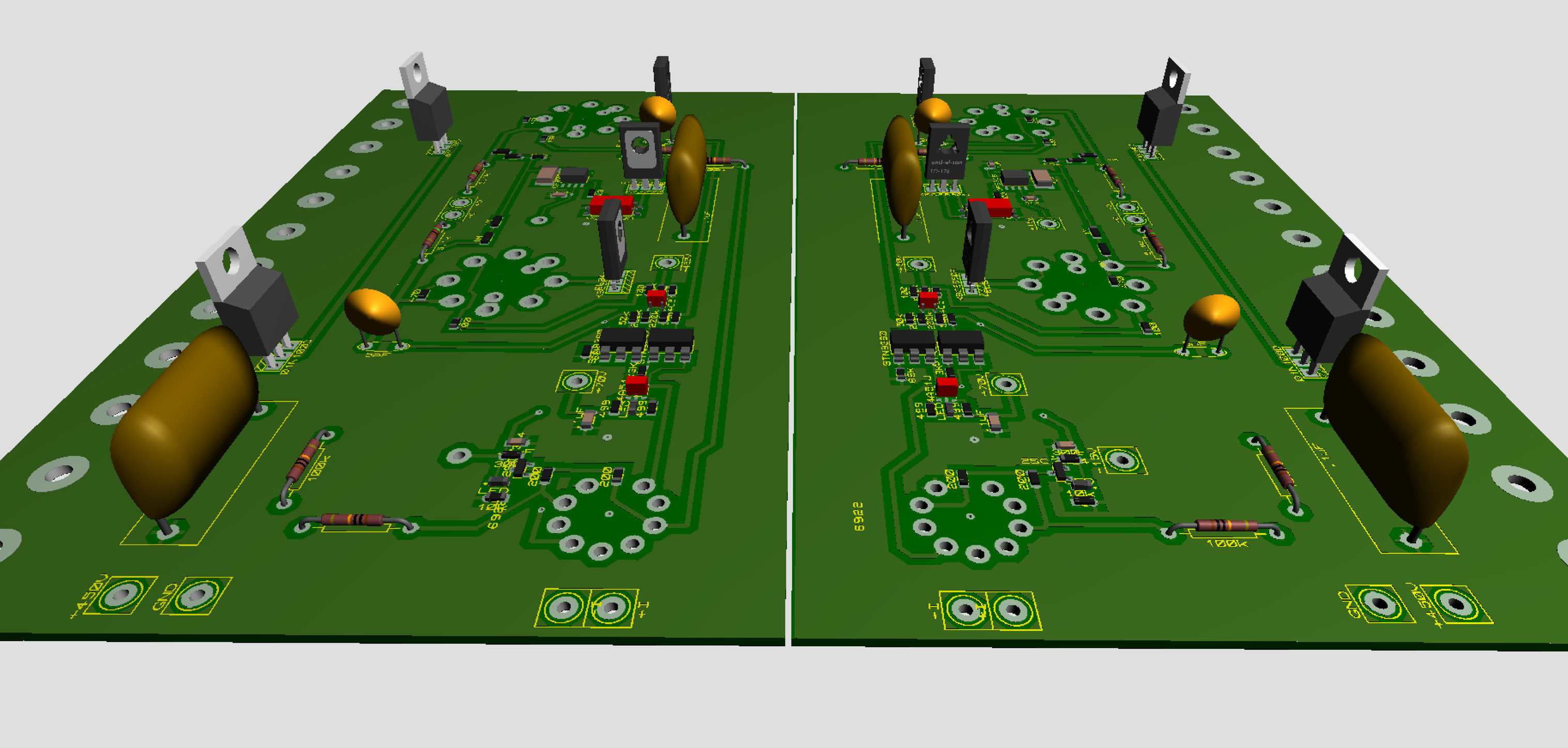
5 points3 points3 pointsRode just under 18 miles on my e-bike today. It's the first ride since I broke my arm on 10/30/2018. So far I'm batting 1000 in avoiding the ER.3 points1 point1 point1 point1 pointThe L-500 are just L-300 with L-500 earpads. You're much better to grab the L-300 with L-700 pads. But of course L-700 are superior if you're willing spend more.1 point1 pointThat's great news, Ken. Glad to hear you're back on the proverbial horse.1 pointI'll just leave this here. https://www.newsweek.com/mike-bolton-donald-trump-relationship-john-national-security-wrong-name-12839281 point1 pointNot sure if this reminds me of a meme, or just a dancer coming in sideways, but damn, that’s some confidence. Speaking of dancing, here’s some “sky dancing”.1 point1 point1 pointCan you put that in a high altitude extended holding for a while? Need to save fuel. Almost finished the layout for the other channel. This is the first board layout I’ve done from schematic in the software. By doing it this way I hopefully can avoid mistakes in the process of copy, mirror from the right channel board to the left … Thanks Kevin, Kerry and others for new ideas that I can exploit.
 1 point









Important Information
By using this site, you agree to our Terms of Use.