Leaderboard
-
mikeymad
High Rollers19Points13850Posts -
morphsci
High Rollers11Points13347Posts -
Hopstretch
High Rollers10Points16809Posts -
Dusty Chalk
Moderators6Points49160Posts




Popular Content
Showing content with the highest reputation on 02/01/19 in Posts
-
The album, Crash and Burn is easily their peak in my eyes. And my favorite track,2 points
-
more pomp1 point
-
1 point
-
1 point
-
1 point
-
1 point
-
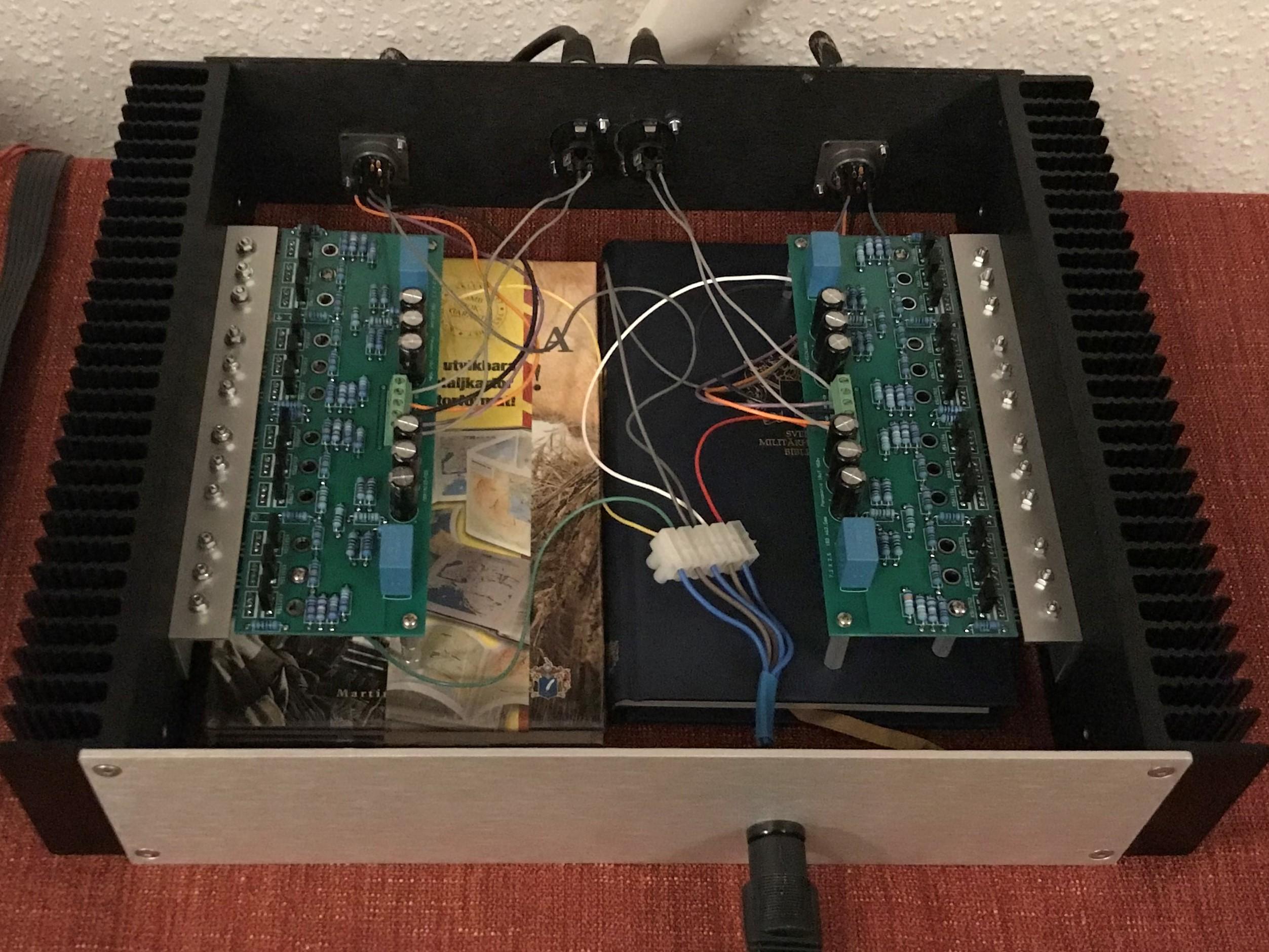
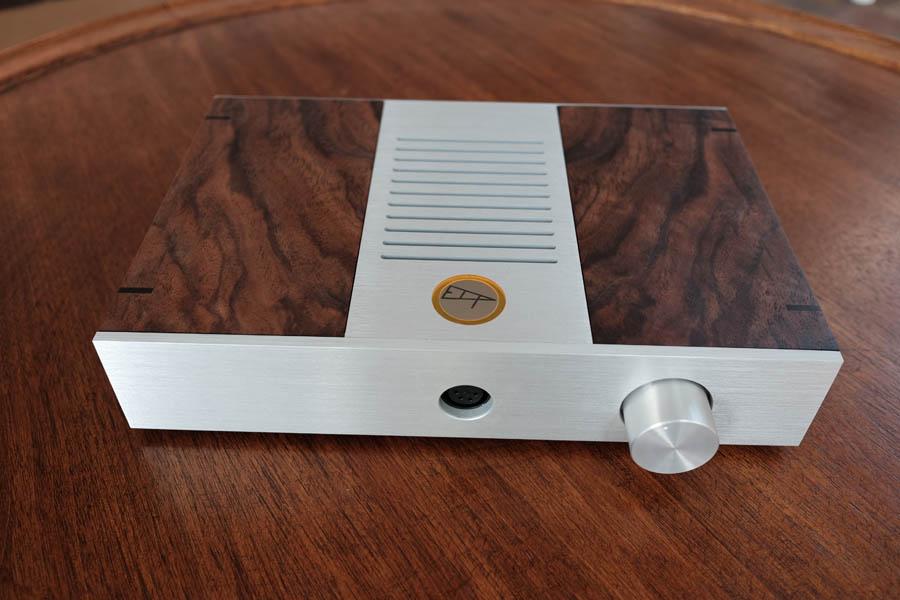
Amplifier built on Gary’s (congo5) boards. I really like this one . Cheap and easy to build - and it sounds really good.
 1 point
 -
1 pointI did manage to get the dirt bike going again. The temperature this week has been just ideal for the bike.
 1 point
 -
1 point
-
1 pointAs a DSHA3F owner, I can say with general reservedness that I'm fucking ecstatic with mine! For both the Utopia and the Clear, I have heard no better amp.1 point
-
1 pointI have the non-Focal focused DSHA-3 on my desk here at work and I can recommend the amp without qualification! It looks and sounds beautiful, and Doug's post-sale support has been 2nd to none.1 point
-
1 pointThere has been some renewed interest in the DSHA3F (which is our Focal optimized amplifier) of late. In order to keep the manufacturing process as smooth as possible, I am accepting orders for this amplifier for a small batch run for the next 2 weeks or so. I expect these amplifiers to be delivered around late March (with any orders after this batch not being ready until June or so.) Price is $2800, and orders require a 50% nonrefundable down payment.
 1 point