

Leaderboard




Popular Content
Showing content with the highest reputation on 10/15/21 in all areas
-
5 points
-
I remember wearing out their first album on cassette 30 years ago. It was very bright and bouncy. This one is more informed with the melancholy of middle (and beyond) age. But there's still a lot to admire. How it started: How it's going:
 5 points
 -
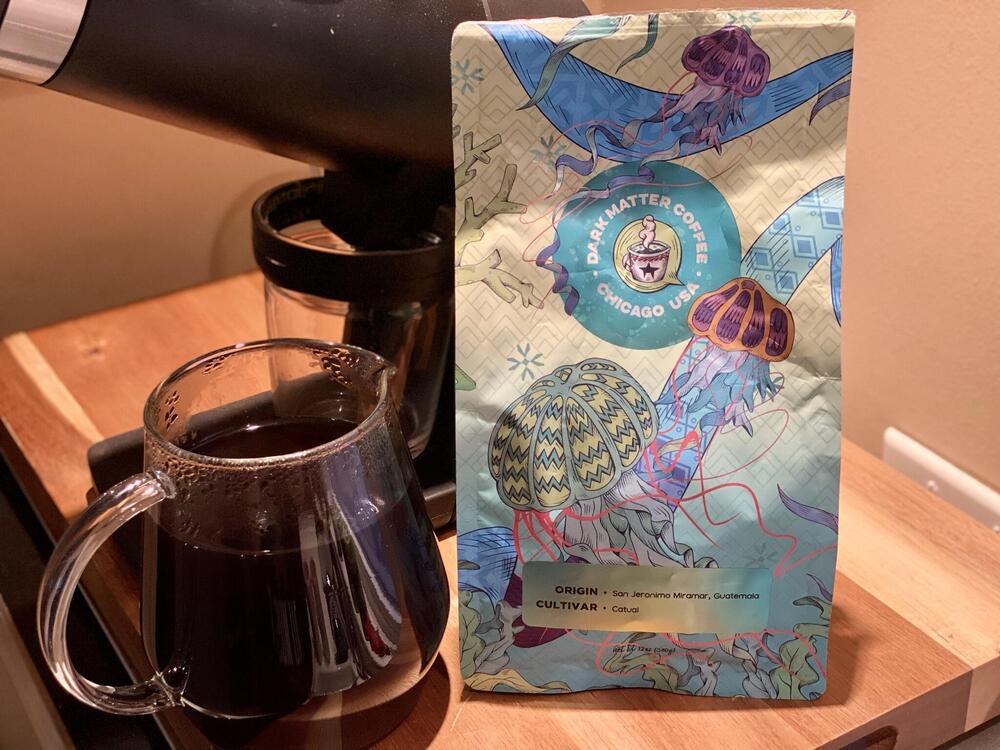
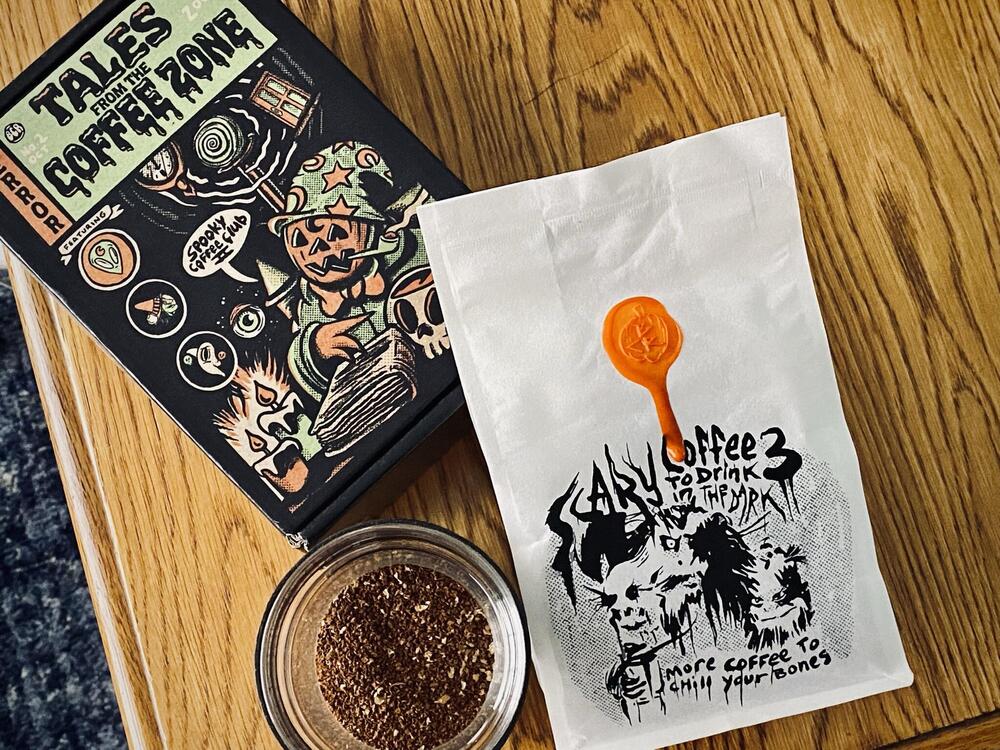
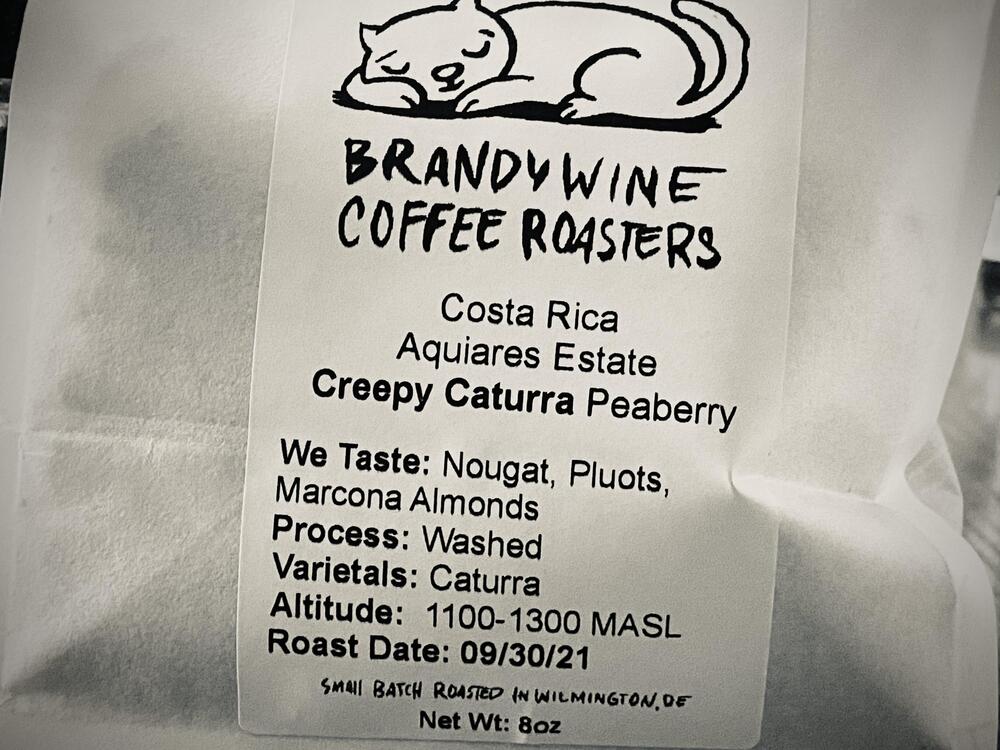
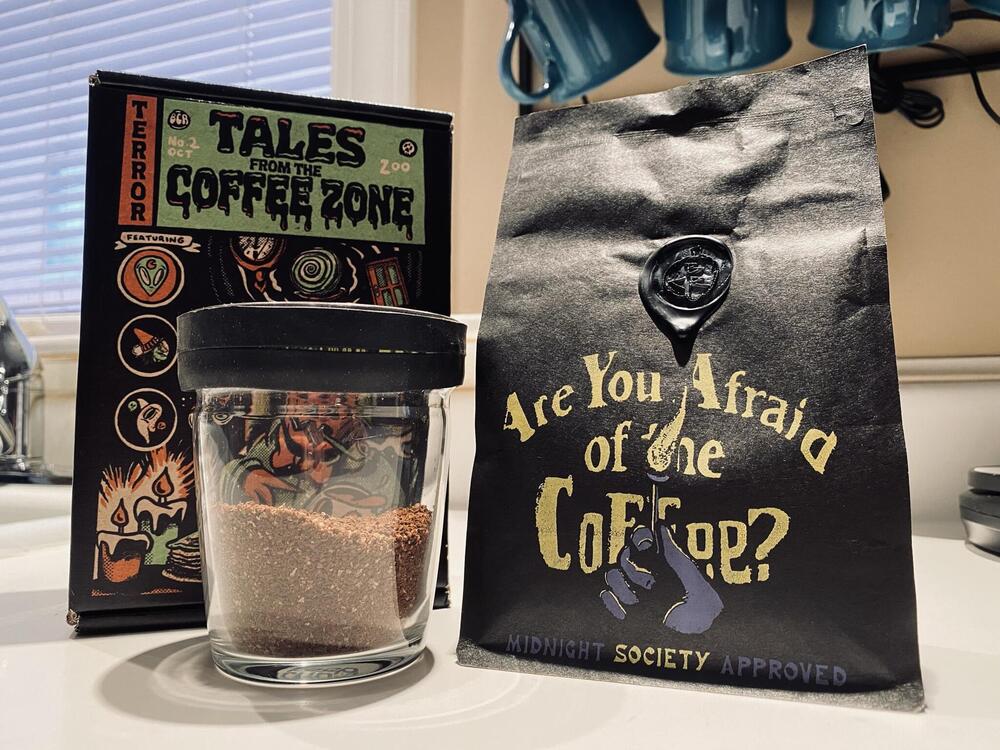
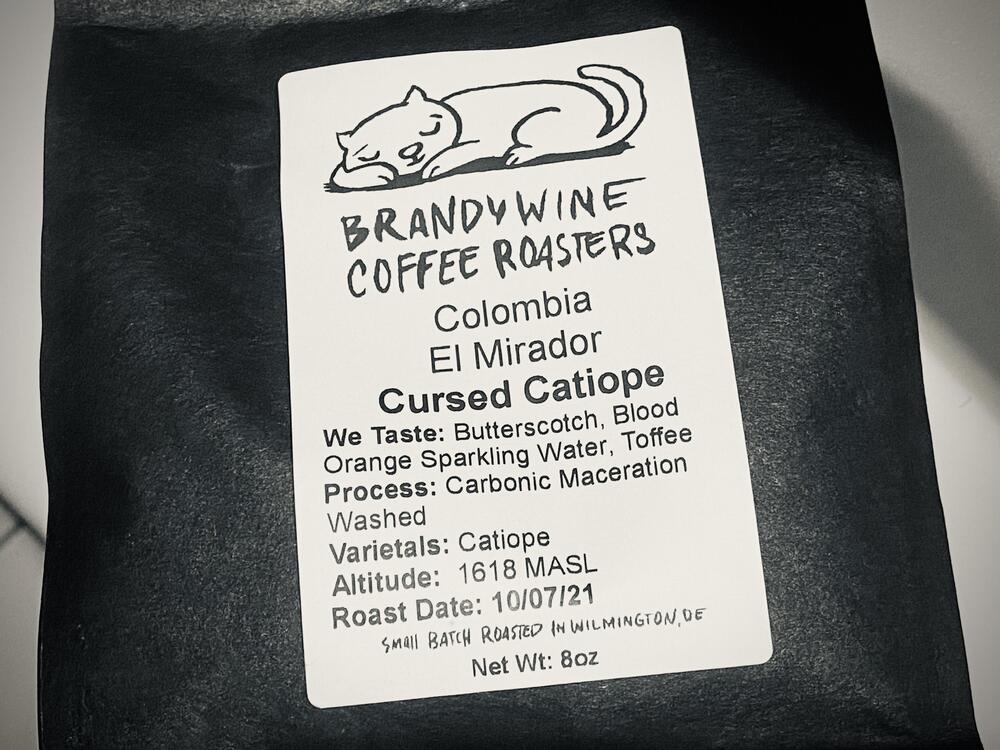
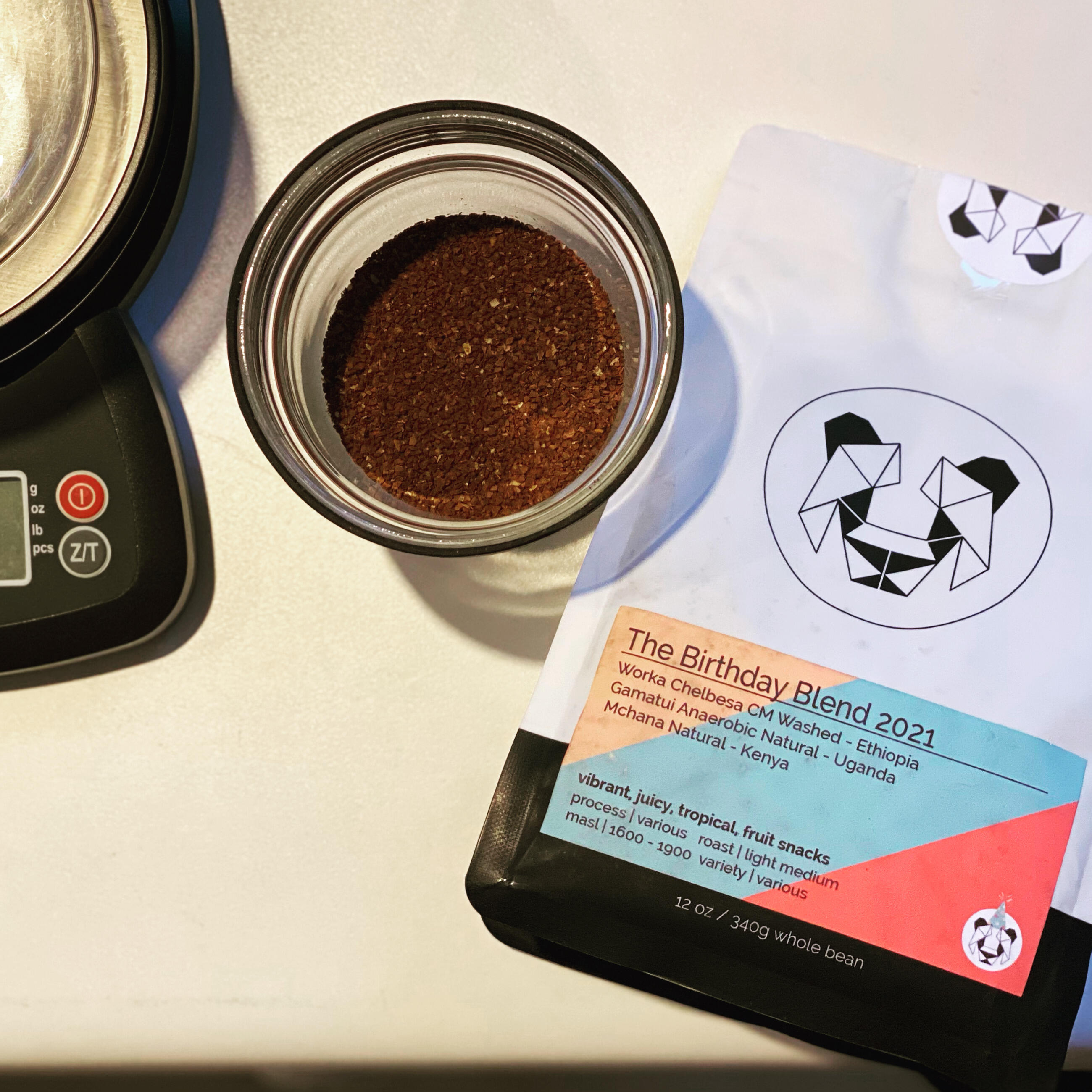
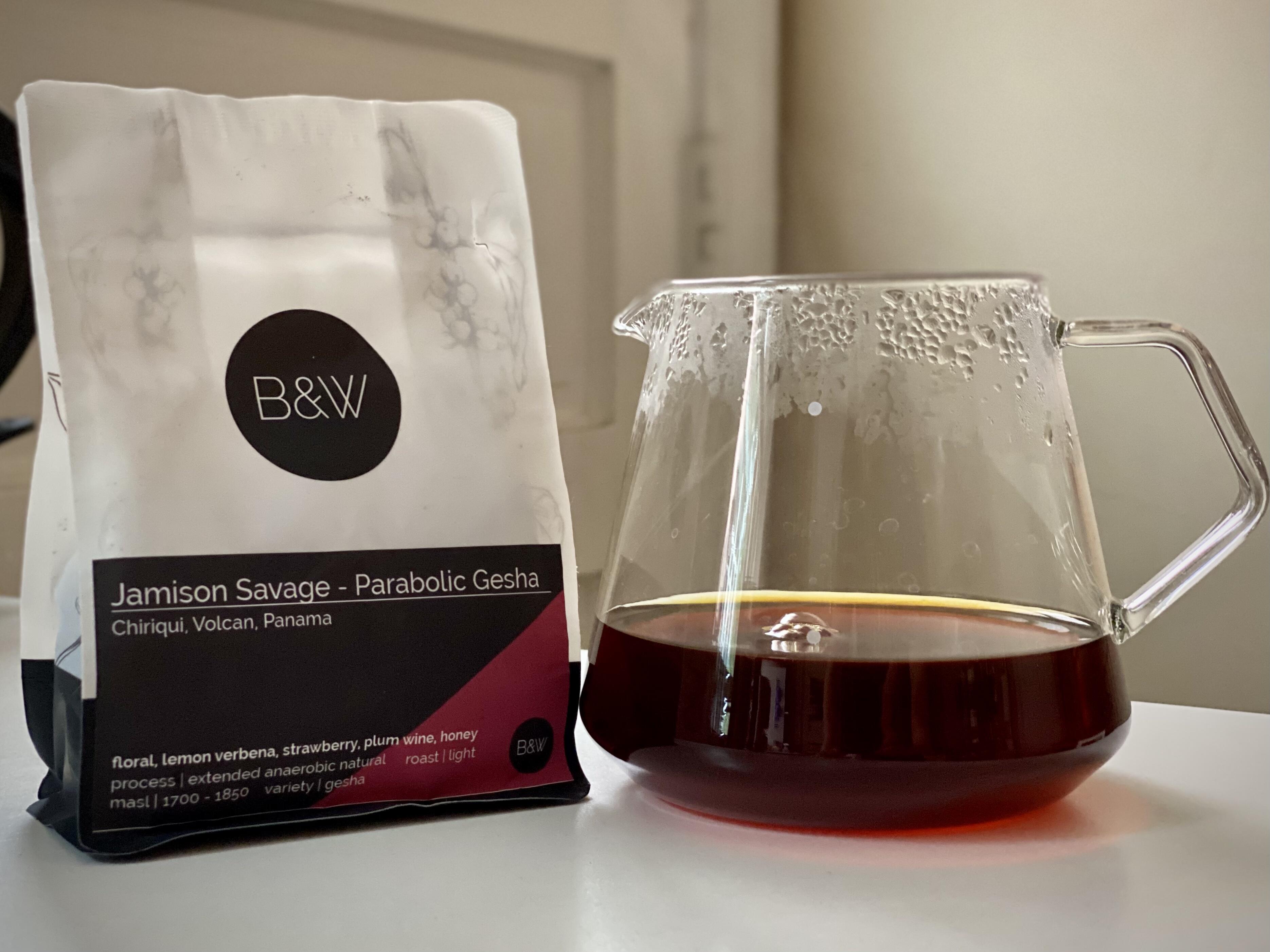
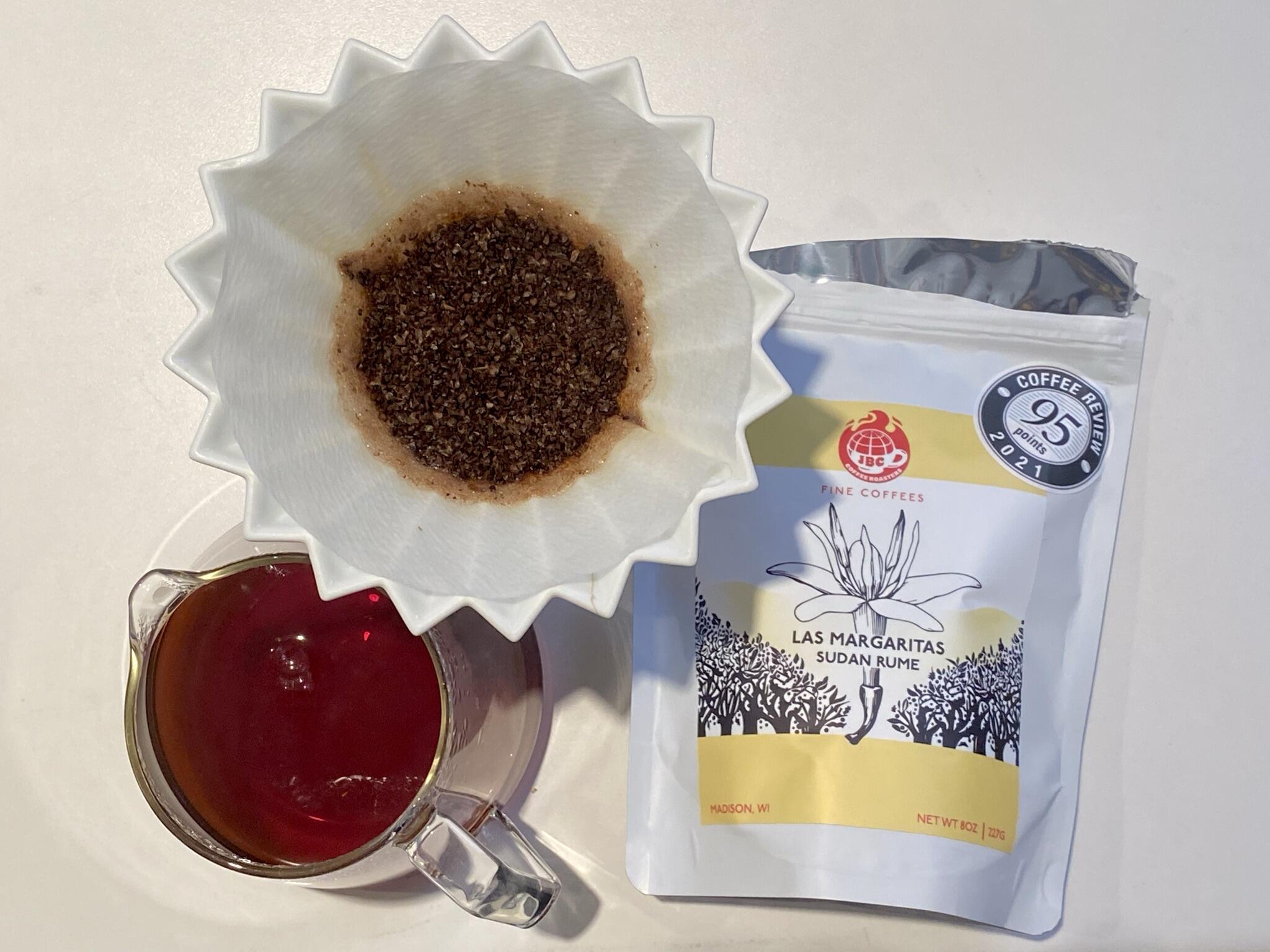
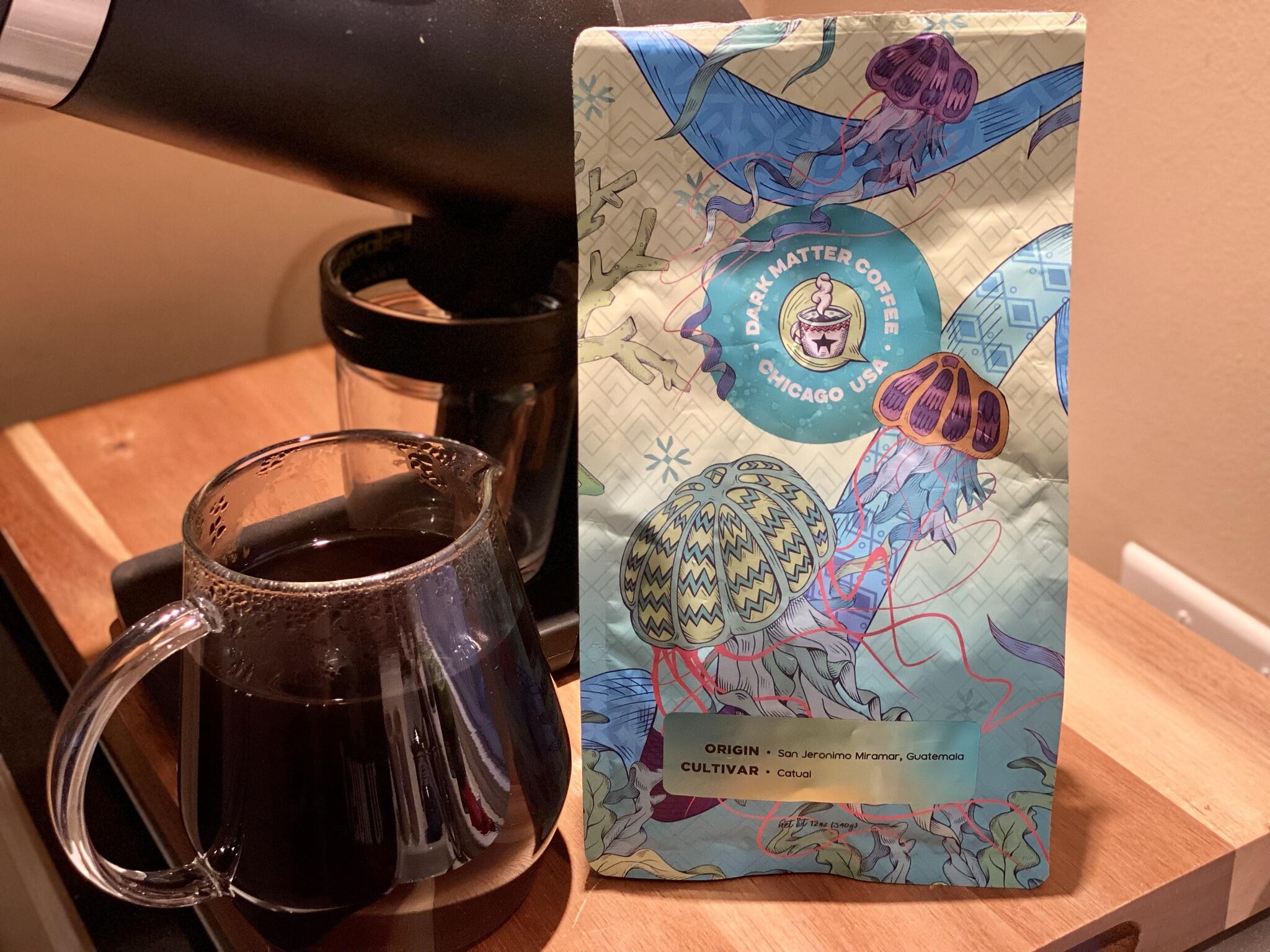
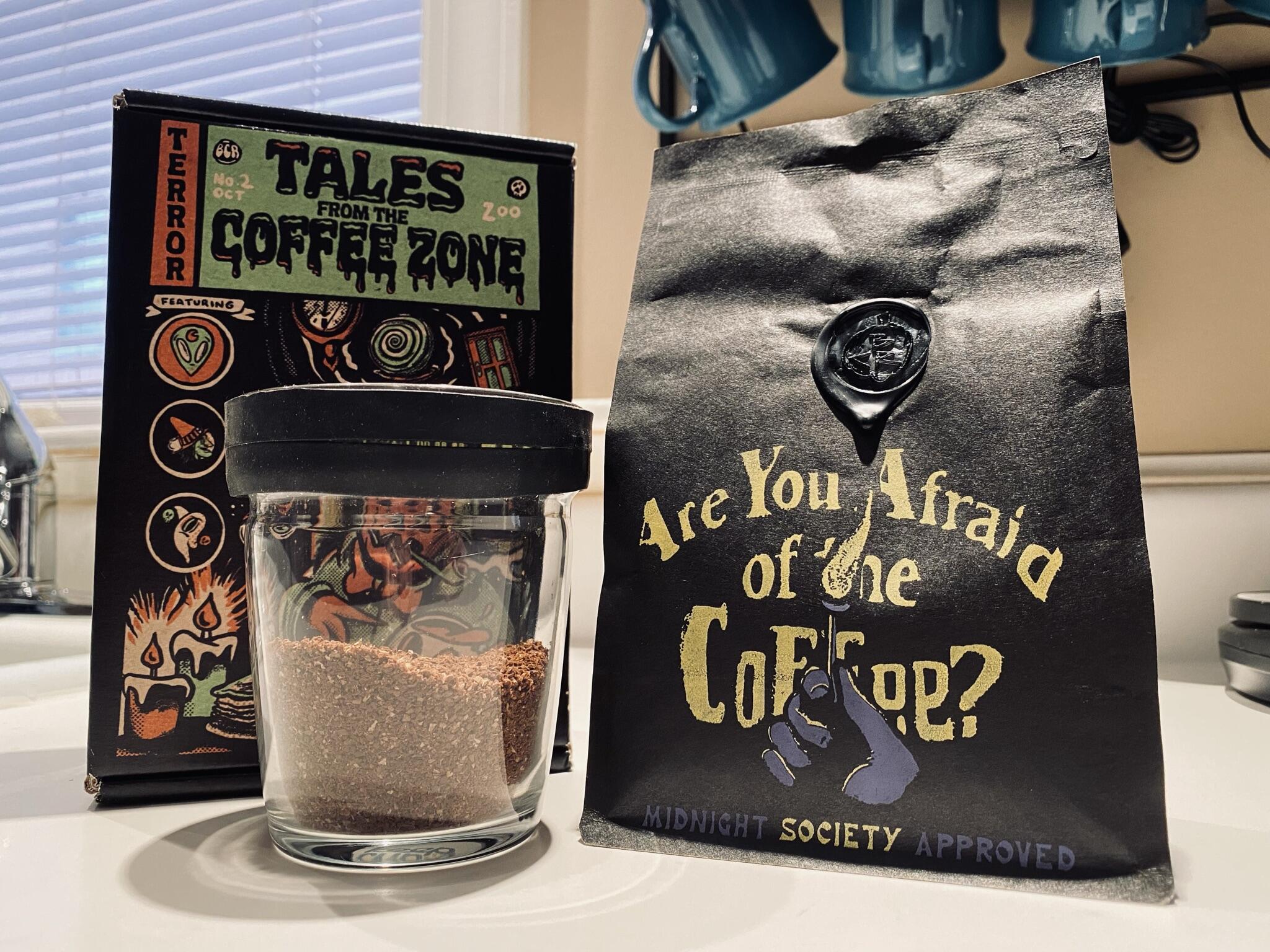
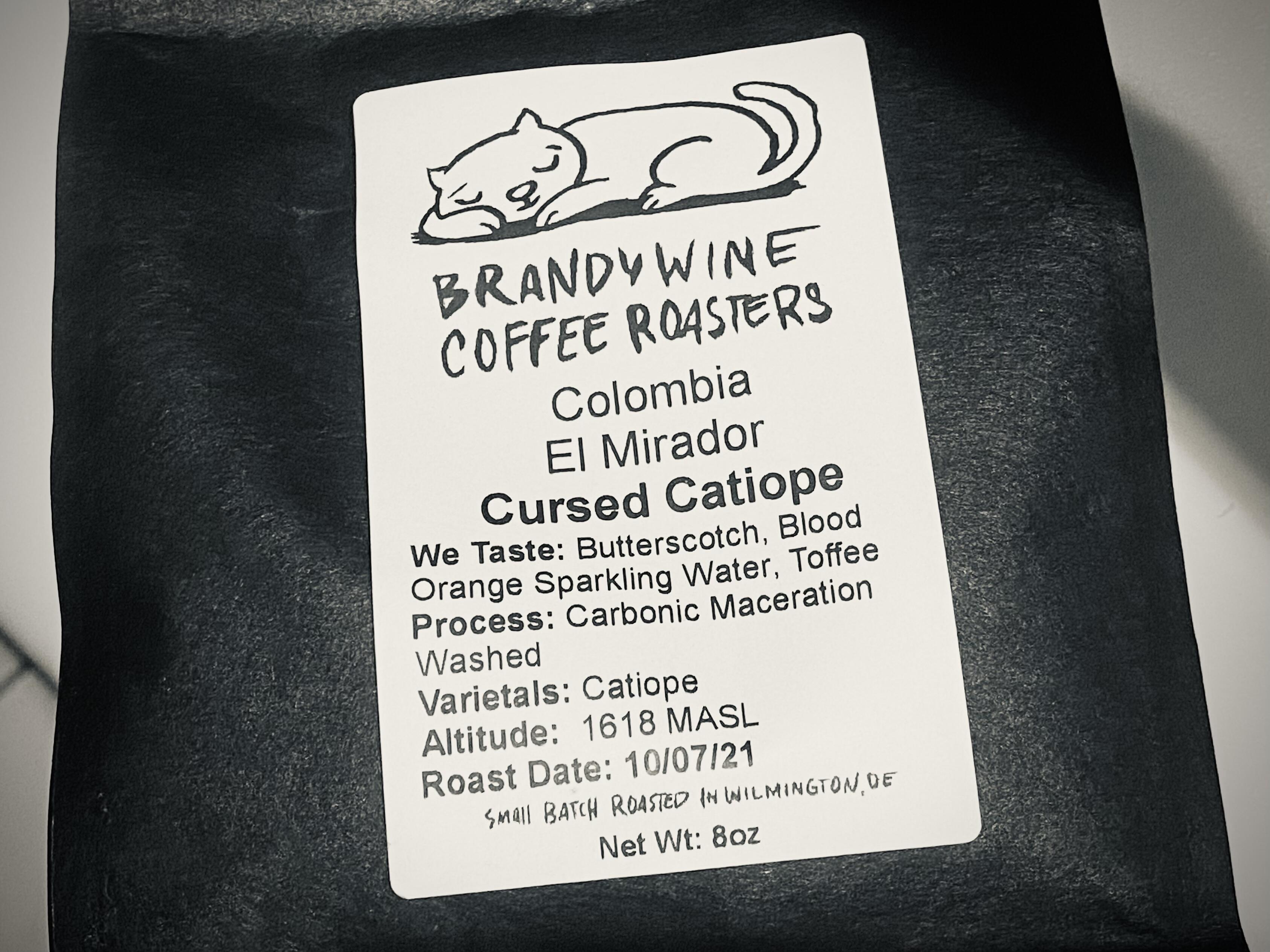
beans from the past month. Savage Gesha definitely the #1 but the Brandywine Costa Rican was amazingly consistent.
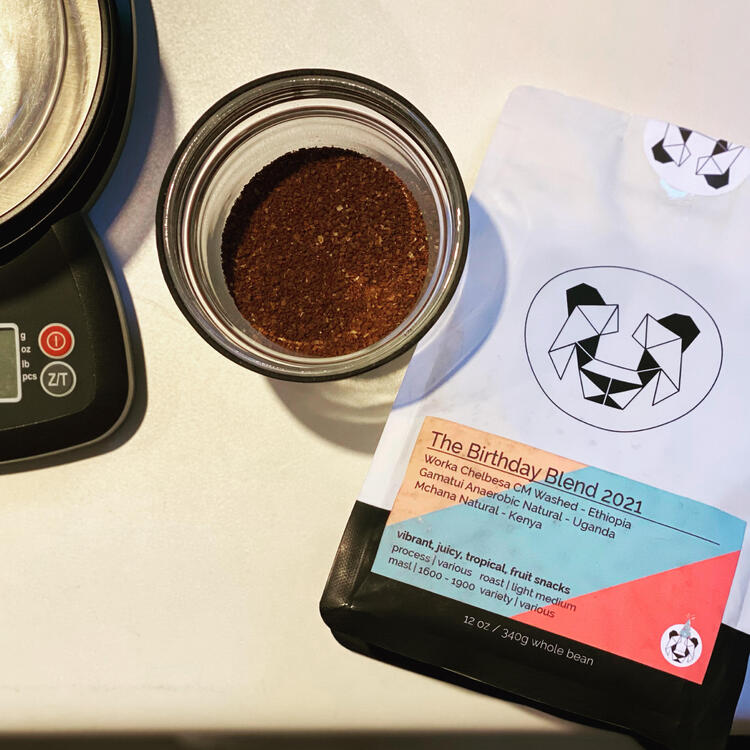
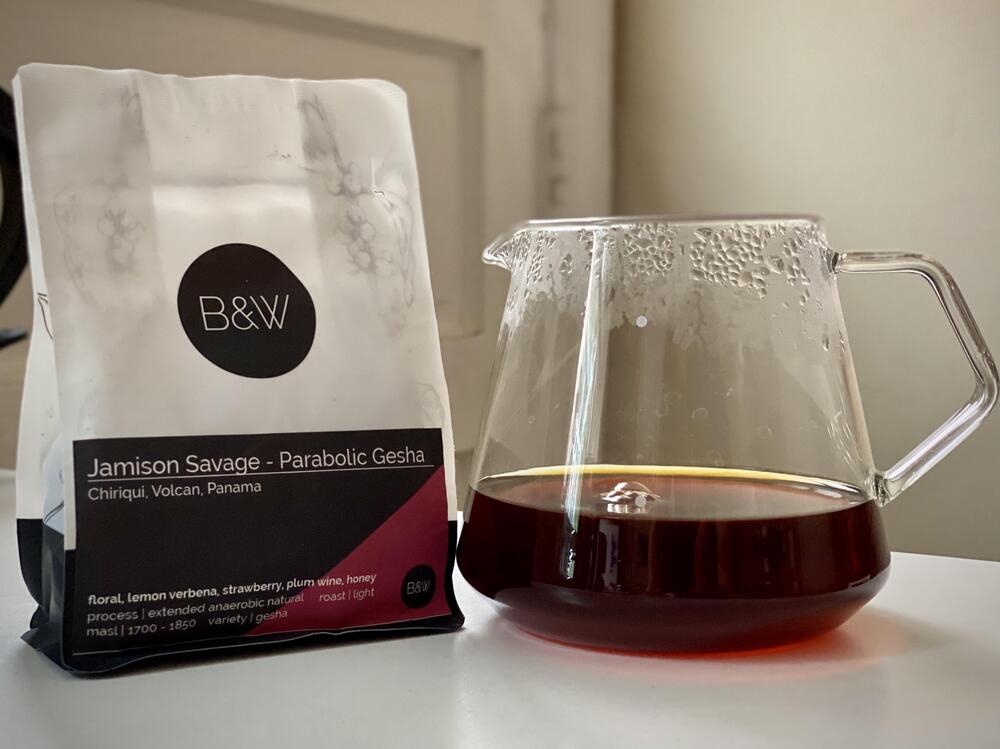
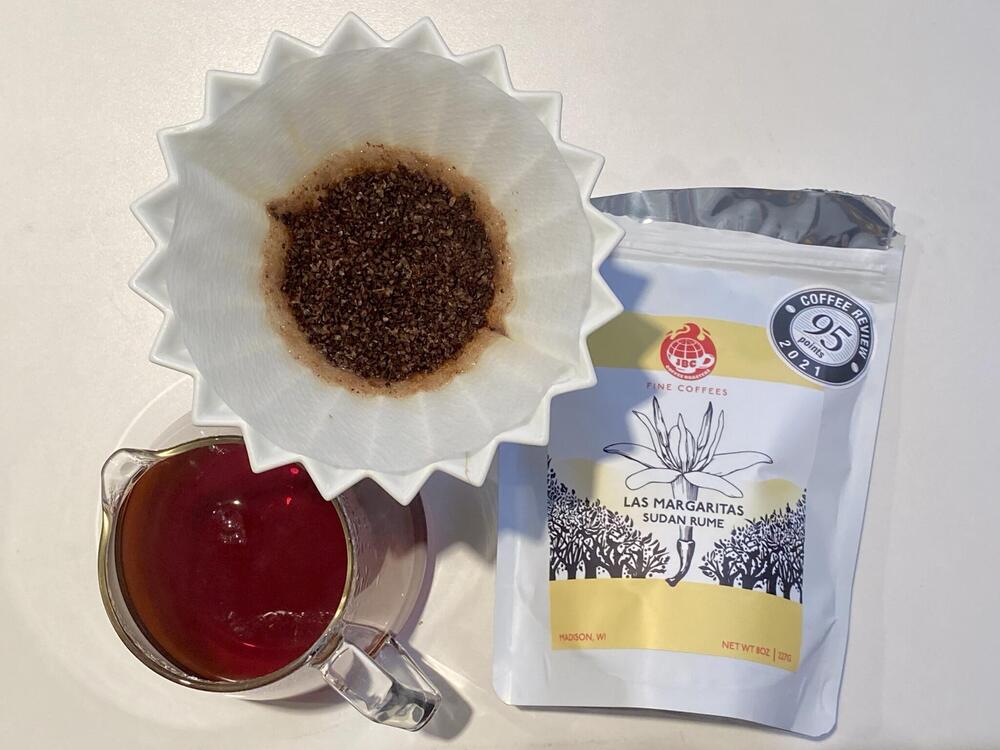
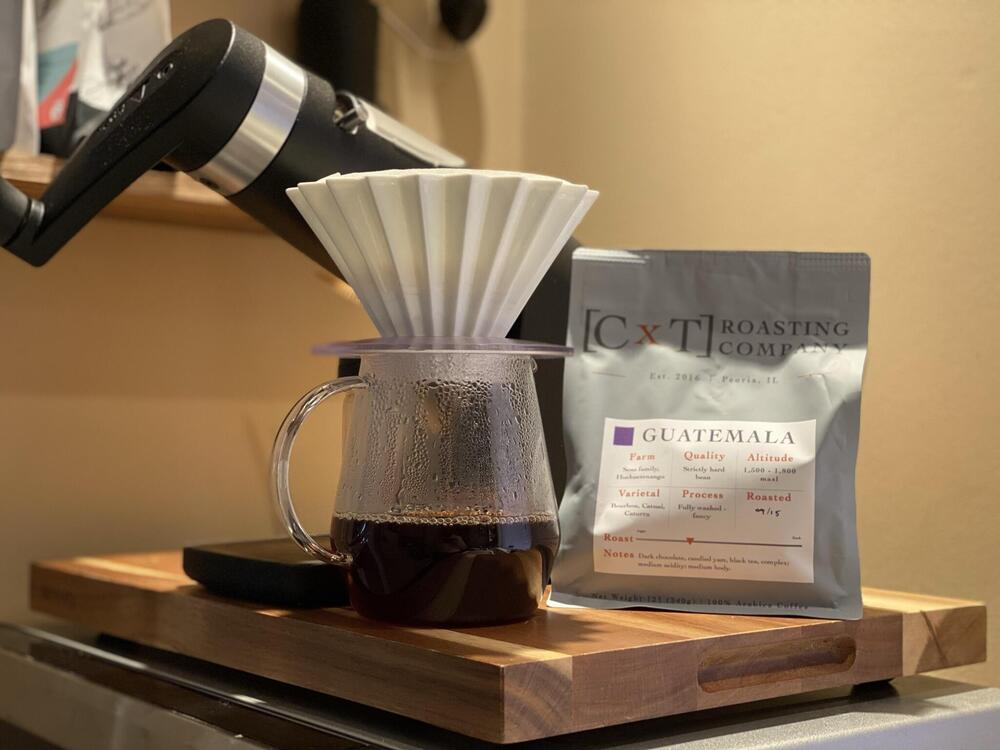
 4 points
 -
2 points
-
2 pointsWhen you don't have a good product and apparently can't build one, marketing gimmicks are the way to go.2 pointsFeels appropriate to leave this here: Pokemon x Grado collab! That is a line I never thought I'd ever write. Life is indeed stranger than fiction sometimes. https://blog.gradolabs.com/pokemon-center-grado-headphones/2 pointsI have a hard time believing that Grado doesn't have a marketing rep who's going, "ok, how do we appeal to younger generations? Weed?" "You saved our company!" "Pokemon?" "___ you absolute genius!"1 pointI predict Grado will collaborate with RuPaul's Drag Race, and develop an IEM that doubles as glamor earrings.
 1 point









Important Information
By using this site, you agree to our Terms of Use.