


dsavitsk
High Rollers
-
Joined
Everything posted by dsavitsk
-
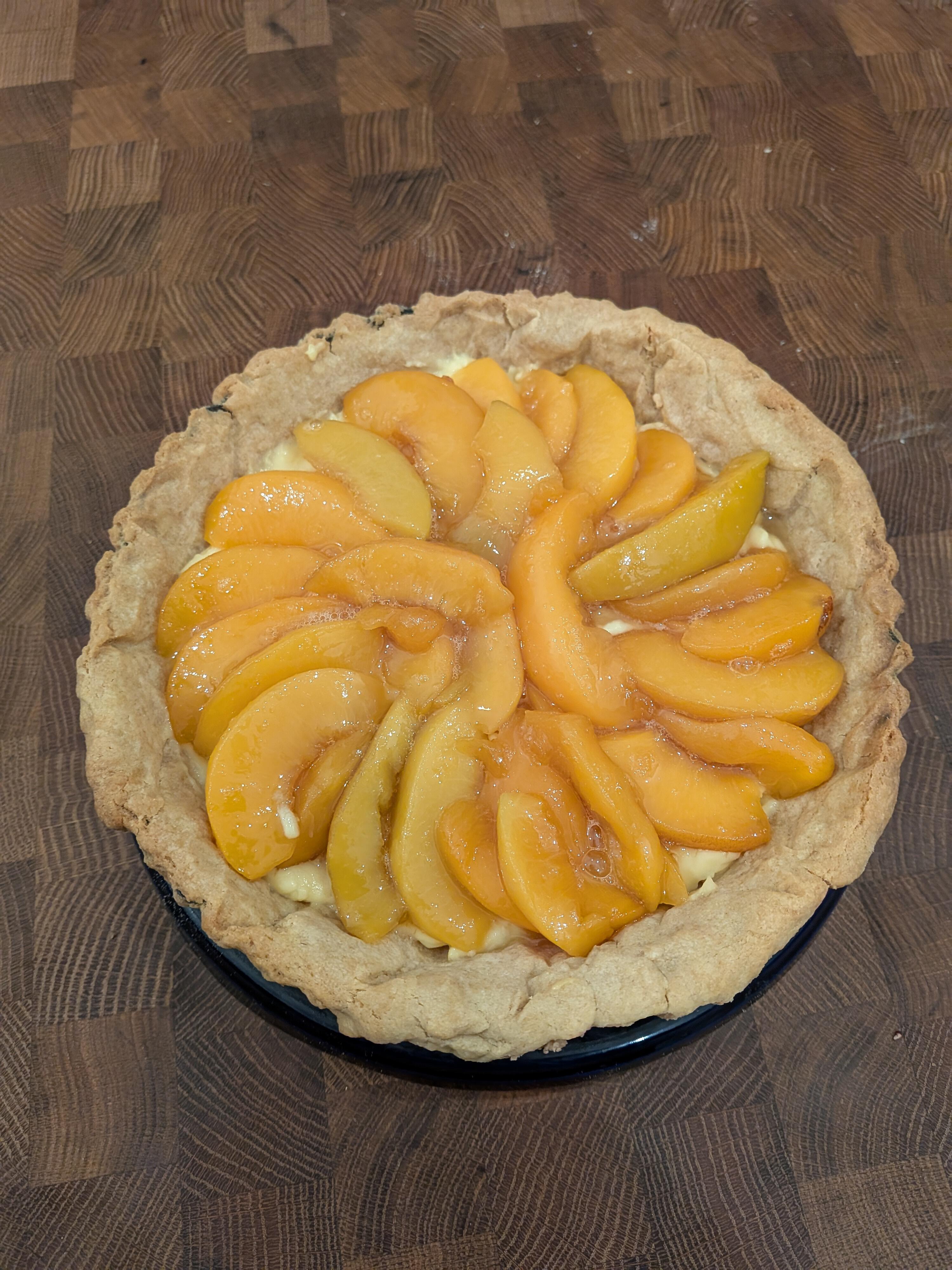
Sometimes things can be two things I mean, who makes a "mono" headphone amp?https://www.theguardian.com/tv-and-radio/2025/may/30/loretta-swit-actor-deadHappy Birthday.Alan Alda is a national treasure. He has a podcast called Clear+Vivid where he talks to interesting people. It's great. And it's a nice diversion from everything being political.Last year I sold a domain I had for 20 years or so. It quickly became into a crypto site, but has now turned into an AI site.It's custard night. Quiche with chevre, potatoes, and chives. And a tarte with creme pat and peach compote.
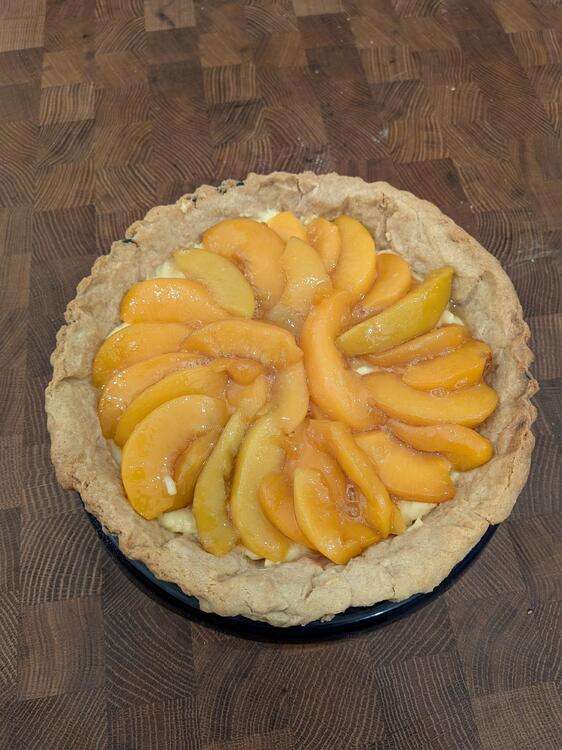
 Happy birthday+1.Happy birthday!Eincorn wheat flatbread with onion, shallots, asparagus, smoked Gouda and herbs.
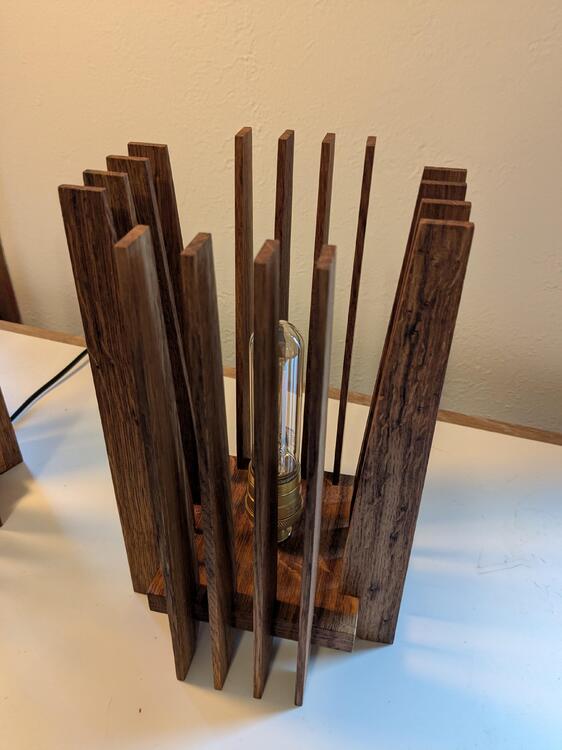
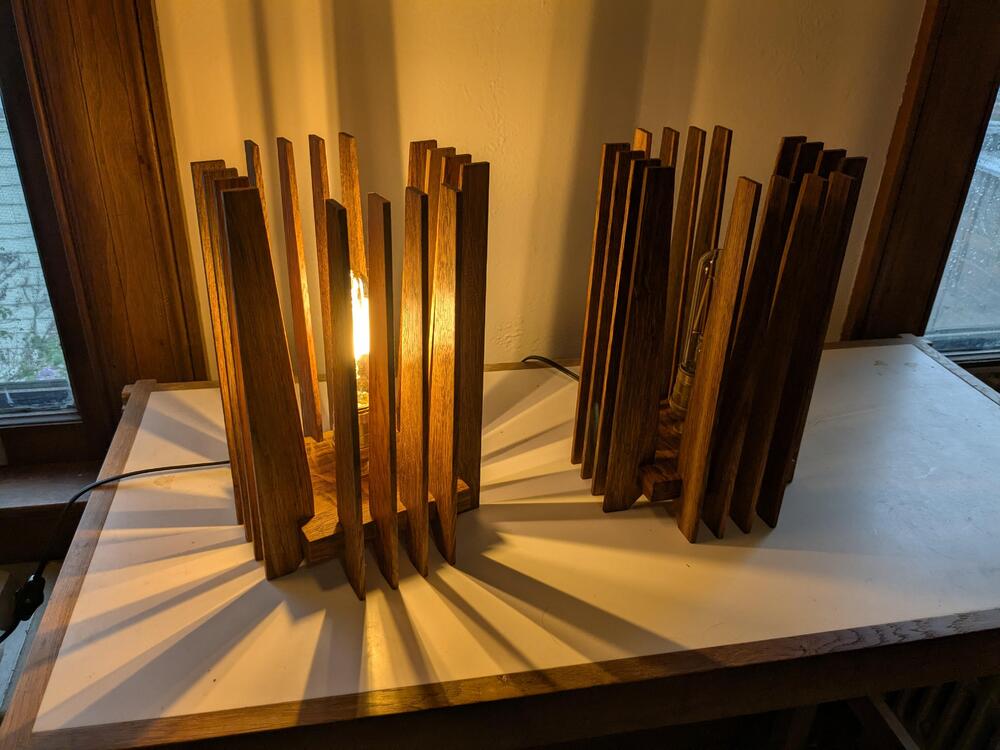
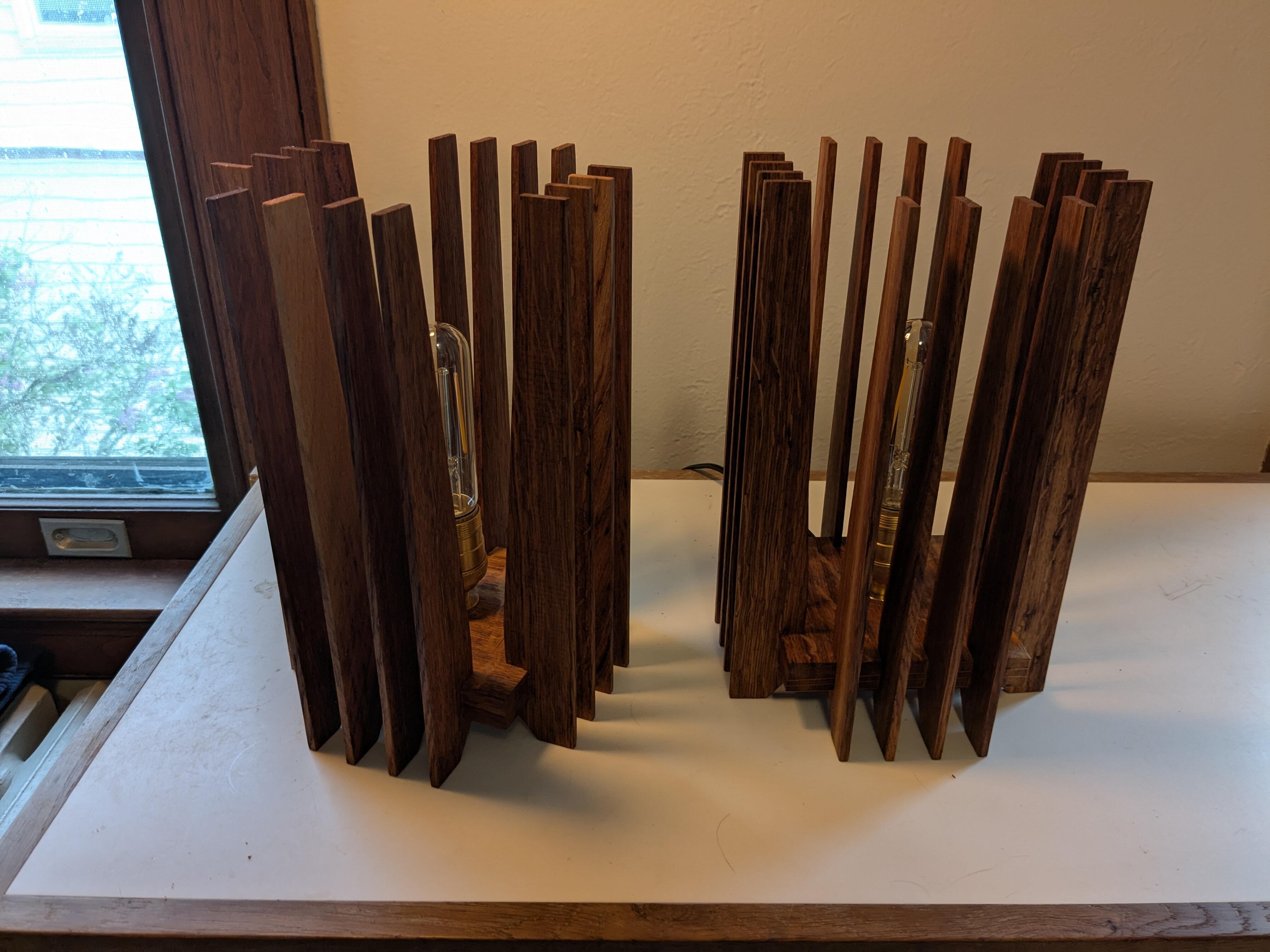
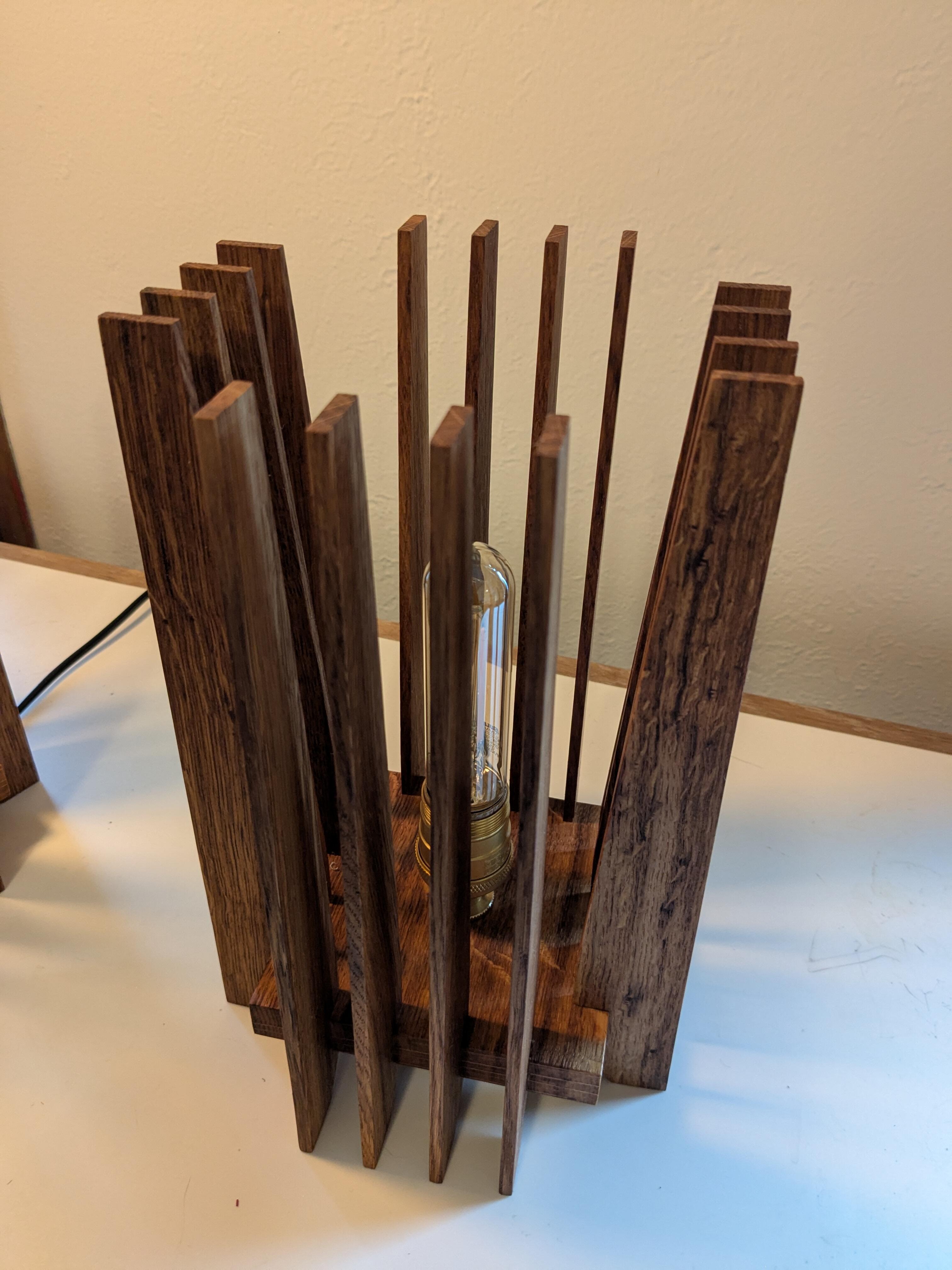
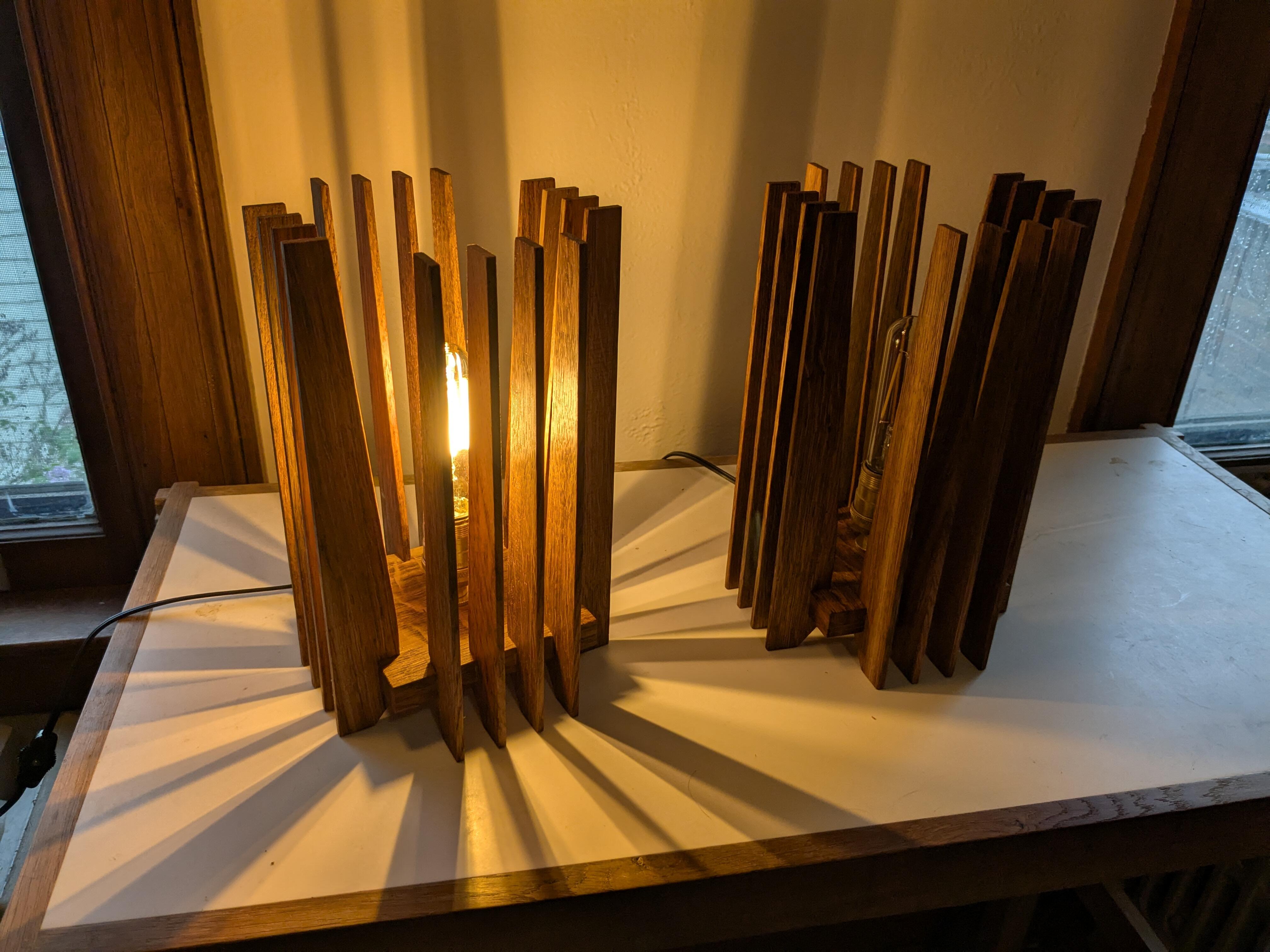
 Two wins.The cats broke the glass lamp in our entryway, so I needed a non-glass replacement. Similar to a design I made a few years ago, but smaller and with some refinements.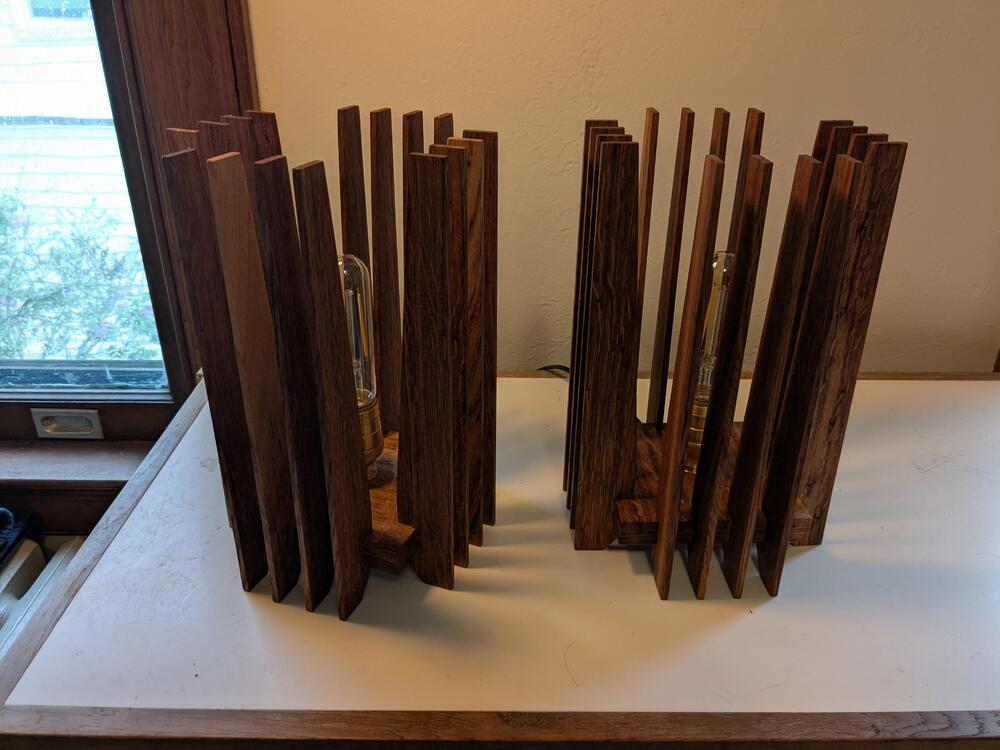
 https://youtu.be/Pmq4S2_7_S8?si=o0yixaE6Wk7Lz0dZ Youtube won't allow embedding, but clicking it is worth it.Thanks everyone. We went out for vegetarian Korean food (I know this isn't really a thing) my second favorite food, but it leads to my favorite food which is leftover vegetarian Korean food on a tortilla for lunch tomorrow.







Important Information
By using this site, you agree to our Terms of Use.
Account
Navigation
Search
Configure browser push notifications
Chrome (Android)
- Tap the lock icon next to the address bar.
- Tap Permissions → Notifications.
- Adjust your preference.
Chrome (Desktop)
- Click the padlock icon in the address bar.
- Select Site settings.
- Find Notifications and adjust your preference.
Safari (iOS 16.4+)
- Ensure the site is installed via Add to Home Screen.
- Open Settings App → Notifications.
- Find your app name and adjust your preference.
Safari (macOS)
- Go to Safari → Preferences.
- Click the Websites tab.
- Select Notifications in the sidebar.
- Find this website and adjust your preference.
Edge (Android)
- Tap the lock icon next to the address bar.
- Tap Permissions.
- Find Notifications and adjust your preference.
Edge (Desktop)
- Click the padlock icon in the address bar.
- Click Permissions for this site.
- Find Notifications and adjust your preference.
Firefox (Android)
- Go to Settings → Site permissions.
- Tap Notifications.
- Find this site in the list and adjust your preference.
Firefox (Desktop)
- Open Firefox Settings.
- Search for Notifications.
- Find this site in the list and adjust your preference.