


robm321
High Rollers
-
Joined
-
Last visited
Everything posted by robm321
-
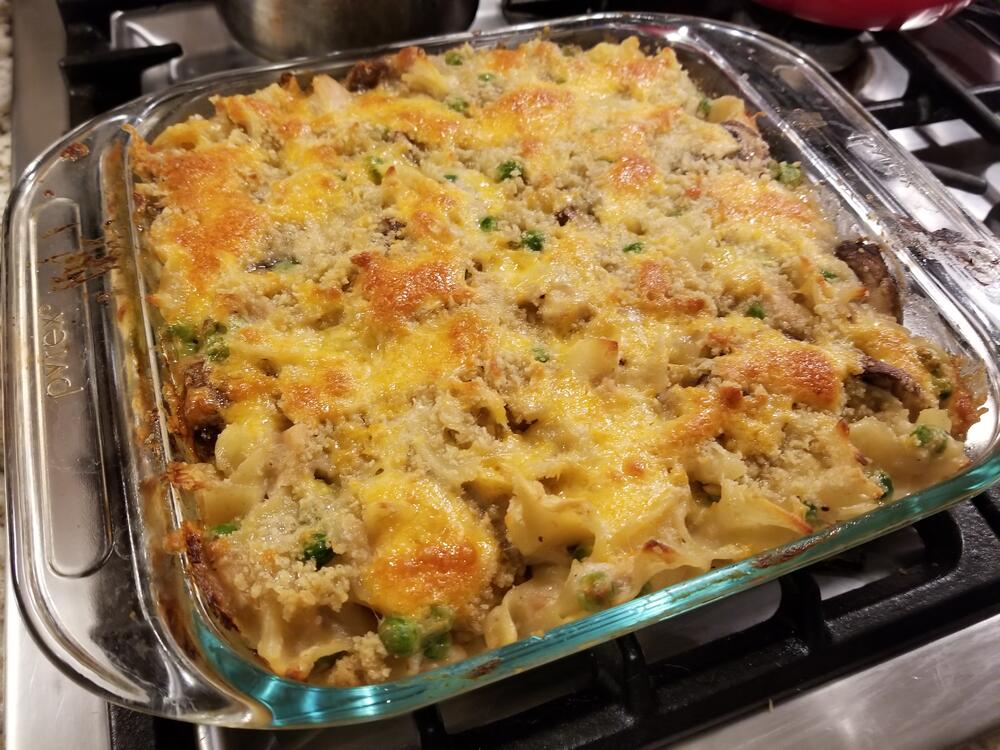
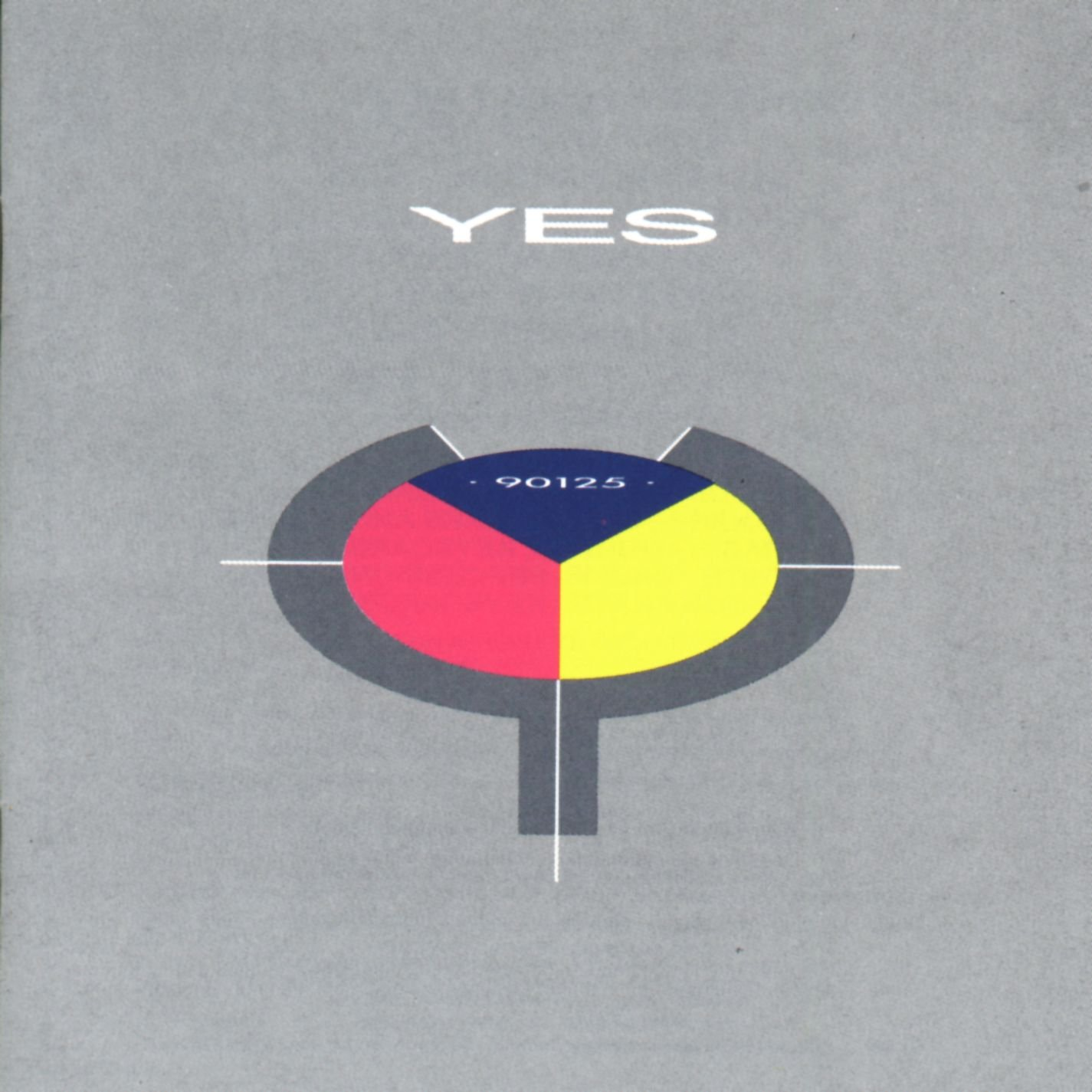
Yes, that is correct.Cobra Kai, so well done. I thought about writing more, but it would take too many words.Happy Birthday!RIP Hank, a true legend of baseball.That whole album is perfection. The best Doors album IMOHappy Birthday, Grahame!Tuna casserole https://www.allrecipes.com/recipe/86069/tuna-noodle-casserole-from-scratch/
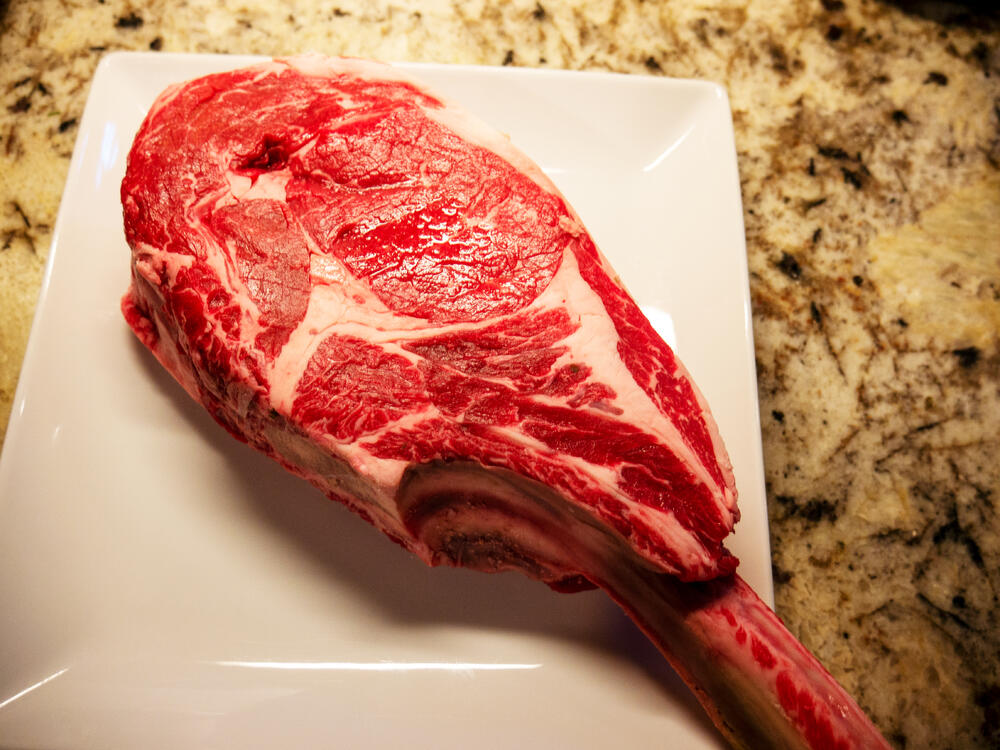
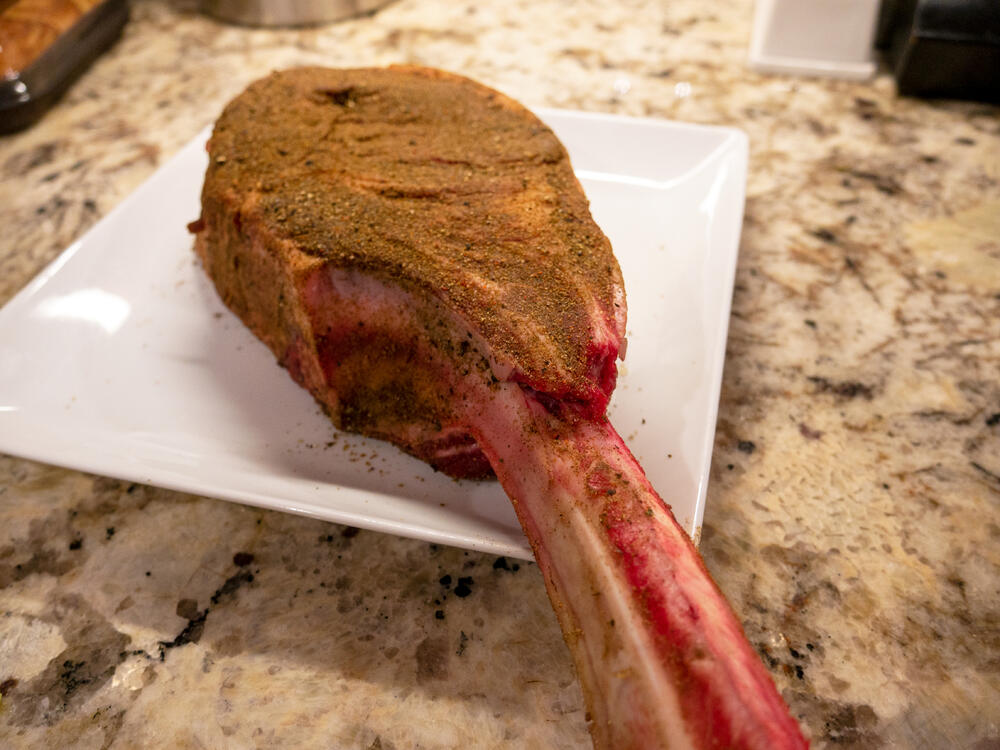
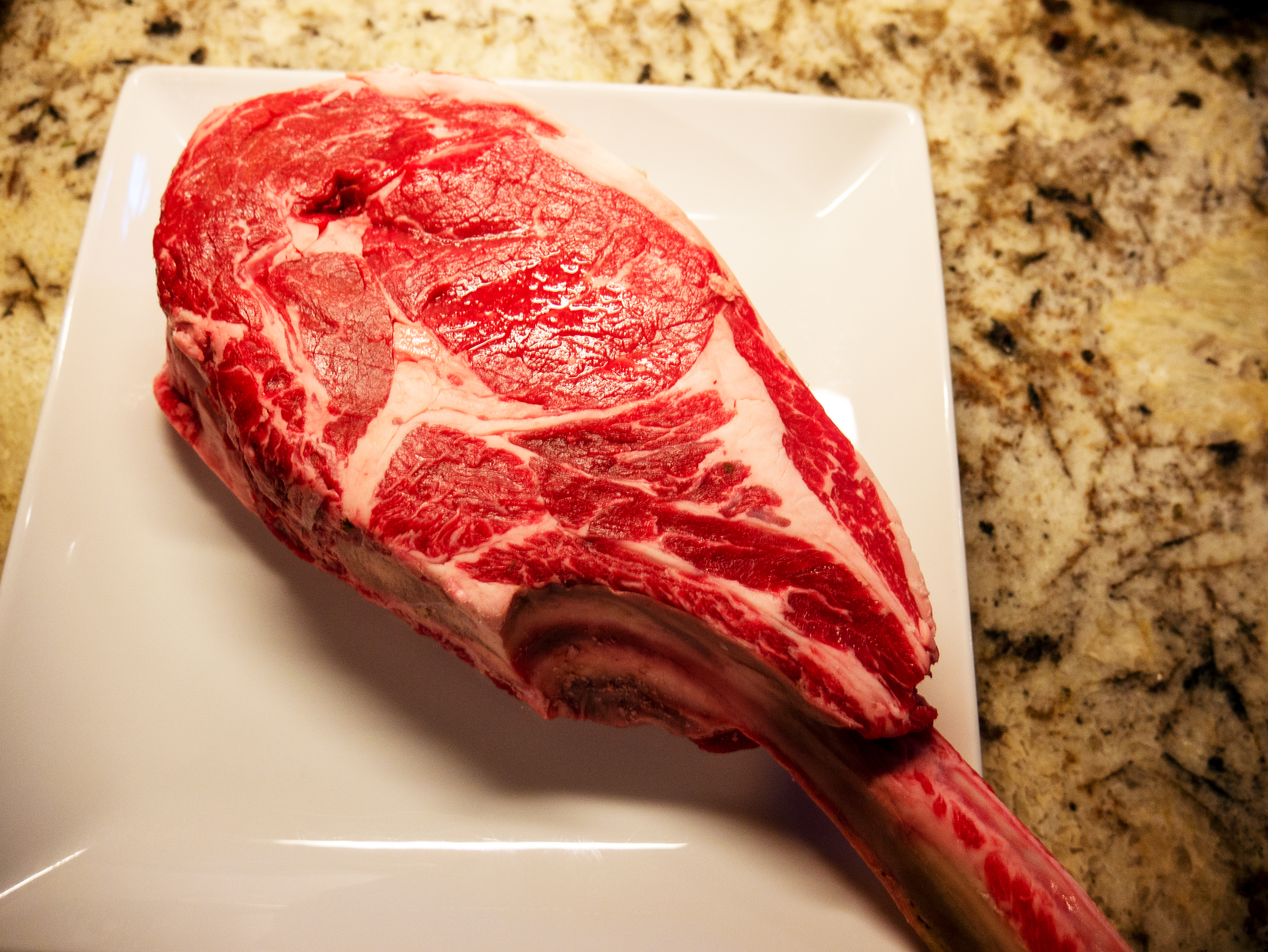
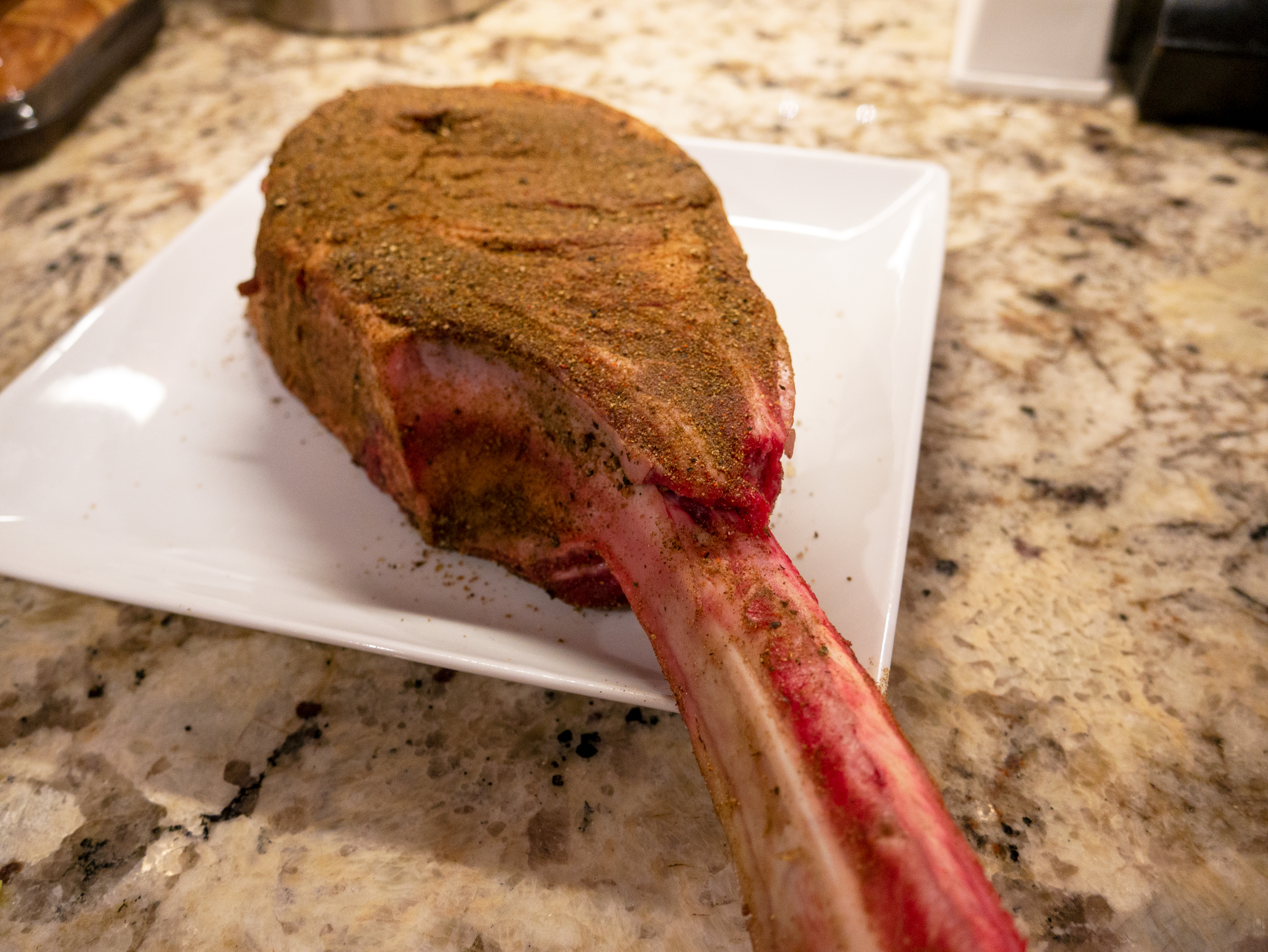
 Happy Birthday!Thanks for your crumpet recipe post. I'm going to make a bunch and freeze them. Well, if I don't eat them all first.Yeah, she was the hot one. RIP Marry Ann.Yesterday's Meat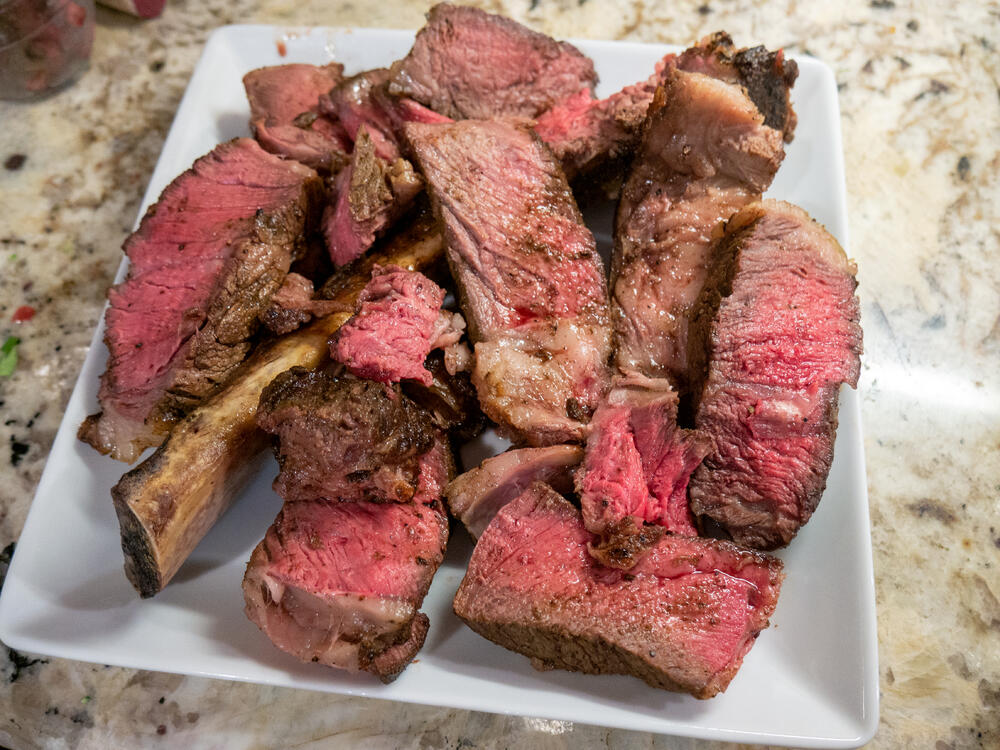
 VPN?Merry Christmas, all!Happy Birthday, Ric!Happy Birthday!RIP Kevin Greene. Great on and off the field. I'm glad I got to see him play with the 49ers back in the day.Very cool 😎







Important Information
By using this site, you agree to our Terms of Use.
Account
Navigation
Search
Configure browser push notifications
Chrome (Android)
- Tap the lock icon next to the address bar.
- Tap Permissions → Notifications.
- Adjust your preference.
Chrome (Desktop)
- Click the padlock icon in the address bar.
- Select Site settings.
- Find Notifications and adjust your preference.
Safari (iOS 16.4+)
- Ensure the site is installed via Add to Home Screen.
- Open Settings App → Notifications.
- Find your app name and adjust your preference.
Safari (macOS)
- Go to Safari → Preferences.
- Click the Websites tab.
- Select Notifications in the sidebar.
- Find this website and adjust your preference.
Edge (Android)
- Tap the lock icon next to the address bar.
- Tap Permissions.
- Find Notifications and adjust your preference.
Edge (Desktop)
- Click the padlock icon in the address bar.
- Click Permissions for this site.
- Find Notifications and adjust your preference.
Firefox (Android)
- Go to Settings → Site permissions.
- Tap Notifications.
- Find this site in the list and adjust your preference.
Firefox (Desktop)
- Open Firefox Settings.
- Search for Notifications.
- Find this site in the list and adjust your preference.