


tkam
Administrators
-
Joined
-
Last visited
Everything posted by tkam
-
Any thoughts on the Garmin Vivoactive 3?
-
Or option 3 - retire and move on to his post basketball career, since he won't ever catch Jordan in the eyes of many.
-
Quite clearly I'm not on a diet these days ?
-
Should be good now - I'm going to continue to recommend people don't use it though. We'll eventually drop support for it completely.Duck fat fries Packard Pepperoni - Red sauce, mozzarella, pickled chiles, pepperoni, hot honey Whiskey Tango Sundae - House Brownie with Chile Caramel, House Made Bourbon Ice Cream, Crispy Fries


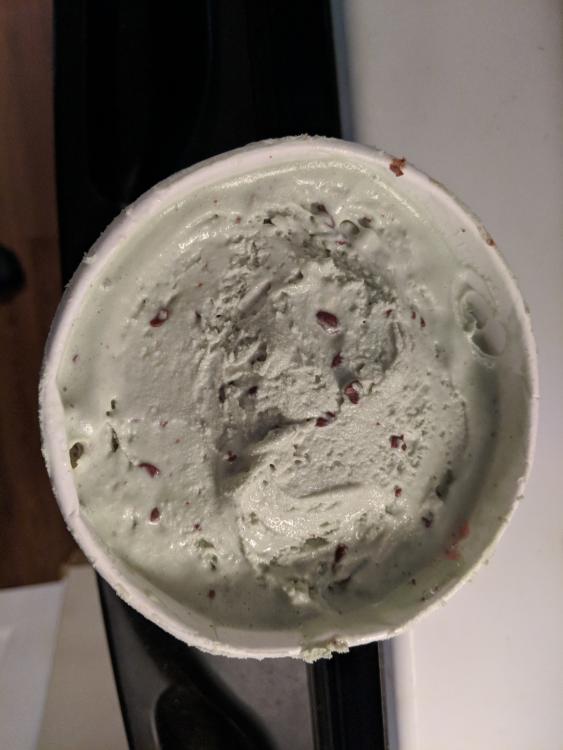
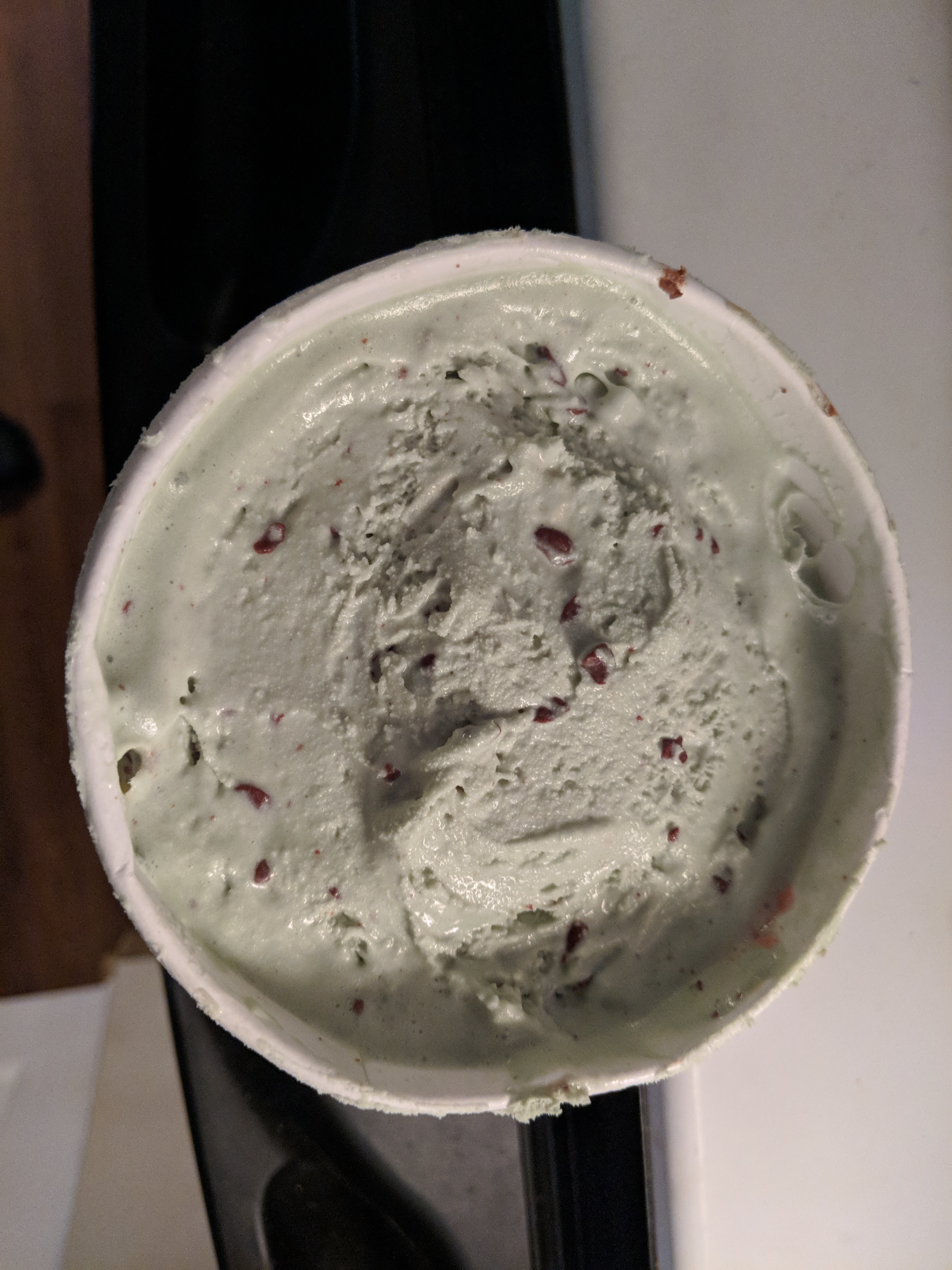
 Happy Birthday Brent!Amazon does have the streaming rights to the existing seasons, seems pretty likely this will happen. Fingers crossed.Thank you Amazon, Thank You!!! https://www.hollywoodreporter.com/live-feed/expanse-revived-season-4-at-amazon-1113803Mint M&M
 I actually want ahead and got on board with this: https://www.indiegogo.com/projects/river-bank-smart-power-system-solar-charging-camping#/ I went with the 'AC Pack' option. Looks pretty slick.Meatloaf & Mashed potatoes
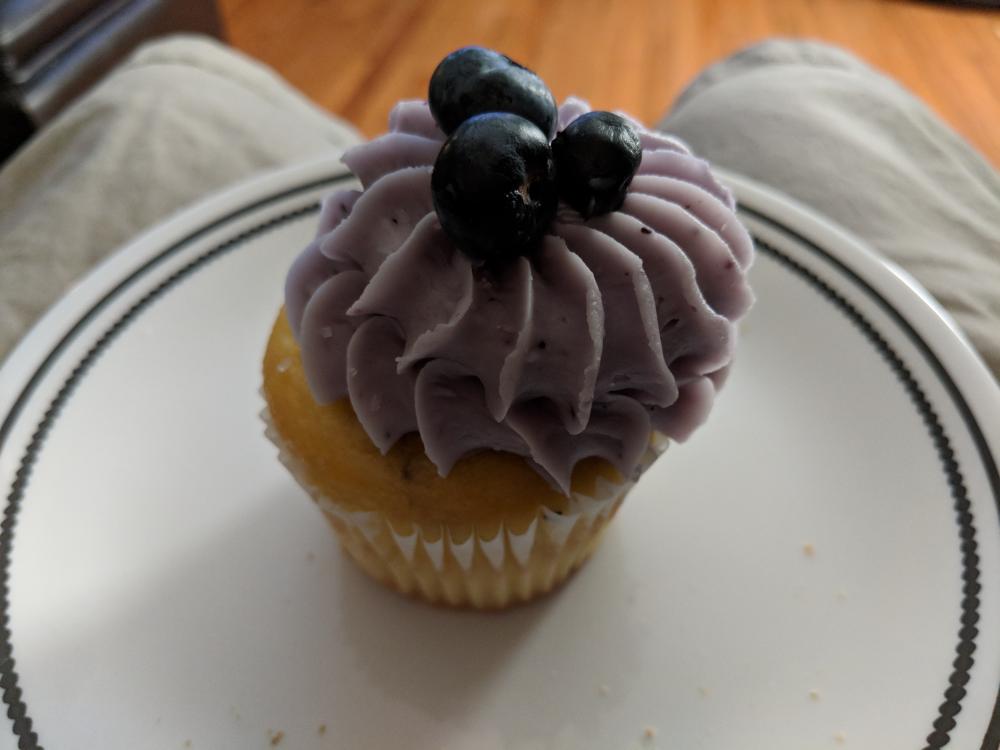
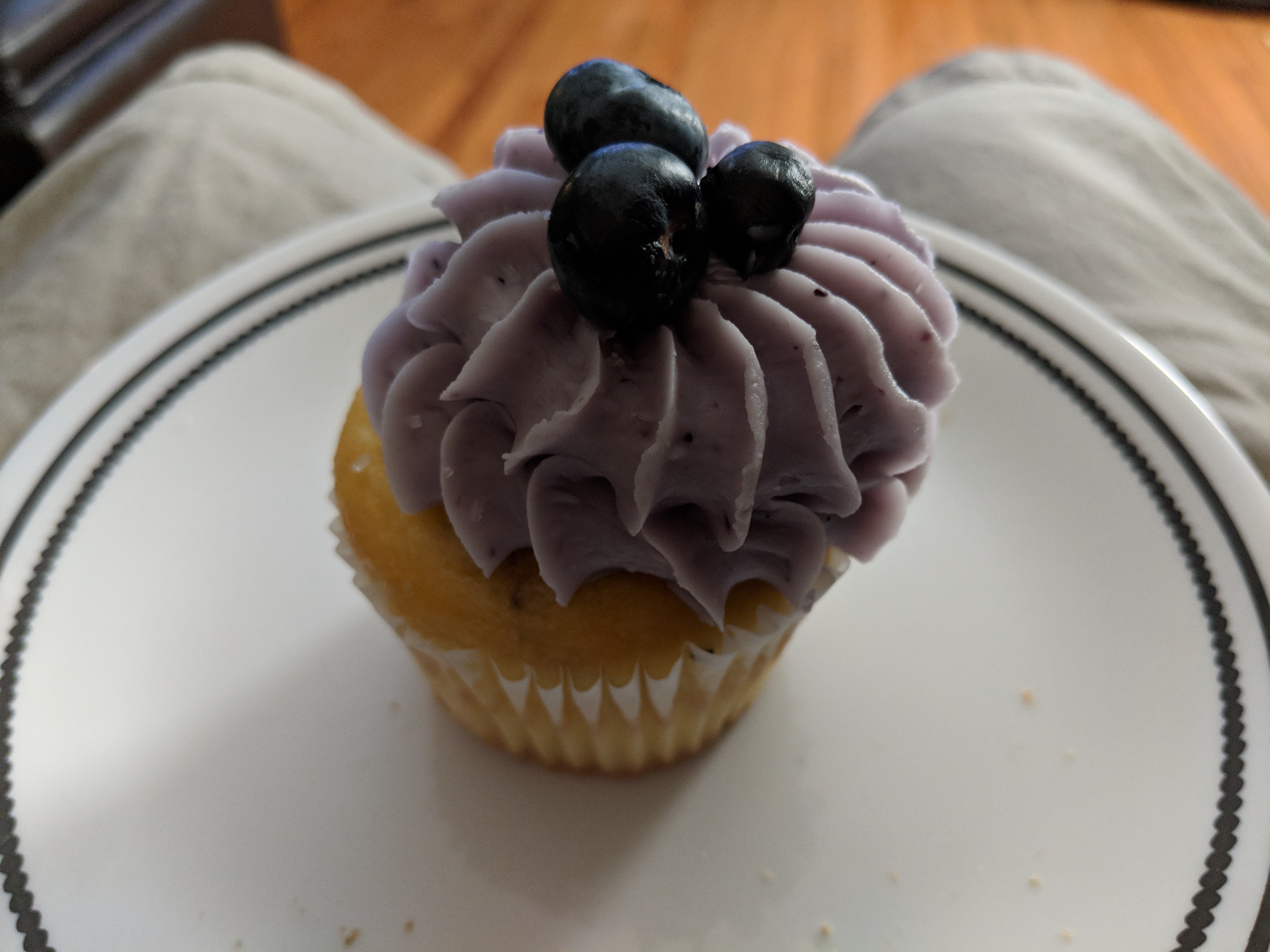
 Blueberry Lemon Cupcake
 Salted caramel cheesecake shake. YUM!
 Finished Mr Robot season 2 Starting on new season of BoschPulled pork sandwich and fries
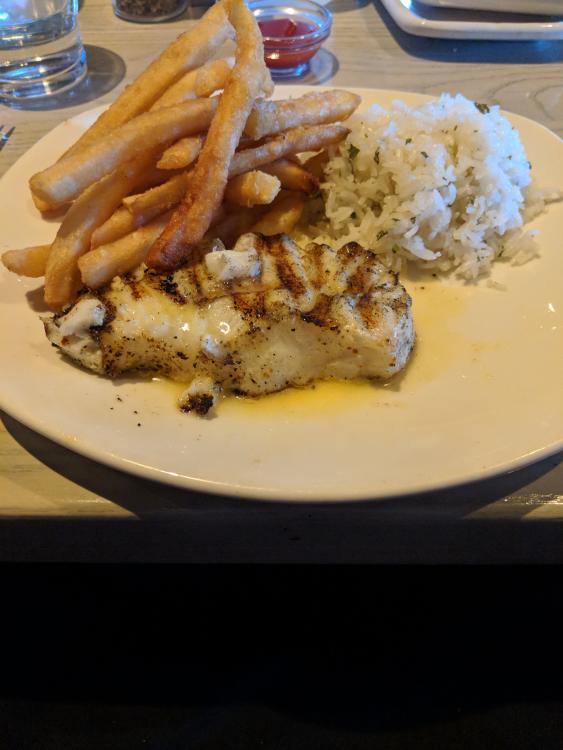
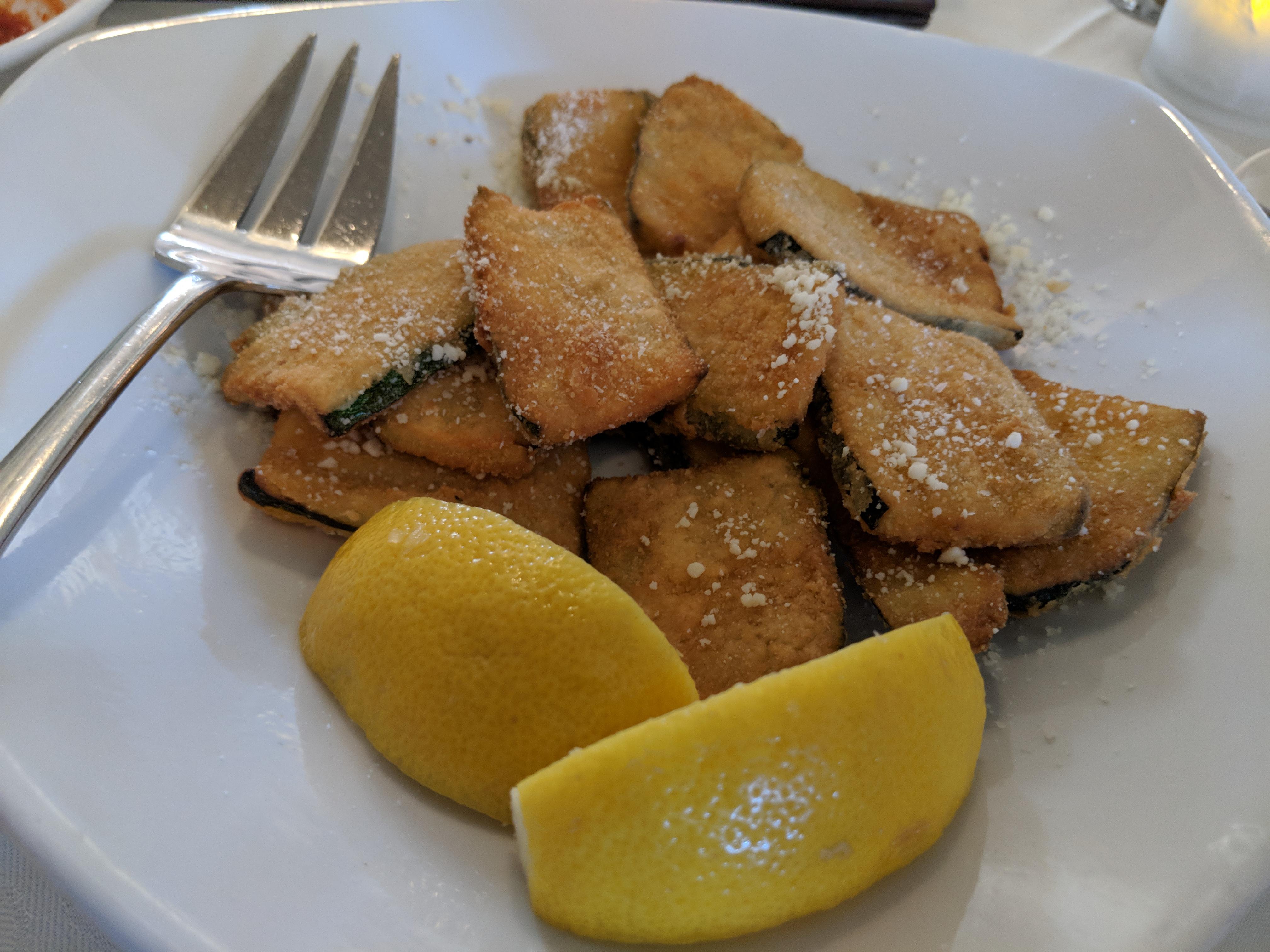
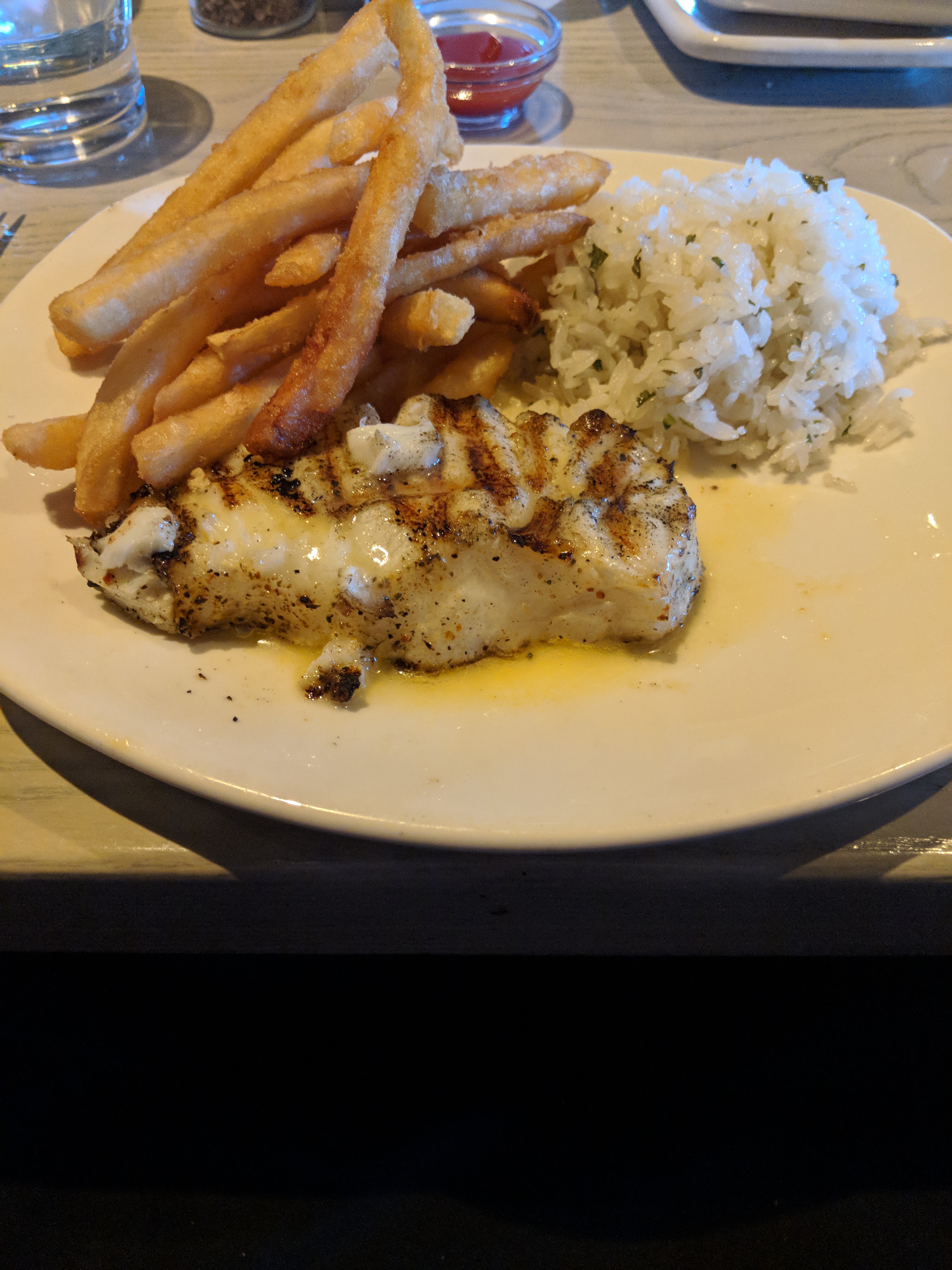
 Chilean sea bass, fries & Jasmine rice
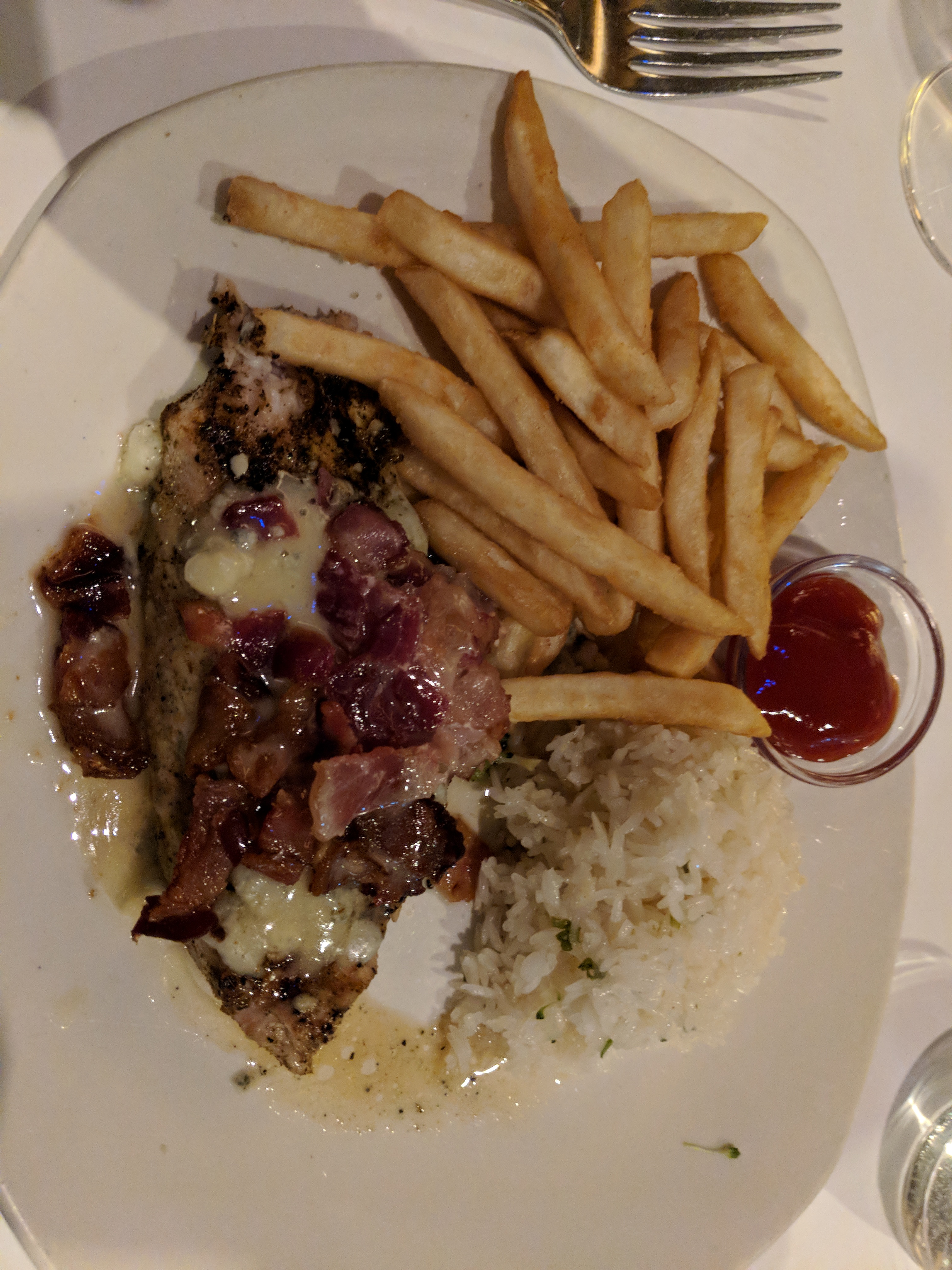
 Bacon blue cheese mahi mahi w/ fries and jasmine rice. Chocolate lava cake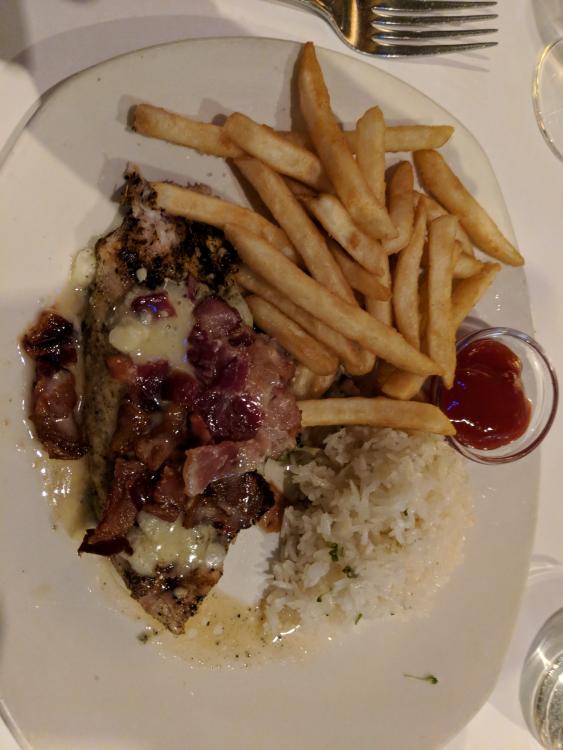
 Red velvet cake shake










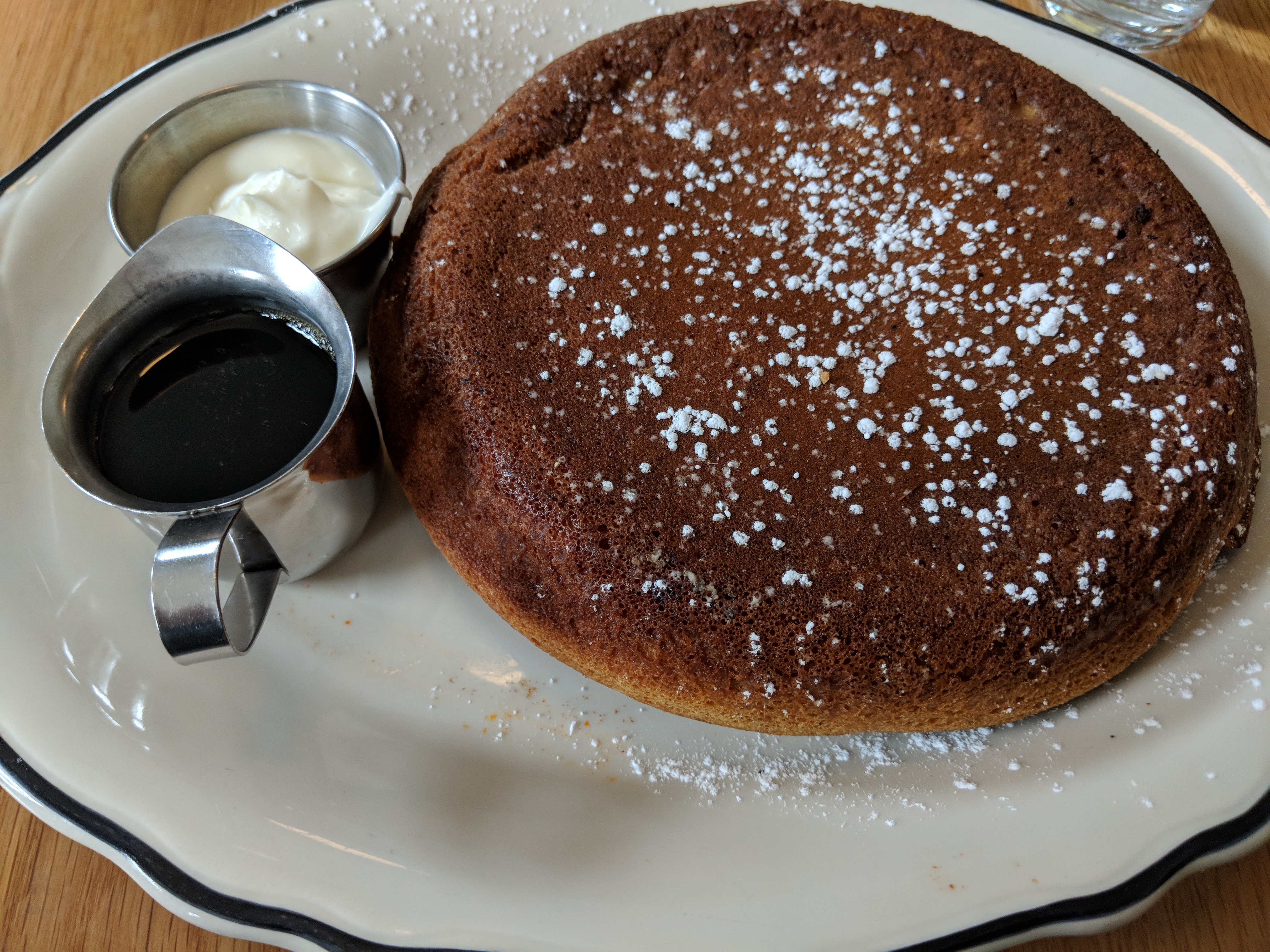


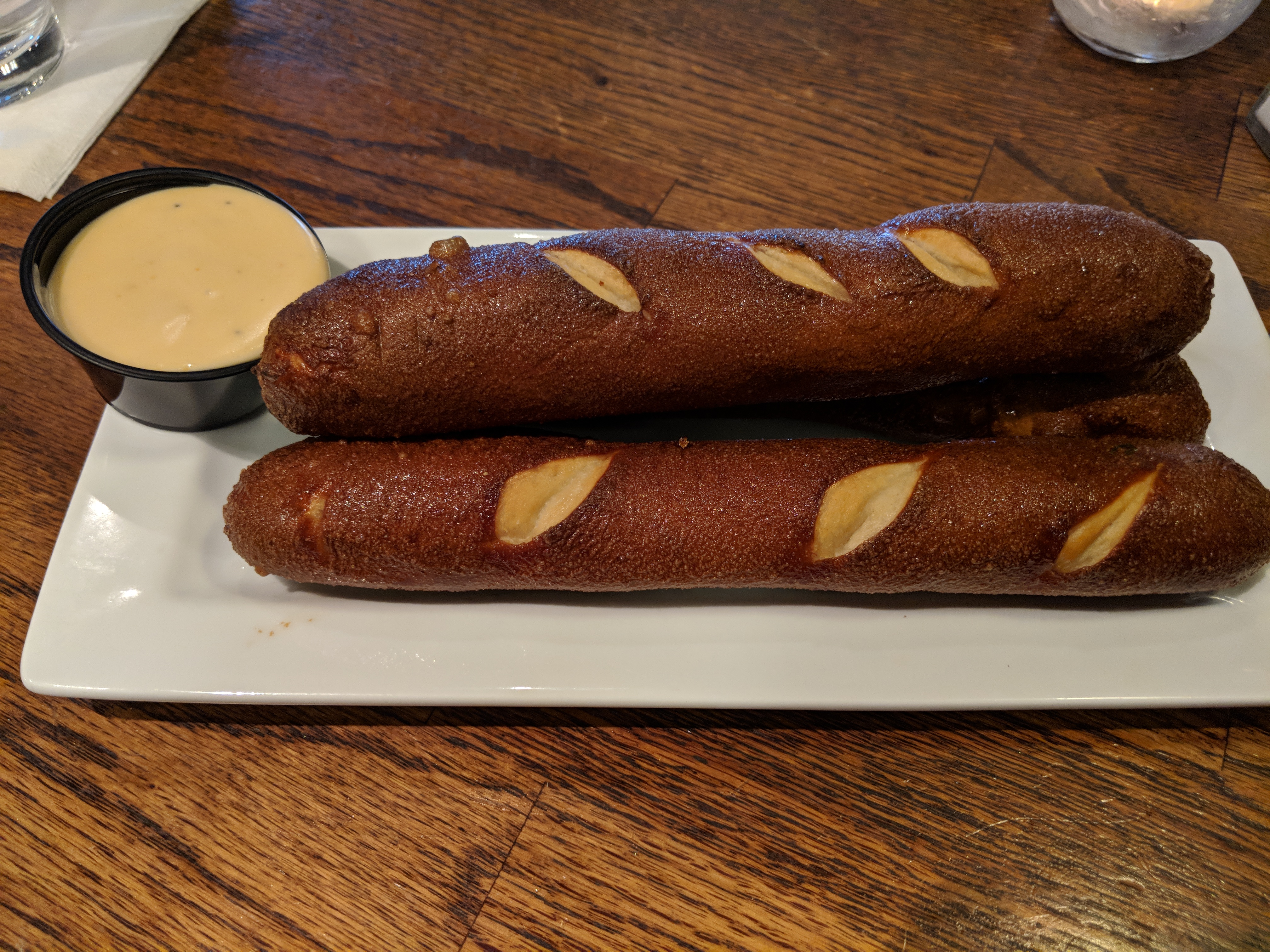
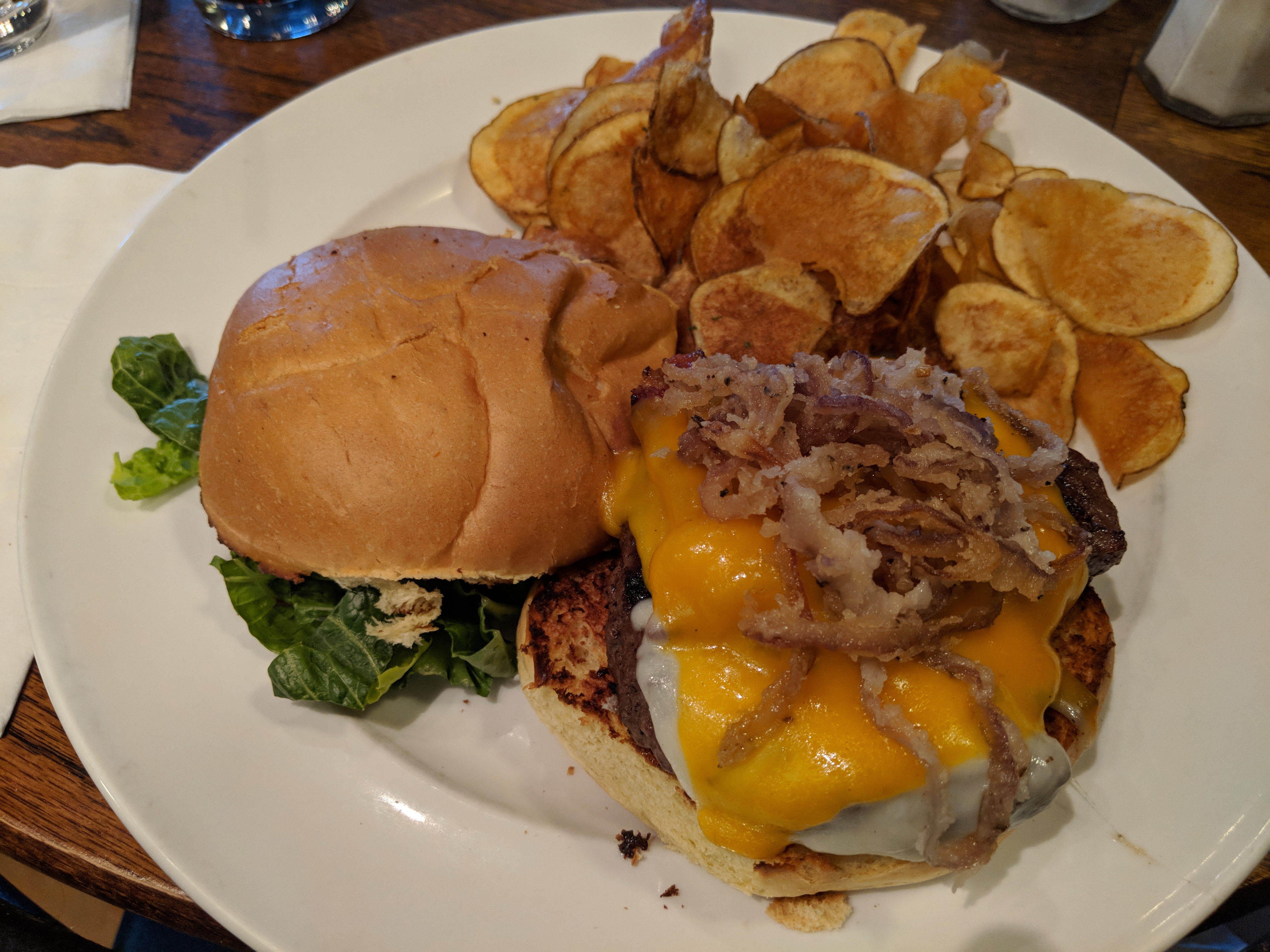

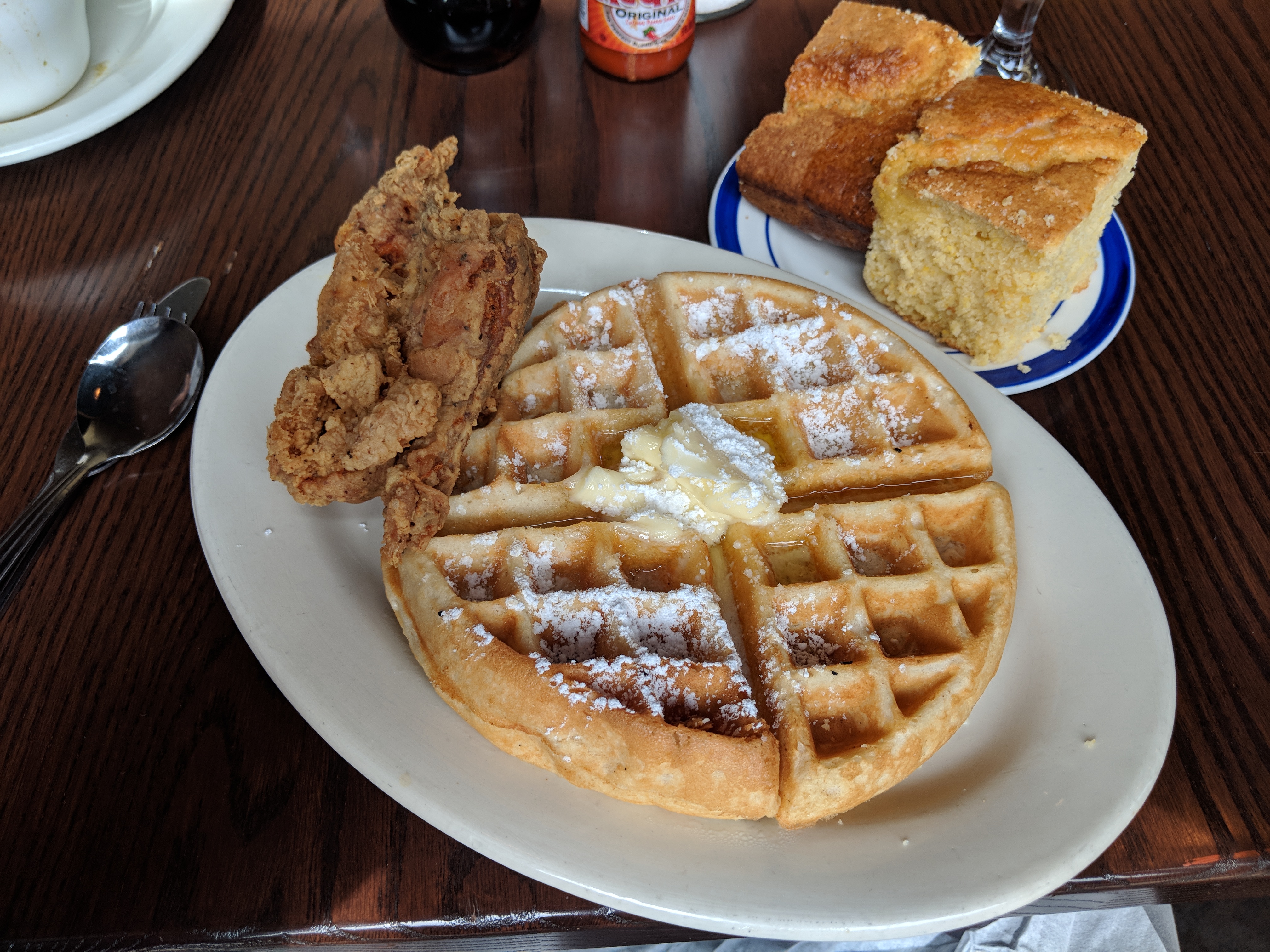



Important Information
By using this site, you agree to our Terms of Use.
Account
Navigation
Search
Configure browser push notifications
Chrome (Android)
- Tap the lock icon next to the address bar.
- Tap Permissions → Notifications.
- Adjust your preference.
Chrome (Desktop)
- Click the padlock icon in the address bar.
- Select Site settings.
- Find Notifications and adjust your preference.
Safari (iOS 16.4+)
- Ensure the site is installed via Add to Home Screen.
- Open Settings App → Notifications.
- Find your app name and adjust your preference.
Safari (macOS)
- Go to Safari → Preferences.
- Click the Websites tab.
- Select Notifications in the sidebar.
- Find this website and adjust your preference.
Edge (Android)
- Tap the lock icon next to the address bar.
- Tap Permissions.
- Find Notifications and adjust your preference.
Edge (Desktop)
- Click the padlock icon in the address bar.
- Click Permissions for this site.
- Find Notifications and adjust your preference.
Firefox (Android)
- Go to Settings → Site permissions.
- Tap Notifications.
- Find this site in the list and adjust your preference.
Firefox (Desktop)
- Open Firefox Settings.
- Search for Notifications.
- Find this site in the list and adjust your preference.