Skip to content
View in the app

A better way to browse. Learn more.

www.Head-Case.org

A full-screen app on your home screen with push notifications, badges and more.

To install this app on iOS and iPadOS
  1. Tap the Share icon in Safari
  2. Scroll the menu and tap Add to Home Screen.
  3. Tap Add in the top-right corner.
To install this app on Android
  1. Tap the 3-dot menu (⋮) in the top-right corner of the browser.
  2. Tap Add to Home screen or Install app.
  3. Confirm by tapping Install.

eggil

High Rollers
  • Joined

  • Last visited

  1. I started reading it but got bored after a few lines. Bunch of non sense.
  2. eggil replied to blessingx's topic in Music
    This is a great story. Thanks for sharing!
  3. Bike riding with grandkids and family around Miramar lake. Beautiful morning. Beautiful day. Merry Christmas!
  4. eggil replied to ktm's topic in Off Topic
    Oh Man! Thinking on the safety of all people there. Thinking of Birgir and his safety.
  5. Henry Kissinger. I will say I will not miss him.
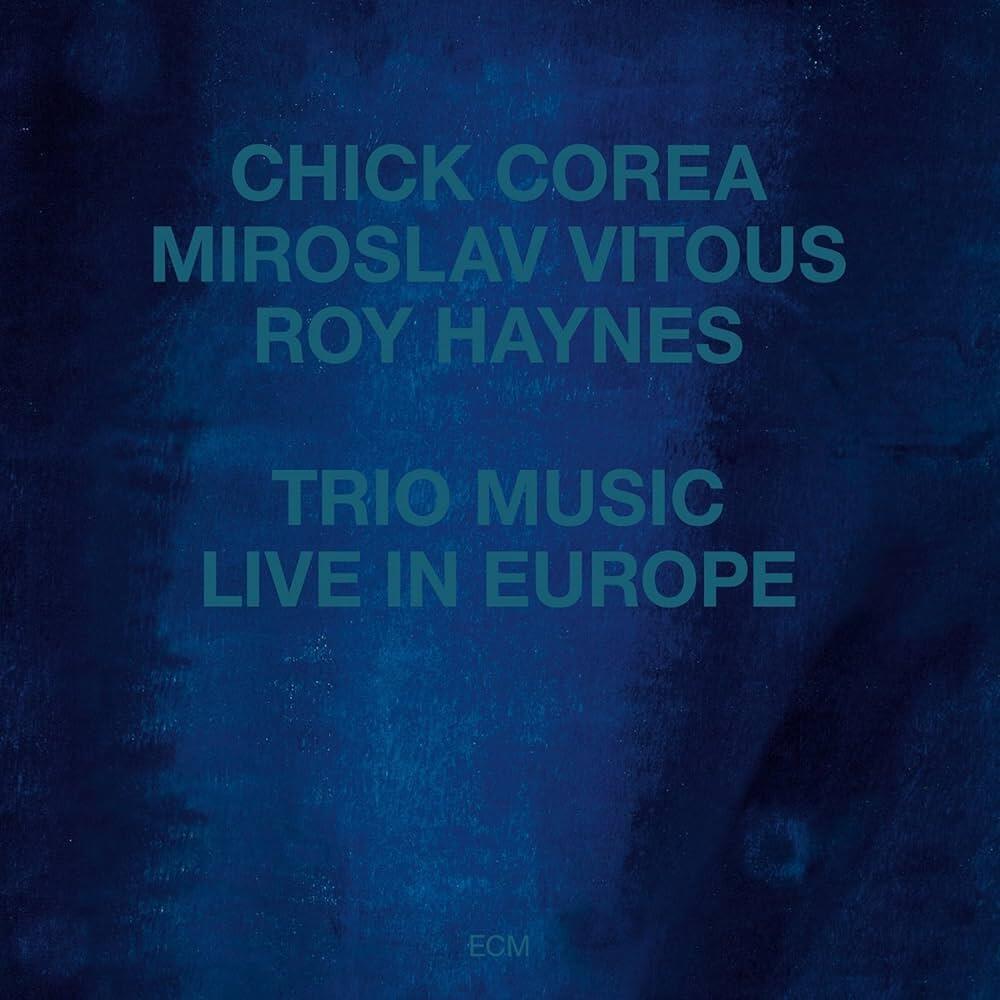
  6. Chick Corea is great as always
  7. Happy birthday!
  8. That looks crazy amazing! We had Dave’s Hot chicken today since family members work today and we celebrate it formally tomorrow.
  9. For all Mankind. I’m hooked with this series on Apple plus
  10. I am with you 100%. Enough said.
  11. eggil replied to ktm's topic in Off Topic
    Just read this. Hoping the situation improves and for the safety of everyone there. Glad to hear Birgir is ok.
  12. Thank you Justin. I managed to get a hold on an Elite. Liked it more than the Expanse when I listened to both at CanJam.
  13. ha ha. In my defense, he never did. Or I’m so absent minded that I missed it.
  14. Have you listened to the Meze Elite in comparison with the Expanse? I listened to both at CanJam and both were great. Hard deciding which one I like most.
  15. whats wrong with asshole?

Account

Navigation

Search

Search

Configure browser push notifications

Chrome (Android)
  1. Tap the lock icon next to the address bar.
  2. Tap Permissions → Notifications.
  3. Adjust your preference.
Chrome (Desktop)
  1. Click the padlock icon in the address bar.
  2. Select Site settings.
  3. Find Notifications and adjust your preference.