


Hopstretch
High Rollers
-
Joined
-
Last visited
Everything posted by Hopstretch
-
I like the sound and I like these two kids, they are so hipster it's cute.
-
The man can certainly write a very catchy song. Which is presumably why he is doing so for Taylor Swift, Lana Del Rey and Lorde. (Edit: Also St. Vincent, Florence and the Machine and the 1975. Huh, thanks Wikipedia.)
-
-
Very distressing. RIP to noted humanitarian Mr. Prigozhin.
-
I enjoyed this and feel old.
-
Mucho bass bass James Murphy bass bass, I fucking love it.New Gunship album incoming.Listening and watching and enjoying.You know why.
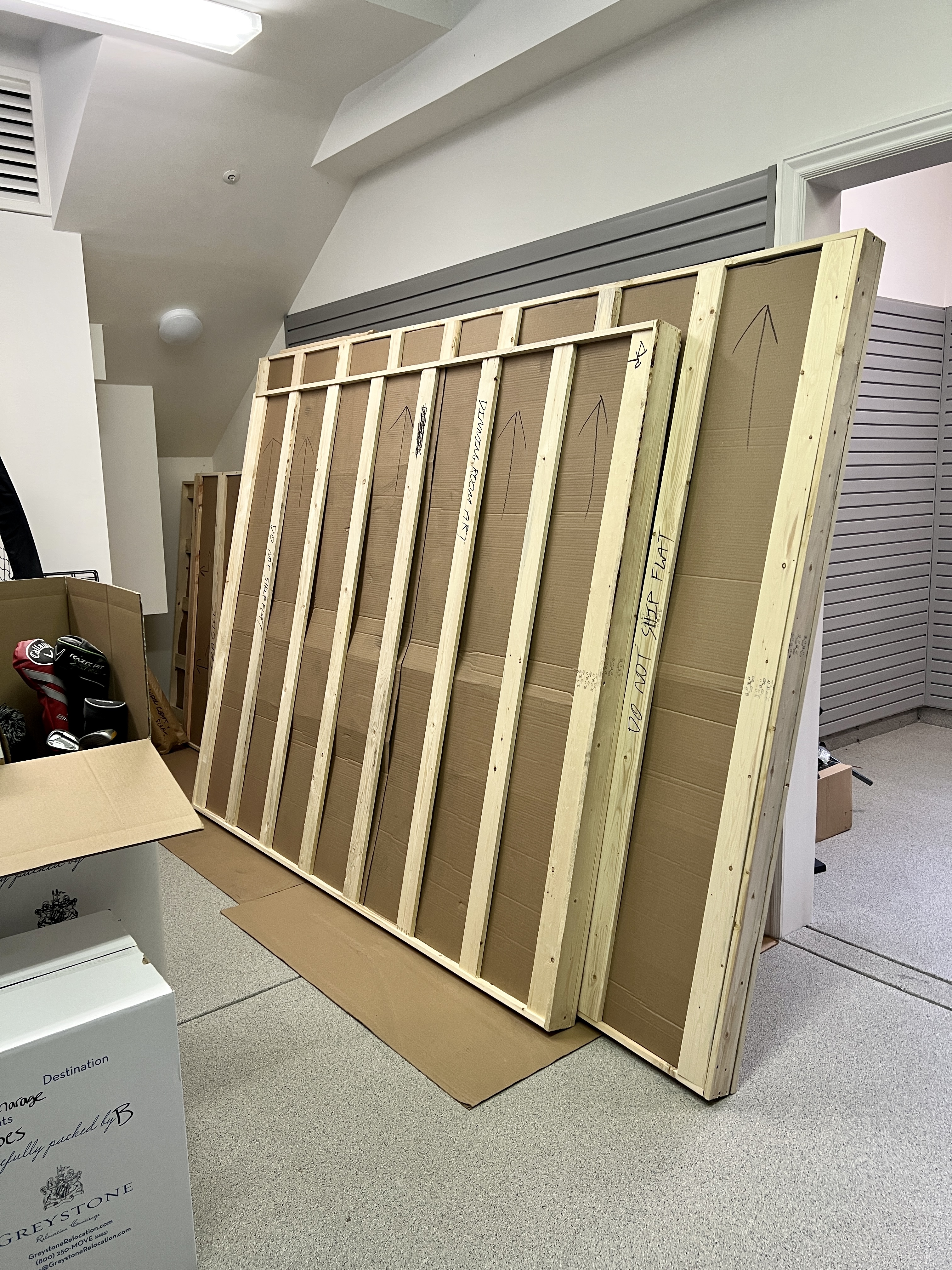
 So the art craters were at the Rancho today bright and early and I have to say that, other than Milo and Otis, I have never seen sawdust fly like that. These lads knew what they were about!

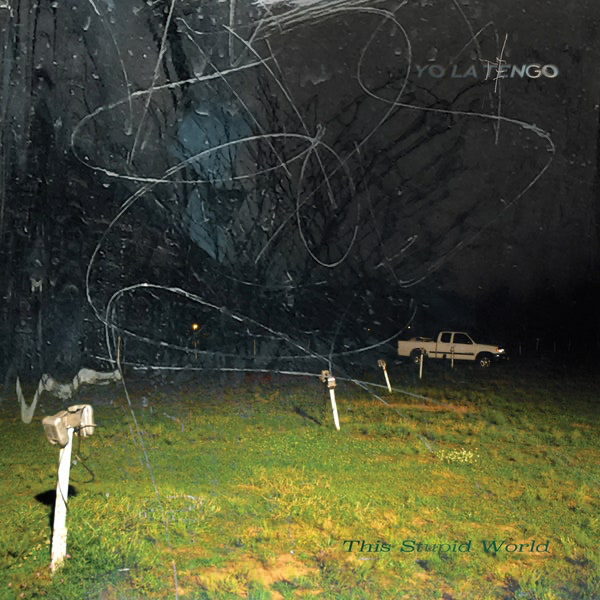
 Yo La Tengo -- This Stupid World
 A River Running To Your Heart -- Fruit Bats (2023).
 I guess this was before cultural appropriation was a thing?
 Not my usual lane but good music is good music.
 Happy Birthday Nate!Happy Birthday!Happy Birthday Colin!Happy Birthday Steve! Village Sake I assume?










Important Information
By using this site, you agree to our Terms of Use.
Account
Navigation
Search
Configure browser push notifications
Chrome (Android)
- Tap the lock icon next to the address bar.
- Tap Permissions → Notifications.
- Adjust your preference.
Chrome (Desktop)
- Click the padlock icon in the address bar.
- Select Site settings.
- Find Notifications and adjust your preference.
Safari (iOS 16.4+)
- Ensure the site is installed via Add to Home Screen.
- Open Settings App → Notifications.
- Find your app name and adjust your preference.
Safari (macOS)
- Go to Safari → Preferences.
- Click the Websites tab.
- Select Notifications in the sidebar.
- Find this website and adjust your preference.
Edge (Android)
- Tap the lock icon next to the address bar.
- Tap Permissions.
- Find Notifications and adjust your preference.
Edge (Desktop)
- Click the padlock icon in the address bar.
- Click Permissions for this site.
- Find Notifications and adjust your preference.
Firefox (Android)
- Go to Settings → Site permissions.
- Tap Notifications.
- Find this site in the list and adjust your preference.
Firefox (Desktop)
- Open Firefox Settings.
- Search for Notifications.
- Find this site in the list and adjust your preference.