


Hopstretch
High Rollers
-
Joined
-
Last visited
Everything posted by Hopstretch
-
I am currently down the rabbit hole.
-
Happy Birthday Adam! Crack one of those boss pinots.
-
Another nice cover.
-
I could not. Can, on the other hand, totally relate to this. Neil Tennant can still write a melancholy tune.Too old to directly relate to this but I get sort of Joy Division vibes updated to now through dance music?Happy Birthday! Spot of tea and cake called for!I second the above! Happy Birthday!I commend this.
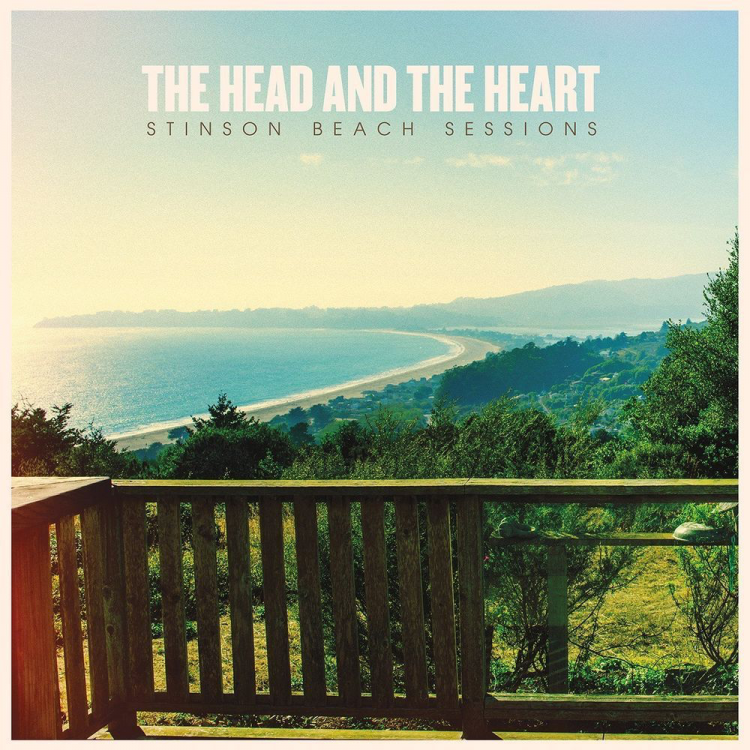 Liam Gallagher, absolute twat, but one does have to admire his continued commitment to what it says on the sign.Is that stuff flammable?Sorry Ken, missed this. Happy belated birthday!This was a nice Christmas present.Happy Birthday Ric!Baba Ram Dass. https://tricycle.org/trikedaily/ram-dass-dies/Toast, butter, Marmite, soft boiled egg, happiness.It just gets worse as you get older, doesn't it? I don't even have any cool pictures. Oh bother!Didn’t like it at all on first look, but it’s growing on me.The top YouTube comment is not too far off: "I feel like these people all met through their weed dealer." But I like it a lot.You already know the key is lots and lots of good wine.Moar drugs plz.




Important Information
By using this site, you agree to our Terms of Use.
Account
Navigation
Search
Configure browser push notifications
Chrome (Android)
- Tap the lock icon next to the address bar.
- Tap Permissions → Notifications.
- Adjust your preference.
Chrome (Desktop)
- Click the padlock icon in the address bar.
- Select Site settings.
- Find Notifications and adjust your preference.
Safari (iOS 16.4+)
- Ensure the site is installed via Add to Home Screen.
- Open Settings App → Notifications.
- Find your app name and adjust your preference.
Safari (macOS)
- Go to Safari → Preferences.
- Click the Websites tab.
- Select Notifications in the sidebar.
- Find this website and adjust your preference.
Edge (Android)
- Tap the lock icon next to the address bar.
- Tap Permissions.
- Find Notifications and adjust your preference.
Edge (Desktop)
- Click the padlock icon in the address bar.
- Click Permissions for this site.
- Find Notifications and adjust your preference.
Firefox (Android)
- Go to Settings → Site permissions.
- Tap Notifications.
- Find this site in the list and adjust your preference.
Firefox (Desktop)
- Open Firefox Settings.
- Search for Notifications.
- Find this site in the list and adjust your preference.