Skip to content
View in the app

A better way to browse. Learn more.

www.Head-Case.org

A full-screen app on your home screen with push notifications, badges and more.

To install this app on iOS and iPadOS
  1. Tap the Share icon in Safari
  2. Scroll the menu and tap Add to Home Screen.
  3. Tap Add in the top-right corner.
To install this app on Android
  1. Tap the 3-dot menu (⋮) in the top-right corner of the browser.
  2. Tap Add to Home screen or Install app.
  3. Confirm by tapping Install.

Leaderboard

Popular Content

Showing content with the highest reputation on 09/18/13 in all areas

  1. 1 point
    Is it finally time to get HD600s?
  2. Well, I hate my current phone (Nexus S). It takes forever to open and close apps, etc. There is no Android phone that interests me so I think it is time to finally try out an iphone (I have always wanted one but the lack of Swype has kept me away).
  3. I think we need to work on being more active in trades in our leagues. Just had a large one in League Two but they are fairly rare. Maybe if people would fill out their Trading Blocks it might encourage more trading?
  4. This was, without a doubt, the highlight of my day. Great to see you, Gene, and to meet your lovely wife. Todd, yes it was Locos and IMHO is not to be missed if you're in Kittery in looking for a casual lunch or dinner.
  5. 1 point
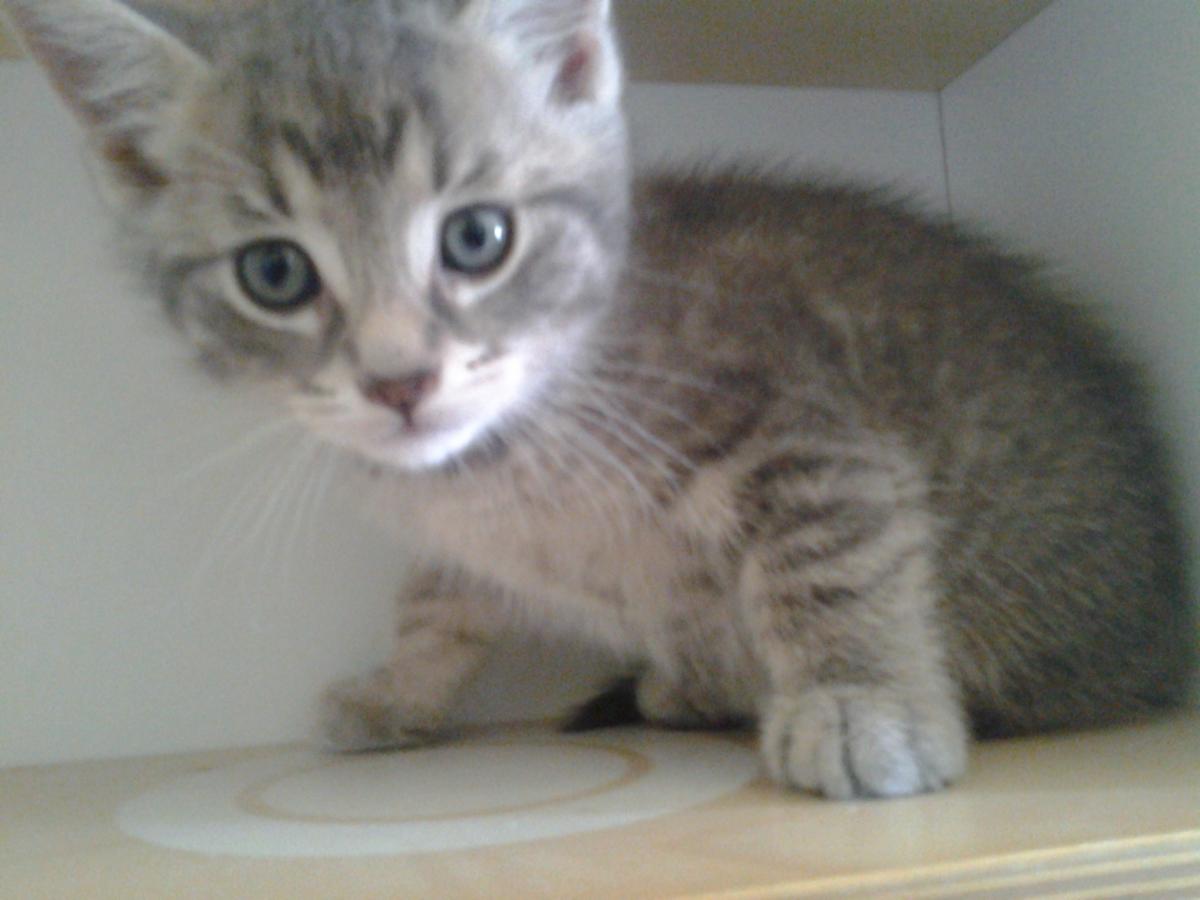
    Someone dropped a box of kittens off at the vet clinic. My wife couldn't resist.

Important Information

By using this site, you agree to our Terms of Use.

Account

Navigation

Search

Search

Configure browser push notifications

Chrome (Android)
  1. Tap the lock icon next to the address bar.
  2. Tap Permissions → Notifications.
  3. Adjust your preference.
Chrome (Desktop)
  1. Click the padlock icon in the address bar.
  2. Select Site settings.
  3. Find Notifications and adjust your preference.