Leaderboard
-
Hopstretch
High Rollers15Points16809Posts -
naamanf
High Rollers9Points6661Posts -
shellylh
High Rollers9Points18863Posts -
Voltron
High Rollers6Points34606Posts




Popular Content
Showing content with the highest reputation on 06/15/15 in all areas
-
2 points
-
2 pointsAhhh this game is back to the excitement of the earlier two games. Totally worth moving the TV to daughter's bedroom/side of the house and tossing the dumbtenna on the neighbor's roof. Another OT please.2 points
-
2 pointsOn the left, asparagus with a fried duck egg and arugula. On the right, cherry tomato and eggplant bake with duck bacon, panko and chives. Sent from my iPhone using Tapatalk2 points
-
1 pointCondolences, Al. What everybody else said. We owe so much to our furry companions.1 point
-
1 point
-
1 pointChecking this out for the first time, and it's fucking impressive. Has all the melodious epic brutals. Must buy. http://www.youtube.com/watch?v=_lZLRFcotsg1 point
-
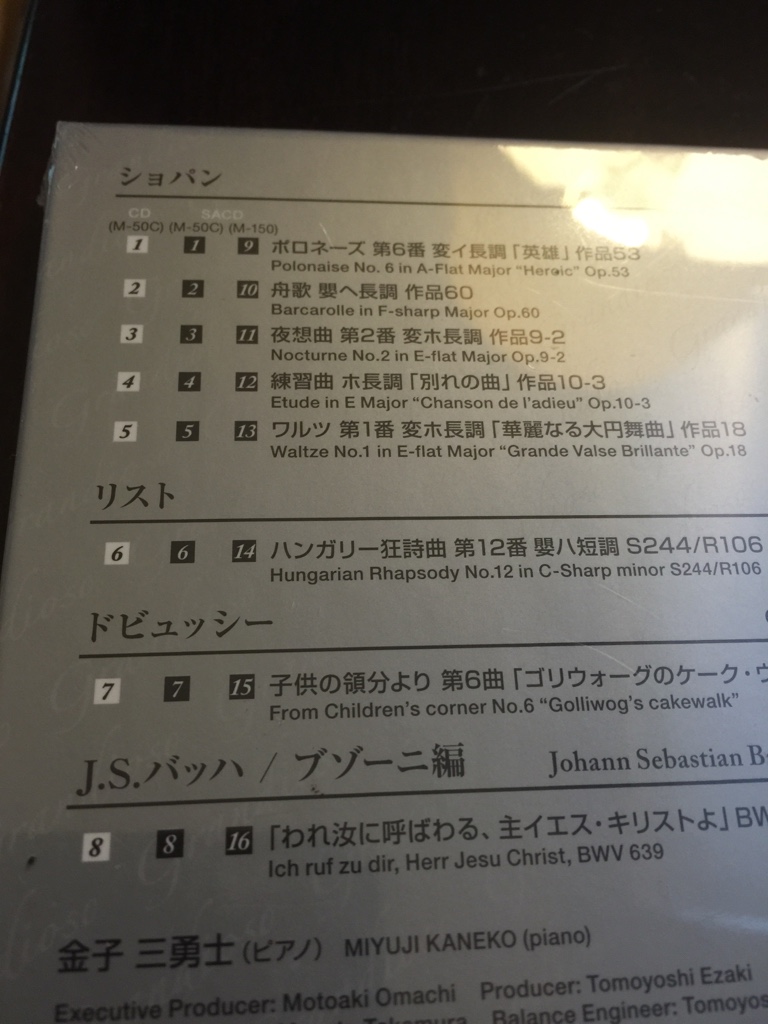
Oh my, I lurve golliwog's cakewalk, I grew up on that piece.1 point
-
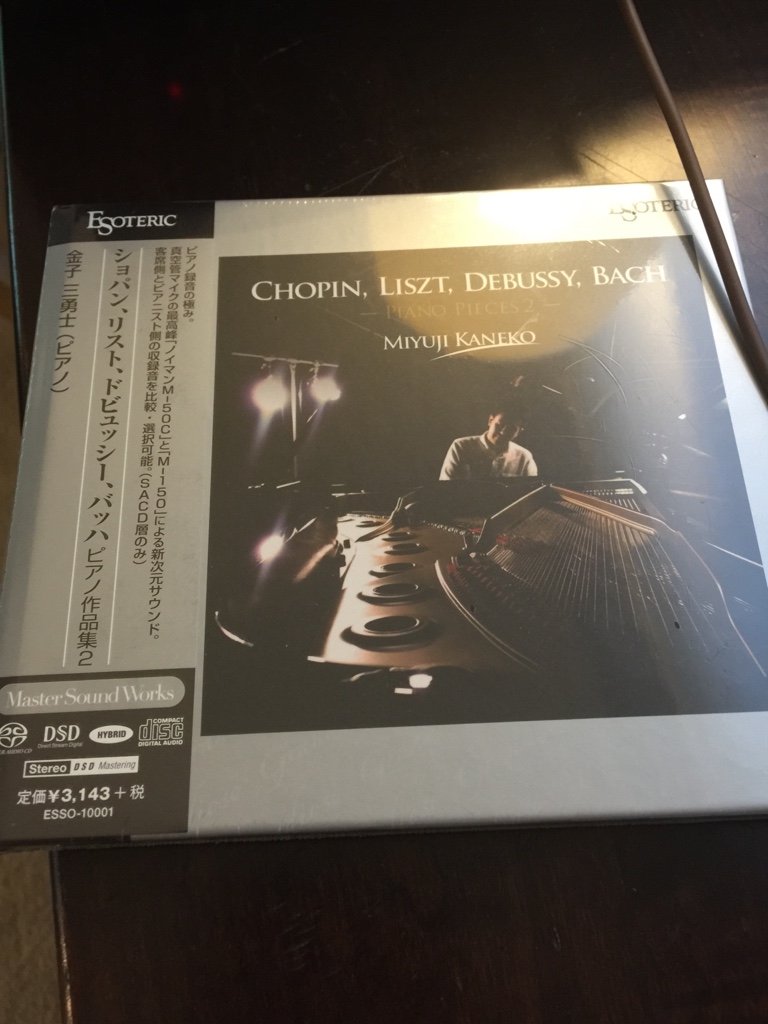
The second of the Kaneko-Esoteric series, also with dual mic recordings. Probably the best recorded instrumental music I have heard in a while, assuming of course you like the material
 1 point
 -
1 pointI don't have a keyboard amp handy, so I plugged my Prophet 6 into my PRS MDT and made some noise. I have a stupid grin stuck on my face.1 point
-
1 point
-
1 point