

Leaderboard
-
mikeymad
High Rollers11Points13780Posts -
Kerry
High Rollers9Points2292Posts -
Hopstretch
High Rollers9Points16800Posts -
Augsburger
High Rollers8Points13165Posts




Popular Content
Showing content with the highest reputation on 04/22/19 in Posts
-
7 pointsIt was a good day for fencing, gold is best medal of medals. Lance made five new friends and a good way to start the week as I will be taking Lance and Mary to LAX tomorrow morning at 4am for a flight to Boston to visit Boston and New York colleges.
 7 points
 -
6 pointsDid our Easter Sunday good deed by extricating a pelican from a bit of fishing line. 91AED1B0-E787-438A-804C-43A186F6373A.mov6 points
-
4 points4 points3 points2 points2 pointsRemembering everyone's favorite fictional lich with the food of his people And Colin wanted to try this 3 egg omelette soufflé, so we made it

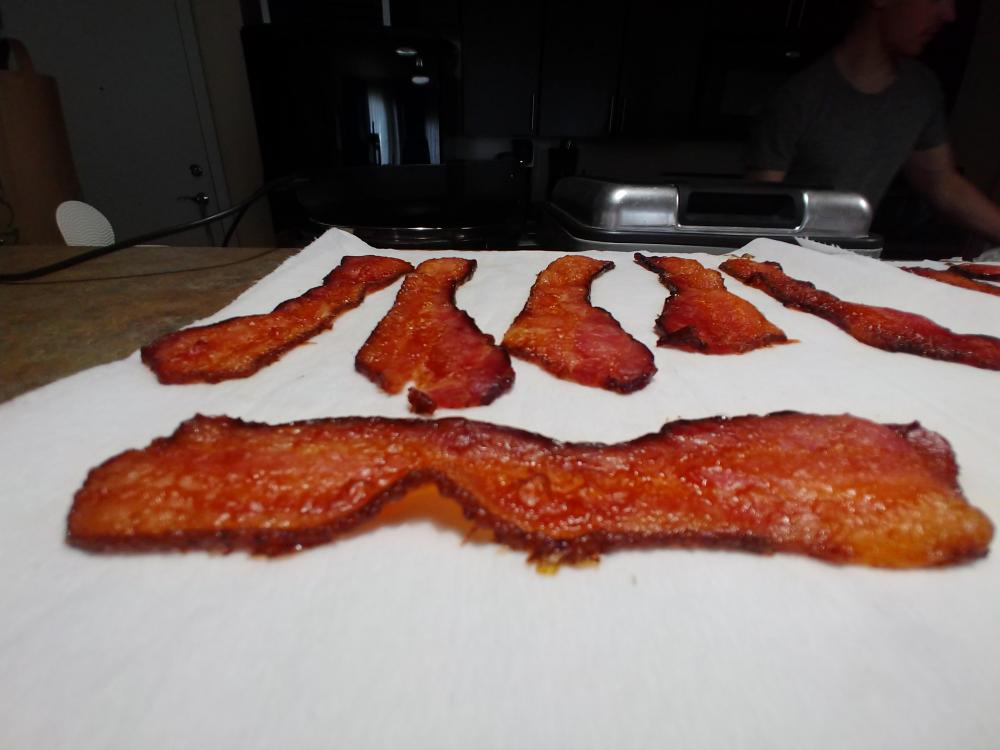
 2 points2 points1 pointAre you telling me you flew Southwest and that is all the equipment they now have available to fly?1 pointv- is actually -370v and vref3 is -350v take a closer look at the original schematic1 point1 point1 point1 point1 pointPhew. The landscape has changed since I last did this. One thing has not changed. 2.5" drives use 4 pegs to stay in place. I brilliantly forgot to swap them from the ca. 2011 HDD to the new SSD and realized the fact just as I tightened on the last screw on the underside panel of the Mac. Many screw (and curses) later, I re-opened the laptop, extracted the SSD, attached its 4 pegs and re-installed everything. Blissfully, the machine booted with no problem. Then I had to enable TRIM. Years ago I used a freeware app called TRIM Enabler. In 2019, said app is no longer free and arguably malware. Fortunately, there's a command in Terminal that does the same thing: sudo trimforce enable. The above screenshot confirms it's working. Even with a 2011 i7, going from 4GB of RAM and a slow AF 2.5" 750GB HDD to 16GB of RAM and a modern SSD is like working on an entirely new machine. High Sierra was not meant to run with 4GB.1 point1 point500GB Crucial SSD, 16 GB RAM upgrade kit and various accessories arrived from AMZN today. Going to be doing surgery on Mum's 13" MBP this evening. I haven't done work like this in ages. Remember when Macs had user replaceable parts? SMH my head, as the zoomers say.1 pointThree Jewish hooligans cause chaos in a local liquor store, late 1986.1 pointMy Mom had this recording and I used to love listening to it as a kid. Found it on Tidal The second track describes the recording of the cannons and bells used. Pretty interesting. Don't play it too loud. They did a great job of capturing the vintage bronze cannon.
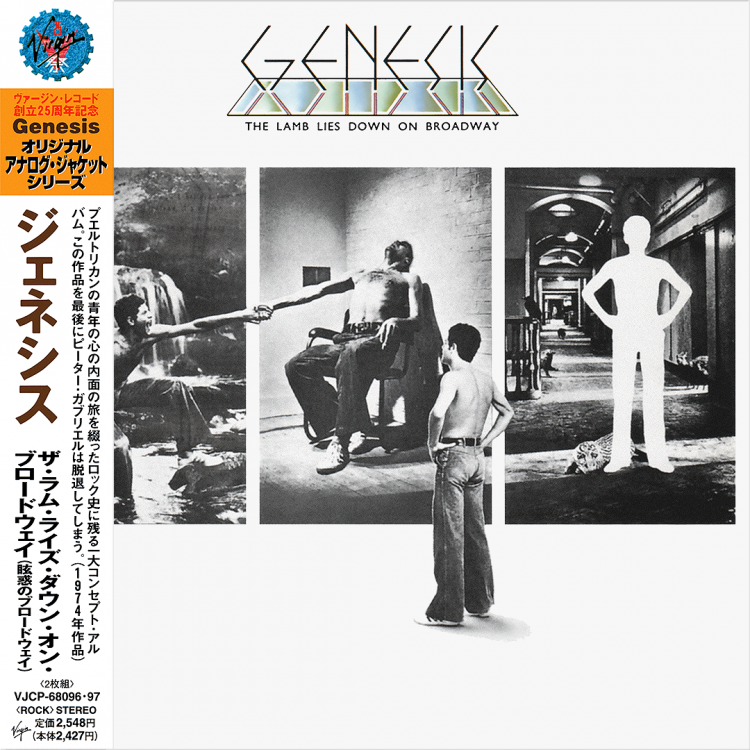
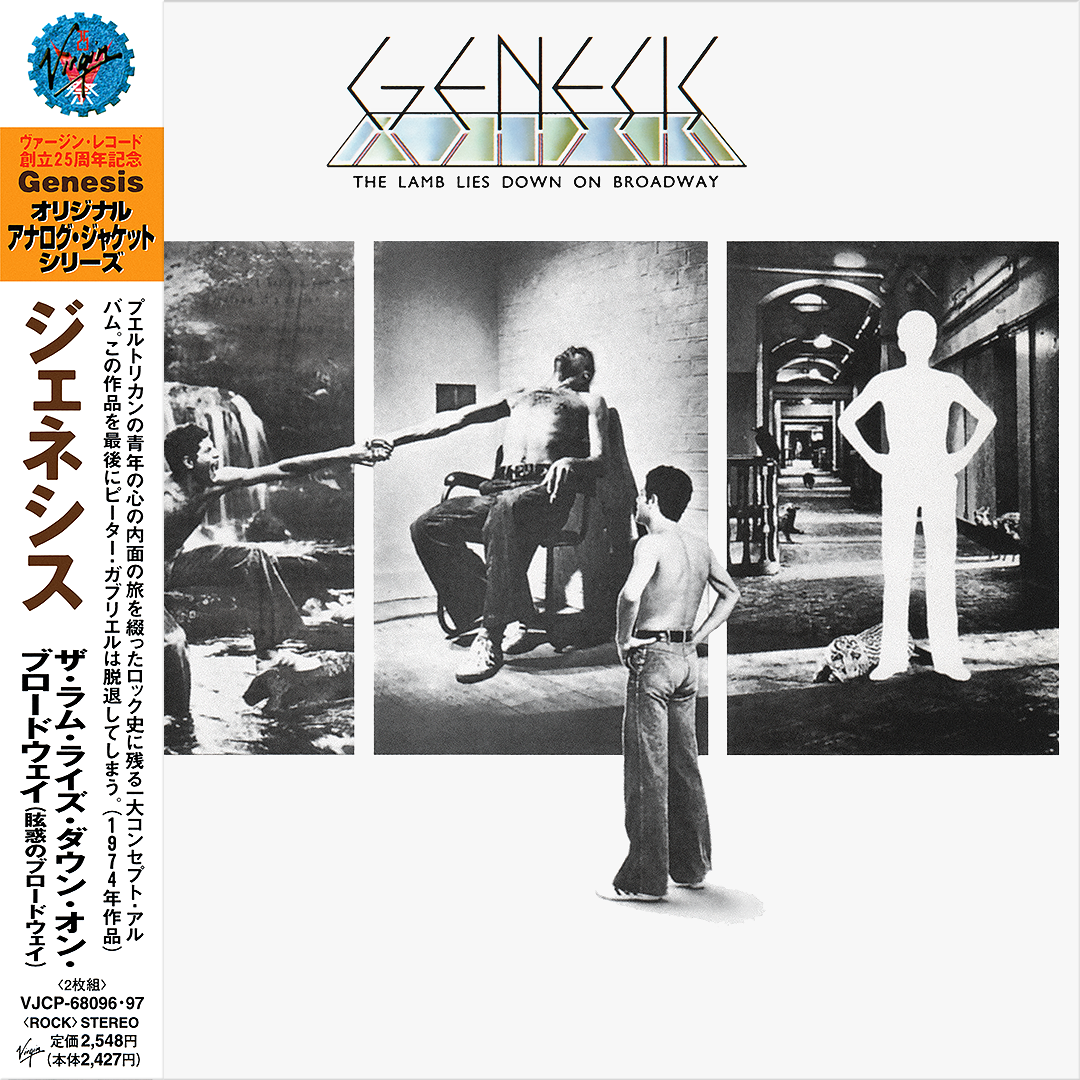
 1 pointSome Lamb on Good Friday?.. hmmm My early 70's Friday set.
 1 point1 point1 point1 point1 pointI don’t really have a type. I find lots of women beautiful. I just wrote that in case she was reading it.1 pointWas: Jocelyn Pook, The Wife soundtrack Is: Dido, Still On My Mind Will be: what will be1 point1 pointThis is totally off topic but I don't think we have a catchall Apple thread and it's just darn cool. Won't get one myself but love how they sweat the details. https://www.arun.is/blog/apple-card/1 point















Important Information
By using this site, you agree to our Terms of Use.
Account
Navigation
Search
Configure browser push notifications
Chrome (Android)
- Tap the lock icon next to the address bar.
- Tap Permissions → Notifications.
- Adjust your preference.
Chrome (Desktop)
- Click the padlock icon in the address bar.
- Select Site settings.
- Find Notifications and adjust your preference.
Safari (iOS 16.4+)
- Ensure the site is installed via Add to Home Screen.
- Open Settings App → Notifications.
- Find your app name and adjust your preference.
Safari (macOS)
- Go to Safari → Preferences.
- Click the Websites tab.
- Select Notifications in the sidebar.
- Find this website and adjust your preference.
Edge (Android)
- Tap the lock icon next to the address bar.
- Tap Permissions.
- Find Notifications and adjust your preference.
Edge (Desktop)
- Click the padlock icon in the address bar.
- Click Permissions for this site.
- Find Notifications and adjust your preference.
Firefox (Android)
- Go to Settings → Site permissions.
- Tap Notifications.
- Find this site in the list and adjust your preference.
Firefox (Desktop)
- Open Firefox Settings.
- Search for Notifications.
- Find this site in the list and adjust your preference.