

Leaderboard
-
blessingx
High Rollers12Points17841Posts -
Craig Sawyers
High Rollers11Points5524Posts -
morphsci
High Rollers10Points13355Posts -
naamanf
High Rollers9Points6661Posts




Popular Content
Showing content with the highest reputation on 05/19/21 in all areas
-
7 points
-
7 points
-
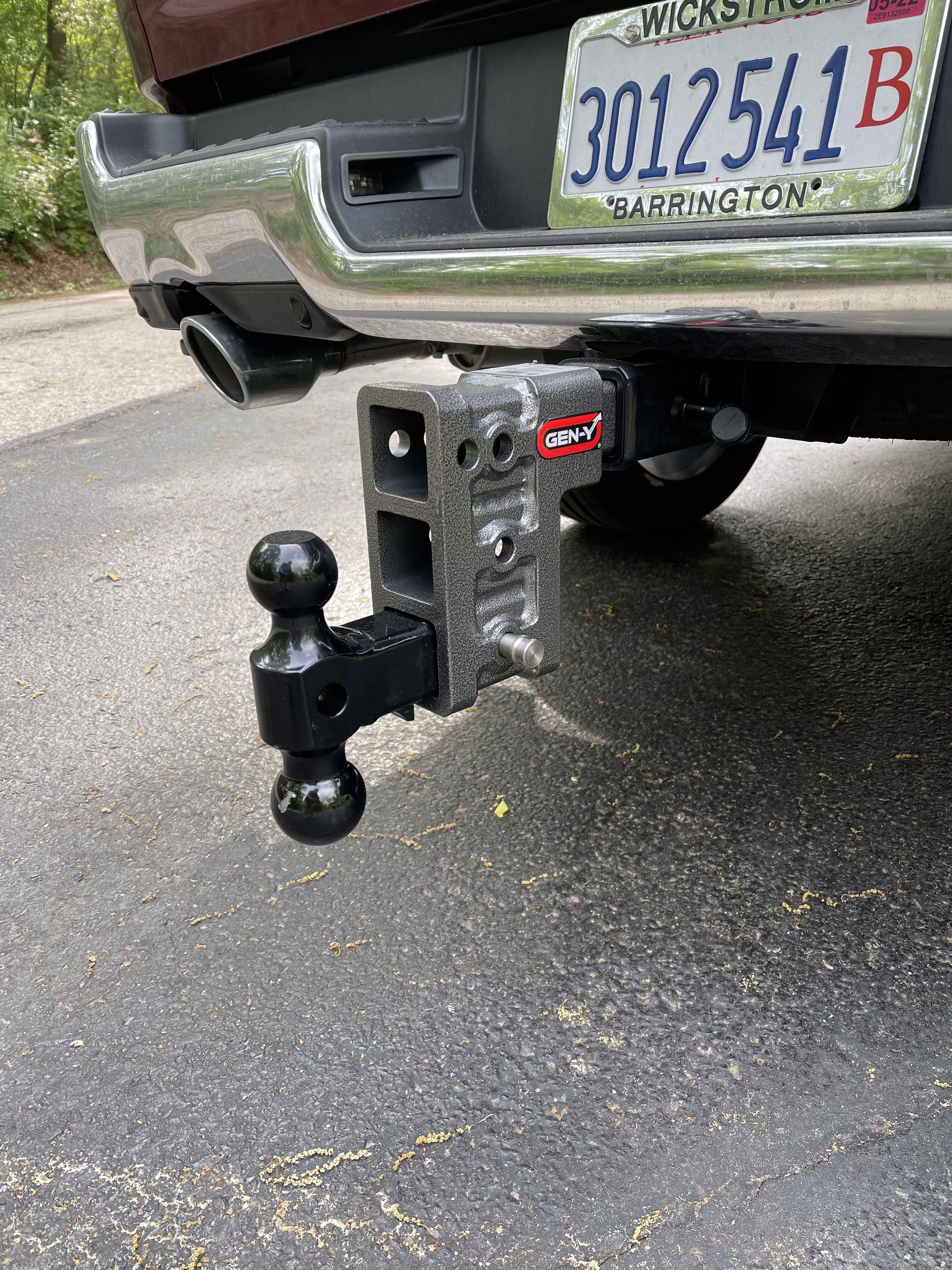
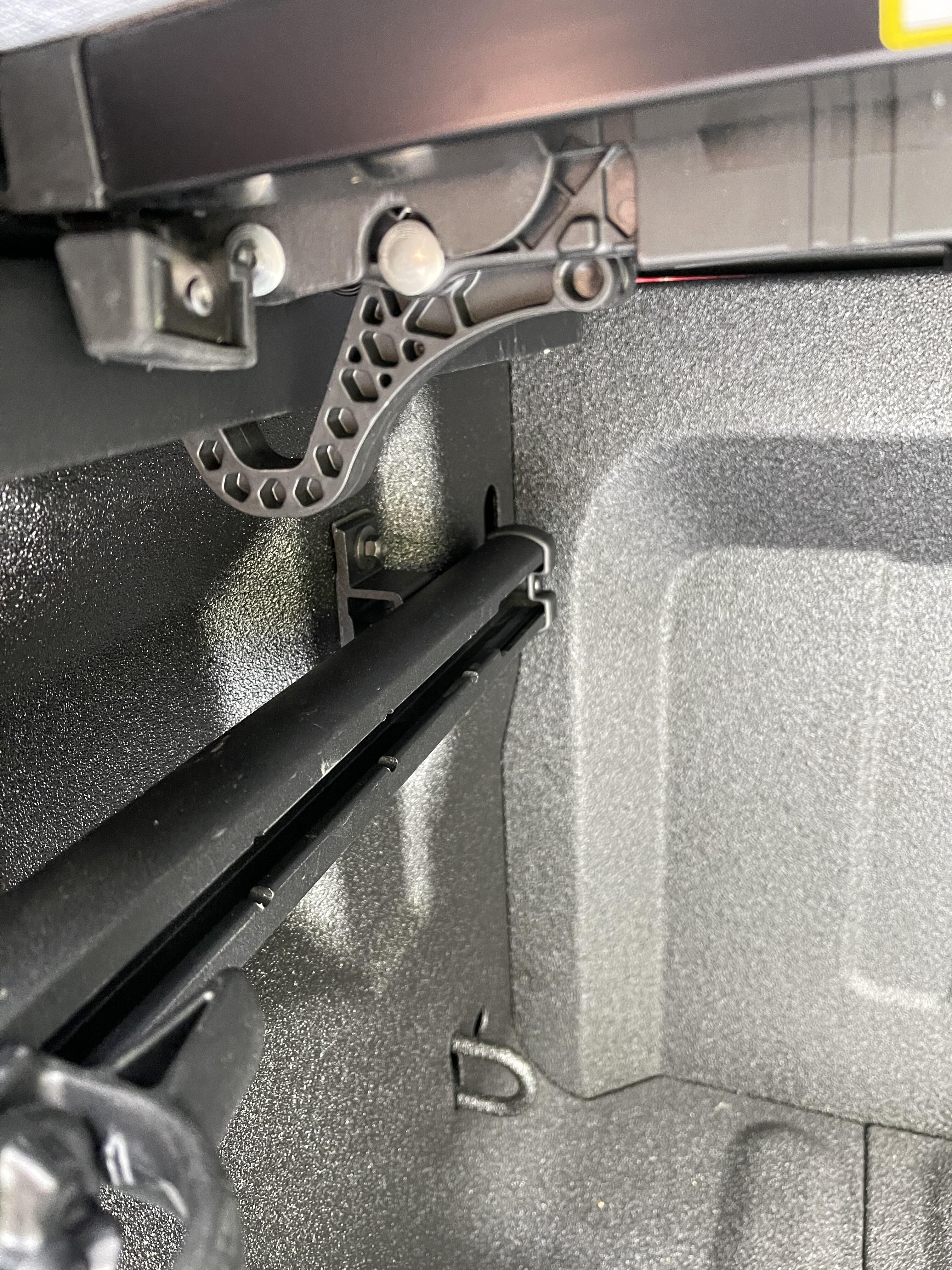
4 points2 pointsThrew on the heavy thing, but it is obviously not heavy enough as I am going to need twice the drop to get down to the kayak trailer. Also had the shitty Chrysler tonneau cover disconnect and try to come off the truck today. Got to figure the PoS out in the rain and found it loose again by the time I got home. Luckily, I found a former Diamondback dealer locally that actually had some in stock after Diamondback dropped all dealers last year so that will be installed Friday.

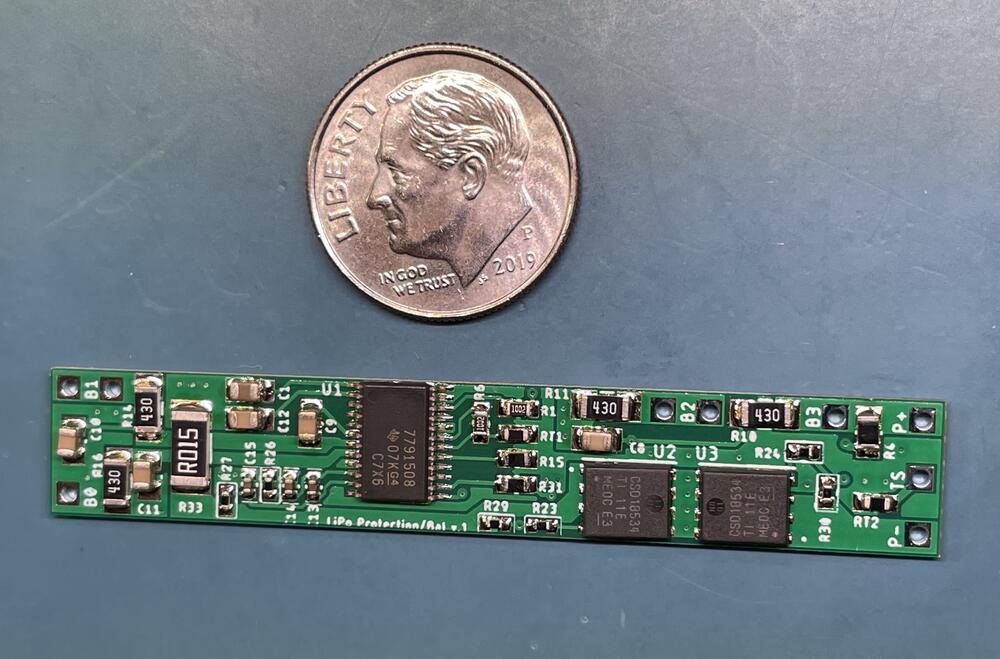
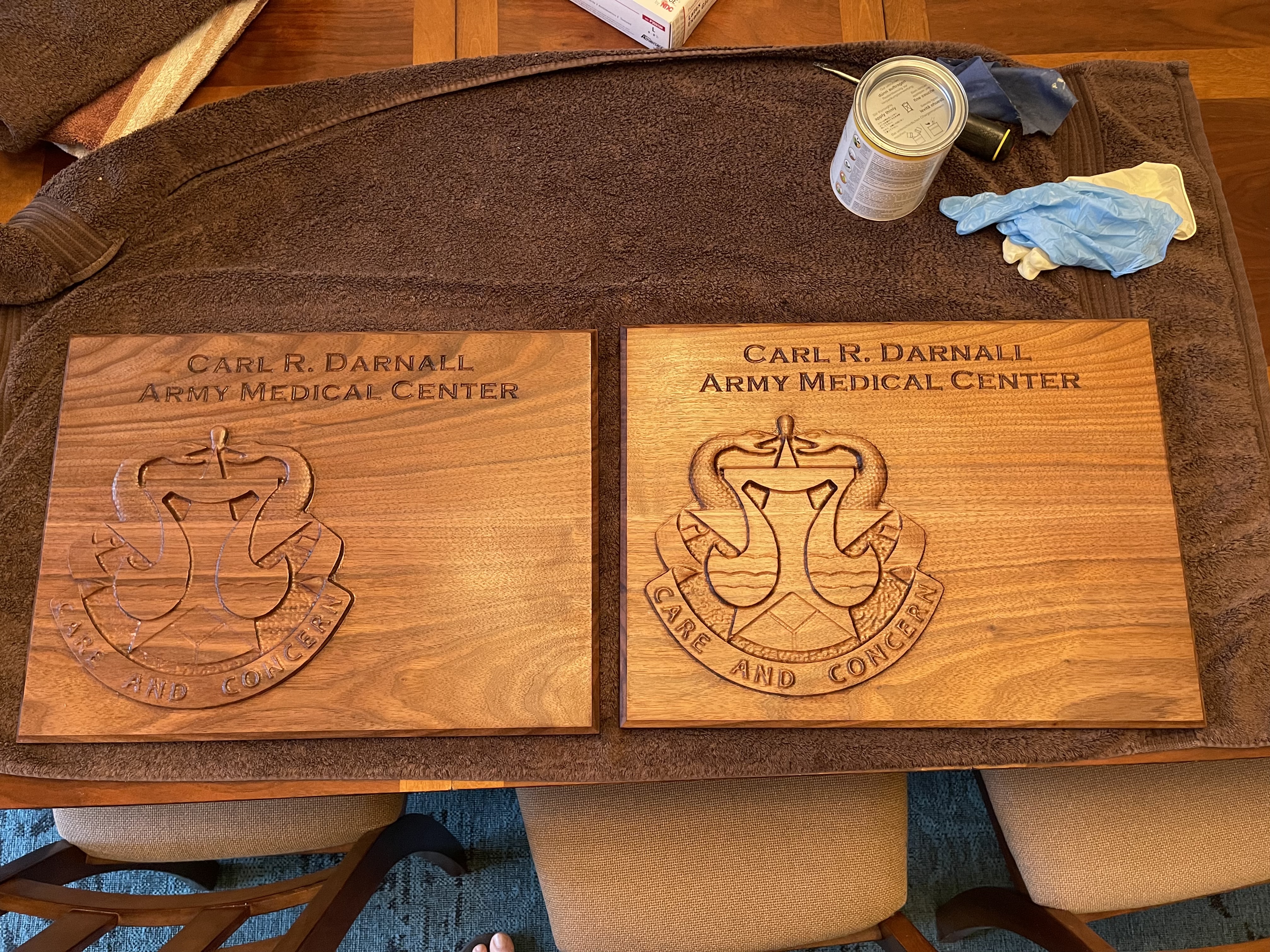
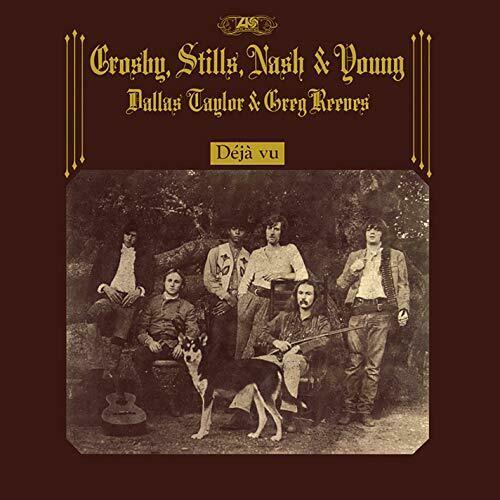
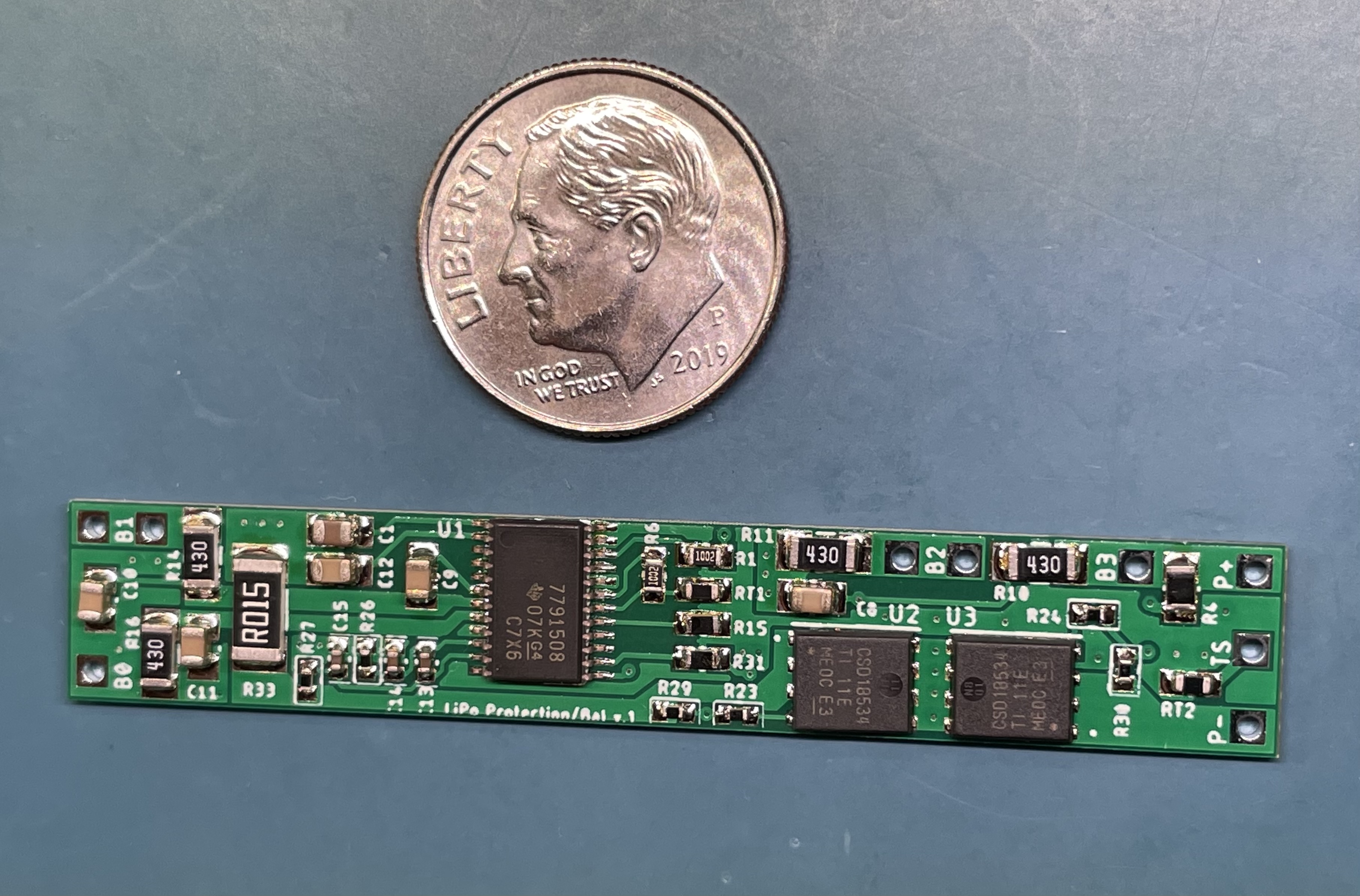
 2 points2 pointsMaking progress with the carbon build, I always enjoy SMD Here is how the SMD Carbon boards look loaded, still some parts to come and I was short on 2K trimmers on my order. Some components were mounted underside to make things easy.2 pointsJerry Lee Lewis - Live at the Star Club Hamburg They don't call him "the Killer" for nothing. The man can play.2 pointsHere are the part numbers for the 8 pin connectors and pins... 1-794065-0 770579-1 770988-11 pointI think SPOX are limited to 250V, in saying that they are great connectors from my experience.1 point1 pointTwo different people. No, but I had to hold the phone over my head. Those are 20”x15”1 pointI never realized Montana's western state line kinda looks like Nixon.1 point1 point1 pointI got the board and parts in for the battery protection/balancer and was able to get one built. I’ll try to get some testing in tomorrow.
 1 point1 point






Important Information
By using this site, you agree to our Terms of Use.