Leaderboard
-
Voltron
High Rollers8Points34628Posts -
TMoney
High Rollers7Points4708Posts -
luvdunhill
High Rollers7Points13728Posts -
purk
High Rollers6Points2161Posts



Popular Content
Showing content with the highest reputation on 06/30/22 in all areas
-
6 pointsDefinitely enjoy all of your headphones, maybe the Orpheus clone and then the Omega clone the most but I definitely enjoy chatting with you more. P. Wachara was super kind and took me and another friend out for a great meal! Many thanks again! This picture was taken after a big meal by the way!!6 points
-
Wolf Alice - Blue Lullaby EP Stripped down versions of songs from Blue Weekend.3 points
-
I cannae get drunk enough to make me feel better about what happened in SC(r)OTUS...but memes of Lake Superior throwing shade...they make me feel somewhat better.3 points
-
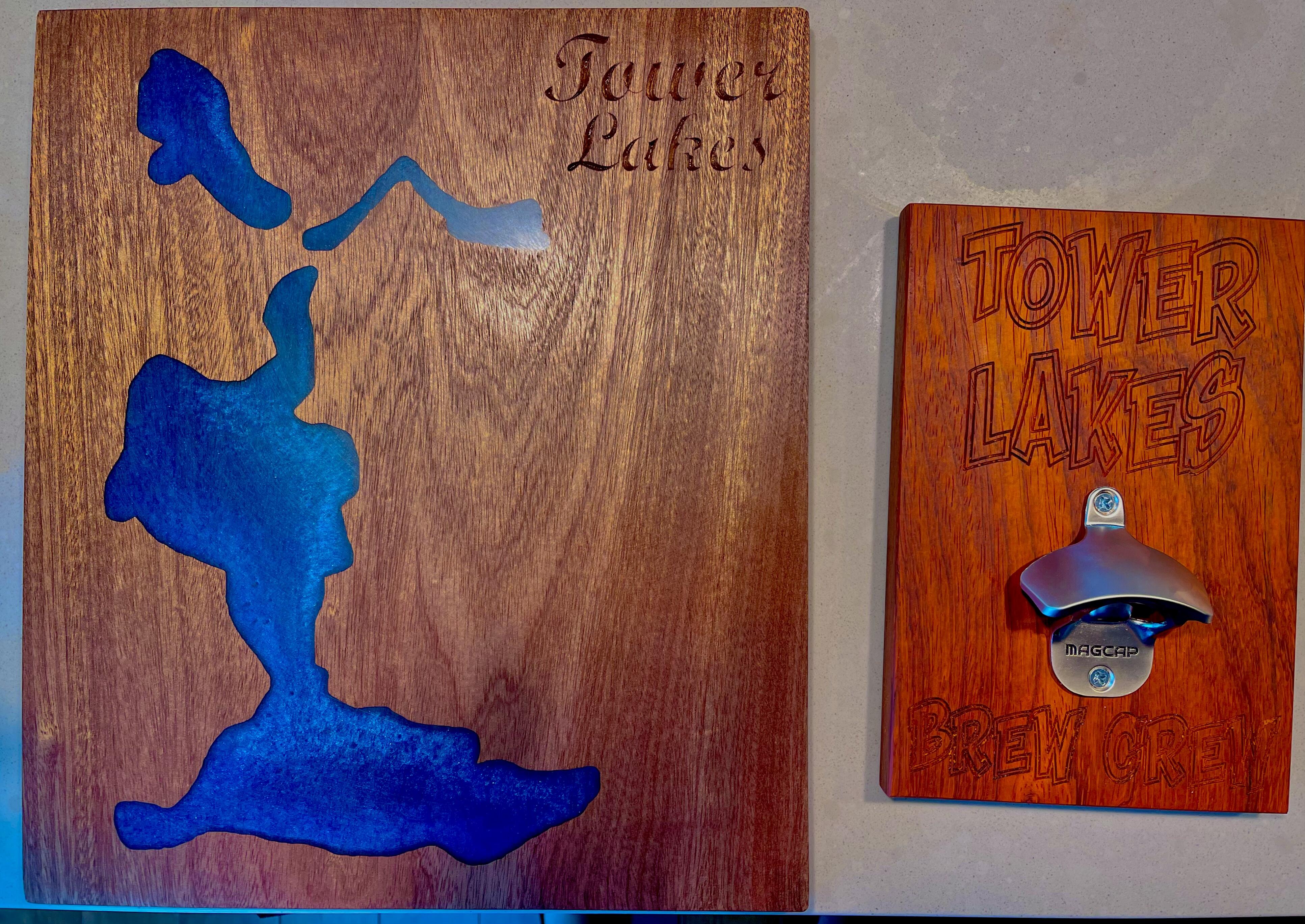
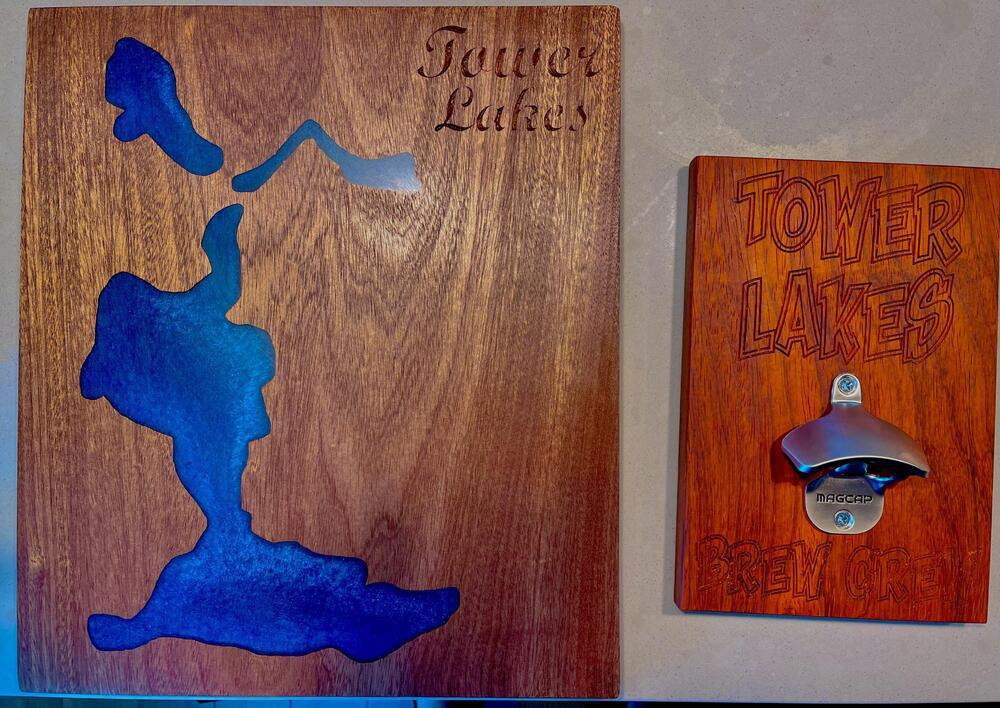
3 pointsFinished a charcuterie board and beer opener for the neighborhood 4th of July auction.
 3 points
 -
3 points@purkcame to visit me today. I showed him all of my DIY headphones. He seemed to like my Omega clone the most.3 points
-
As vintage digital cameras get mentioned here often, fun purge video from this morning (with buying options). Her goal was getting down to two. Good try.2 points
-
A couple of newer shows we are enjoying: Dark Winds (AMC) Hotel Portofino (PBS) Also, ditto on The Old Man (which has already been renewed for another season).1 point
-
Didn't know until today that this existed! Just started listening (24/96), but looking to be a fantastic compliment to the night before!1 point
-
BTW, that’s the soundtrack for the short that led to the feature. If you haven’t seen the short…1 point
-
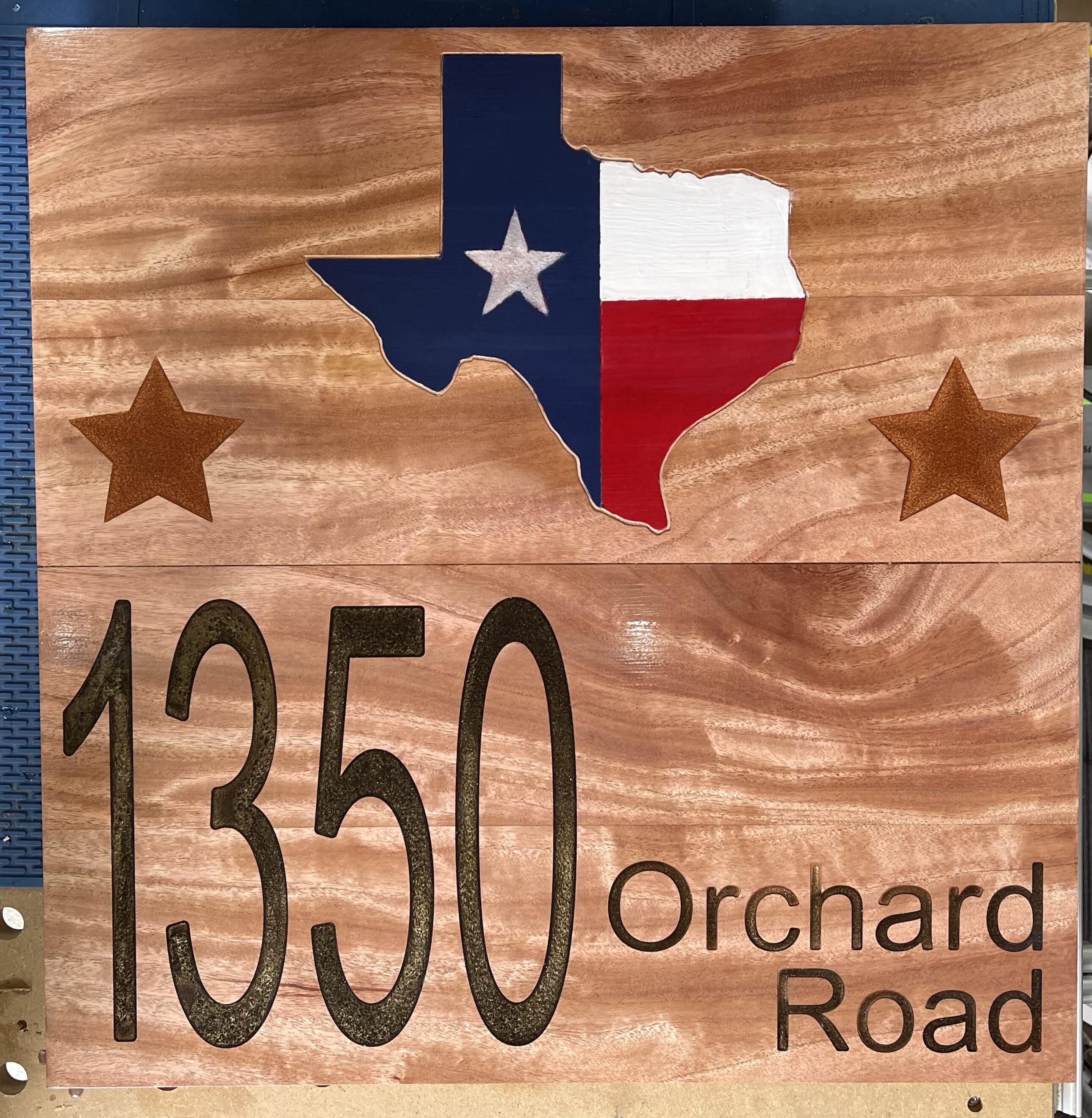
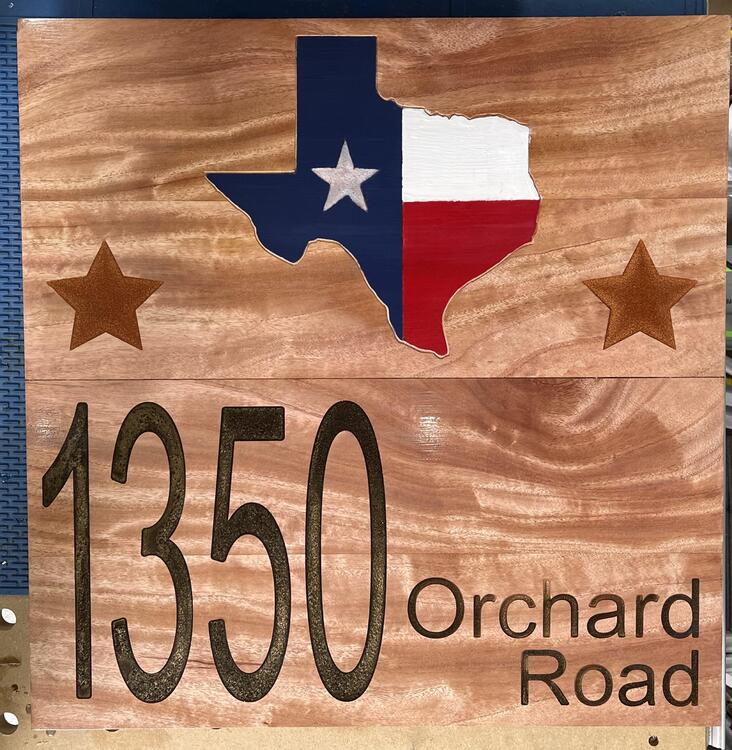
1 pointCNC project two nearing completion. I hate applying finishes.
 1 point