Leaderboard
-
Hopstretch
High Rollers12Points16821Posts -
blessingx
High Rollers7Points17838Posts -
naamanf
High Rollers5Points6661Posts -
dsavitsk
High Rollers5Points4972Posts




Popular Content
Showing content with the highest reputation on 03/19/25 in all areas
-
I don't listen to enough Schubert. Lupu playing his Impromptus is about as good as it gets.4 points
-
Getz Au Go Go by The New Stan Getz Quartet (1964) https://album.link/d9qhntpcj25fx Example: I said I needed more Astrud in my life, and I get Getz for free. Even better..2 points
-
1 pointI moved into the new place this weekend. Moving sucks, but hopefully that was the last move I need to make in a good while.1 point
-
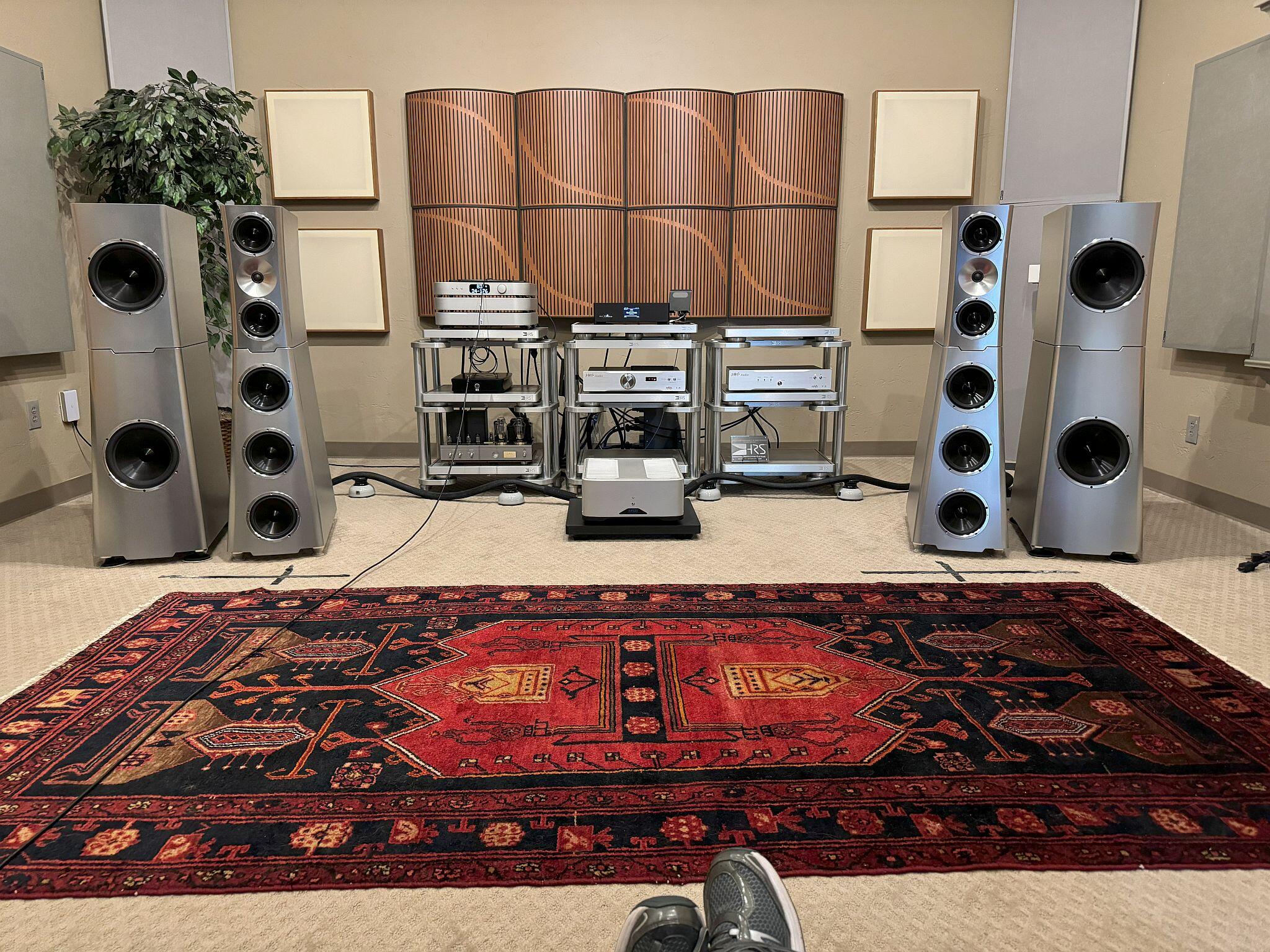
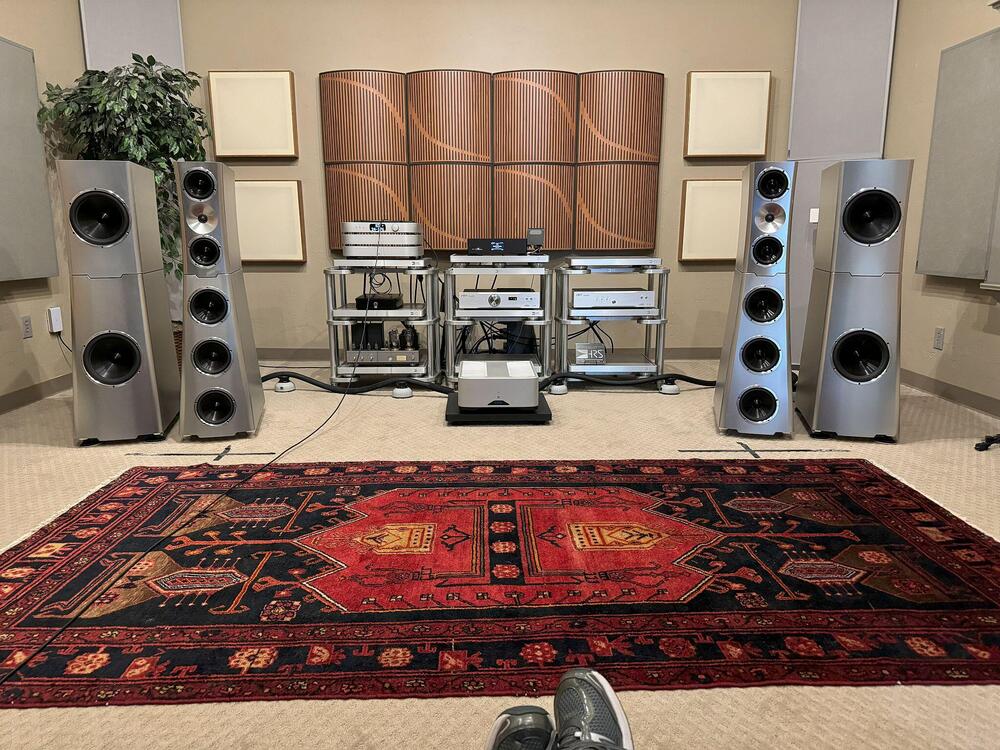
1 pointDid a little "audio therapy" last weekend with an audio buddy. Visited one of my 2 favorite dealers and did some nice listening to YG Acoustics....have loved their stuff for years.
 1 point
 -
1 point
-
1 point
-
1 pointYou know the old saying "No highs, no lows, must be Bose there's a cat on the speaker."1 point
-
1 point