Leaderboard
-
Hopstretch
High Rollers15Points16821Posts -
n_maher
Administrators7Points27522Posts -
blessingx
High Rollers4Points17838Posts -
Voltron
High Rollers3Points34627Posts




Popular Content
Showing content with the highest reputation on 04/28/25 in all areas
-
With Outkast keeping Oasis out of the RnRHOF, there really was only one choice tonight.
 4 points
 -
3 points
-
3 points
-
3 points
-
2 points
-
Or possibly https://en.wikipedia.org/wiki/Face_to_Face_(The_Kinks_album) e.g. 13. Sunny Afternoon 32:262 points
-
1 pointYou might say I follow the strategy of DIY T2 PSU by Kevin. I have two PSU I’m using for all my electrostatic amplifiers. One original T2 PSU and one I made myself basically same as the original but with KGSSHV PSU regulators. Bottom line: I’ve never have bother about grounding strategies. So far, I haven’t had any issues with ground loops that I’m aware of.1 point
-
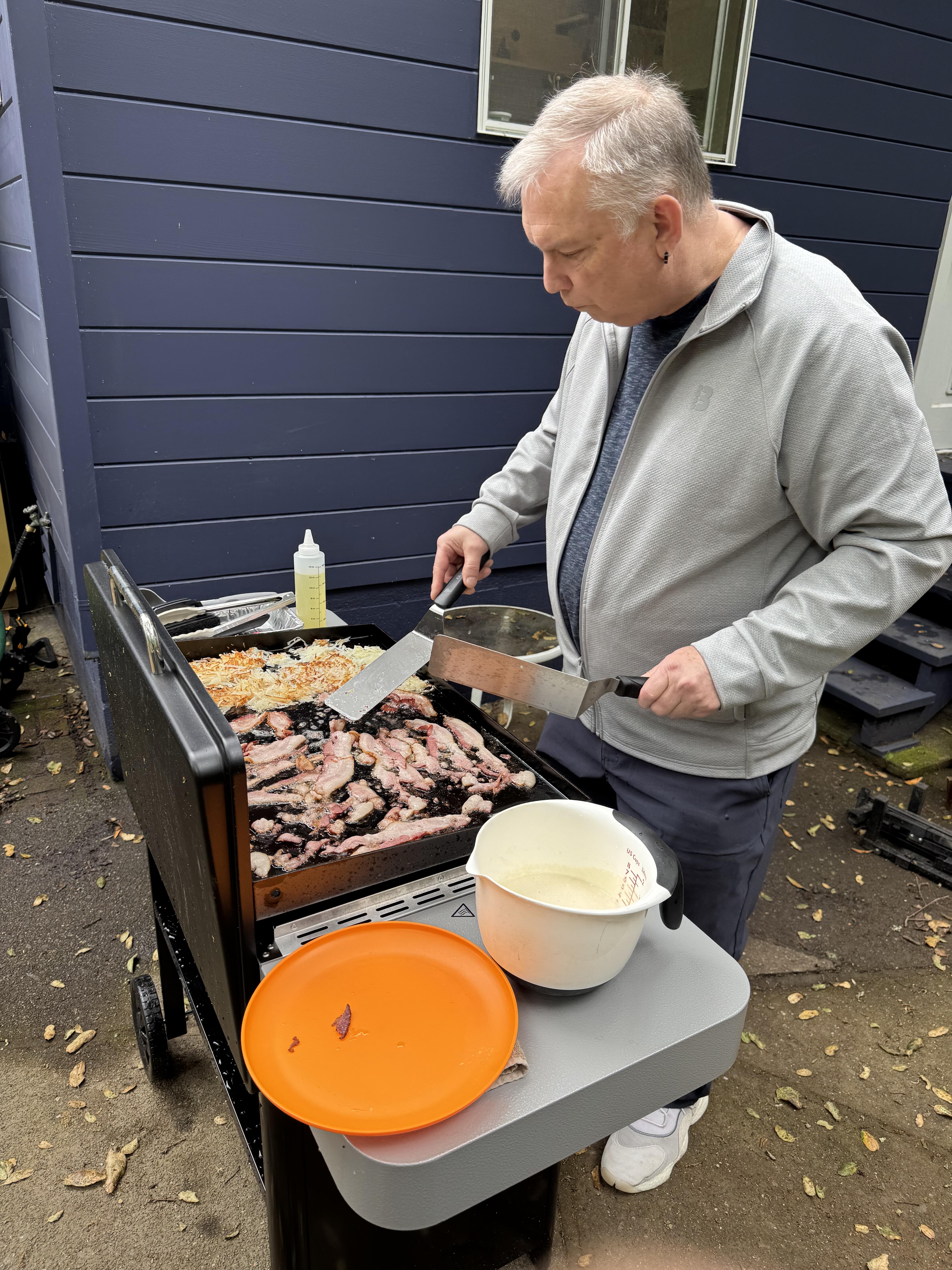
1 pointDidn't take pics, but cooked bacon, hashbrowns and pancakes on the new griddle. Dorothy cooked scrambled eggs inside. Worked fantastic! My assistant griddler (DOTU)) and I made quick work of it, and had fun.1 point
-
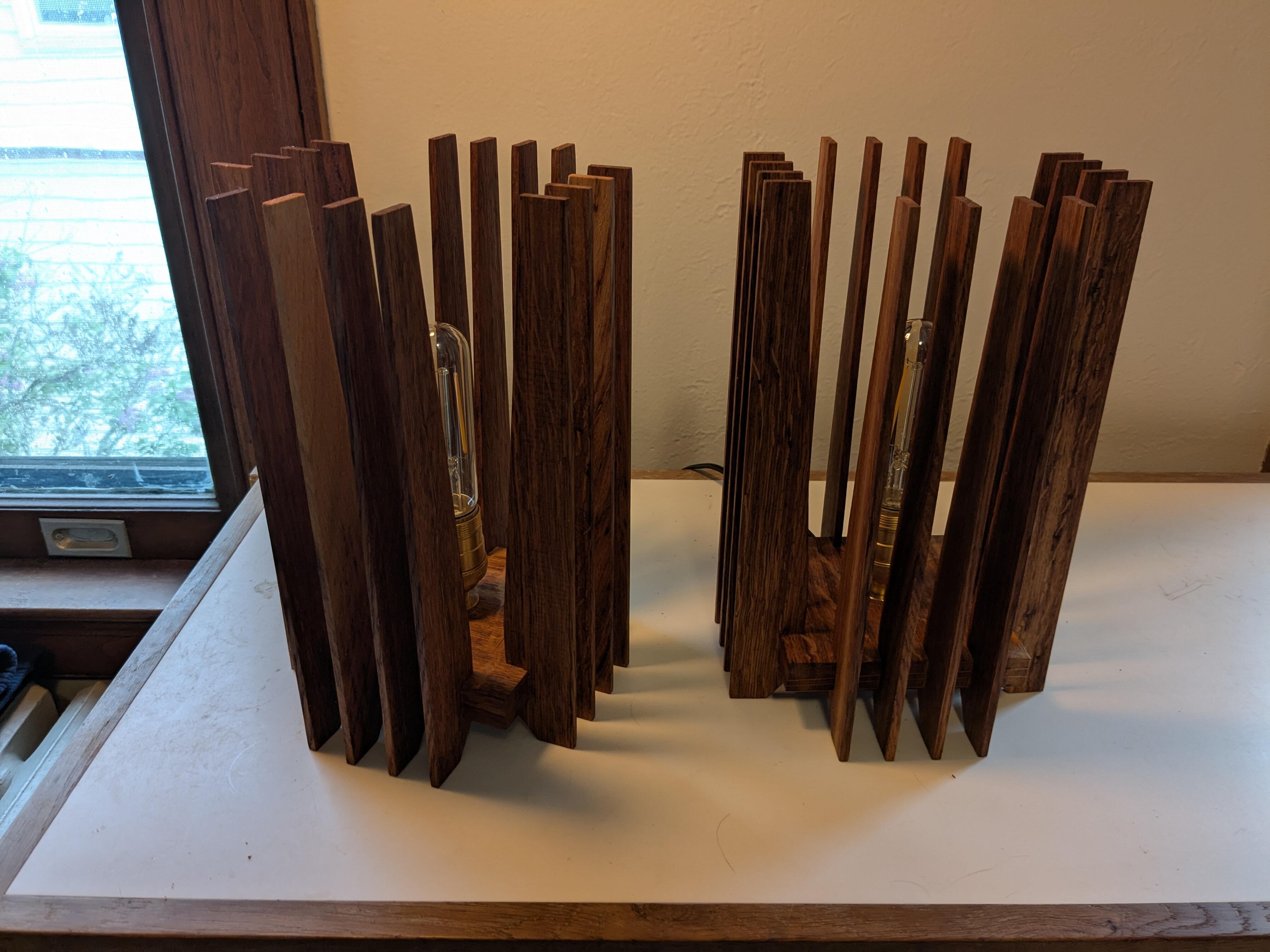
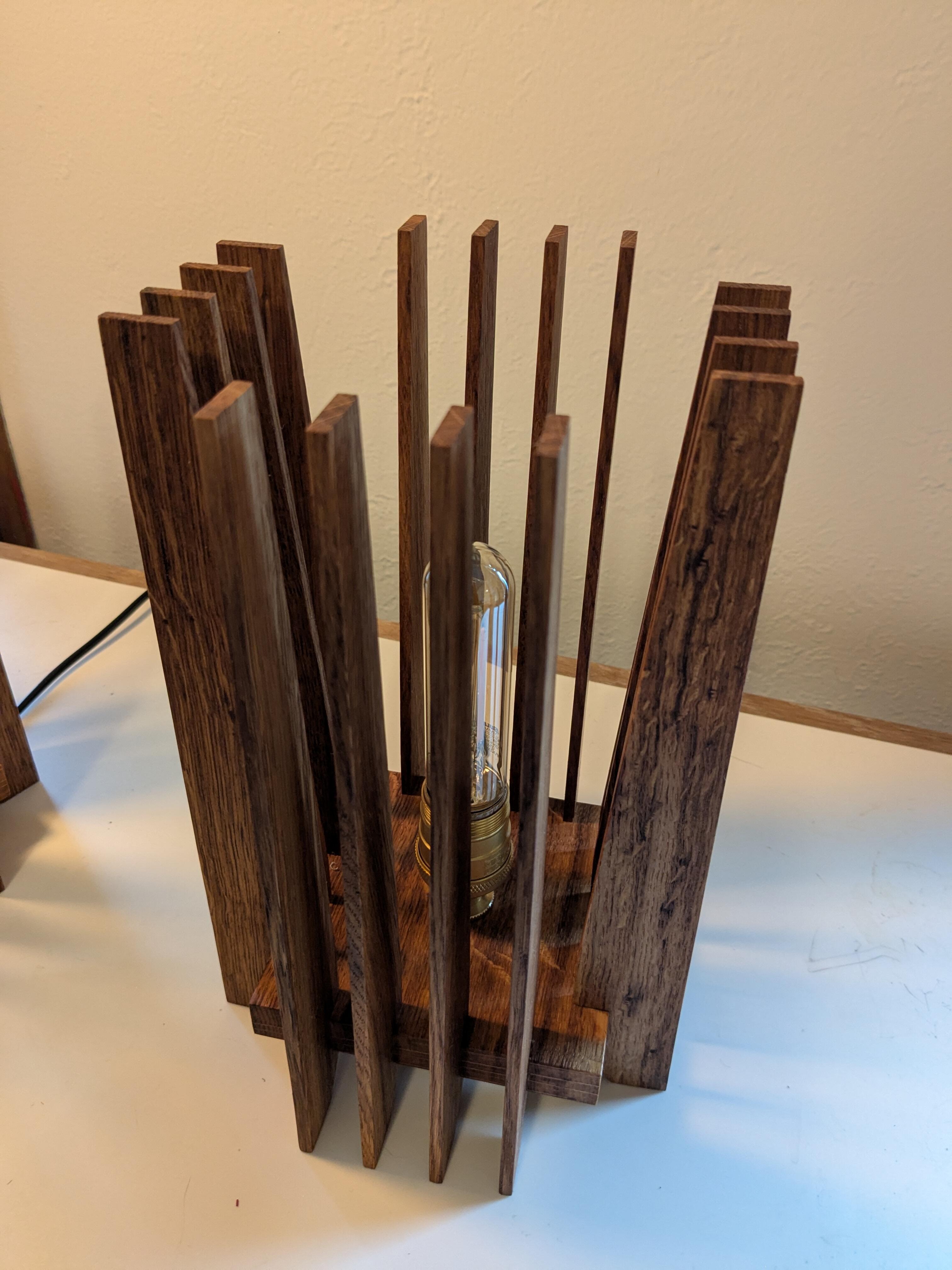
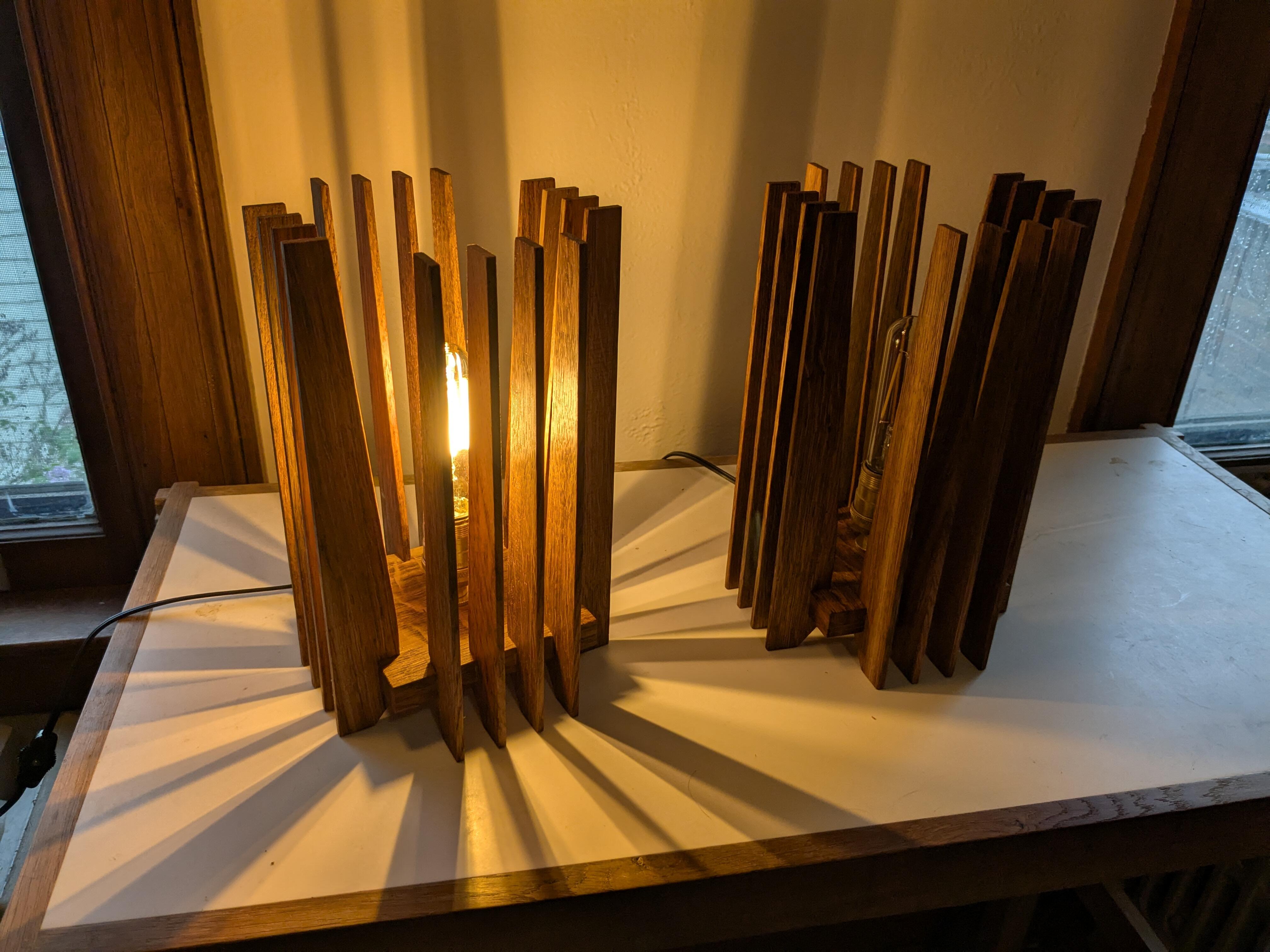
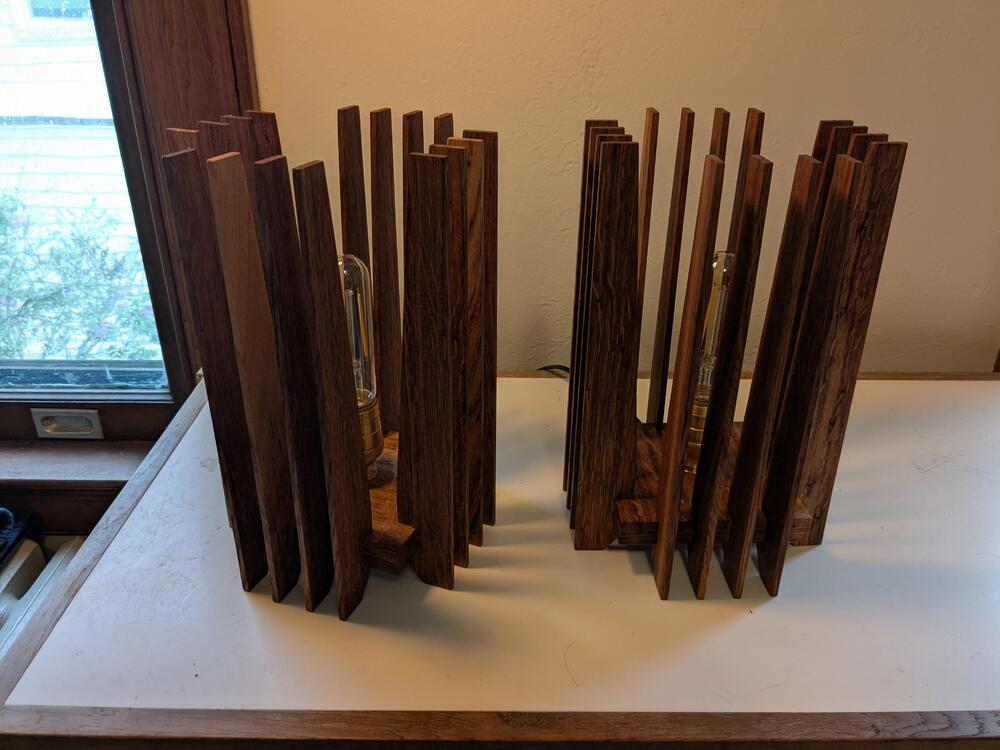
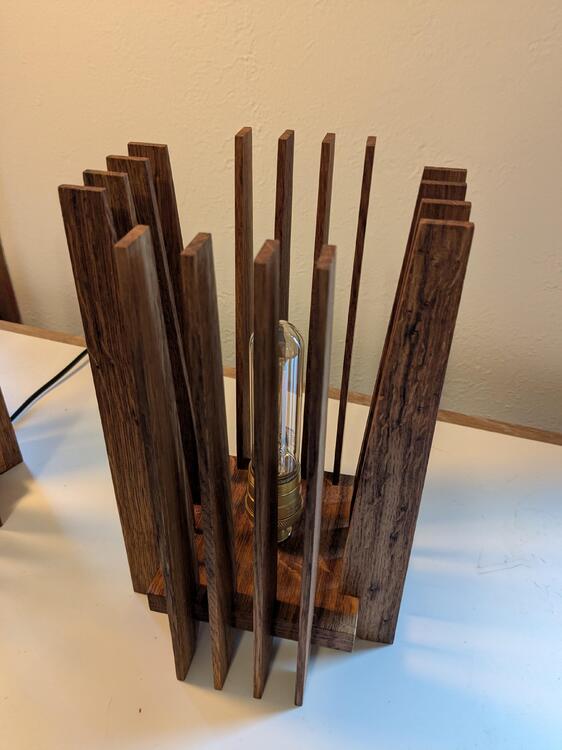
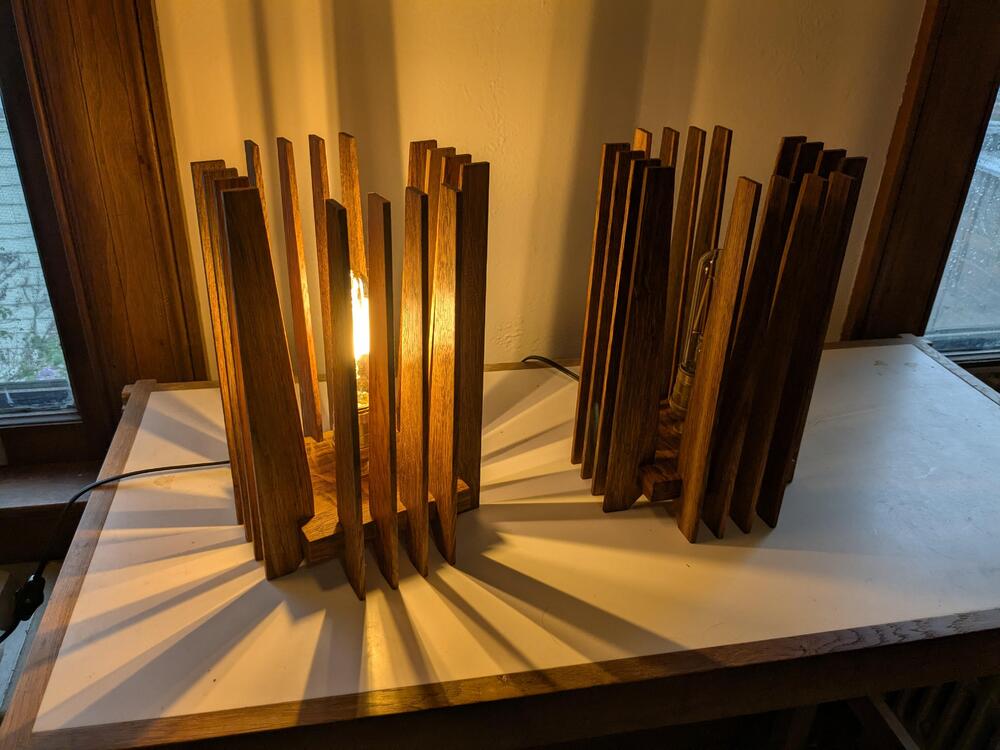
1 pointThe cats broke the glass lamp in our entryway, so I needed a non-glass replacement. Similar to a design I made a few years ago, but smaller and with some refinements.
 1 point