

Leaderboard
-
Grahame
High Rollers13Points16859Posts -
Hopstretch
High Rollers11Points16821Posts -
mikeymad
High Rollers6Points13883Posts -
morphsci
High Rollers6Points13355Posts




Popular Content
Showing content with the highest reputation on 09/01/25 in all areas
-
5 pointsGot to see a jazz orchestra play at a house party (the house of the drummer; when did drummers get houses and not cardboard boxes to live in? And there was this bonkers 50ft radius tree swing he built for his kids (and it's *totally* not a sex swing, I hear). It's pretty bonkers. Was hit up about this just hours before it started; such a neat thing to stumble across. I knew 2.5ish people b4 I went there and came out probably having expanded the musician friend group in the area a bit. My kind of people (band nerds.) Such a good time.

 5 points
 -
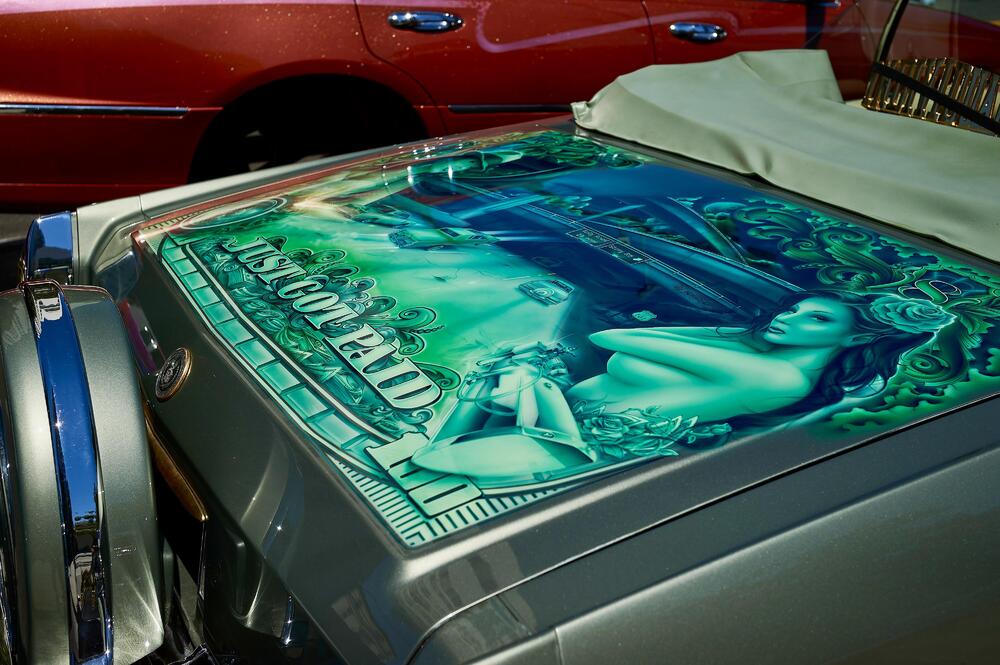
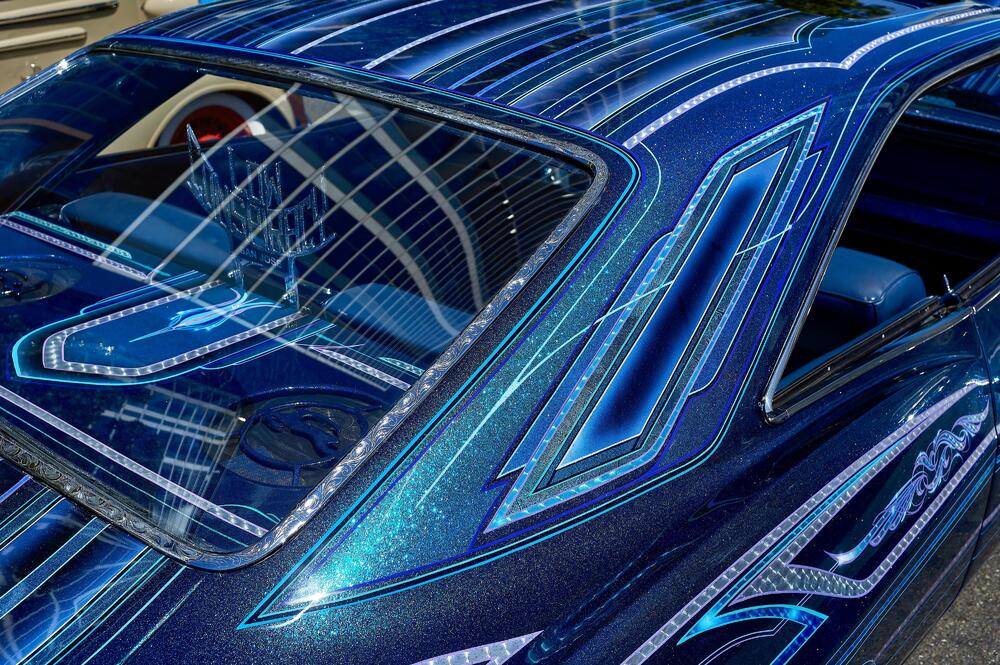
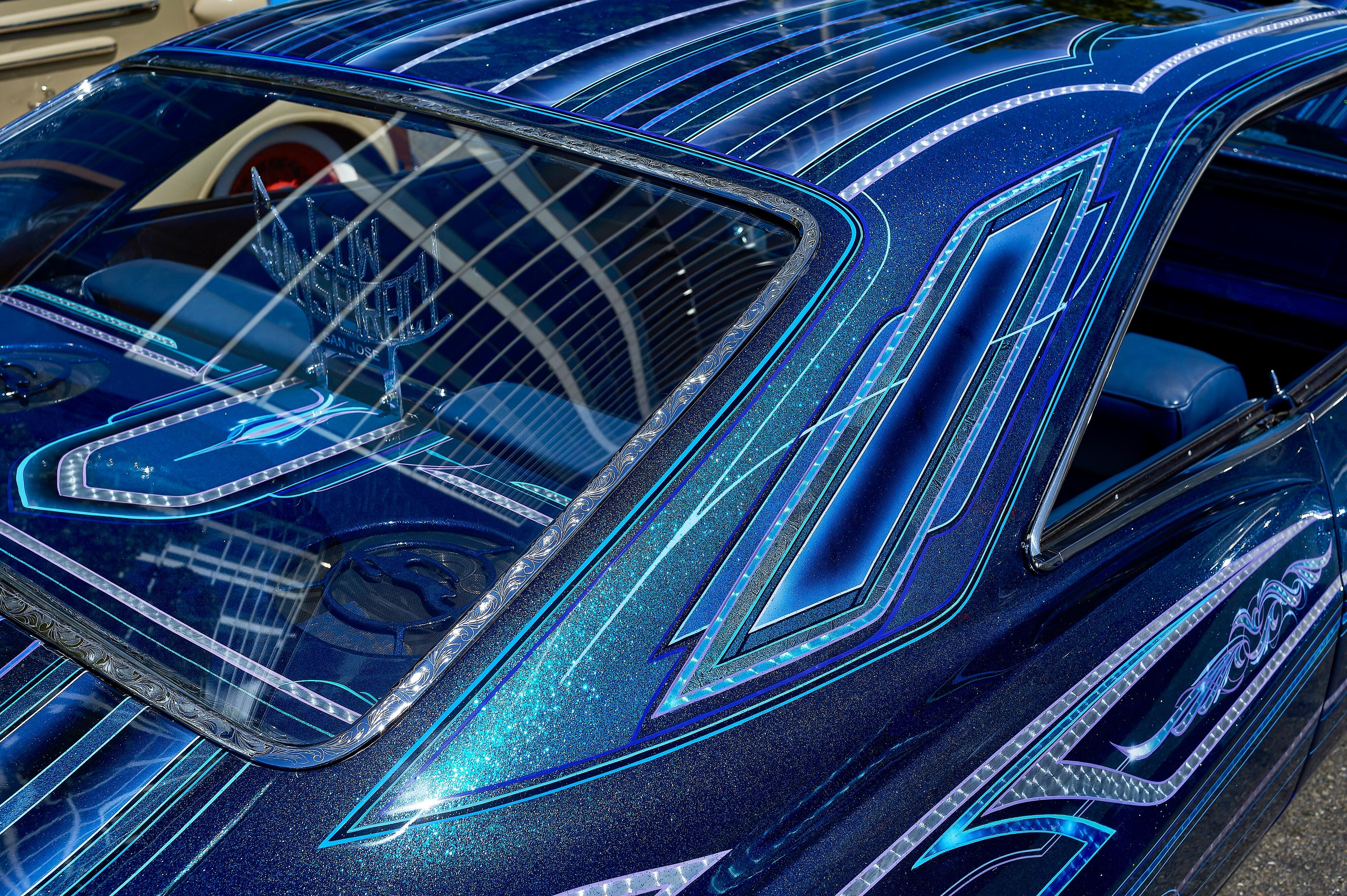
3 pointsElis & Tom by Elis Regina (1973) https://album.link/czmvv4mcjqbhn Example:2 points2 points1 point1 pointWent to the San Jose Lowrider Day downtown today. Quick visit, but some snaps from Hassy 907x 50c with XCD 45p (4x3) and Nikon Df with CV 40mm f/2 (3x2). Funny enough I liked more Nikon shots.









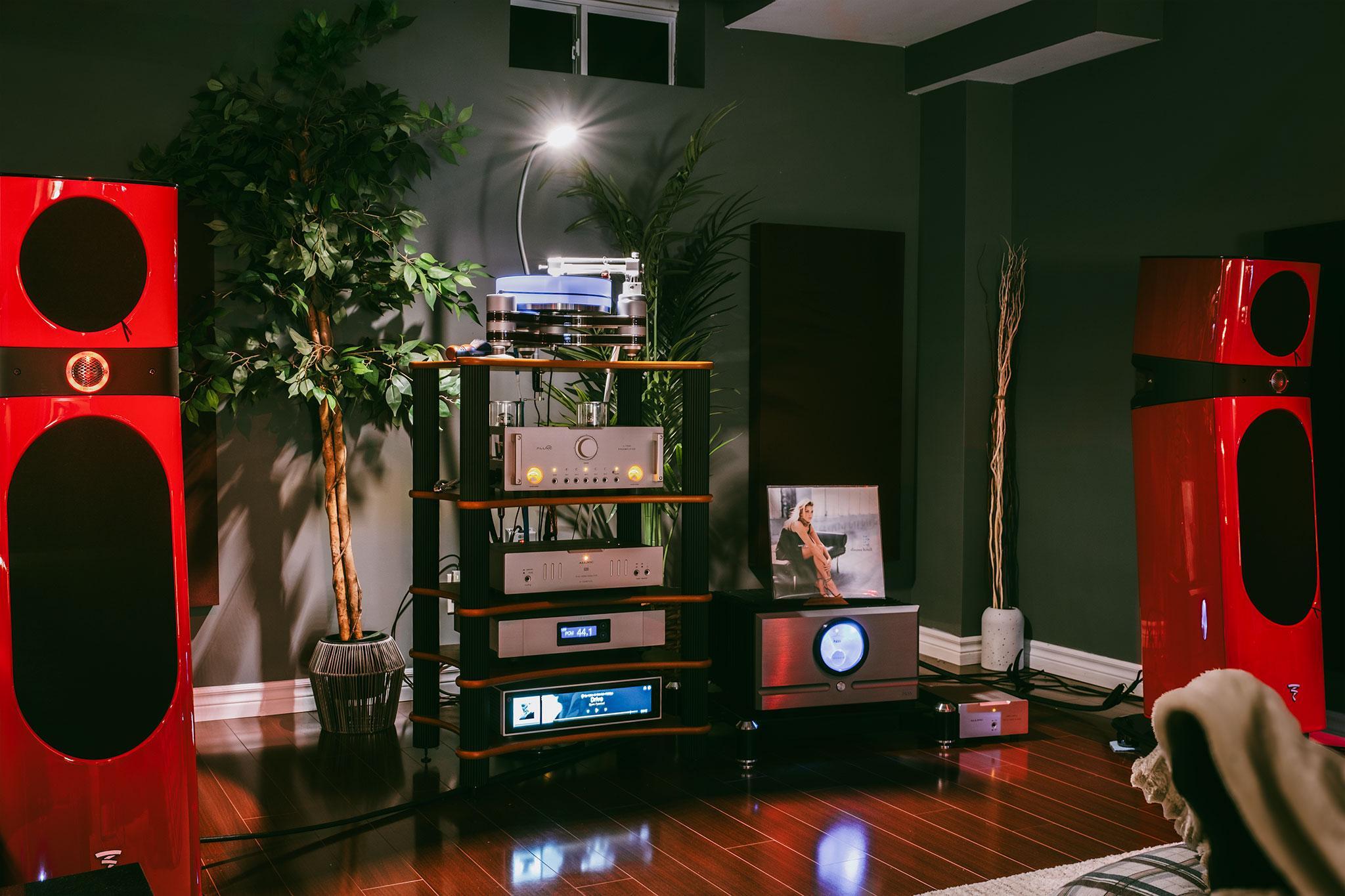
 1 pointNot really, but they were the ones leaving written evidence1 point1 point1 pointbSWYJ7akqNiZbFJ4dWNIO1NX7kegOuC5EntKw4Vo21w.mp41 point1 pointI don’t think the non-grata is an issue. It’s just that improving from a Benchmark isn’t easy and most of us haven’t been into audio much lately, or at least enough to offer any insight worth reading.1 point






















Important Information
By using this site, you agree to our Terms of Use.
Account
Navigation
Search
Configure browser push notifications
Chrome (Android)
- Tap the lock icon next to the address bar.
- Tap Permissions → Notifications.
- Adjust your preference.
Chrome (Desktop)
- Click the padlock icon in the address bar.
- Select Site settings.
- Find Notifications and adjust your preference.
Safari (iOS 16.4+)
- Ensure the site is installed via Add to Home Screen.
- Open Settings App → Notifications.
- Find your app name and adjust your preference.
Safari (macOS)
- Go to Safari → Preferences.
- Click the Websites tab.
- Select Notifications in the sidebar.
- Find this website and adjust your preference.
Edge (Android)
- Tap the lock icon next to the address bar.
- Tap Permissions.
- Find Notifications and adjust your preference.
Edge (Desktop)
- Click the padlock icon in the address bar.
- Click Permissions for this site.
- Find Notifications and adjust your preference.
Firefox (Android)
- Go to Settings → Site permissions.
- Tap Notifications.
- Find this site in the list and adjust your preference.
Firefox (Desktop)
- Open Firefox Settings.
- Search for Notifications.
- Find this site in the list and adjust your preference.