Leaderboard
-
n_maher
Administrators12Points27522Posts -
blessingx
High Rollers11Points17838Posts -
Voltron
High Rollers5Points34626Posts -
skullguise
High Rollers4Points8927Posts




Popular Content
Showing content with the highest reputation on 06/06/26 in all areas
-
2 points
-
A guilty pleasure, but a pleasure nonetheless.2 points
-
I don't use mesh but I will definitely also recommend Unifi. I have a Cloud Gateway, a U6 WAP and one of their switches. The whole system was a dream to setup and piecemeal upgrade-able should I need it. No required subscriptions or cloud BS either for the security-minded folks.2 points
-
Look into unifi wifi https://ui.com/wifi It's meant for covering a large area with easy integration of multiple access points. You could put one access point in the main house and another in the loft over the garage and you should have excellent coverage everywhere. You would need to install the controller on your computer to set everything up, but once it's running you don't really need to do anything else. It would also give you the ability to easily monitor it all while you're away. You could continue to use the current router, or you could use a unifi router (I have an extra in a box that I never opened of you want it).2 points
-
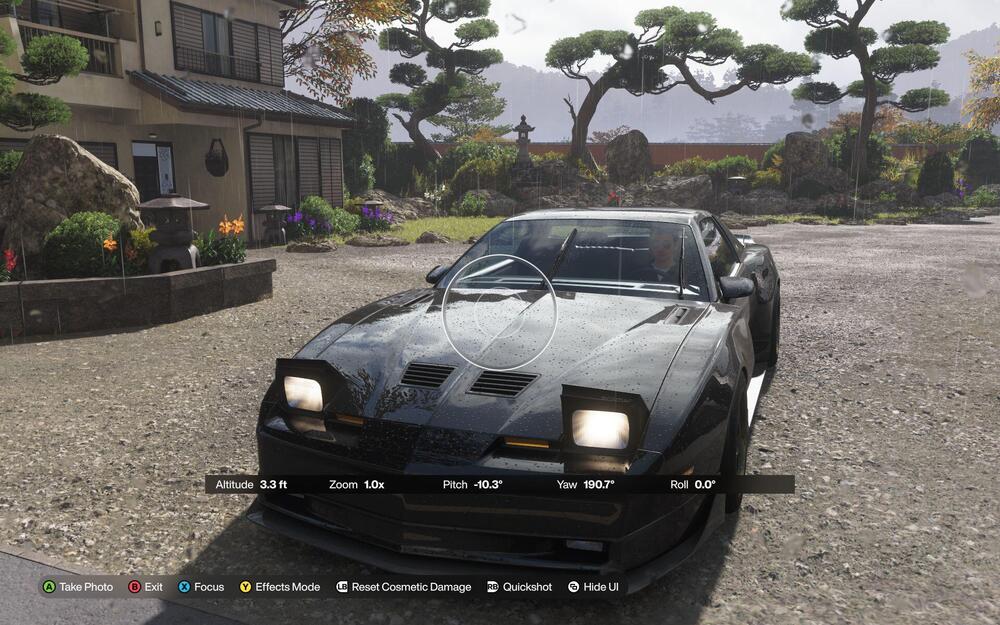
1 pointIt's the biggest Forza Horizon ever... the game world is huge and it's incredible.
 1 point
 -
1 point
-
0 points