


blessingx
High Rollers
-
Joined
-
Last visited
Everything posted by blessingx
-
Hunting down Schmigadoon! scenes. Last pitch.
-
The world of Miami Vice guest stars and pre-stars. Surprised to see Leonard Cohen and Frank Zappa.
-
Shortcuts. Reminds me of the Stewart, I think, segment eons ago polling people if "heterosexuals should serve in the military"?
-
Sun Bear Concerts by Keith Jarrett. He’s even better than Don Henley.

-
Glad you escaped Steve. Also for those that remember this from last year, Lukas Gage may be able to now move into a larger apartment.
-
I know I should let this go, but I find this stuff fun and think it's cool this show is spawning conversation, so if you don't mind using the honeymoon wife... 😉 . . . . [spoiler](spoiler){spoiler}What do we know about her? She's got rose-colored glasses and wants to make a difference. She may be coming to the conclusion she may not be very good at her job. He comes from big money and she comes from a family that can't afford flying to Hawaii. She's surprised by his seemingly new lack of caring about her work (may have been naive here) and interrelated he's surprised she wants to keep her own identity now that they're married. Finally, after he's flirting with others, she questions his feelings for the future after she loses her physical beauty and he responds, not with all the other reasons he loves her, but that he would never lose that attraction to her physical beauty. She's smiles satisfied. Do I have that list right? If so, clearly not completely innocent, but an understandable participant in the possible disaster? I dunno. What do you think? {/spoiler}(/spoiler)[/spoiler]
-
Thought this was funny. Are you allowed to criticize Simone Biles?: A decision tree.
-
I'm going the opposite direction. He may not have succeeded, but White in an interview talked about his love for Succession, but its Privileged family lives in a bubble and distant "otherness" sets in, versus his goal here that it's any family at the next table or any of us with power/privilege using others. We all set lines differently, and maybe I've become soft, but I do have sympathy for nearly every character. [spoiler] I think in the second episode I turned towards Melissa and said "Ha, they're even going to get us to care about that horrible manager!". Every time Jennifer Coolidge moves a muscle (mouth or other) I feel her oblivious uncomfortableness. The tech family lost kids trying to built an angry wall or tune out. Those humorous, but normal, family conversations of identify. Trying to make a living in a tourist trap. The poor newlywed and masseuse mentioned above probably going to get crushed. And the series opening scene mystery... [/spoiler]
-
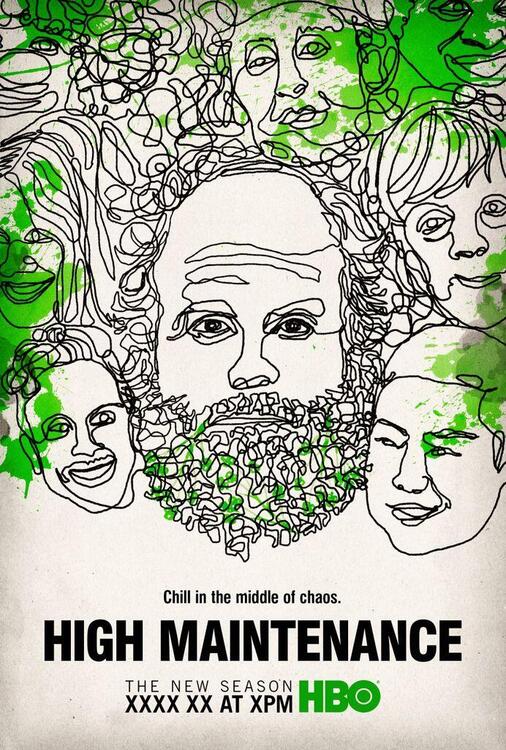
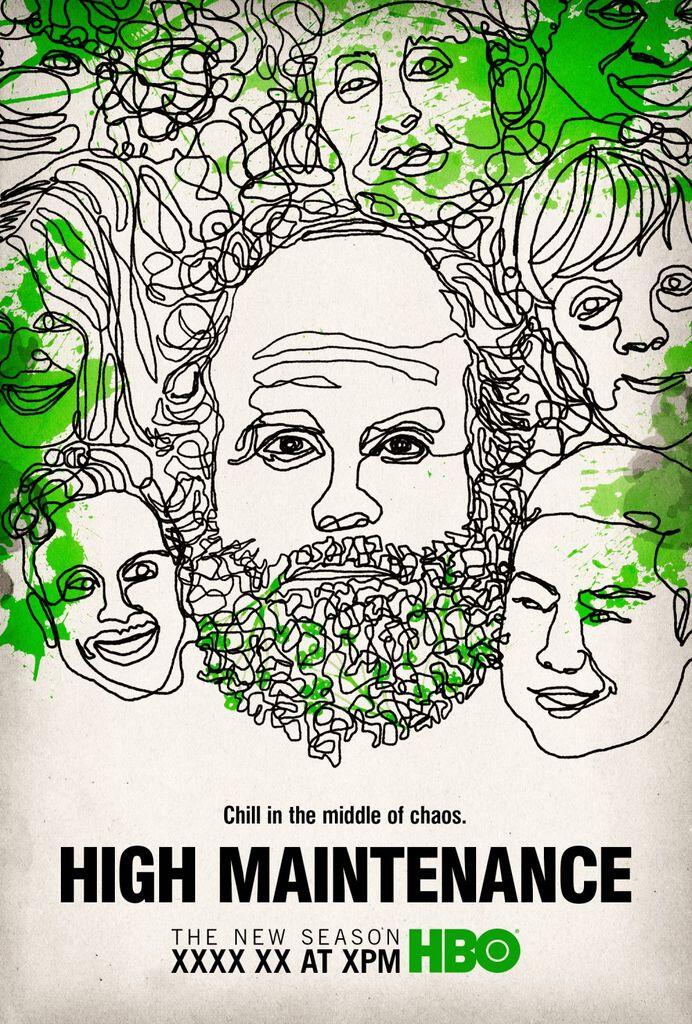
^ Yeah, I’m already in pre-withdrawal as there are only two episodes left. Mike White’s, I dunno what you want to call it, sympathetic ridiculousness, is so on and enjoyable and has been for him since the beginning (I’m sure his and his fathers history are relevant here). Not to mention the commentary. Going to have to go back to Chuck & Buck and Enlightened series again. Speaking of, hit pause on the HBO’s High Maintenance to consume the earlier, shorter, 19 Vimeo episodes, now on HBO as High Maintenance Web Series. I know this is going to sound like hyperbole, but I swear there may never have been a more compassionate series on American television. And it avoids corniness while doing so.
-
Worth remembering https://www.instagram.com/p/CSAaOJFBqi6/
-
-
Giles Martin on The Beatles in Spatial Audio - what works and what’s not quite right yet https://www.rollingstone.com/music/music-features/beatles-best-spatial-audio-albums-apple-music-abbey-road-giles-martin-1202832/
-
High Maintenance (HBO). Playing catch up. Man, its pilot is maybe the best I've seen since Breaking Bad. I need to give the Vimeo episodes a shot too.
 Tim & How The Replacements Ruined Everything. Plenty to disagree with, but I think worth a watch.Hope it's a great long patio day.Thanks. If you want to venture over to a third medium, Dawoud Bey: Night Coming Tenderly, Black, is another modern look at the Underground Railroad.
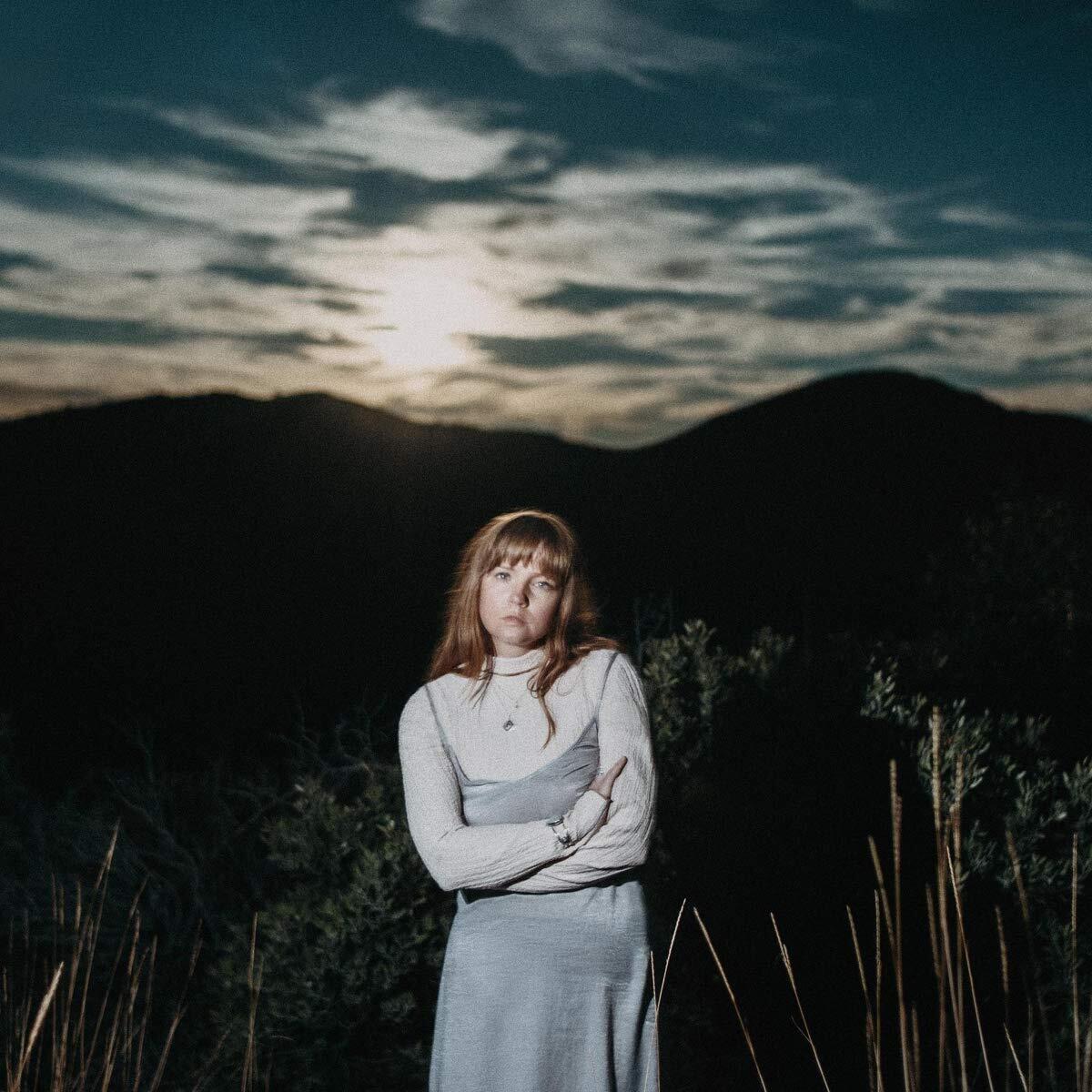
 More Tiny Desks: Natalia Lafourcade... ... and then Monsieur PerinéI just learned I only have months to live. This is what I want to say I’ve been a journalist for more than 60 years. So after doctors delivered the news, I sat down to do what came naturally, if painfully: Write this story. https://www.bostonglobe.com/2021/07/21/magazine/i-just-learned-i-only-have-months-live-this-is-what-i-want-say/Playing Courtney Marie Andrews' Old Flowers, a breakup album reflecting on what once was, which was on constant play as we settled in for the pandemic, and Maple Glider's To Enjoy Is the Only Thing, heard pretty much non-stop over the last week (and mentioned here several times), a celebratory look towards connections and the future. Love songs can be goofy, but I wonder if these will end up being my COVID bookends (well, if we're approaching an end, probably too optimistic as rates are increasing nearly everywhere).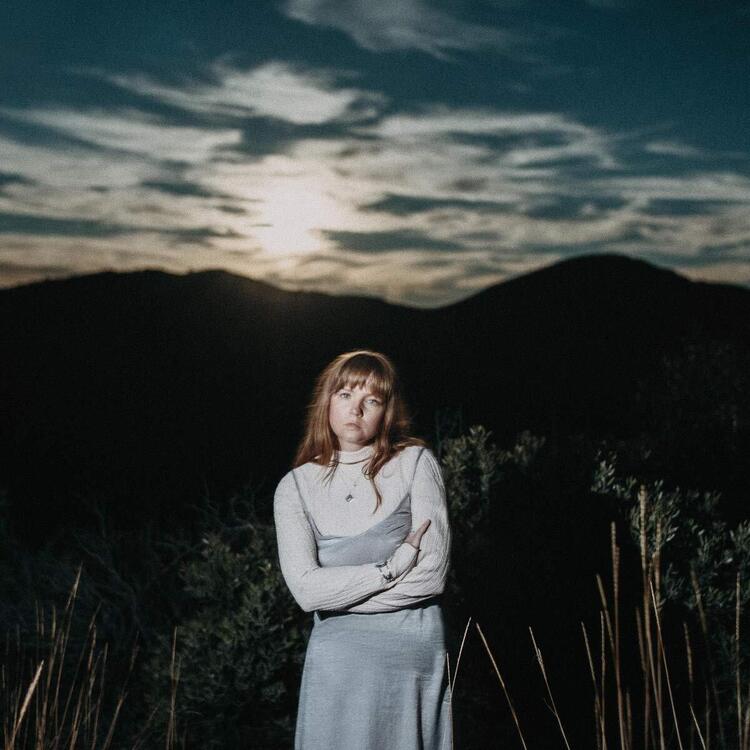
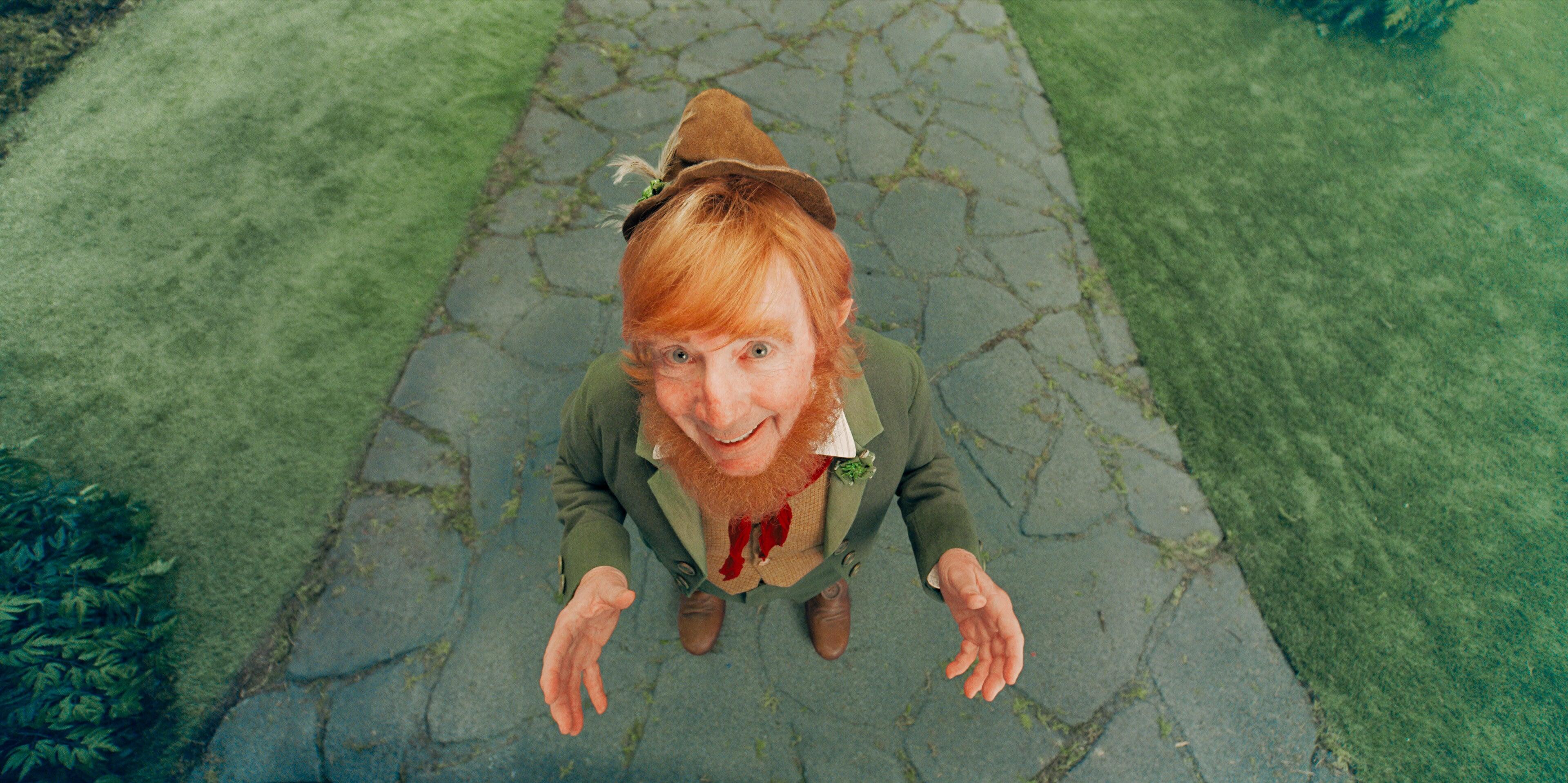
 Timbuk2 sale ending today if anyone needs even more bags. https://www.timbuk2.com/collections/saleThe Olympic Mascots are forgotten https://www.nytimes.com/2021/07/27/world/asia/tokyo-olympics-mascots.html?referringSource=articleShare^ I've requested that at several cover band shows and wedding receptions! _____ Someone in '76 thought the world needed a Happy Days-Welcome Back, Kotter cross over song (though they took place in different decades). The Fonzerelli Slide...Leon Bridges – Gold-Diggers SoundAlso Lasso last night. Today, and I know this won't be everyone's cup of tea but keep in mind the main characters are designed to be split between loving and hating musicals, Schmigadoon!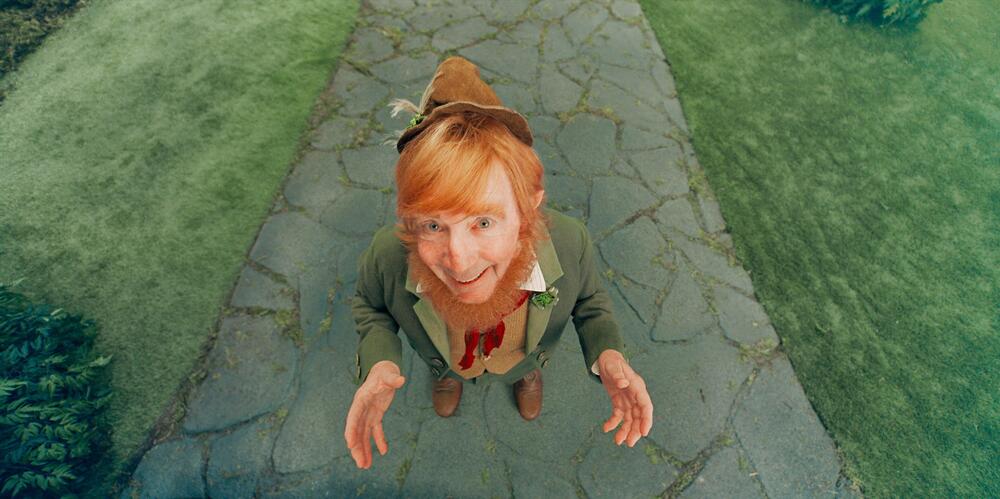








Important Information
By using this site, you agree to our Terms of Use.