


swt61
High Rollers
-
Joined
-
Last visited
Everything posted by swt61
-
Why not just put a tag that says "please vandalize my vehicle?"^ So a heterosexual that doesn't like chubby people?Never heard of the guy, and when I try to look him up I keep running into a brick wall.Beautiful!This isn't a sentence you ever expect to come out of a gay man's mouth, but I'm eatin' Dolly Parton's biscuits, and they're damn tasty!
 Open faced omelet with bacon, caramelized onion, parmigiano and heirloom tomatoes.
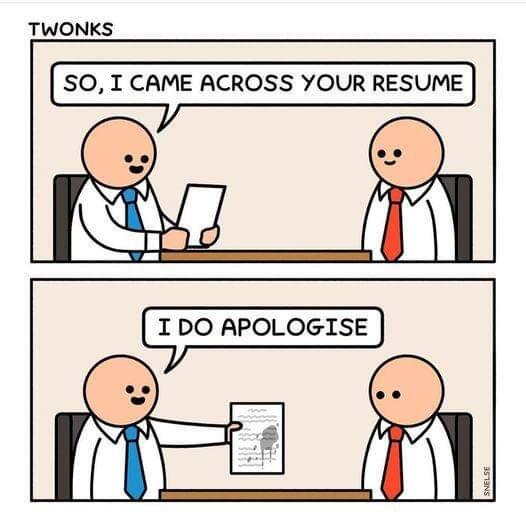
 I seem to remember some guy laughing at me trying to read resistors when I built Colin's F5 amp. 🙂 Now I have one bionic eye, and can read them fine.I was captivated throughout the entire video.Got my house cleaning done early this morning, so I decided to give this a go. Thanks Ric, I really enjoyed it!It's excellent all the way through. Enjoy!Thou sustainance of which Brent shall not partake.
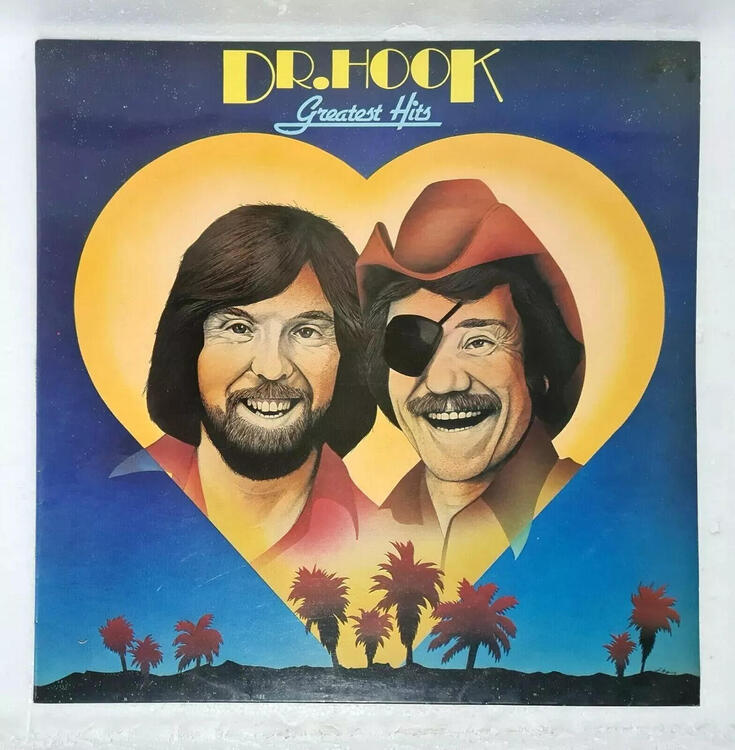
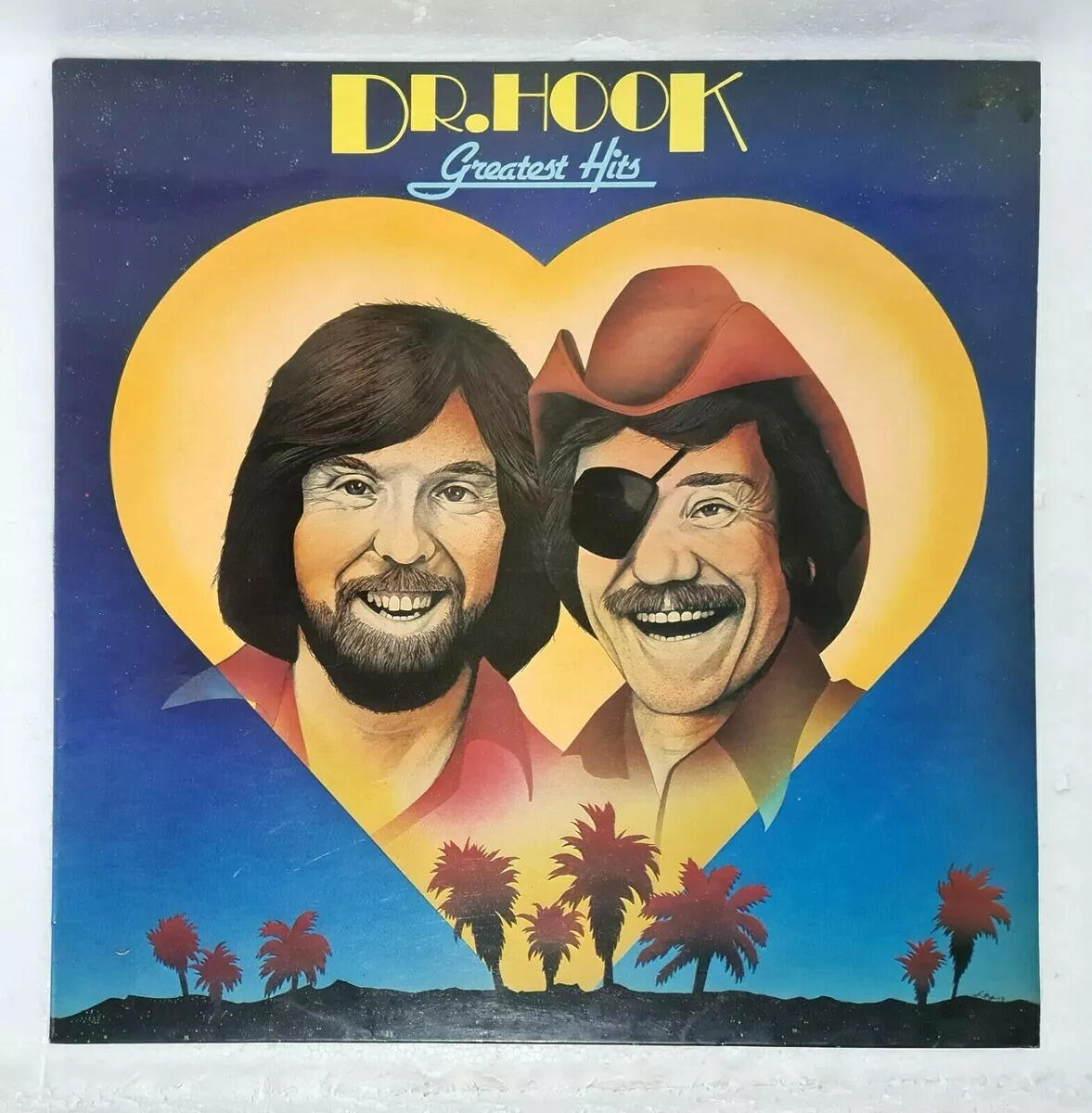
 It ain't rock-n-roll if you ain't got an eyepatch!
 We had a long time employee in the stock room leaving today, so they made a big spread to send him off. Lots of great food, including pork burritos. I didn't want to have a filling burrito for lunch, so I set one aside in the fridge and am turning it into a chimichanga tonight. I had some homemade guacamole in the fridge for topping.
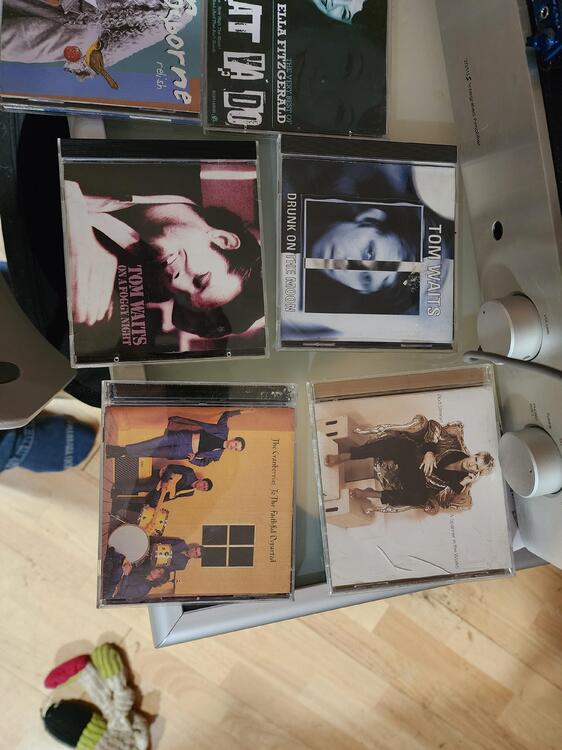
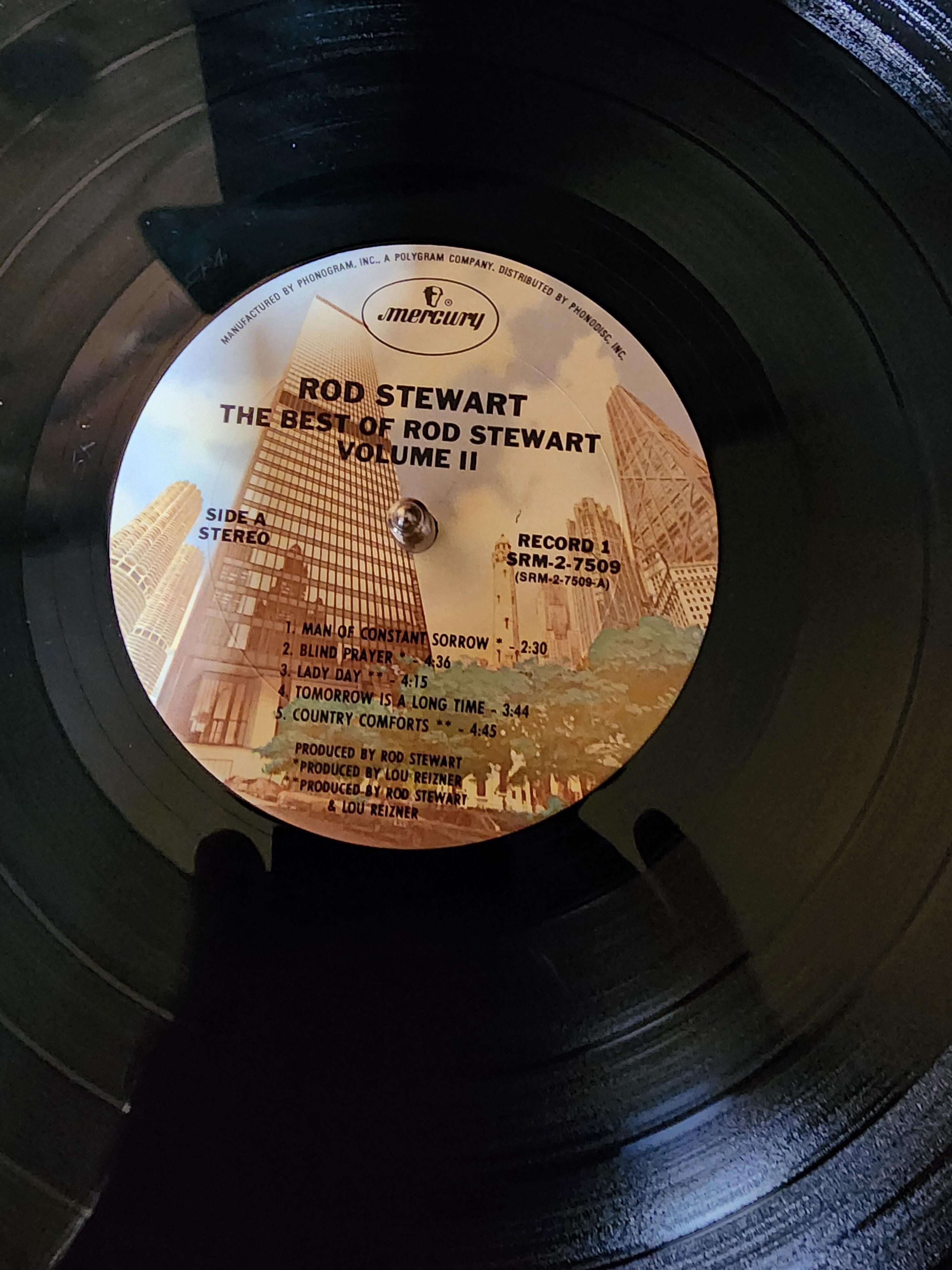
 Have you ever considered adopting a 63 y.o.?That was actually my direct supervisor and he's completely heterosexual. I did tell him that I nominated him for an honorary rainbow key card.I love halibut! Well, truth be told I like all kinds of butt.Once again it's time to remember Matt on what would be his Birthday. It would be hard for anyone who met Matt to forget him. I hope there's a better place, where you're happy Matt!I had some things to drop off at Goodwill, so I perused the $1.99 CD shelf...















Important Information
By using this site, you agree to our Terms of Use.
Account
Navigation
Search
Configure browser push notifications
Chrome (Android)
- Tap the lock icon next to the address bar.
- Tap Permissions → Notifications.
- Adjust your preference.
Chrome (Desktop)
- Click the padlock icon in the address bar.
- Select Site settings.
- Find Notifications and adjust your preference.
Safari (iOS 16.4+)
- Ensure the site is installed via Add to Home Screen.
- Open Settings App → Notifications.
- Find your app name and adjust your preference.
Safari (macOS)
- Go to Safari → Preferences.
- Click the Websites tab.
- Select Notifications in the sidebar.
- Find this website and adjust your preference.
Edge (Android)
- Tap the lock icon next to the address bar.
- Tap Permissions.
- Find Notifications and adjust your preference.
Edge (Desktop)
- Click the padlock icon in the address bar.
- Click Permissions for this site.
- Find Notifications and adjust your preference.
Firefox (Android)
- Go to Settings → Site permissions.
- Tap Notifications.
- Find this site in the list and adjust your preference.
Firefox (Desktop)
- Open Firefox Settings.
- Search for Notifications.
- Find this site in the list and adjust your preference.