


jp11801
High Rollers
-
Joined
-
Last visited
Everything posted by jp11801
-
Happy Birthday Raffy!! Miss you bud, hope you had a great day
-
Playing a drop of the music matters 45 rpm - love this album

-
Cheers Jeffy Sent from my iPhone using Tapatalk
-
Raffy is the king of Jenga Sent from my iPhone using Tapatalk
-
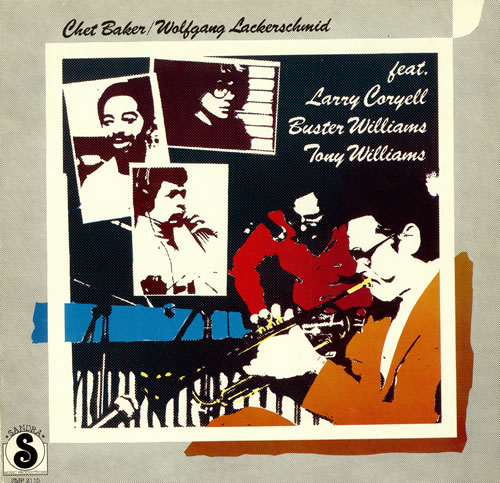
Al MBFAM, Happy Birthday my friend!! Wish I was there to help you celebrate.Discovered this on a Chet binge on Tidal
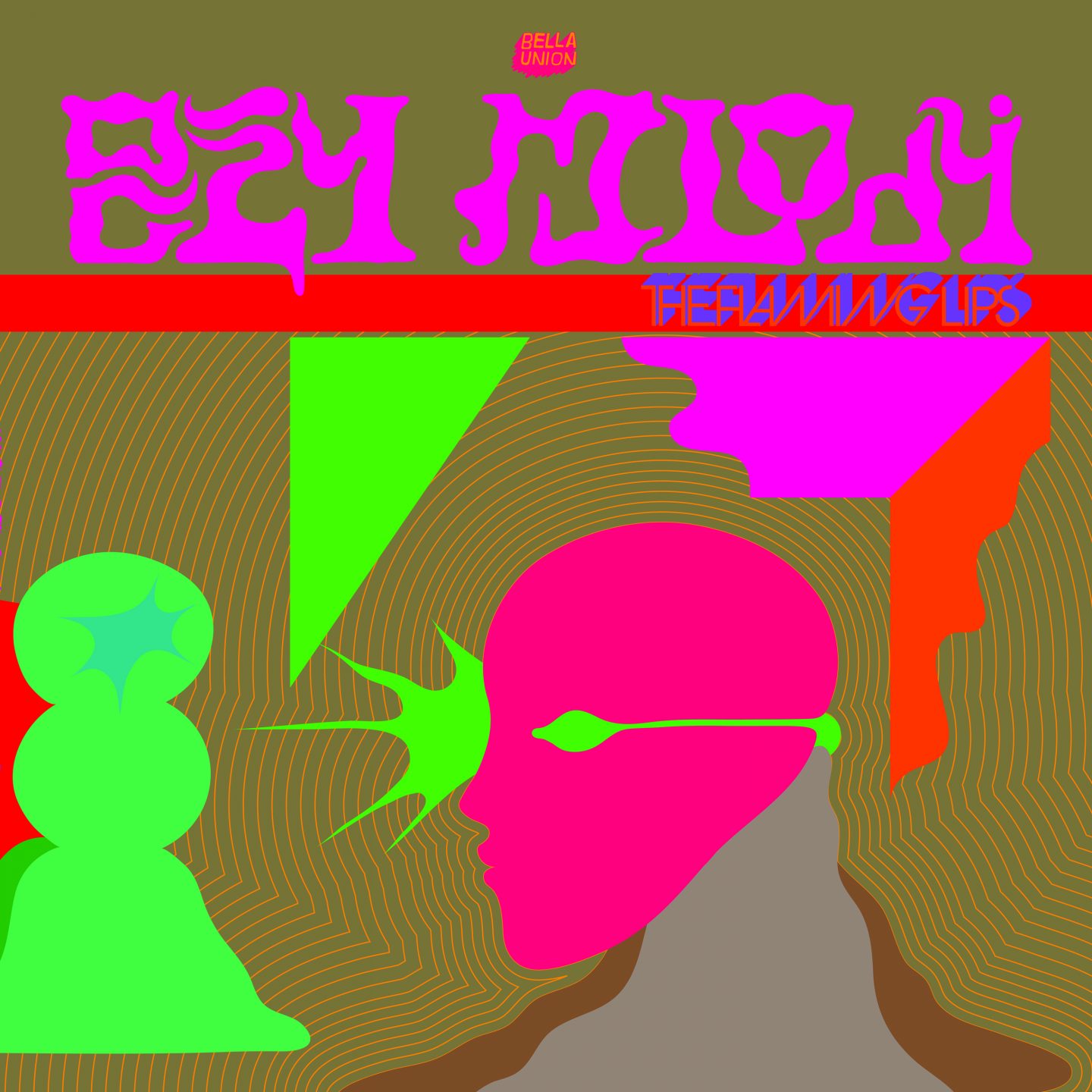
 Love this album especially on headphones!Nate Happy Birthday, hope you got to enjoy many tasty IPAsHappy Birthday Naaman!Replacements Don't Tell a SoulDan Happy Birthday! Hope you had a great daydang it - missed this - Steve, hope you had a great birthday weekend, Happy Birthday!!Tyler is a very wise man why have you not heeded his sage advice...The new sony headphone and dedicated amp/dac was a big win for me. Didn't like any of the Empire Ears CIEMs at all wanted to like the ZMF new headphone but in the meet setting just ok not worthy of laying down the cash for one until I hear more.Great time folks, thanks to all that were able to make it out and to the new members of the travel team. Headed back home on the train now feeling rung out but grinning ear to ear.Tice? Sent from my iPhone using Tapatalk
Important Information
By using this site, you agree to our Terms of Use.









Account
Navigation
Search
Configure browser push notifications
Chrome (Android)
- Tap the lock icon next to the address bar.
- Tap Permissions → Notifications.
- Adjust your preference.
Chrome (Desktop)
- Click the padlock icon in the address bar.
- Select Site settings.
- Find Notifications and adjust your preference.
Safari (iOS 16.4+)
- Ensure the site is installed via Add to Home Screen.
- Open Settings App → Notifications.
- Find your app name and adjust your preference.
Safari (macOS)
- Go to Safari → Preferences.
- Click the Websites tab.
- Select Notifications in the sidebar.
- Find this website and adjust your preference.
Edge (Android)
- Tap the lock icon next to the address bar.
- Tap Permissions.
- Find Notifications and adjust your preference.
Edge (Desktop)
- Click the padlock icon in the address bar.
- Click Permissions for this site.
- Find Notifications and adjust your preference.
Firefox (Android)
- Go to Settings → Site permissions.
- Tap Notifications.
- Find this site in the list and adjust your preference.
Firefox (Desktop)
- Open Firefox Settings.
- Search for Notifications.
- Find this site in the list and adjust your preference.