


mikeymad
High Rollers
-
Joined
-
Last visited
Everything posted by mikeymad
-
Neujahrskonzert 2026 / New Year's Concert 2026 / Concert du Nouvel An 2026 by Wiener Philharmonic Orchestra (2026) https://open.qobuz.com/album/nhabo81gvrobc Example: Nice recording and all the Waltzes that you can waltz to.Happy birthday - (working on my prompts)
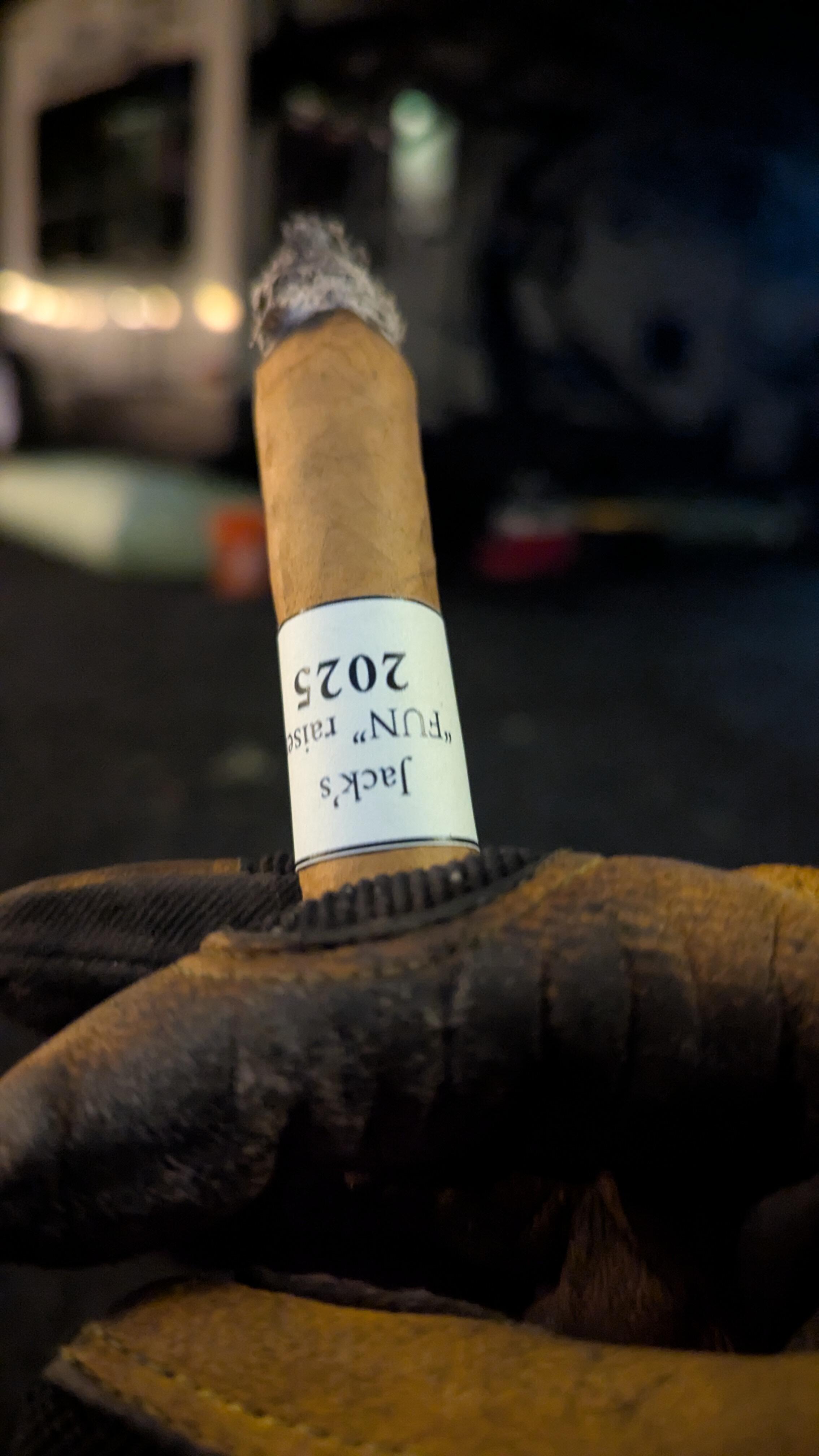
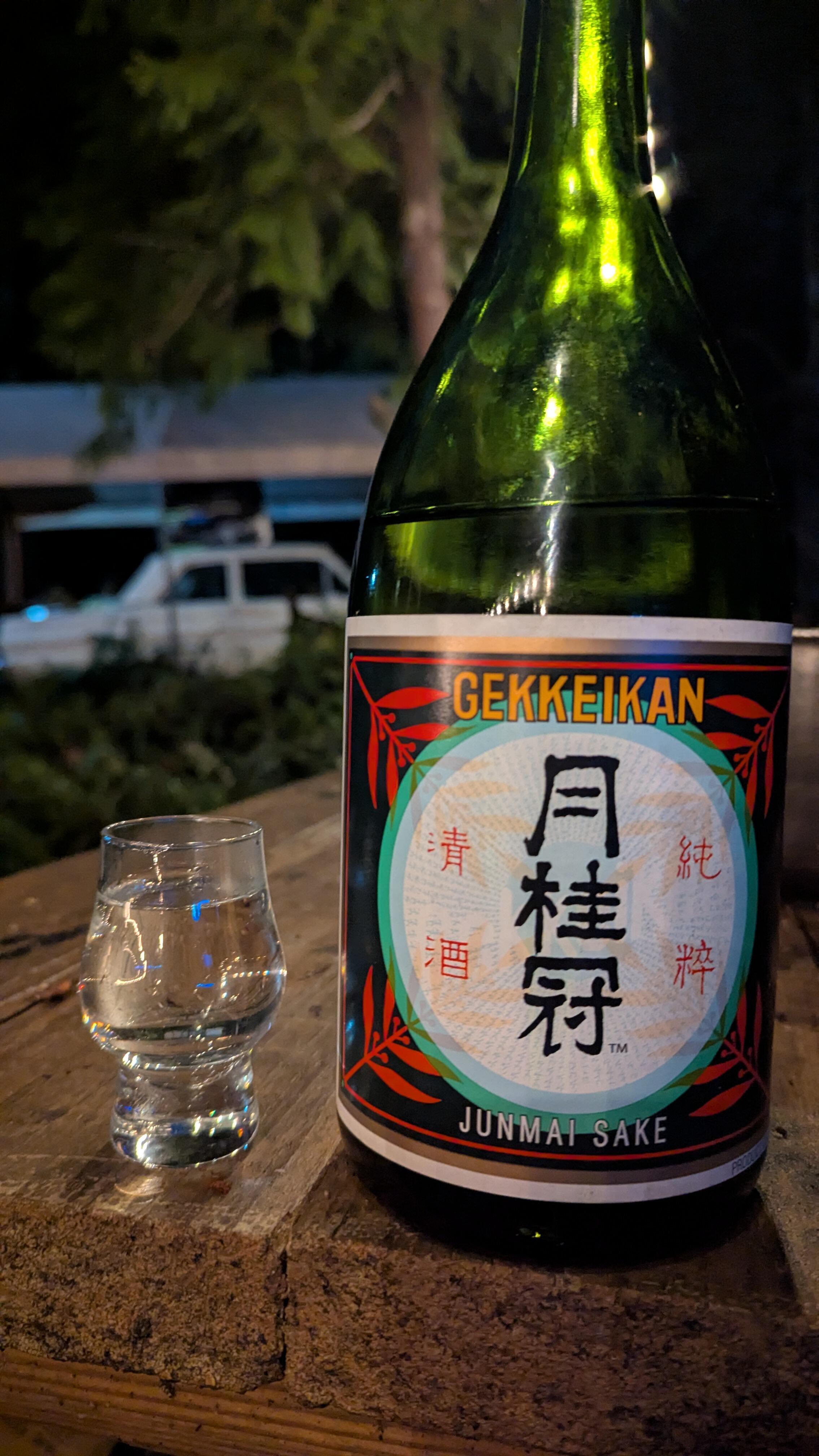
 1.25L DC - 🤘^^ I remember watching that last month, and I don't think I shared it. My main disappointment is that it cannot be restored. The footage does not seem to exist. So it just made me sad. I remember the last time I watched the movie, I didn't know these issues, but things just felt off. I didn't catch the continuity issues directly.a professionally hand rolled for a charity event last year that my friend passed along to me... a good smoke even if it had a little uneven burn to begin with. and I found that having little sips of cheap sake goes really well with a smoke...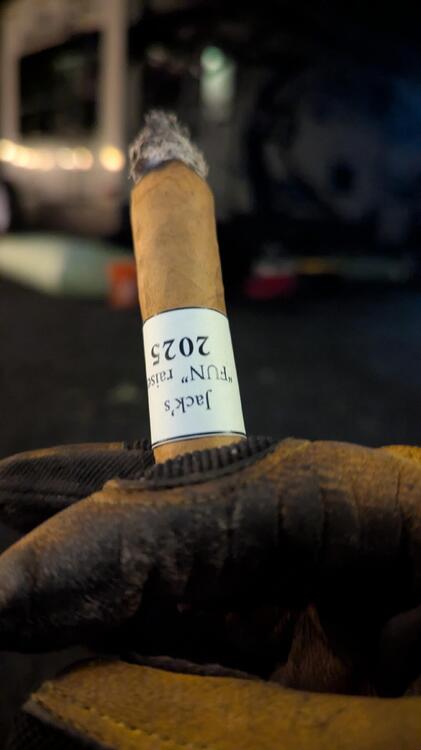
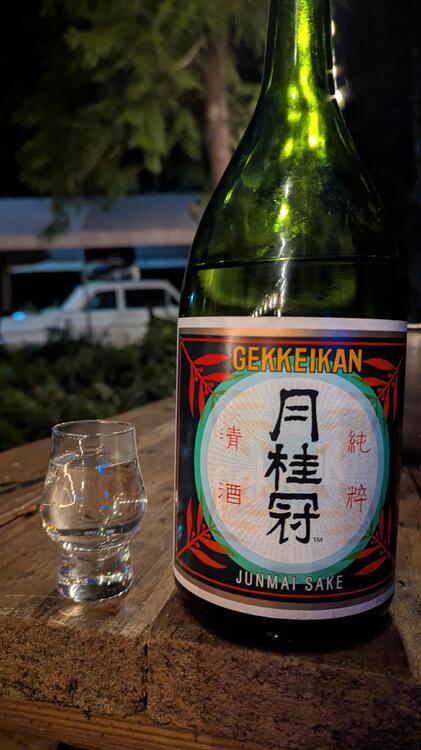 in contrast. Bad Brains by Bad Brains (1982) https://open.qobuz.com/album/cc8ibgp6uc1mc Example: ^^ ha - age restriction - not sure why it is just the nice tune "Pay to Cum"... Actually, more of a diverse album than I would have thought of when I just think of Bad Brains. With mellow and melody based tracks and of course reggae:Virgo Red by Roy Ayers Ubiquity (1973) https://open.qobuz.com/album/0060252708373 Example: Vibraphone type of day - works so well.pump the brakes.^^ was this suppose to be in the Analysis thread?Double Vision by Foreigner (1978) https://open.qobuz.com/album/0603497923533 (looks like Songlink does not really work anymore) Example: I remember this being a harder album with Double Vision and Hot Blooded. But it has a lot of delicate and subtle ballads, like example. Enjoyable album, I thought this was in the 80's, but I am remembering Foreigner 4."The Energy Curfew Music Hour" -- Chris Thile doing a little - Prairie Home Companion, and Live From Here all together. A clip, Episode one, cued up to Madison Cunningham killer track. You can look it up on your local podcast player, But here is the YouTube playlist. Looks like there is a season two coming.Harder than I thought, but got a lot more than I thought I would.lumber-jacking?^^ thanks youtube copyright whatever... Anyway - this has a groove. Just have to get past the 45 seconds of the most boring intro ever...looks like my lumberjacking will have to wait a bit. 🪓
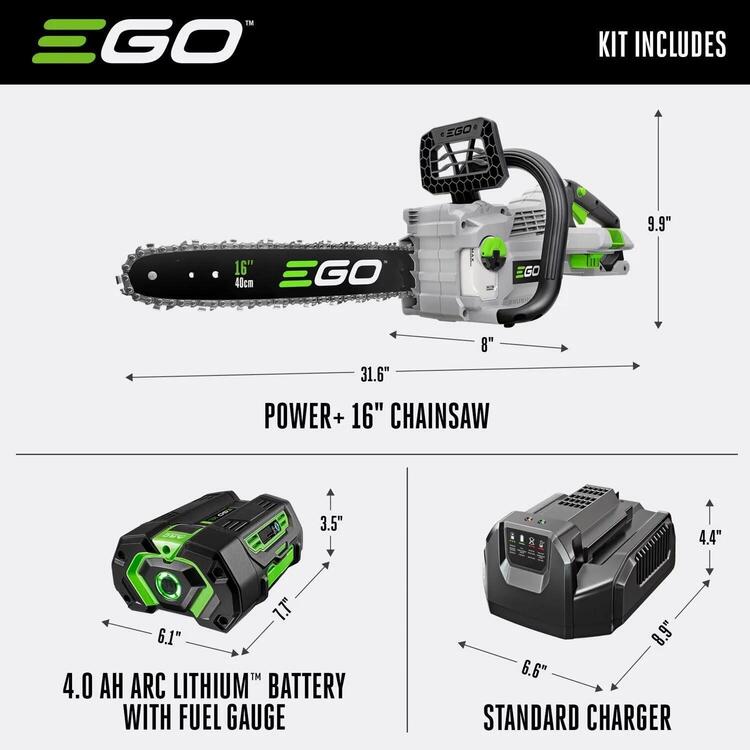
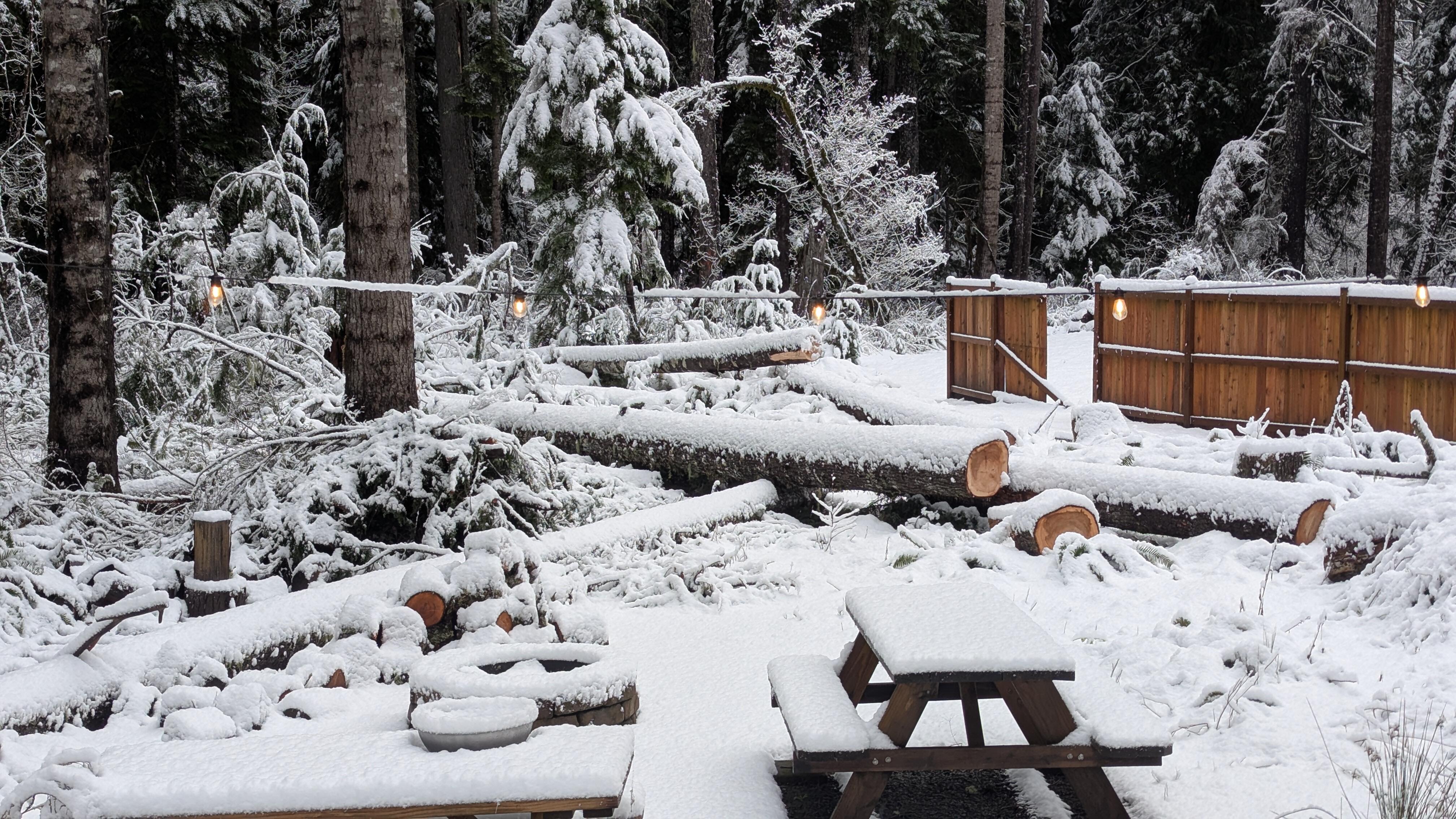
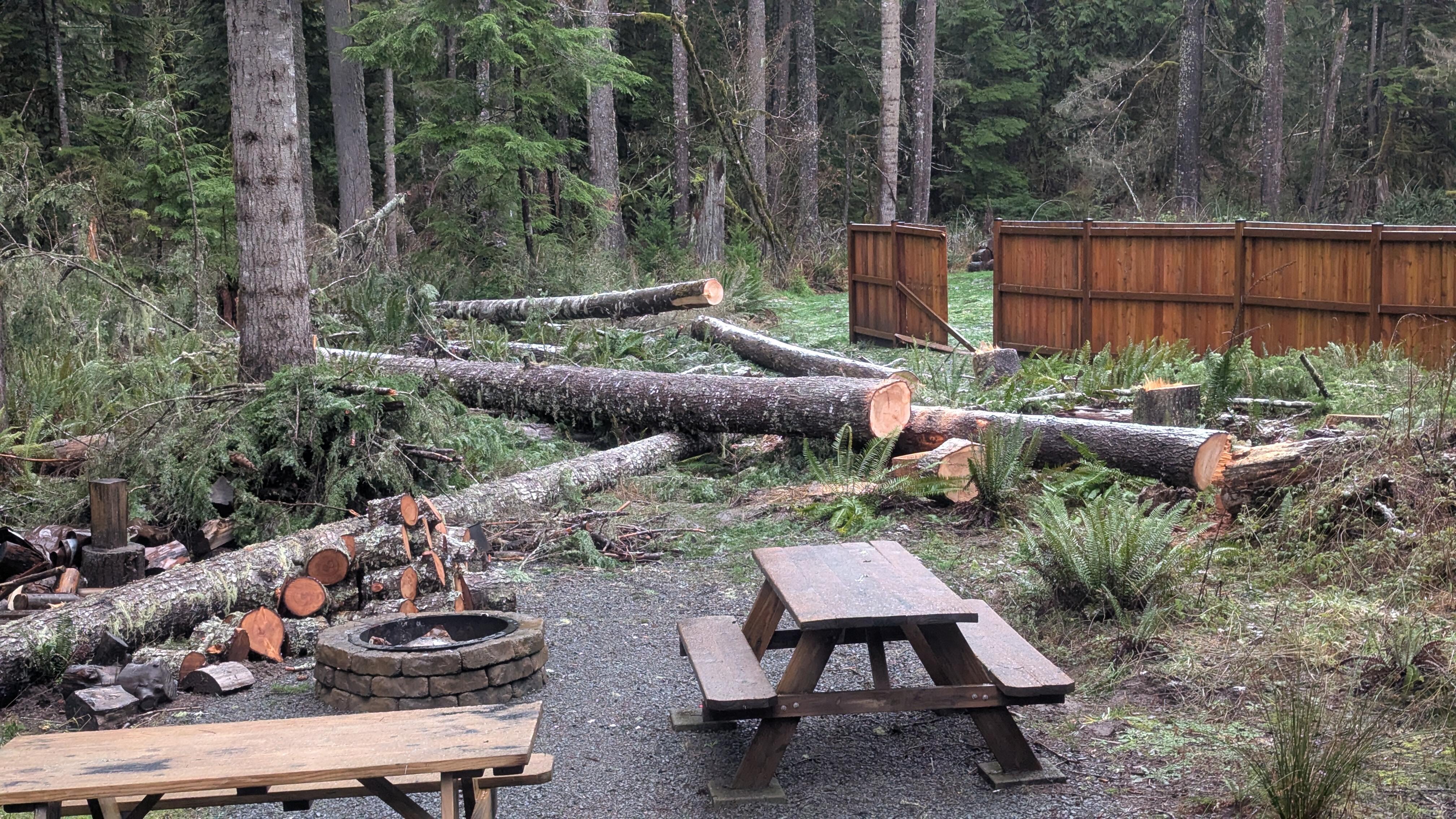
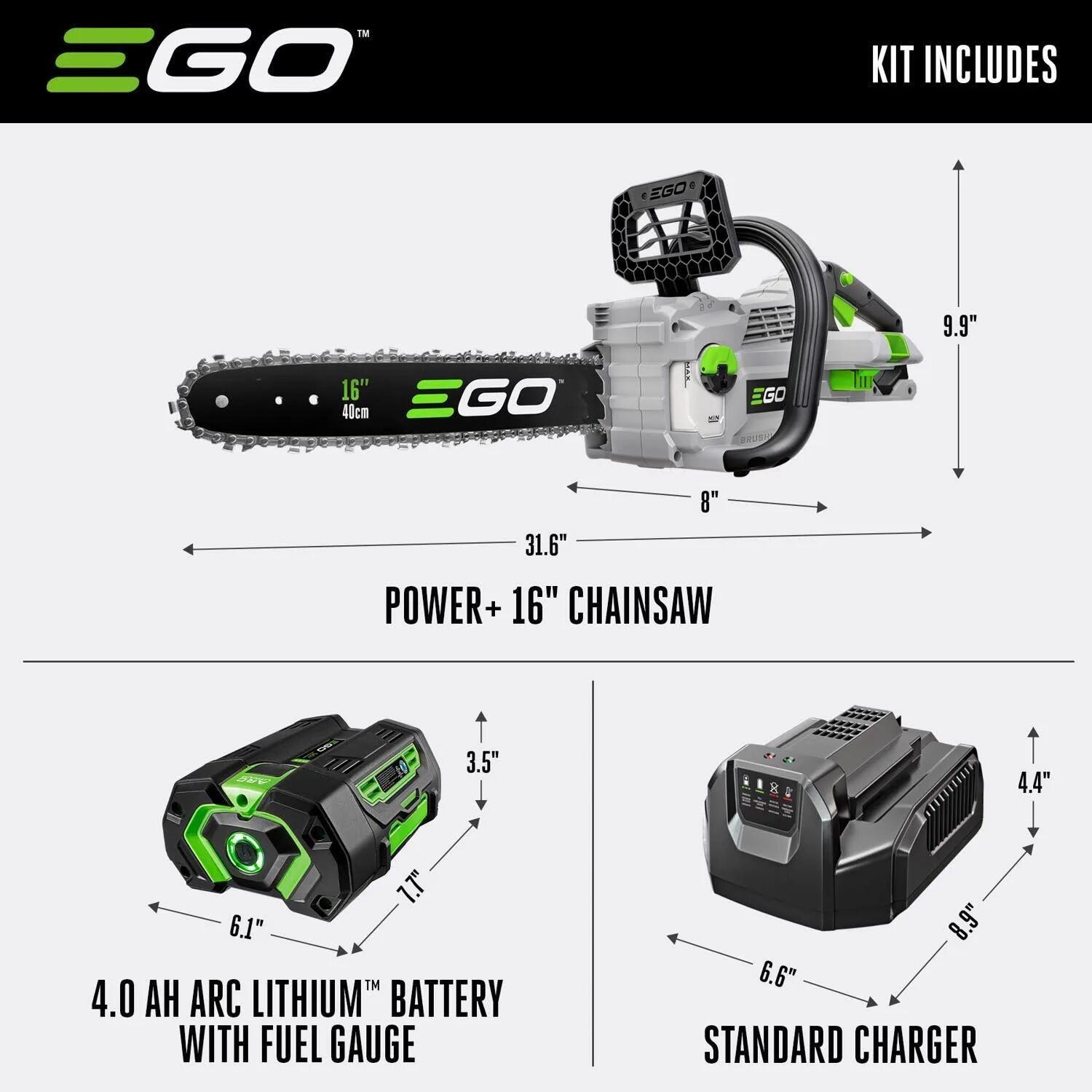
 Sarah on Kelly - just a pretty tune.Crew fell six trees yesterday, and one more this morning. All about 2' diameter. I have a lot of cleanup work to do. So I bought a beefyer chainsaw. 16” 56V. I still have a tree that should be topped, but not critical. Edit: We did take out one green one - it had no more friends to protect it from the wind.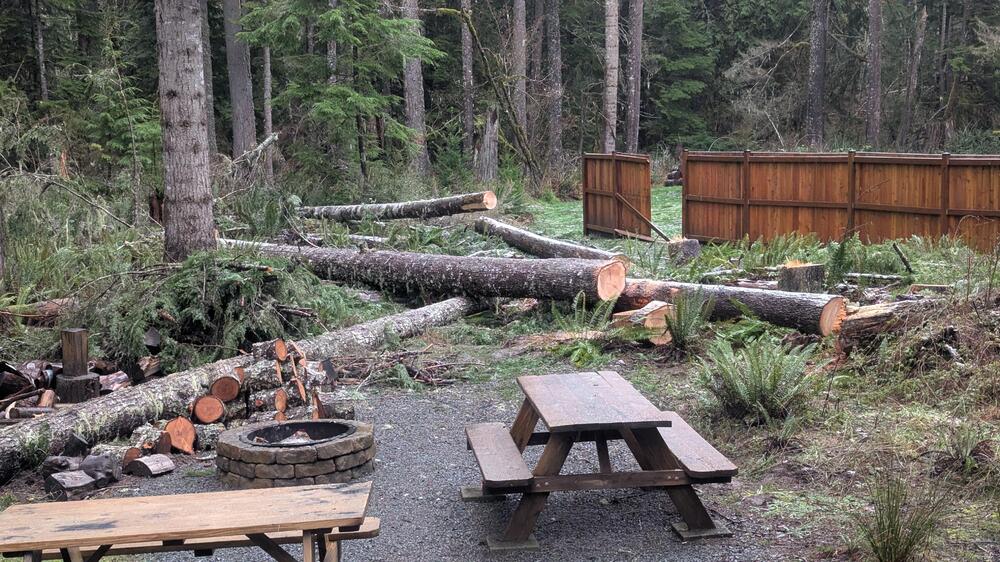
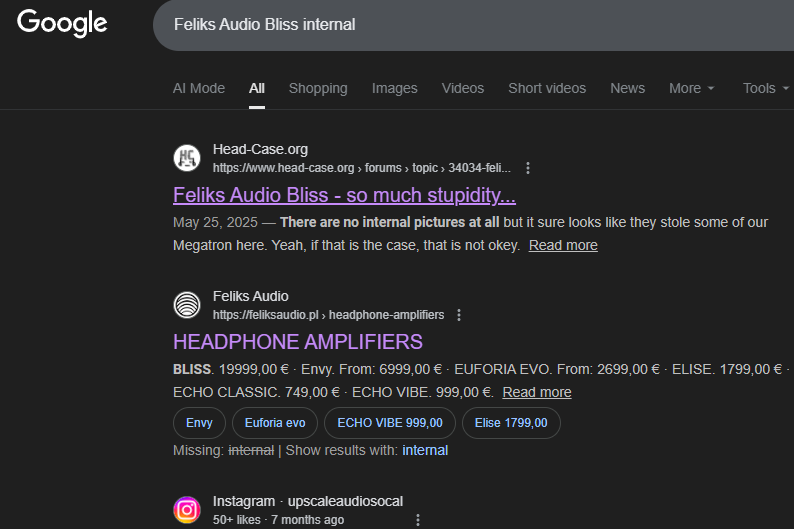
 -- Search "AI" = 210 hits comments turned off - wonder why.I thought it was released in English...
 RIP Carl (December) Great roller skating tune from back in the day.Hey - at least we are number one in the search results --- over the actual manufactures site.-- Need to work on their SEO as well.
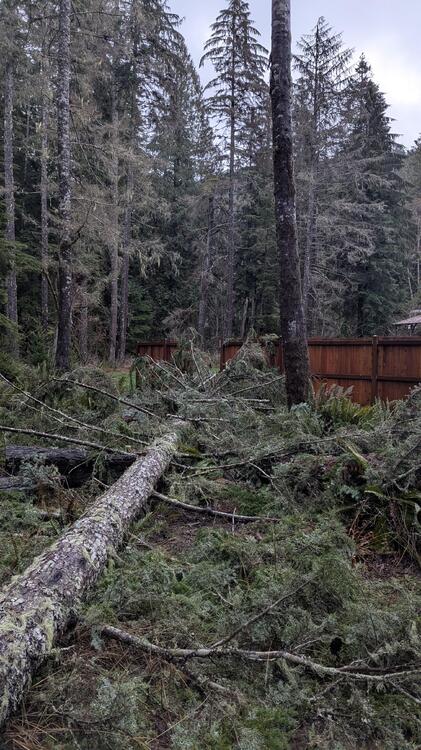
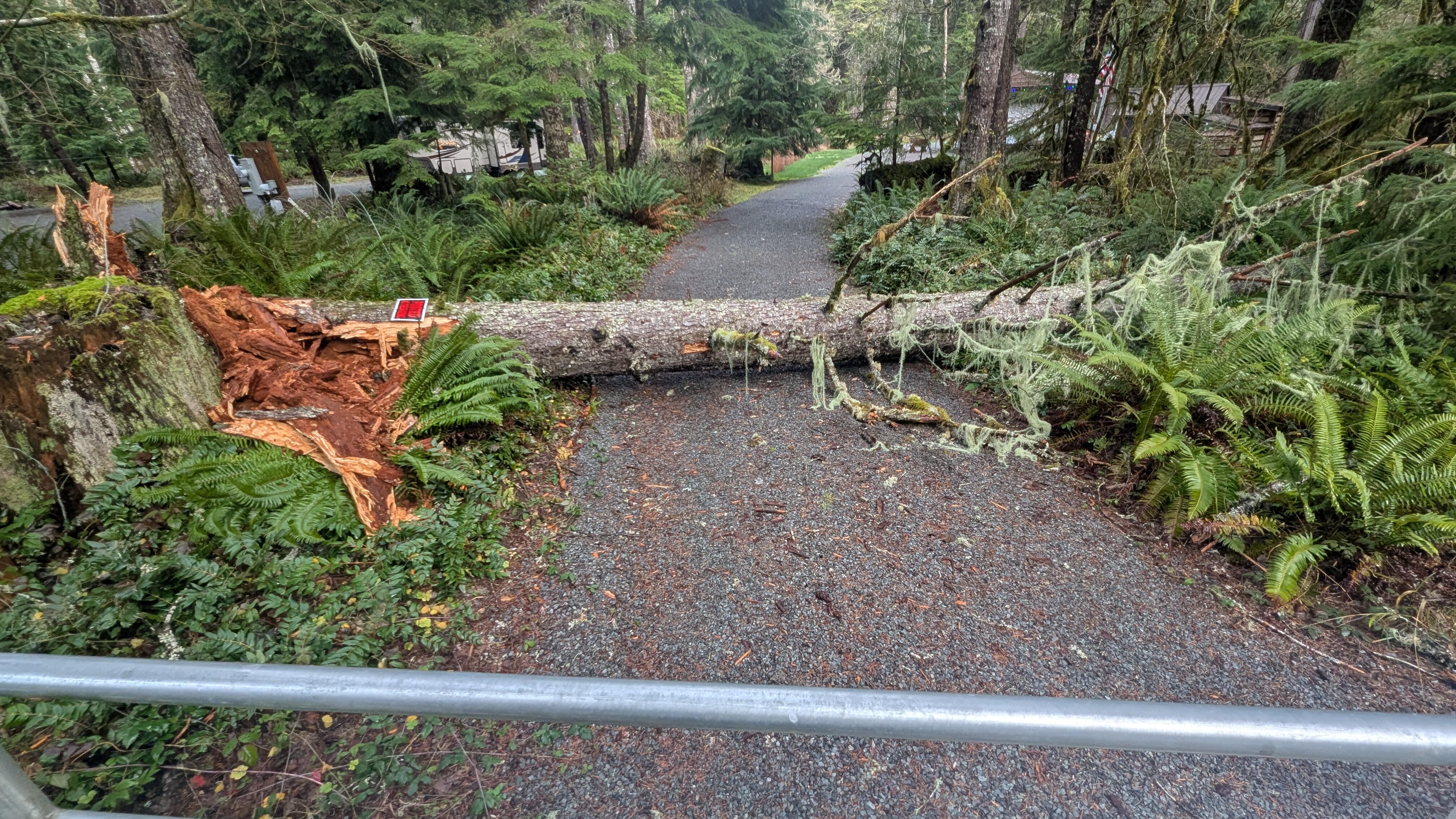
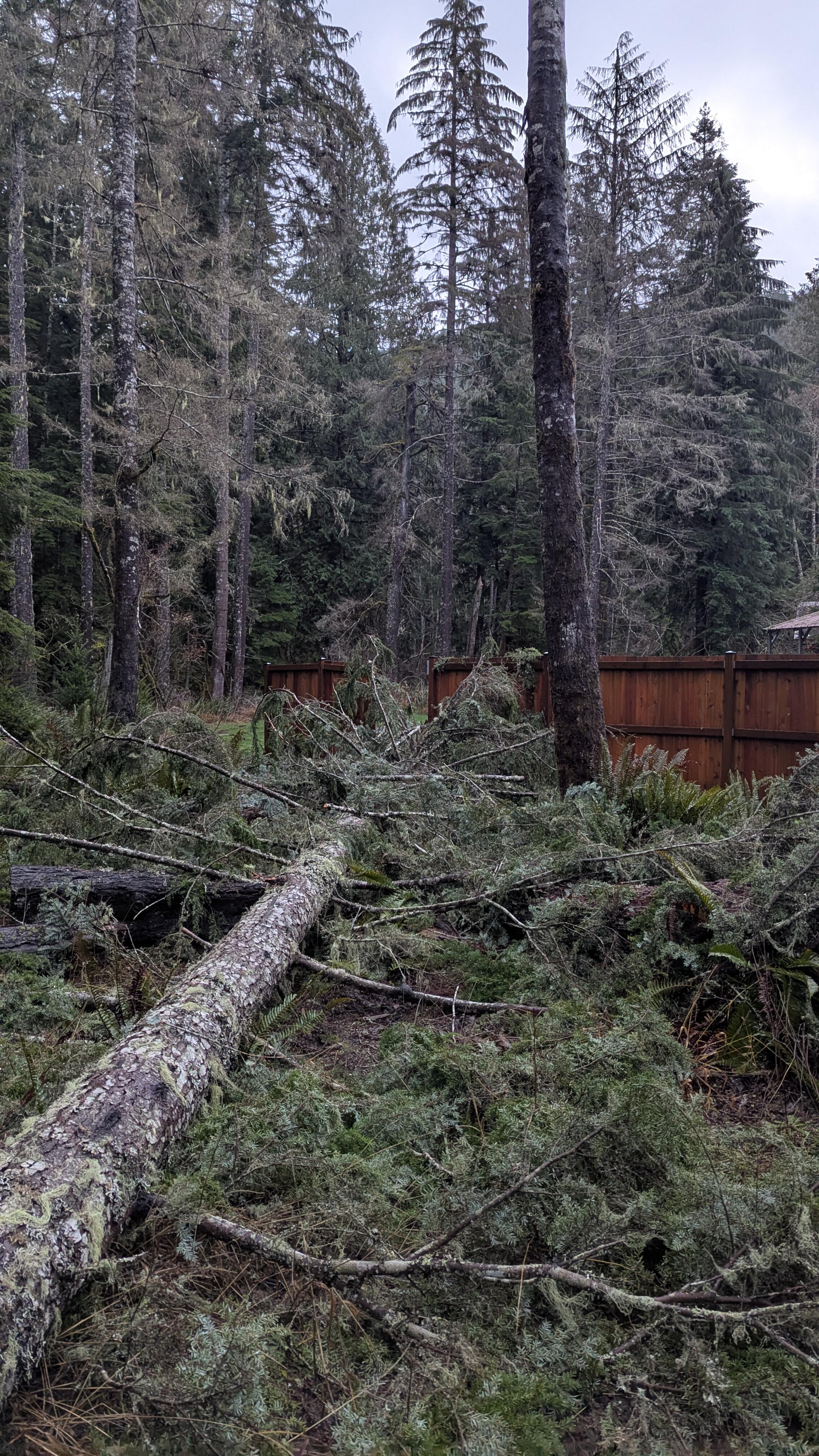
 I know how that is tice.. on my land. The other night: bigger than it looks {3' diameter}. My trailer back left. Two nights later. Just outside my front door... {about 120'+} taking out a chunk of my neighbor's fence. Last night at about 1:30 am, a 100' tree on the other neighbor's property came crashing down. Lucky it didn't hit anything, But about 10° difference from where it fell and it could have easily taken out my truck. let's just say I'm not going to park it anywhere close to that area anymore. On a positive note, I do have a tree guy coming on Monday and for a pile of cash, he is going to take out six trees on my property alone plus two more on the neighbor's. It does not mean that I will sleep more soundly when it's windy at night. but it will reduce the danger of major impact by a small percentage.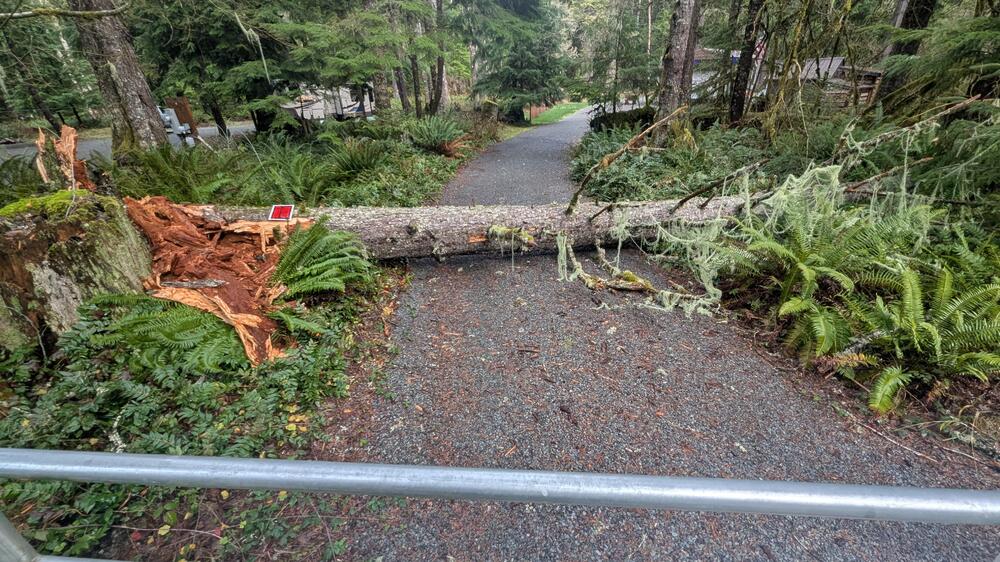








Important Information
By using this site, you agree to our Terms of Use.