


mikeymad
High Rollers
-
Joined
-
Last visited
Everything posted by mikeymad
-
^^ :{ no vid for me.. Chopin: Mazurkas, Vol. 1 by Ingrid Fliter (2025) https://album.link/mcwwxmh8wsm0b Example: The Mazurka's are not my fav for Chopin, but I had not seen a Linn recording in so long, I had to listen. Very enjoyable. Well recorded, but the perspective is a little far back for me (especially compared to the Osokins recording above). For piano only, I like to be a little closer.
-
Cheers Wayne - Happy birthday --
-
Speaking of Arvo, I had this in my queue. For Arvo by Georgijs Osokins (2025) https://album.link/cnccvbdpfrwff Example: Also worthy. And DG knows how to record piano.
-
Okay - maybe if there are more BEATPELLA covers I might be more sold on it...Based on - https://arxiv.org/pdf/2506.24088 Thinking of Shelly.. 🪢TRON: Ares by Nine Inch Nails (2025) https://album.link/jq5ws98zwg6sx Example: Good not great for me. I think I could make a pretty nice listening set by making a shorter playlist out of the 20 tracks. I will see if my interest is piqued post movie.Telekon by Gary Numan (1980) https://album.link/vxsxnrct8fzns Example: Fun with Gary.Cheers Jim - Happy Birthdays...The Resurrection Game by Emma Swift (2025) https://album.link/nxstkwqhrngnp Example: New to me - I really liked the vibe, and the mix had a lot of weight to it that I enjoyed. Some dark themes, also well done.You know I have not heard from Colin in a while...^ in my queue.. good to hear it seems to be worthy.Churchwarden Afternoon Google AI thinks this And whatever this is. _storage_emulated_0_DCIM_Google Photos_20250922_163228-VIDEO_GEN.mp4 What am I chewing and it thinks I am married?


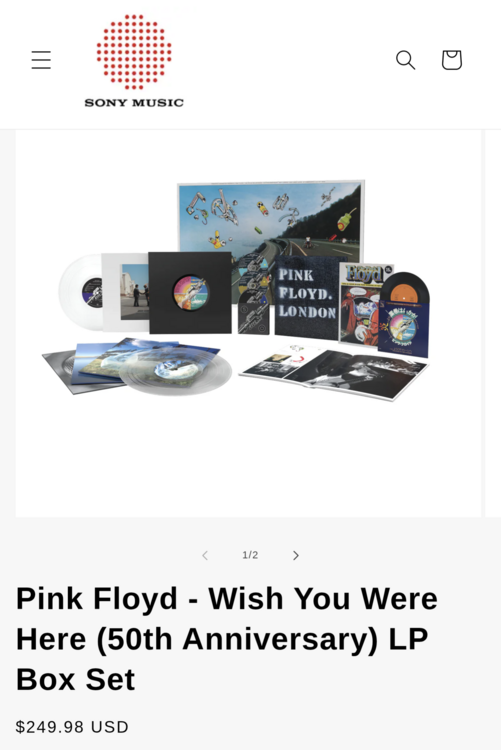
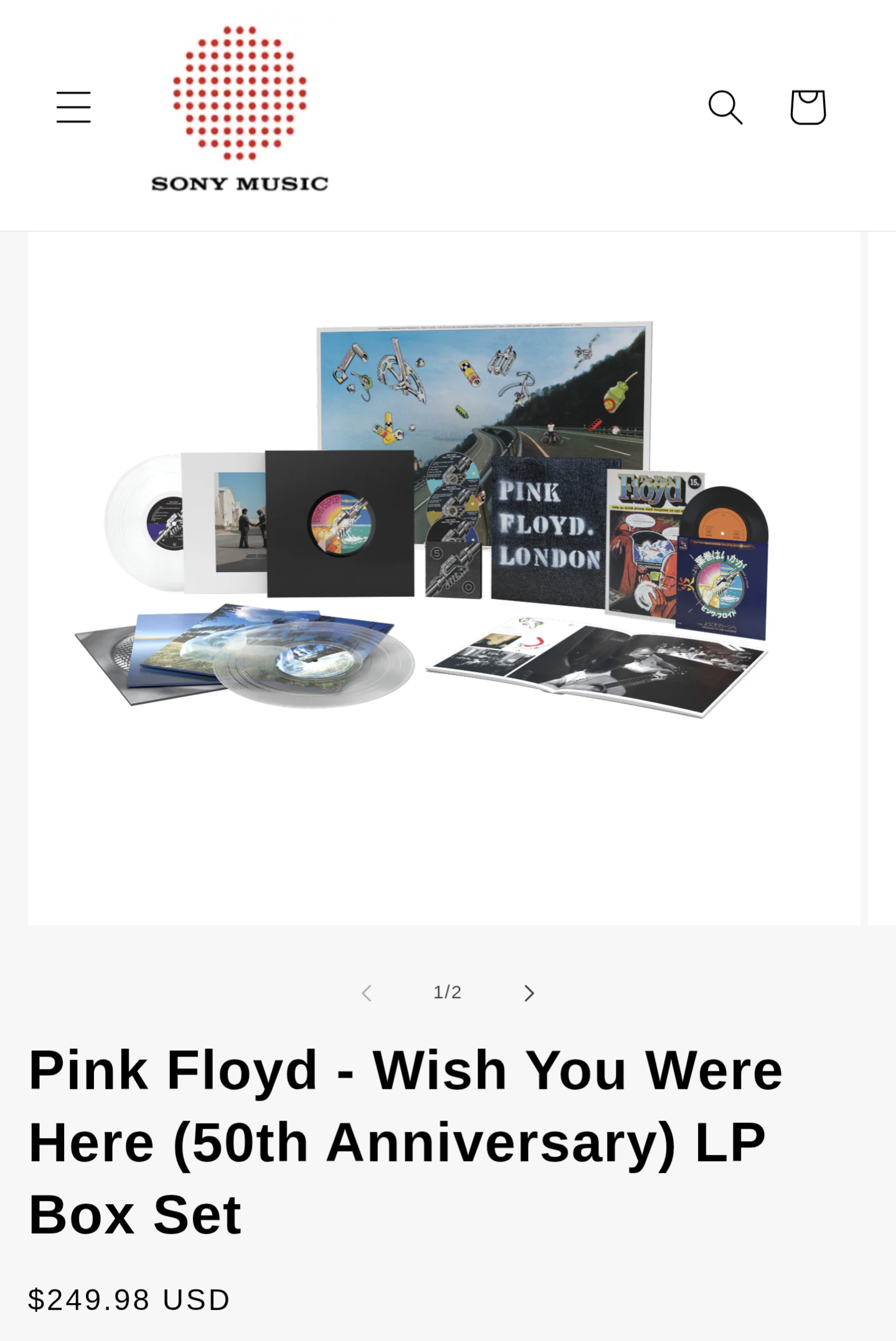
 JH13I haven't had any, but it is funny.Chris doing amazing Chris things...Buckingham Nicks by Buckingham Nicks (1973) https://album.link/bm8z6jfzcrdrs Example: Happy to see it given some attention. Been a fav for many years.https://vinyl.sonymusic.com/products/pink-floyd-wish-you-were-here-50th-anniversary-lp-box-set Deal?
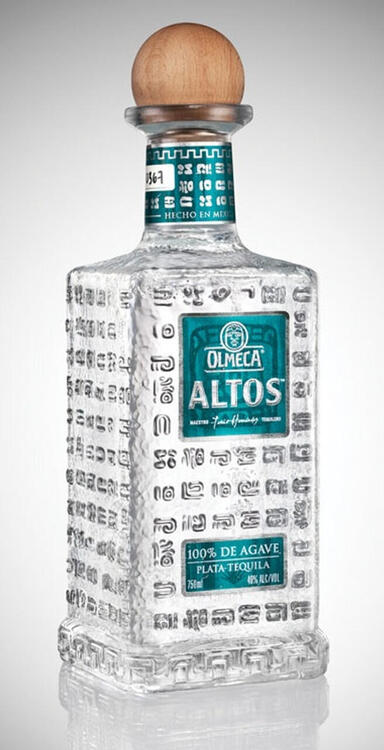
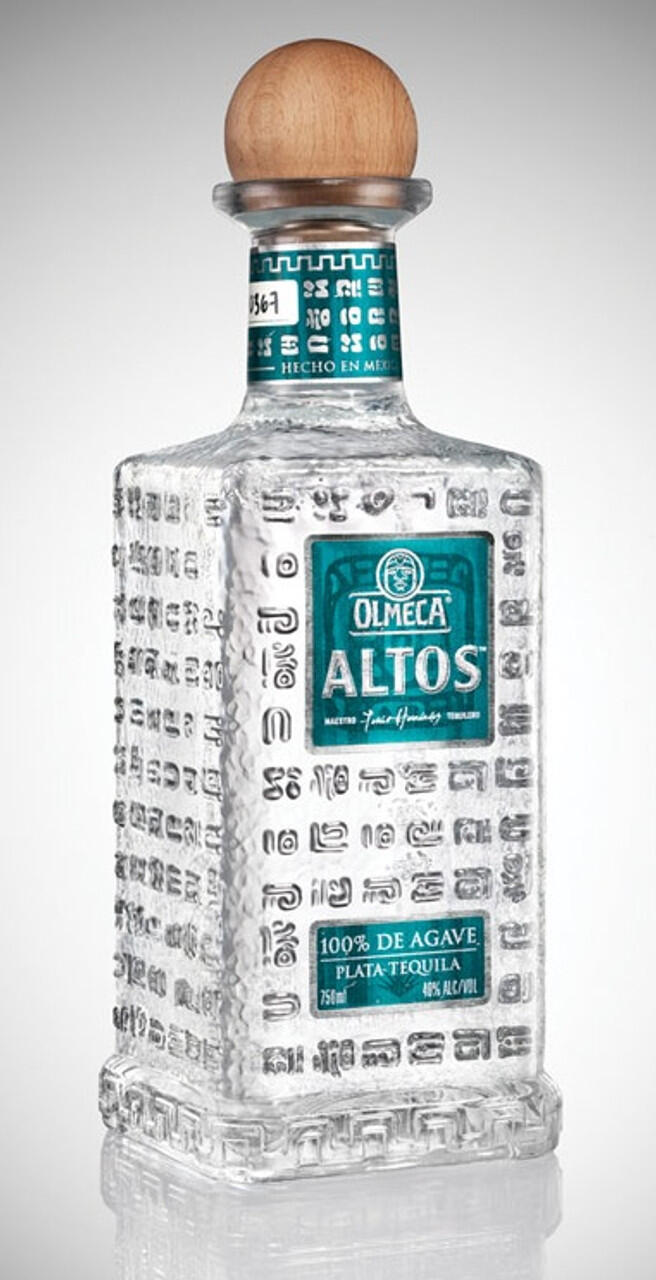
 Wishing you a 'tall' tequila day Happy birthday Stretch. Cheers
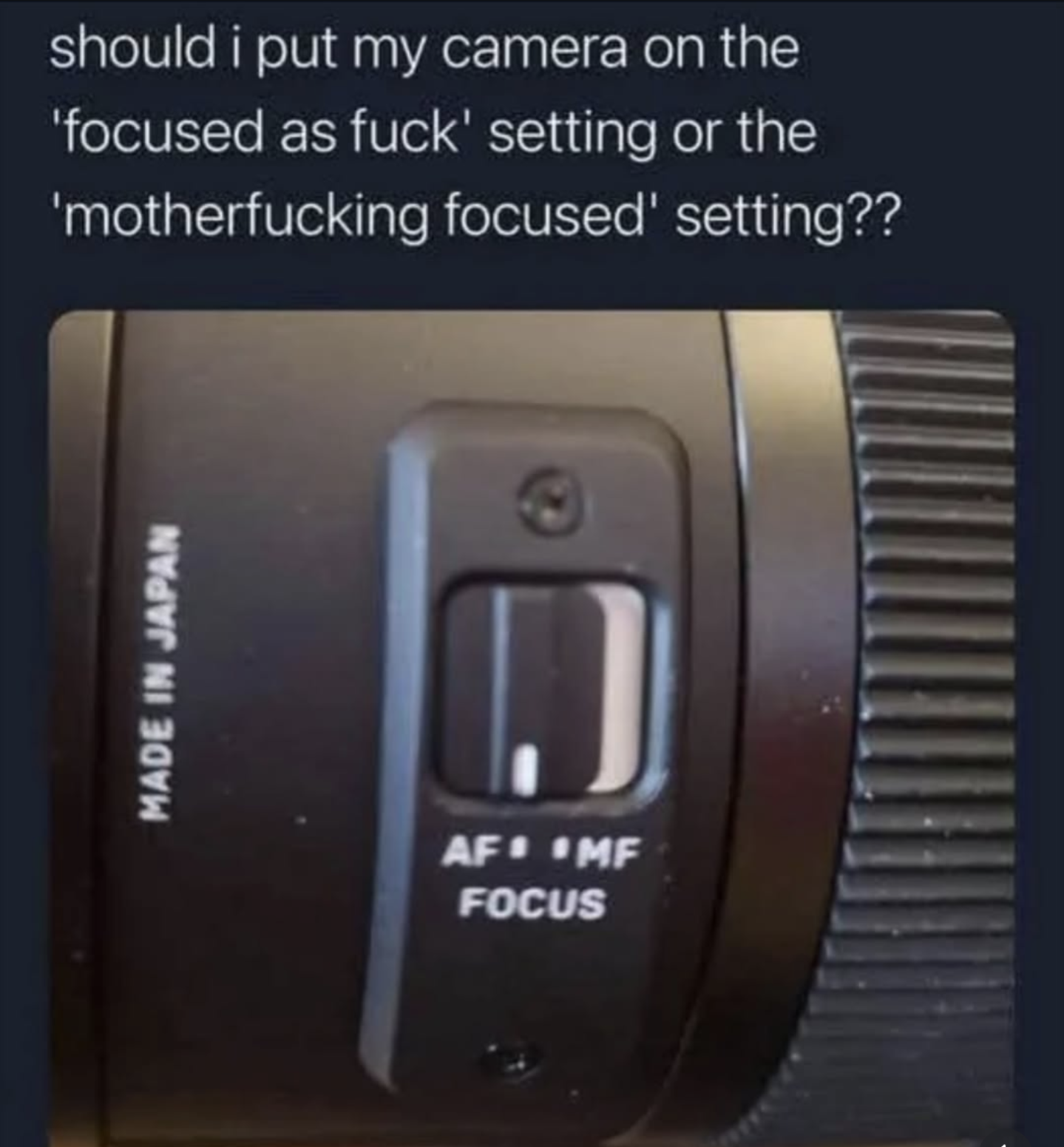
 It's back ^ with commentary v Don't Bloomgerg out...Took a walk. Found falling water....and look at those vacuum triangles. carpet porn... am I right?So, still thinking about Ed.. and then Tiny Desk shared this: Enjoyable. More than I thought. Anyway, I might just go back to ignoring him, but I like him more.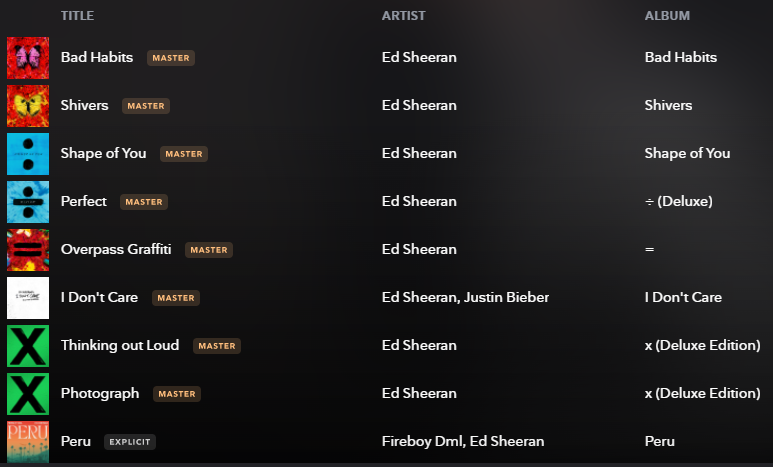







Important Information
By using this site, you agree to our Terms of Use.
Account
Navigation
Search
Configure browser push notifications
Chrome (Android)
- Tap the lock icon next to the address bar.
- Tap Permissions → Notifications.
- Adjust your preference.
Chrome (Desktop)
- Click the padlock icon in the address bar.
- Select Site settings.
- Find Notifications and adjust your preference.
Safari (iOS 16.4+)
- Ensure the site is installed via Add to Home Screen.
- Open Settings App → Notifications.
- Find your app name and adjust your preference.
Safari (macOS)
- Go to Safari → Preferences.
- Click the Websites tab.
- Select Notifications in the sidebar.
- Find this website and adjust your preference.
Edge (Android)
- Tap the lock icon next to the address bar.
- Tap Permissions.
- Find Notifications and adjust your preference.
Edge (Desktop)
- Click the padlock icon in the address bar.
- Click Permissions for this site.
- Find Notifications and adjust your preference.
Firefox (Android)
- Go to Settings → Site permissions.
- Tap Notifications.
- Find this site in the list and adjust your preference.
Firefox (Desktop)
- Open Firefox Settings.
- Search for Notifications.
- Find this site in the list and adjust your preference.