


Grahame
High Rollers
-
Joined
-
Last visited
Everything posted by Grahame
-
The squirrels tails don't stand a chance.
-
About to ...
-
Why do you say that, fleshling?
-
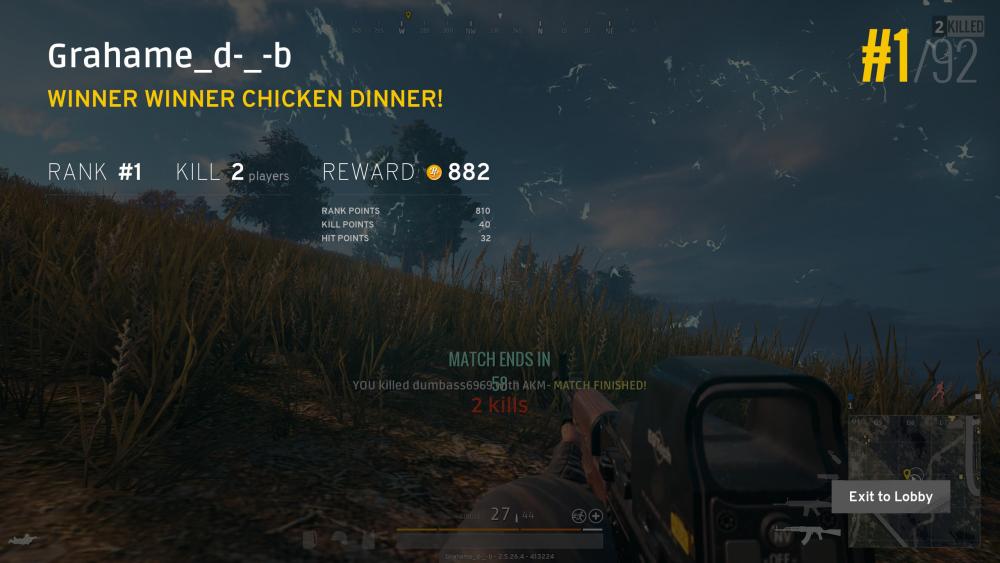
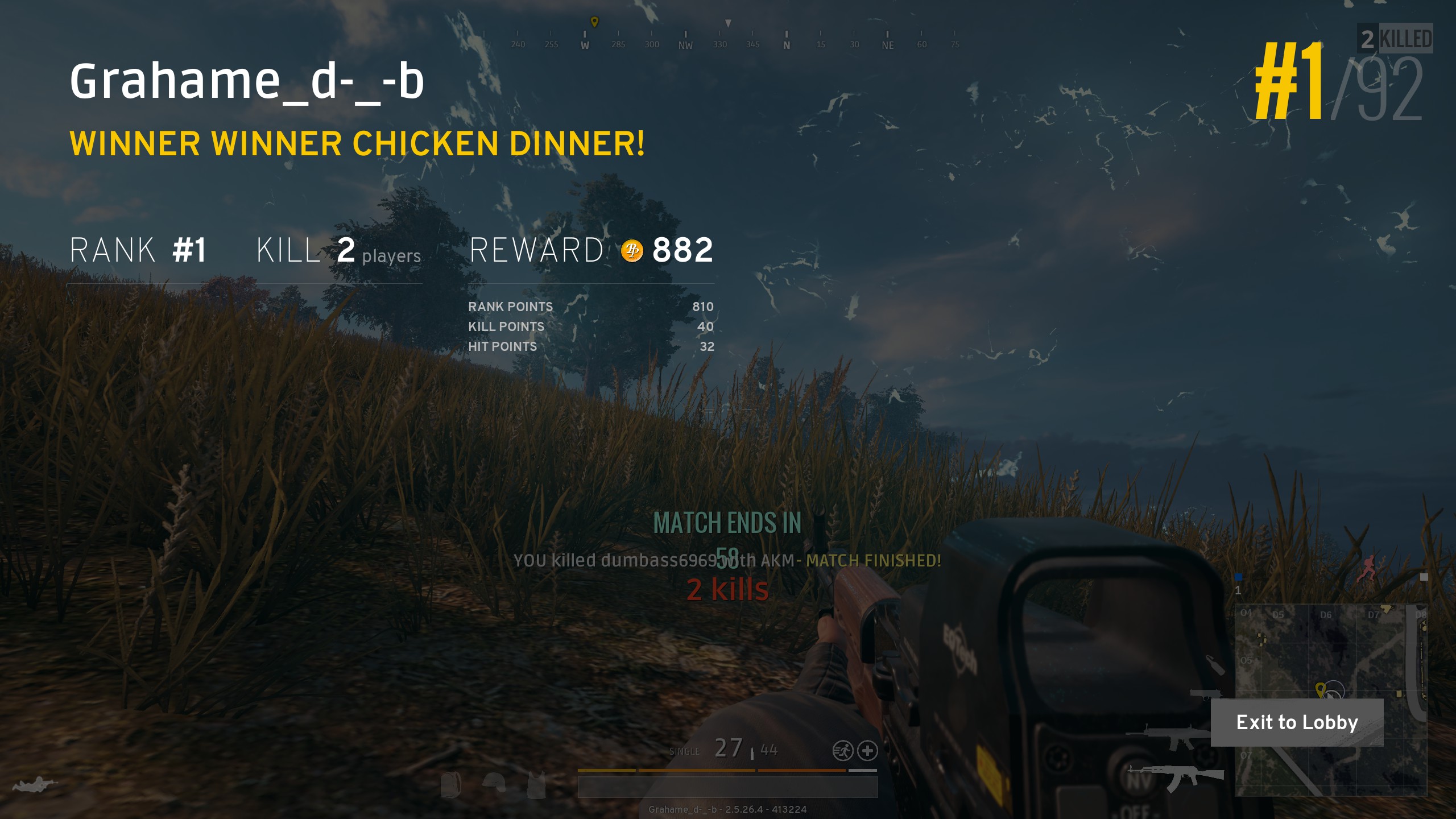
First Person Solo Win! EDIT: my 10K+1'th post!
-
Meanwhile ... https://motherboard.vice.com/en_us/article/ywgeek/why-spotify-lowered-the-volume-of-songs-and-ended-hegemonic-loudnessWhat , are you Brent, now? oh, wait.
 But he's playing at a much higher level.https://www.head-case.org/forums/topic/12821-quaffable-2017/?do=findComment&comment=771350Where did the company get its name? Before writing the business plan for Three Twins Ice Cream, Founding Twin Neal Gottlieb was sharing an apartment with his twin brother, Carl, and Carl’s wife, Liz, who is also a twin. The trio dubbed their apartment “Three Twins” and when it came time to start the company, Neal knew just what to call it. http://threetwinsicecream.com/faqs/Chocolate Cake and Ice-Cream.Do you have the appropriate cashmere top? The impressive backdrop is a given.And it isn't even freaky FridayThisVia: https://slickdeals.net/f/10418108-free-tickets-to-hitman-s-bodyguard-screening-at-participating-cinemark-theatres Participating locations https://cinemark.com/hitmans-bodyguard-connections-member-complimentary-screening I got two tickets, first come first served (while they last ) looks fun (given the leads)Colin's metabolism is therefore not the result of a Faustian bargain, we can infer. Brent may suffer the same negotiating limitations. depending on your view.Happy Birthday, Todd! Thanks once again for this "special" place.Any window licking involved? / That's a nice bike, is it new?https://www.bloomberg.com/view/articles/2017-07-28/you-think-bacon-prices-are-high-now-just-wait Noooooooo!Poolside pumpkin chicken curryBourgeois downtown Larkspur ice cream






Important Information
By using this site, you agree to our Terms of Use.