


Dusty Chalk
Moderators
-
Joined
-
Last visited
Everything posted by Dusty Chalk
-
I will check it out, thanks for the rec!
-
I've been listening to a lot of Stone Rebel the last couple of days (definitely a step down in Grrrr! from Poseidon (reminder). This is my favourite one yet: Apocalypse
-
Yeah no. Too many hot women for me to hate it.Agents of S.H.I.E.L.D. —anyone who’s been watching this knows that there’s usually an Avengers related spoiler every season.Poor camel!Happy belated, glad to hear you are doing what you love. (party favour noise)I especially like this one.
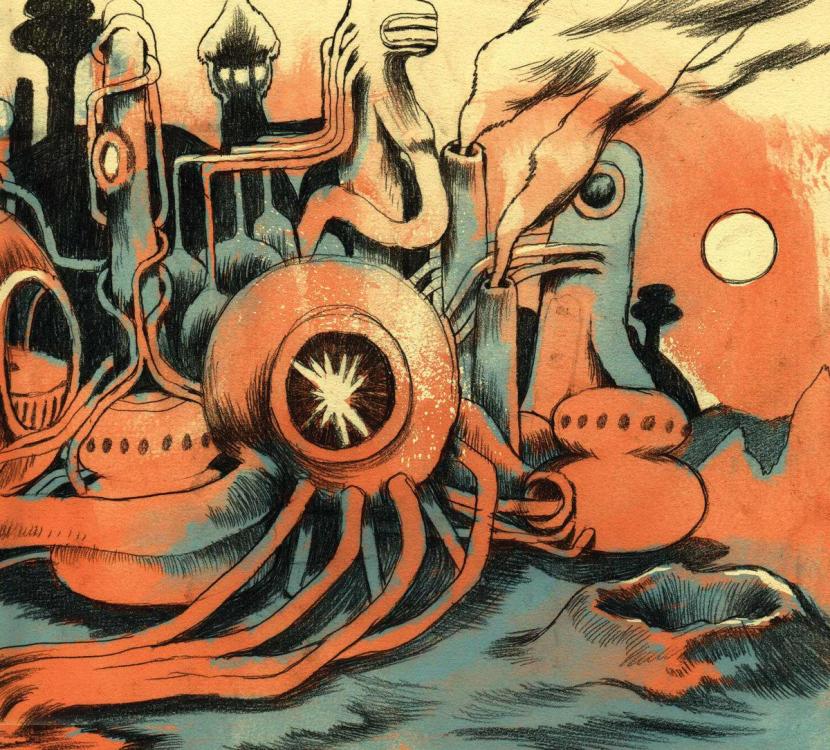 Been listening to some very melodic instrumental post-rock albums from this very strong space-rock ensemble: https://monomyththeband.bandcamp.com/Happy birthday! Hope you had a jolly day. (party favour noise)Happy birthday! (party favour noise)Aron Eisenberg, aka Nog the Ferengi, frequently quoting The Rules Of Acquisition, dead at 50. RIP, Nog."Church" -- I find doom relaxing. Heavy and patient, like an avalanche. Poseidon, Prologue...as opposed to water camel, air camel, or the mythical fire camel?I distinctly remember that leap of better music going from cheesy am shit —Captain & Tenille, Paul Anka, Neil Sedaka— to FM coolness when I got a better portable radio. I don’t think it had anything to do with am vs fm or audio quality, I just liked the programming of that station better, but in my child’s brain, I thought it was fm.Enjoying. Supremely mellow, just what I needed right now.The cost of making music went down, that’s what killed it. IMHO Every idiot who thought he could make music did.My ex has a really long commute, and has taken to doing the audiobook thing. I teased her the same way I teased Brent: “so you’re not reading so much as having it read to you...” etc. My punishment was to be made to listen to some of her favourite excerpts, while she giggled at some of the more melodramatic readings. Ah, good times. But seriously, she still reads. Also, I will never hold it against someone who has to drive a lot. Not seriously, anyway.Linus; Pigpen and Schroeder; Charlie Brown; Snoopy and Woodstock; Woodstock. I think this ousts the battery family and burger king as creepiest professional cosplay.Charlie BrownRetro ... slightly earlier than the 80s... And may be a little too derivative (LZ( for the hipsters, but I love songs with swagger:I wonder if it isolates better than an IEM?















Important Information
By using this site, you agree to our Terms of Use.
Account
Navigation
Search
Configure browser push notifications
Chrome (Android)
- Tap the lock icon next to the address bar.
- Tap Permissions → Notifications.
- Adjust your preference.
Chrome (Desktop)
- Click the padlock icon in the address bar.
- Select Site settings.
- Find Notifications and adjust your preference.
Safari (iOS 16.4+)
- Ensure the site is installed via Add to Home Screen.
- Open Settings App → Notifications.
- Find your app name and adjust your preference.
Safari (macOS)
- Go to Safari → Preferences.
- Click the Websites tab.
- Select Notifications in the sidebar.
- Find this website and adjust your preference.
Edge (Android)
- Tap the lock icon next to the address bar.
- Tap Permissions.
- Find Notifications and adjust your preference.
Edge (Desktop)
- Click the padlock icon in the address bar.
- Click Permissions for this site.
- Find Notifications and adjust your preference.
Firefox (Android)
- Go to Settings → Site permissions.
- Tap Notifications.
- Find this site in the list and adjust your preference.
Firefox (Desktop)
- Open Firefox Settings.
- Search for Notifications.
- Find this site in the list and adjust your preference.