


Dusty Chalk
Moderators
-
Joined
-
Last visited
Everything posted by Dusty Chalk
-
Or just..tldr. we may live in a hot take society, but we kind of hate hot takes here. Please give Reddit a try, I understand you would receive lots of back slapping.
-
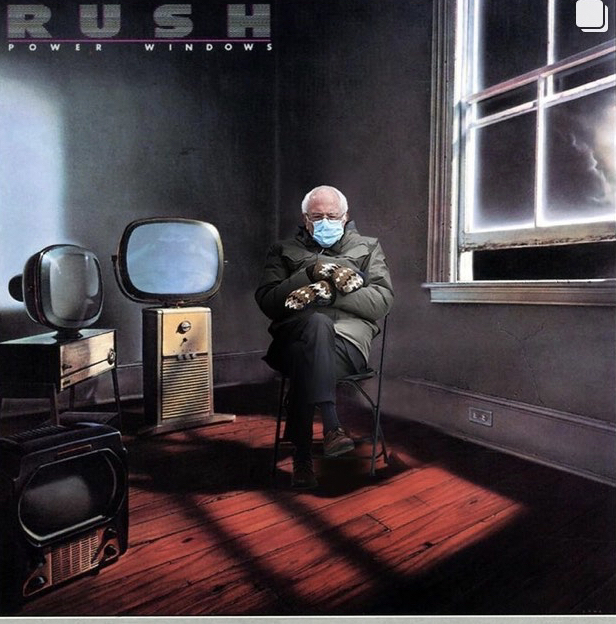
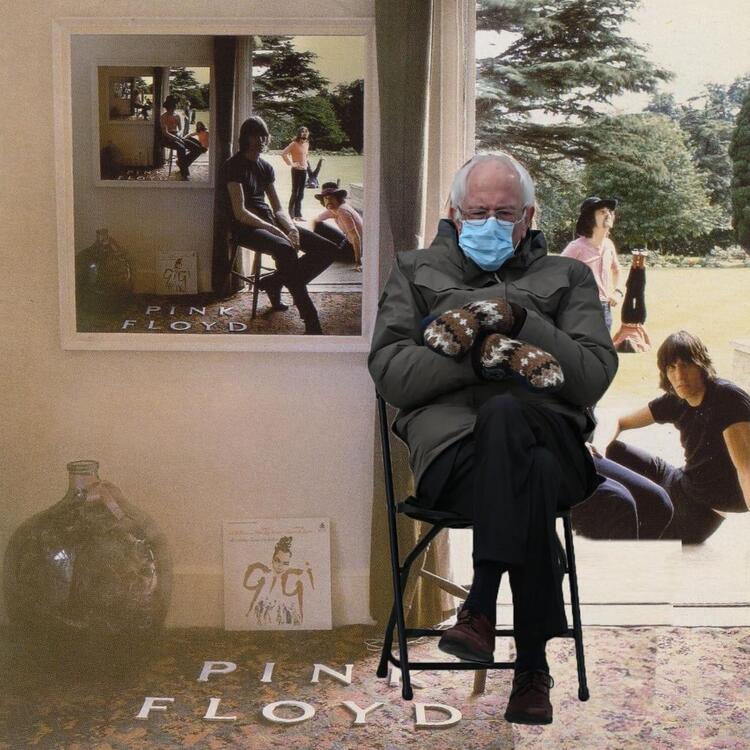
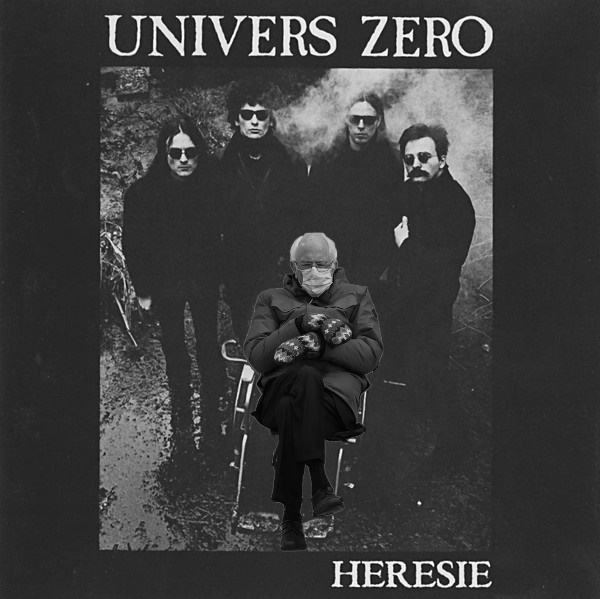
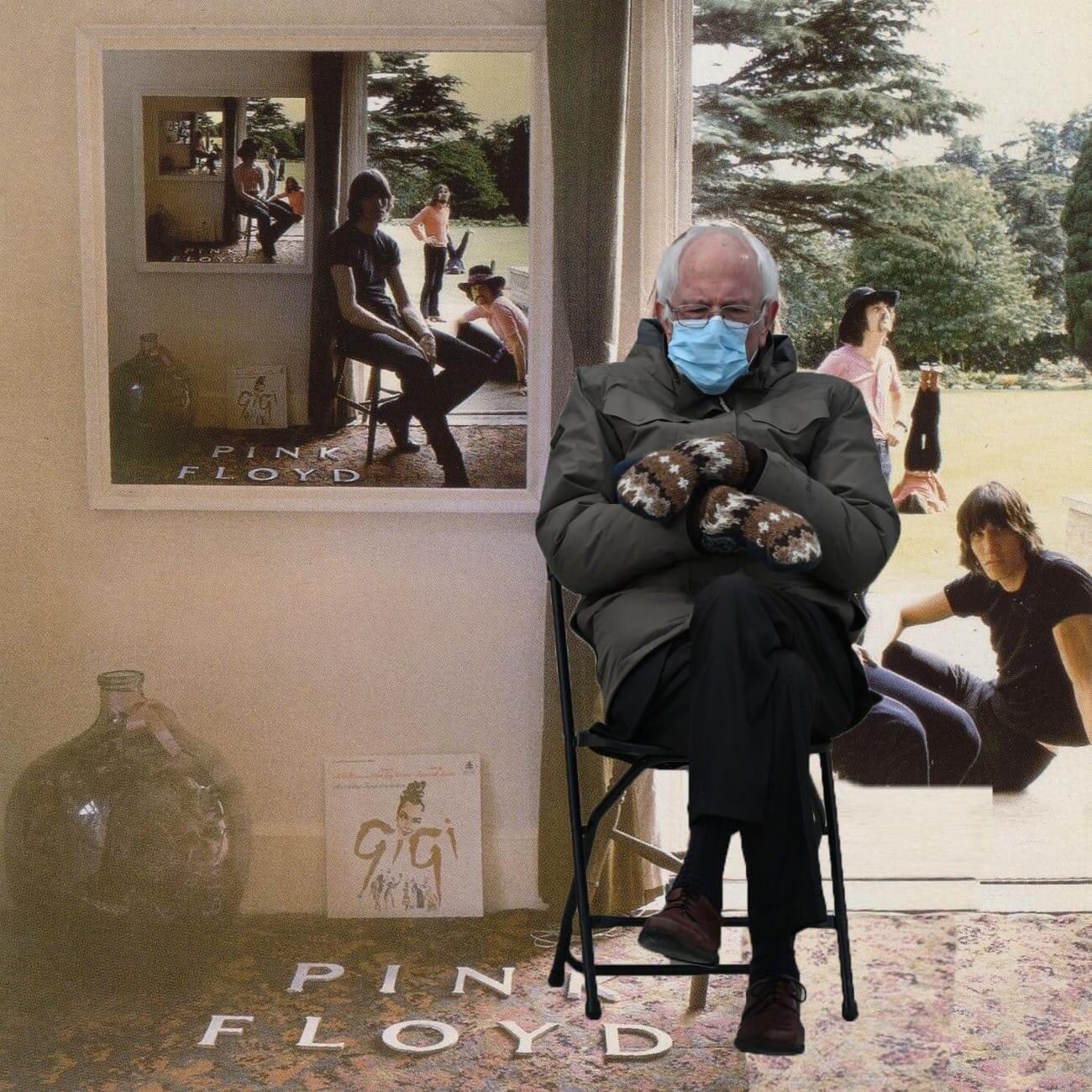
Here’s to hoping there’s more. That said, I still really love Chelsea Wolfe’s solo work, and ERR’s works with the Thoulings.Oh, man, those interference patterns are in the fractions! 🙃Only for those with the patience to set them up properly, I still recommend sticking with one for most situations.Tool got in on the Bernieshop action: https://www.instagram.com/p/CKULYSIFUwk/?utm_source=ig_web_copy_link I like the album covers ones.
 Liked adult. when I first discovered them many years ago during the electroclash movement, kinda lost track of them though, will have to catch up with them. Me, right now: Cardiacs (catalog got released on streaming services) Definitely Dustycore (a term coined by a friend on Discord to group all musicks I like) — ska & new-wave influences, stilted rhythms, theatricality, demented intervals in the melodies, just loads of funI think the only downside for your use case is two inputs. I’ve often felt mine lacking because I would want a stereo analog input for my keyboard, a mic input, and a stereo send return for outboard pedals. But then you mentioned MIDI, so you’re probably fine.Was: Spiral Architect (seminal technical extreme metal) Is: 1000mods' new one (stoner) Will be: Matthew Sweet? I have no idea...Shush you, what happens in ... stays in...Happy birthday, Mike! (party favor noise)"So I heard you say that no-one ever wrote you a love song, Well let me be the one to prove you wrong..." (Ridiculously pretty song found while going through this list.). Sounds like something @Knuckledraggerwould spin.Was: my most-of-Voivod-discography playlist. Is: my newly created as-much-of-Sheena-Ringo-and-Tokyo-Incidents-discographies-as-possible playlist (18 hours/286 tracks)I'm really enjoying the singles coming out ahead of Anneke's upcoming album, in a I-want-to-cover-them kind of way:'appy birfday, guv! (par'y favour noise) from WorcestershirelandsexI found my TC Helicon Voicelive Touch! 😹Thanks for posting that. I’m a huge Fiona Apple fan, but for some reason hadn’t heard it. What’s amazing about it is that she doesn’t lose the Waterboys-ness of it, while at the same time making it recognizably her.Wait for it.You’re supposed to put it in front of your face, SMH.And no Pete Namlook SMHThank you for that, especially that last comment. 🤩 I haven’t been watching much lately, but do still intend to try-before-I-buy Disney+, but honestly, I’m going through a not-watching-much phase, so will hold out until this phase ends. 🙏Nice! I just bought mine, but it was inspired by your previous mentions of how popular/delicious it was, that's why I mentioned it.Mapo Tofu (amongst other things)Want





Important Information
By using this site, you agree to our Terms of Use.