


Hopstretch
High Rollers
-
Joined
-
Last visited
Everything posted by Hopstretch
-
I hate to post about headphones on a booze and light banter site, but these might actually be interesting (T+A is a very German, engineering-driven audio concern) and are reassuringly expensive at $6400. The DAC/amp is apparently $8900. https://www.ta-hifi.de/en/musicreengineered-solitaire/
-
Happy Birthday!
-
Hardly controversial but always good to hear.
-
I didn't know the magic smoke could go back in!
-
Happy Birthday!
-
She's like a Norwegian Jenny Lewis crossed with Neko Case and how can that be bad? (Yes, it is pronounced "Slutface".)
-
Happy birthday stranger!
-
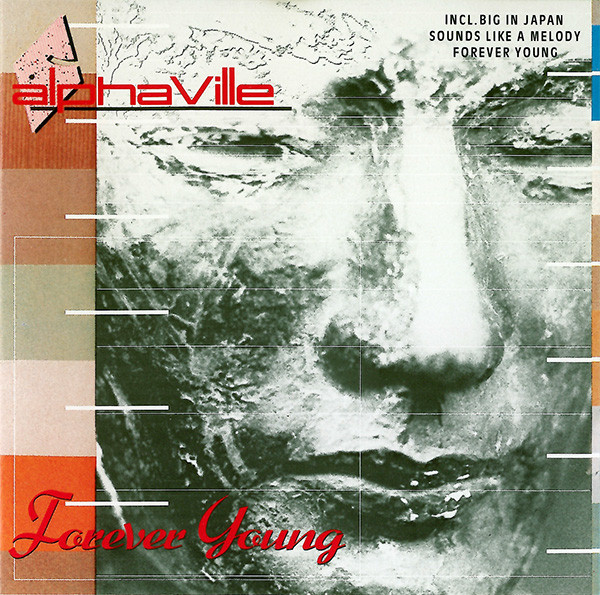
New Radio Department!I wish this song went on for an hour.Happy Birthday! Buy something nice that you don’t already have. Oh, wait…Going to watch "Paths of Glory" again. RIP Kirk Douglas.Goodbye goodbye goodbye goodbye goodbye etc.This!New Destroyer Album also out today. It's pretty great.Fit February starts tomorrow, which means today is Fat Fuck Friday!
 I will still love you even though you are a carb criminal.I've been rewatching Black Books on Amazon Prime because ... well ... because it's on Amazon Prime. This led to this Dylan Moran short which I'd completely forgotten about and is absolutely terrific.






Important Information
By using this site, you agree to our Terms of Use.
Account
Navigation
Search
Configure browser push notifications
Chrome (Android)
- Tap the lock icon next to the address bar.
- Tap Permissions → Notifications.
- Adjust your preference.
Chrome (Desktop)
- Click the padlock icon in the address bar.
- Select Site settings.
- Find Notifications and adjust your preference.
Safari (iOS 16.4+)
- Ensure the site is installed via Add to Home Screen.
- Open Settings App → Notifications.
- Find your app name and adjust your preference.
Safari (macOS)
- Go to Safari → Preferences.
- Click the Websites tab.
- Select Notifications in the sidebar.
- Find this website and adjust your preference.
Edge (Android)
- Tap the lock icon next to the address bar.
- Tap Permissions.
- Find Notifications and adjust your preference.
Edge (Desktop)
- Click the padlock icon in the address bar.
- Click Permissions for this site.
- Find Notifications and adjust your preference.
Firefox (Android)
- Go to Settings → Site permissions.
- Tap Notifications.
- Find this site in the list and adjust your preference.
Firefox (Desktop)
- Open Firefox Settings.
- Search for Notifications.
- Find this site in the list and adjust your preference.