


Hopstretch
High Rollers
-
Joined
-
Last visited
Everything posted by Hopstretch
-
This is not at all 80s.
-
Happy Birthday!
-
See you over in the drinking thread!
-
Nah, there's always some stupidity held in reserve.
-
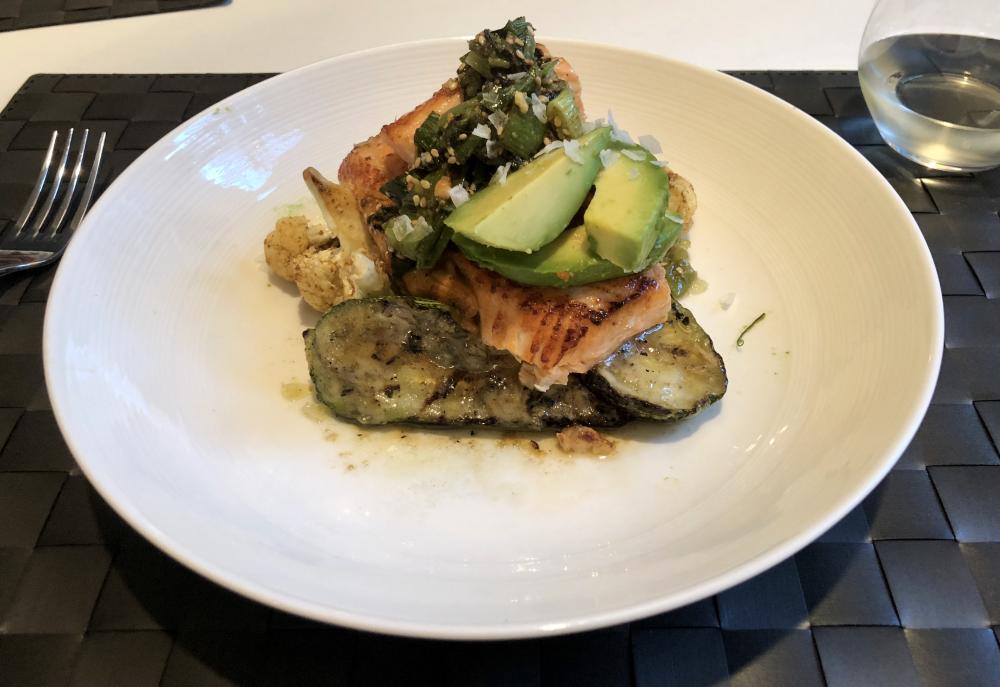
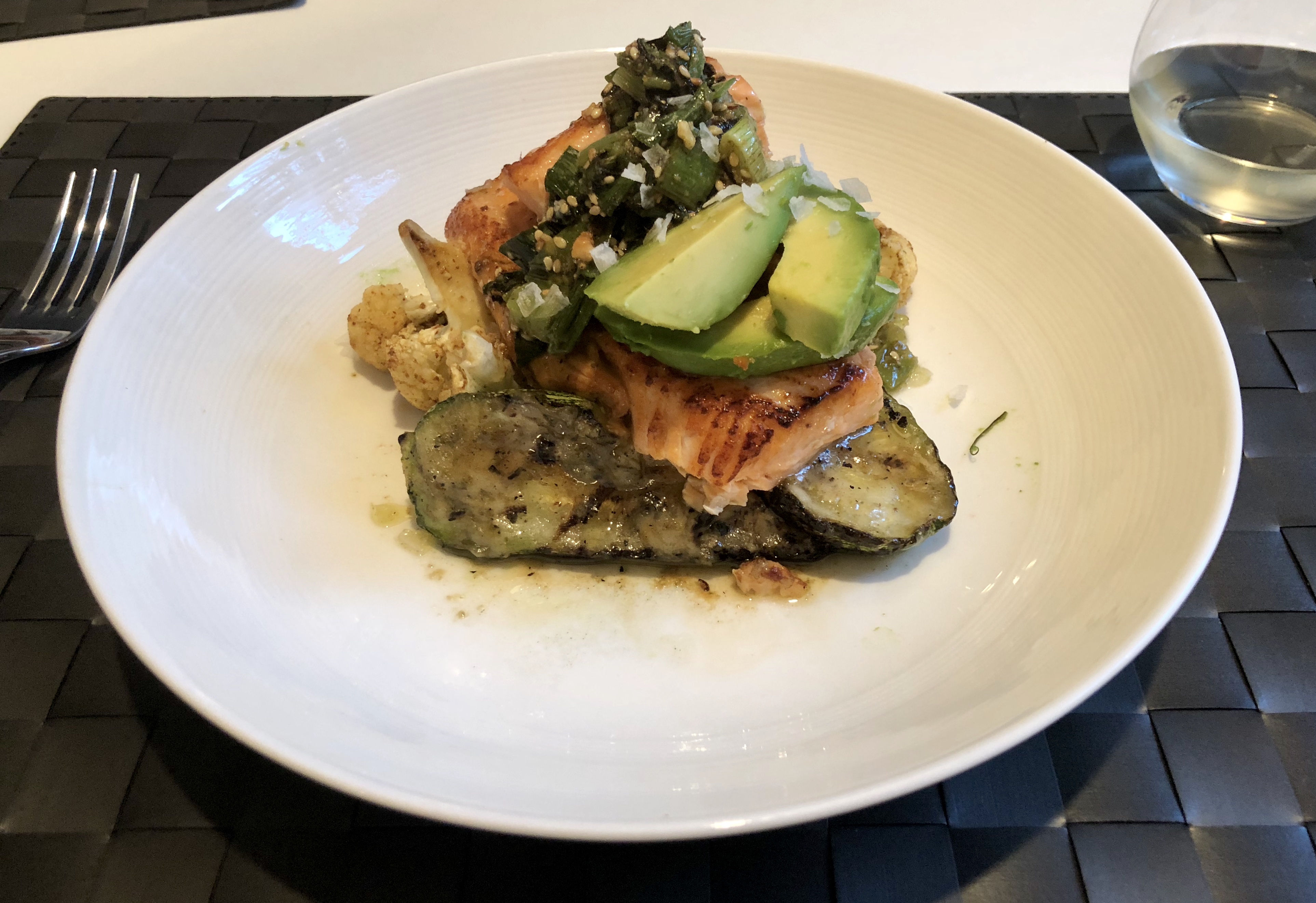
Brown butter salmon with grilled summer squash, cauliflower, avocado and dukkah.
-
Still on a bit of a kick.
-
Don't like it. Too sensible.
-
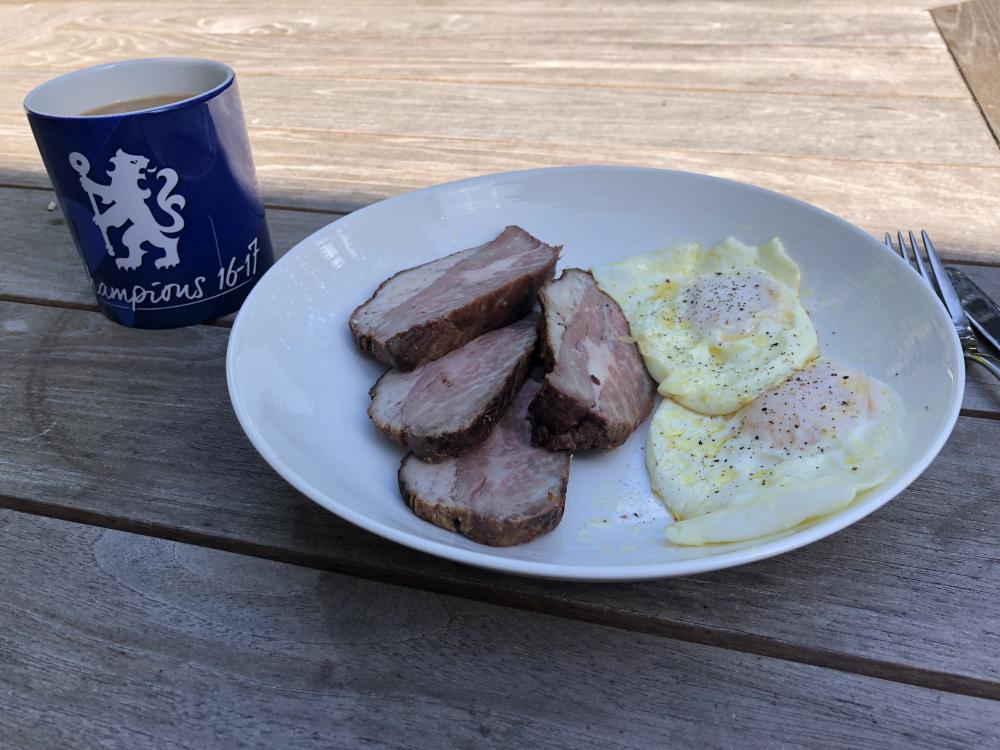
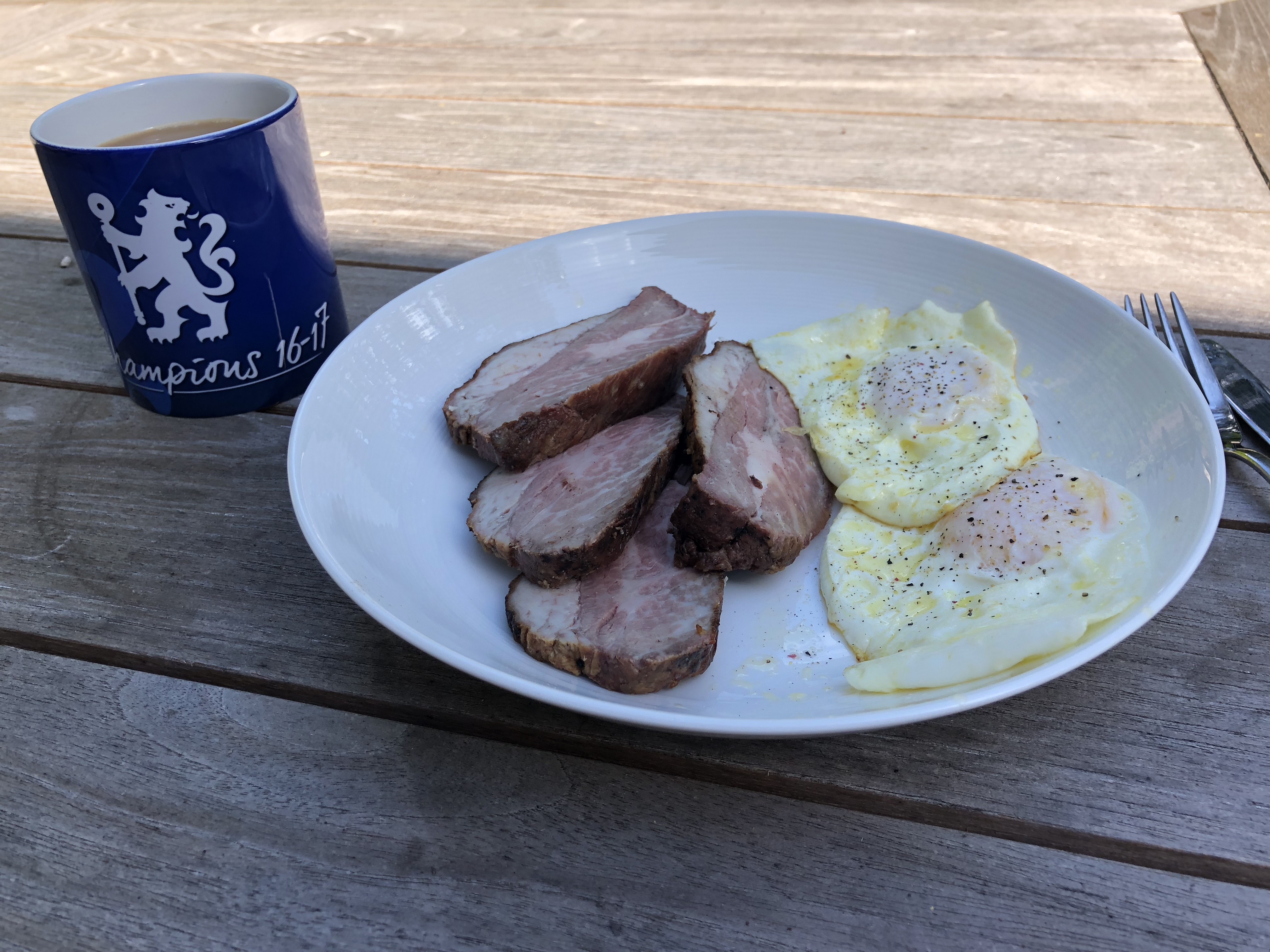
Eggs and leftover tri-tip. Waste not want not!
-
But nobody cares about those.What's going to be a fucking pain in the arse here, is plurals. Like, Biggie do you still want the 009s I was going to sell you now that you'll have the 009Ss?They were propped up by two smashed potatoes, which went uneaten. Currently working on this. Being able to get USDA Prime tri-tip in fucking Safeway is one of my favorite things about California, and that includes the wine.
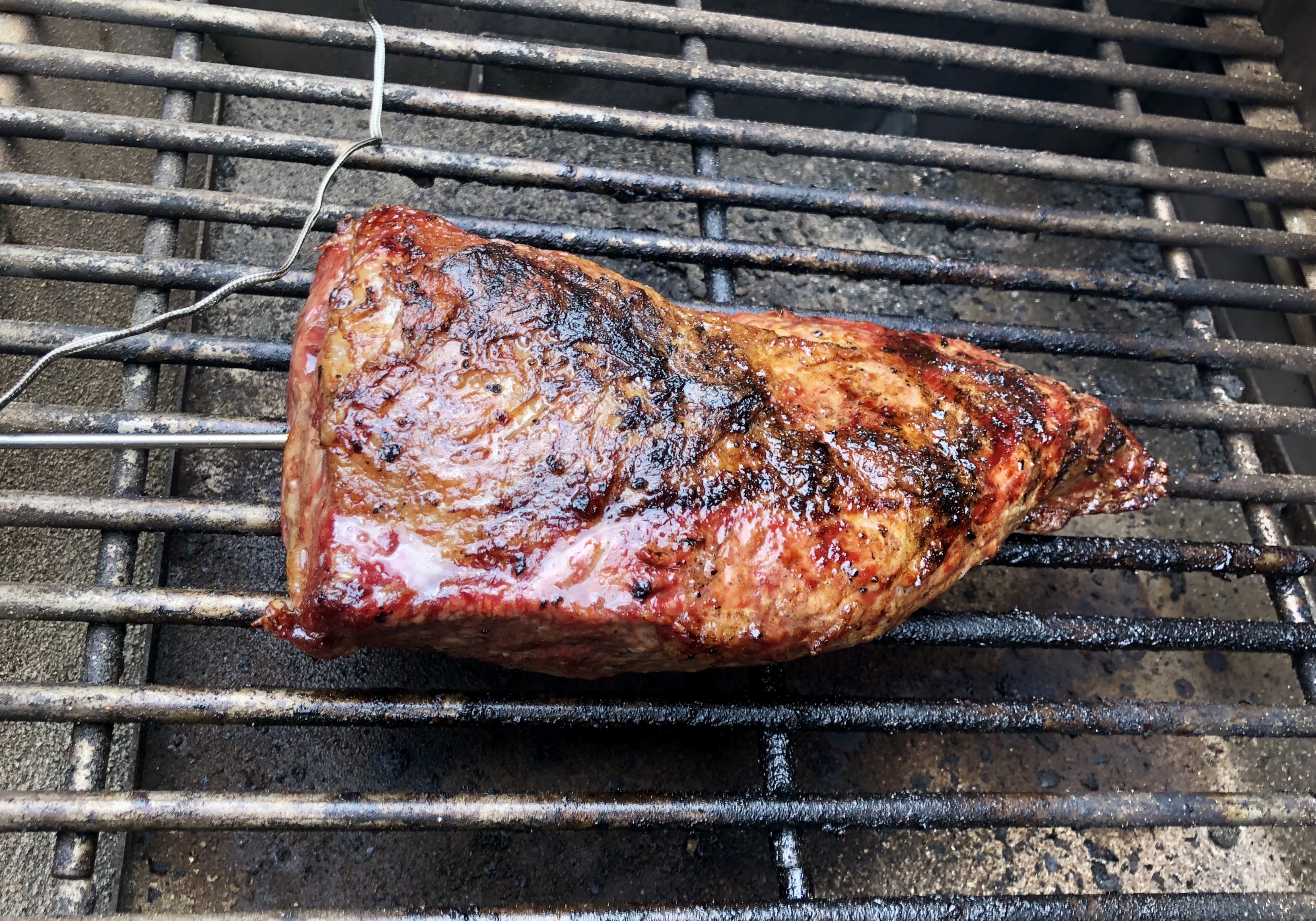
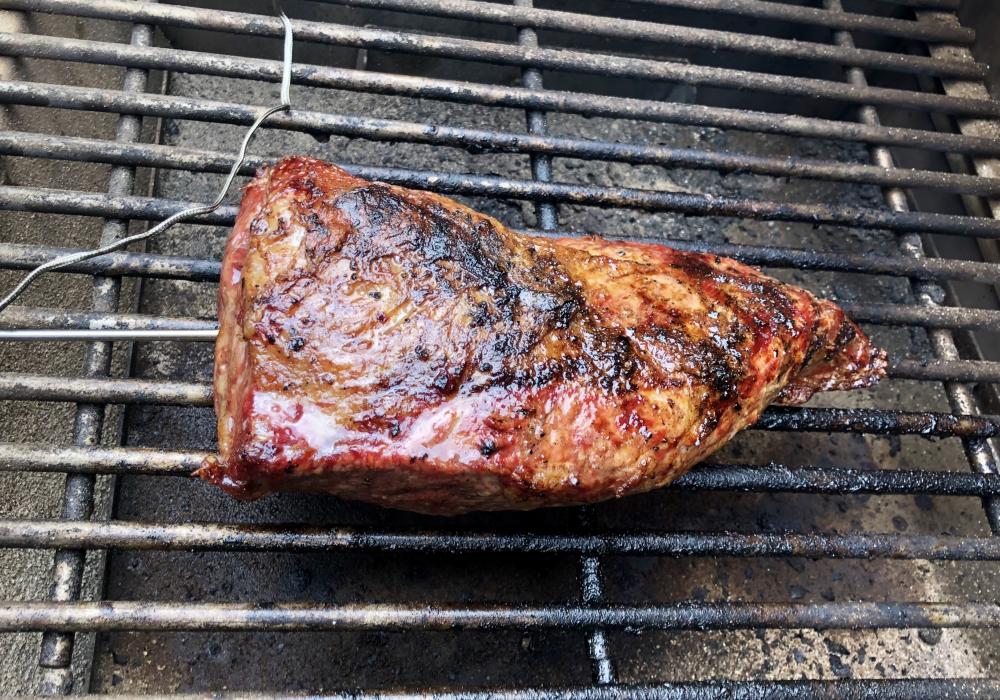 Such a banger.WHAAAHAAAHOOOOHAAAHOOOAHHHHAAA!Then you fail to properly differentiate between authority, force, power, violence and legitimacy.Like mine. We use it all the time in the family room. The main problem is smartass teens who think it’s funny to wander into the room whenever something is playing, say “Hey Siri play ‘God’s Plan’” and leave smirking.It's more of a retinue.Older, cheerful stuff.Lacking brisket, I grilled a tri-tip instead. It’s more CA anyway. Went OK.Yes. I want to eat that right now, at 5:00 am. I don't give a fuck.Enjoying this quite a lot more than I expected. Can not claim it's a sober assessment though.







Important Information
By using this site, you agree to our Terms of Use.
Account
Navigation
Search
Configure browser push notifications
Chrome (Android)
- Tap the lock icon next to the address bar.
- Tap Permissions → Notifications.
- Adjust your preference.
Chrome (Desktop)
- Click the padlock icon in the address bar.
- Select Site settings.
- Find Notifications and adjust your preference.
Safari (iOS 16.4+)
- Ensure the site is installed via Add to Home Screen.
- Open Settings App → Notifications.
- Find your app name and adjust your preference.
Safari (macOS)
- Go to Safari → Preferences.
- Click the Websites tab.
- Select Notifications in the sidebar.
- Find this website and adjust your preference.
Edge (Android)
- Tap the lock icon next to the address bar.
- Tap Permissions.
- Find Notifications and adjust your preference.
Edge (Desktop)
- Click the padlock icon in the address bar.
- Click Permissions for this site.
- Find Notifications and adjust your preference.
Firefox (Android)
- Go to Settings → Site permissions.
- Tap Notifications.
- Find this site in the list and adjust your preference.
Firefox (Desktop)
- Open Firefox Settings.
- Search for Notifications.
- Find this site in the list and adjust your preference.