


Hopstretch
High Rollers
-
Joined
-
Last visited
Everything posted by Hopstretch
-
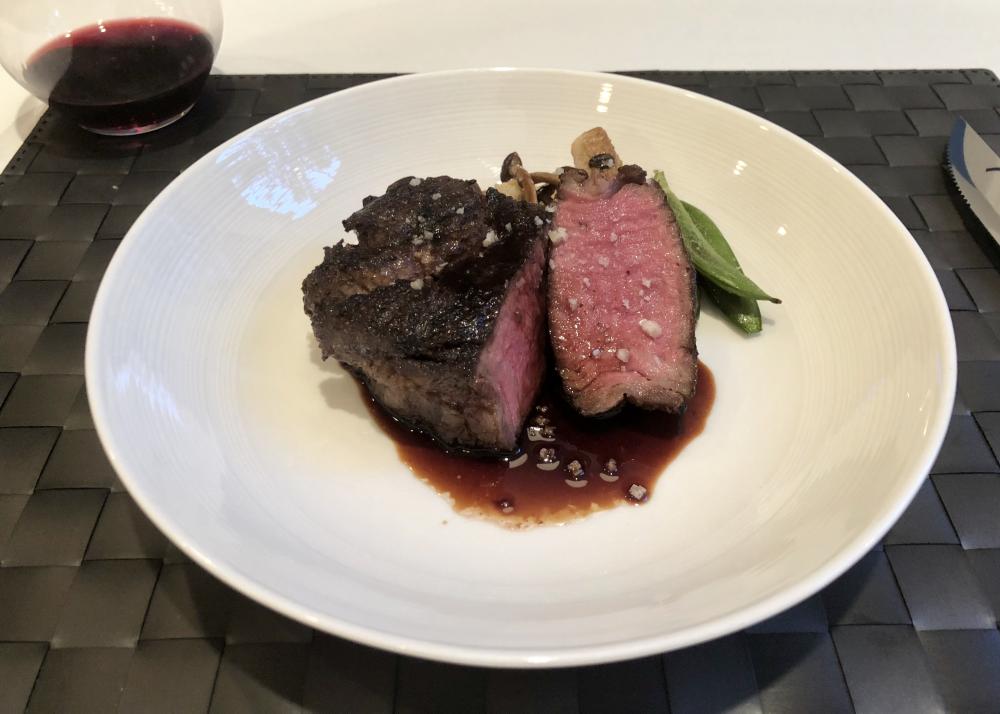
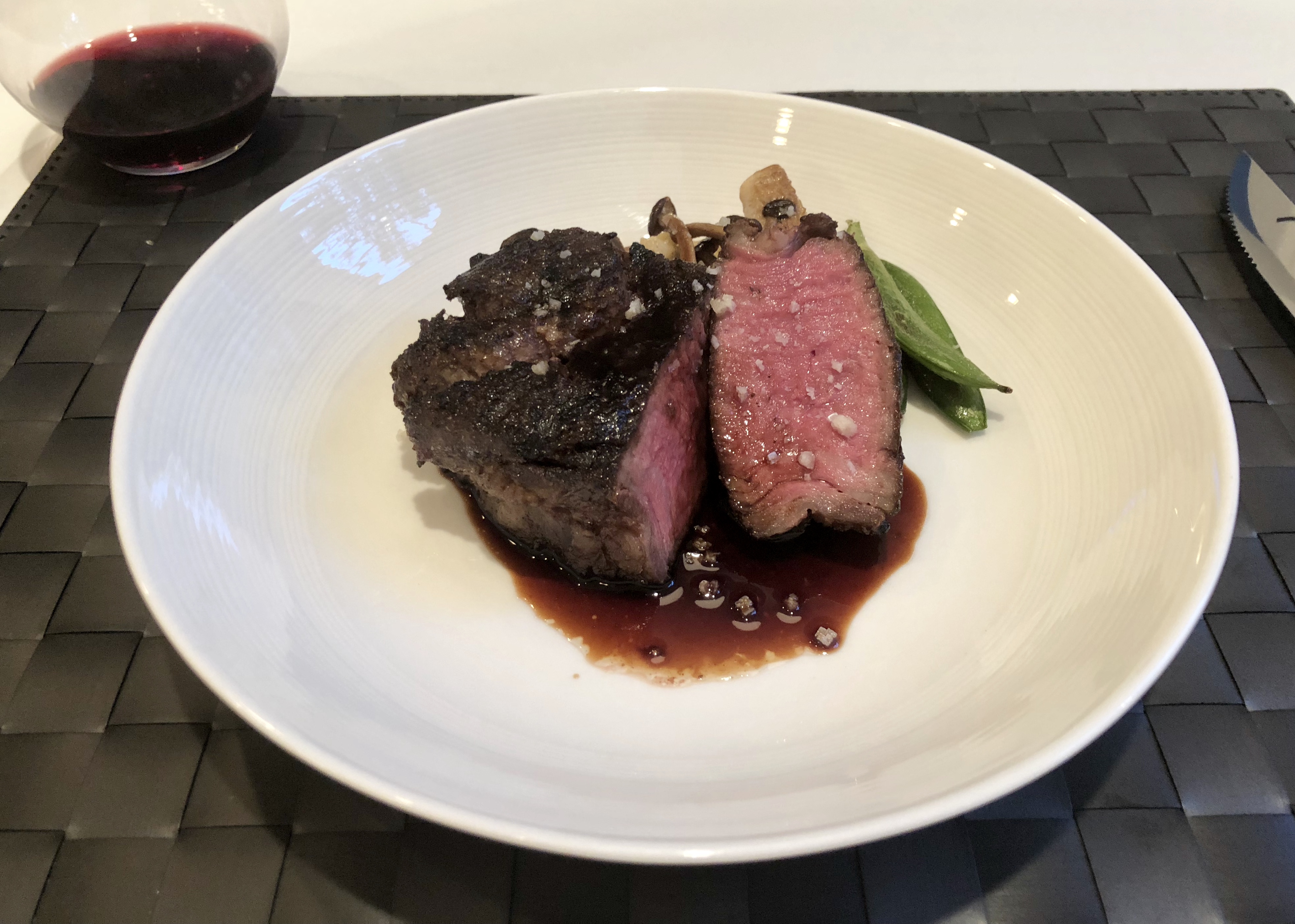
Sous vide rib cap. OMG. Thank you Costco.
-
That's certainly possible. But shareholders generally prefer it when you instead unload the business onto someone less farsighted and scrupulous for a few hundred million smackeroos, which they can put into their pockets.
-
Wow. Wonder what the full story is? Great products, great brand equity and they're just ... folding the tent. It doesn't make sense.
-
I am so basic.
-
Taylor Swift meets The Knife. I like it, she's talented.
-
Happy Birthday!
-
Alfresco brunch hot off the fire. 12 ‘o clock somewhere etc. etc.
-
Dew eet!
-
Gone to the dogs, surely?
-
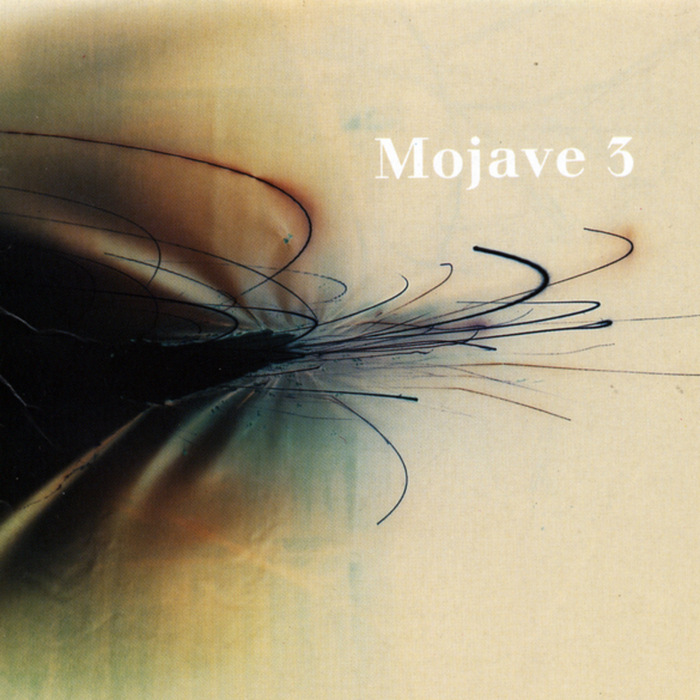
Lit fam. Straight fire.Really does fit your room well. Hope the floor is sturdy, because that stuff is heavy! @TMoney threw in some very kind (and tasty) sweeteners and I immediately reinvested the entire proceeds in new audio gear, as is traditional.Least electronic CHVRCHES song ever. Still pretty good.Mojave 3 -- Ask Me Tomorrow Melancholy distilled. Goes well with other distillations.
 Know there's a wide spectrum of opinion around here on the gun issue, so please don't take this as an attack -- but this made me laugh.
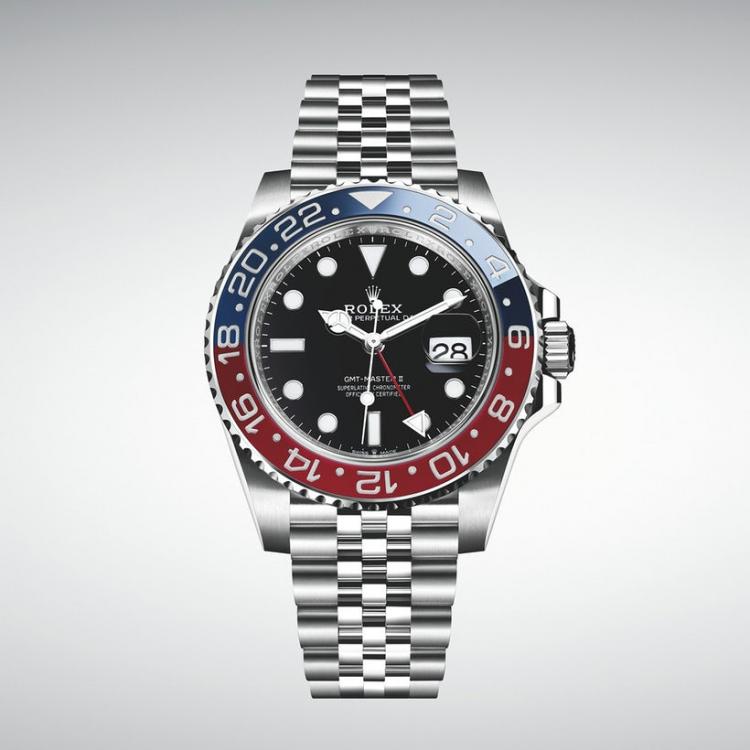
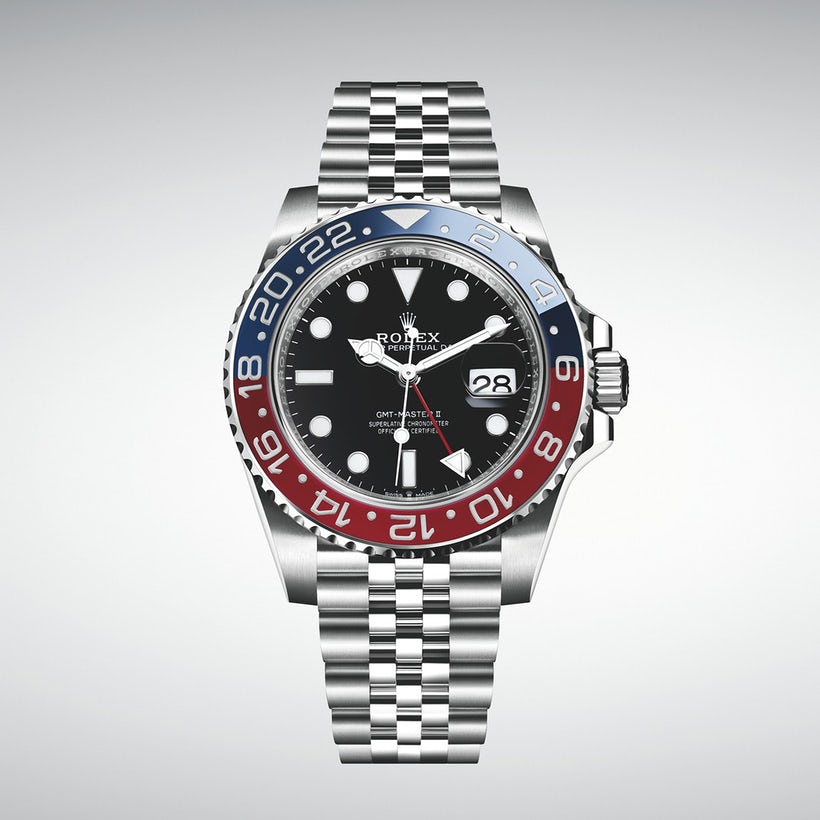
 Um, yeah. I was so drunk last night that I spent half an hour trying to find the “Who’s Drunk” thread. Never did.Agreed!Like the gilt, don't like the faux rivets on the bracelet. Hoping they'll do some other dial colors in the fullness of time.I'm a little bit in the tank for GODDAMN LLOYD COLE FUCK SERIOUSLY ITS LLOYD COLE MOTHERSFUCKER JESUS CHRIST GODDAMN.So Rolex finally did a new Pepsi GMT in steel with a ceramic bezel and on a Jubilee, as it should be. Probably sell a few of those!
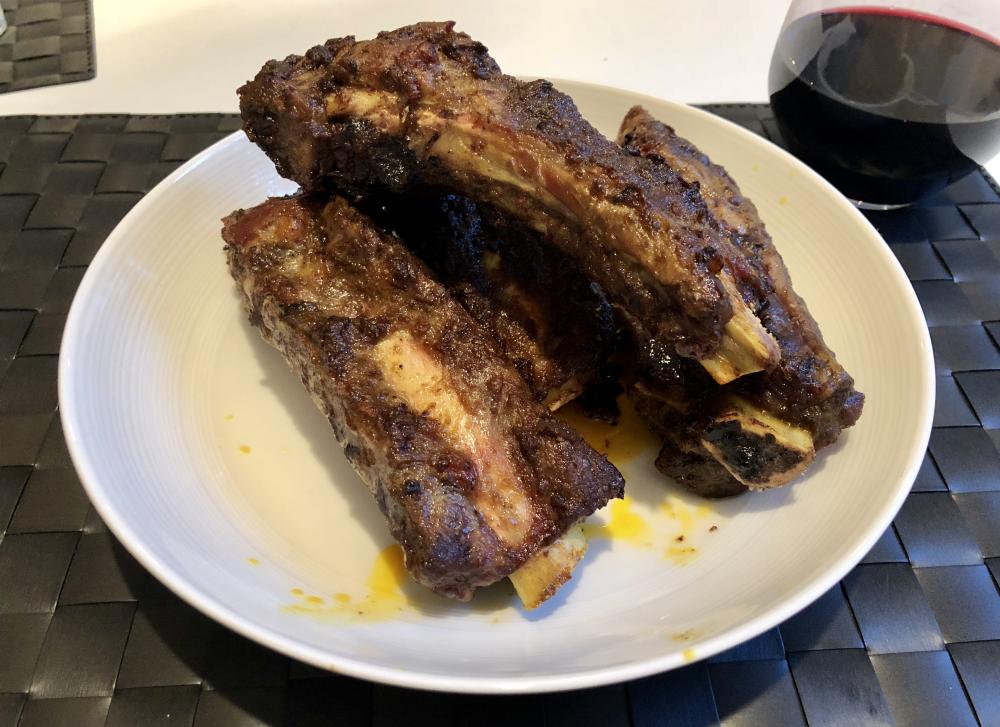
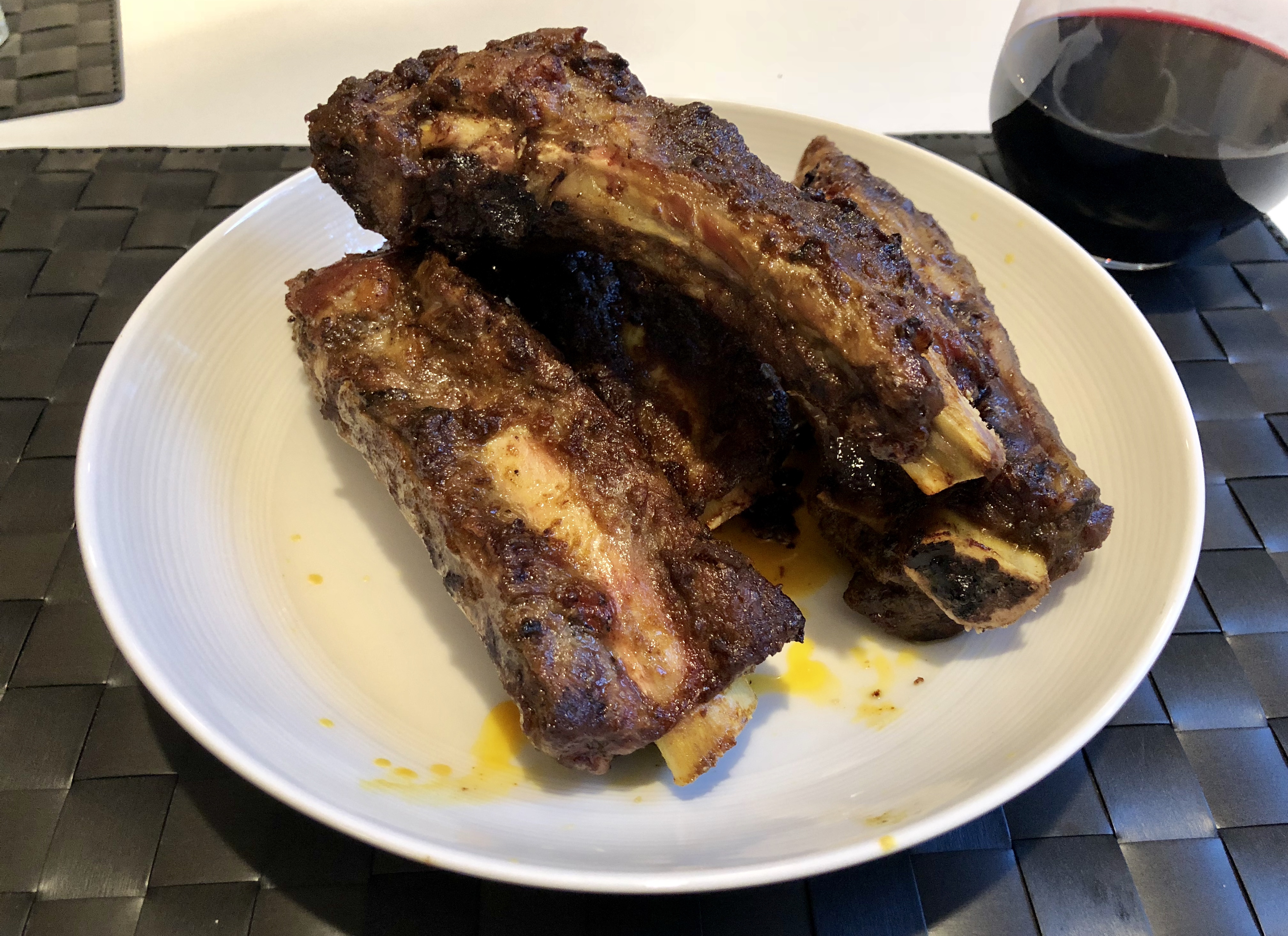
 Tikka Masala beef ribs. I can recommend these.
 Post it to that anti-Steve Hoffman forum. I dare you.You forgot some bits.






Important Information
By using this site, you agree to our Terms of Use.
Account
Navigation
Search
Configure browser push notifications
Chrome (Android)
- Tap the lock icon next to the address bar.
- Tap Permissions → Notifications.
- Adjust your preference.
Chrome (Desktop)
- Click the padlock icon in the address bar.
- Select Site settings.
- Find Notifications and adjust your preference.
Safari (iOS 16.4+)
- Ensure the site is installed via Add to Home Screen.
- Open Settings App → Notifications.
- Find your app name and adjust your preference.
Safari (macOS)
- Go to Safari → Preferences.
- Click the Websites tab.
- Select Notifications in the sidebar.
- Find this website and adjust your preference.
Edge (Android)
- Tap the lock icon next to the address bar.
- Tap Permissions.
- Find Notifications and adjust your preference.
Edge (Desktop)
- Click the padlock icon in the address bar.
- Click Permissions for this site.
- Find Notifications and adjust your preference.
Firefox (Android)
- Go to Settings → Site permissions.
- Tap Notifications.
- Find this site in the list and adjust your preference.
Firefox (Desktop)
- Open Firefox Settings.
- Search for Notifications.
- Find this site in the list and adjust your preference.