


Hopstretch
High Rollers
-
Joined
-
Last visited
Everything posted by Hopstretch
-
If it makes you feel any better, I didn't find it particularly useful or rewarding. Handed off to the wife, who does.
-
I nearly asked you that in the bike thread earlier.
-
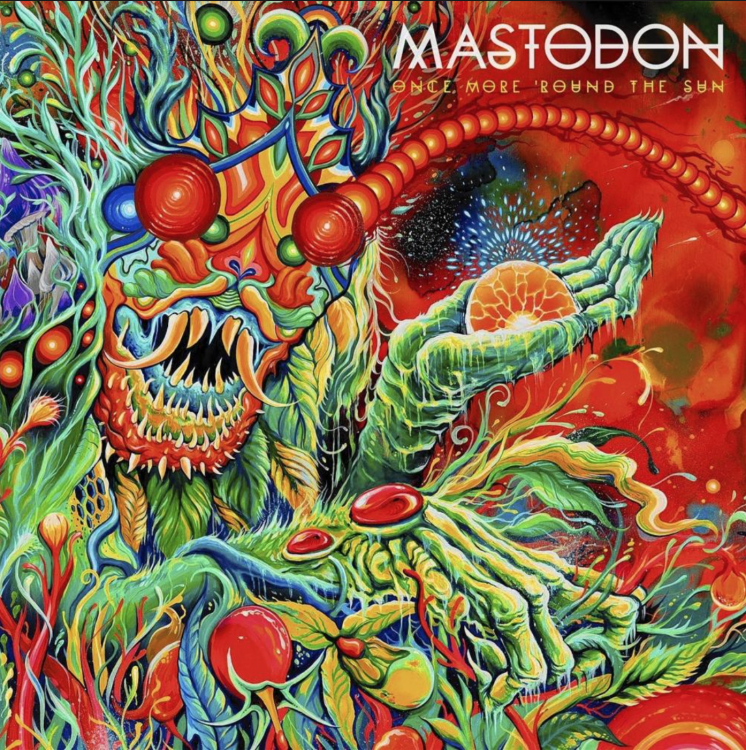
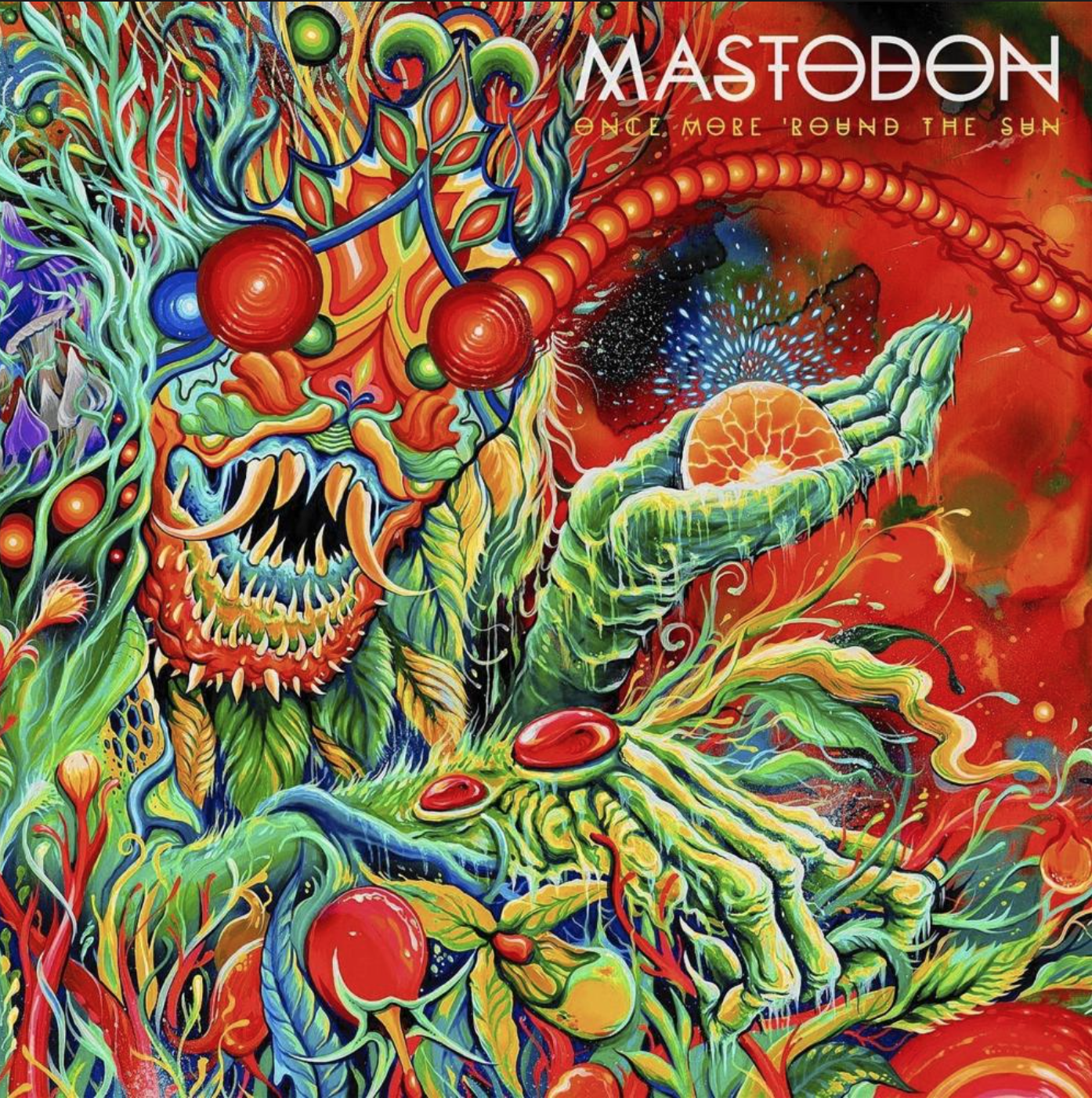
Mastodon -- Once More 'Round The Sun
-
Brian Eno -- Reflection

-
* Buys Searzall *
-
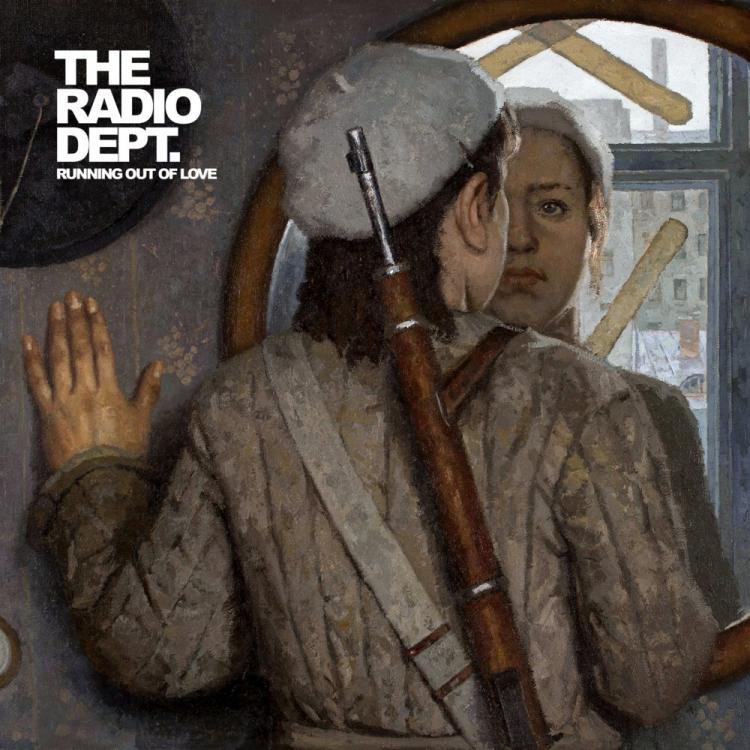
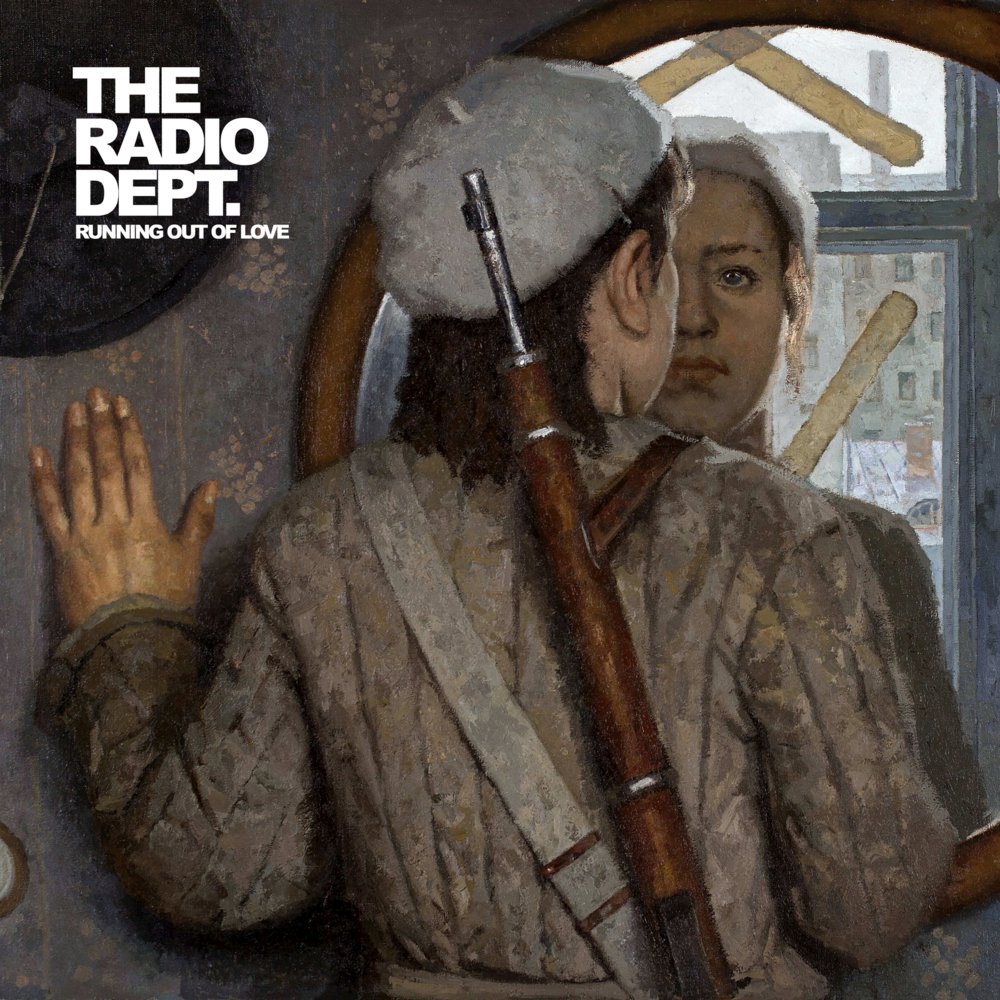
The Radio Dept. -- Running Out Of Love A heavy album of deceptively light music.
-
Happy Birthday!
-
It's not a bug, it's a feature.
-
Happy Birthday old bean!
-
-
Happy Birthday!
-
Cabbage -- Uber Capitalist Death Trade
-
-
Happy Birthday!
-
Sent my 6S Plus to Davy Jones's Locker. Had it in my breast pocket while driving a boat and leant out over the gunwale to retrieve a waterski. Zip, plop, "fuck".
-
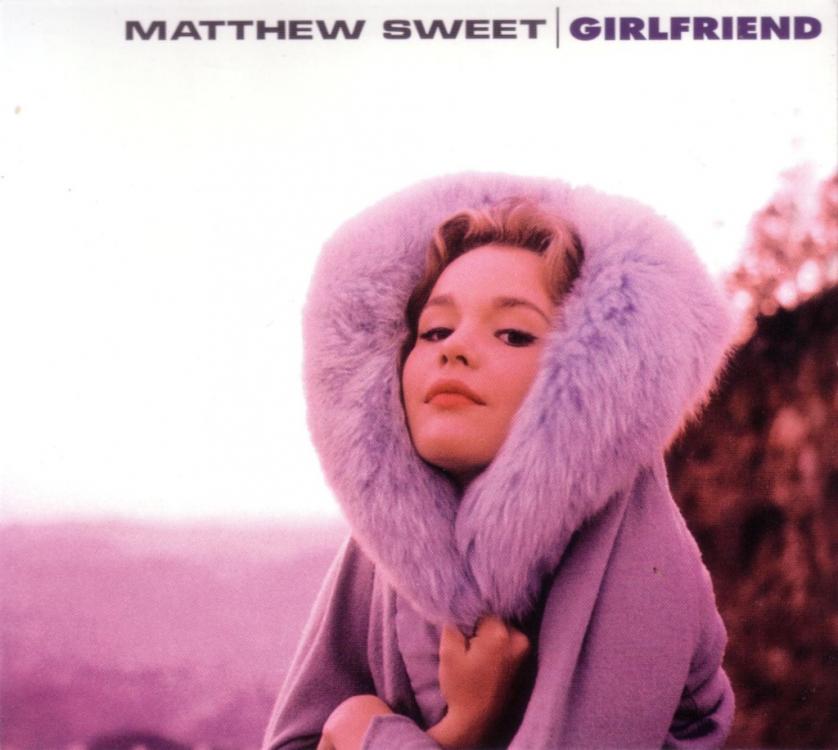
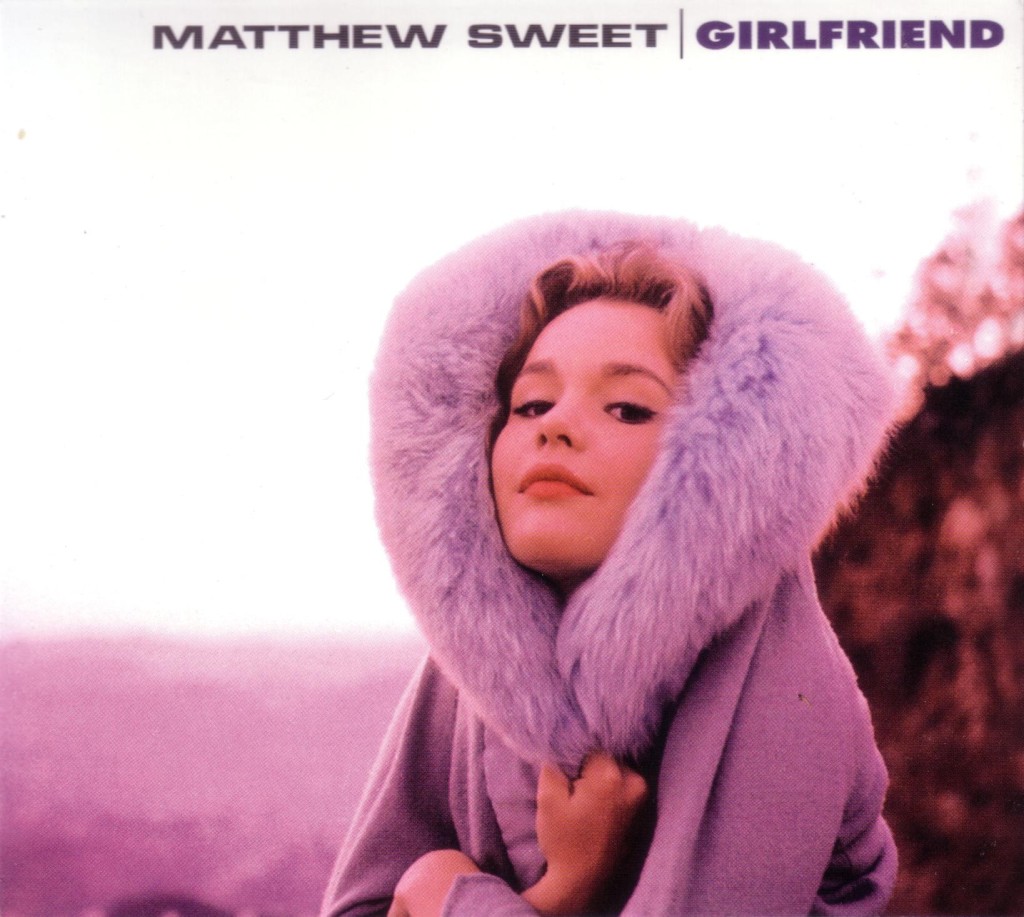
Marginally nearer to topic: Matthew Sweet -- Girlfriend
 This seems like it should be a euphemism for something indefinite. "How was the film, Stretch?" "Yeah, alright Steve mate. But it didn't mow my grass, eh?" * wink * leer *And I was asking for a friend!The National -- Trouble Will Find Me
 Good dog Pongo.Secret Santa really came through for me!As if you're not used to having twice the meat ...


Important Information
By using this site, you agree to our Terms of Use.