Leaderboard
-
Voltron
High Rollers14Points34606Posts -
Pars
High Rollers14Points8607Posts -
Hopstretch
High Rollers13Points16809Posts -
VPI
High Rollers10Points9103Posts




Popular Content
Showing content with the highest reputation on 11/18/15 in all areas
-
14 pointsNot to dilute from Jacob, but I think I finally got a job :)14 points
-
4 pointsLast night: Oxtail with black beans, pickled carrots and jicama, caramelized onions Cochinita pibil4 points
-
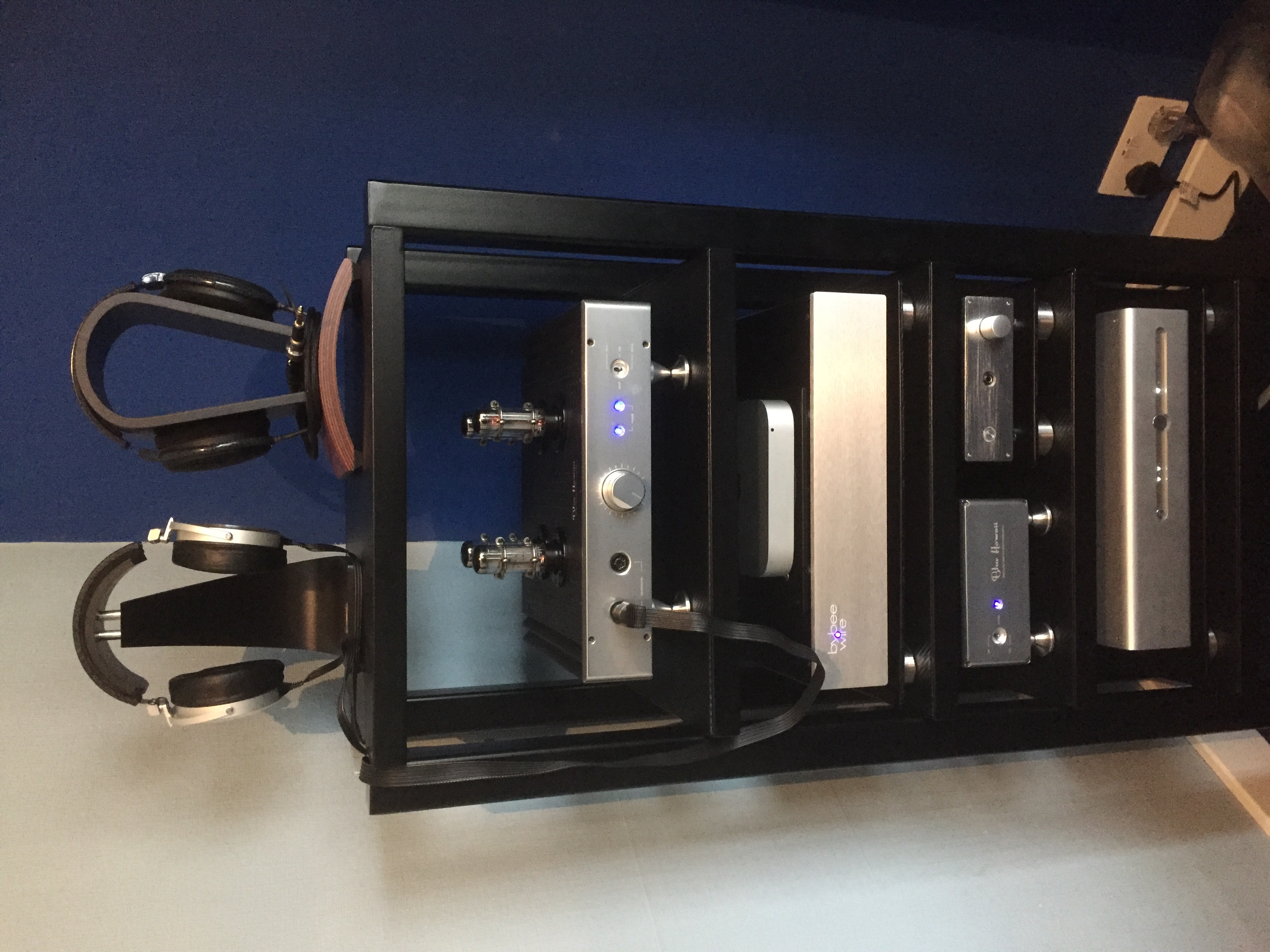
2 pointsCouldn't resist it, but here's a photo of my recently got Yggy with the rest of my headphone gear.
 2 points
 -
http://sploid.gizmodo.com/turning-a-big-mac-into-sushi-is-such-an-incredible-achi-17430466221 point
-
1 point
-
1 pointPre-emptory congrats, Jacob -- I'm sure you won't fuck up! :D1 point
-
1 point
-
1 pointI was listening to NPR on my way home from Arby's, when the announcer said that This American Life was 20 years old today! 20 years? I could hardly believe it. Here's the blurb from Ira; http://www.thisamericanlife.org/blog/2015/11/our-show-is-20-years-old-today1 point
-
1 point
-
1 point
-
1 pointSort of a ghost town at C&C this morning. Just posting this one due to the excellent parking job of the driving instructor that was there to sell us $50k memberships to the new private race track being built south of DC. He was not backing into the space. This is how he decided to park his Nismo Z I call this one the Brent car because every time I see it pull up I expect to see Brent get out of it for some reason. . Stretch Car1 point
-
1 pointWas surprised and thrilled to see this guy walk into the room this morning:
 1 point
 -
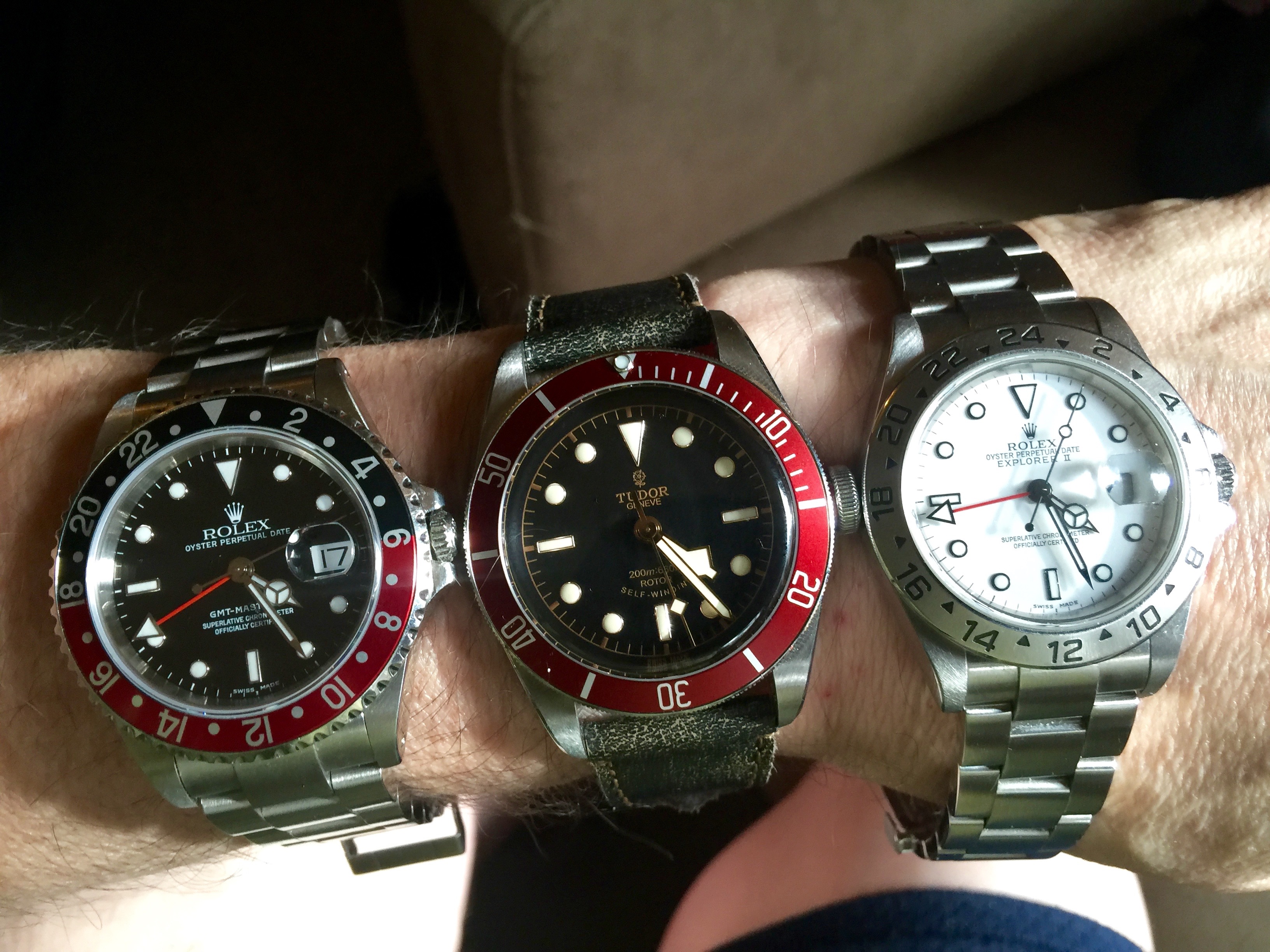
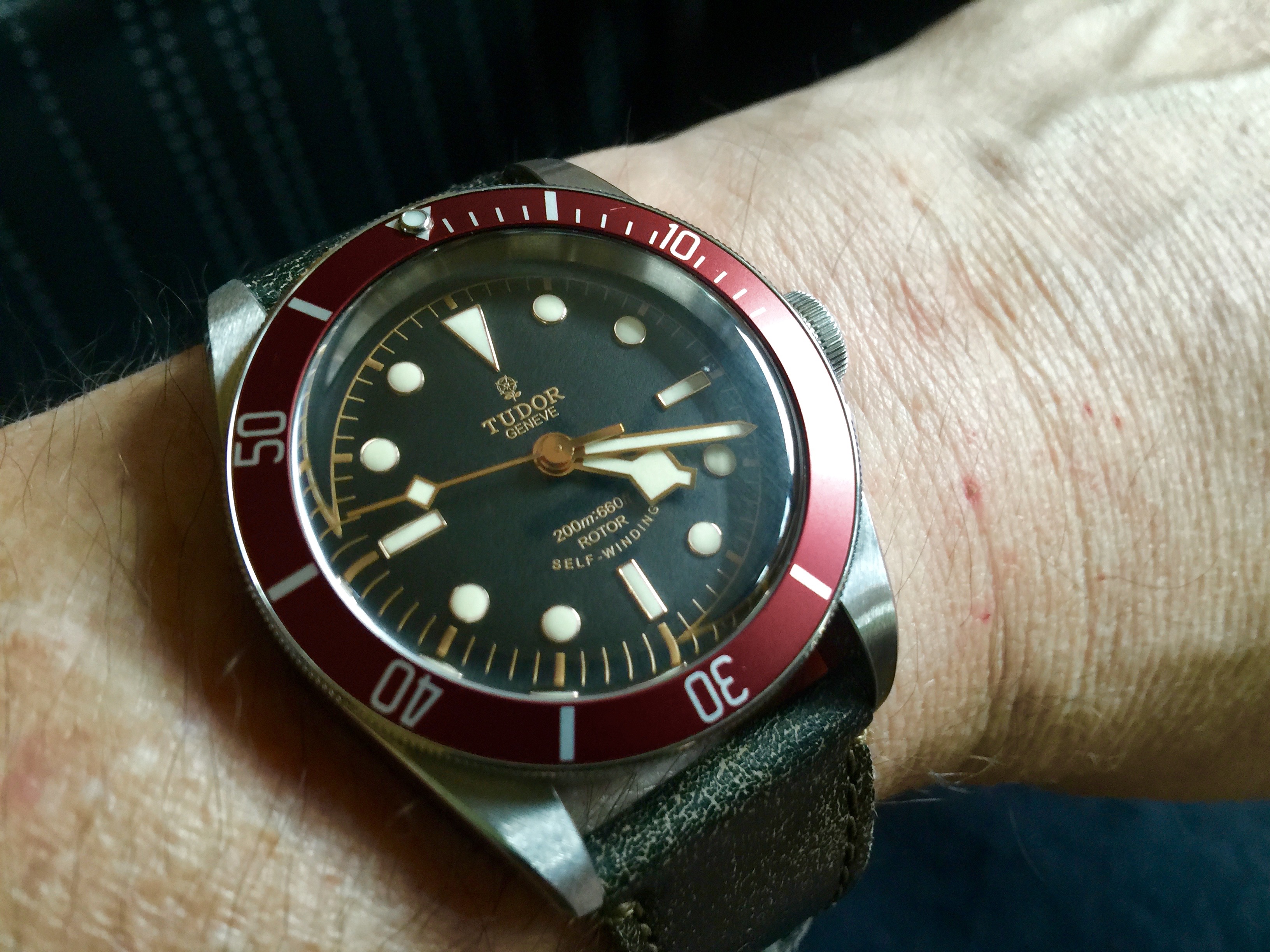
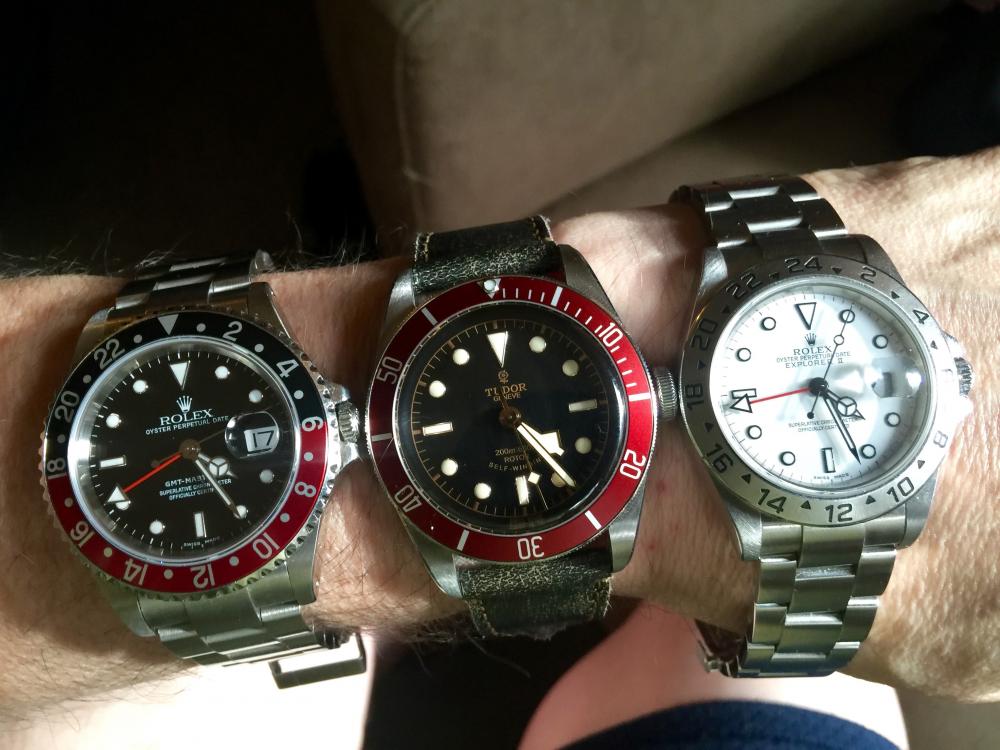
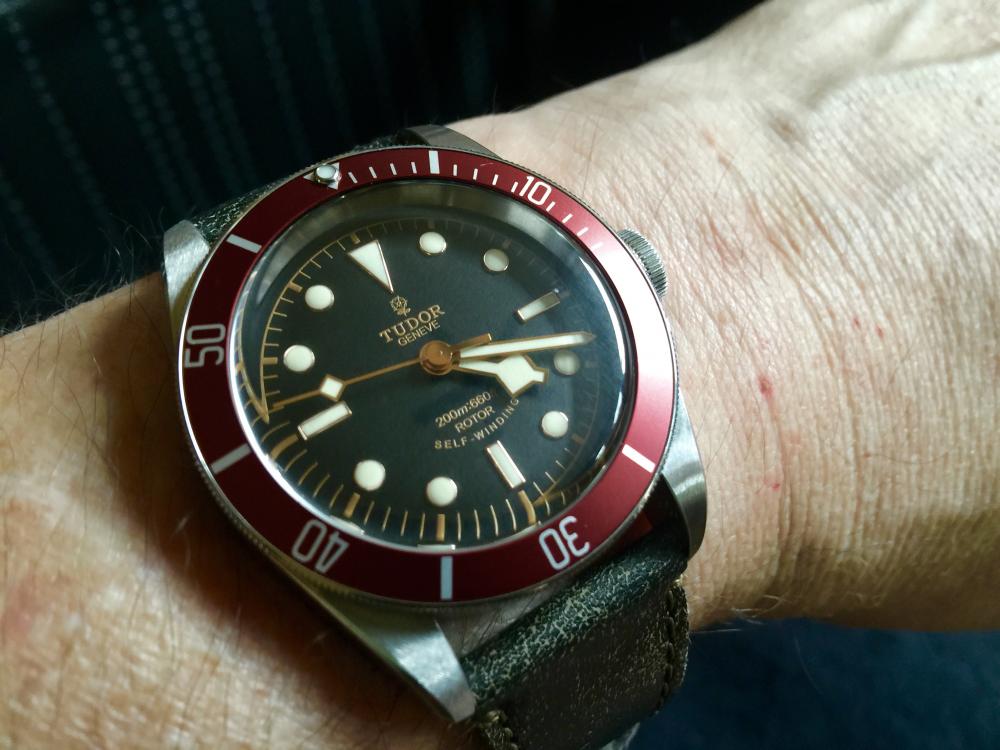
1 pointI'm still loving the strap on my new Tudor Black Bay, much more than any bracelet. However, I do think my GMT II and Explorer II look best on bracelets.
 1 point