

Leaderboard
-
Augsburger
High Rollers14Points13165Posts -
mikeymad
High Rollers12Points13710Posts -
Voltron
High Rollers12Points34514Posts -
skullguise
High Rollers8Points8865Posts




Popular Content
Showing content with the highest reputation on 07/26/19 in all areas
-
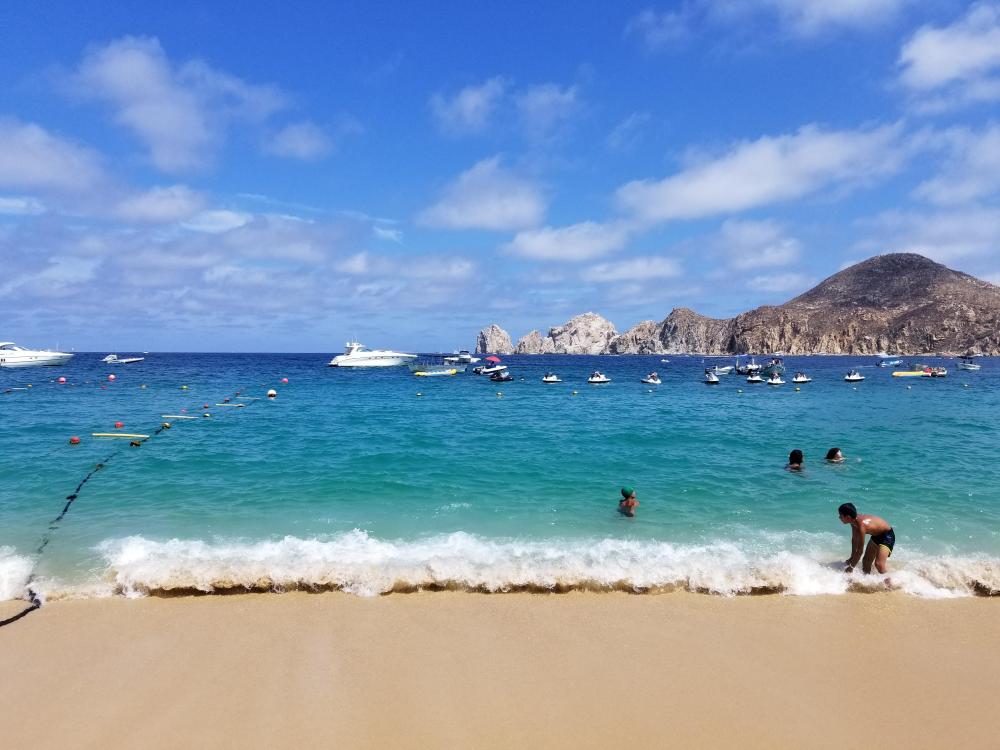
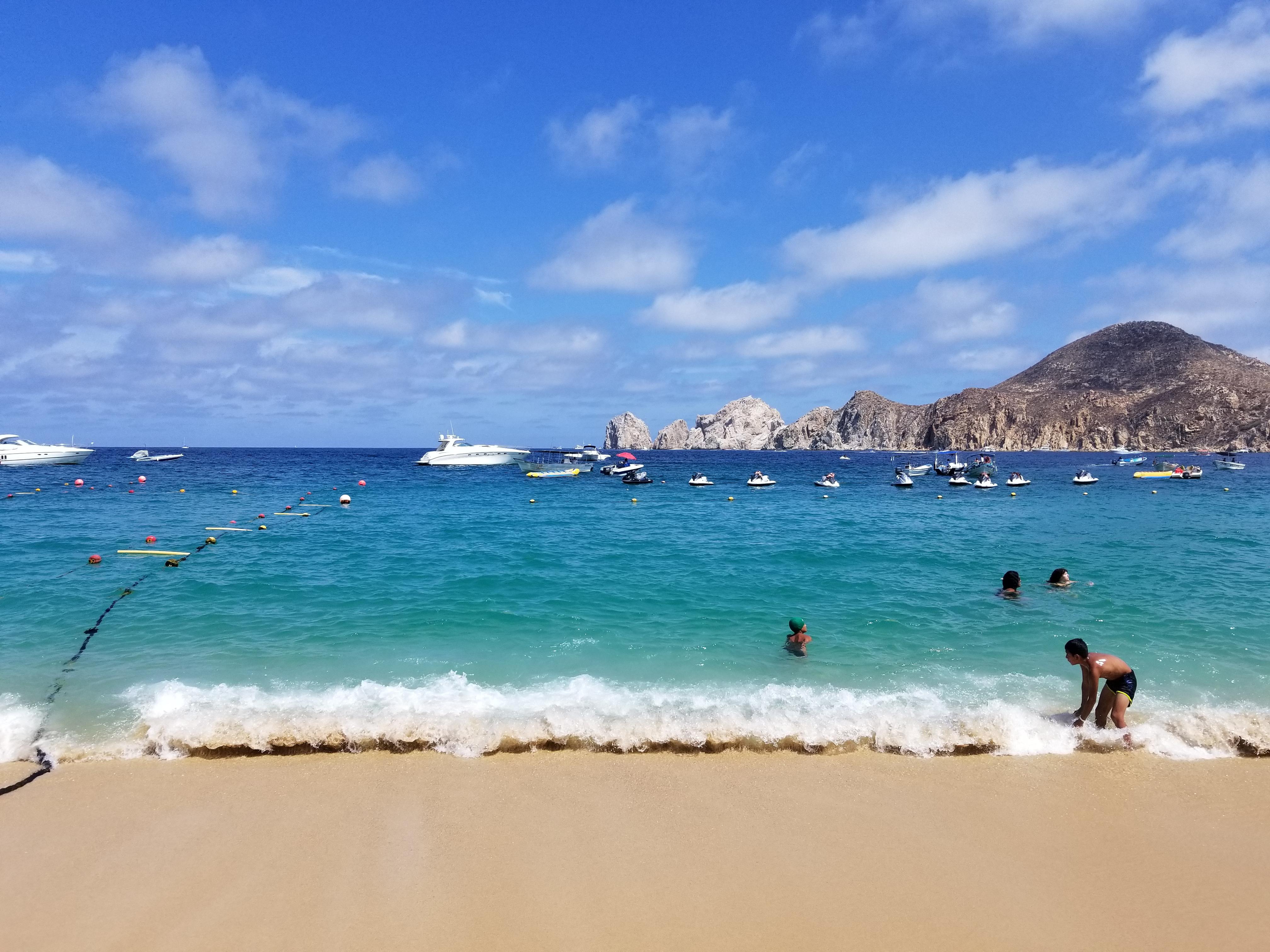
3 pointsAt Cabo San Lucas. Picture is of lands end, the name is literal. That is where the Baja peninsula ends and the sea of Cortez meets the pacific ocean. Getting away from those areas is a must though. The other best thing besides the ocean. El pastor.
 3 points
 -
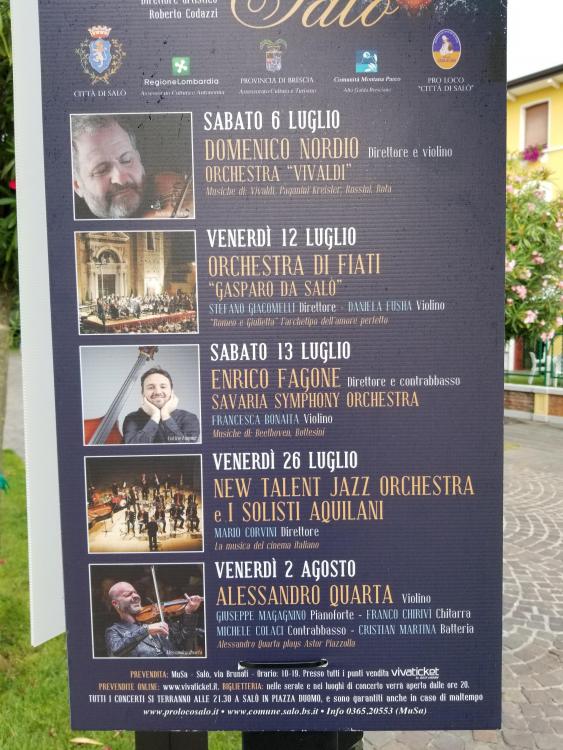
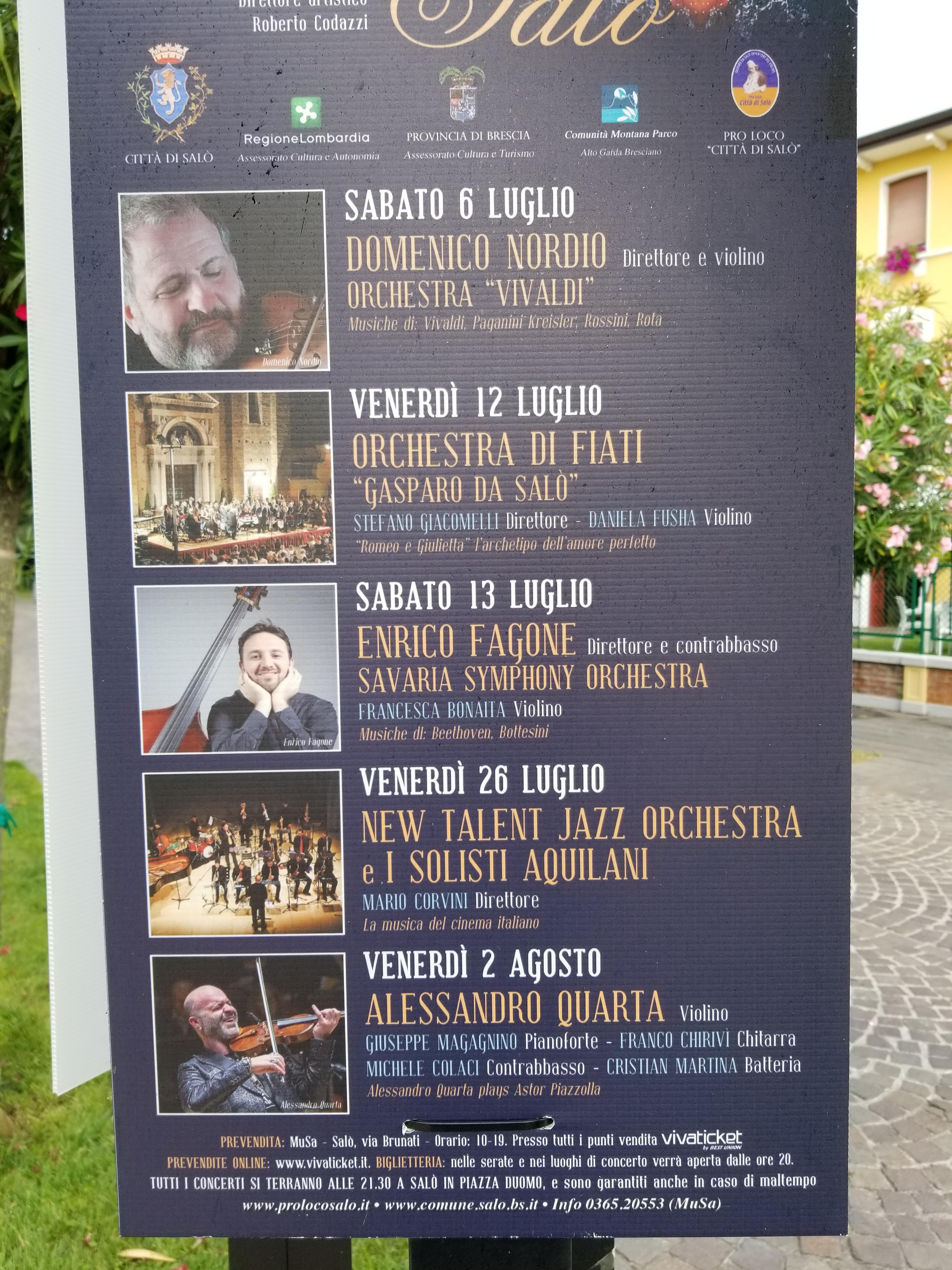
2 pointsGarda Lake day two. Craig, rain is forecasted for Saturday and Sunday but as a consolation there is this

 2 points
 -
1 pointCurrent setups. Just got the ones on the right today and learning to grip without a reference on the barrel...1 point
-
1 pointIf Ikea made HiFi speakers, it would be those! I mean that as a compliment: they look great.1 point
-
1 point
-
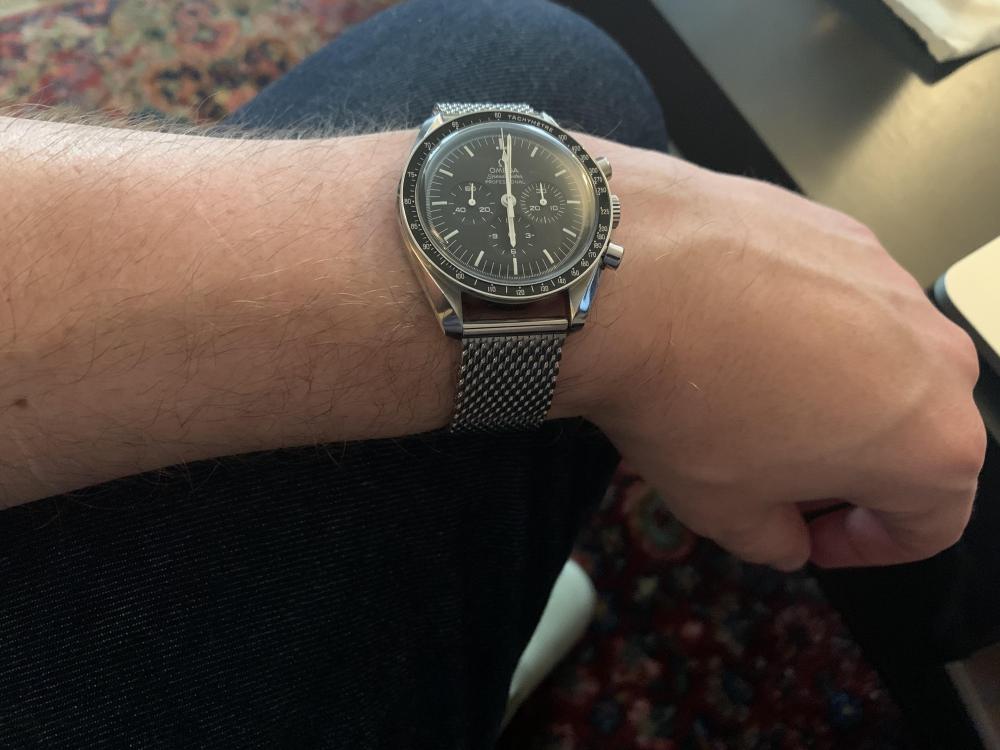
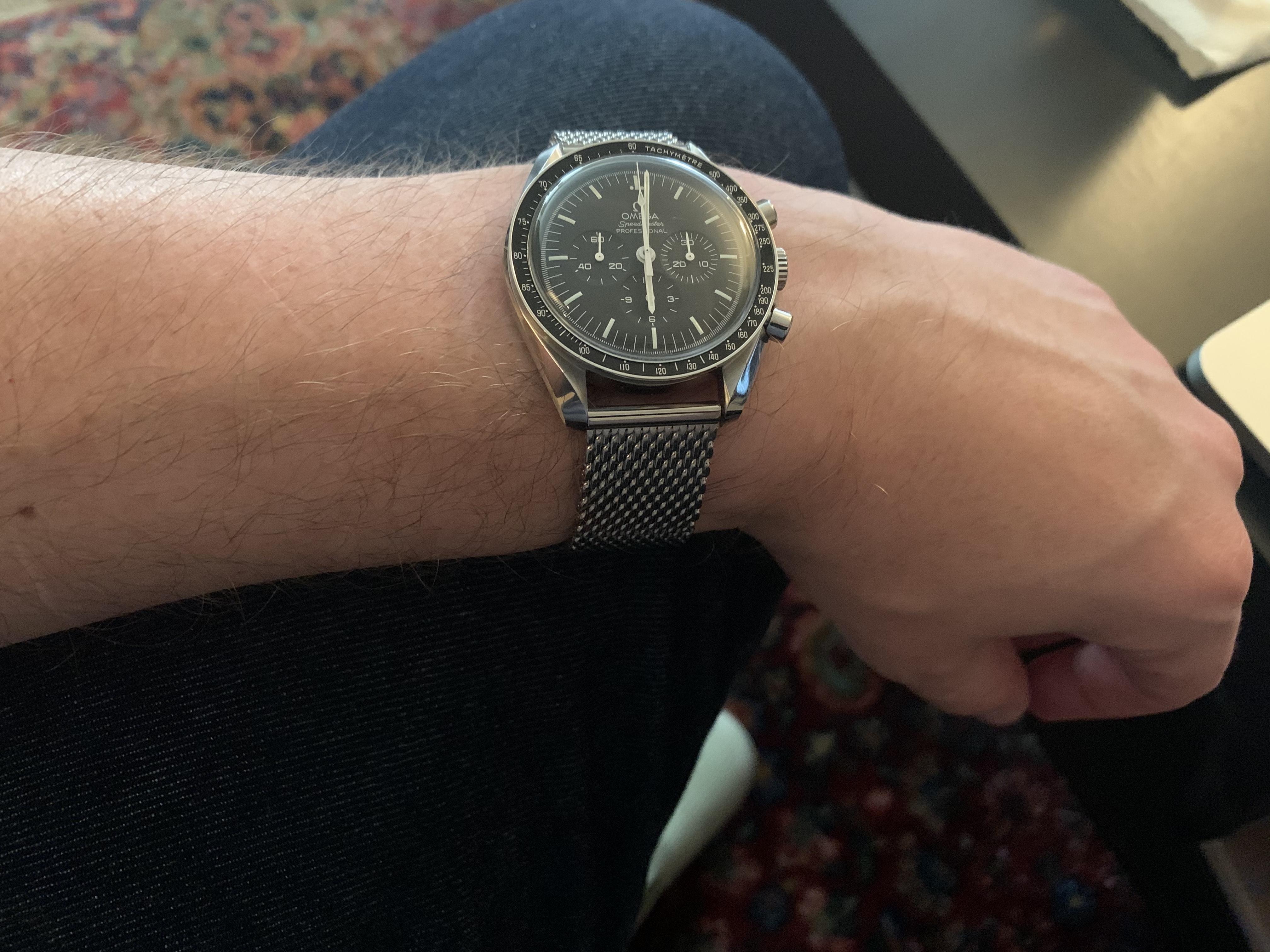
1 pointI've put the new Speedy on a Vollmer mesh bracelet. I do think it looks very nice, and it's extremely comfortable. I need to the get the clasp laser engraved with an Omega logo, though.
 1 point
 -
1 point
-
1 pointI never felt bad when the bad guys put bullets into the Aztek (Ass-tech) in Dark Angel.1 point
-
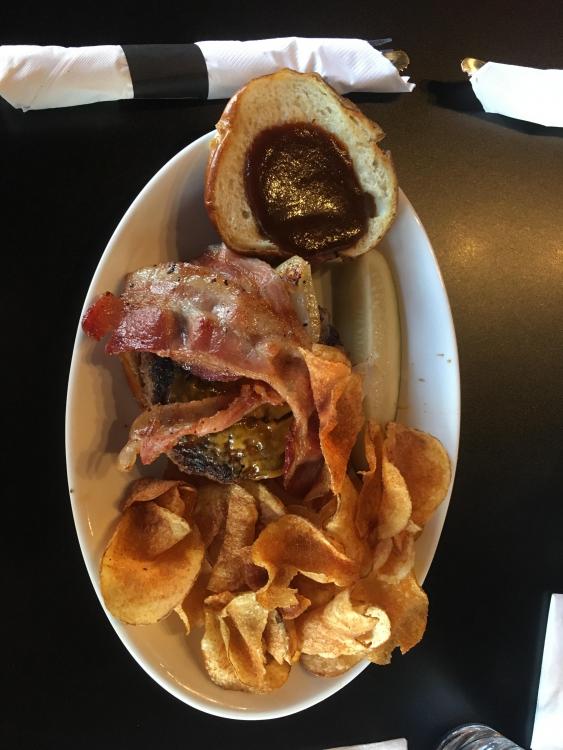
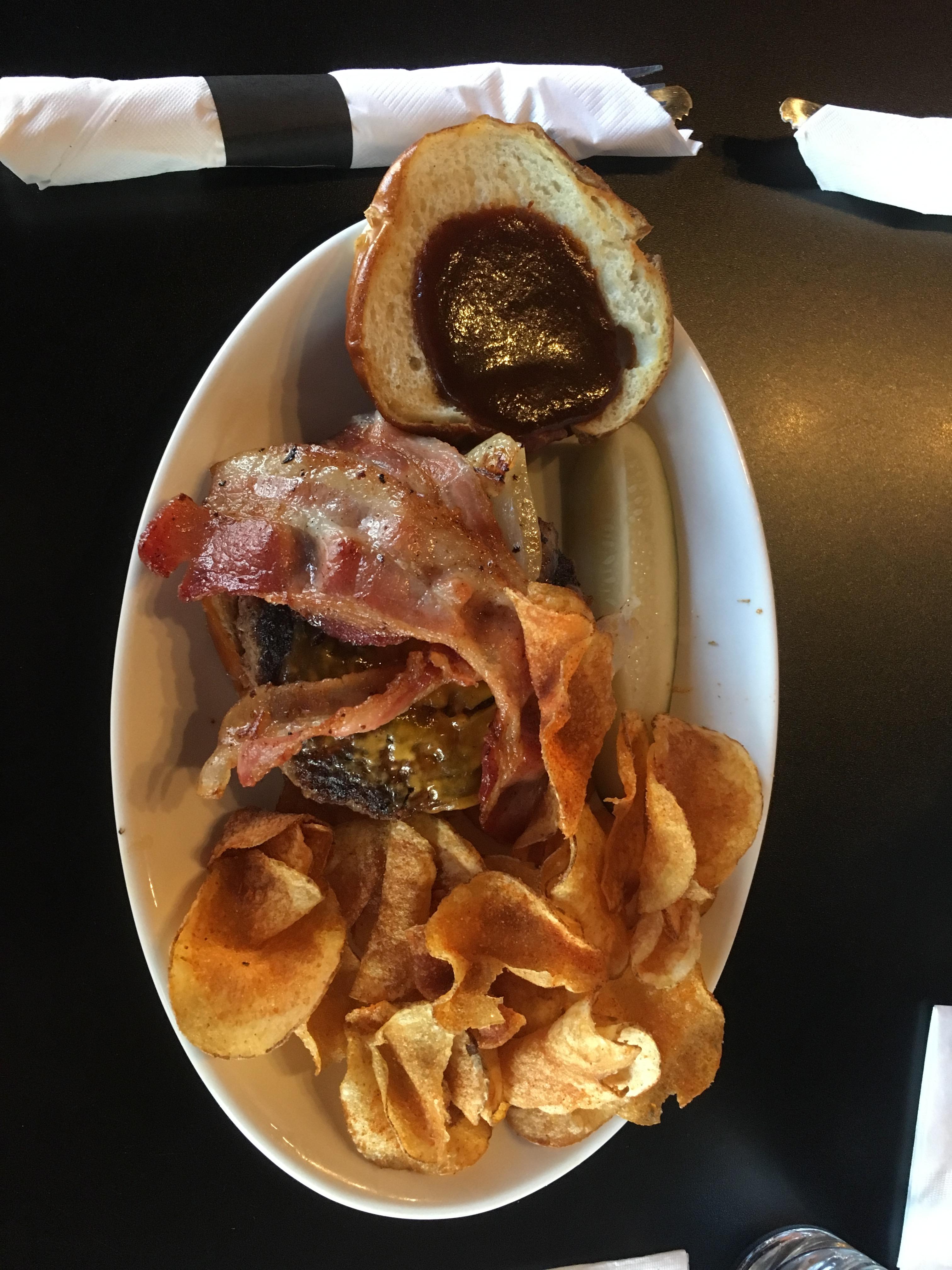
1 point1 point1 pointI disagree completely. I say we take off and nuke the entire site from orbit. It's the only way to be sure. The Milky Way over Crater Lake, Oregon.1 point1 pointYesterday, but finally took the fam to Aura-approved Burger Antics. That Bryan knows his burgers! ?
 1 point1 point













Important Information
By using this site, you agree to our Terms of Use.