

Leaderboard
-
Aura
High Rollers12Points6886Posts -
VPI
High Rollers7Points9103Posts -
Hopstretch
High Rollers6Points16821Posts -
mikeymad
High Rollers5Points13887Posts




Popular Content
Showing content with the highest reputation on 09/28/19 in all areas
-
3 points
-
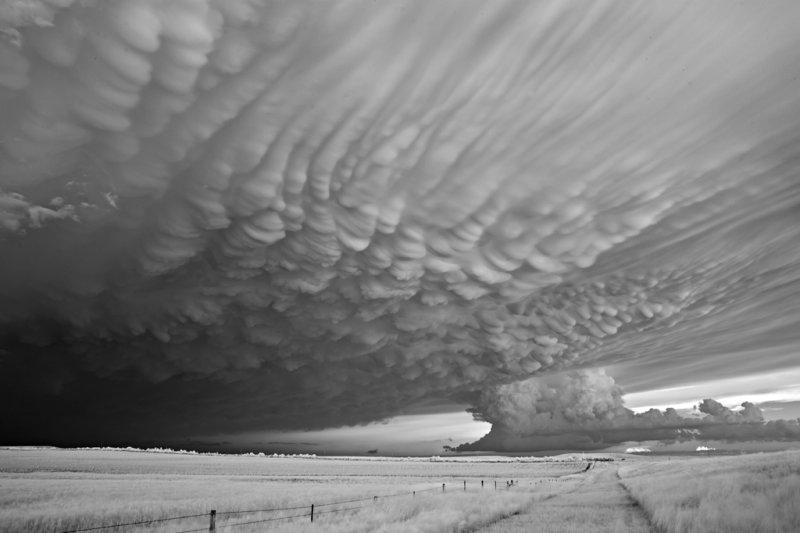
2 points1 point1 point1 pointI have one on my desk now for listening to the various JH Audios. I think it is worthwhile for $400.1 point1 pointRIP Mr. Wilson. I'll always admire you for doing what so few in Washington do these days, showing integrity.1 point1 pointRough run, but he did not take the easy path. RIP Mr. Wilson. RIP Sid and Aron. Godspeed RH.... HS1 point1 point1 pointAn interesting photographers storm shots I thought others might enjoy... http://mitchdobrowner.com/lightning-strikes
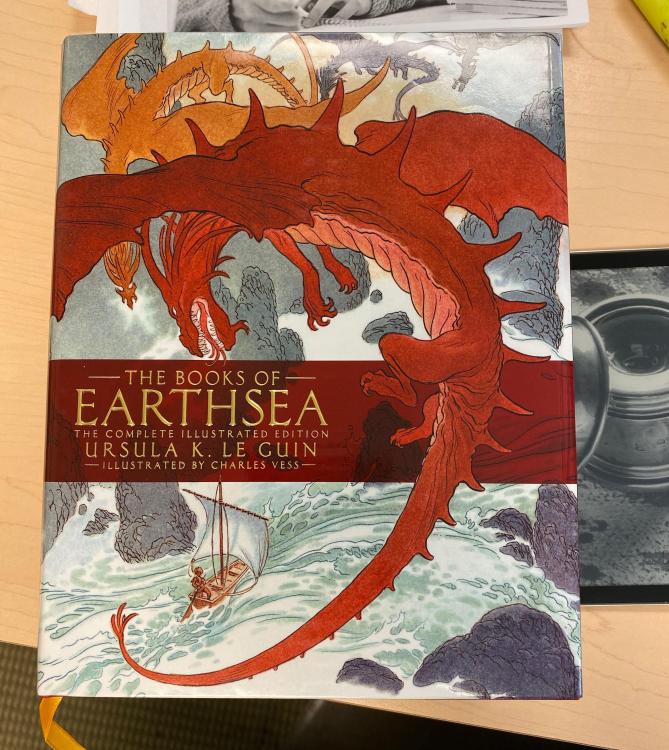
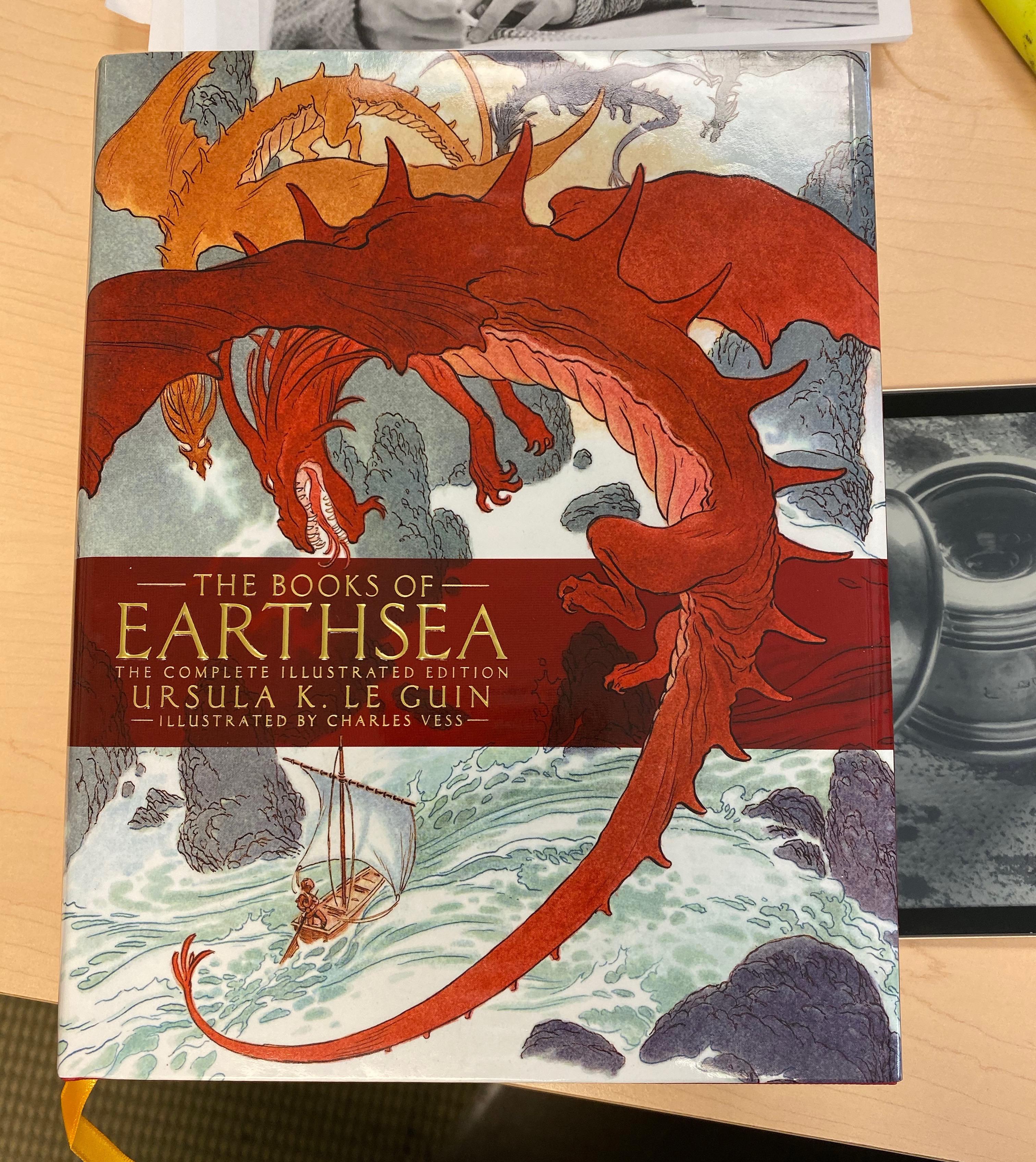
 1 point1 pointI've been starting to dig in to Ursula Le Guin's Earthsea books. There is something about her prose that I really enjoy reading. It is apparent right off the bat that she is an extremely talented writer.
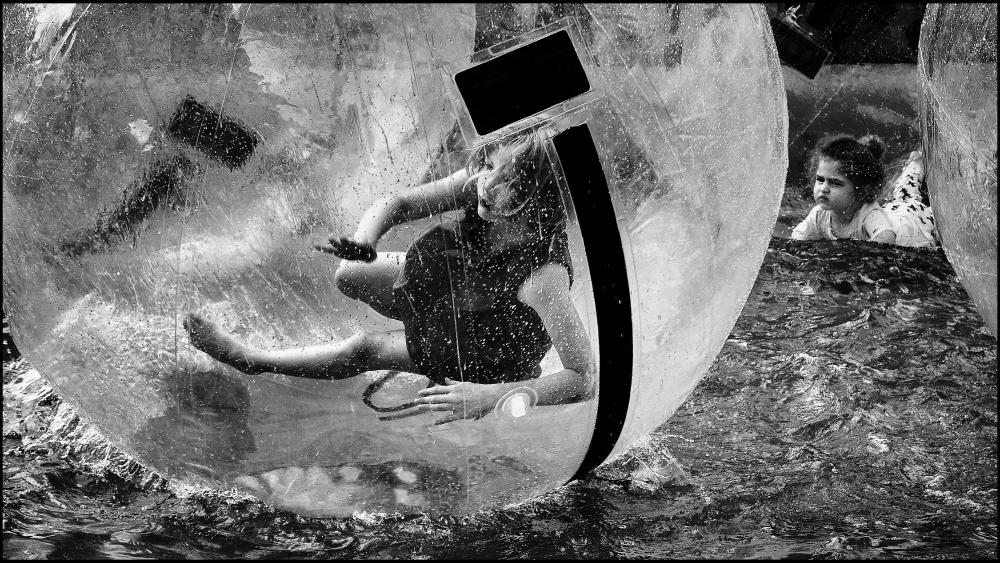
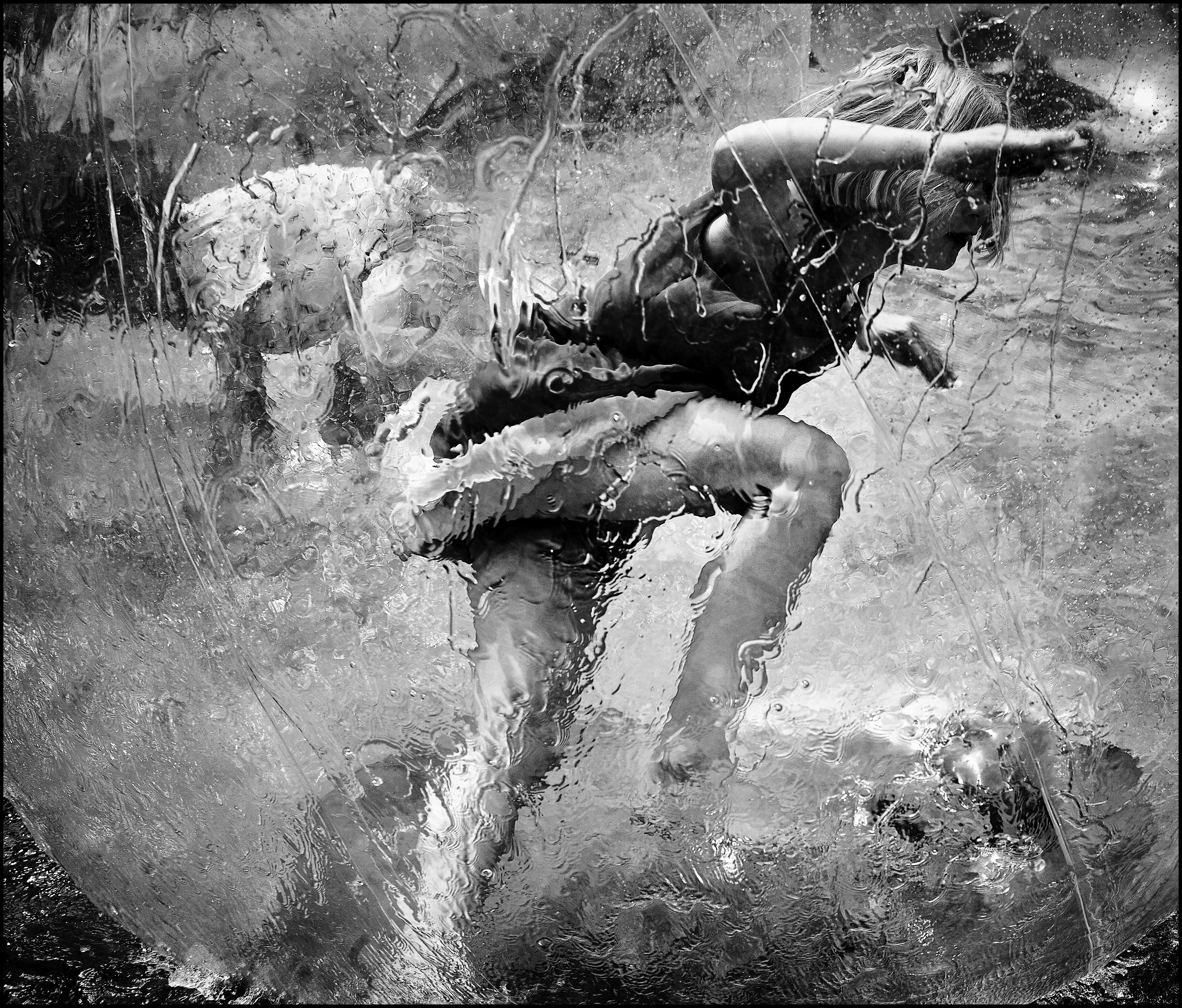
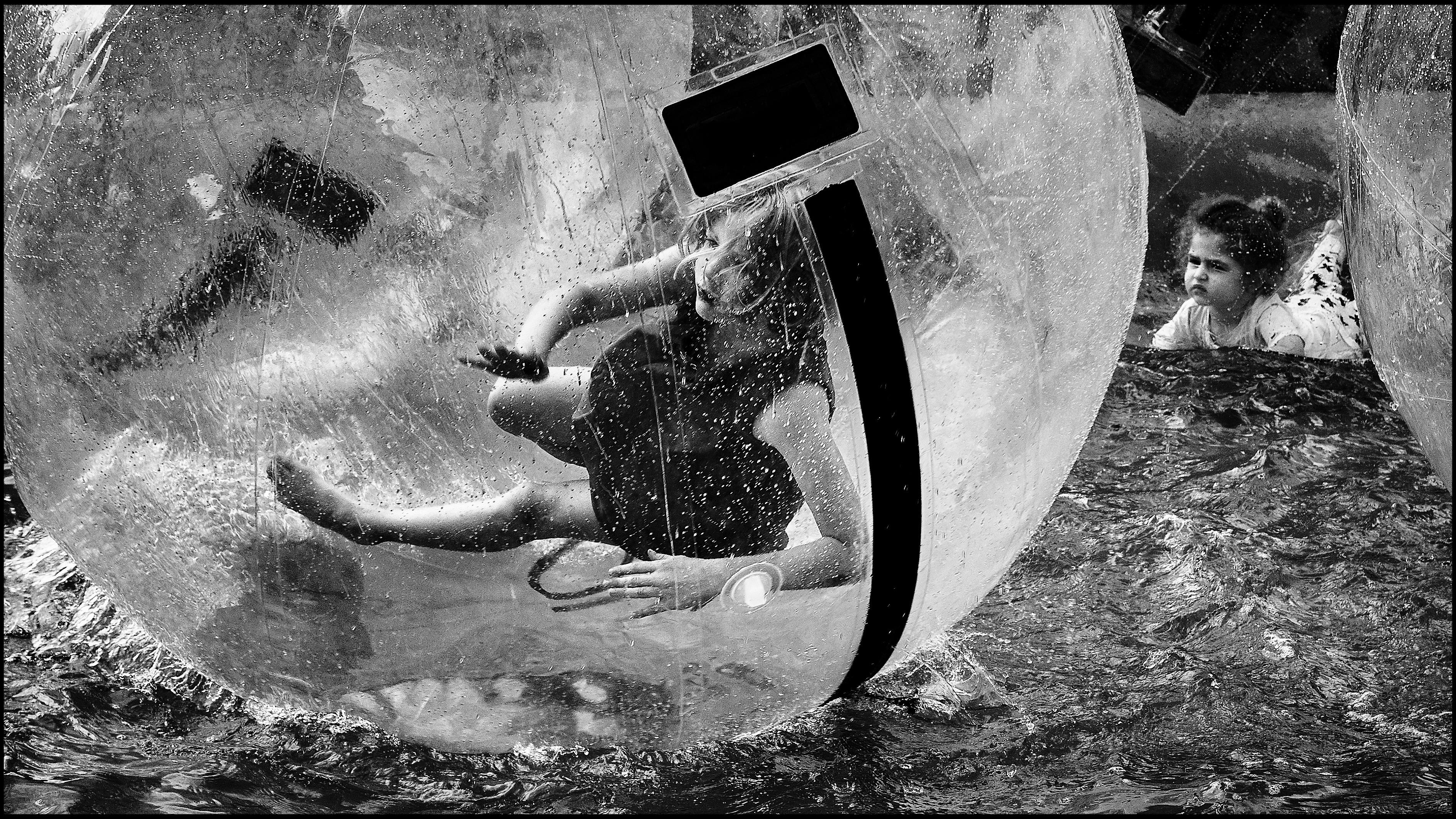
 1 pointAs an opposite to the Sigma above, love shooting with the m240, though AF would have certainly produced more keepers here. A couple shots from yesterday paired with the Voigtländer 50 f/1.5 Nokton. Basic edits in Capture One, Technical Pan (which I’m starting to really like) applied in Exposure, then tweaked in Snapseed for mobile.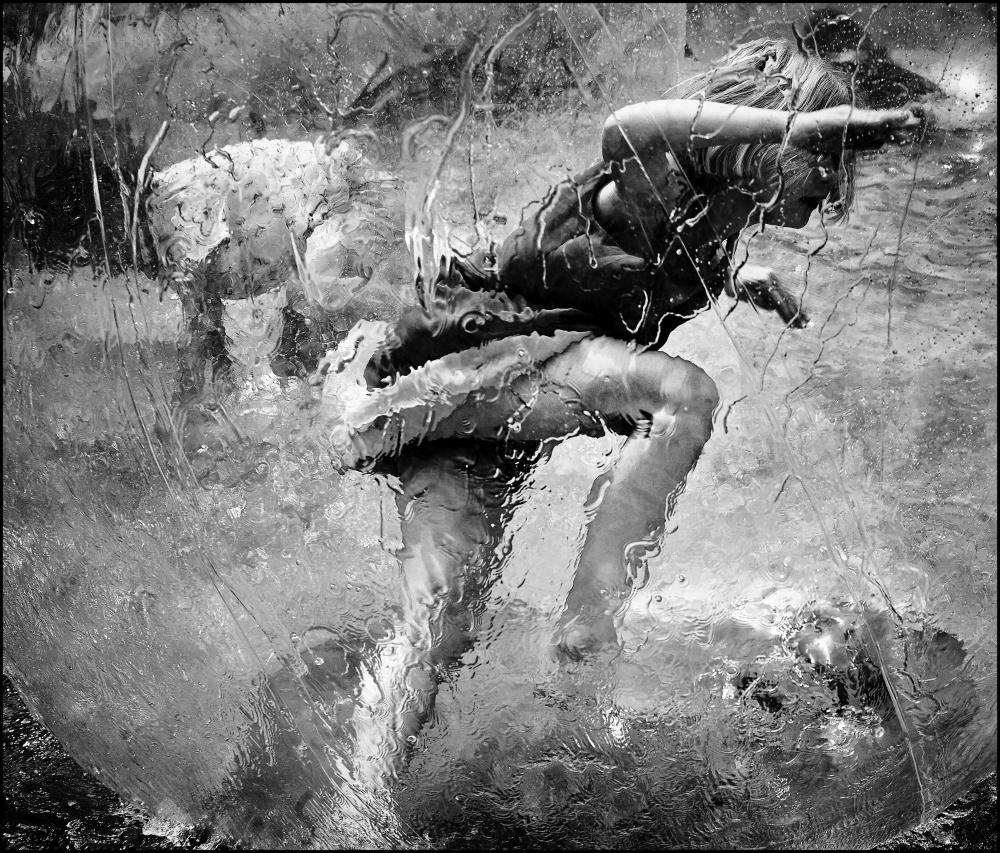
 1 point0 points







Important Information
By using this site, you agree to our Terms of Use.